Mineuniverse
Resource Packs
Highlighted ores pack

Highlighted ores pack

RESOURCE PACK
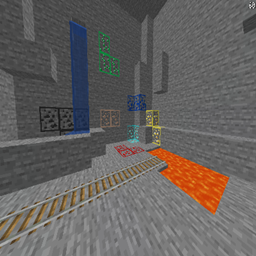
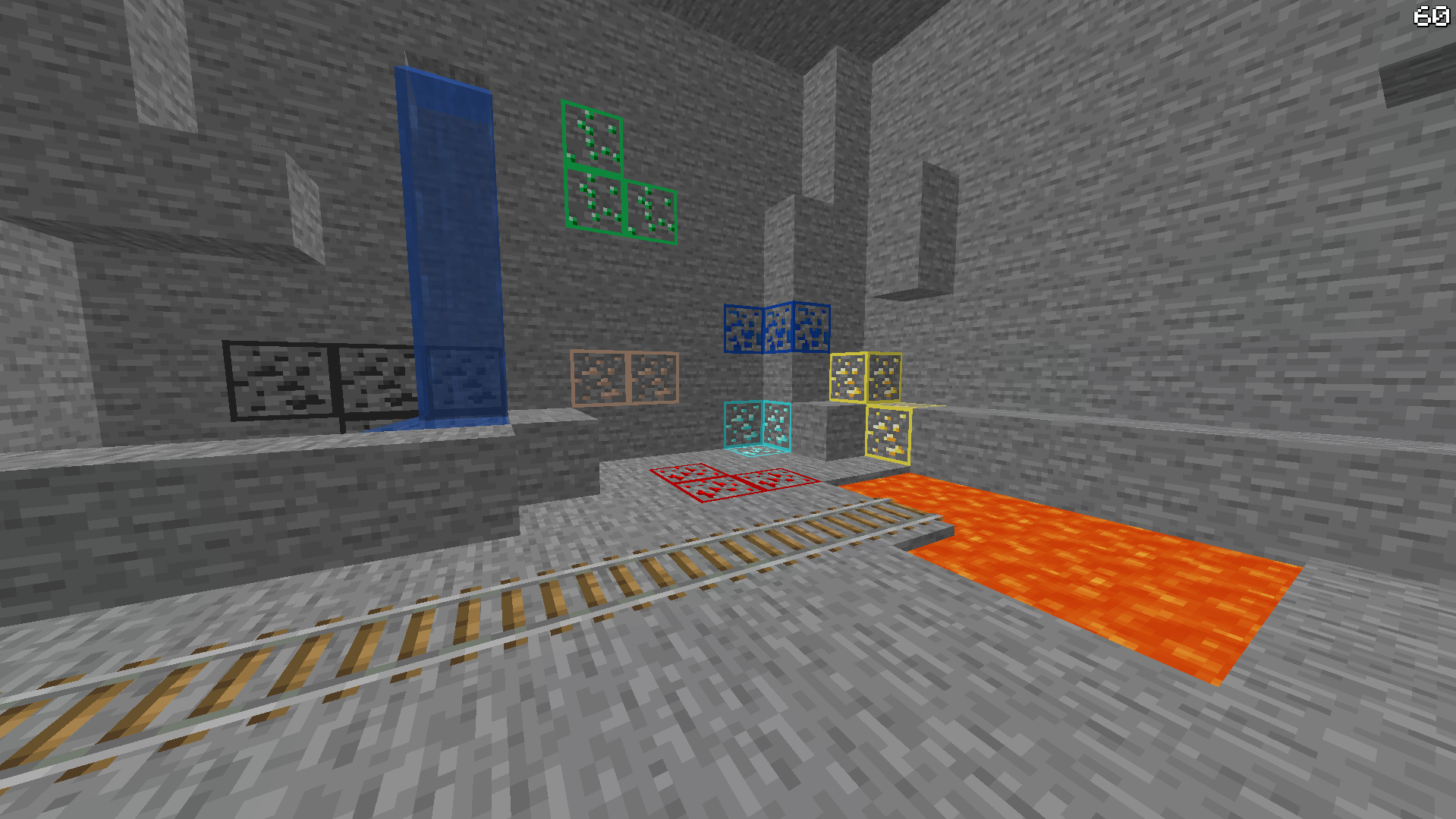
This pack simply makes ores easier to see.
by Sammpsa
Download Claim this project
16,297 downloads
0 likes
0 followers
Updated Oct 14, 2026
0 hypes
Follow0
16x
Advertisement Remove ads with Premium →

This pack changes the textures of ores so that they are easier to see, by adding an outline. NOTE: This is not a cheat! It simply changes the textures so they are easier to see!

 
DOWNLOAD THE FILE CALLED Highlighted Ores V2!

Highlighted ores V2
MC 1.17, 1.16
Release 2021-07-17 Get
Highlighted ores for 1.17
MC 1.17
Release 2021-06-23 Get
Highlighted ores for 1.16 and below
MC 1.16
Release 2020-08-26 Get

Requirements & install

How to use this resource pack in Minecraft
Resolution
16x
Minecraft
1.16 – 1.17
Install folder
.minecraft/resourcepacks

How to install resource packs

  1. Download the resource pack .zip file (do not extract it).
  2. In Minecraft open Options → Resource Packs → Open Pack Folder.
  3. Drop the .zip into the resourcepacks folder (.minecraft/resourcepacks).
  4. Move the pack to the Selected column and click Done.
Browse more: 16x resource packs 32x resource packs 64x resource packs 128x resource packs 256x resource packs 512x+ resource packs Resource Packs for 1.17 All resource packs

More from Sammpsa

Advertisement Remove ads with Premium →

You Might Also Like