Mineuniverse
Resource Packs
High-Frequency Murasama

High-Frequency Murasama

RESOURCE PACK
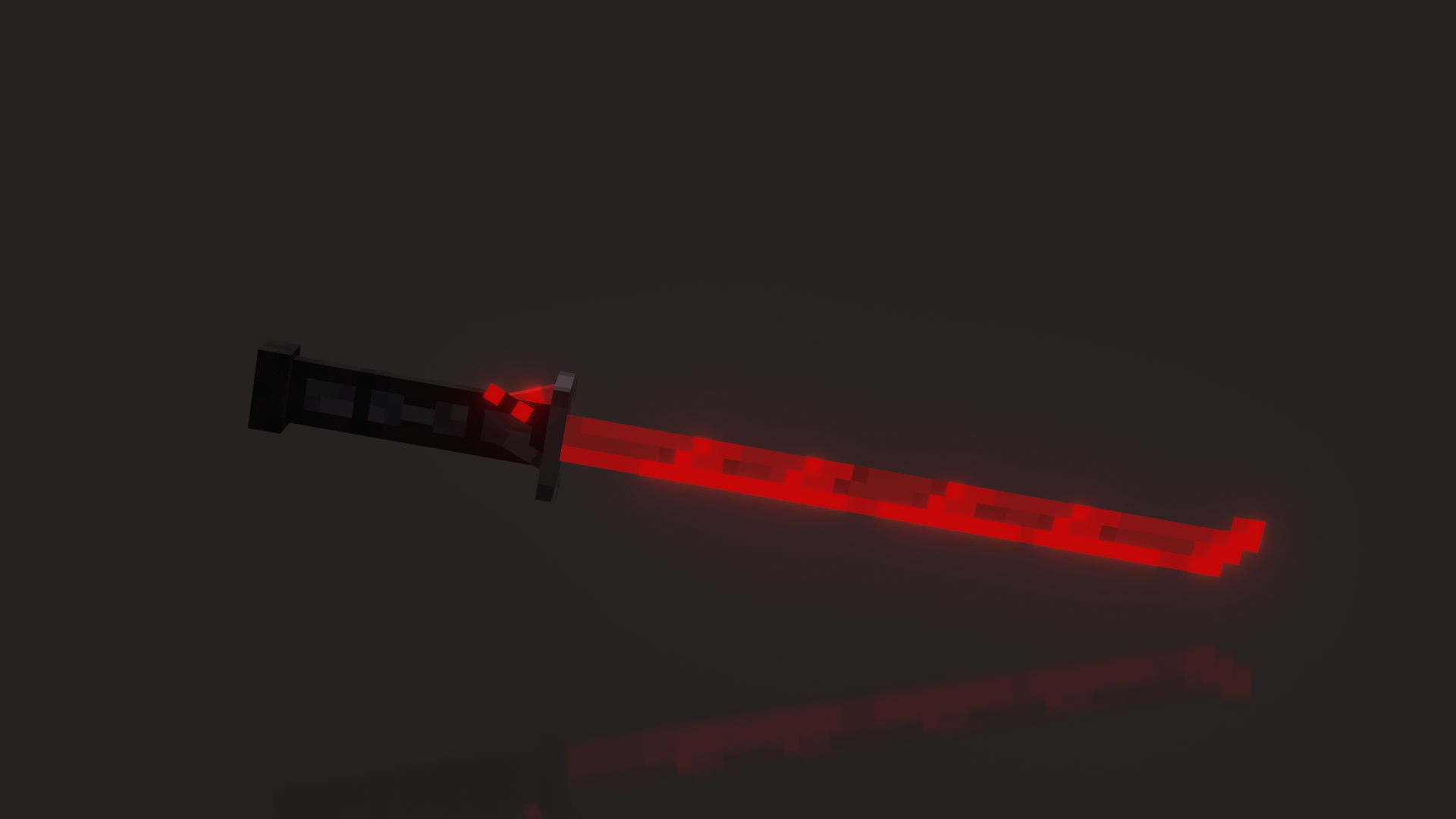
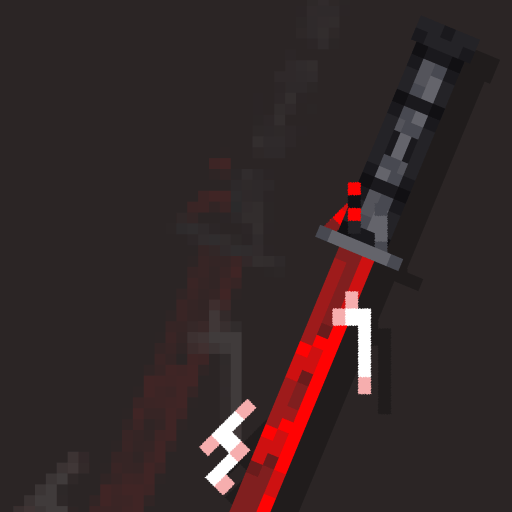
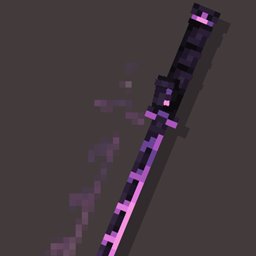
[OPTIFINE/CIT] Allows you to change your sword to MGR Murasama
by OnixTheCat
Download Claim this project
1,823 downloads
0 likes
0 followers
Updated Oct 14, 2026
0 hypes
Follow0
32x Animated Miscellaneous Modern
Advertisement Remove ads with Premium →

murasama

Optifine or CIT Resewn is REQUIRED for this pack to work

  •   Note about CIT Resewn: Please use versions 1.1.5 or lower. Resourcepack will not work otherwise, and because author abandoned the mod, there likely will be no future updates where this will be fixed.
  • For emissive texture use Continuity (might conflict with Sodium)
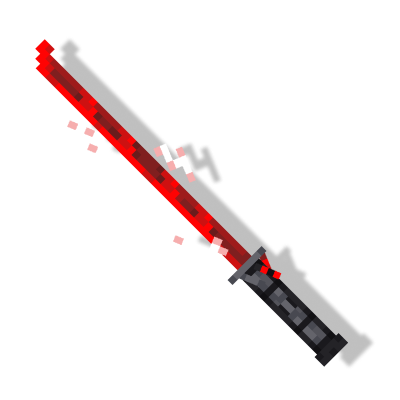
Inspired by: Wan_w1n (on Twitter)

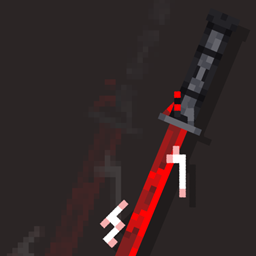
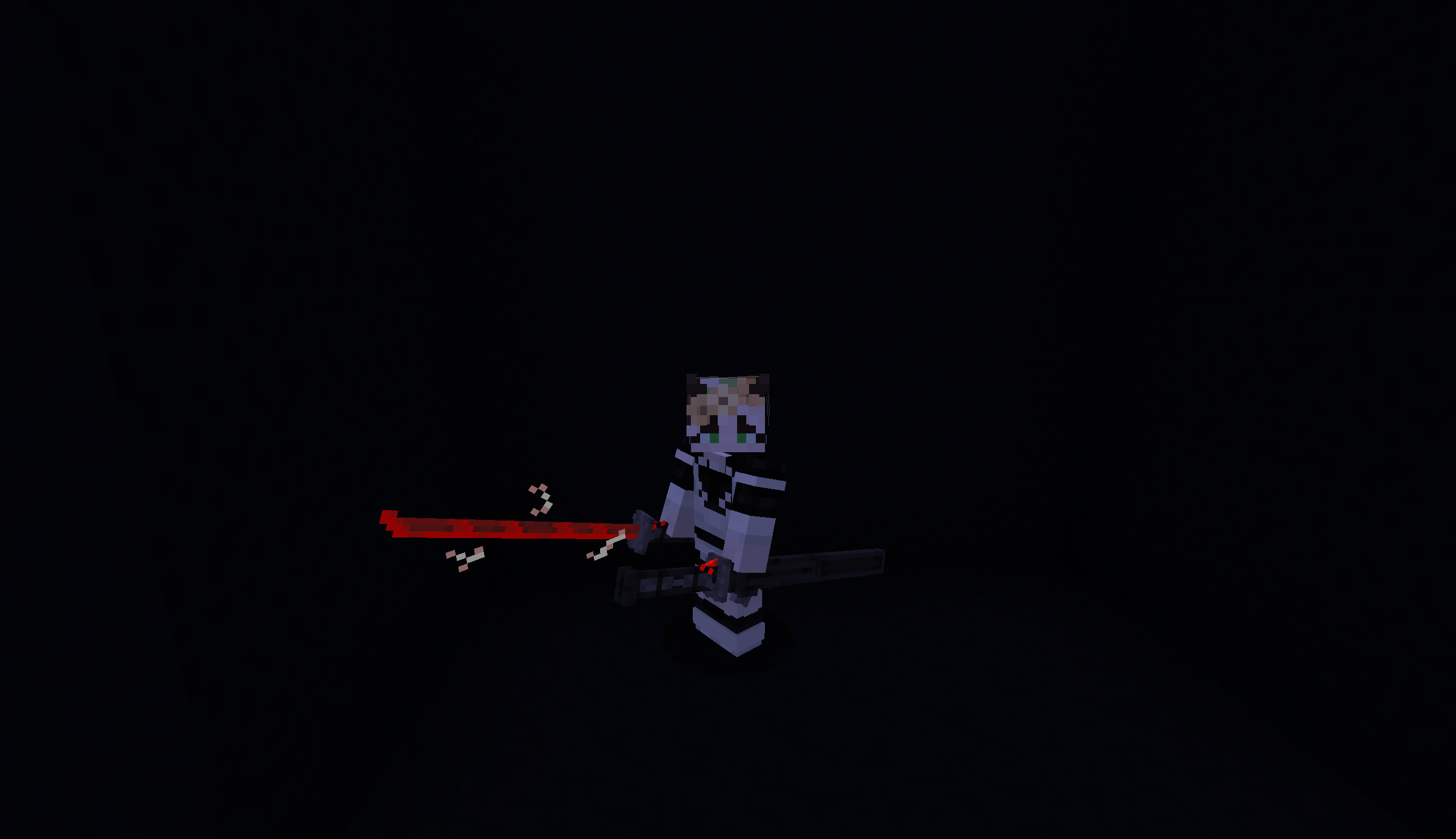
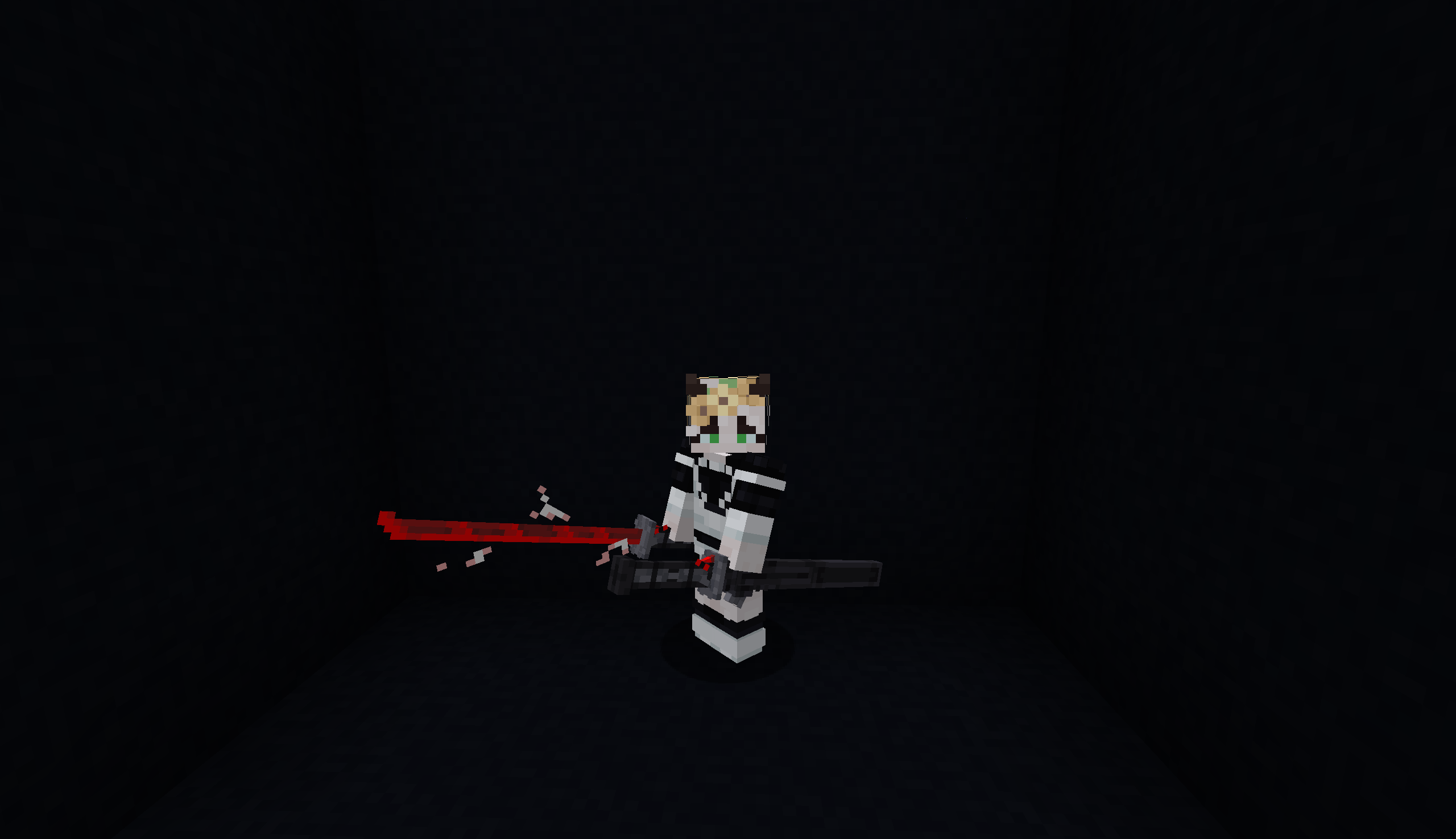
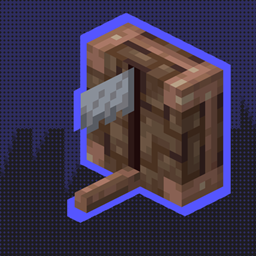
Change any sword's model to custom simply by renaming it to "Murasama" on anvil.

The model looks different in your off hand. Murasama renaming

HF Murasama 0.2 - 1.16
MC 1.16.3, 1.16.5, 1.16.4, 1.16.2
Release 2025-11-08 Get
HF Murasama 0.2 - 1.18
MC 1.18.1, 1.18.2, 1.18
Release 2025-11-08 Get
HF Murasama 0.2 - 1.19
MC 1.19.4
Release 2025-11-08 Get
HF Murasama 0.2 - 1.20
MC 1.20.1, 1.20
Release 2025-11-08 Get
HF Murasama 0.2 - 1.21
MC 1.21, 1.21.1
Release 2025-11-08 Get

Requirements & install

How to use this resource pack in Minecraft
Resolution
32x
Minecraft
1.18 – 1.21.1
Install folder
.minecraft/resourcepacks

How to install resource packs

  1. Download the resource pack .zip file (do not extract it).
  2. In Minecraft open Options → Resource Packs → Open Pack Folder.
  3. Drop the .zip into the resourcepacks folder (.minecraft/resourcepacks).
  4. Move the pack to the Selected column and click Done.
Browse more: 16x resource packs 32x resource packs 64x resource packs 128x resource packs 256x resource packs 512x+ resource packs Resource Packs for 1.21.1 All resource packs

More from OnixTheCat

Advertisement Remove ads with Premium →

You Might Also Like