Mineuniverse
Resource Packs
[Hiatus] Bingus Language

[Hiatus] Bingus Language

RESOURCE PACK
Adds a custom meme language to the game called Bingus, replacing every word in the game with it.
by ShadyInktail
Download Claim this project
343 downloads
0 likes
0 followers
Updated Oct 14, 2026
0 hypes
Follow0
16x Miscellaneous
Advertisement Remove ads with Premium →

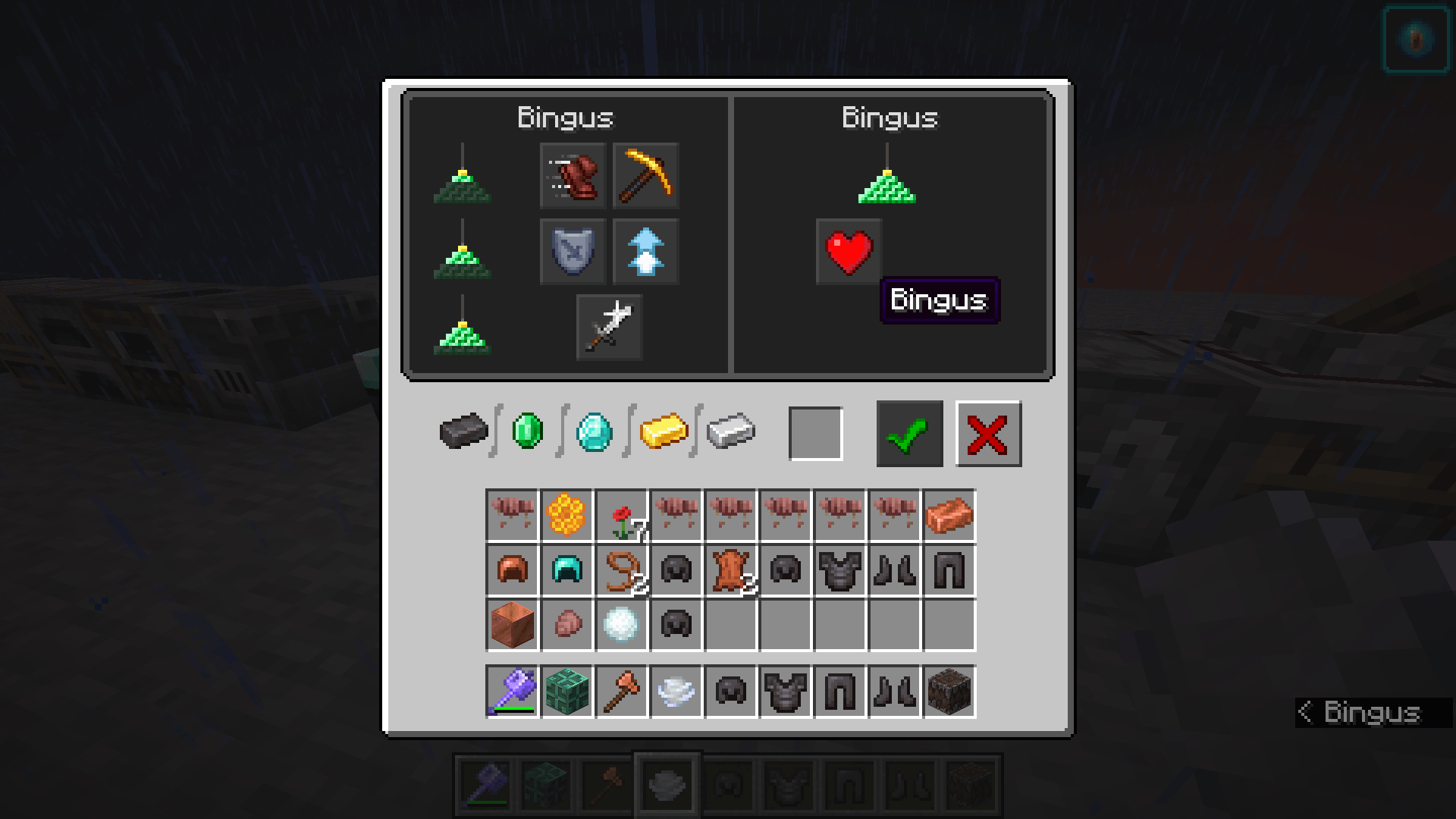
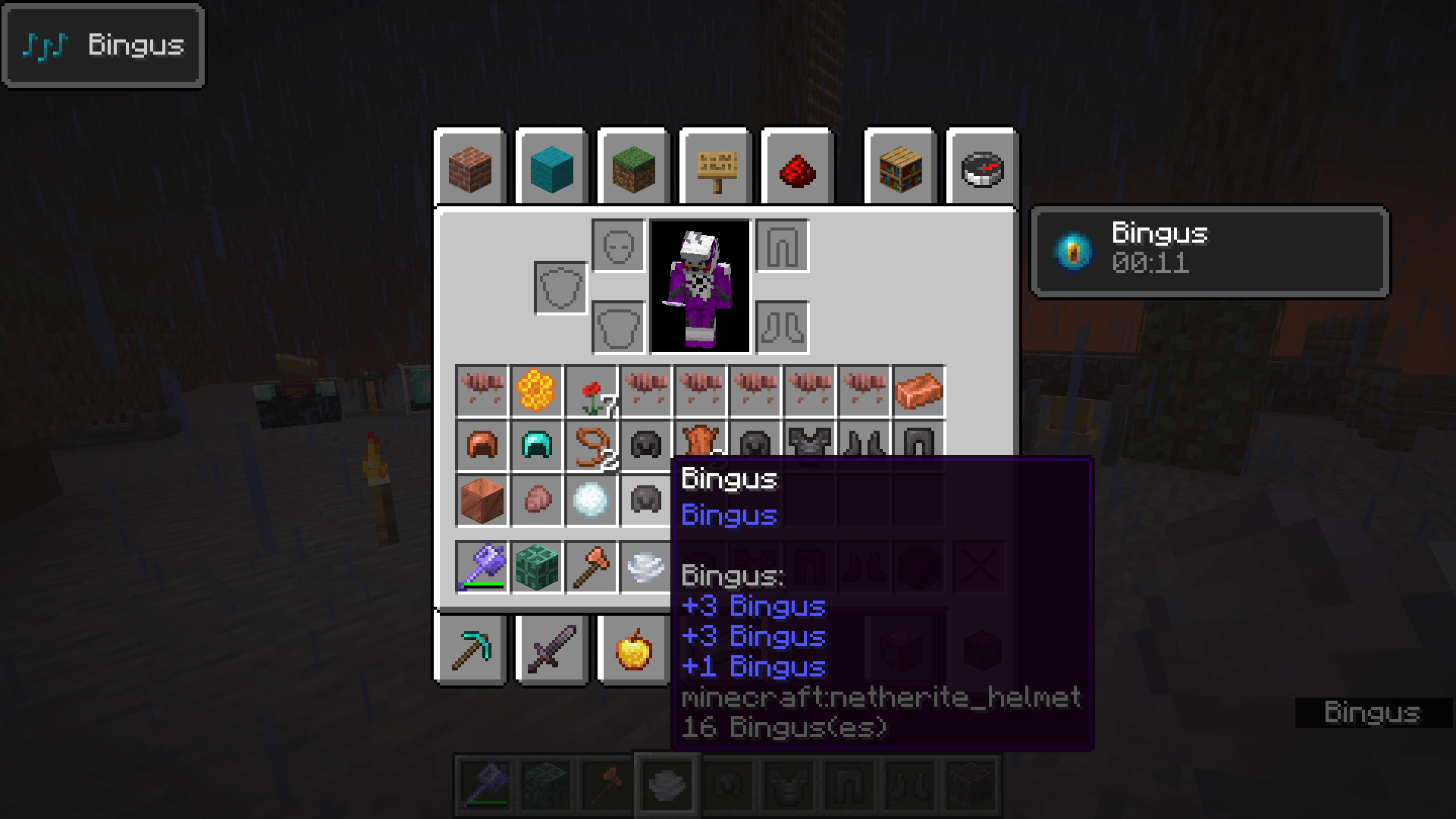
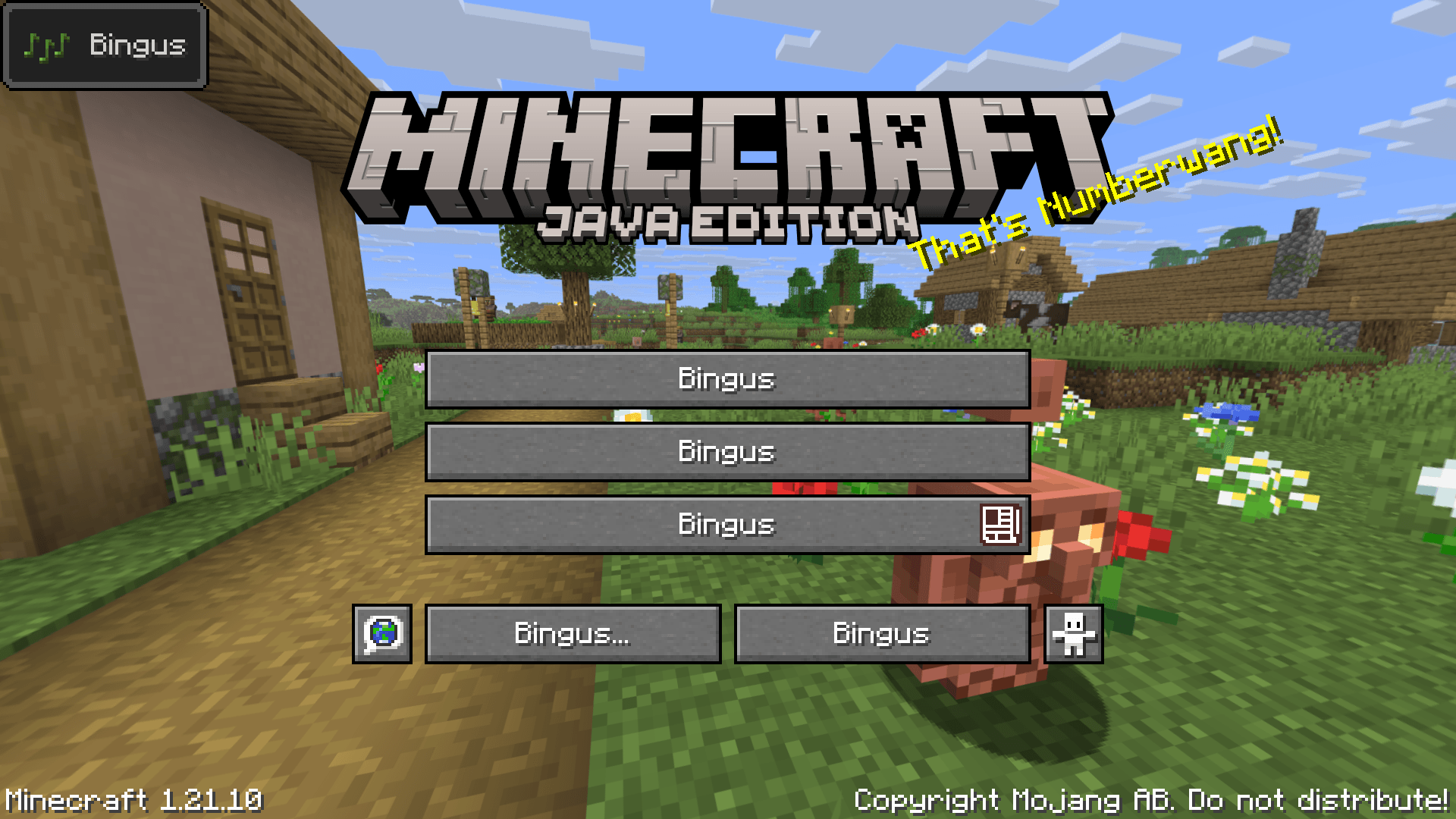
Minecraft is not short on joke languages, but I wanted to take it a step further and completely flip the script. This pack adds a custom language called Bingus, where everything in the entire game is replaced with the word Bingus. Menus, button labels, item names, all of it. Inspired by a KH2 mod that does the same thing. It doesn't replace an existing one, so you'll have to enable it yourself.

The pack is built on 1.21.10, but should work in 1.20 and below.

Minecraft title screen, but all buttons have their text replaced with Bingus.

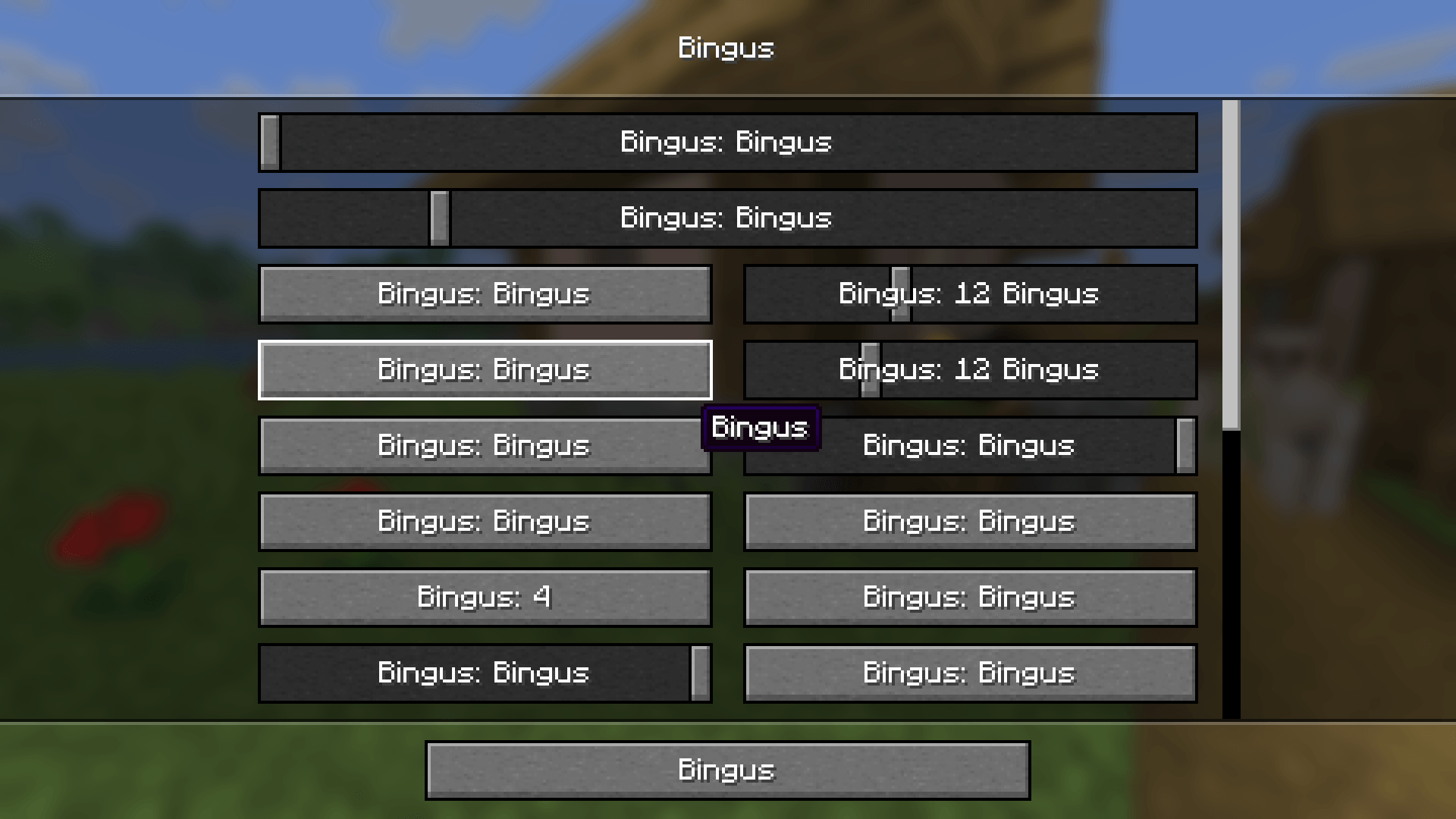
Minecraft video options, but all buttons, sliders, and tooltips are replaced with the word Bingus.

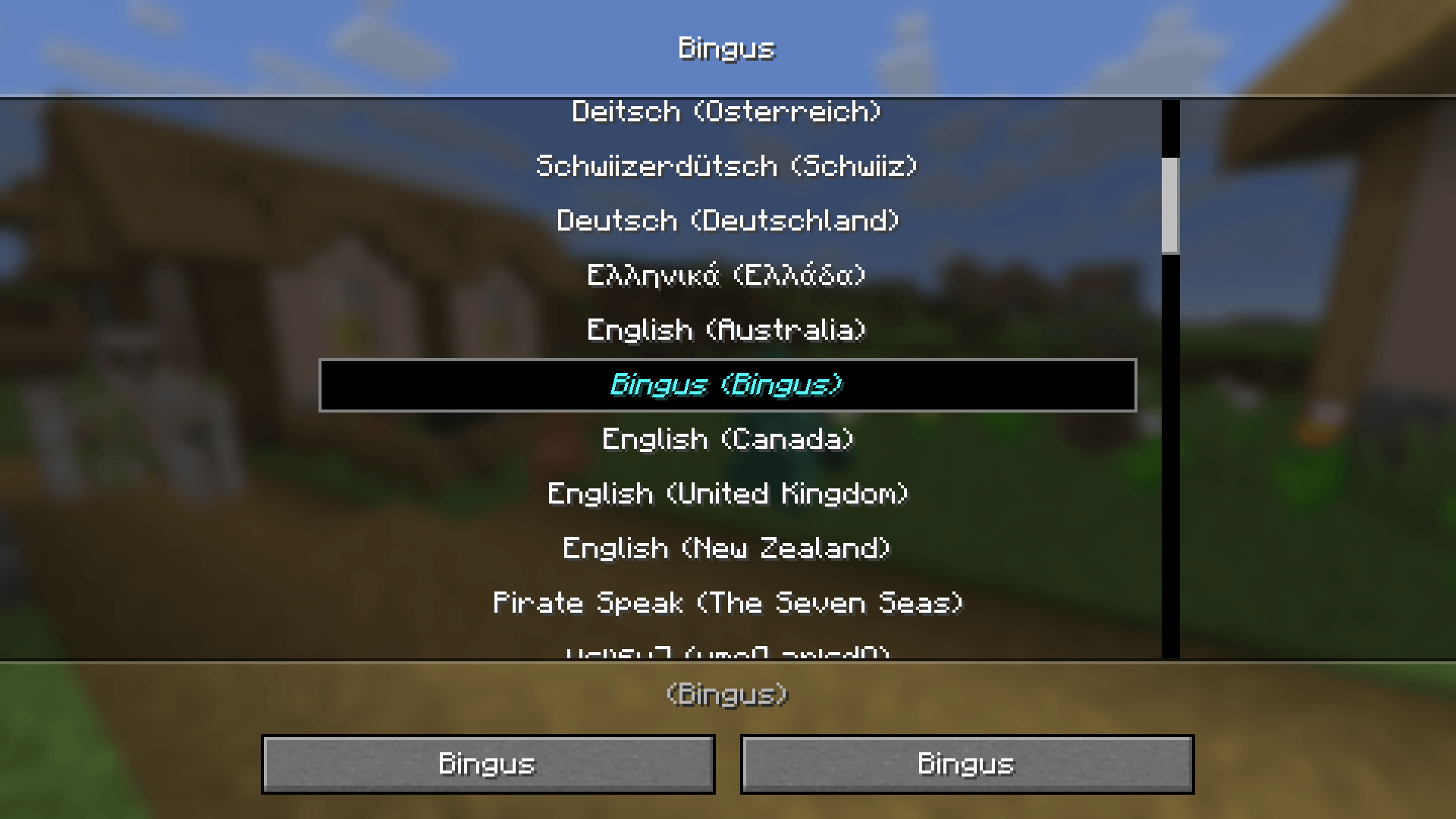
Minecraft language menu, highlighting the newly added Bingus language, it's light blue color making it easy to spot.

Bingus Lang 1.0.0
MC 1.21, 1.20.2, 1.21.8, 1.20.5, 1.21.5, 1.21.4, 1.20.1, 1.20, 1.20.6, 1.21.1, 1.21.6, 1.21.3, 1.21.7, 1.20.4, 1.20.3, 1.21.2, 1.21.9, 1.21.10
Release 2025-10-09 Get

Requirements & install

How to use this resource pack in Minecraft
Resolution
16x
Minecraft
1.21.3 – 1.21.10
Install folder
.minecraft/resourcepacks

How to install resource packs

  1. Download the resource pack .zip file (do not extract it).
  2. In Minecraft open Options → Resource Packs → Open Pack Folder.
  3. Drop the .zip into the resourcepacks folder (.minecraft/resourcepacks).
  4. Move the pack to the Selected column and click Done.
Browse more: 16x resource packs 32x resource packs 64x resource packs 128x resource packs 256x resource packs 512x+ resource packs Resource Packs for 1.21.10 All resource packs

More from ShadyInktail

Advertisement Remove ads with Premium →

You Might Also Like