Mineuniverse
Resource Packs
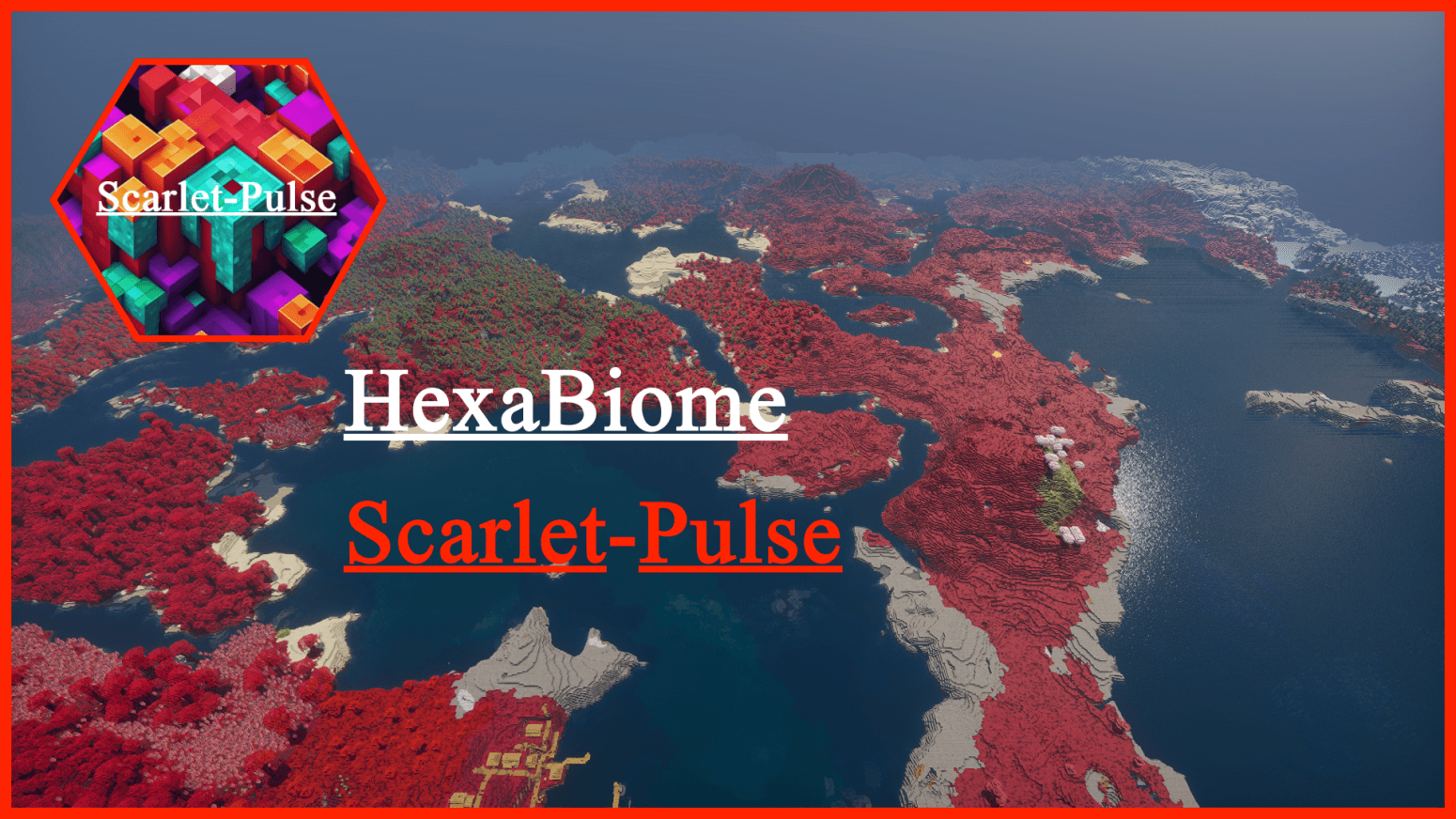
HexaBiome ScarletPulse

HexaBiome ScarletPulse

RESOURCE PACK
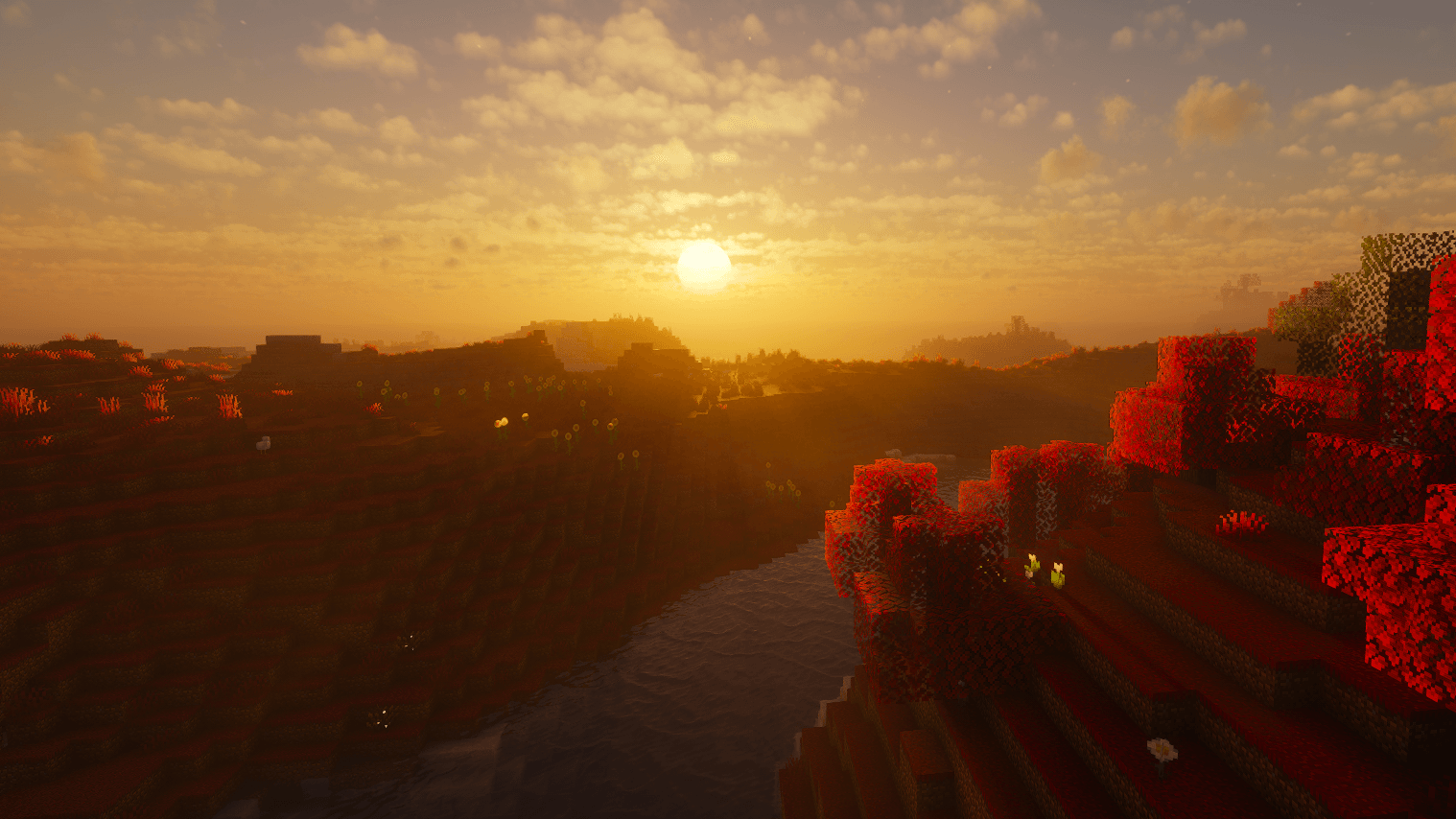
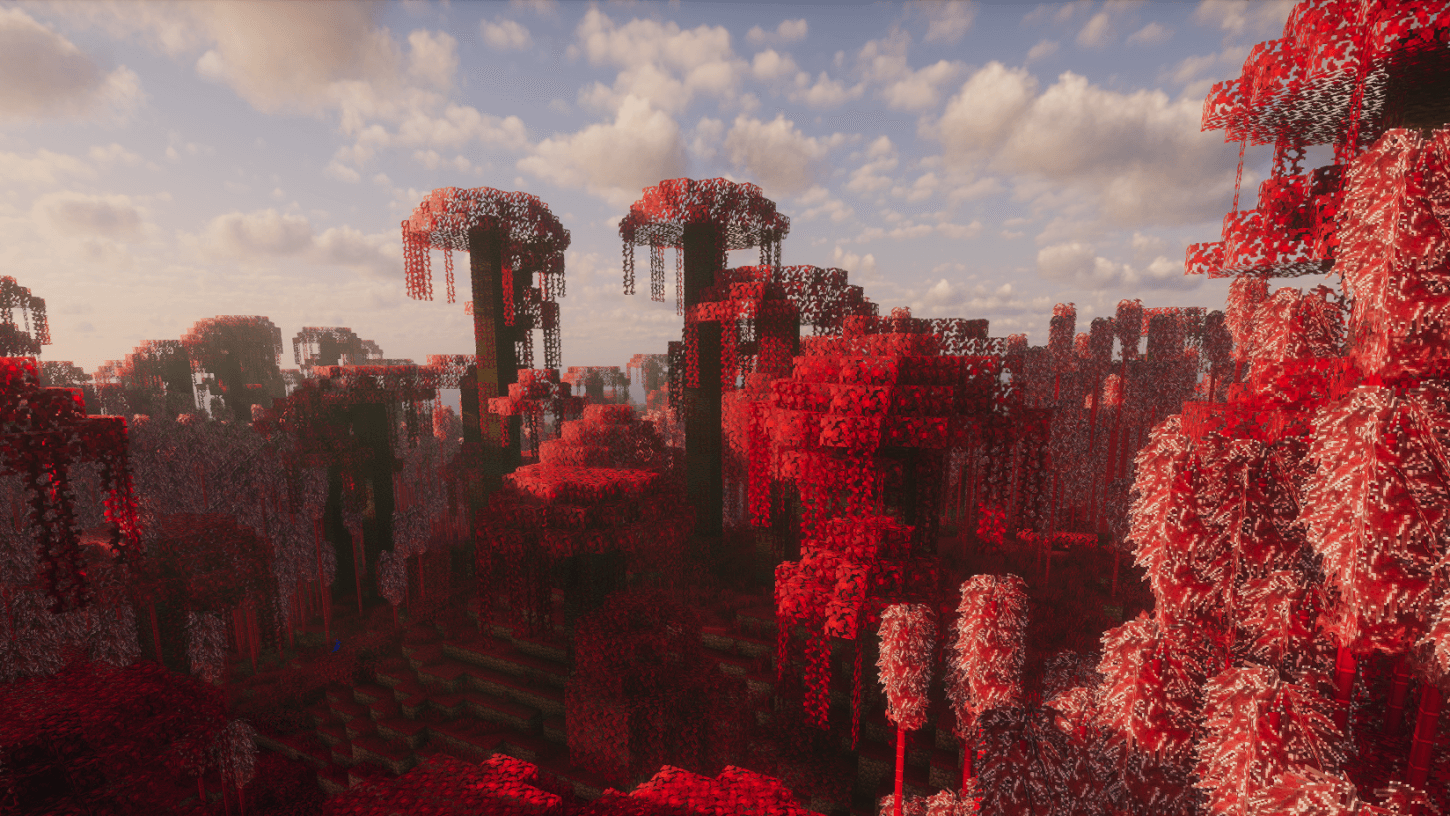
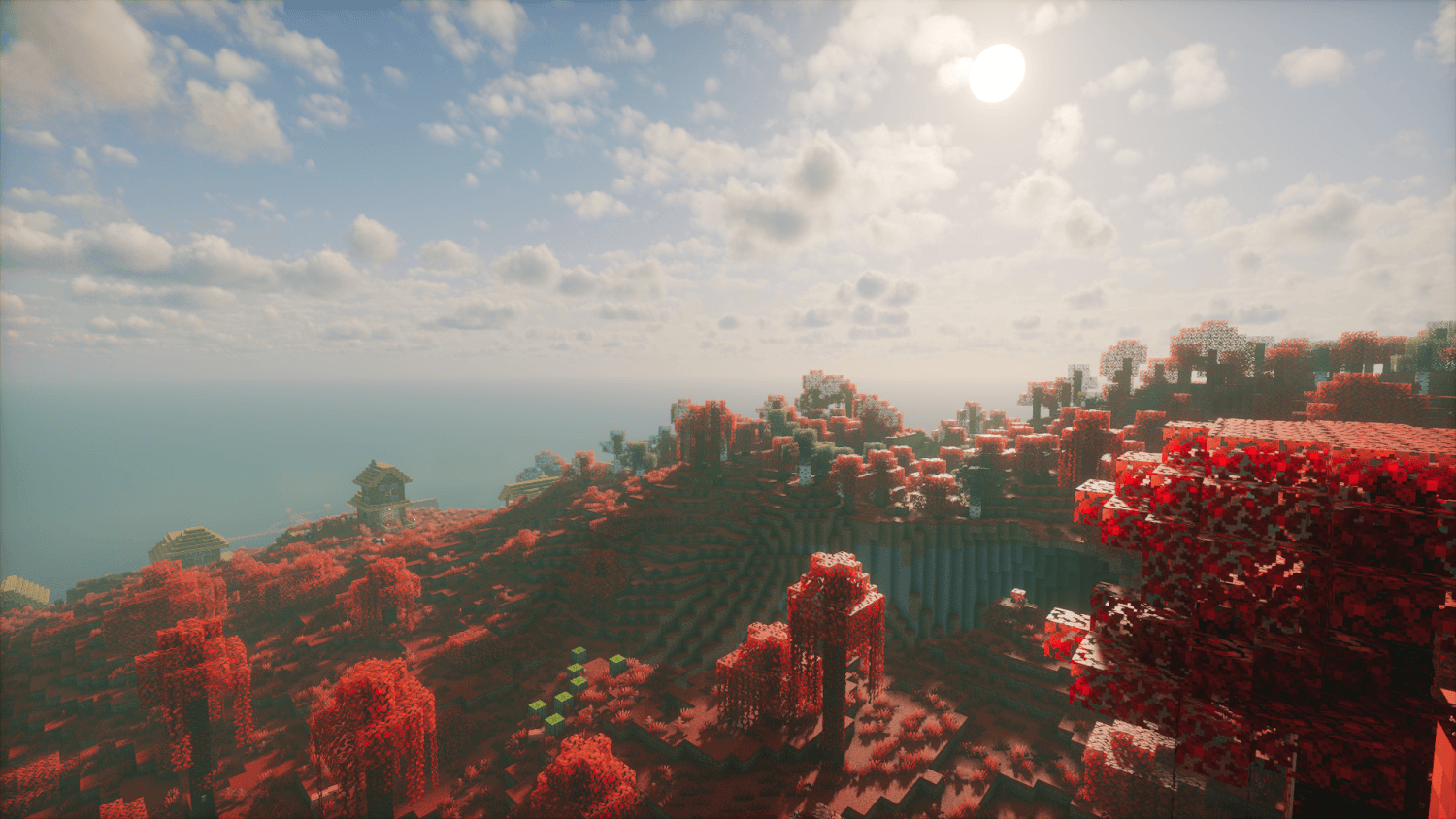
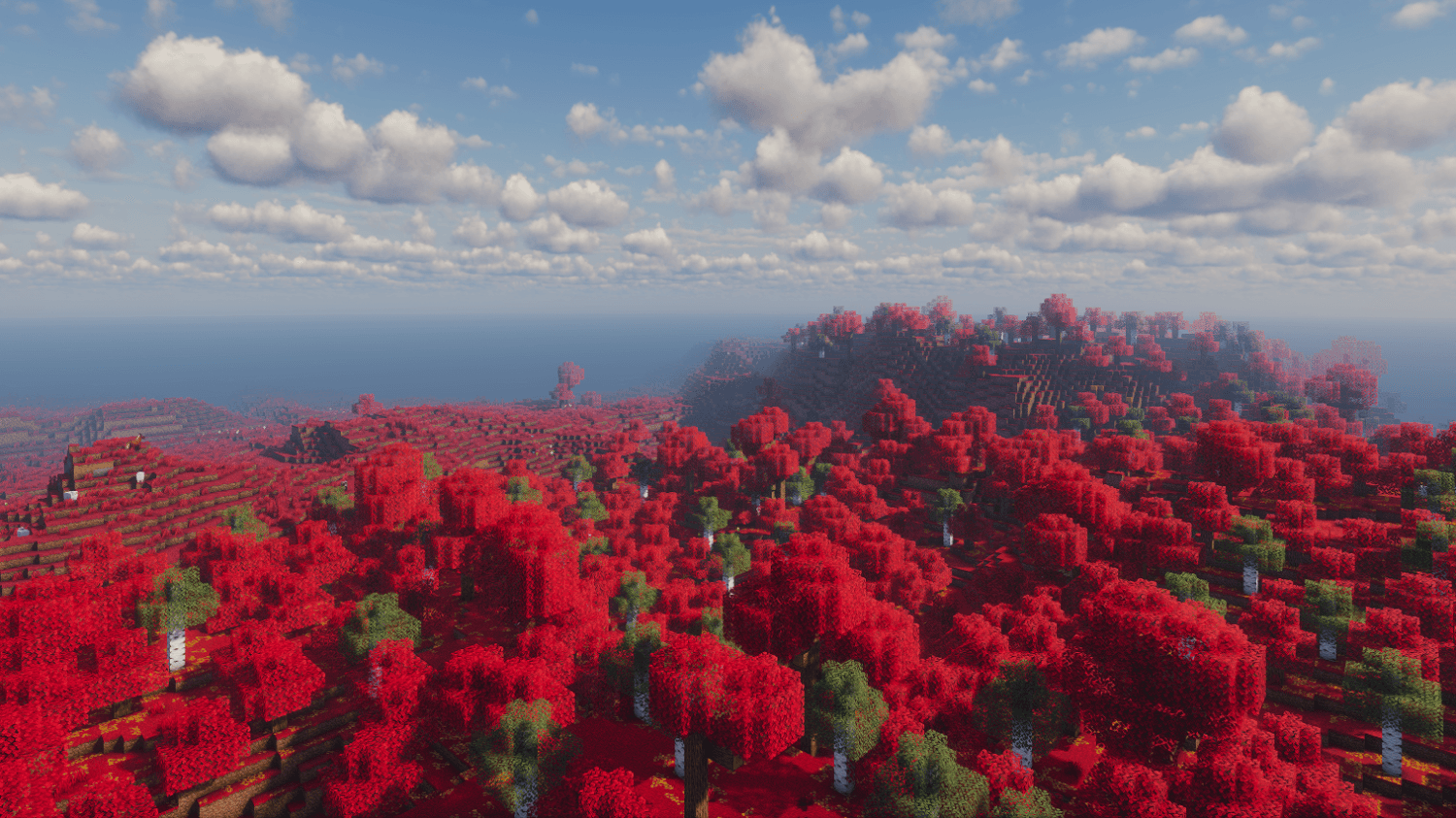
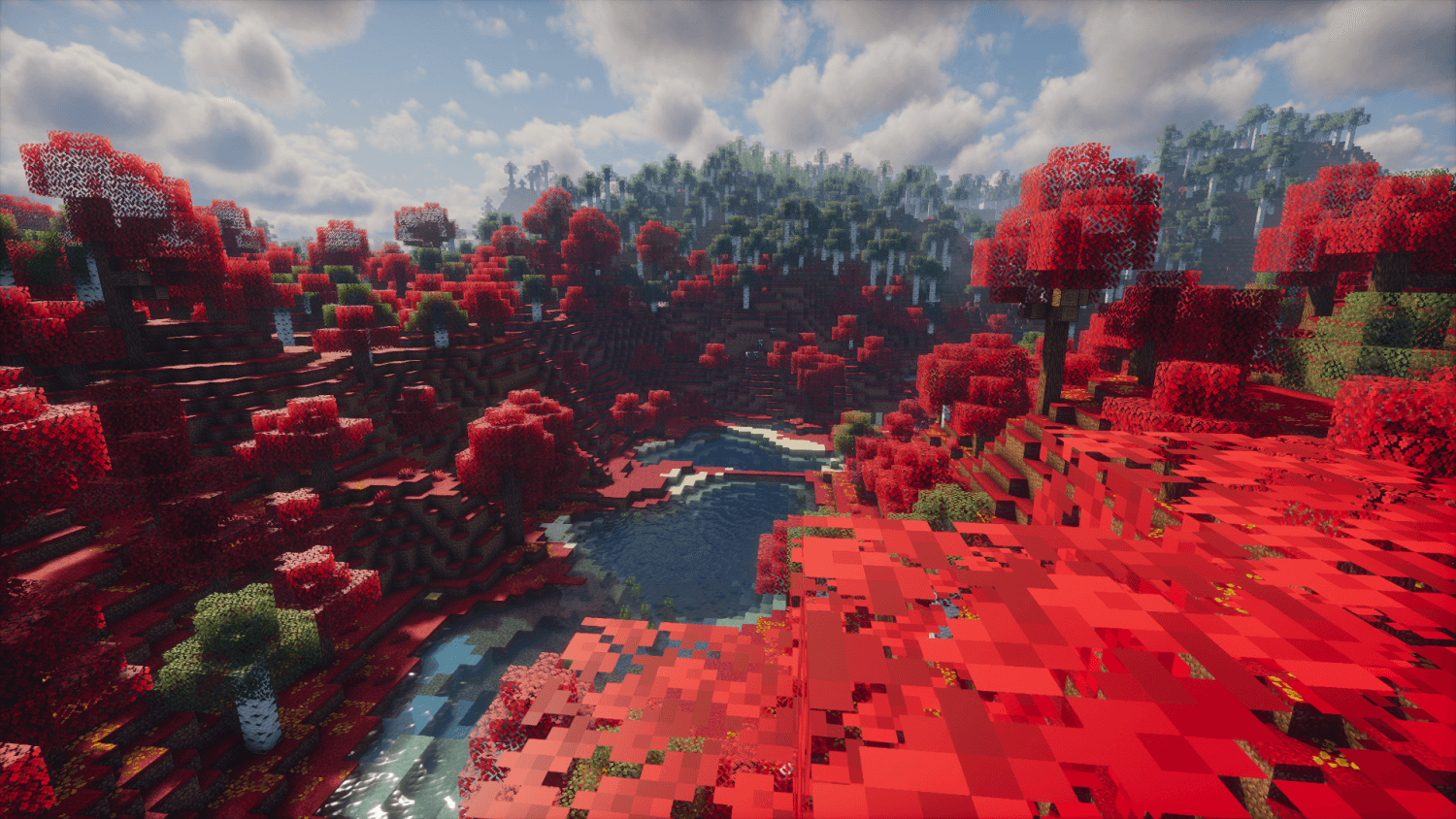
blood theme texture pack that change biome colors into bloody minecraft world with 6 different colors.
by STM19
Download Claim this project
Add a badge to your pageLink to HexaBiome ScarletPulse from a README, website or forum post.
Preview: Badge

Badges update automatically and link to the resource pack page on MineUniverse.

1,214 downloads
0 likes
0 followers
Updated Oct 14, 2026
0 hypes
Follow0
16x Miscellaneous Modern Photo Realistic Traditional
Advertisement Remove ads with Premium →

Hello guys!

we meet again

HexaBiome-Scarlet Pulse texture pack.

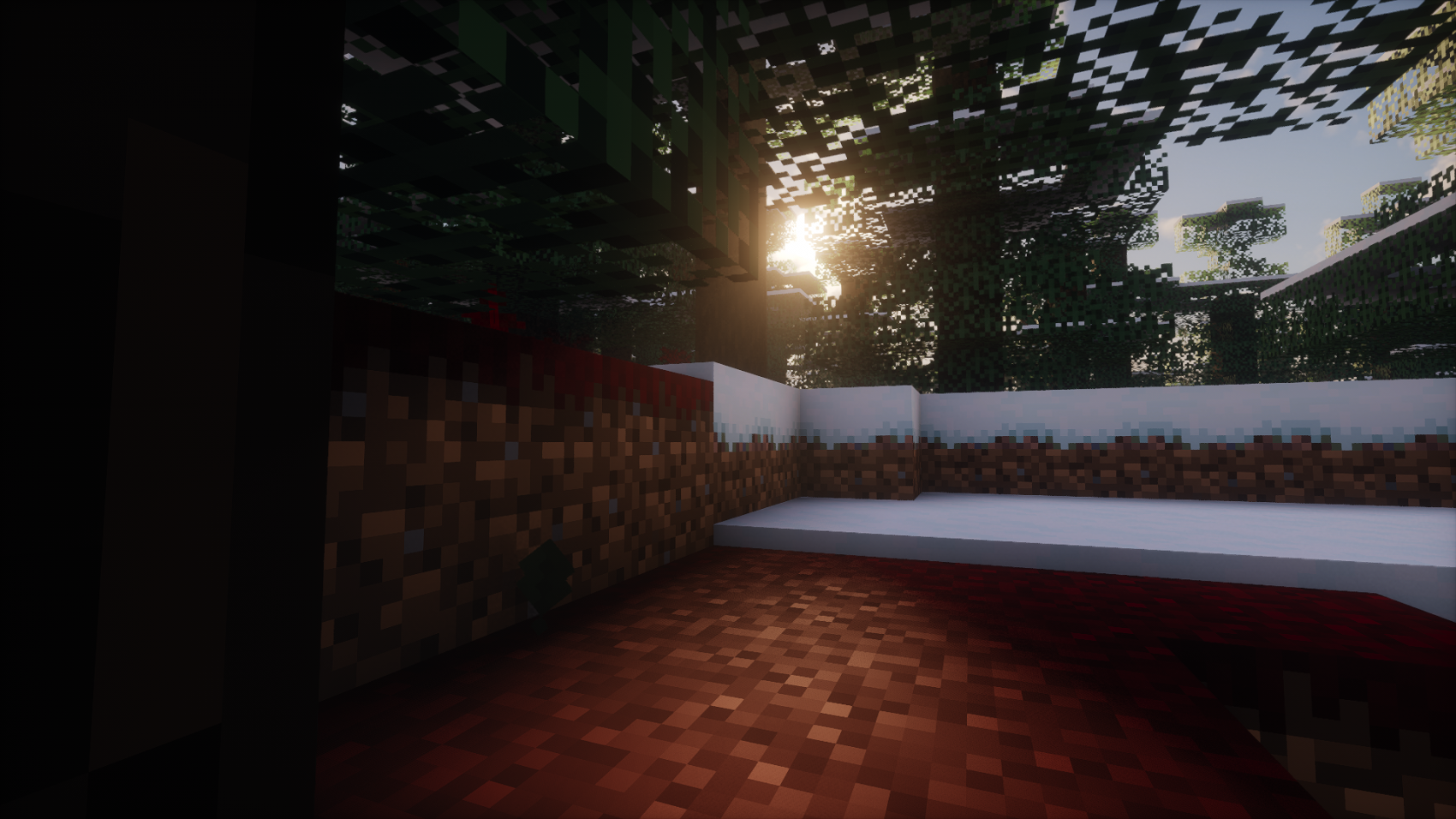
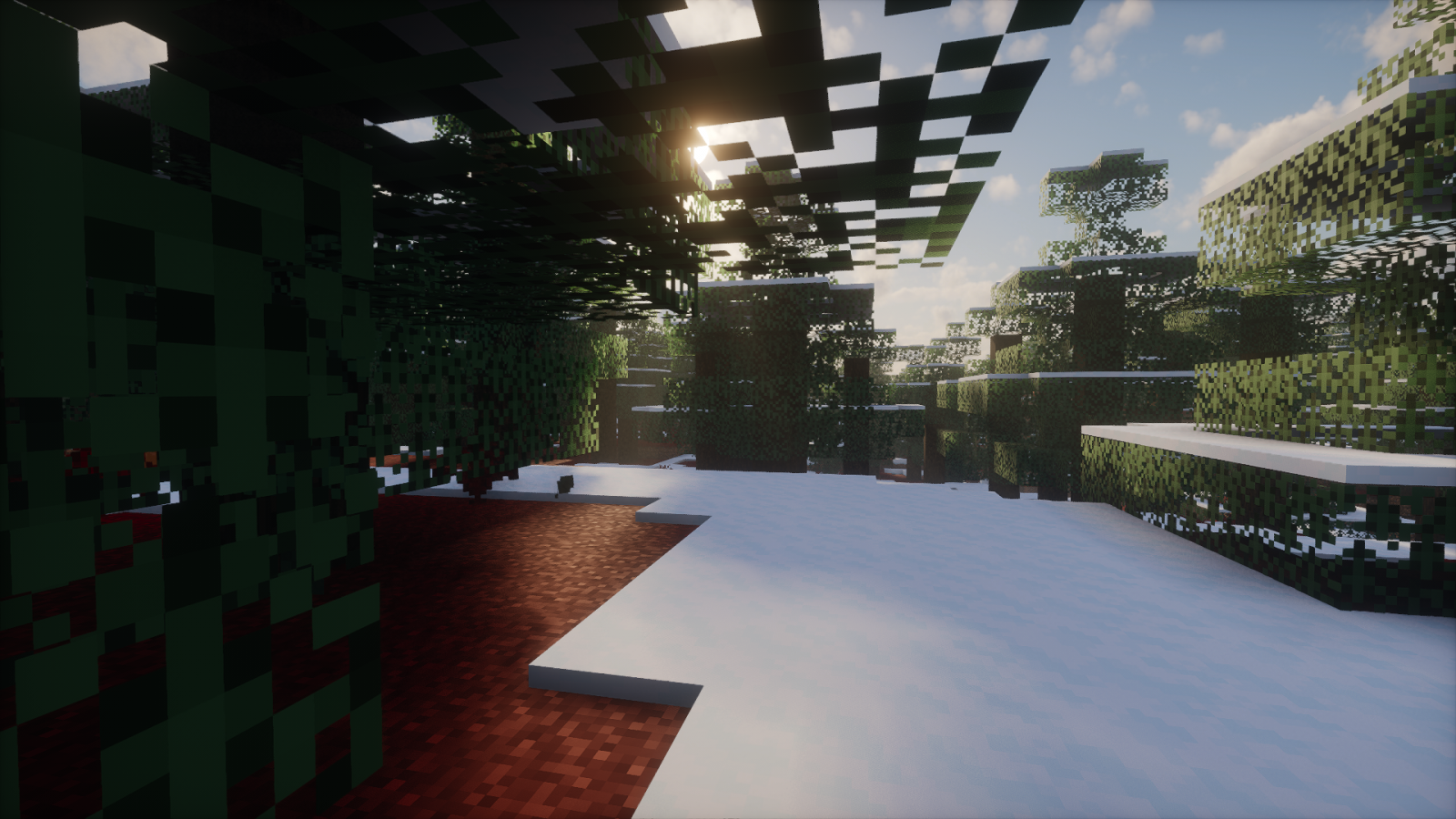
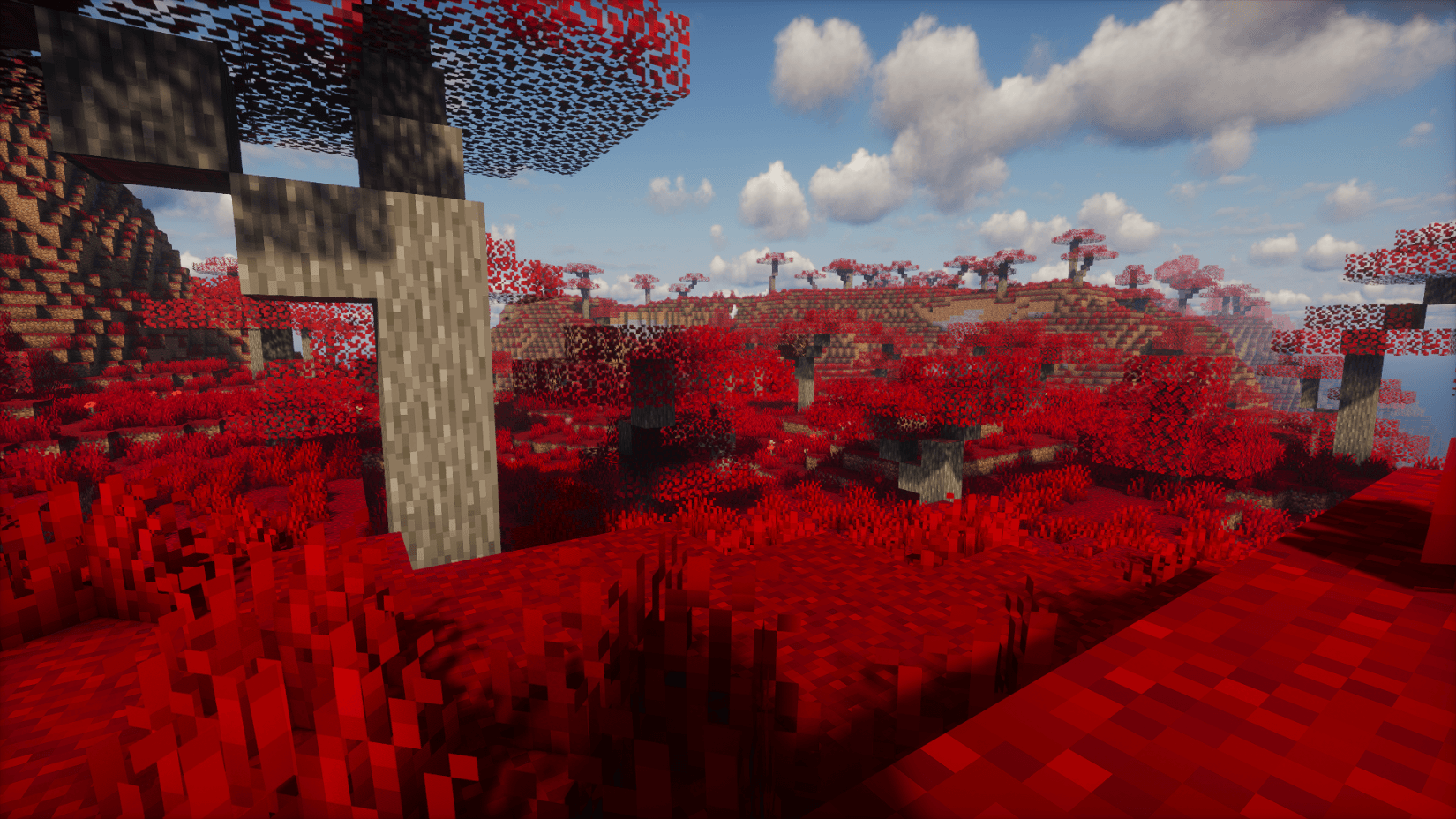
It's a simple biome blood theme texture pack that help to provide 6 different bloody red color variation.
after applying this texture pack your Minecraft world will change into blood theme world.
there are 6 variety,6 different bloody color grass and trees.
gives you a whole new different experience for blood theme world.
colors are- Crimson , Scarlet , Torch Red , Alizarin Crimson , Amaranth and Bright Red.

this pack is compatible with various shaders, with great potential.
it's based of Minecraft simple and colored graphics.

It's support almost all high end 32,64,128,256,512,1024,2k, 4k pixel texture packs

THERE ARE MANY CHANGES IN THE GRAPHICS
CHANGES ARE -
1)Grass
2)Leaves
3)Colormap
4)Environment
5)GUI title
6)Sugarcane

version supported
form- 1.16 to latest

# Remember HexaBiome Texture Pack should Aways on top of all packs to work properly


compatible with both single world and servers.

make sure you check the file version before downloading the pack
all versions have separate files


enjoy the pack

THANKS FOR DOWNLOADIND.

HexaBiome-{Scarlet-Pulse}[26.3].zip
MC 26.3
Release 2026-09-25 Get
HexaBiome-{Scarlet-Pulse}[26.2].zip
MC 26.2
Release 2026-06-21 Get
HexaBiome-{Scarlet-Pulse}[26.1-26.1.2].zip
MC 26.1, 26.1.1, 26.1.2
Release 2026-04-19 Get
HexaBiome-{Scarlet-Pulse}[1.21.11].zip
MC 1.21.11-snapshot, 1.21.11
Release 2026-01-02 Get
HexaBiome-{Scarlet-Pulse}[1.16.0-1.16.5].zip
MC 1.16.3, 1.16-Snapshot, 1.16.1, 1.16, 1.16.5, 1.16.2, 1.16.4
Release 2025-12-07 Get
HexaBiome-{Scarlet-Pulse}[1.17.0-1.17.1].zip
MC 1.17.1, 1.17, 1.17-Snapshot
Release 2025-12-07 Get
HexaBiome-{Scarlet-Pulse}[1.18.0-1.18.2].zip
MC 1.18.1, 1.18, 1.18.2, 1.18-Snapshot
Release 2025-12-07 Get
HexaBiome-{Scarlet-Pulse}[1.19.0-1.19.2].zip
MC 1.19-Snapshot, 1.19.1, 1.19.2, 1.19
Release 2025-12-07 Get
HexaBiome-{Scarlet-Pulse}[1.19.3].zip
MC 1.19.3, 1.19.3-Snapshot
Release 2025-12-07 Get
HexaBiome-{Scarlet-Pulse}[1.19.4].zip
MC 1.19.4, 1.19.4-Snapshot
Release 2025-12-07 Get
HexaBiome-{Scarlet-Pulse}[1.20.0-1.20.1].zip
MC 1.20.1, 1.20, 1.20-Snapshot
Release 2025-12-07 Get
HexaBiome-{Scarlet-Pulse}[1.20.2].zip
MC 1.20.2-Snapshot, 1.20.2
Release 2025-12-07 Get
HexaBiome-{Scarlet-Pulse}[1.20.3-1.20.4].zip
MC 1.20.4, 1.20.3-Snapshot, 1.20.3
Release 2025-12-07 Get
HexaBiome-{Scarlet-Pulse}[1.20.5-1.20.6].zip
MC 1.20.5-Snapshot, 1.20.5, 1.20.6
Release 2025-12-07 Get
HexaBiome-{Scarlet-Pulse}[1.21.0-1.21.1].zip
MC 1.21, 1.21.1-Snapshot, 1.21.1, 1.21-Snapshot
Release 2025-12-07 Get
HexaBiome-{Scarlet-Pulse}[1.21.2-1.21.3].zip
MC 1.21.2-Snapshot, 1.21.3, 1.21.2
Release 2025-12-07 Get
HexaBiome-{Scarlet-Pulse}[1.21.4].zip
MC 1.21.4, 1.21.4-Snapshot
Release 2025-12-07 Get
HexaBiome-{Scarlet-Pulse}[1.21.5].zip
MC 1.21.5, 1.21.5-Snapshot
Release 2025-12-07 Get
HexaBiome-{Scarlet-Pulse}[1.21.6].zip
MC 1.21.6-snapshot, 1.21.6
Release 2025-12-07 Get
HexaBiome-{Scarlet-Pulse}[1.21.0-1.21.1].zip
MC 1.21.8, 1.21.7
Release 2025-12-07 Get
HexaBiome-{Scarlet-Pulse}[1.21.9-1.21.10].zip
MC 1.21.9-snapshot, 1.21.9, 1.21.10
Release 2025-12-07 Get

Requirements & install

How to use this resource pack in Minecraft
Resolution
16x
Minecraft
1.21.10 – 26.3
Install folder
.minecraft/resourcepacks

How to install resource packs

  1. Download the resource pack .zip file (do not extract it).
  2. In Minecraft open Options → Resource Packs → Open Pack Folder.
  3. Drop the .zip into the resourcepacks folder (.minecraft/resourcepacks).
  4. Move the pack to the Selected column and click Done.
Browse more: 16x resource packs 32x resource packs 64x resource packs 128x resource packs 256x resource packs 512x+ resource packs Resource Packs for 26.3 All resource packs

More from STM19

Advertisement Remove ads with Premium →

You Might Also Like