Mineuniverse
Resource Packs
Hephaestus - Shinier Tools

Hephaestus - Shinier Tools

RESOURCE PACK
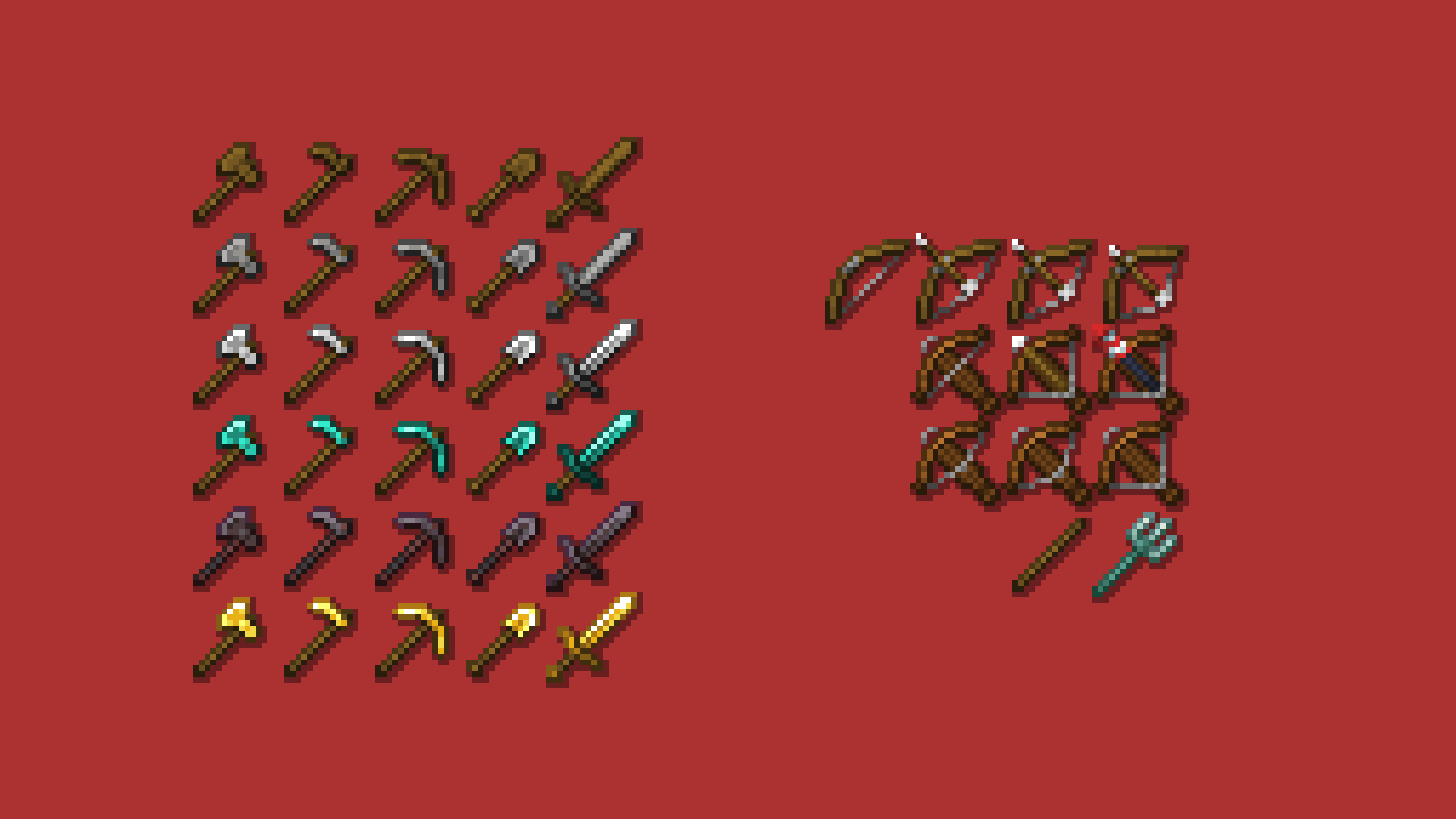
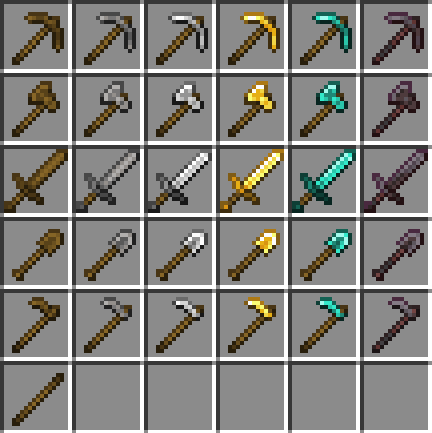
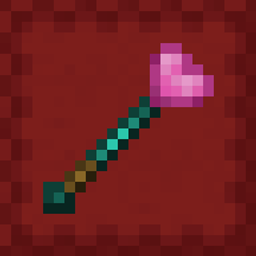
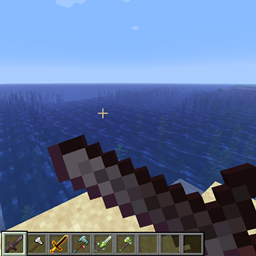
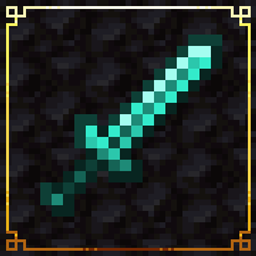
Tools now live up to their respective swords' standards, while swords once again have the small details they lost in 1.14
by drown3d_
Download Claim this project
89,287 downloads
0 likes
0 followers
Updated Oct 14, 2026
0 hypes
Follow0
16x Miscellaneous Mod Support
Advertisement Remove ads with Premium →

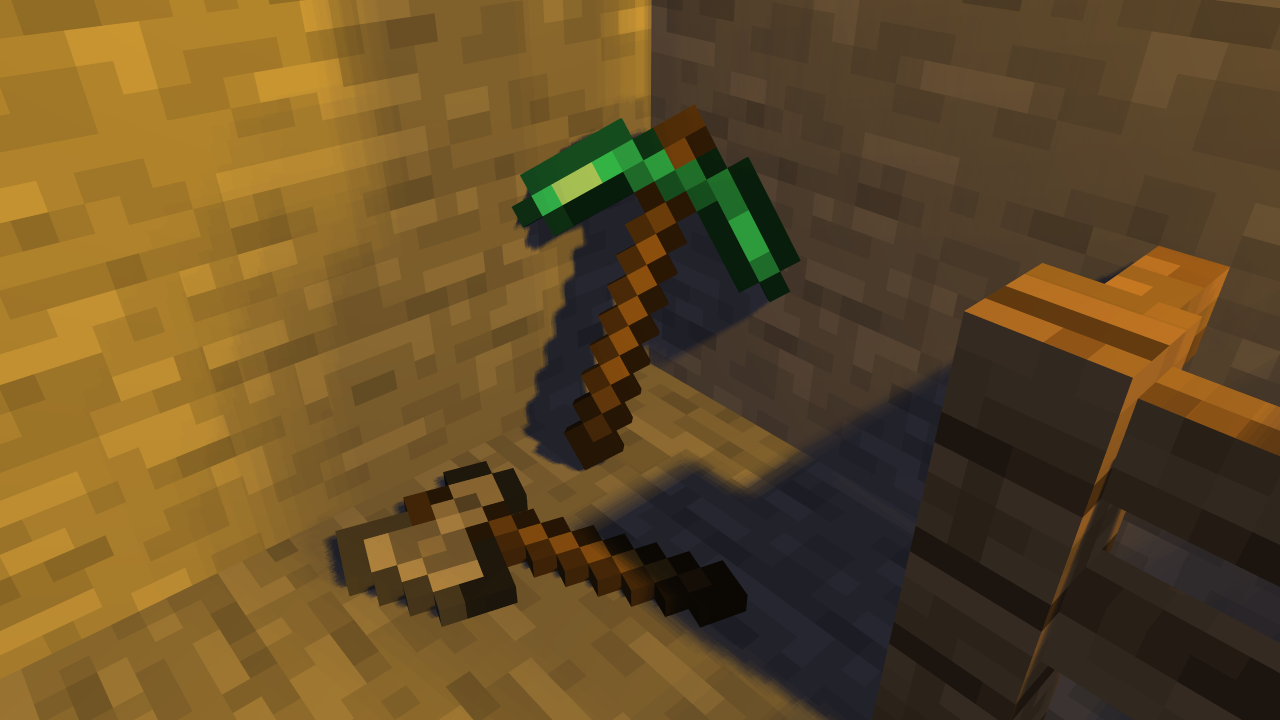
Primarily reshades the tiered vanilla tools to be more inline with their respective swords, while the swords' handguards are now more distinguishable from the blades. Affects tools from some Fabric mods as well as vanilla.

Successor to Tool Tweaks

1.3.0
MC 1.16-Snapshot, 1.17.1, 1.16.3, 1.13.1, 1.19.3, 1.15-Snapshot, 1.16.1, 1.18.1, 1.19.4-Snapshot, 1.14.4, 1.14.1, 1.17, 1.20.2-Snapshot, 1.14.3, 1.15, 1.16, 1.13, 1.19.4
Release 2023-09-19 Get
1.3.1
MC 1.16-Snapshot, 1.17.1, 1.16.3, 1.13.1, 1.19.3, 1.15-Snapshot, 1.16.1, 1.18.1, 1.19.4-Snapshot, 1.14.4, 1.14.1, 1.17, 1.20.2-Snapshot, 1.14.3, 1.15, 1.16, 1.13, 1.19.4
Release 2023-09-19 Get
1.2.0
MC 1.16-Snapshot, 1.17.1, 1.16.3, 1.13.1, 1.19.3, 1.15-Snapshot, 1.16.1, 1.18.1, 1.19.4-Snapshot, 1.14.4, 1.14.1, 1.17, 1.14.3, 1.15, 1.16, 1.13, 1.19.4, 1.19-Snapshot, 1.16.5
Release 2023-08-31 Get
1.1.0
MC 1.16-Snapshot, 1.17.1, 1.16.3, 1.13.1, 1.19.3, 1.15-Snapshot, 1.16.1, 1.18.1, 1.19.4-Snapshot, 1.14.4, 1.14.1, 1.17, 1.14.3, 1.15, 1.16, 1.13, 1.19.4, 1.19-Snapshot, 1.16.5
Release 2023-06-09 Get
Legacy Version
MC 1.7.6, 1.9.1, 1.9.3, 1.8.7, 1.7.4, 1.7.7, 1.7.5, 1.6.1, 1.10-Snapshot, 1.9.4, 1.9.2, 1.8.4, 1.7.9, 1.12.1, 1.12, 1.8.8, 1.7.3, 1.7.2, 1.10.2, 1.8-Snapshot, 1.8.3, 1.11, 1.8.6
Release 2023-04-04 Get
1.0.0
MC 1.16-Snapshot, 1.17.1, 1.16.3, 1.13.1, 1.19.3, 1.15-Snapshot, 1.16.1, 1.18.1, 1.14.4, 1.14.1, 1.17, 1.14.3, 1.15, 1.16, 1.13, 1.19.4, 1.19-Snapshot, 1.16.5, 1.18.2, 1.19.2
Release 2023-04-02 Get

Requirements & install

How to use this resource pack in Minecraft
Resolution
16x
Minecraft
1.18.1 – 1.20.2-Snapshot
Install folder
.minecraft/resourcepacks

How to install resource packs

  1. Download the resource pack .zip file (do not extract it).
  2. In Minecraft open Options → Resource Packs → Open Pack Folder.
  3. Drop the .zip into the resourcepacks folder (.minecraft/resourcepacks).
  4. Move the pack to the Selected column and click Done.
Browse more: 16x resource packs 32x resource packs 64x resource packs 128x resource packs 256x resource packs 512x+ resource packs Resource Packs for 1.20.2-Snapshot All resource packs

More from drown3d_

Advertisement Remove ads with Premium →

You Might Also Like