Badges update automatically and link to the resource pack page on MineUniverse.
-- OPTIFINE / ENTITY MODEL FEATURES AND ENTITY TEXTURE FEATURES IS REQUIRED --
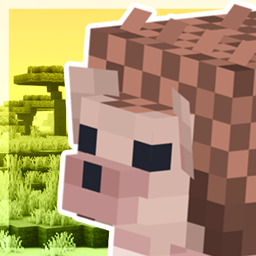
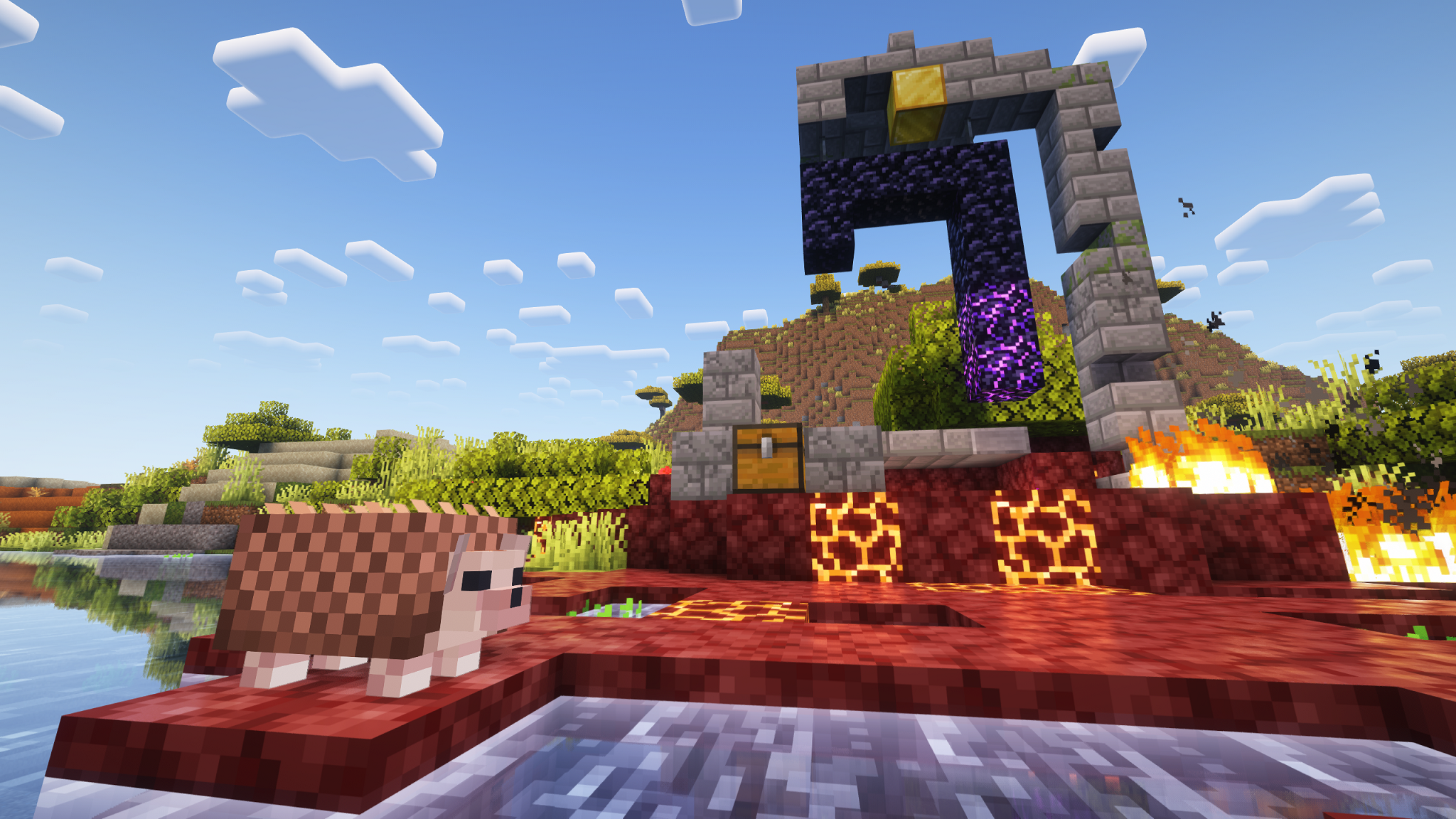
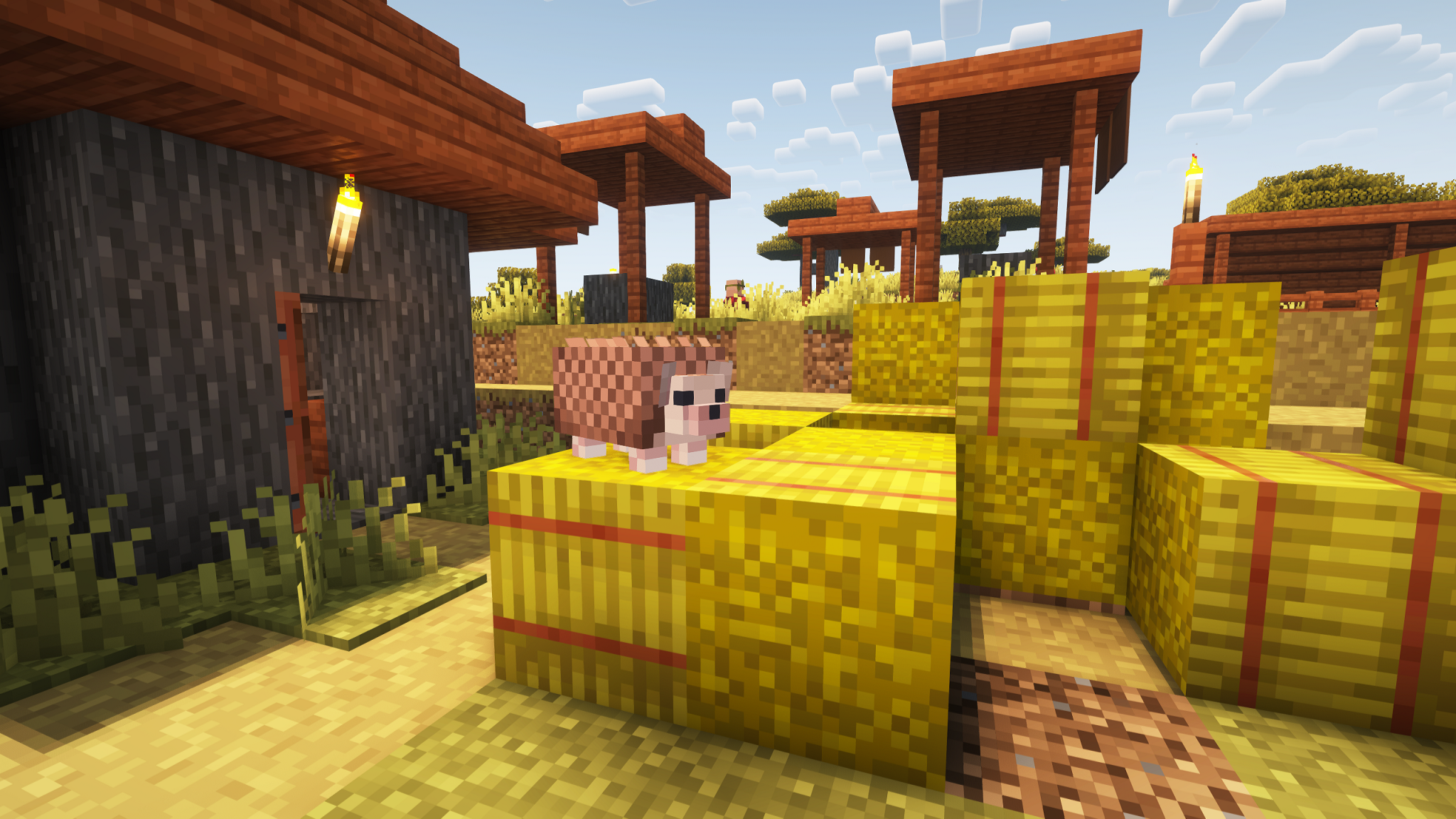
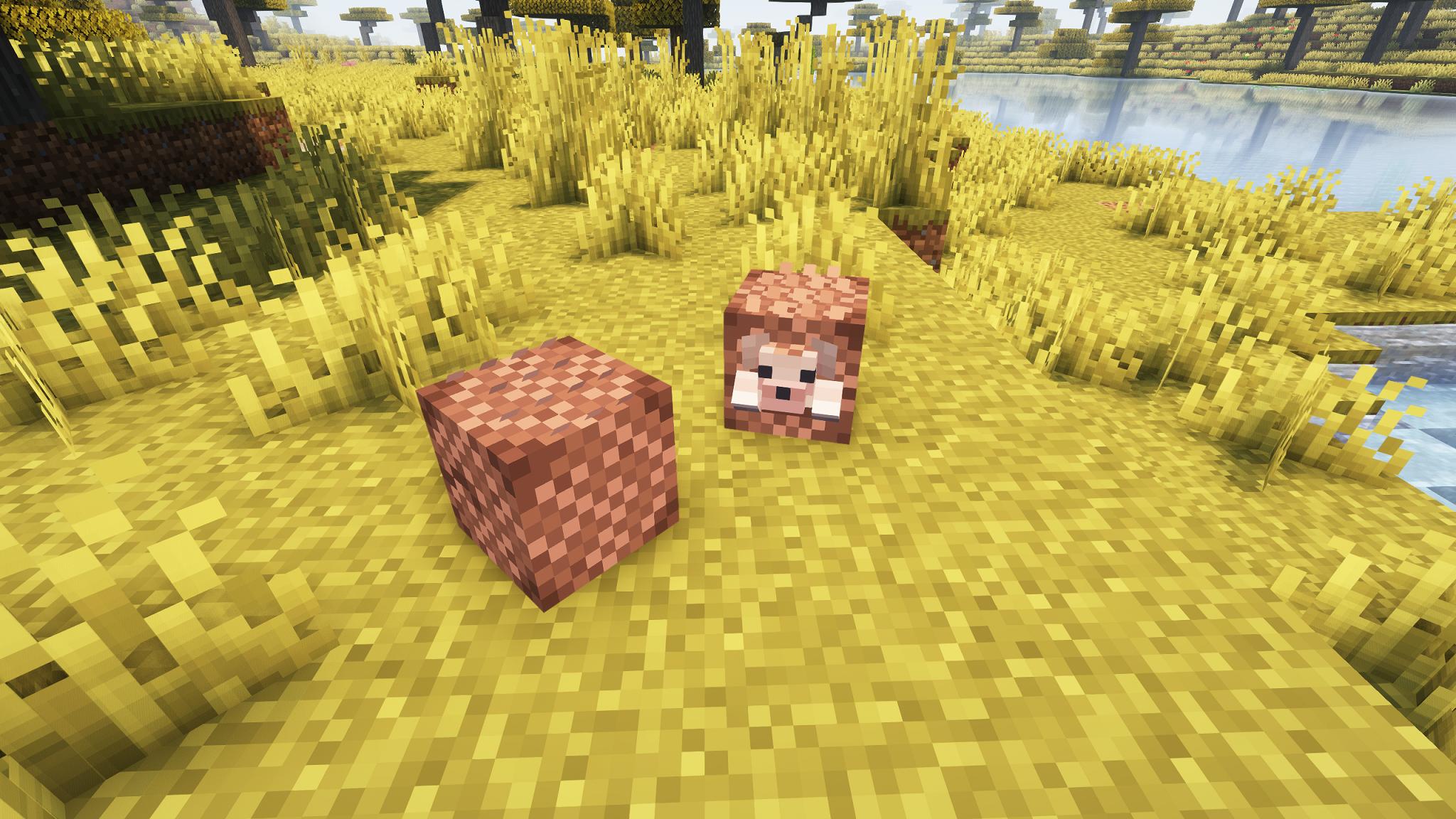
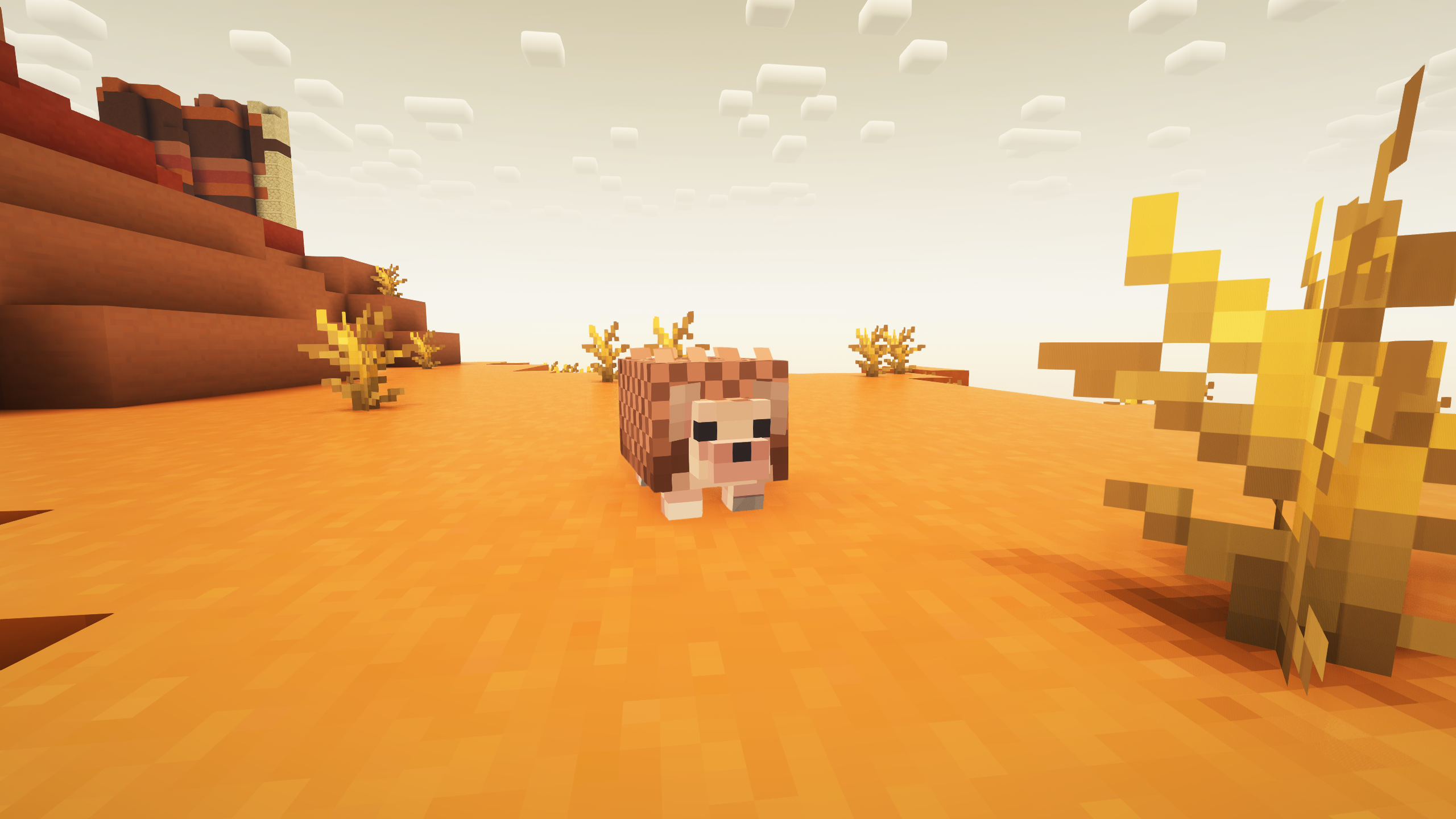
This Pack replaces Armadillos with Hedgehogs!

If you are an Hedgehog enjoyer quite like I am, you might realize i based this one on the African Pygmy Hedgehog, reason being that since Minecraft's armadillos are specifically found in savannahs and badlands an african species would simply be more fitting than an european one for exemple, that and most pet hedgehogs are indeed of African Pygmy Hedgehogs, so I feel more people would get to enjoy having their own irl hedgehogs in minecraft, this does mean this minecraft hedgehog is massively oversized though.
This pack also comes with changed in-game texts relating to armadillos, new texture and name for armadillo scales (now ''Hedgehog quills'') and a ton, and a total of 8 alt skins if you rename them into certain other hedgehogs you most likely know about... no wolf armor retexture though, figured people wouldn't care as much about that, might update the pack if people say otherwise though.
also I am aware that hedgehogs, and African Pygmy-inspired ones at that, do show up in minecraft dungeons, I just don't like how they look there oof, that and they probably wouldn't fit as armadillos quite as well