Mineuniverse
Resource Packs
Heatwave 16x

Heatwave 16x

RESOURCE PACK
A Sick and Fire-themed 1.21 PvP Texturepack
by FIRESTAR09_10
Download Claim this project
4,317 downloads
0 likes
Updated Oct 14, 2026
0 hypes
16x Miscellaneous Traditional
Advertisement Remove ads with Premium →

Credits

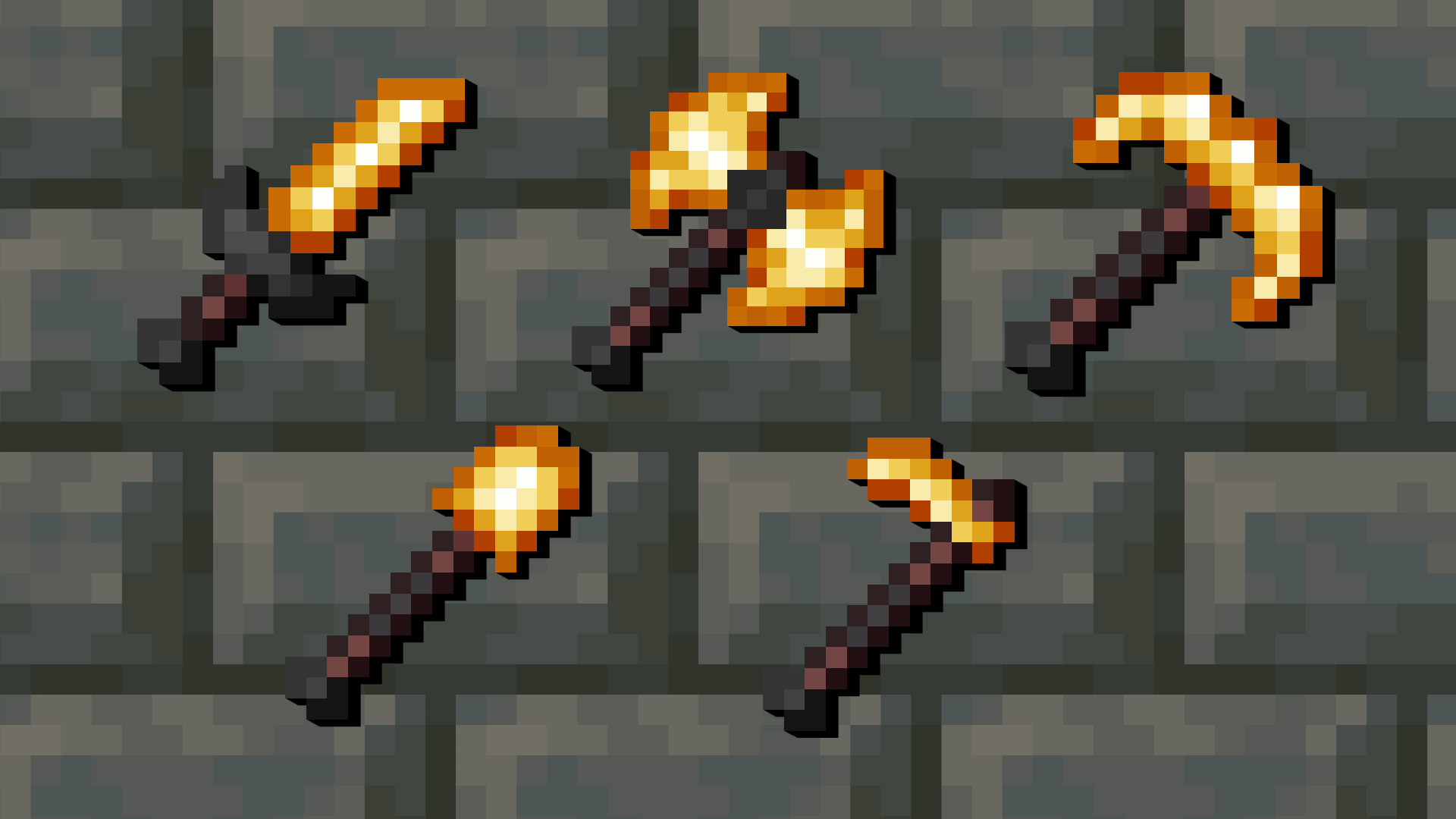
Super big thanks to Torrezx since the netherite tools in this texturepack are massively inspired by the ones in his Demon Fire Tools texturepack so huge credits to him, go check out his work because he's genuinely amazing


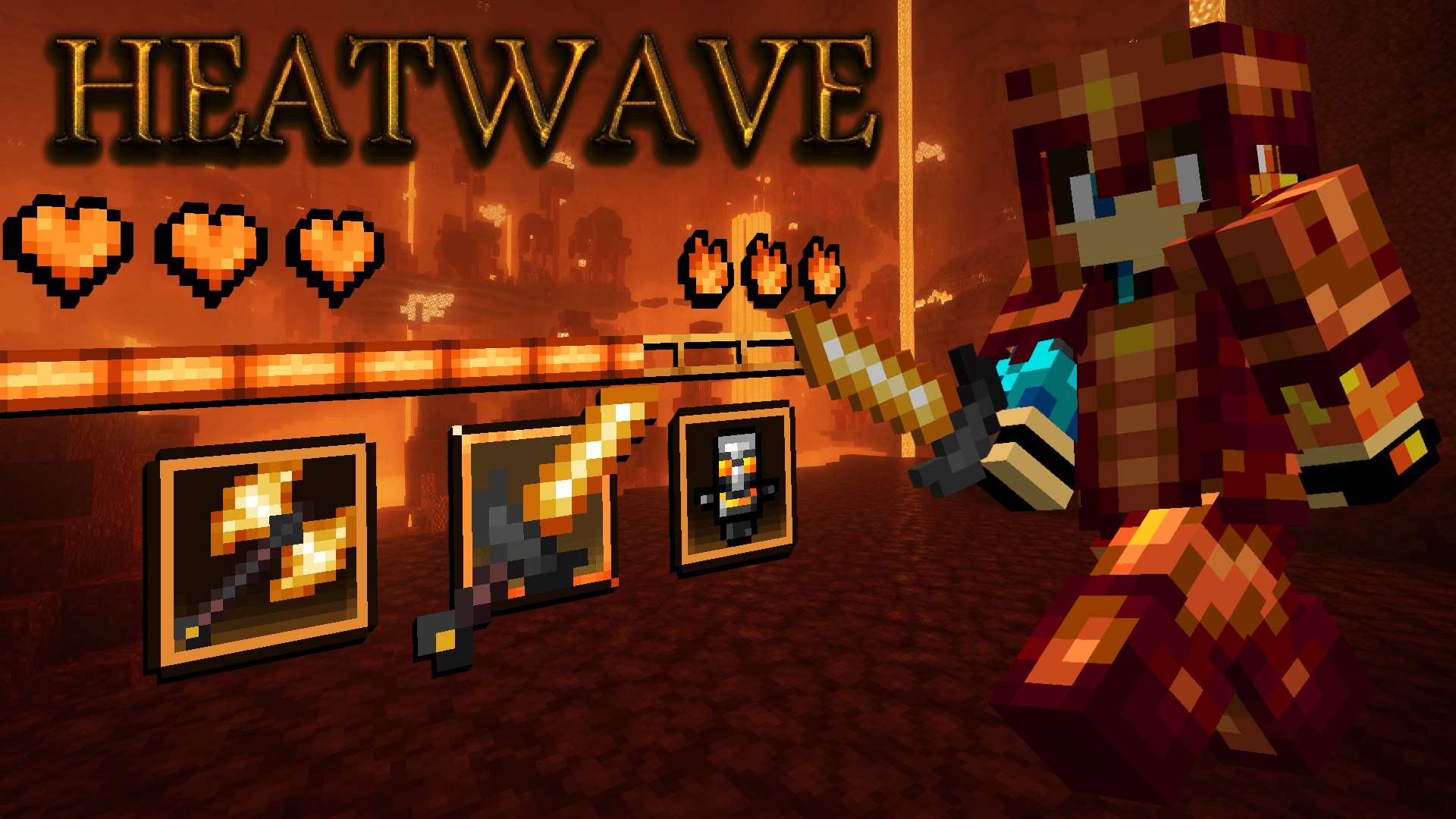
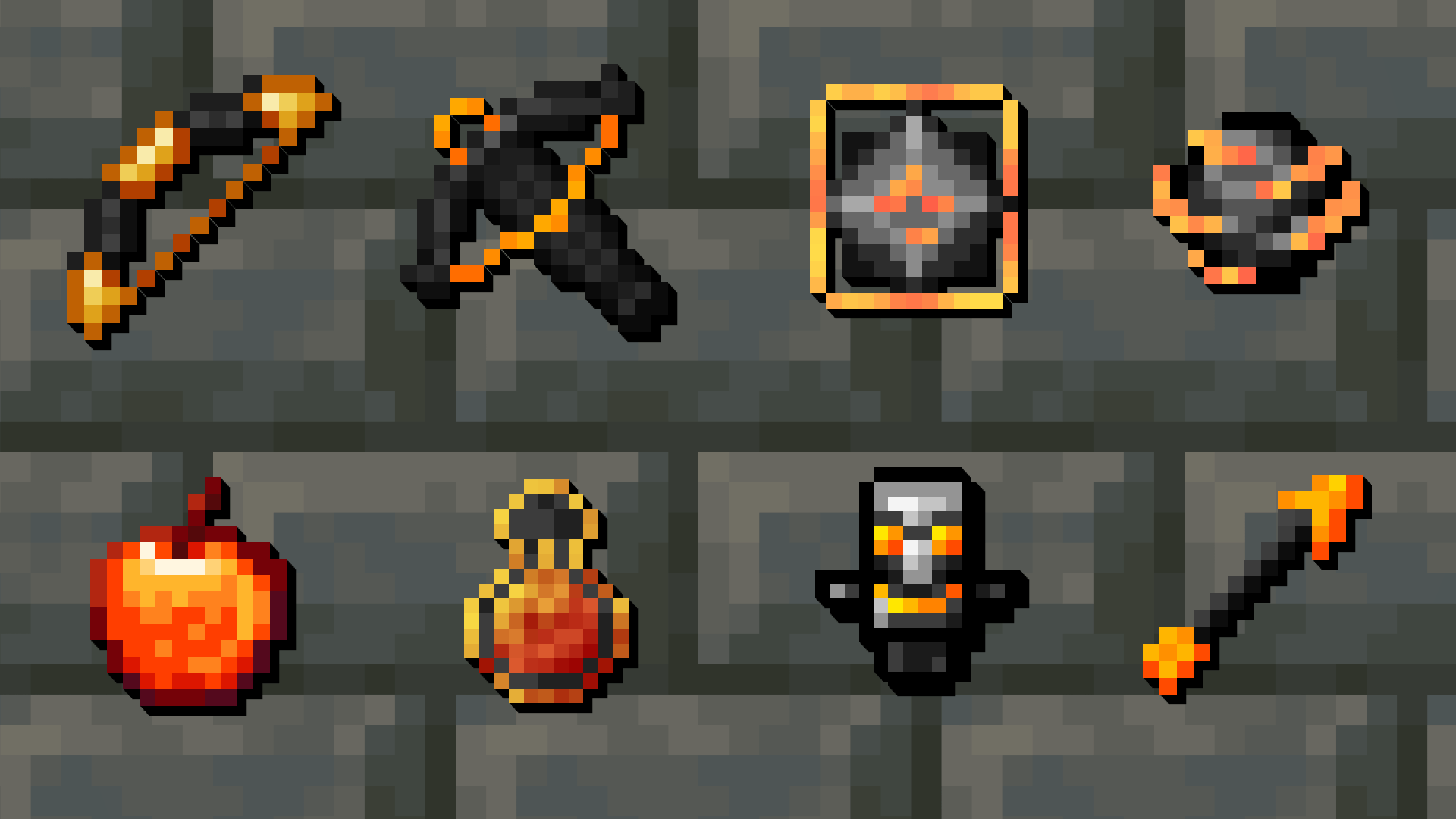
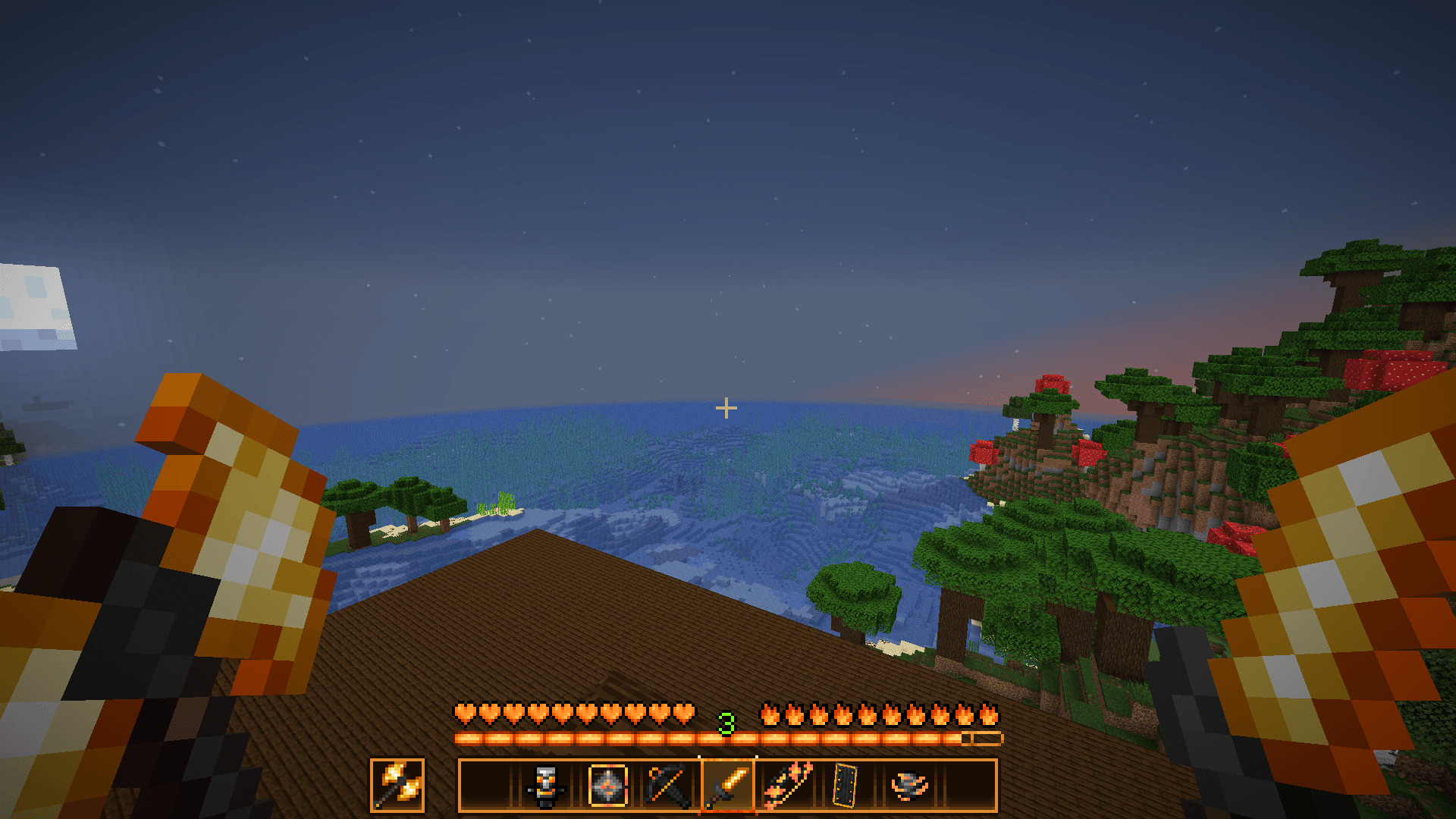
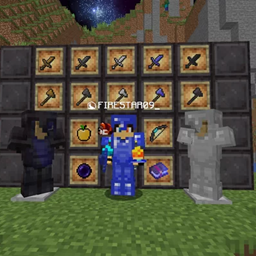
Heatwave is a modern version Minecraft PvP texturepack that brings fire to the default game items.

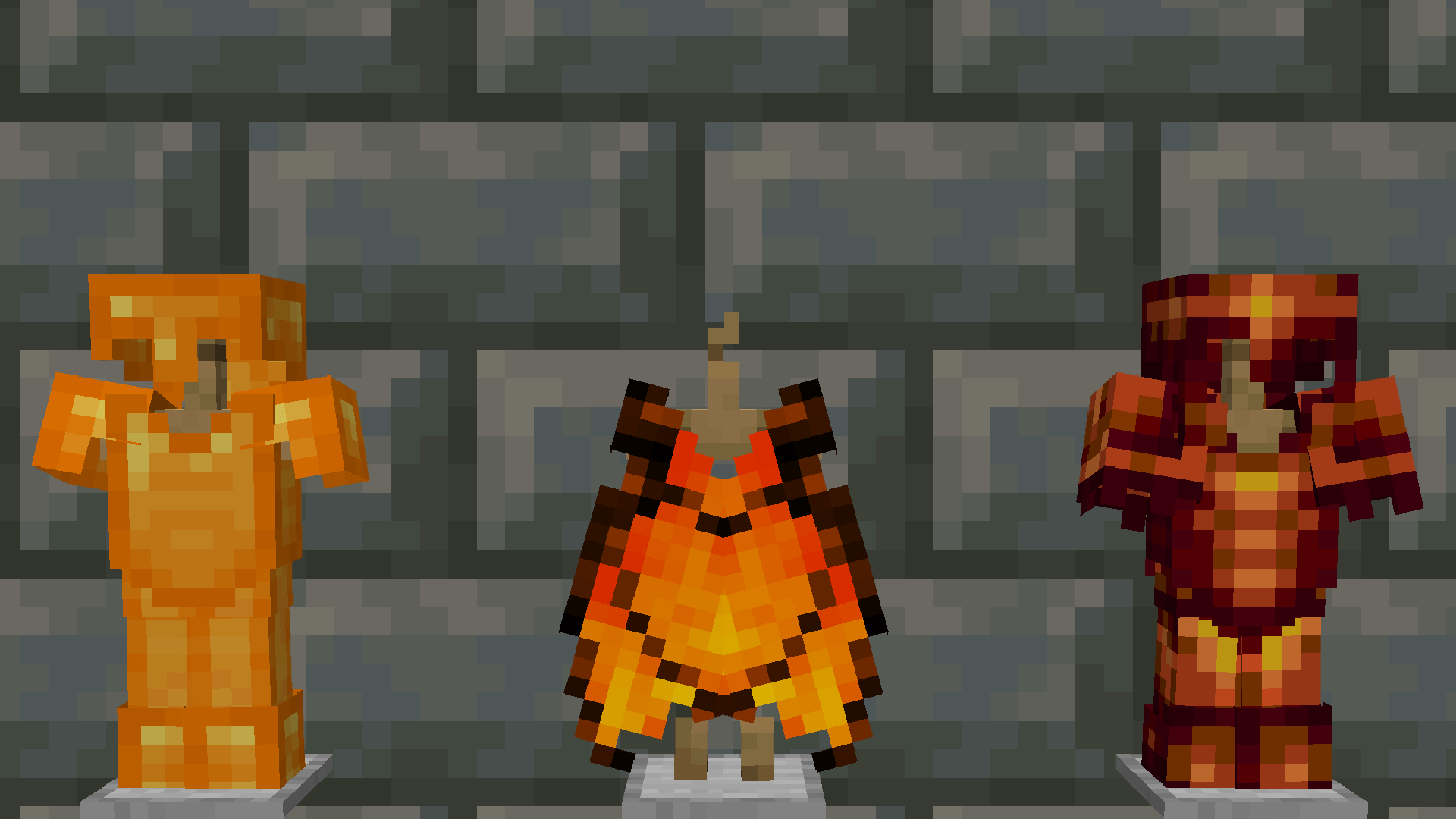
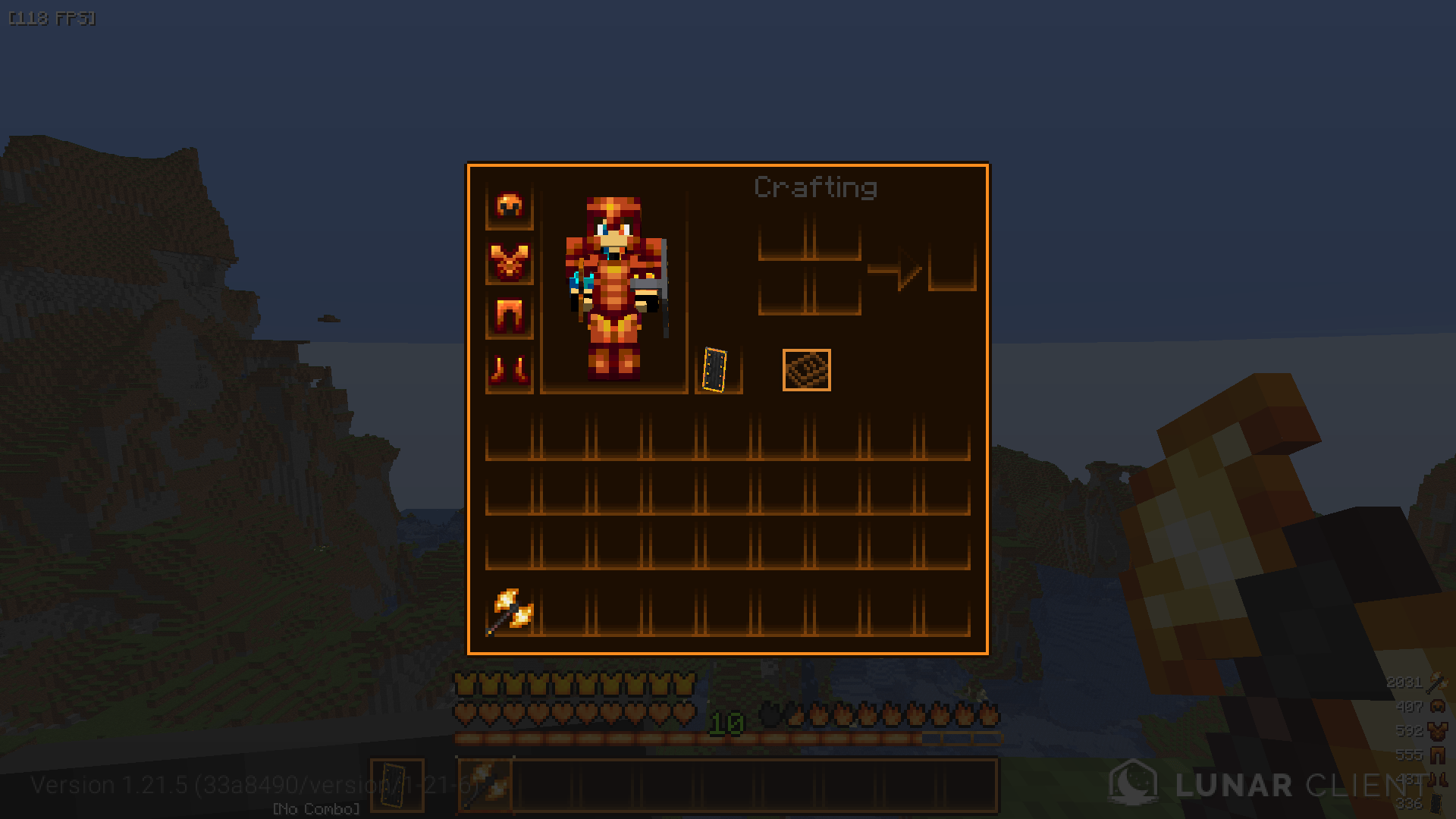
This texturepack brings a fiery look to:

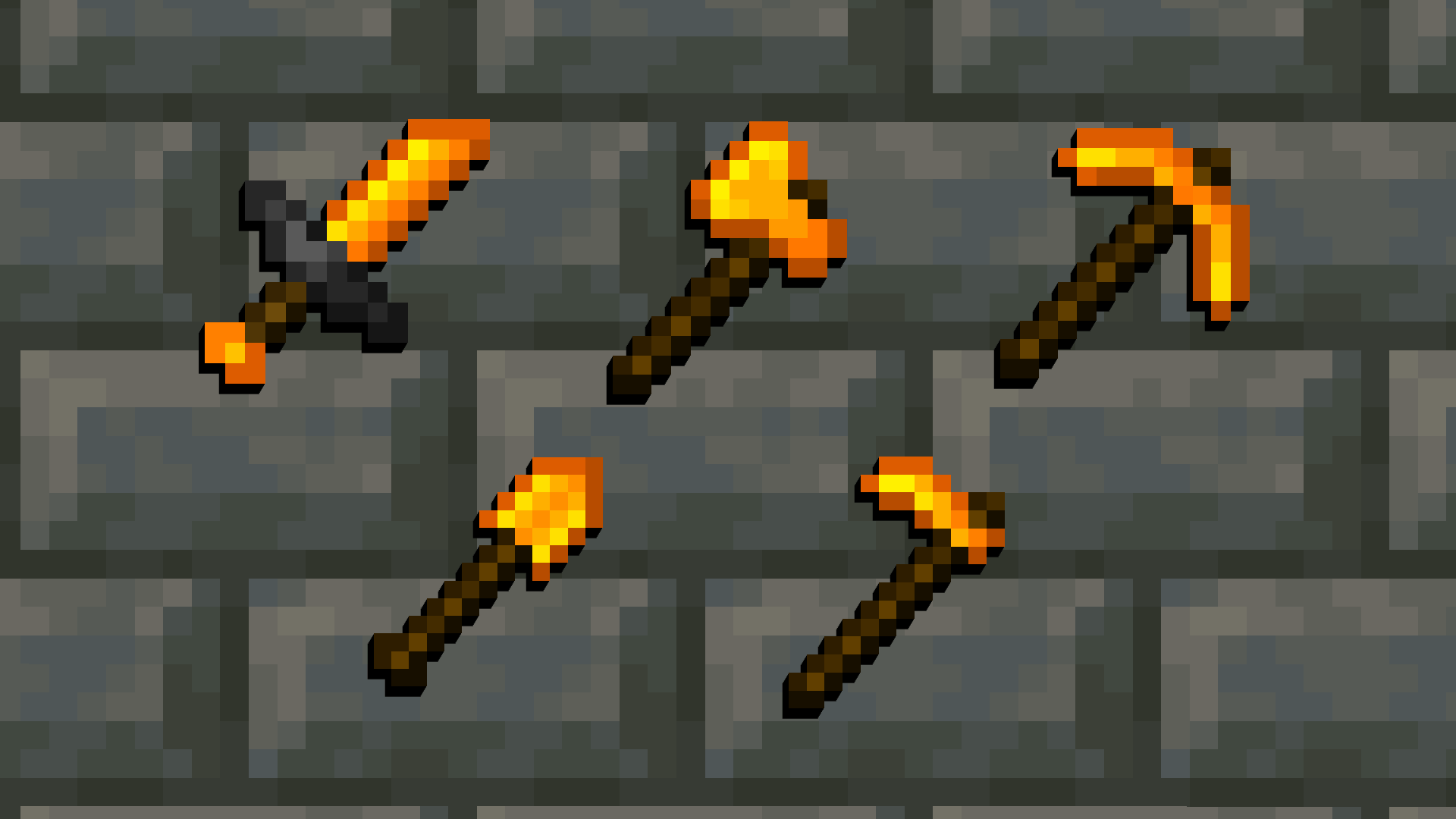
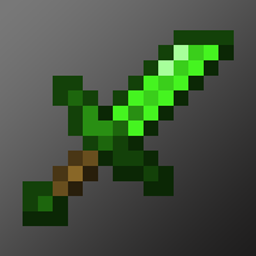
  • Diamond Armor, Tools and Sword
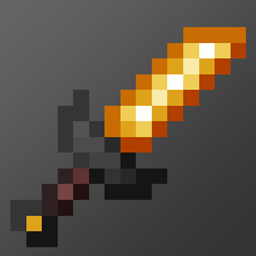
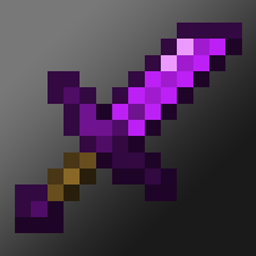
  • Netherite Armor, Tools and Sword
  • Elytra, Enderpearls, Gapples, Exp Bottles, Wind Charges, Enchant Glint
  • GUI and HUD
  • Bow, Crossbow, Totem of Undying and Mace
  • End Crystals and Respawn Anchors

Keep in mind that further updates will add more stuff so keep an eye out 👀

Heatwave [Hotfix 1]
MC 1.17.1, 1.21.2-Snapshot, 1.21, 1.21.6-snapshot, 1.18.1, 1.20.2-Snapshot, 1.20.5-Snapshot, 1.19-Snapshot, 1.21.1-Snapshot, 1.16.5, 1.19.3, 1.20.2, 1.19.4, 1.21.8, 1.17
Release 2026-01-06 Get
Heatwave [Spears Update]
MC 1.17.1, 1.21.2-Snapshot, 1.21, 1.21.6-snapshot, 1.18.1, 1.20.2-Snapshot, 1.20.5-Snapshot, 1.19-Snapshot, 1.21.1-Snapshot, 1.16.5, 1.19.3, 1.20.2, 1.19.4, 1.21.8, 1.17
Release 2025-12-25 Get
Heatwave [Items Update]
MC 1.17.1, 1.19.3, 1.20.2, 1.21.2-Snapshot, 1.21, 1.21.6-snapshot, 1.18.1, 1.19.4-Snapshot, 1.20.5, 1.21.5, 1.17, 1.20.2-Snapshot, 1.20.5-Snapshot, 1.19.4, 1.21.8, 1.19-Snapshot
Release 2025-09-22 Get
Heatwave [Release]
MC 1.17.1, 1.19.3, 1.20.2, 1.21.2-Snapshot, 1.21, 1.21.6-snapshot, 1.18.1, 1.19.4-Snapshot, 1.20.5, 1.21.5, 1.17, 1.20.2-Snapshot, 1.20.5-Snapshot, 1.19.4, 1.21.8, 1.19-Snapshot
Release 2025-07-28 Get

Requirements & install

How to use this resource pack in Minecraft
Resolution
16x
Minecraft
1.20.5-Snapshot – 1.21.8
Install folder
.minecraft/resourcepacks

How to install resource packs

  1. Download the resource pack .zip file (do not extract it).
  2. In Minecraft open Options → Resource Packs → Open Pack Folder.
  3. Drop the .zip into the resourcepacks folder (.minecraft/resourcepacks).
  4. Move the pack to the Selected column and click Done.
Browse more: 16x resource packs 32x resource packs 64x resource packs 128x resource packs 256x resource packs 512x+ resource packs Resource Packs for 1.21.8 All resource packs

More from FIRESTAR09_10

Advertisement Remove ads with Premium →

You Might Also Like