Hello ! :)
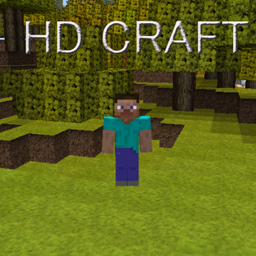
Who among you has known hdcraft?
The mix between brown and bloom and mixcraft, certain textures in this pack made me drool so much that I had played with it until 1.2.5
that this pack has not been updated for almost 11 years.
 As a result, the texture pack structures have changed to make room for pack resources, thus increasing the number of contents in play.
I love the textures of this pack so much so I decided to update it in 1.12 for strictly personal purposes, then I updated it again in 1.15 and I said as much to share it with the others.I had to have fun cutting out the original textures (yes at the time all the textures of the blocks & items stood on a single PNG image) then to fill in the missing textures due to the many maj I used textures from John Smith, Faithful, Mixcraft (recently updated), Italiapack

for more screen click here
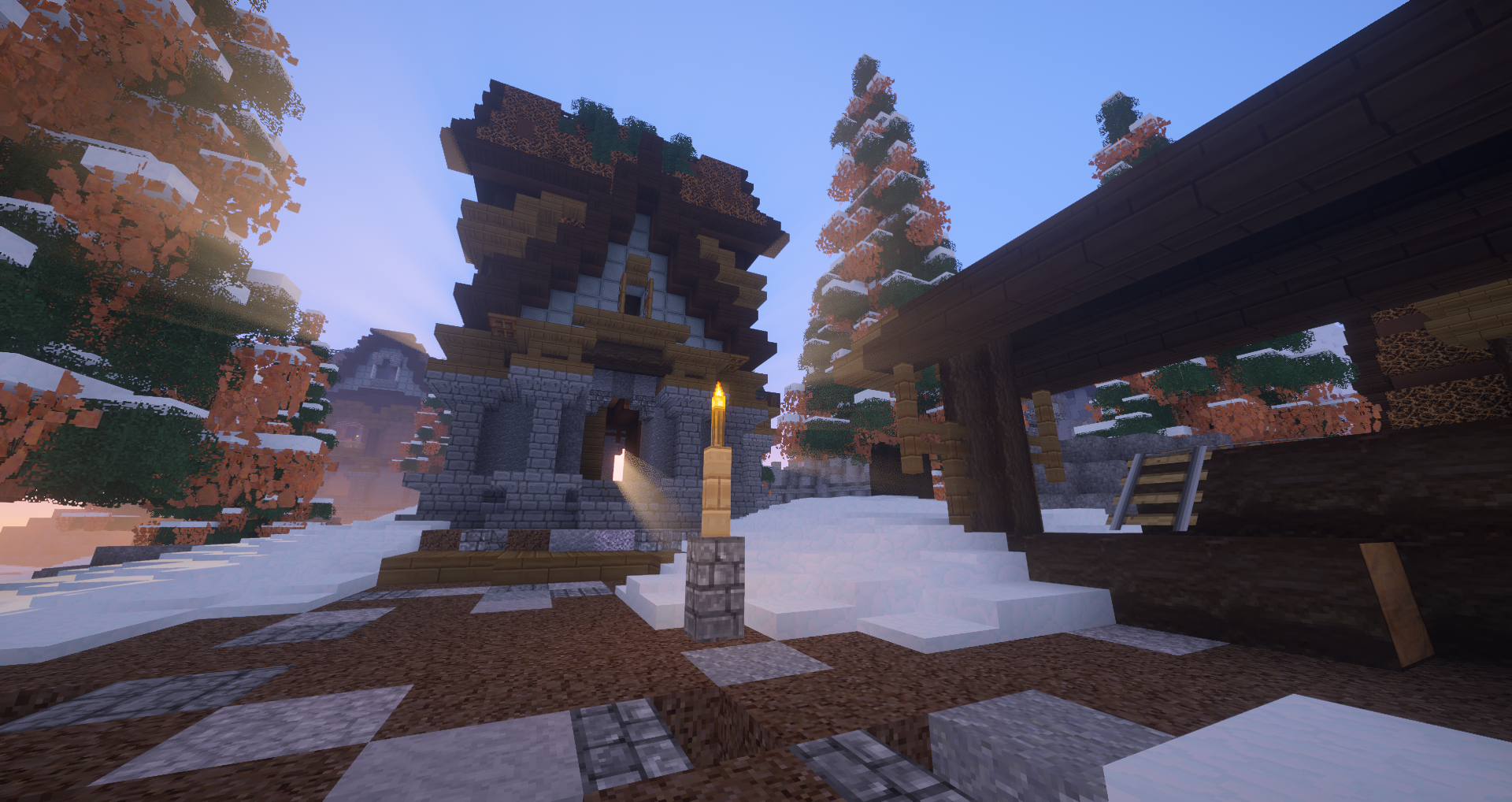
As you can see above the textures go for any type of architecture, all without distorting Minecraft. Changes will probably be made later, for example for the panorama that I totally missed in the main menu.Thank you for reading me and hope you enjoy this mix, good game to all!
Old Post: https://www.curseforge.com/minecraft/texture-packs/x32-hdcraft-rebirth-1-18 (Can't log back in to my old account...)