Mineuniverse
Resource Packs
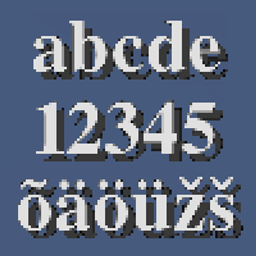
HD Font - Vollkorn

HD Font - Vollkorn

RESOURCE PACK
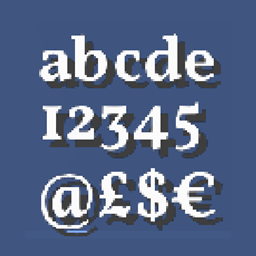
A compact, yet bold seriffed font.
by robotkoer
Download Claim this project
60,975 downloads
0 likes
0 followers
Updated Oct 14, 2026
0 hypes
Follow0
Font Packs Miscellaneous Steampunk Traditional
Advertisement Remove ads with Premium →

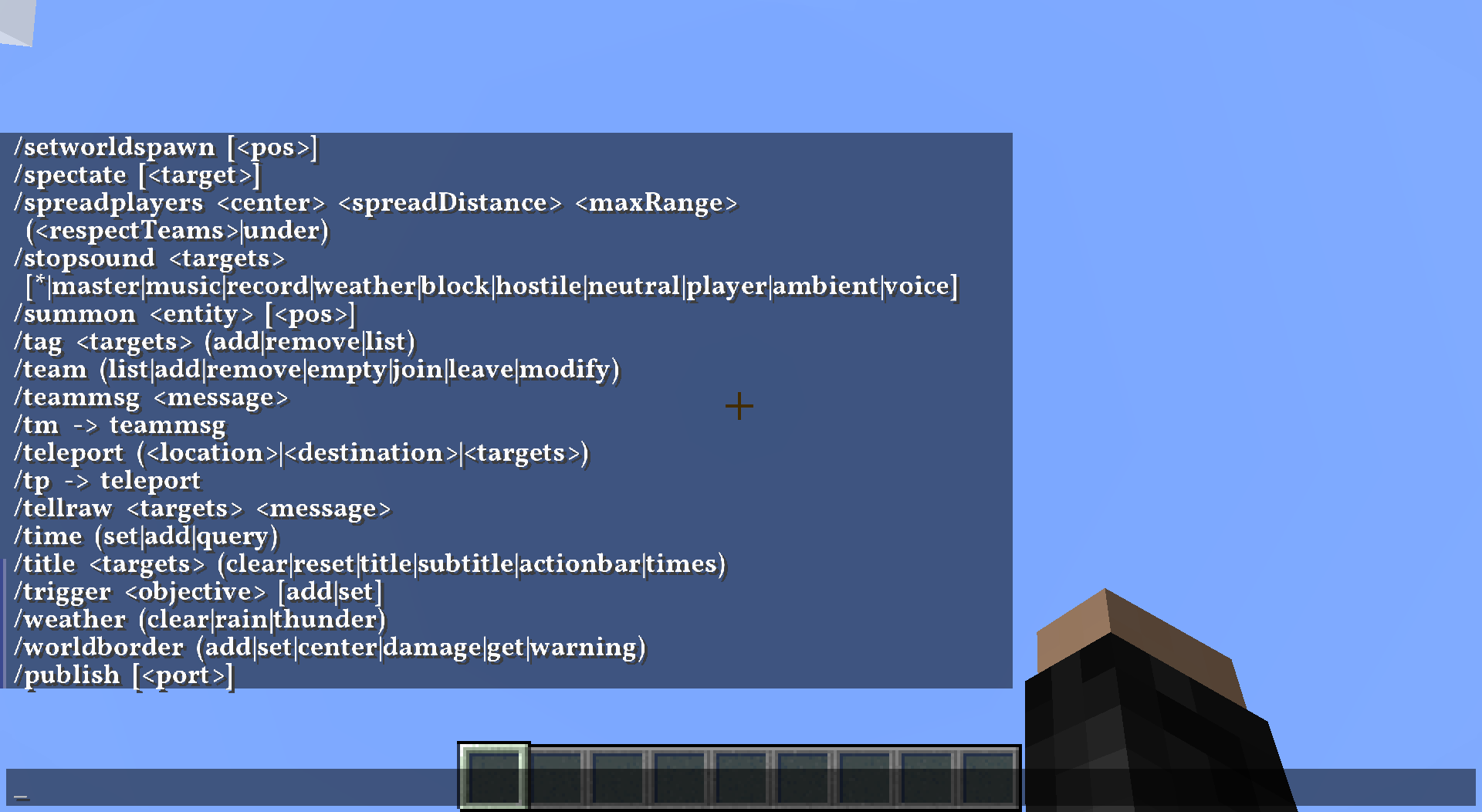
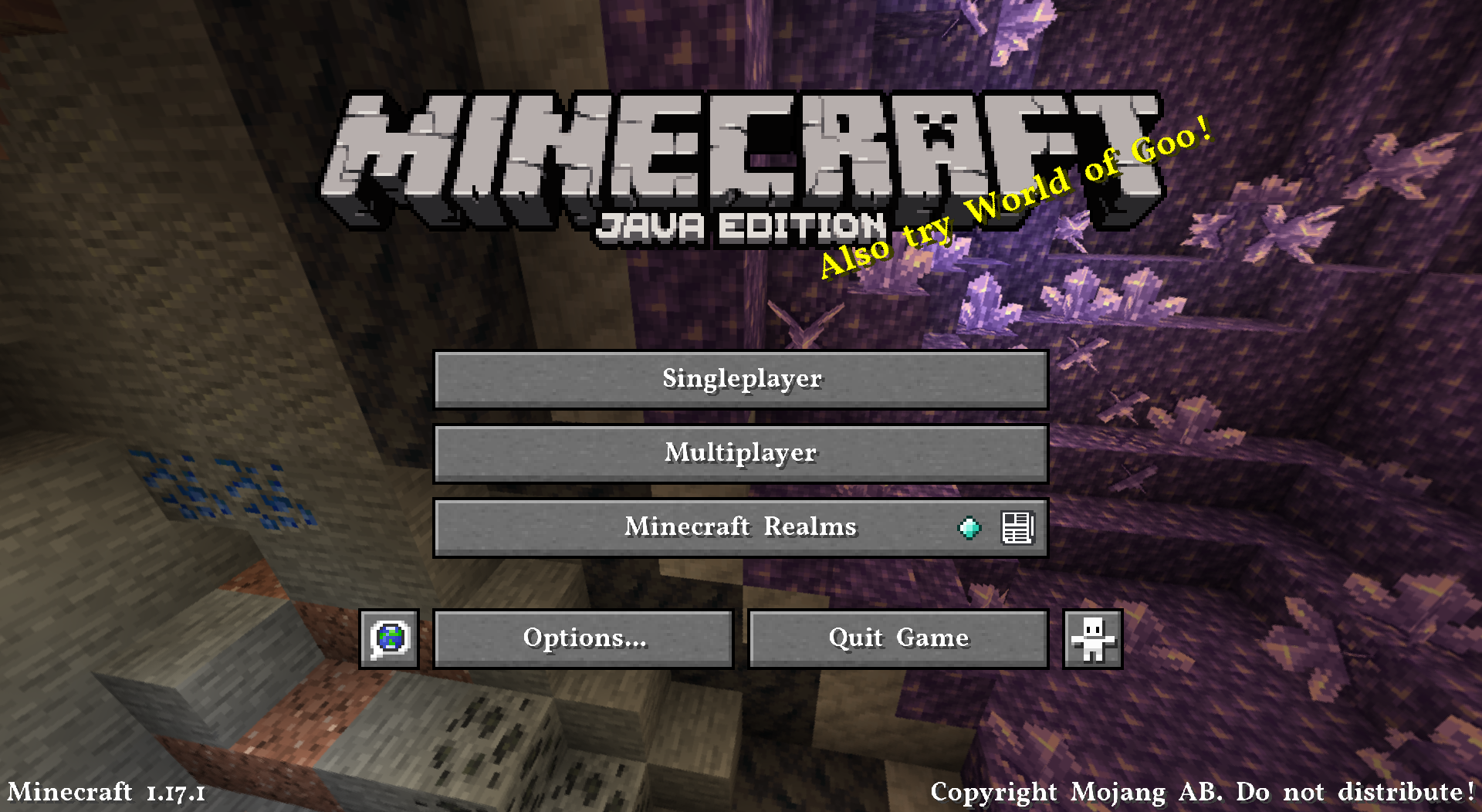
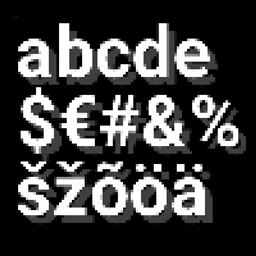
This resource pack changes your Minecraft font to an higher quality one across all menus. You can use this along with any other resource pack, just move it to the top in activated resource packs' order.


The font requires 1.13 or higher, no modifications necessary.


Vollkorn Typeface is "the free and healthy typeface for bread and butter use", an open font that has support for several languages and text variants (e.g. small caps). This resource pack includes the bold variant.

I do not claim any ownership to the font and have not made any changes to it's appearance, it is only redistributed according to the owner's license.

Read more about the font on its homepage.


Is your Minecraft crashing with the pack? It's not my fault, see MC-180529 for help.

 
1.21.9+
MC 1.21.9, 1.21.10, 1.21.11, 26.1, 26.1.1, 26.1.2, 26.2, 26.3
Release 2025-12-15 Get
1.20+
MC 1.20.2, 1.21, 1.20.5, 1.21.5, 1.21.8, 1.21.4, 1.20.3, 1.20.1, 1.20, 1.20.6, 1.20.4, 1.21.3, 1.21.7, 1.21.1, 1.21.6, 1.21.2
Release 2023-09-15 Get
1.20
MC 1.20.1, 1.20, 1.20-Snapshot
Release 2023-05-12 Get
1.19.4
MC 1.19.4
Release 2023-03-09 Get
Vollkorn 1.19.3
MC 1.19.3
Release 2022-11-19 Get
Vollkorn 1.19-1.19.2
MC 1.19-Snapshot, 1.19.2, 1.19.1, 1.19
Release 2022-06-07 Get
Vollkorn 1.18
MC 1.18.1, 1.18.2, 1.18, 1.18-Snapshot
Release 2021-11-17 Get
Vollkorn 1.13-1.14
MC 1.13.1, 1.14.4, 1.14.1, 1.14.3, 1.13, 1.14, 1.14.2, 1.14-Snapshot, 1.13.2
Release 2021-10-16 Get
Vollkorn 1.15-1.16.1
MC 1.16-Snapshot, 1.16.1, 1.15, 1.16, 1.15.2, 1.15.1
Release 2021-10-16 Get
Vollkorn 1.16.2-1.16.5
MC 1.16.3, 1.16.5, 1.16.4, 1.16.2
Release 2021-10-16 Get
Vollkorn 1.17-1.17.1
MC 1.17.1, 1.17
Release 2021-10-16 Get

Requirements & install

How to use this resource pack in Minecraft
Resolution
Not specified
Minecraft
1.21.9 – 26.3
Install folder
.minecraft/resourcepacks

How to install resource packs

  1. Download the resource pack .zip file (do not extract it).
  2. In Minecraft open Options → Resource Packs → Open Pack Folder.
  3. Drop the .zip into the resourcepacks folder (.minecraft/resourcepacks).
  4. Move the pack to the Selected column and click Done.
Browse more: 16x resource packs 32x resource packs 64x resource packs 128x resource packs 256x resource packs 512x+ resource packs Resource Packs for 26.3 All resource packs

More from robotkoer

Advertisement Remove ads with Premium →

You Might Also Like