Mineuniverse
Resource Packs
HCX_MC's PvP Textures 16x

HCX_MC's PvP Textures 16x

RESOURCE PACK
A smooth, high-performance PvP texture pack for an enhanced gameplay experience made by HoodCreeprX_MC
by HoodCreeprX_MC
Download Claim this project
Add a badge to your pageLink to HCX_MC's PvP Textures 16x from a README, website or forum post.
Preview: Badge

Badges update automatically and link to the resource pack page on MineUniverse.

351 downloads
0 likes
0 followers
Updated Oct 14, 2026
0 hypes
Follow0
16x Traditional
Advertisement Remove ads with Premium →

Welcome to HCX_MC's PvP Pack!


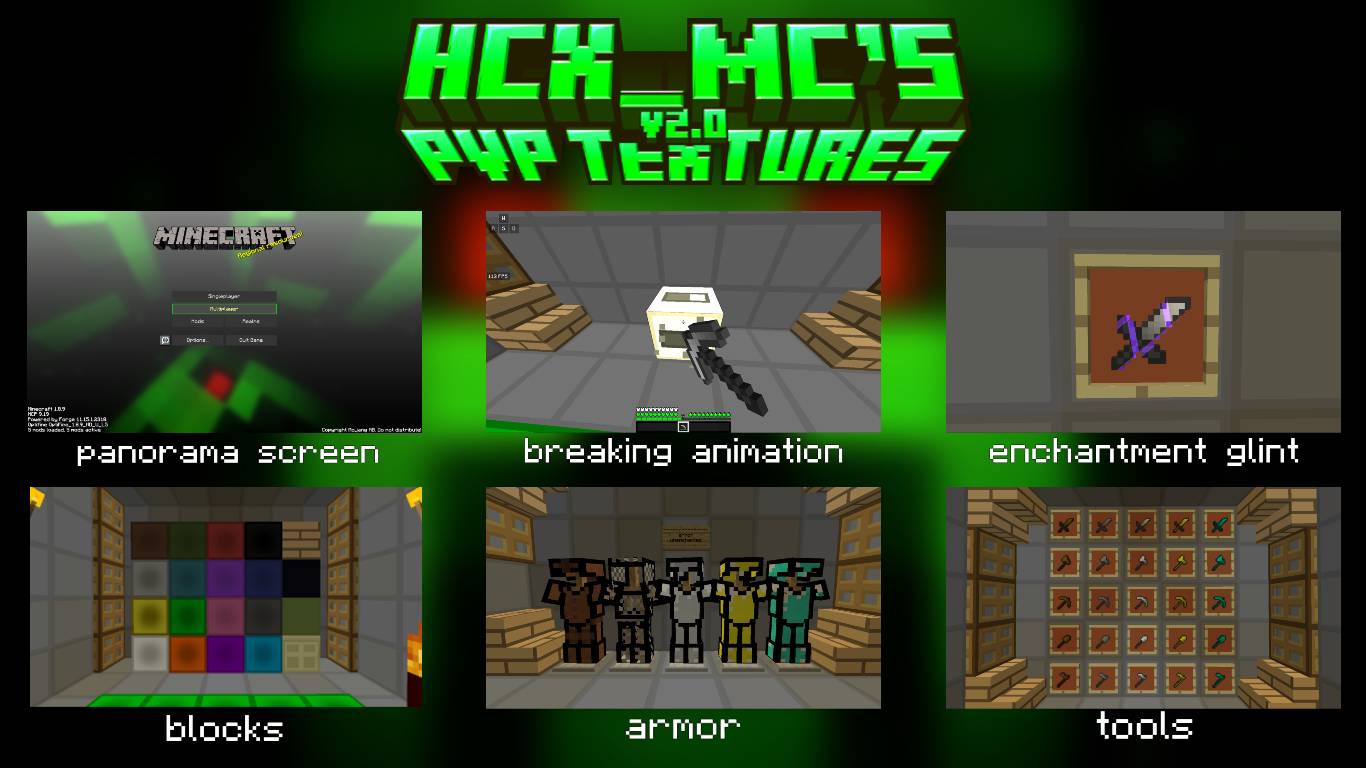
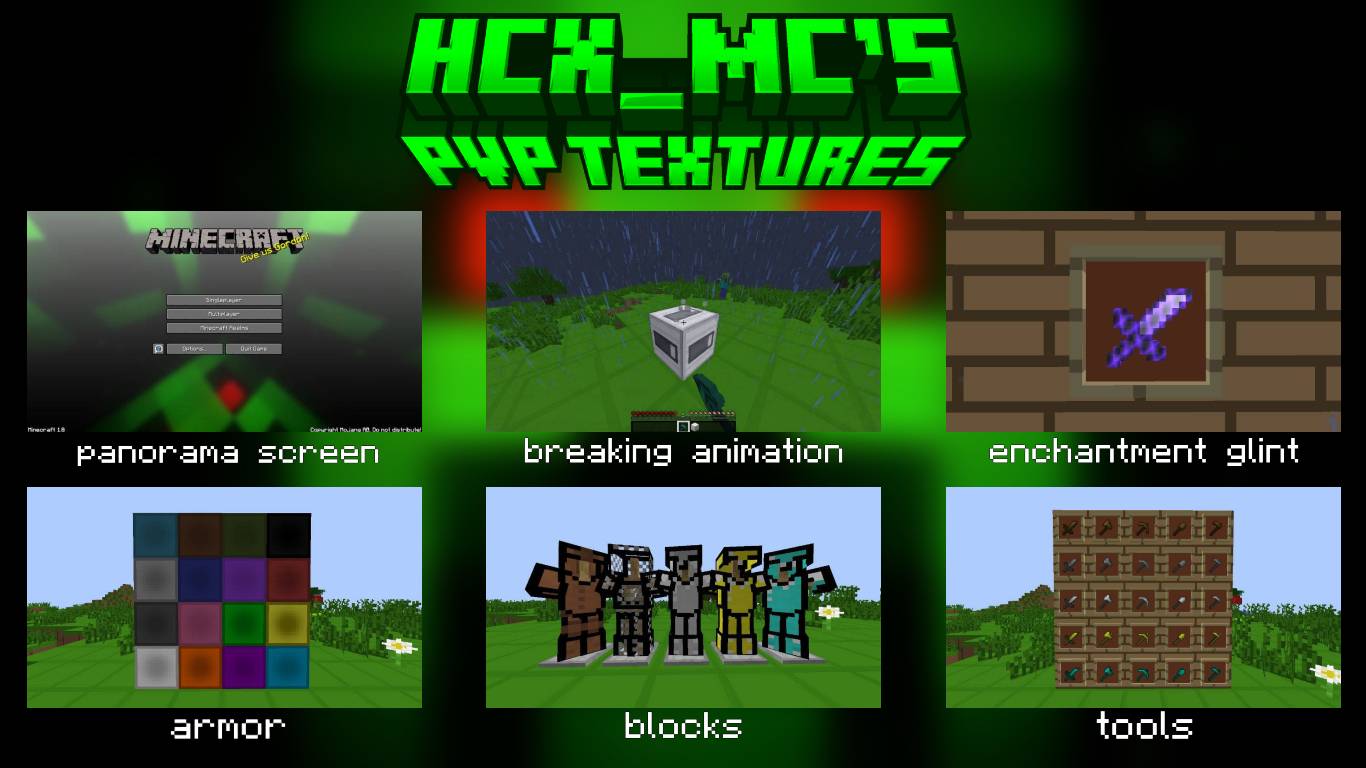
This high-performance PvP texture pack is designed to enhance your gameplay experience with competitive optimization, clear visuals, and essential quality-of-life improvements. Focus purely on the fight without visual distractions!

 
Key Features:
  • Optimized Performance: Enjoy potential FPS boosts with streamlined and clean textures designed for smooth combat.
  • Clear Combat Visuals: Includes a new low-fire animation and sharper, high-contrast armor textures for better visibility of opponents during intense battles.
  • Enhanced UI: A sleek, minimal user interface ensures that all critical information (health, hunger, durability) is easy to read.
  • New Panorama Screen: A fresh, custom main menu to greet players before they join the fight

    Head over to the Media tab to see the full breakdown of everything added in this update!

 
v2.0
MC 1.8.7, 1.8.8, 1.8.4, 1.8-Snapshot, 1.8.3, 1.8, 1.8.6, 1.8.9, 1.8.1, 1.8.5, 1.8.2
Release 2026-04-26 Get
HCX_MC's PvP Textures
MC 1.8.7, 1.8.8, 1.8.4, 1.8-Snapshot, 1.8.3, 1.8, 1.8.6, 1.8.9, 1.8.1, 1.8.5, 1.8.2
Release 2025-11-15 Get

Requirements & install

How to use this resource pack in Minecraft
Resolution
16x
Minecraft
1.8.2 – 1.8.9
Install folder
.minecraft/resourcepacks

How to install resource packs

  1. Download the resource pack .zip file (do not extract it).
  2. In Minecraft open Options → Resource Packs → Open Pack Folder.
  3. Drop the .zip into the resourcepacks folder (.minecraft/resourcepacks).
  4. Move the pack to the Selected column and click Done.
Browse more: 16x resource packs 32x resource packs 64x resource packs 128x resource packs 256x resource packs 512x+ resource packs Resource Packs for 1.8.9 All resource packs
Advertisement Remove ads with Premium →

You Might Also Like