Mineuniverse
Resource Packs
Haruspex

Haruspex

RESOURCE PACK
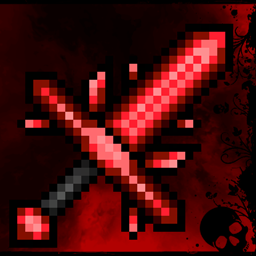
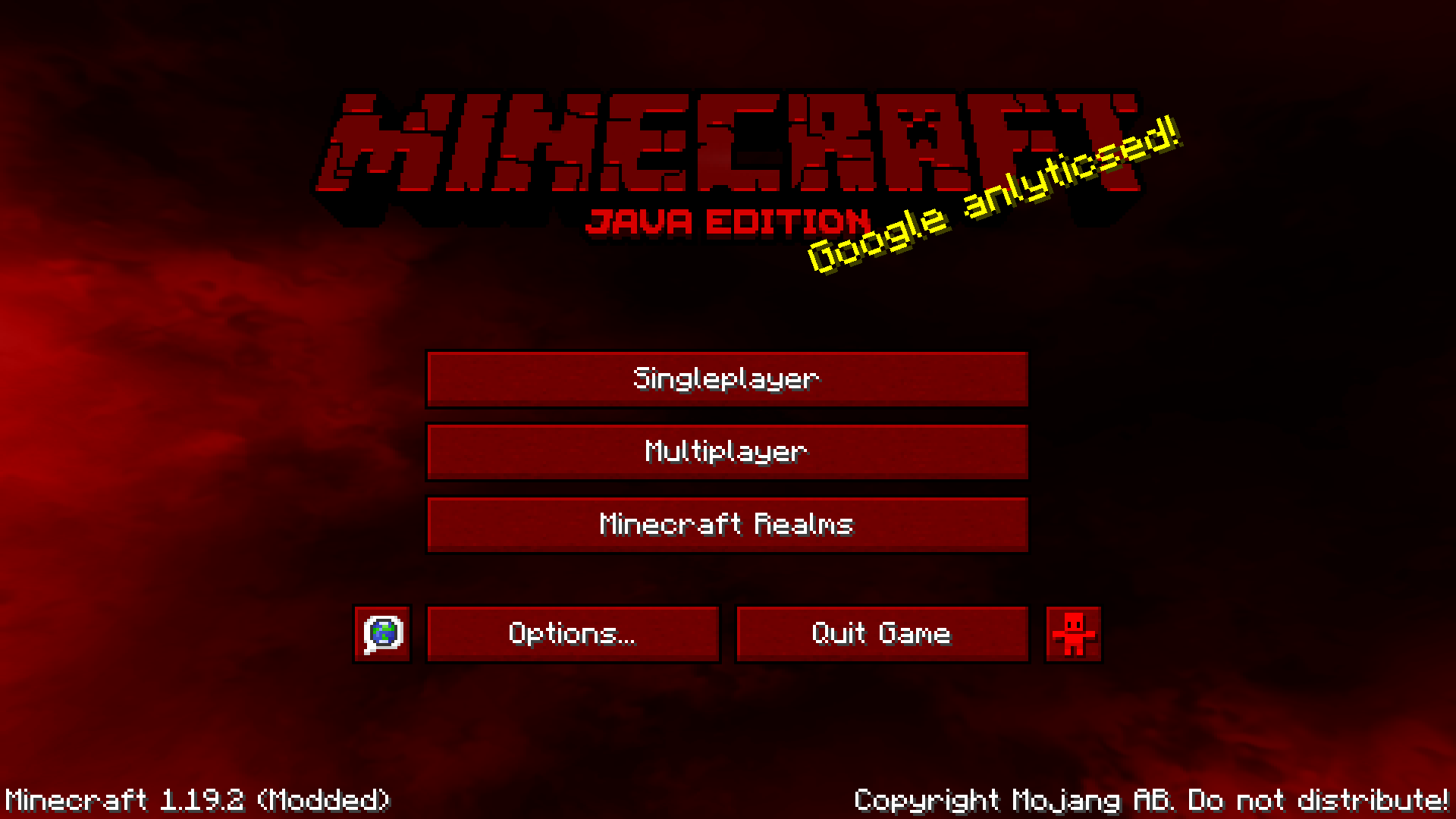
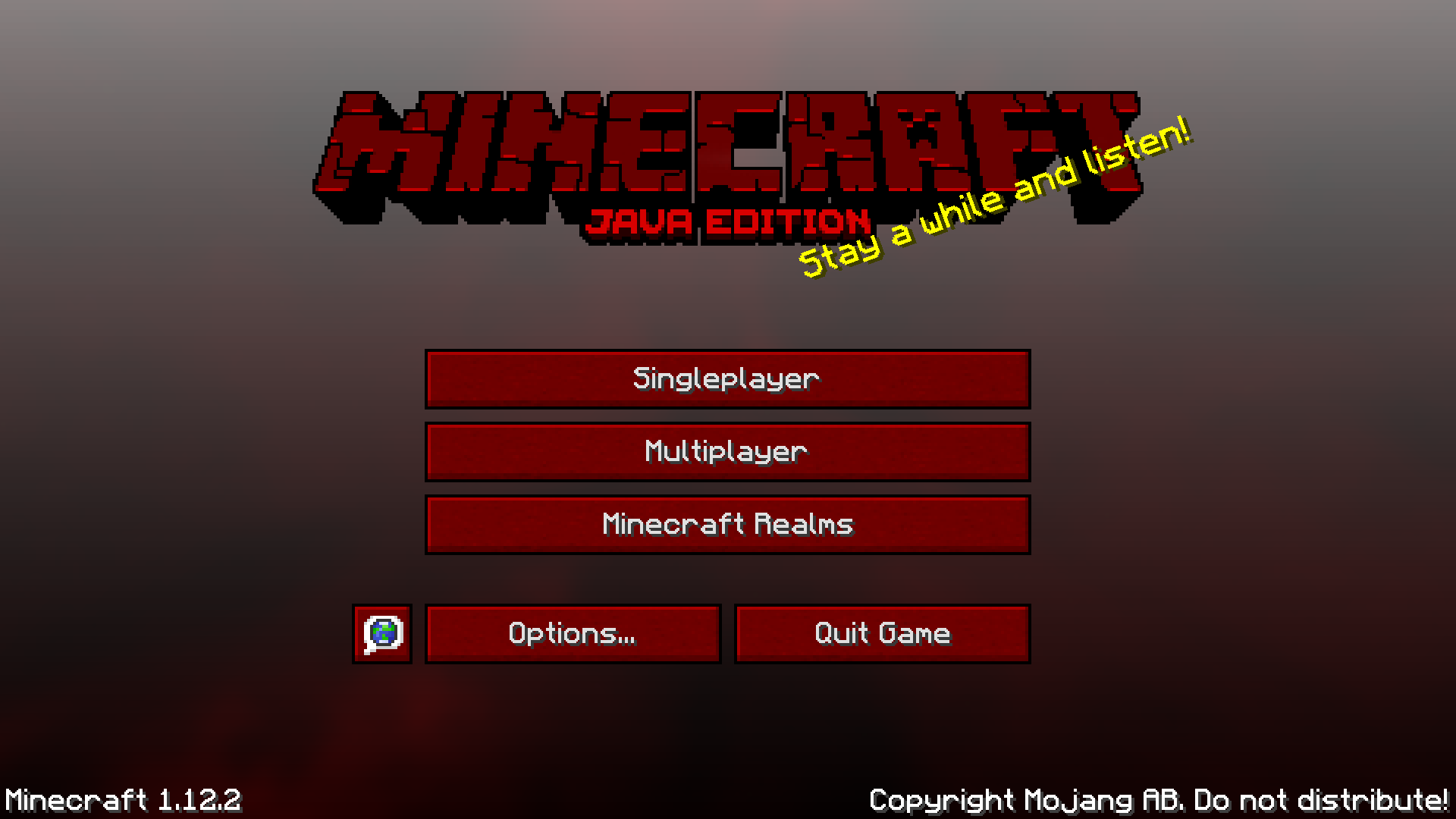
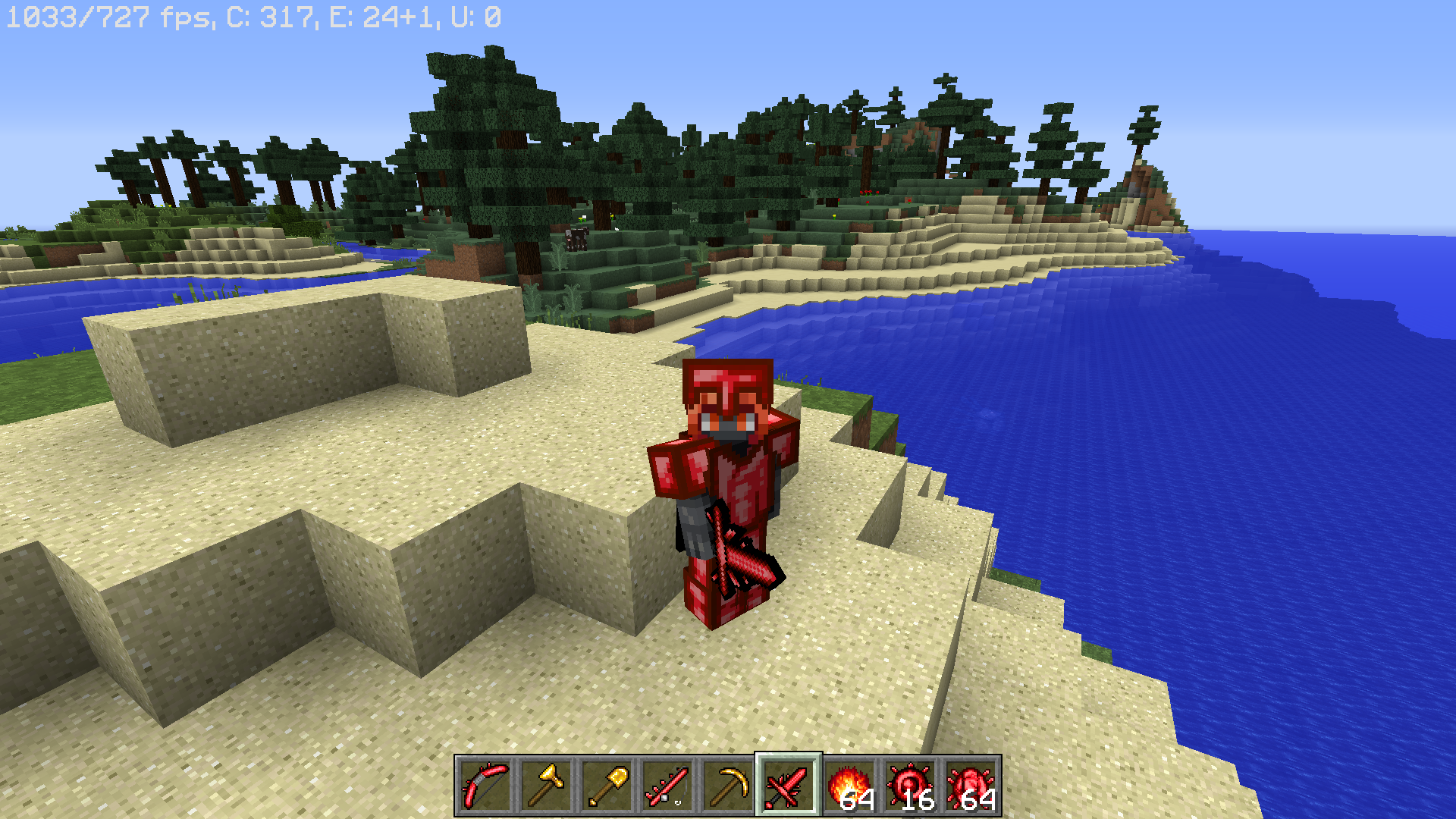
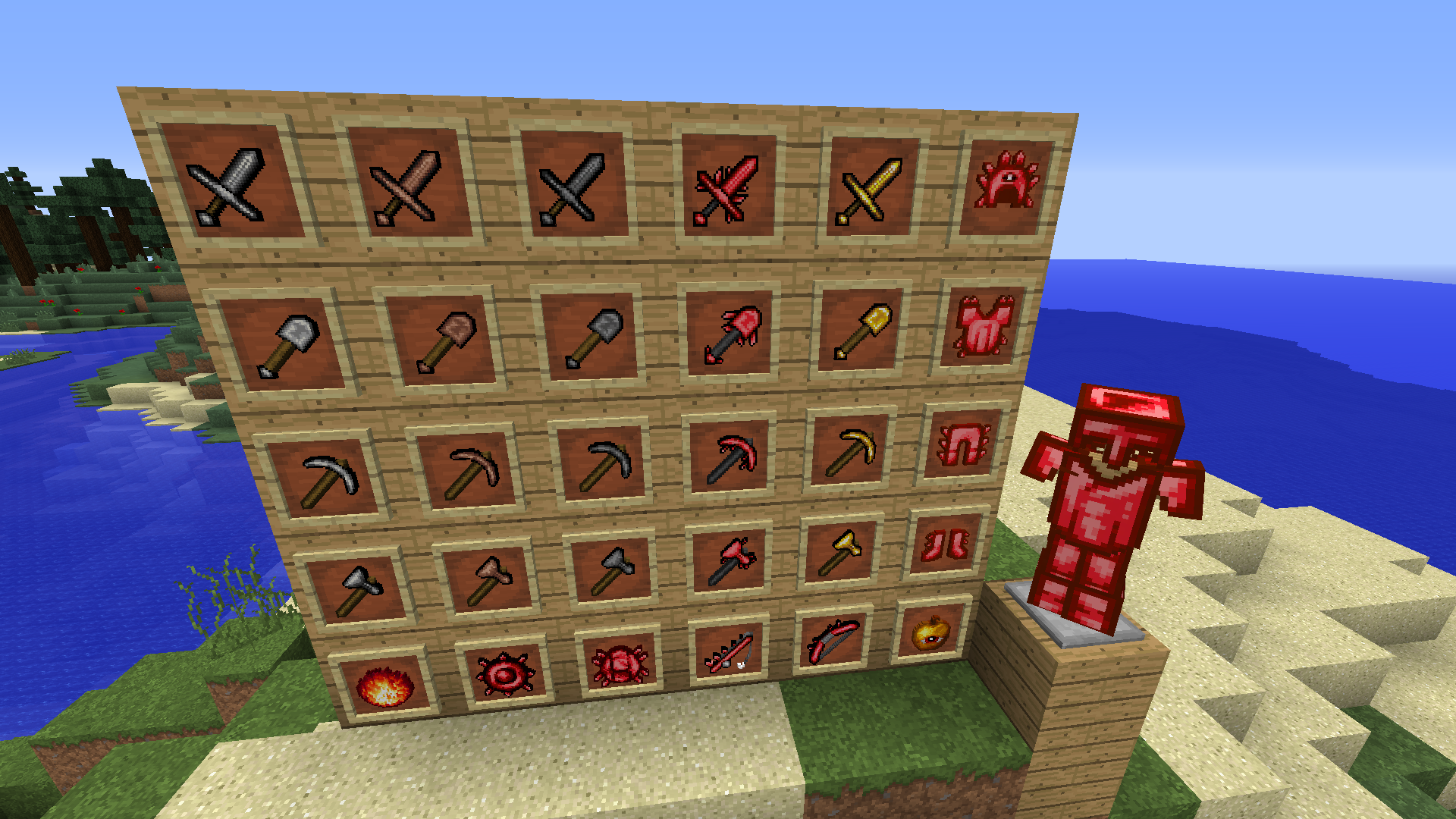
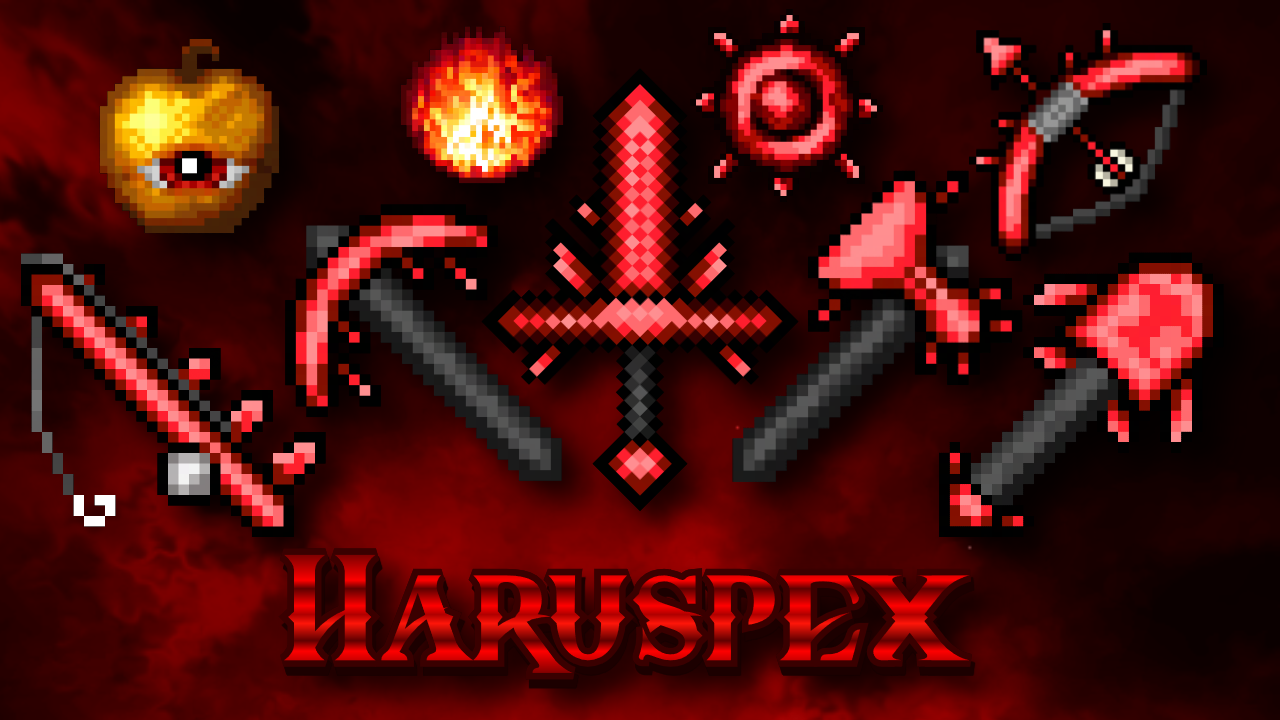
Red/hell/demon themed PVP pack which makes diamond equipment into spiky red equipment.
by dreamcritting
Download Claim this project
3,639 downloads
0 likes
0 followers
Updated Oct 14, 2026
0 hypes
Follow0
32x Traditional
Advertisement Remove ads with Premium →

⊹ ⨯ . ⁺ ✦ ⊹ ꙳ ⁺ ‧ ⨯. ⁺ ✦ ⊹ . * ꙳ ✦


Only the PVP related items are changed, the blocks shown in the screenshots use Faithful32 which I did not make and therefore is not included but is recommended to use alongside so you're not using 32x32 pvp items with all other textures being a different resolution. 

Optifine is not required.

Copyright claims will be sent to websites attempting to reupload this without permission.

If there are any bugs with the pack (although I don't except there to be) then let me know.

 

⊹ ⨯ . ⁺ ✦ ⊹ ꙳ ⁺ ‧ ⨯. ⁺ ✦ ⊹ . * ꙳ ✦

Haruspex 32x 1.13 - 1.19+ (full version)
MC 1.16-Snapshot, 1.17.1, 1.16.3, 1.13.1, 1.19.3, 1.15-Snapshot, 1.16.1, 1.18.1, 1.14.4, 1.14.1, 1.17, 1.14.3, 1.15, 1.16, 1.13, 1.19.4, 1.19-Snapshot, 1.16.5, 1.18.2, 1.19.2
Release 2023-04-09 Get
Haruspex 32x 1.6 - 1.12.2 (full version)
MC 1.7.6, 1.9.1, 1.9.3, 1.8.7, 1.7.4, 1.7.7, 1.7.5, 1.6.1, 1.10-Snapshot, 1.9.4, 1.9.2, 1.8.4, 1.7.9, 1.12.1, 1.12, 1.8.8, 1.7.3, 1.7.2, 1.10.2, 1.8-Snapshot, 1.8.3, 1.11, 1.8.6
Release 2023-03-24 Get
Haruspex 32x (No HUD or new title screen)
MC 1.7.6, 1.9.1, 1.9.3, 1.8.7, 1.7.4, 1.7.7, 1.7.5, 1.6.1, 1.10-Snapshot, 1.9.4, 1.9.2, 1.8.4, 1.7.9, 1.12.1, 1.12, 1.8.8, 1.7.3, 1.7.2, 1.10.2, 1.8-Snapshot, 1.8.3, 1.11, 1.8.6
Release 2023-03-24 Get
Haruspex (version with HUD and title screen ONLY)
MC 1.7.6, 1.9.1, 1.9.3, 1.8.7, 1.7.4, 1.7.7, 1.7.5, 1.6.1, 1.10-Snapshot, 1.9.4, 1.9.2, 1.8.4, 1.7.9, 1.12.1, 1.12, 1.8.8, 1.7.3, 1.7.2, 1.10.2, 1.8-Snapshot, 1.8.3, 1.11, 1.8.6
Release 2023-03-24 Get

Requirements & install

How to use this resource pack in Minecraft
Resolution
32x
Minecraft
1.17 – 1.19.4
Install folder
.minecraft/resourcepacks

How to install resource packs

  1. Download the resource pack .zip file (do not extract it).
  2. In Minecraft open Options → Resource Packs → Open Pack Folder.
  3. Drop the .zip into the resourcepacks folder (.minecraft/resourcepacks).
  4. Move the pack to the Selected column and click Done.
Browse more: 16x resource packs 32x resource packs 64x resource packs 128x resource packs 256x resource packs 512x+ resource packs Resource Packs for 1.19.4 All resource packs

More from dreamcritting

Advertisement Remove ads with Premium →

You Might Also Like