Mineuniverse
Resource Packs
Happy Ghast

Happy Ghast

RESOURCE PACK
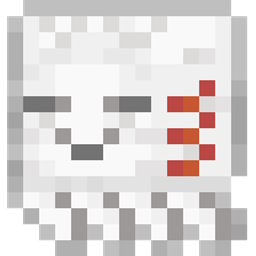
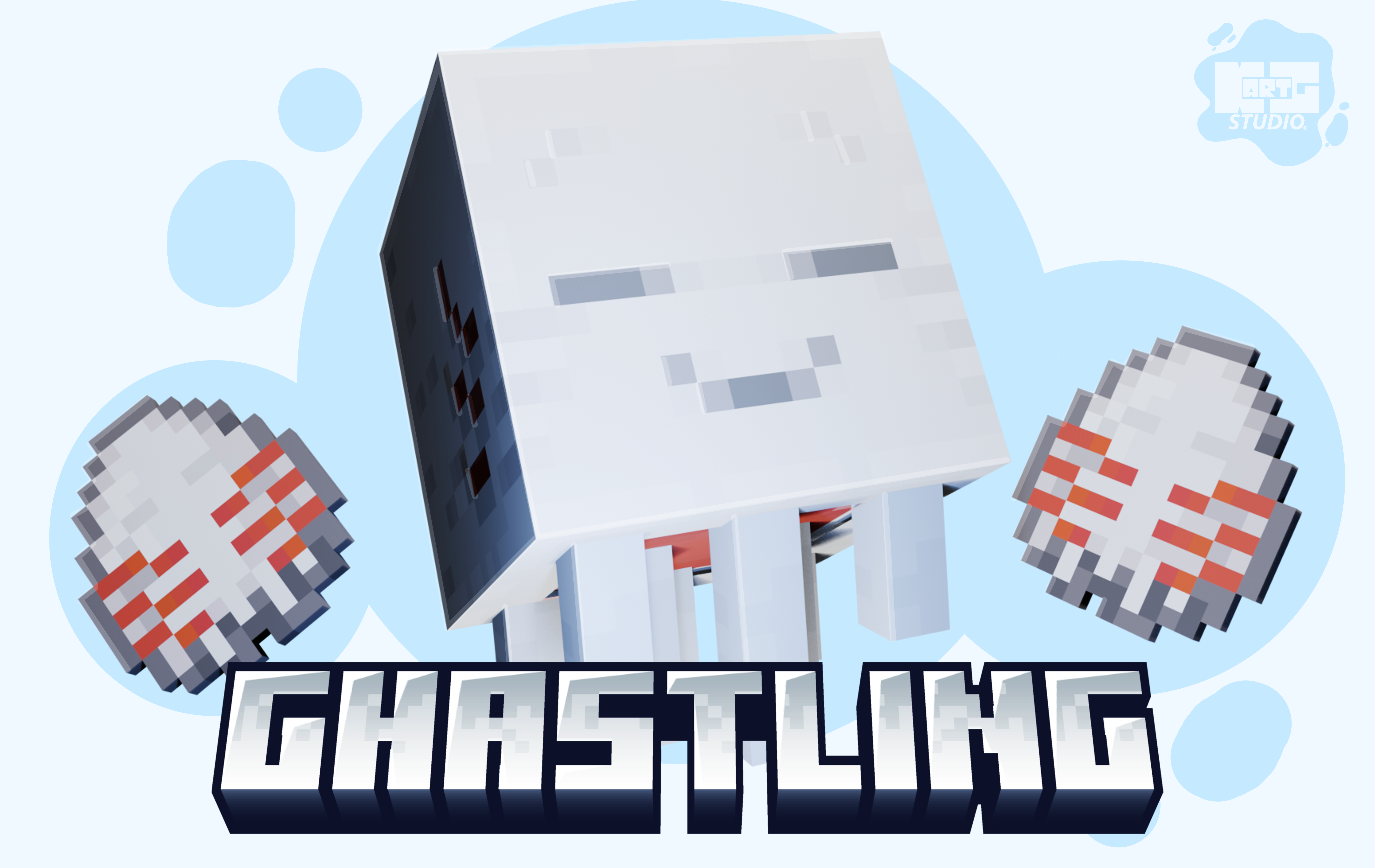
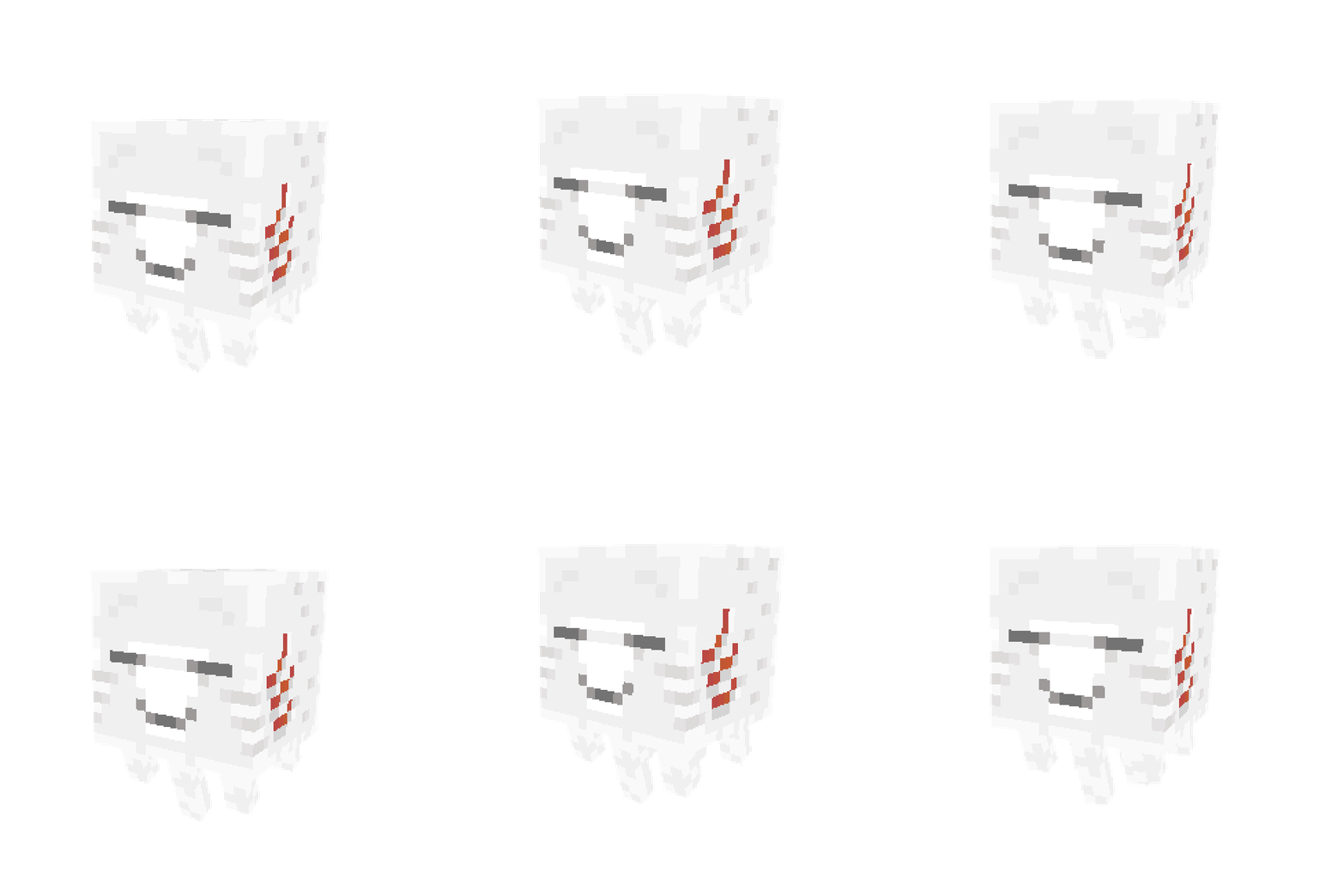
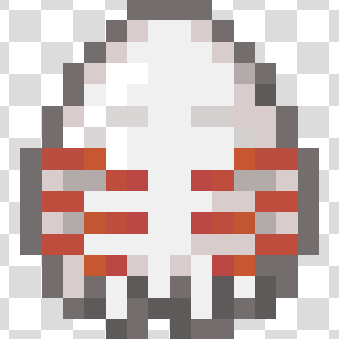
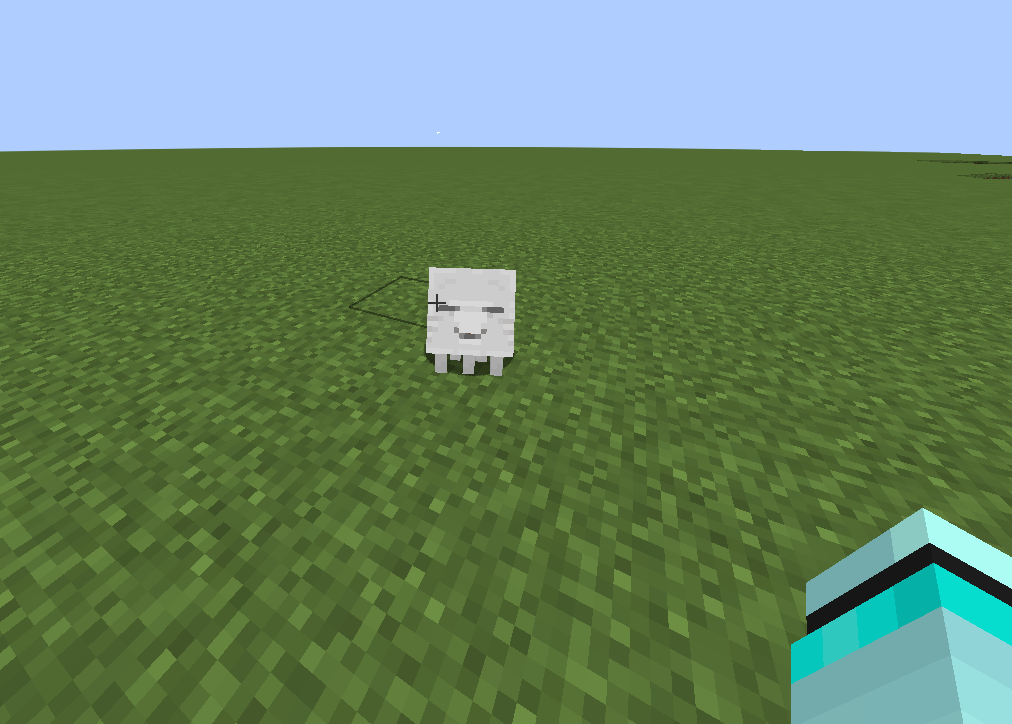
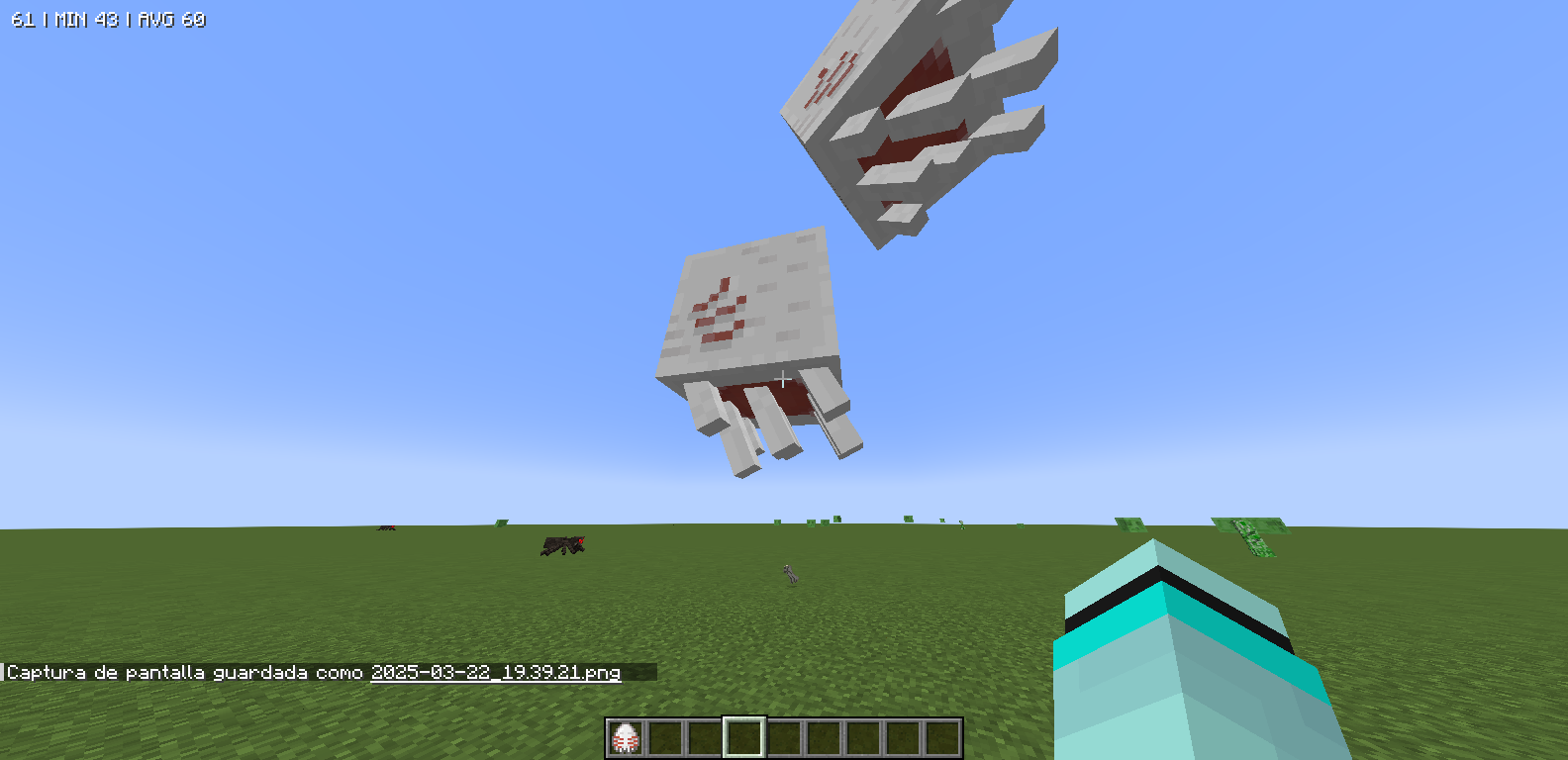
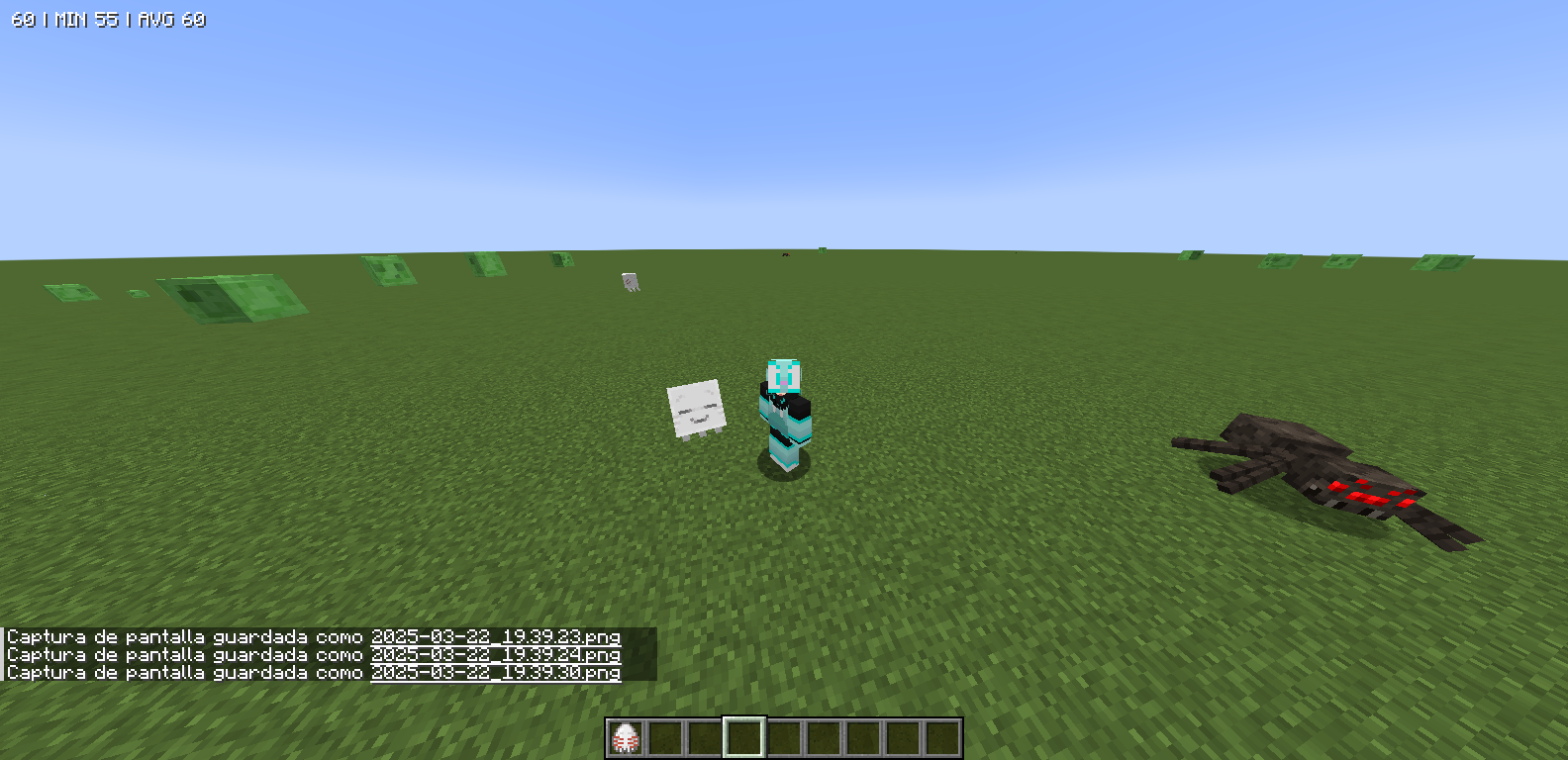
The new and adorable Minecraft mob is live, so people can see it in advance before it's implemented into the official game. The Allay mob is replaced by the new baby Ghast, how cute it is. It doesn't affect gameplay at all, it just modifies the allay mode
by NgArtStudio
Download Claim this project
Add a badge to your pageLink to Happy Ghast from a README, website or forum post.
Preview: Badge

Badges update automatically and link to the resource pack page on MineUniverse.

2,347 downloads
0 likes
0 followers
Updated Oct 14, 2026
0 hypes
Follow0
16x Data Packs
Advertisement Remove ads with Premium →


  Twitter

Title

(US)

The new and adorable Minecraft mob is live, so people can see it in advance before it's implemented into the official game. The Allay mob is replaced by the new baby Ghast, how cute it is.

It doesn't affect gameplay at all, it just modifies the allay model.

Recommendation: Use the Optifine Mod or EMF and ETF for perfect performance.

I hope you like it. I made them quickly and with lots of love.


separador


(ES)

El nuevo y adorable monstruo de Minecraft ya está disponible, así que pueden verlo con antelación antes de que se implemente en el juego oficial. El mob Allay ha sido reemplazado por el nuevo bebé Ghast, ¡qué monada!

No afecta para nada la jugabilidad, solo modifica el modelo de Allay.

Recomendación: Usen el Mod Optifine o EMF y ETF para un rendimiento perfecto.

Espero que les guste. Los hice rápidamente y con mucho cariño.


Recomendacion


goodmod              

optifine


Credits Teture Pack:

By:NgArtStudio


Ghastling Update §7§lMINECRAFT §4§lLIVE.zip
MC 1.20.1
Release 2025-03-23 Get
Ghastling Update3 §7§lMINECRAFT §4§lLIVE.zip
MC 1.20.1
Release 2025-03-23 Get
Ghastling §7§lMINECRAFT §4§lLIVE.zip
MC 1.20.1
Release 2025-03-22 Get

Requirements & install

How to use this resource pack in Minecraft
Resolution
16x
Minecraft
1.20.1
Install folder
.minecraft/resourcepacks

How to install resource packs

  1. Download the resource pack .zip file (do not extract it).
  2. In Minecraft open Options → Resource Packs → Open Pack Folder.
  3. Drop the .zip into the resourcepacks folder (.minecraft/resourcepacks).
  4. Move the pack to the Selected column and click Done.
Browse more: 16x resource packs 32x resource packs 64x resource packs 128x resource packs 256x resource packs 512x+ resource packs Resource Packs for 1.20.1 All resource packs
Advertisement Remove ads with Premium →

You Might Also Like