Mineuniverse
Resource Packs
Halo Xbox 360 MashUp Pack

Halo Xbox 360 MashUp Pack

RESOURCE PACK
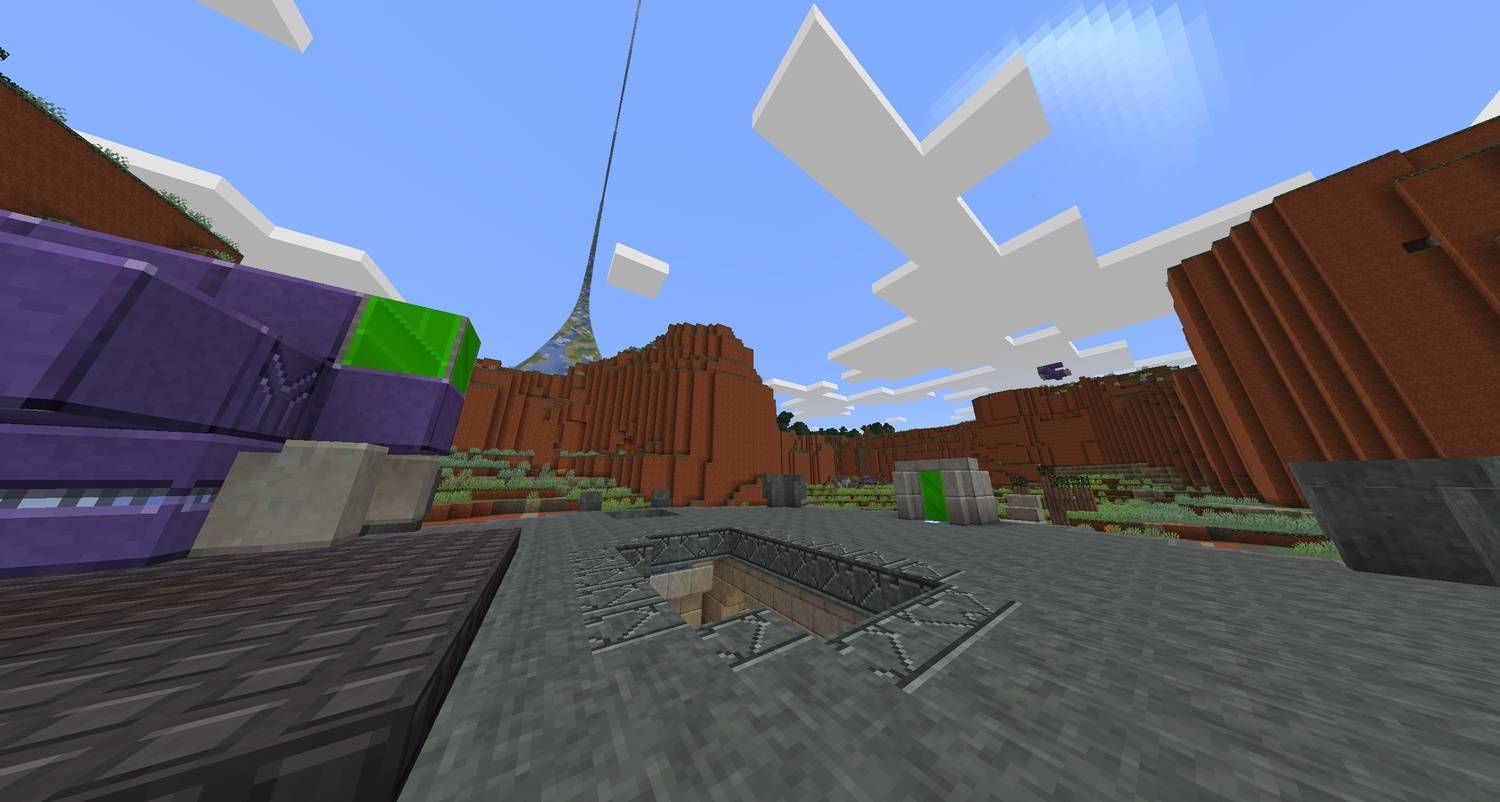
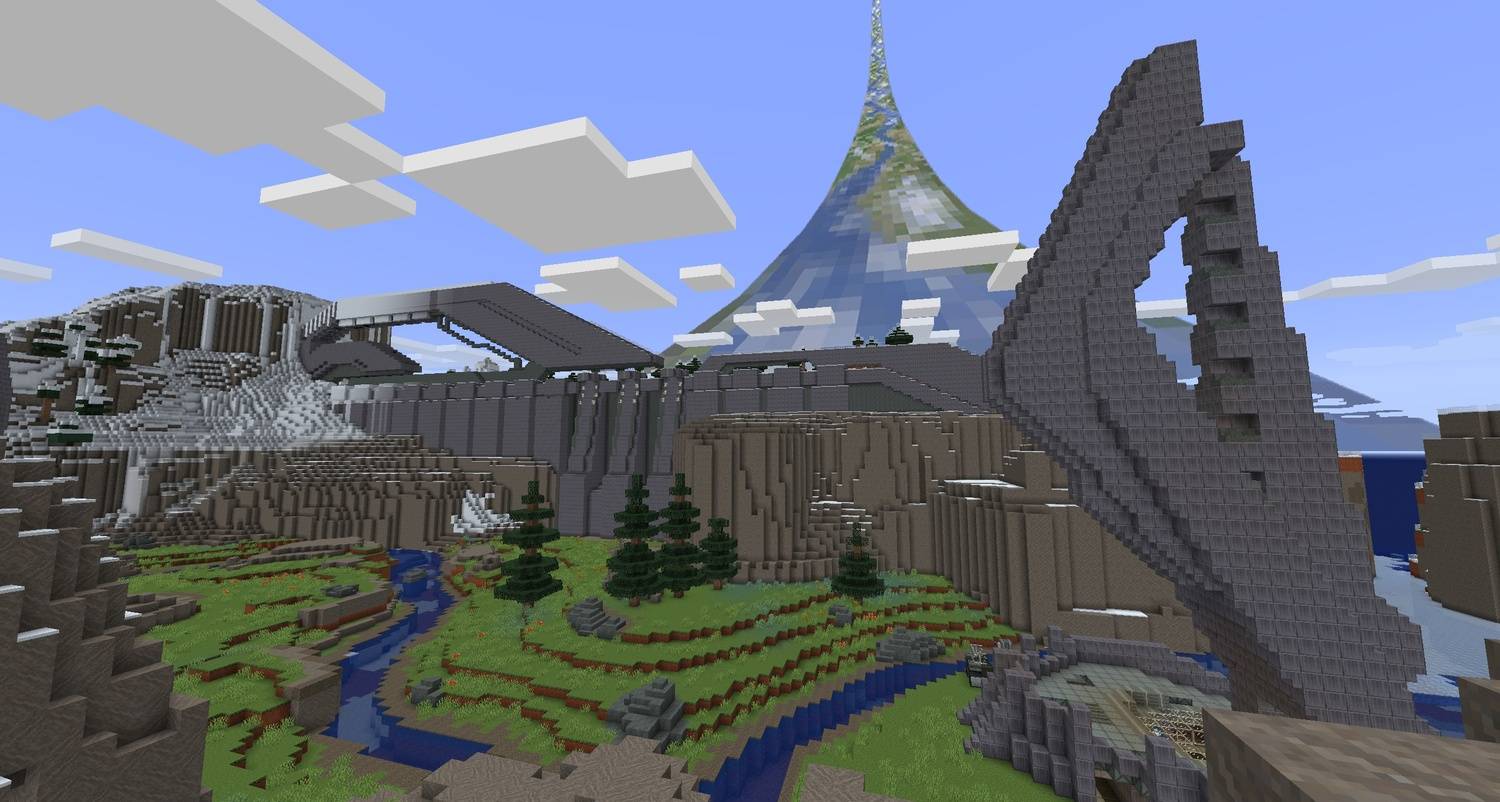
A refreshed port of the classic Halo Xbox 360 Mash-Up Pack for Java Edition. Updated textures, improved sky with the iconic Halo ring, and compatibility fixes to bring the original feel to modern Minecraft.
by SuperCatElvis
Download Claim this project
Add a badge to your pageLink to Halo Xbox 360 MashUp Pack from a README, website or forum post.
Preview: Badge

Badges update automatically and link to the resource pack page on MineUniverse.

5,371 downloads
0 likes
0 followers
Updated Oct 14, 2026
0 hypes
Follow0
16x Miscellaneous Modern Traditional
Advertisement Remove ads with Premium →

Description
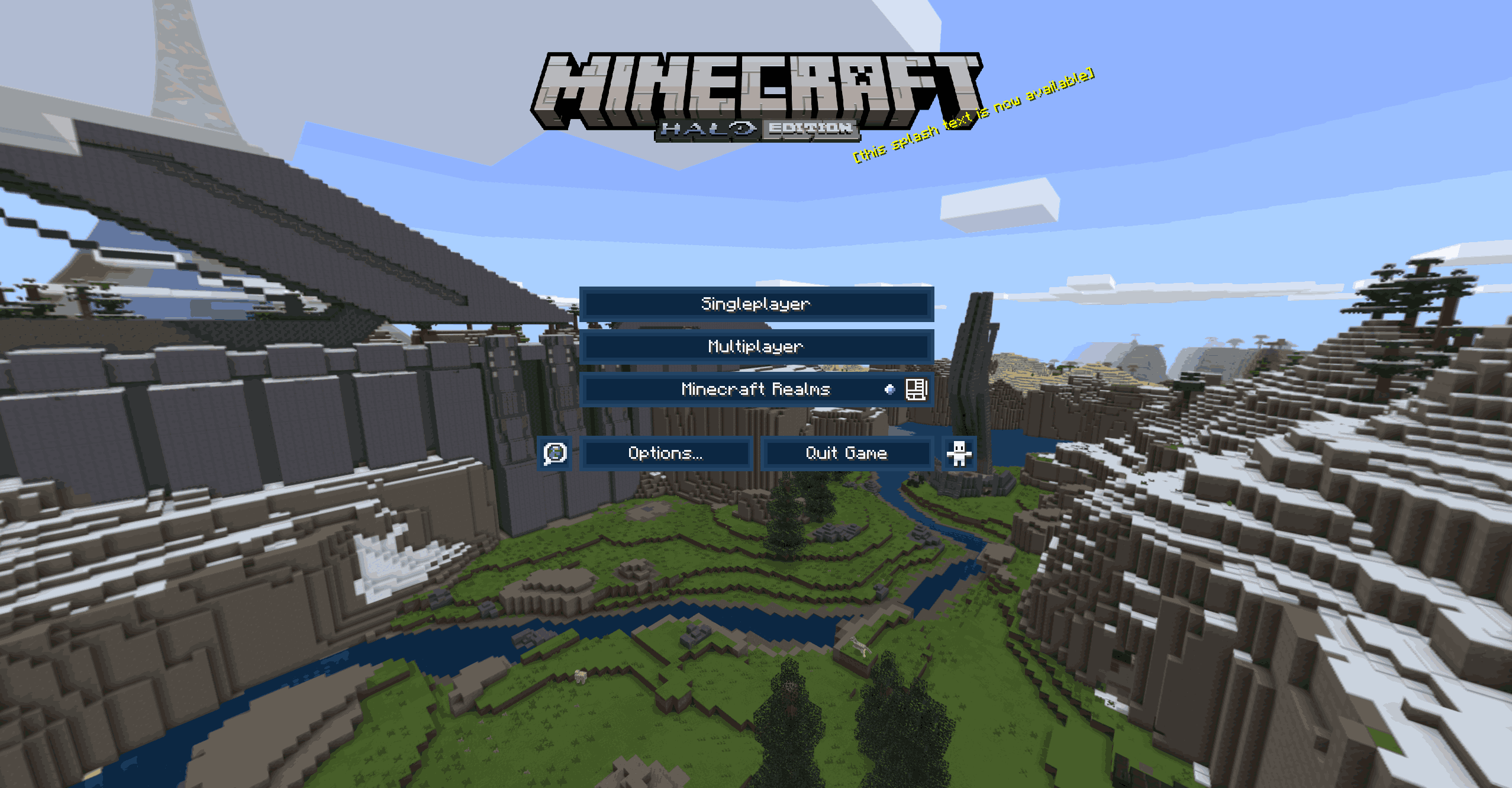
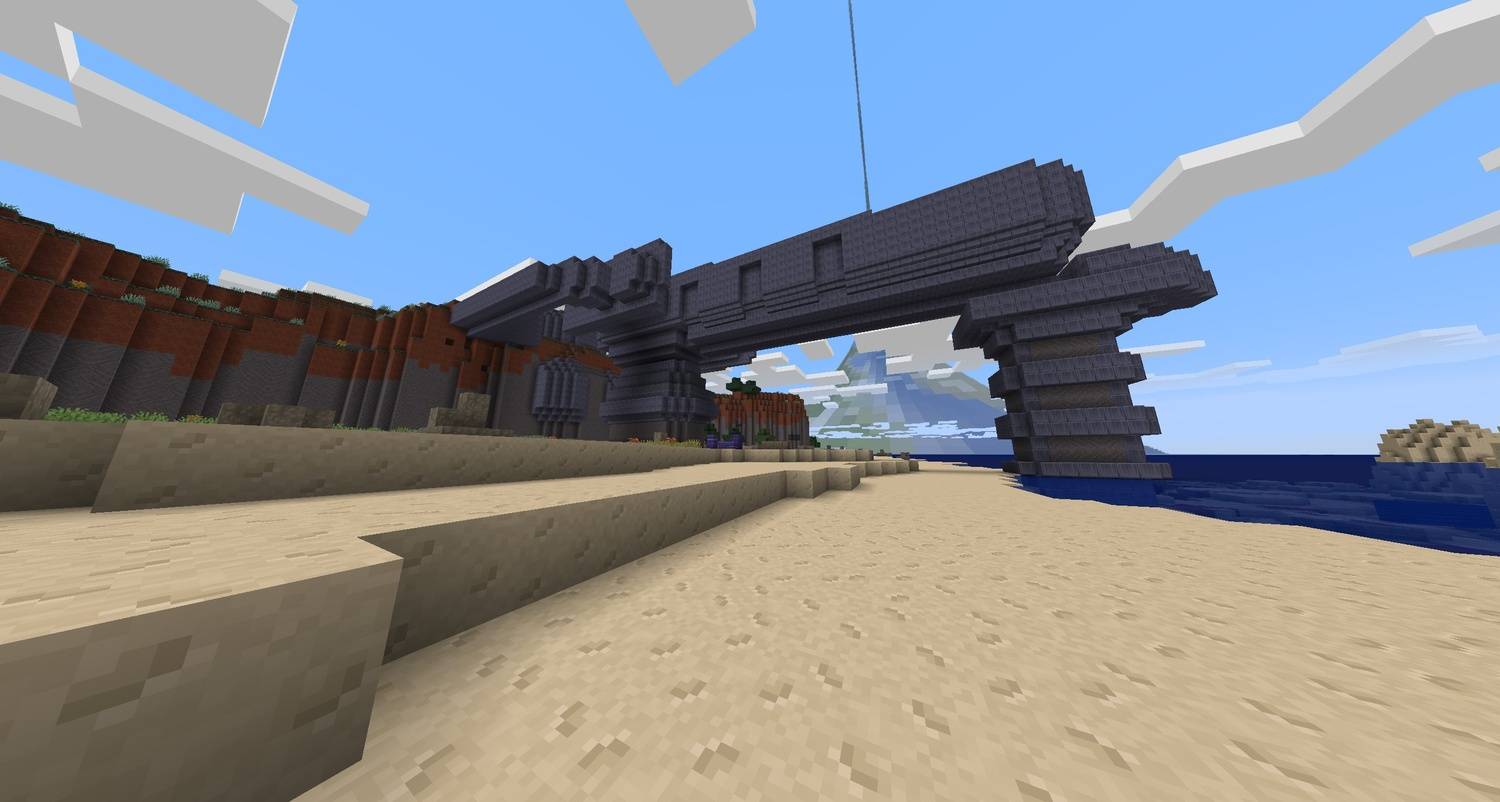
This resource pack restores the classic Halo Mashup Pack Texture Pack from the original Xbox 360 Halo Mash-up Pack, now rebuilt and fixed for modern Minecraft Java Edition.
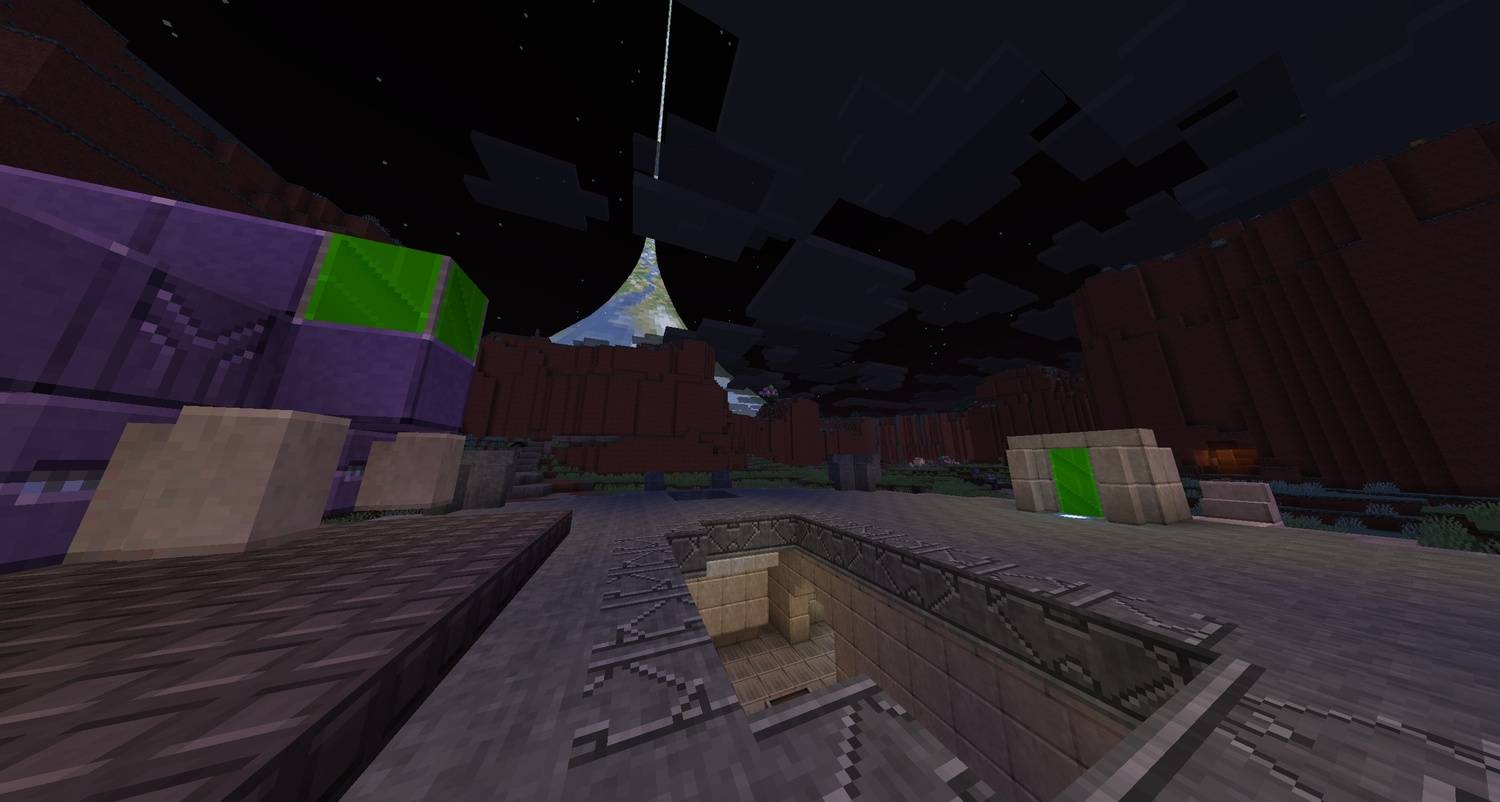
It also includes  iconic ringworld arcs across the sky just as it did on the legacy console edition — preserved for nostalgia and tweaked for clean, accurate rendering today.

As well as the original Halo Mashup Pack Soundtrack.

Halo Ring Currently requires OptiFine or Fabric Optiboxes

Note: Fully ported over from Minecraft Bedrock all available textures updated for 1.21.10

• Optional but Recommended: Halo Xbox 360 Mashup Pack World


Features

  • Faithful restoration of the Xbox 360 Halo Mash-up Textures
  • Properly converted from the original haloRing.png
  • High-quality PNG with corrected formatting and transparency
  • Works alongside existing sky packs without visual conflicts
  • Lightweight, stable, and entirely client-side
  • Original Halo Mashup Pack Soundtrack

Perfect For

  • Halo-themed survival or creative worlds
  • Adventure maps and setpiece builds
  • Screenshots, cinematics, and showcases
  • Anyone who loved the original console mash-up packs

Compatibility

  • Minecraft Java Edition
  • Pack format: 64.0 (1.21.10)
  • Works in singleplayer or multiplayer
  • Fully compatible with resource pack stacking
Halo Xbox 360 Mashup Pack V1.2
MC 1.21.11
Release 2025-12-11 Get
Halo Xbox 360 Mashup Pack V1.1
MC 1.21, 1.21.8, 1.21.5, 1.21.4, 1.21.1, 1.21.6, 1.21.3, 1.21.7, 1.21.2, 1.21.9, 1.21.10
Release 2025-11-30 Get
Halo Xbox 360 Mashup Pack V1.0
MC 1.21, 1.21.8, 1.21.5, 1.21.4, 1.21.1, 1.21.6, 1.21.3, 1.21.7, 1.21.2, 1.21.9, 1.21.10
Release 2025-11-29 Get
Halo Xbox 360 Mashup Pack V0.3
MC 1.21.9, 1.21.10
Beta 2025-11-28 Get
Halo Xbox 360 Mashup Pack V0.2
MC 1.21.9, 1.21.10
Beta 2025-11-27 Get
Halo Xbox 360 MashUp Pack V0.1
MC 1.21, 1.20.2, 1.21.8, 1.20.5, 1.21.5, 1.21.4, 1.20.1, 1.20, 1.20.6, 1.21.1, 1.21.6, 1.21.3, 1.21.7, 1.20.4, 1.20.3, 1.21.2, 1.21.9, 1.21.10
Beta 2025-11-25 Get

Requirements & install

How to use this resource pack in Minecraft
Resolution
16x
Minecraft
1.21.4 – 1.21.11
Install folder
.minecraft/resourcepacks

How to install resource packs

  1. Download the resource pack .zip file (do not extract it).
  2. In Minecraft open Options → Resource Packs → Open Pack Folder.
  3. Drop the .zip into the resourcepacks folder (.minecraft/resourcepacks).
  4. Move the pack to the Selected column and click Done.
Browse more: 16x resource packs 32x resource packs 64x resource packs 128x resource packs 256x resource packs 512x+ resource packs Resource Packs for 1.21.11 All resource packs

More from SuperCatElvis

Advertisement Remove ads with Premium →

You Might Also Like