Mineuniverse
Resource Packs
Halloween  Spooky GUI 1.19x

Halloween Spooky GUI 1.19x

RESOURCE PACK
Halloween Themed Pack for PVP and Survival, With a Complete GUI.
by xShuda_
Download Claim this project
Add a badge to your pageLink to Halloween Spooky GUI 1.19x from a README, website or forum post.
Preview: Badge

Badges update automatically and link to the resource pack page on MineUniverse.

8,971 downloads
0 likes
0 followers
Updated Oct 14, 2026
0 hypes
Follow0
16x Medieval Miscellaneous
Advertisement Remove ads with Premium →

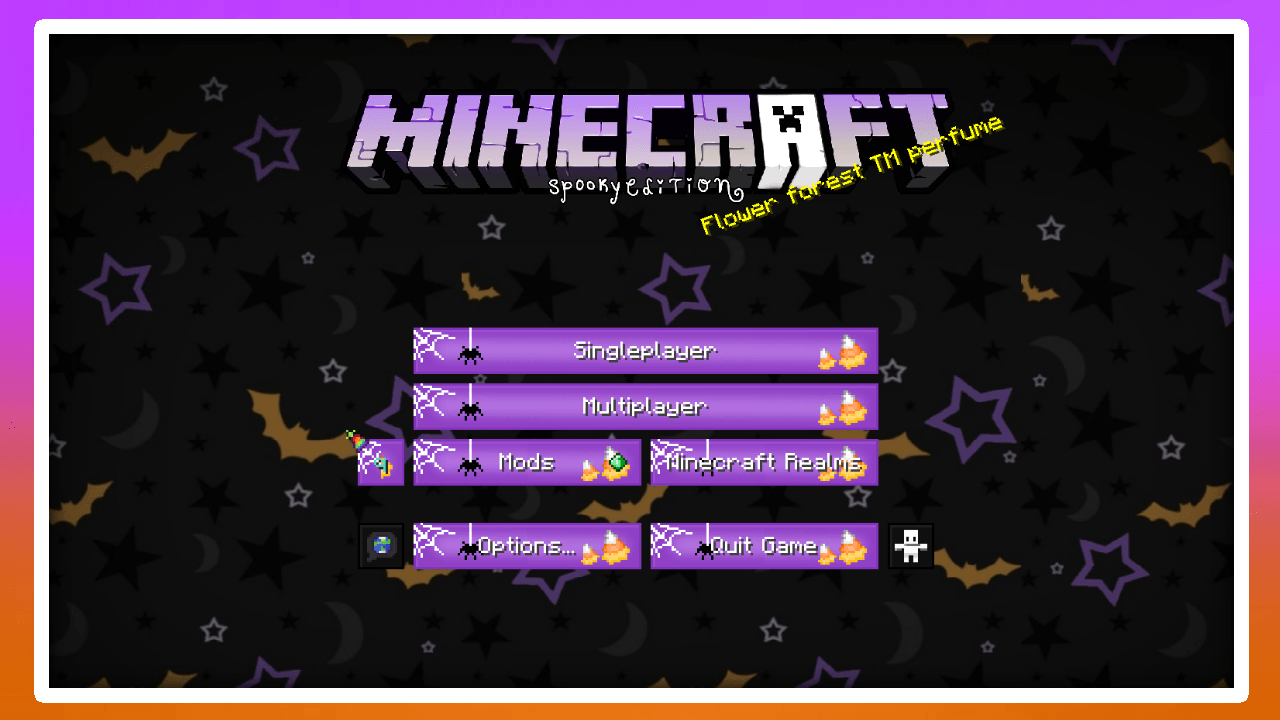
HALLOWEEN THEMED >;)

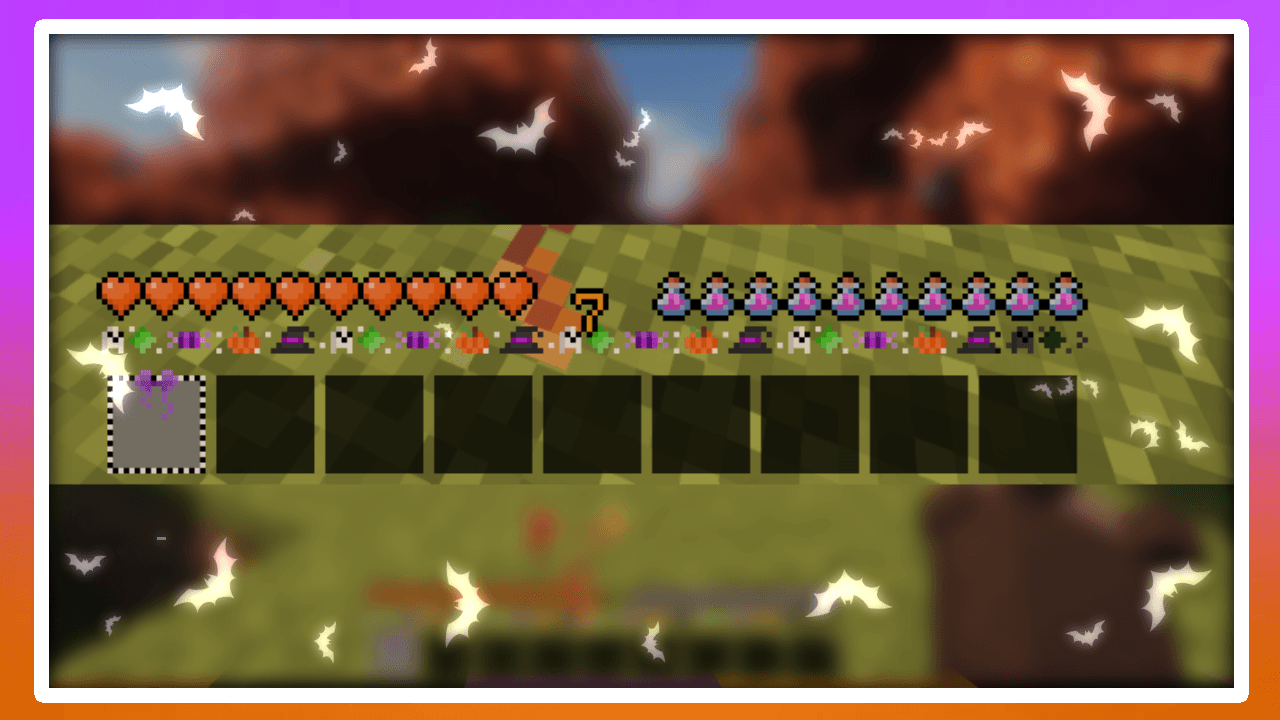
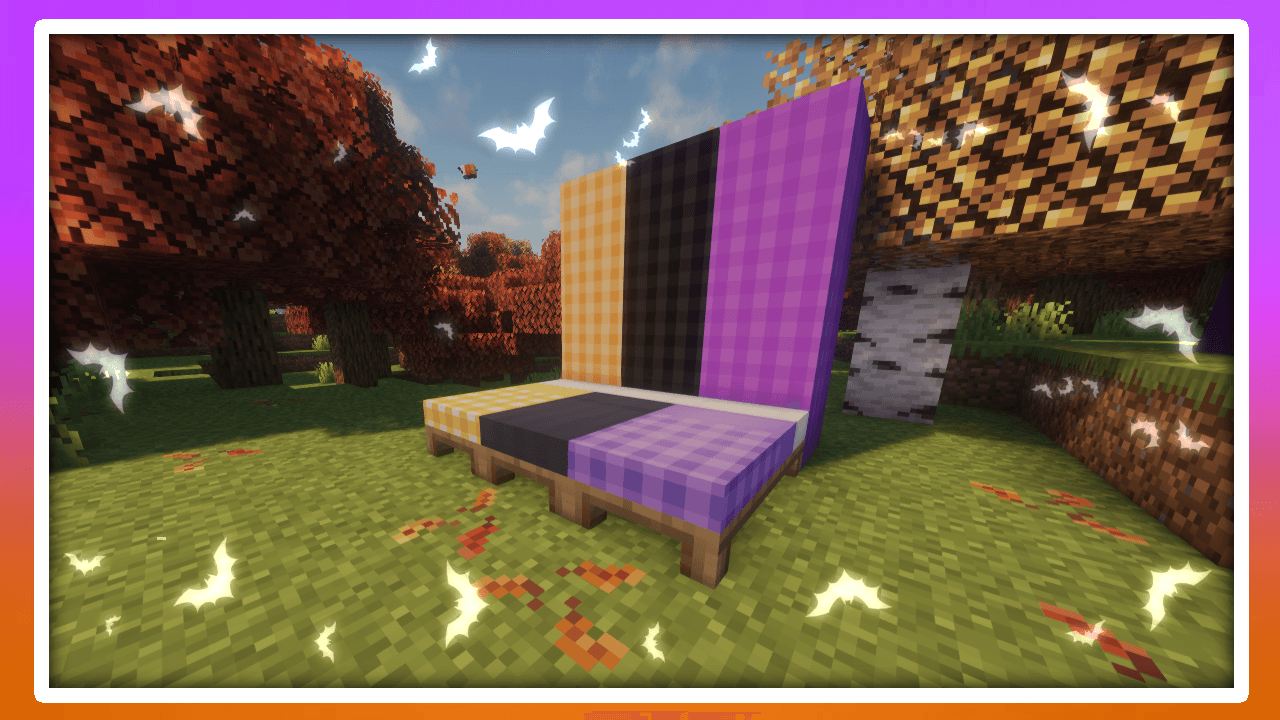
Cute and Spooky Resource pack, Dark Style gui.

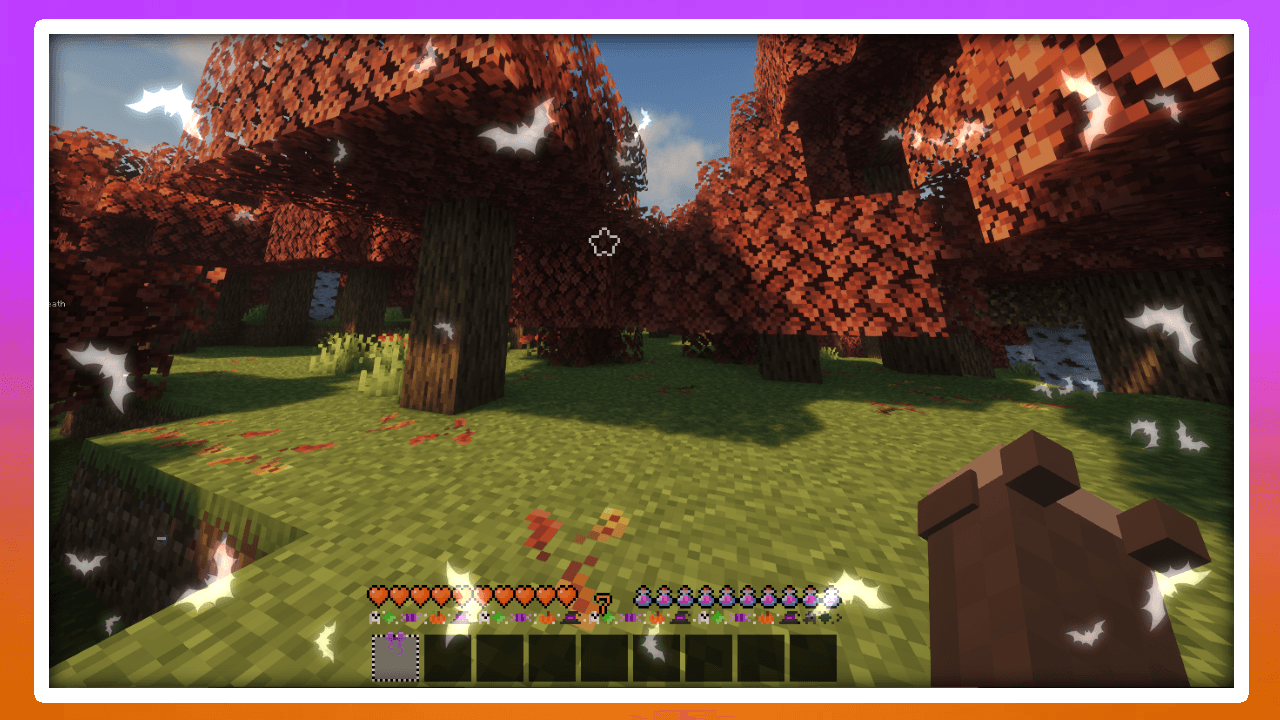
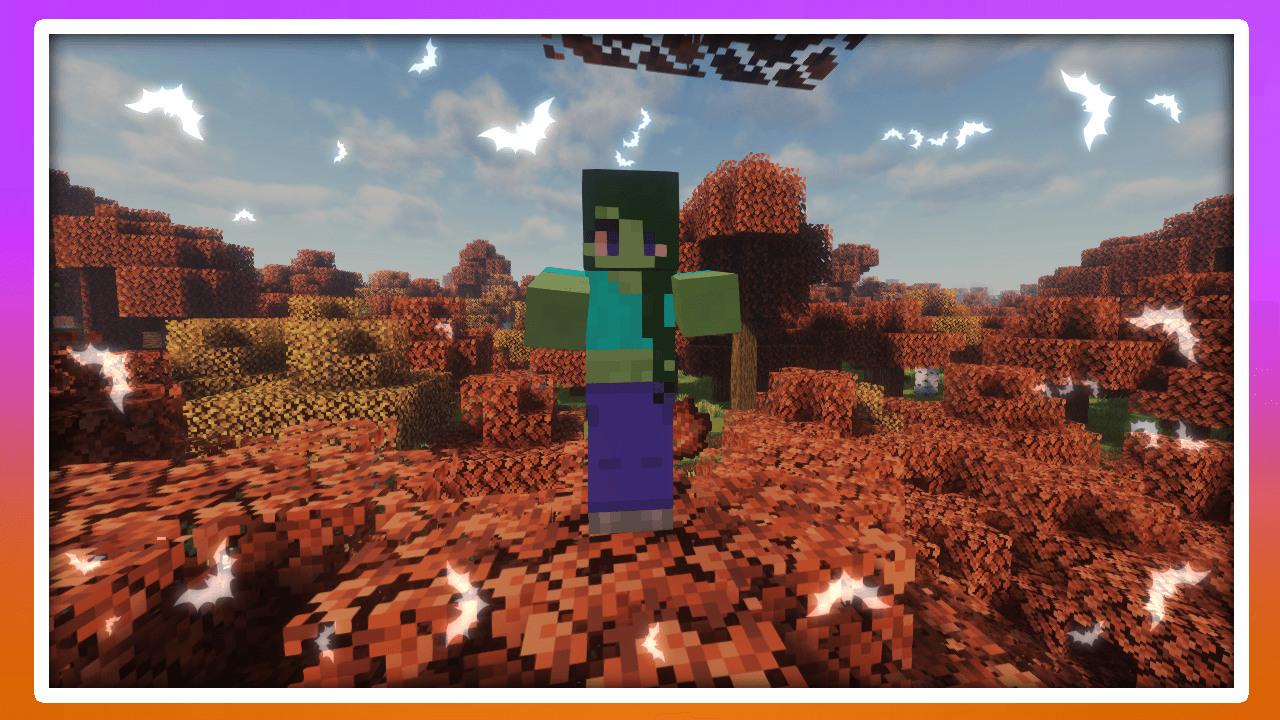
This Pack changes the colors of the leaves and folliage to match the fall aesthetic!

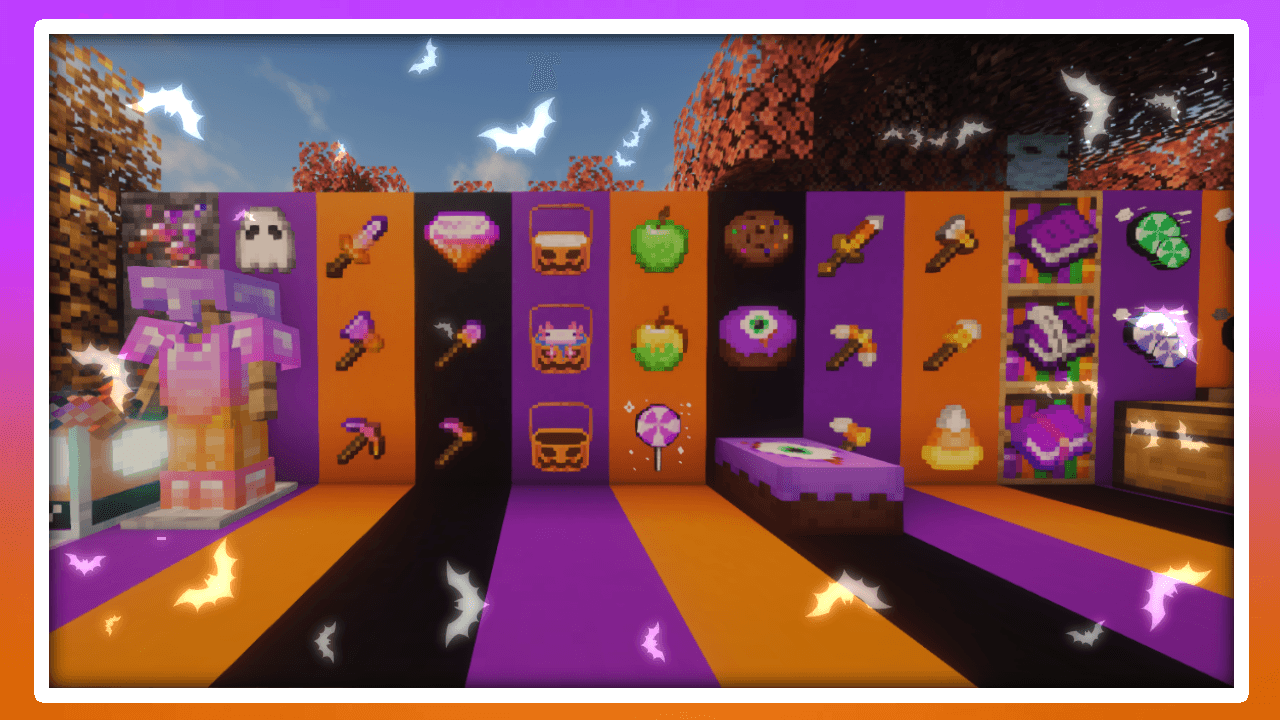
Heres a Video Displaying every texture! 

This was oringally made for my SMP which you can Join here ---> SMP SIGN UP

Comment for any suggestions or bug reports <3!! 

Youtube
Discord
Twitch
Twitter/X

Spooky GUI 1.21.1+
MC 1.21.2-Snapshot, 1.21, 1.21.6-snapshot, 1.21.5, 1.21.8, 1.21.1-Snapshot, 1.21.4, 1.21.5-Snapshot, 1.21.3, 1.21.7, 1.21.1, 1.21.6, 1.21.4-Snapshot, 1.21.2, 1.21.9-snapshot
Release 2025-09-04 Get
Halloweenie 1.19x.zip
MC 1.19.3, 1.19.4, 1.19.2, 1.19.1, 1.19, 1.19.3-Snapshot
Beta 2024-09-11 Get

Requirements & install

How to use this resource pack in Minecraft
Resolution
16x
Minecraft
1.21.4 – 1.21.9-snapshot
Install folder
.minecraft/resourcepacks

How to install resource packs

  1. Download the resource pack .zip file (do not extract it).
  2. In Minecraft open Options → Resource Packs → Open Pack Folder.
  3. Drop the .zip into the resourcepacks folder (.minecraft/resourcepacks).
  4. Move the pack to the Selected column and click Done.
Browse more: 16x resource packs 32x resource packs 64x resource packs 128x resource packs 256x resource packs 512x+ resource packs Resource Packs for 1.21.9-snapshot All resource packs

More from xShuda_

Advertisement Remove ads with Premium →

You Might Also Like