Mineuniverse
Resource Packs
Halloween | Scary and Spooky

Halloween | Scary and Spooky

RESOURCE PACK
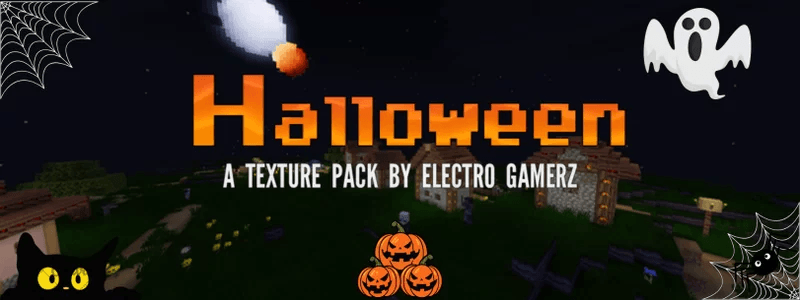
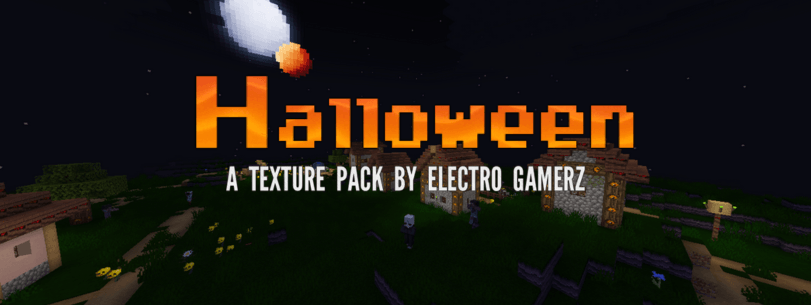
Halloween texture pack is based on Scary and Spooky thing.
by Electro_Gamerz123
Download Claim this project
Add a badge to your pageLink to Halloween | Scary and Spooky from a README, website or forum post.
Preview: Badge

Badges update automatically and link to the resource pack page on MineUniverse.

336 downloads
0 likes
0 followers
Updated Oct 14, 2026
0 hypes
Follow0
32x Miscellaneous Traditional
Advertisement Remove ads with Premium →

HALLOWEEN

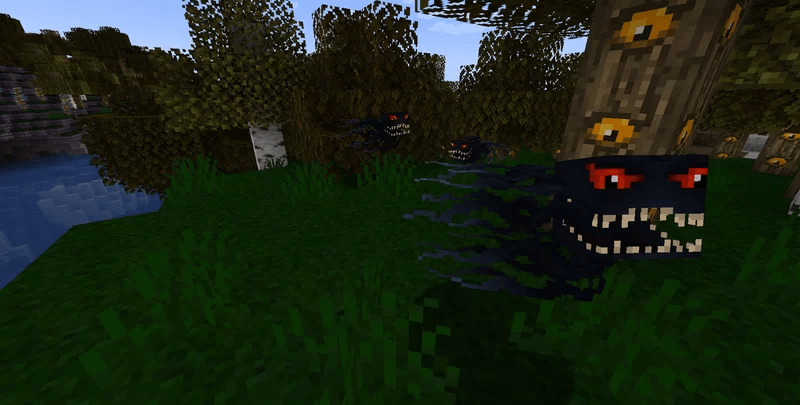
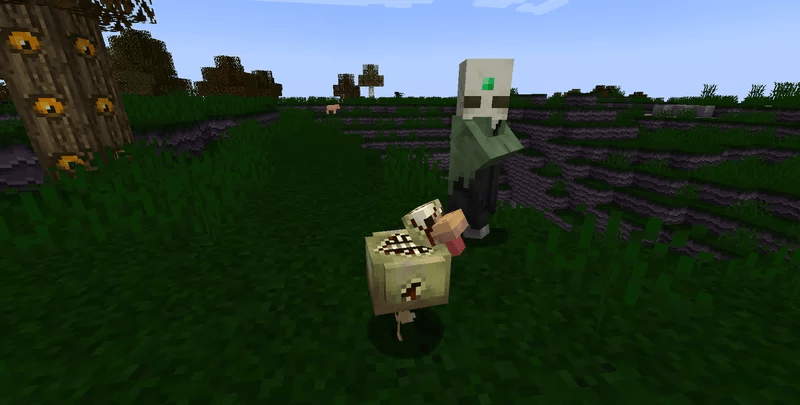
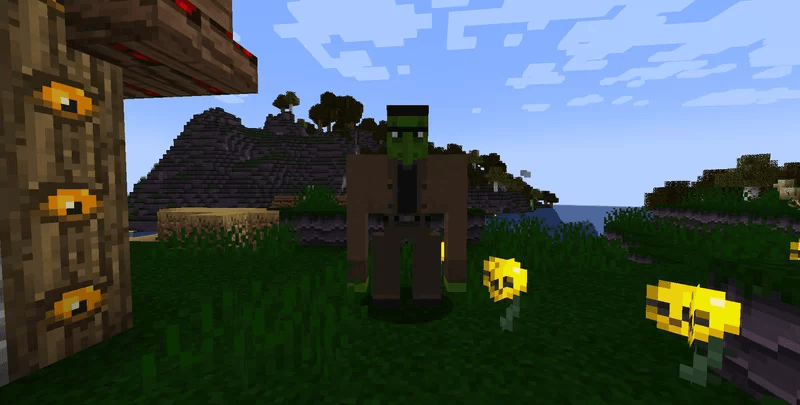
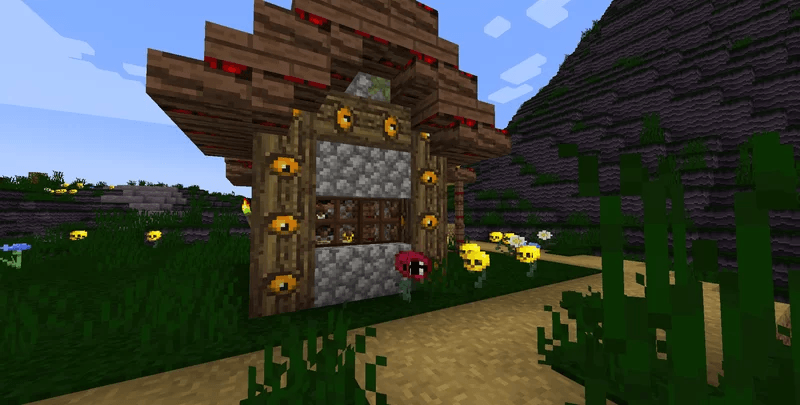
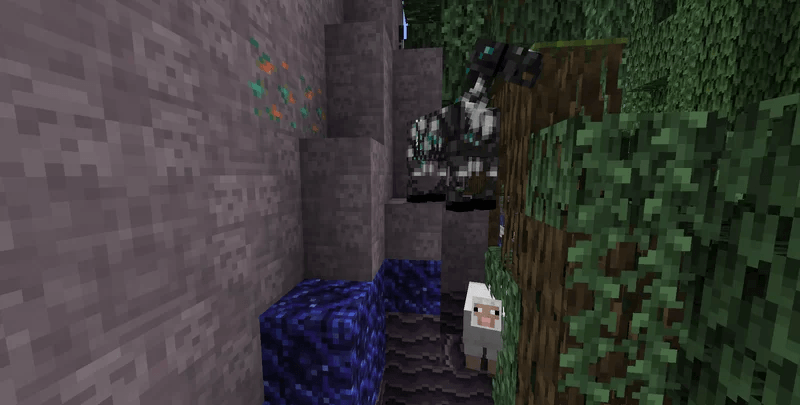
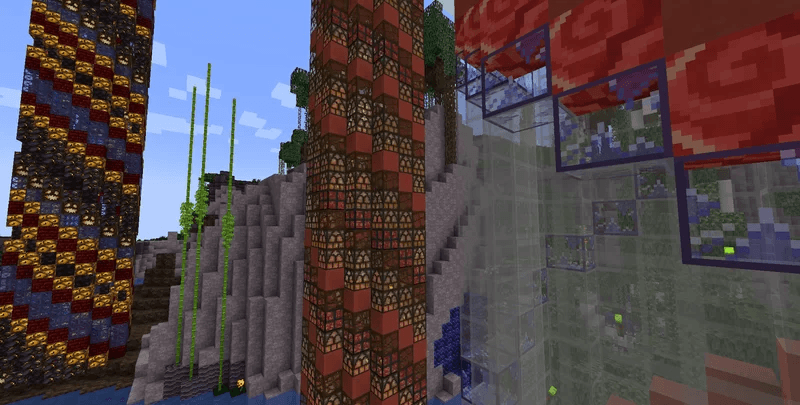
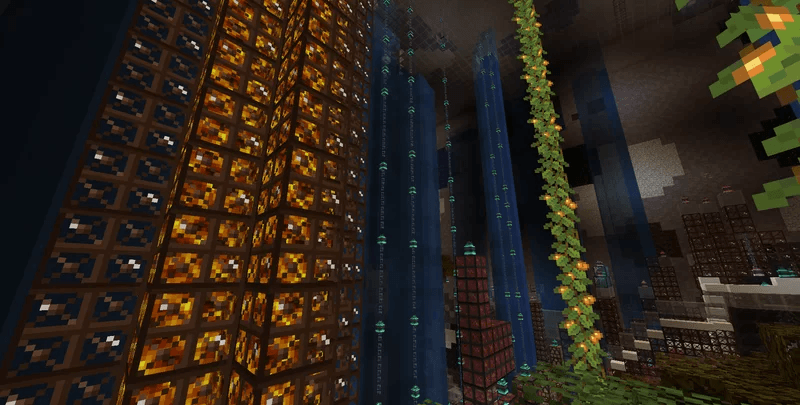
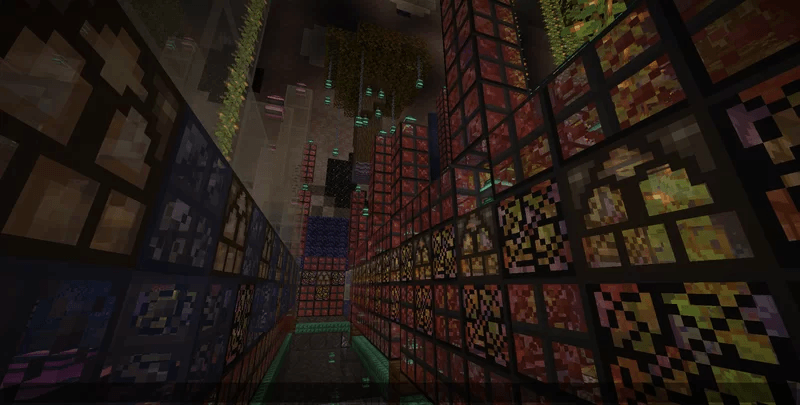
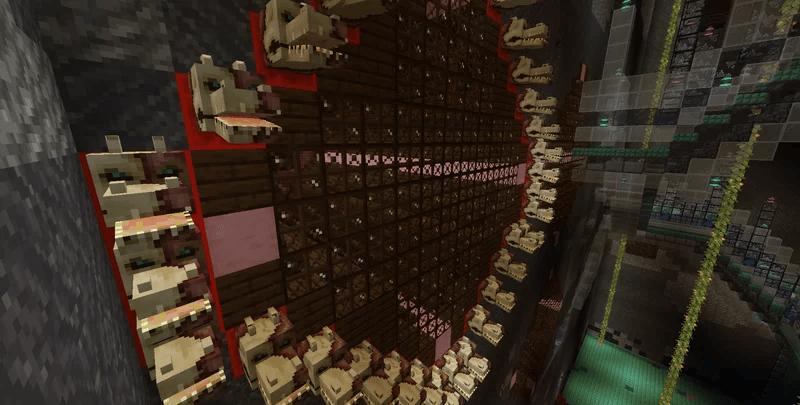
This texture pack is based on Halloween and also skin changes on many mobs and resources. Glowing spiders, bloody skeletons, more realistic zombies and more. Stained glass now have custom patterns depending on the color chosen. Certain flowers are now skulls. The ground and sky have been re-textured to celebrate the spooky season. Many scary surprises await you!


This texture pack is still a work in progress and as such is unfinished. I'm working on this texture pack and looking for things that would work well with the style I'm trying to achieve, while trying to balance out what's already there. While I'm more than happy to take suggestions and encourage it, remember that this is supposed to be rather hard, even unfairly so, but at the same time I am trying to make it somewhat 'good" and "balanced" in a sense so that it's will look good, Also feel free to report any bugs or anything missing from texture, I've been working on this so long I may have forgotten about some of my changes.


halloween-1.19.4-1.0.0.zip
MC 1.19.4
Release 2025-02-26 Get
halloween-1.12.0-1.1.0.zip
MC 1.12
Release 2025-02-26 Get
halloween-1.19.4-1.1.0.zip
MC 1.19.4
Release 2025-02-26 Get
halloween-1.20.2-1.1.0.zip
MC 1.20.2
Release 2025-02-26 Get
halloween-1.19.4-1.2.0.zip
MC 1.19.4
Release 2025-02-26 Get
halloween-1.20.2-1.2.0.zip
MC 1.20.2
Release 2025-02-26 Get

Requirements & install

How to use this resource pack in Minecraft
Resolution
32x
Minecraft
1.12 – 1.20.2
Install folder
.minecraft/resourcepacks

How to install resource packs

  1. Download the resource pack .zip file (do not extract it).
  2. In Minecraft open Options → Resource Packs → Open Pack Folder.
  3. Drop the .zip into the resourcepacks folder (.minecraft/resourcepacks).
  4. Move the pack to the Selected column and click Done.
Browse more: 16x resource packs 32x resource packs 64x resource packs 128x resource packs 256x resource packs 512x+ resource packs Resource Packs for 1.20.2 All resource packs

More from Electro_Gamerz123

Advertisement Remove ads with Premium →

You Might Also Like