🎃 Halloween Night
Halloween Night is a Halloween-themed Minecraft texture pack designed to transform the vanilla Minecraft experience into a darker, spookier world while keeping the familiar Minecraft style.
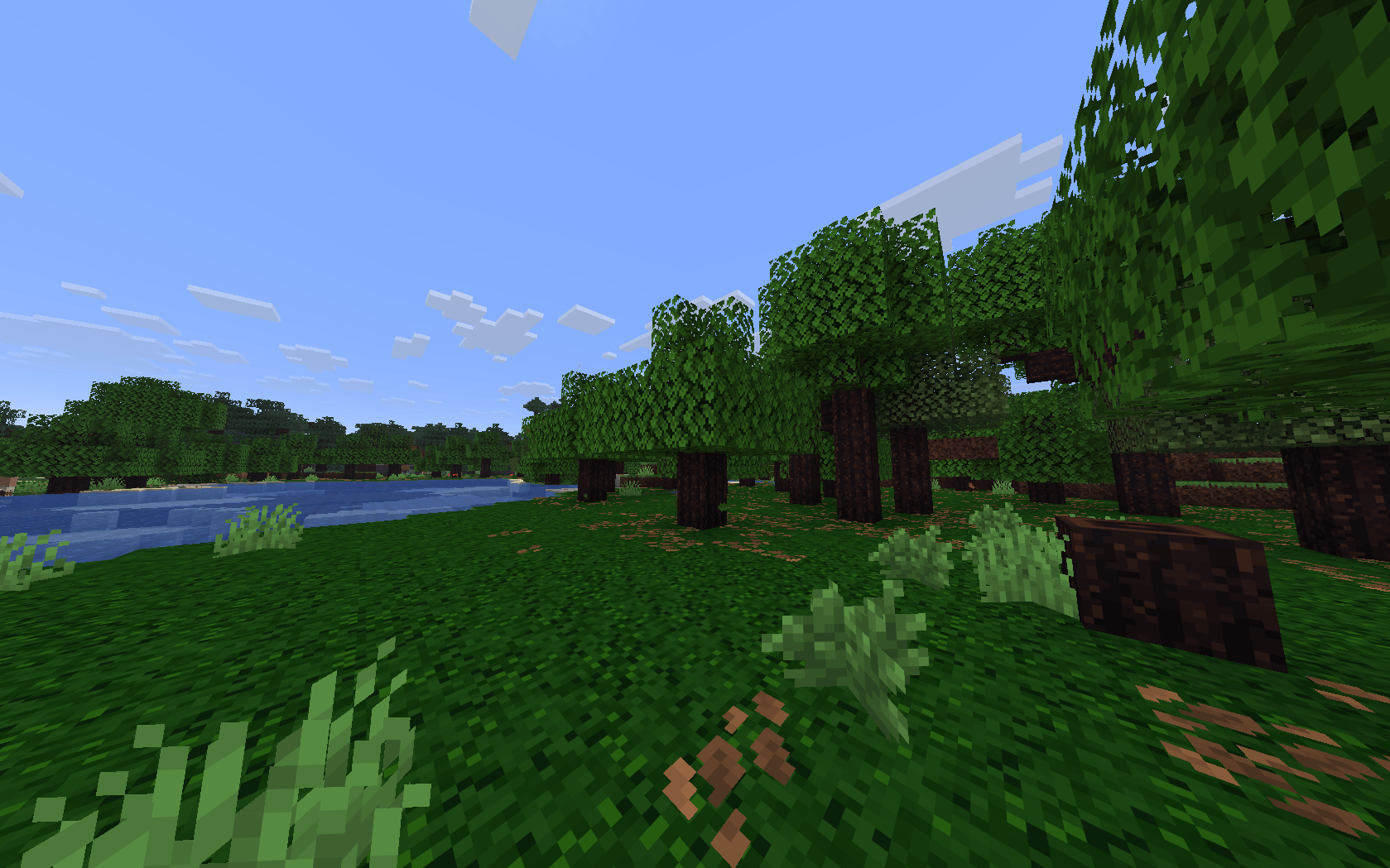
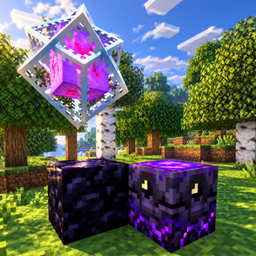
The pack gives the environment a creepy Halloween atmosphere with dark wooden logs, spooky blocks, purple ores, redesigned mobs, and cursed-looking weapons. The textures are made to stay recognizable and lightweight, so the pack can be used for normal survival, building, exploration, or Halloween-themed worlds.
✨ Features
🎃 Halloween-inspired visual style
🌲 Darkened wooden logs for a cursed forest atmosphere
🪨 Darker and more mysterious stone textures
💜 Purple-themed ores with a supernatural appearance
👻 Halloween-inspired zombie, skeleton and creeper textures
⚔️ Cursed purple Halloween swords
🕷️ Spider-web-inspired details
🌙 Darker and more mysterious visual atmosphere
🧱 Keeps the recognizable Minecraft aesthetic
💻 Lightweight textures designed to remain simple and easy to use
🎃 Perfect for Halloween
Whether you're creating a haunted survival world, building a Halloween village, exploring a dark forest, or simply want Minecraft to feel different during Halloween, Halloween Night gives the game a spooky new look without completely changing its vanilla identity.
The goal is to make Minecraft feel darker, creepier and more mysterious, while keeping the textures simple enough that they still look like Minecraft.
📦 Compatibility
Minecraft Java Edition 26.3
Simply place the resource pack in your resourcepacks folder and activate it from the Resource Packs menu.
👻 Enter the night. The forest is no longer the same. 🎃🕷️