Mineuniverse
Resource Packs
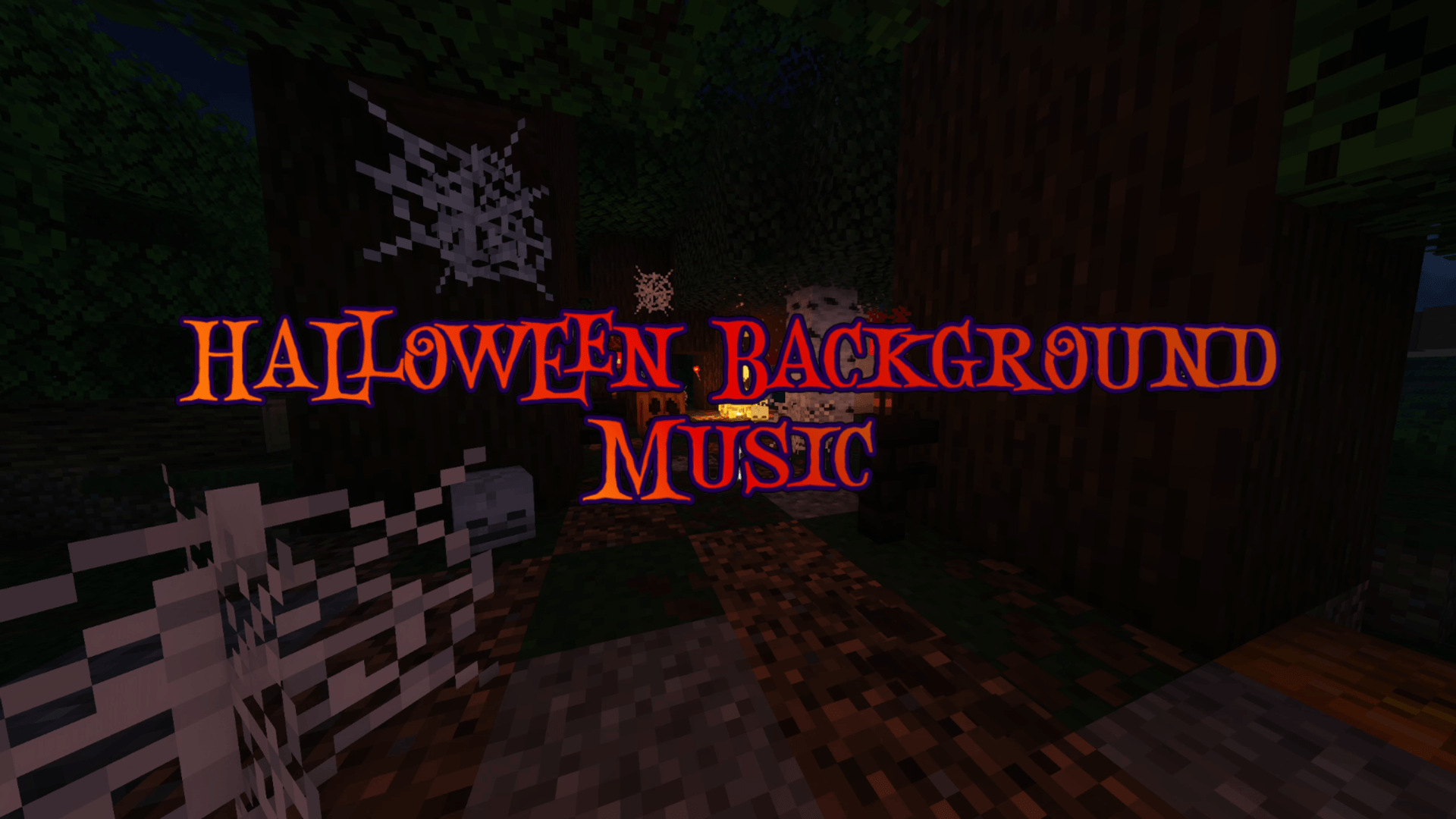
Halloween Background Music

Halloween Background Music

RESOURCE PACK
Adds unique Halloween Music to play in the background of your Minecraft World!
by MXR1
Download Claim this project
469 downloads
0 likes
0 followers
Updated Oct 14, 2026
0 hypes
Follow0
Data Packs Miscellaneous
Advertisement Remove ads with Premium →

This all new resource pack adds 11 new Halloween songs that will play in the Background of your Minecraft world. Replacing the game's default background songs, this datapack is sure to bring some spooky season vibes right into your world! Splice up your fall Minecraft experience with remixes of well known songs like Spooky Scary Skeletons and the Halloween theme, as well as some unique spooky instrumentals! 


This YouTube video showcases every song in the pack:

https://youtu.be/ZeJw4R2tTXo


All Songs in this pack are Copyright Free! Enjoy! :)


Song List: (all of the songs are instrumentals)

-Spooky Scary Skeletons

-Halloween Theme

-Luigi's Mansion Theme

-Pipe Organ Theme

-Halloween Night

-Halloween 2024

-Eerie Organ

-4 additonal unique Halloween instrumentals


Every song used in this pack is either produced by me through FL Studio and/or Bandlab, or used with permission as royalty free music licensed for Creative Commons unrestricted use. 

Halloween Background Music 26.1-26.1.2.zip
MC 26.1, 26.1.1, 26.1.2
Release 2026-10-02 Get
Halloween Background Music 1.21-1.21.8.zip
MC 1.21.2-Snapshot, 1.21, 1.21.6-snapshot, 1.21.1-Snapshot, 1.21.8, 1.21.5, 1.21.4, 1.21.5-Snapshot, 1.21.1, 1.21.6, 1.21.3, 1.21.7, 1.21-Snapshot, 1.21.4-Snapshot, 1.21.2
Release 2026-09-18 Get
Halloween Background Music 1.21.9-1.21.10.zip
MC 1.21.9-snapshot, 1.21.9, 1.21.10
Release 2026-09-18 Get
Halloween Background Music 1.21.11.zip
MC 1.21.11-snapshot, 1.21.11
Release 2026-09-18 Get

Requirements & install

How to use this resource pack in Minecraft
Resolution
Not specified
Minecraft
1.21.9-snapshot – 26.1.2
Install folder
.minecraft/resourcepacks

How to install resource packs

  1. Download the resource pack .zip file (do not extract it).
  2. In Minecraft open Options → Resource Packs → Open Pack Folder.
  3. Drop the .zip into the resourcepacks folder (.minecraft/resourcepacks).
  4. Move the pack to the Selected column and click Done.
Browse more: 16x resource packs 32x resource packs 64x resource packs 128x resource packs 256x resource packs 512x+ resource packs Resource Packs for 26.1.2 All resource packs

More from MXR1

Advertisement Remove ads with Premium →

You Might Also Like