Badges update automatically and link to the resource pack page on MineUniverse.
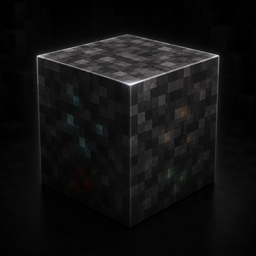
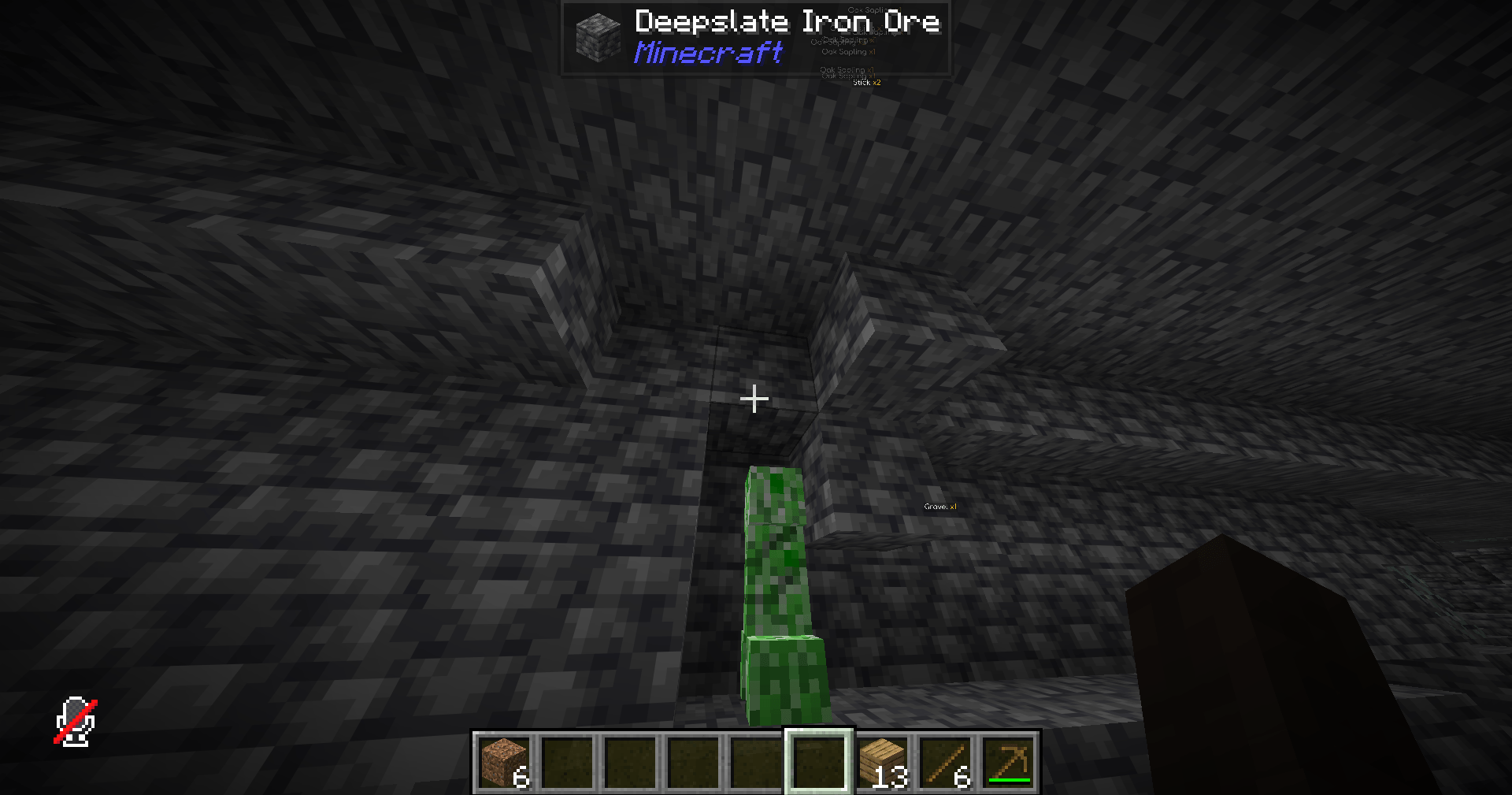
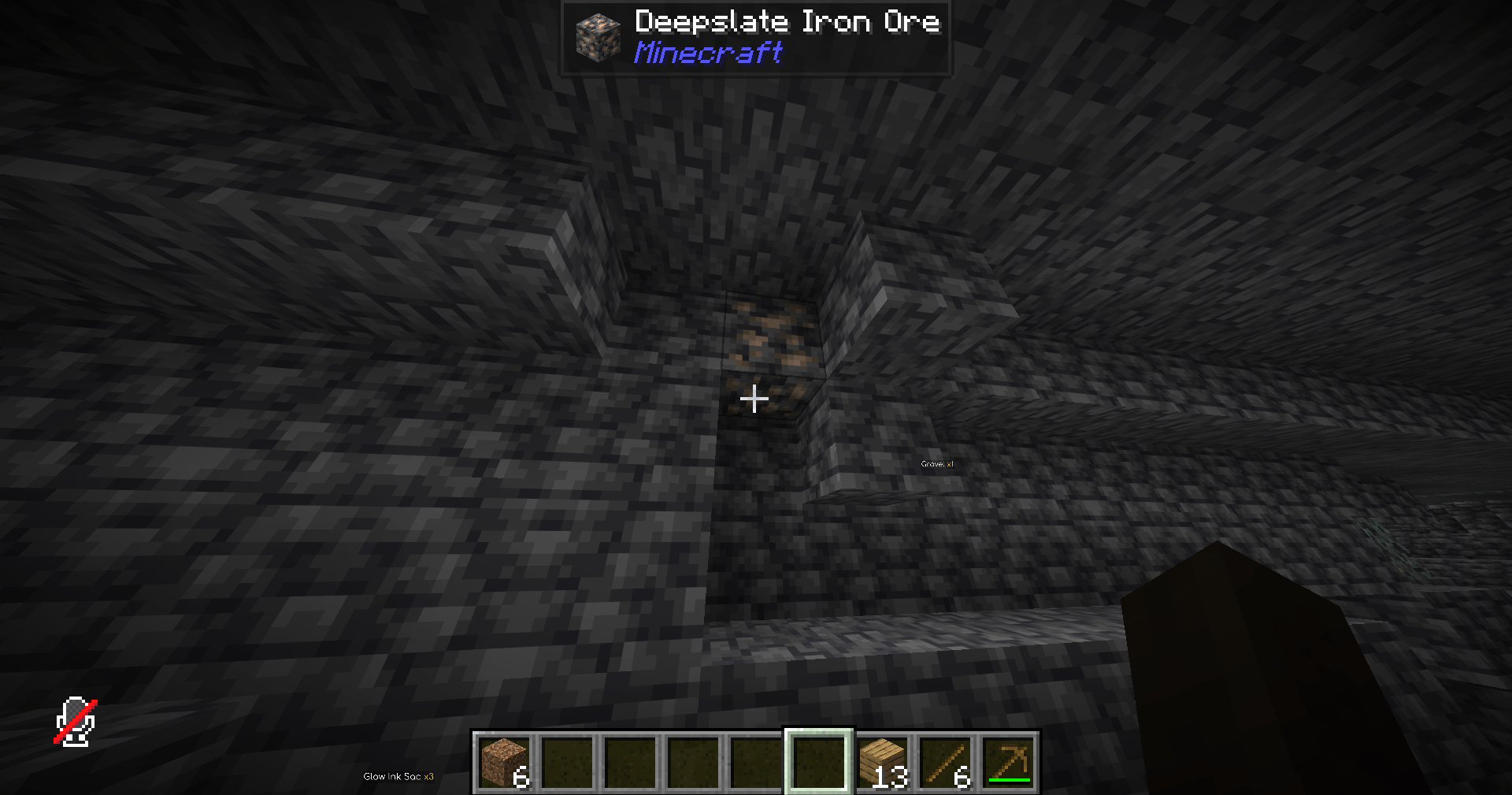
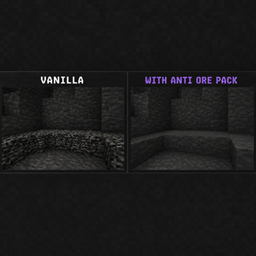
Anti Ore Pack is a simple Minecraft resource pack made to hide ores by making them blend in with deepslate. Instead of players easily spotting diamonds, gold, redstone, emeralds, and other ores, the blocks are disguised to look like normal deepslate.
This pack is mainly made for streamers, content creators, and server owners who want to stop viewers or players from instantly seeing ore locations. It helps make mining feel more fair, clean, and natural by removing the obvious ore textures from the world.
What it does:
Hides ores as deepslate
All ore textures are changed to look like regular deepslate, making them much harder to spot.
Great for streamers
Helps prevent viewers from seeing ore locations during streams or videos.
Clean and simple
No extra clutter, no complicated setup, just a straightforward anti ore resource pack.
Useful for servers
Can be used for SMPs, events, challenges, or any server that wants a more hidden mining experience.
Perfect for:
Minecraft streamers
SMP servers
Mining challenges
Hardcore worlds
Anti xray style gameplay
Content creators
This pack does not add new blocks, items, or gameplay systems. It only changes ore textures so they appear like deepslate.