Mineuniverse
Resource Packs
H/V Kompaktsignale für OS

H/V Kompaktsignale für OS

RESOURCE PACK
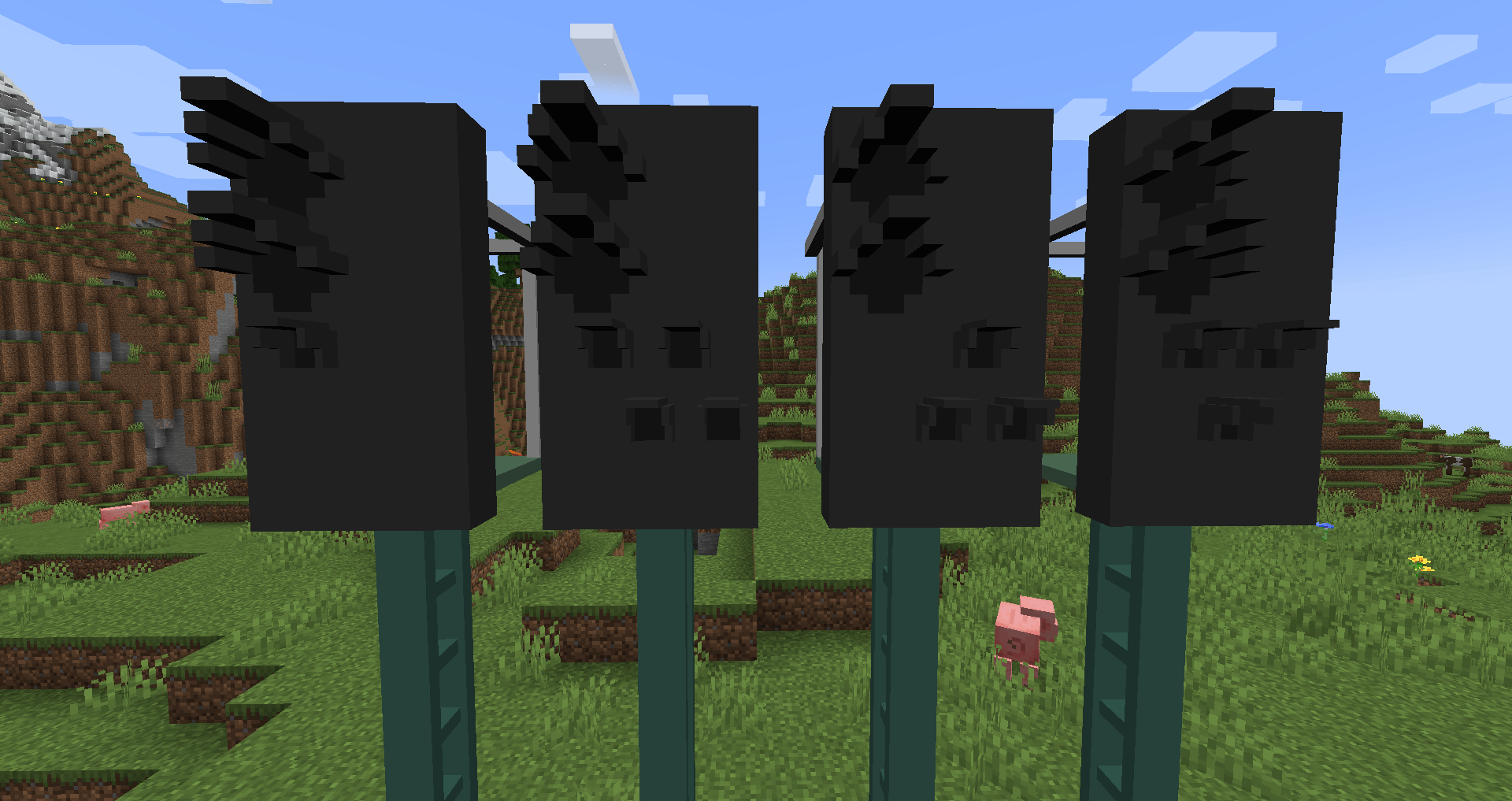
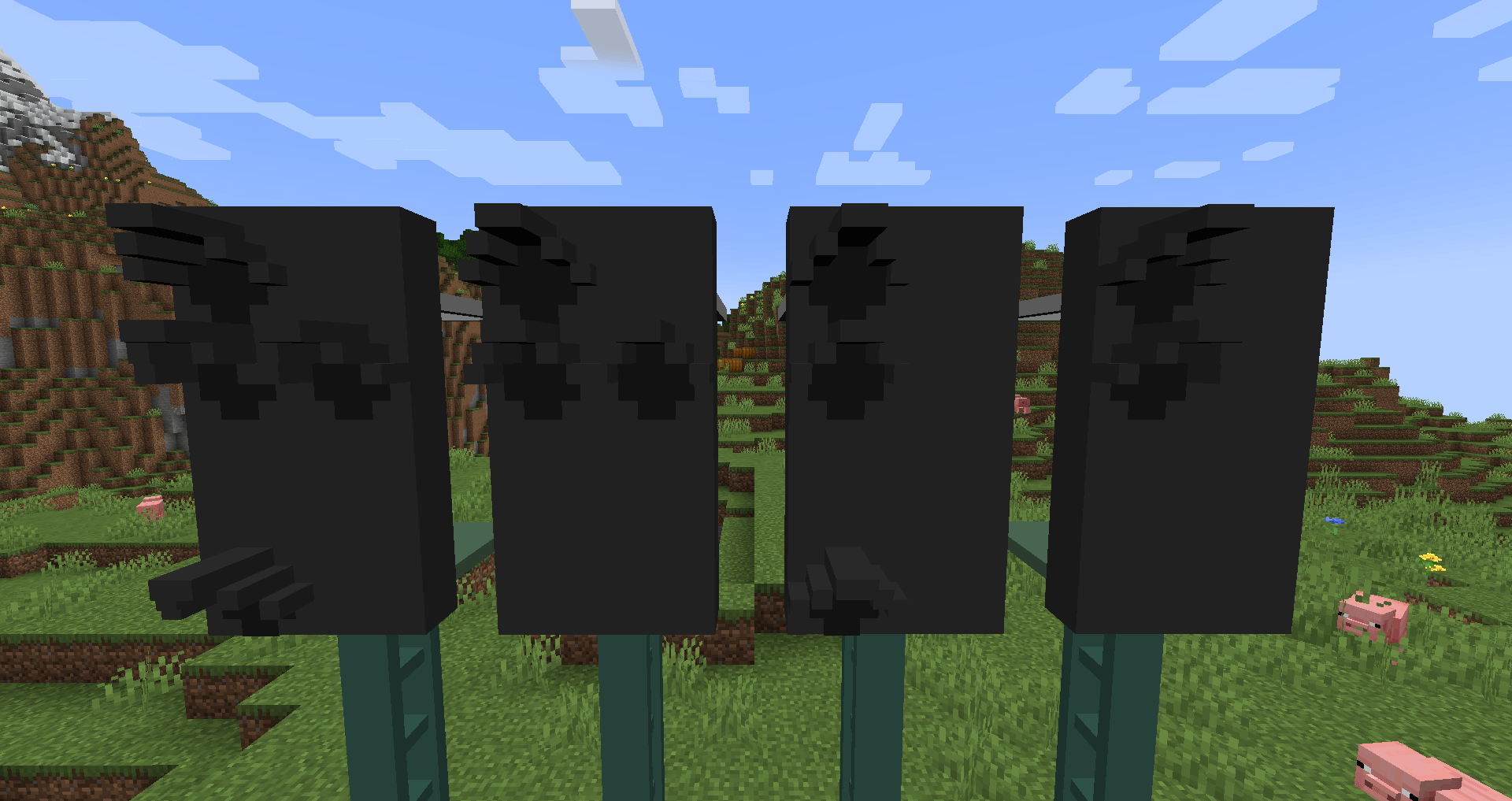
An Contentpack for the H/V Compactsignals for OpenSignals
by TfLeon
Download Claim this project
Add a badge to your pageLink to H/V Kompaktsignale für OS from a README, website or forum post.
Preview: Badge

Badges update automatically and link to the resource pack page on MineUniverse.

434 downloads
0 likes
0 followers
Updated Oct 14, 2026
0 hypes
Follow0
Data Packs Miscellaneous
Advertisement Remove ads with Premium →

EN

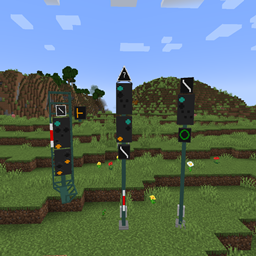
I hereby make my signal pack available to the public!

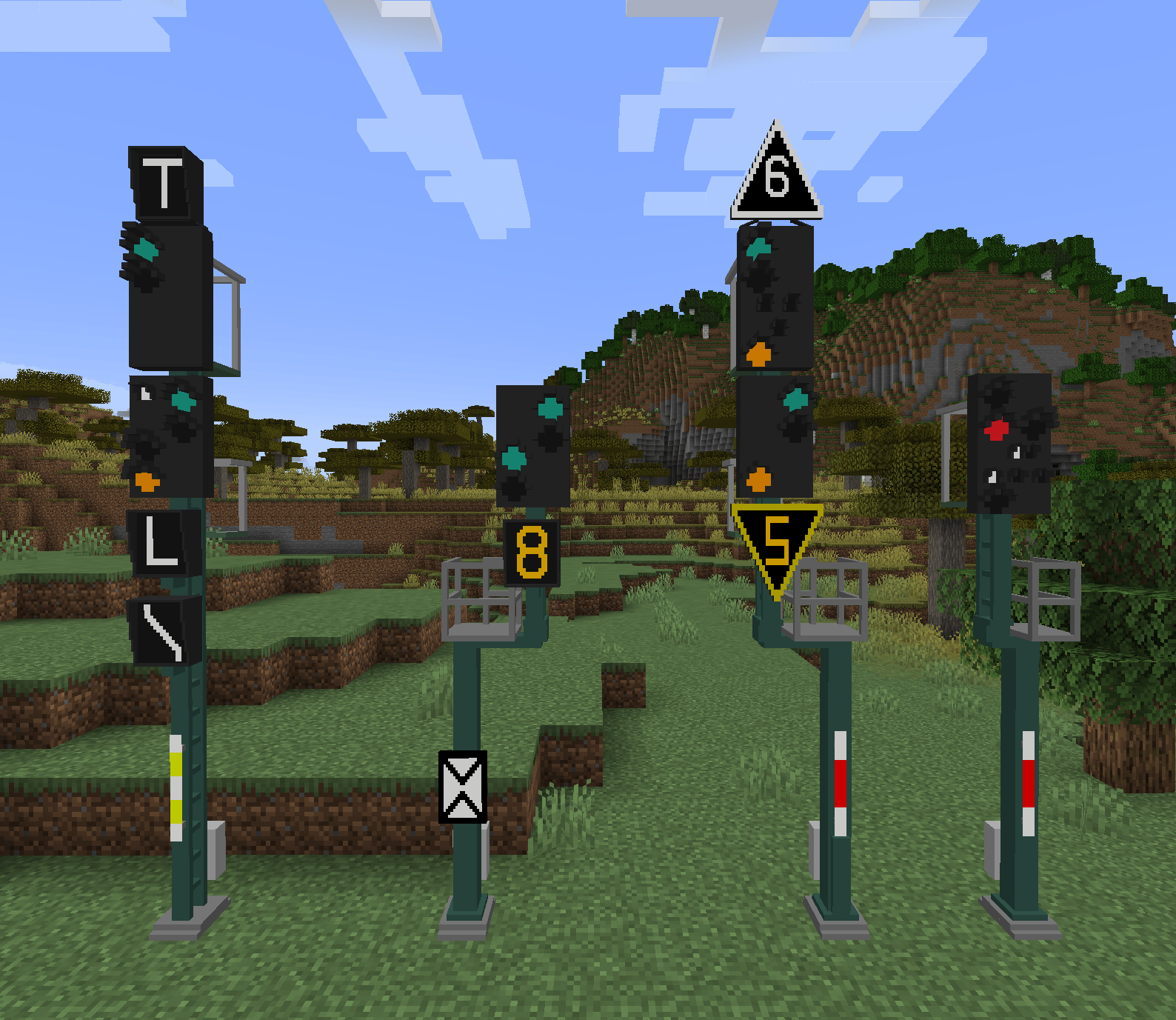
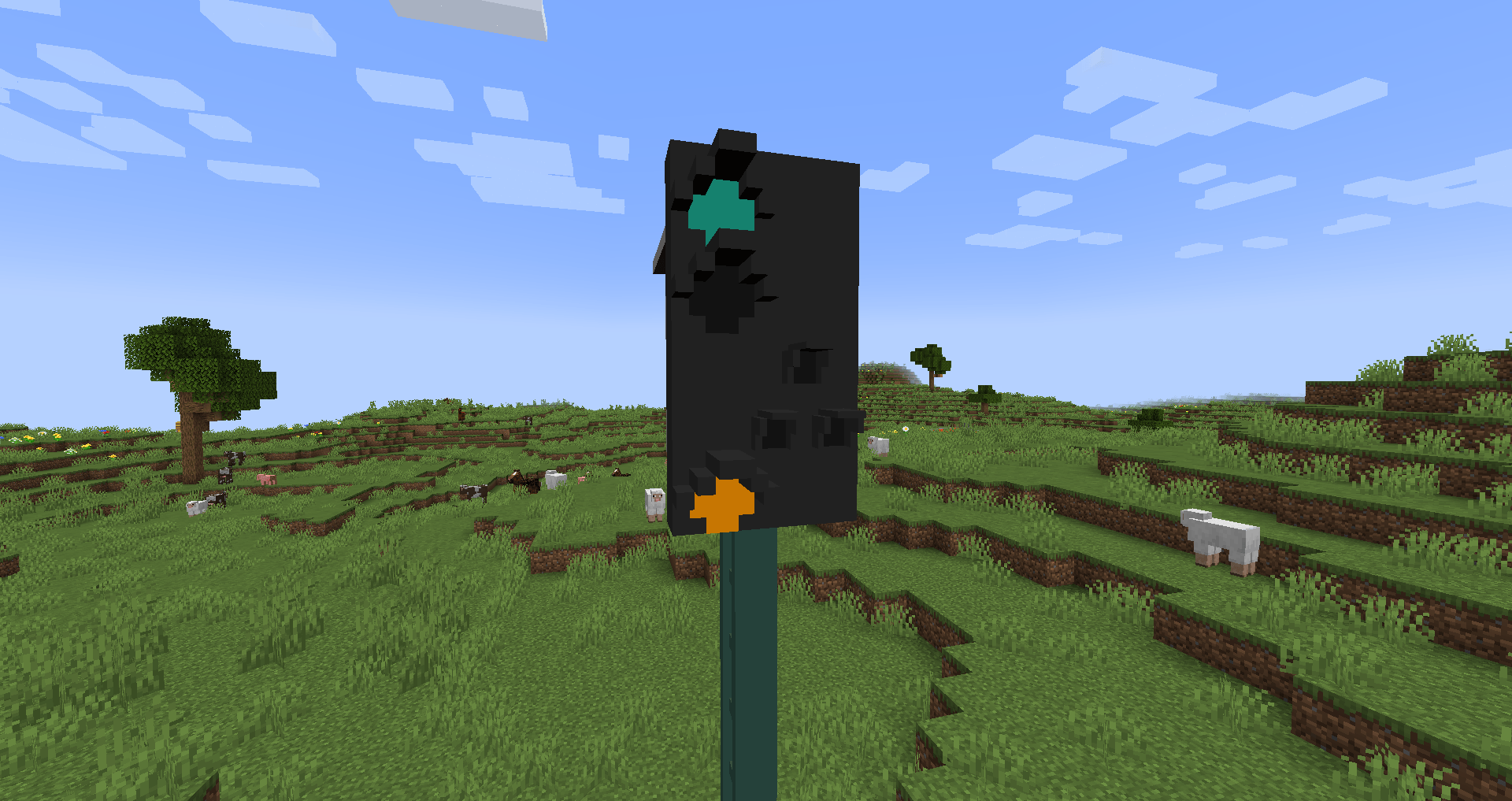
It includes the latest series of H/V signals in a compact design.

But what can this signal system do?
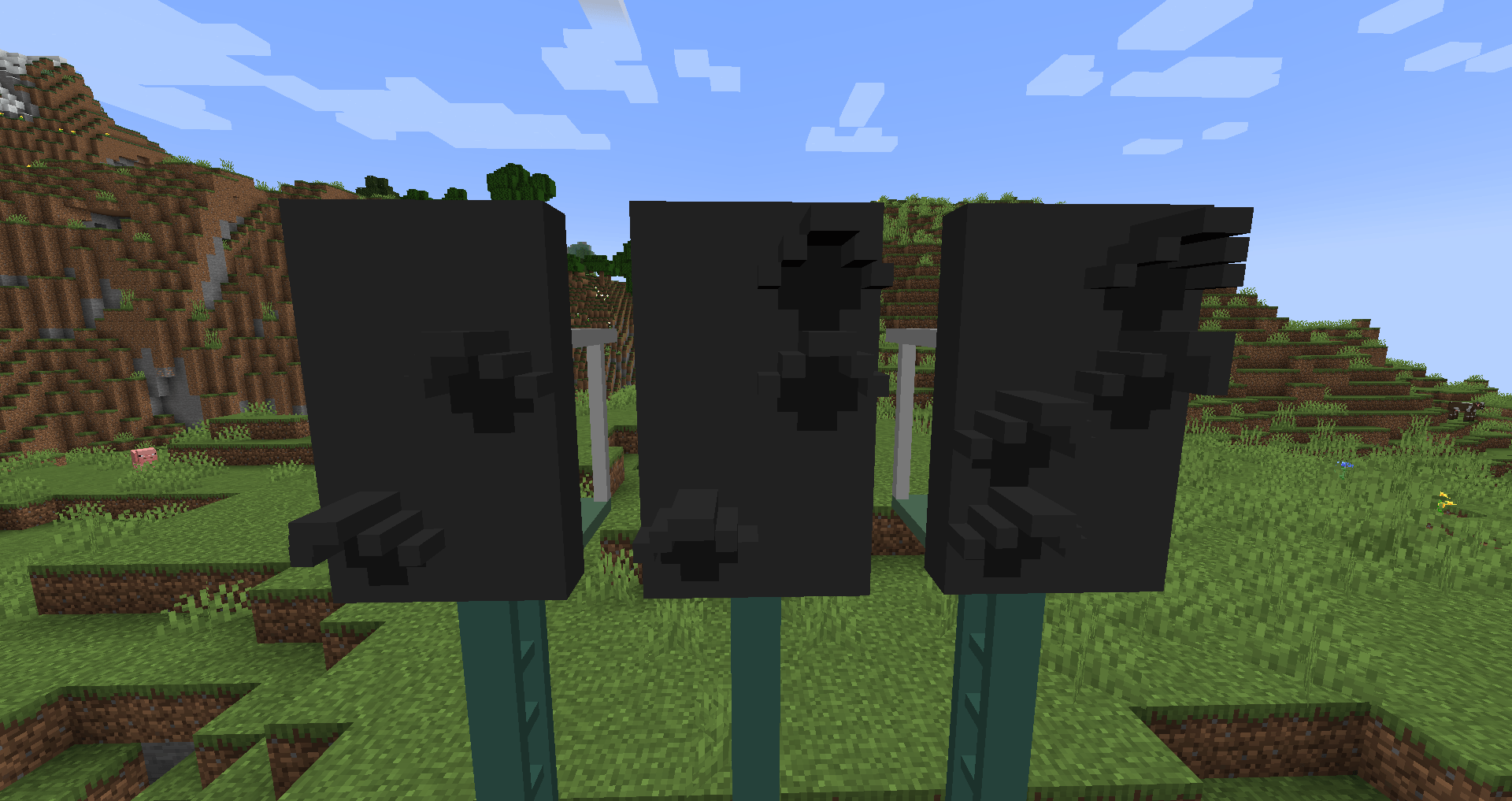
The system is designed to be as modular as possible. This allows many aspects to be customized, such as the main signal and distant signal boards, as well as the substitute and additional signals, which are also highly modular.

The pack is still a work in progress and far from complete.

If you find any errors, feel free to open an Issue on GitHub


DE

Hiermit stell ich mein Signalpack der Allgemeinheit zur Verfügung!

Es umfasst die Aktuelleste Bauserie der H/V Signale im Kompaktdesign.

Doch was kann das Signalsystem alles:
Das System ist so Entwickelt das es so Modular wie möglich sein soll.
Dadruch lassen sich viele Aspekte anpassen wie zum Beispiel der Hauptsignal und Vorsignalschirm, aber auch die Ersatz und Zusatzsignale sind sehr Modular.

Das Pack ist derzeit noch in Arbeit und bei weitem noch nicht vollendet

Bei Fehlern meldet diese gerne auf Github als Issue: GitHub

hvks_tfleon0.2.zip
MC 1.16.5, 1.18.2, 1.12.2
Beta 2026-02-05 Get
hvks_tfleon0.1.zip
MC 1.16.5, 1.18.2, 1.12.2
Beta 2025-01-31 Get

Requirements & install

How to use this resource pack in Minecraft
Resolution
Not specified
Minecraft
1.12.2 – 1.18.2
Install folder
.minecraft/resourcepacks

How to install resource packs

  1. Download the resource pack .zip file (do not extract it).
  2. In Minecraft open Options → Resource Packs → Open Pack Folder.
  3. Drop the .zip into the resourcepacks folder (.minecraft/resourcepacks).
  4. Move the pack to the Selected column and click Done.
Browse more: 16x resource packs 32x resource packs 64x resource packs 128x resource packs 256x resource packs 512x+ resource packs Resource Packs for 1.18.2 All resource packs
Advertisement Remove ads with Premium →

You Might Also Like