Mineuniverse
Resource Packs
Gurkis's Texture Variation

Gurkis's Texture Variation

RESOURCE PACK
Makes blocks variate their texture
by gurkisdev
Download Claim this project
13,083 downloads
0 likes
Updated Oct 14, 2026
0 hypes
16x Miscellaneous Traditional
Advertisement Remove ads with Premium →

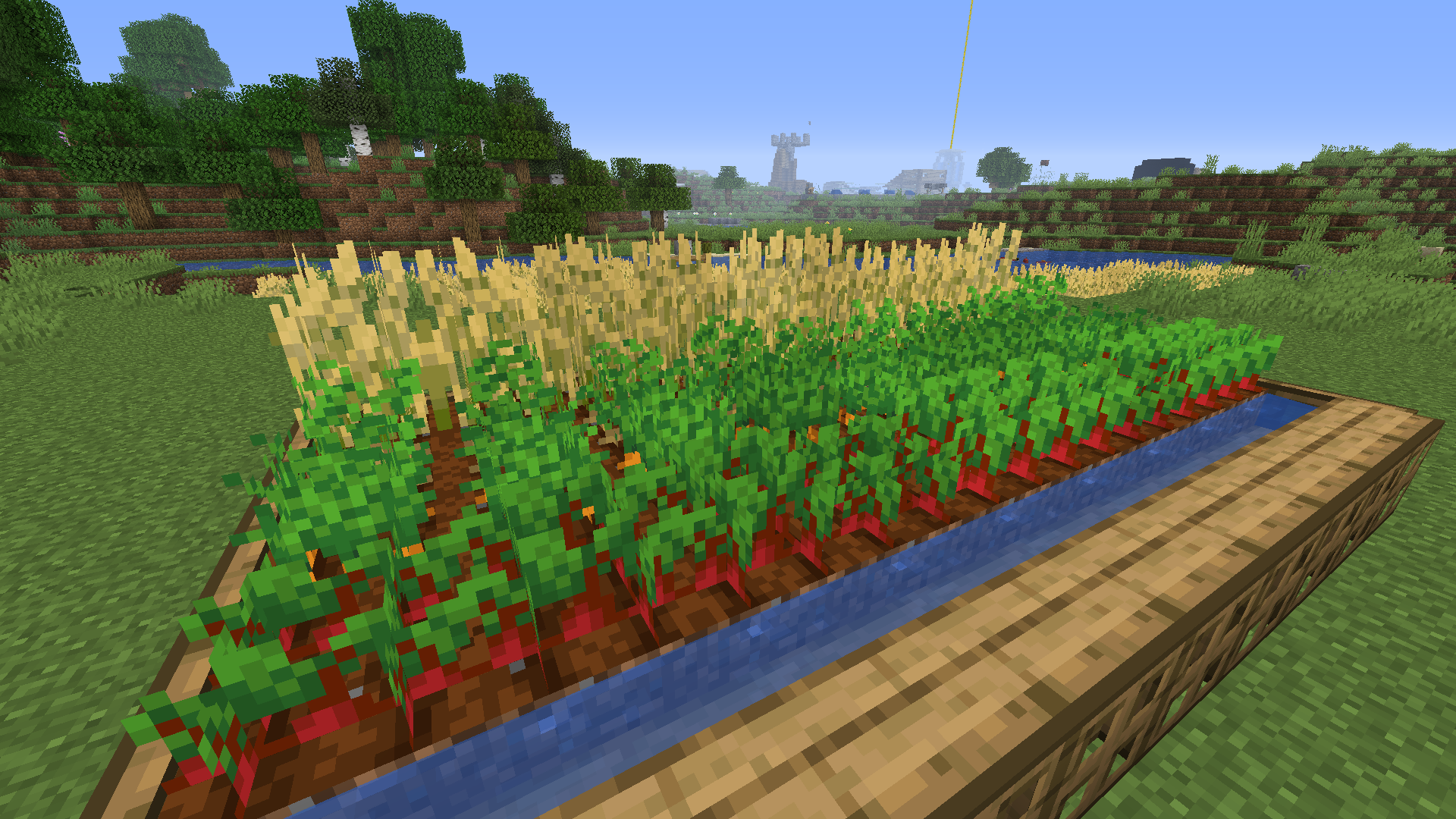
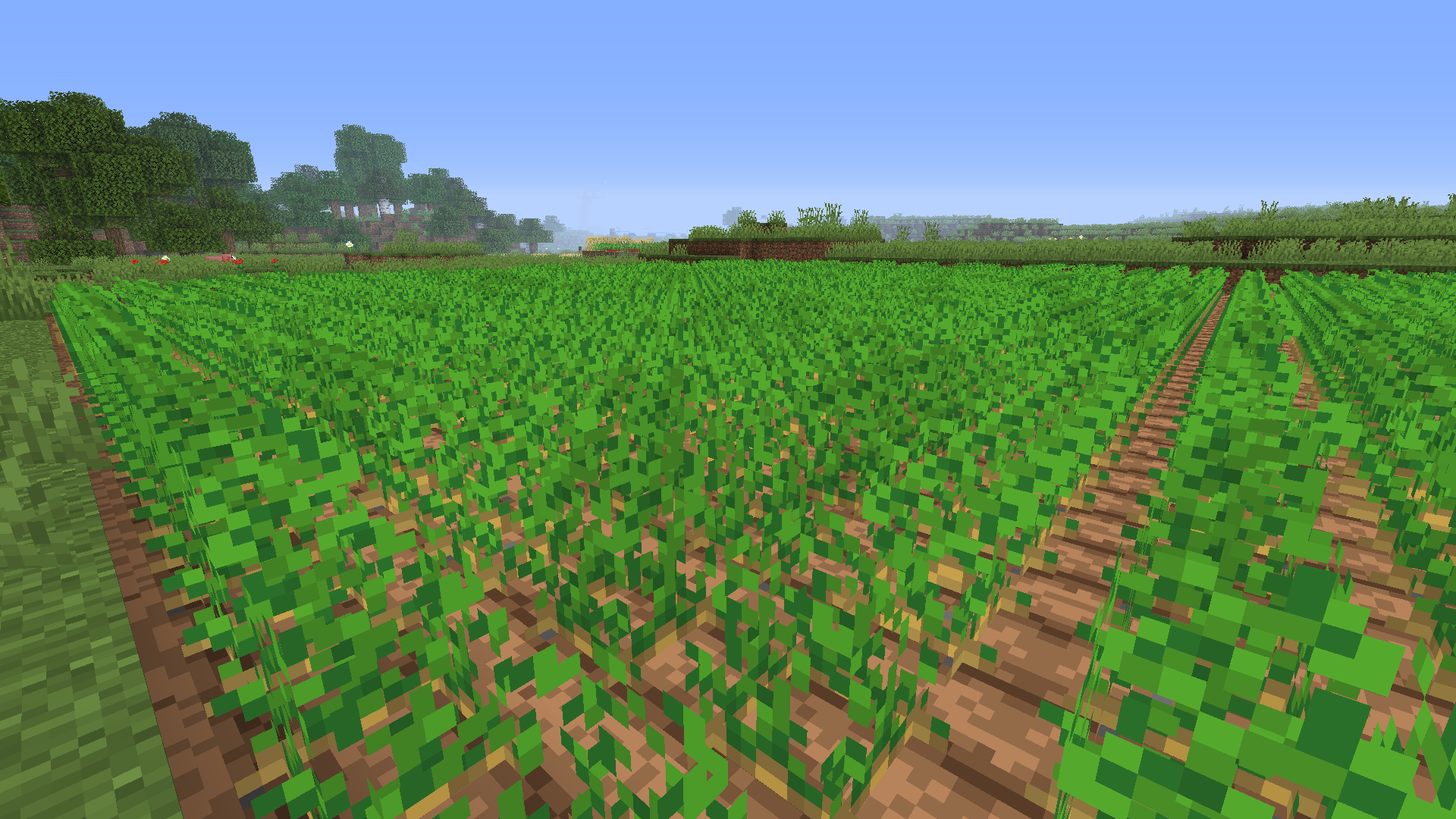
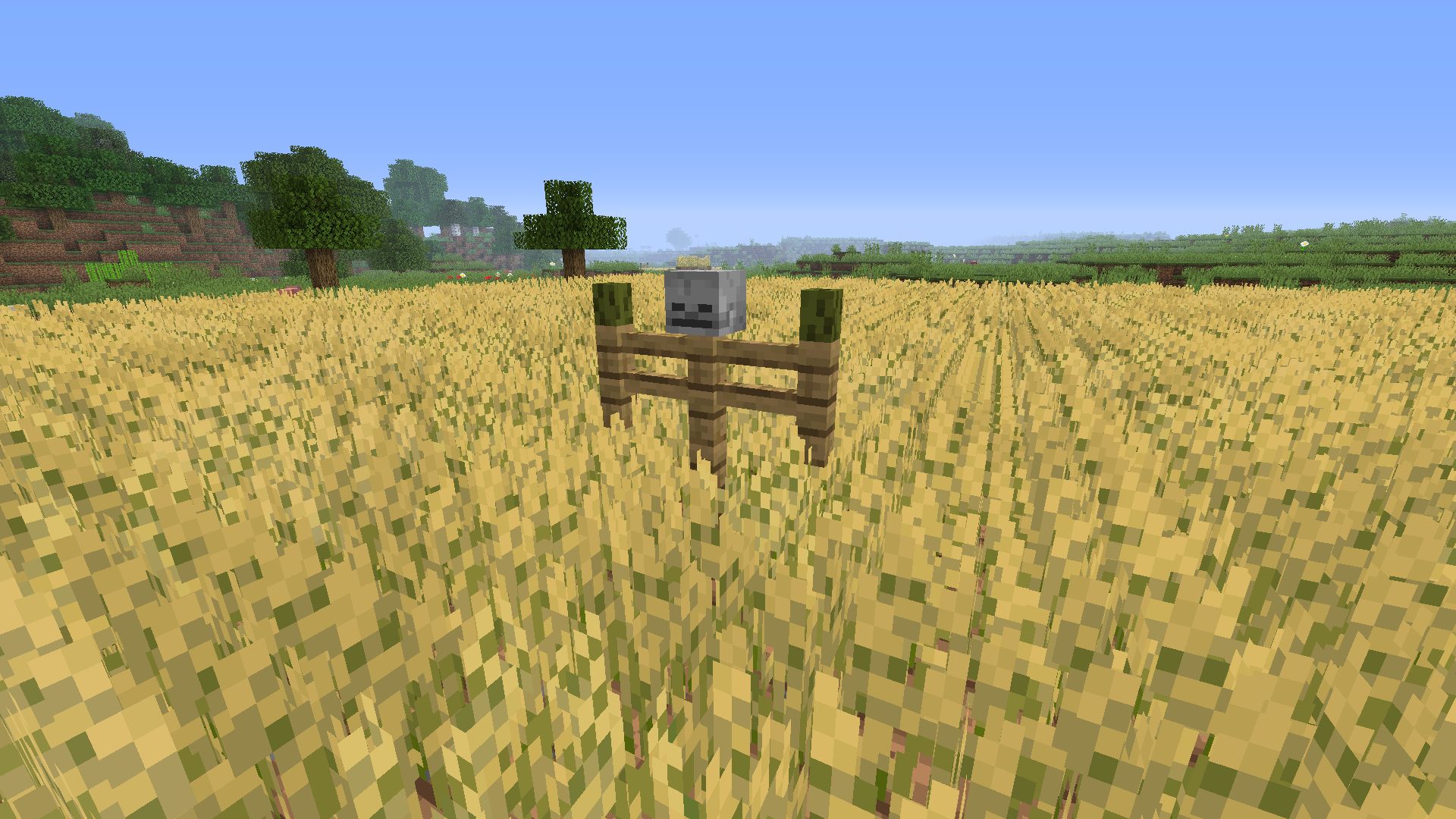
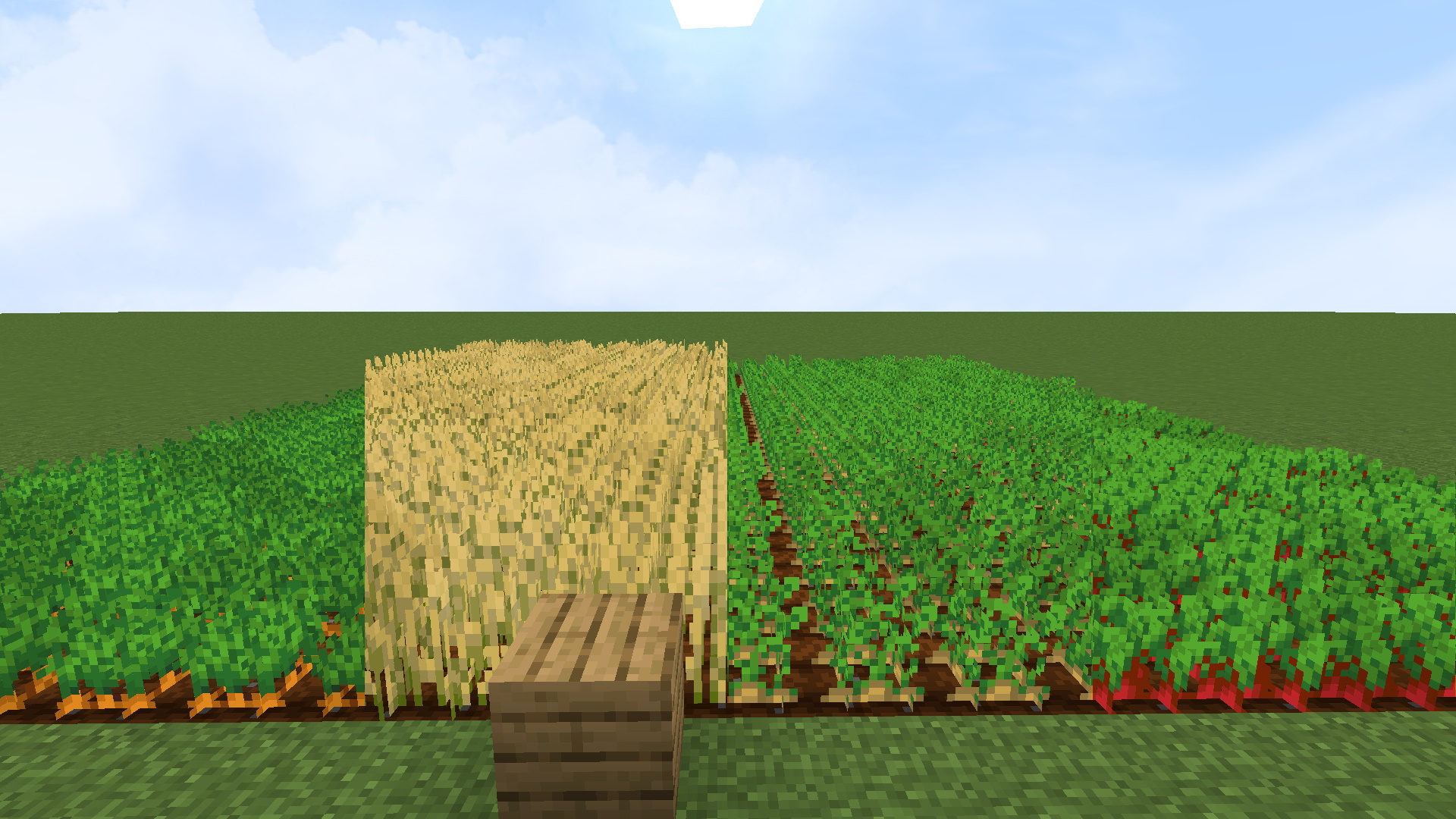
Bringing subtle variation to your Minecraft world and breaking the grid look, by changing the foliage and crop textures and height!


🌽Crop Variation


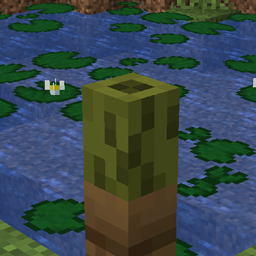
Wheat has been made 1.6 blocks tall and it has varied textures that make it darker and shorter. Together this makes big wheat fields look really nice!


Potatoes, Carrots and Beetroot also have darker and shorter variants.


🌹Foliage Variation


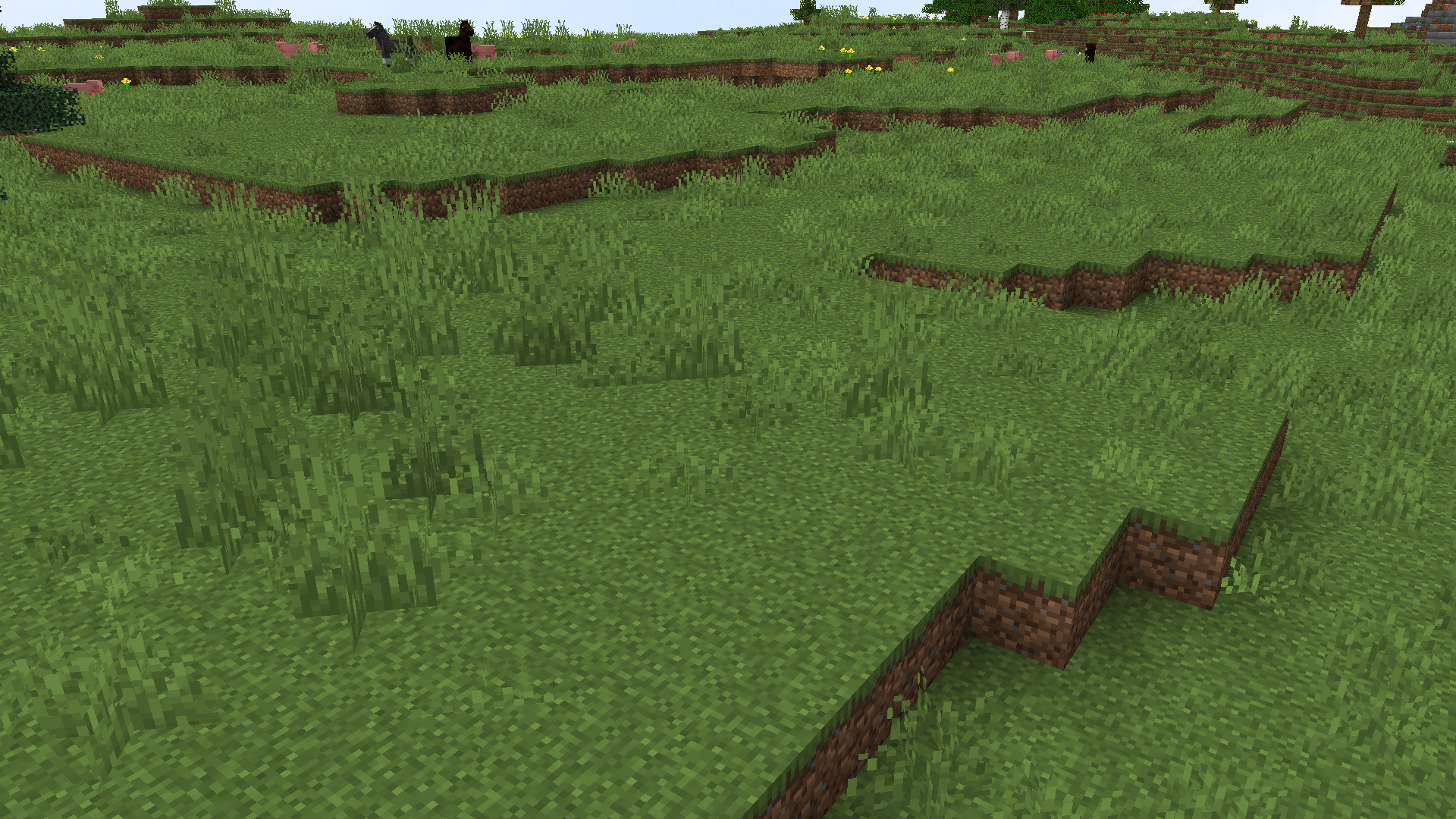
Grass, Tall Grass and Fern have darker and shorter variants.


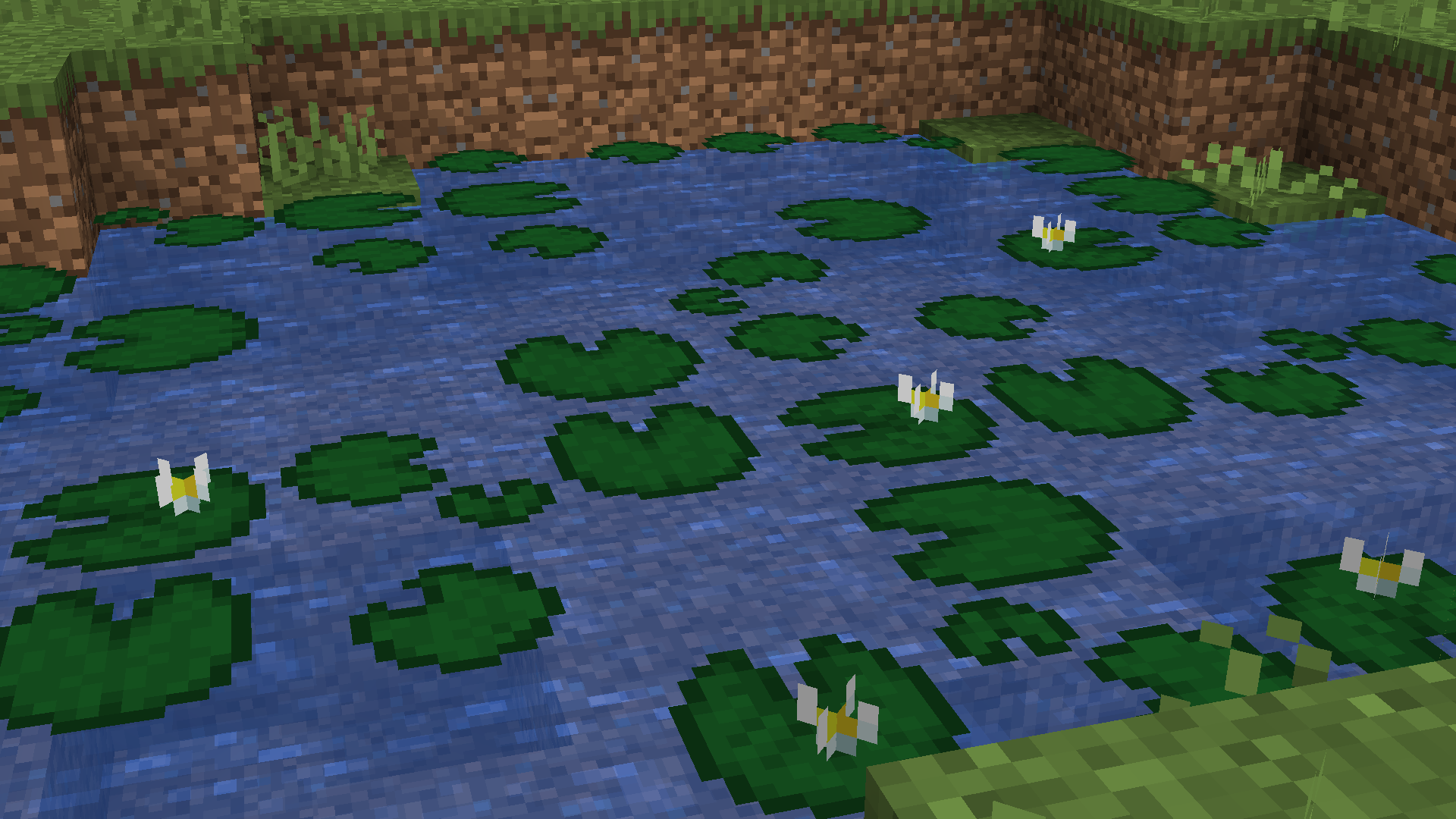
Lily pad has 4 variants and one of them has a flower on it.


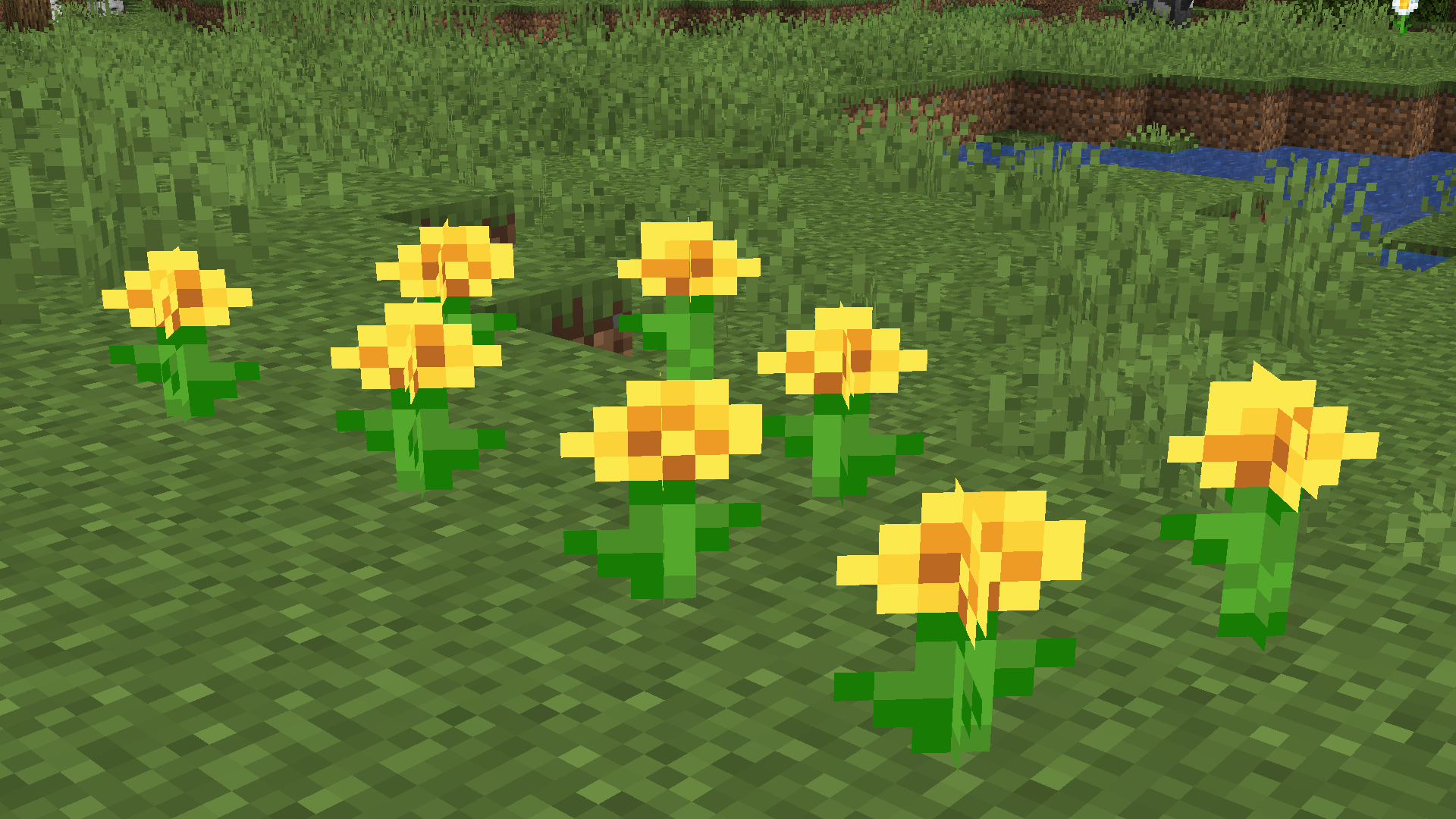
Dandelions have 2 variations, because I was considering adding variations for the flowers, but decided not to.


If you have ideas for what to add or something isn't working - tell me in the commments!


INFO: if you're using another texture pack with this then you have to go in and change the

Foliage Variation for 1.20.zip
MC 1.20.1, 1.20
Release 2023-07-18 Get
Crop Variation for 1.20.zip
MC 1.20.1, 1.20
Release 2023-07-18 Get
Crop Variation for 1.18.zip
MC 1.18.1, 1.18.2, 1.18
Release 2022-08-11 Get
Foliage Variation for 1.18.zip
MC 1.18.1, 1.18.2, 1.18
Release 2022-08-11 Get
Foliage Variation for 1.19.zip
MC 1.19.2, 1.19.1, 1.19
Release 2022-08-11 Get
Crop Variation for 1.19.zip
MC 1.19.2, 1.19.1, 1.19
Release 2022-08-11 Get
Foliage Variation for 1.17.zip
MC 1.17.1, 1.16.3, 1.16.1, 1.17, 1.16, 1.16.5, 1.16.4, 1.16.2
Release 2021-11-14 Get
Crop Variation for 1.17.zip
MC 1.17.1, 1.16.3, 1.16.1, 1.17, 1.16, 1.16.5, 1.16.4, 1.16.2
Release 2021-11-14 Get
Crop Variation for 1.15.zip
MC 1.13.1, 1.15-Snapshot, 1.14.4, 1.14.1, 1.14.3, 1.15, 1.13, 1.15.2, 1.14, 1.14.2, 1.13-Snapshot, 1.14-Snapshot, 1.13.2, 1.15.1
Release 2020-03-14 Get
Foliage Variation for 1.15.zip
MC 1.13.1, 1.15-Snapshot, 1.14.4, 1.14.1, 1.14.3, 1.15, 1.13, 1.15.2, 1.14, 1.14.2, 1.13-Snapshot, 1.14-Snapshot, 1.13.2, 1.15.1
Release 2020-03-14 Get
Crop Variation.zip
MC 1.13.1, 1.14.4, 1.14.1, 1.14.3, 1.13, 1.14, 1.14.2, 1.13.2
Release 2019-10-10 Get

Requirements & install

How to use this resource pack in Minecraft
Resolution
16x
Minecraft
1.18 – 1.20.1
Install folder
.minecraft/resourcepacks

How to install resource packs

  1. Download the resource pack .zip file (do not extract it).
  2. In Minecraft open Options → Resource Packs → Open Pack Folder.
  3. Drop the .zip into the resourcepacks folder (.minecraft/resourcepacks).
  4. Move the pack to the Selected column and click Done.
Browse more: 16x resource packs 32x resource packs 64x resource packs 128x resource packs 256x resource packs 512x+ resource packs Resource Packs for 1.20.1 All resource packs

More from gurkisdev

Advertisement Remove ads with Premium →

You Might Also Like