Mineuniverse
Resource Packs
Guns Without Roses 3D

Guns Without Roses 3D

RESOURCE PACK
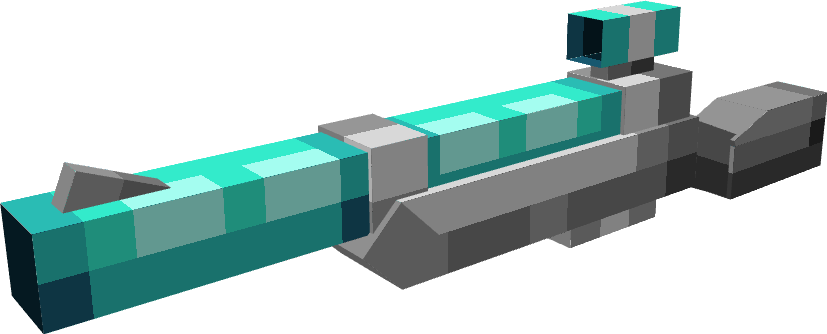
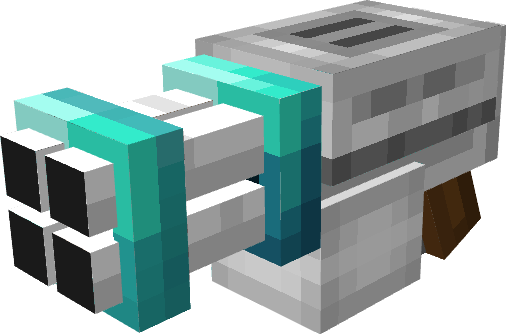
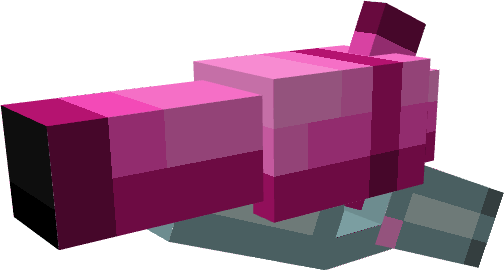
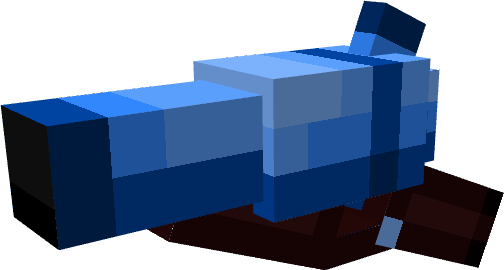
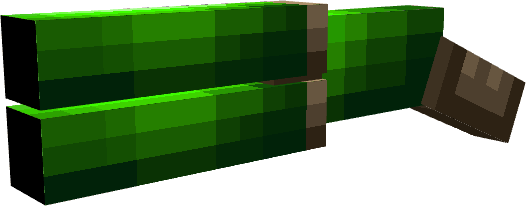
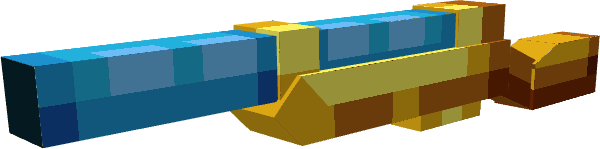
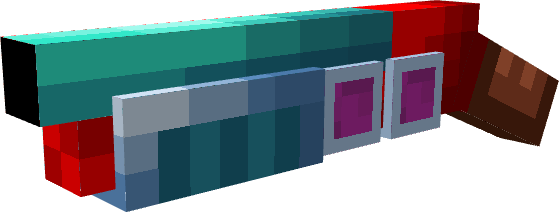
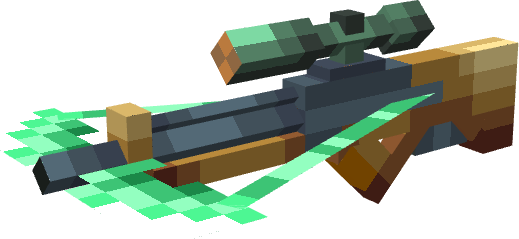
Adds models to Guns Without Roses mod.
by ECYsh364
Download Claim this project
Add a badge to your pageLink to Guns Without Roses 3D from a README, website or forum post.
Preview: Badge

Badges update automatically and link to the resource pack page on MineUniverse.
330,481 downloads
0 likes
0 followers
Updated Oct 14, 2026
0 hypes
Follow0
16x Miscellaneous Mod Support
Advertisement Remove ads with Premium →

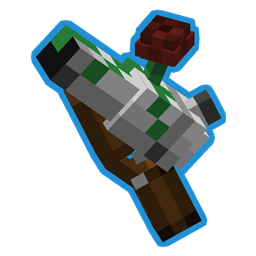
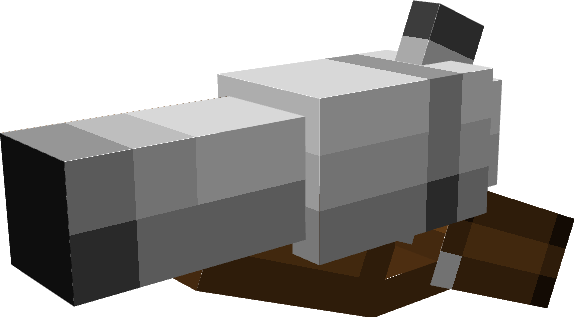
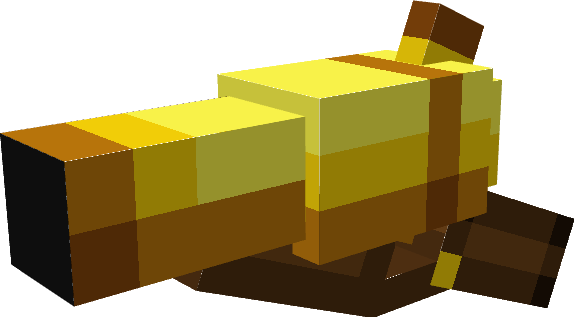
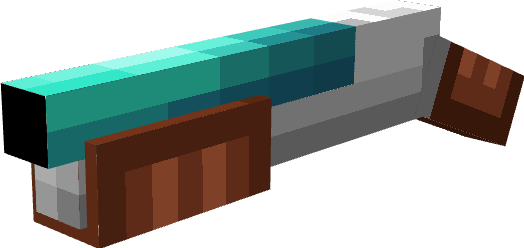
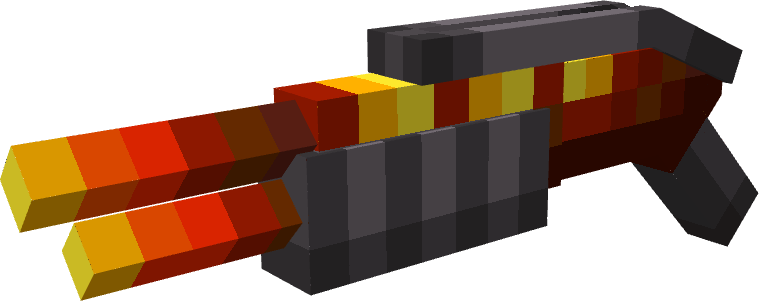
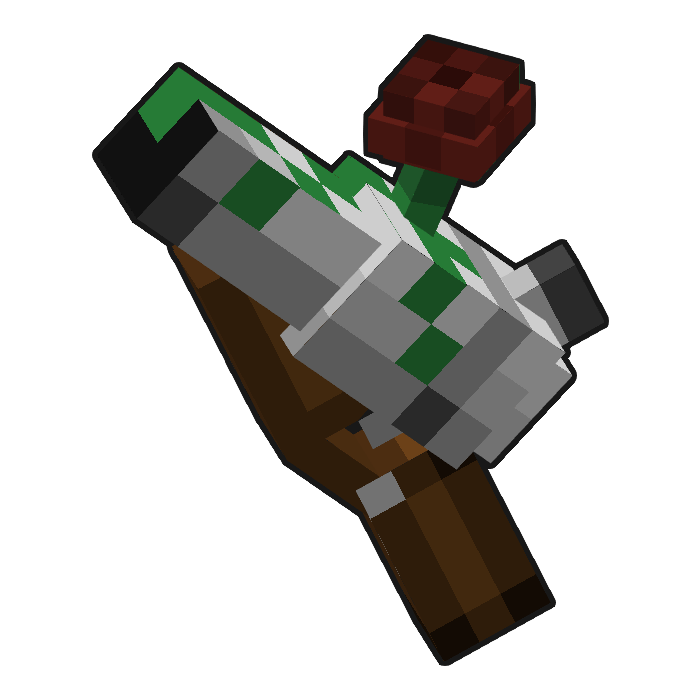
A 3D resource pack for Guns Without Roses mod.

Weirdly enough, this is a Gun with a Rose.

Currently Supported addons: 

Planned Support

FAQ


Q: Is this a mod?
A: No, It's a resource pack for a mod, you can find the original mod by using this link - https://www.curseforge.com/minecraft/mc-mods/guns-without-roses

Q: Will you support a [insert name here] addon?
A: Probably yes, 
Feel free to ask me in the comments about any new addons.

Q: Will you port it to Bedrock? 
(aka Android, Nintendo Switch, Xbox, etc)
A: No.

Q: Hey I saw your resource pack on another website, did you upload it there yourself?
A: No.
I did not upload my resource packs anywhere other than Curseforge, if you downloaded it elsewhere, there's a chance that it might contain malware.

 
Feel free to use in your modpacks and leave feedback in the comments!

Might work for older versions, I didn't test, if it does, tell me in the comments.

GWR3D v3.2.0.zip
MC 1.20.1
Release 2025-11-02 Get
Guns Without Roses 3D v3.1 - Blaze Gun
MC 1.19.3, 1.19.4, 1.18.2, 1.19.2, 1.20.1, 1.19.1, 1.19
Release 2025-01-15 Get
Guns Without Roses 3D v3 - Mod support update
MC 1.19.3, 1.19.4, 1.18.2, 1.19.2, 1.20.1, 1.19.1, 1.19
Release 2024-09-13 Get
GWR3D Major Overhaul
MC 1.19.3, 1.18.1, 1.19.4, 1.18.2, 1.19.2, 1.19.1, 1.18, 1.19
Release 2024-01-16 Get
Guns Without Models 1.0.zip
MC 1.19.3, 1.19.4, 1.19.2, 1.19.1, 1.19
Release 2023-07-16 Get

Requirements & install

How to use this resource pack in Minecraft
Resolution
16x
Minecraft
1.18.1 – 1.20.1
Install folder
.minecraft/resourcepacks

How to install resource packs

  1. Download the resource pack .zip file (do not extract it).
  2. In Minecraft open Options → Resource Packs → Open Pack Folder.
  3. Drop the .zip into the resourcepacks folder (.minecraft/resourcepacks).
  4. Move the pack to the Selected column and click Done.
Browse more: 16x resource packs 32x resource packs 64x resource packs 128x resource packs 256x resource packs 512x+ resource packs Resource Packs for 1.20.1 All resource packs

More from ECYsh364

Advertisement Remove ads with Premium →

You Might Also Like