Mineuniverse
Resource Packs
GunBow

GunBow

RESOURCE PACK
Makes your regular stupid bow into a amazing 1911 pistol.
by GamerBreadToaster
Download Claim this project
Add a badge to your pageLink to GunBow from a README, website or forum post.
Preview: Badge

Badges update automatically and link to the resource pack page on MineUniverse.

16,310 downloads
0 likes
0 followers
Updated Oct 14, 2026
0 hypes
Follow0
32x Modern
Advertisement Remove ads with Premium →

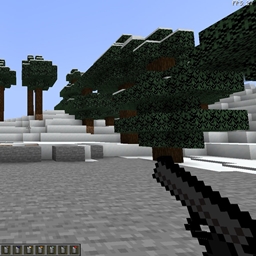
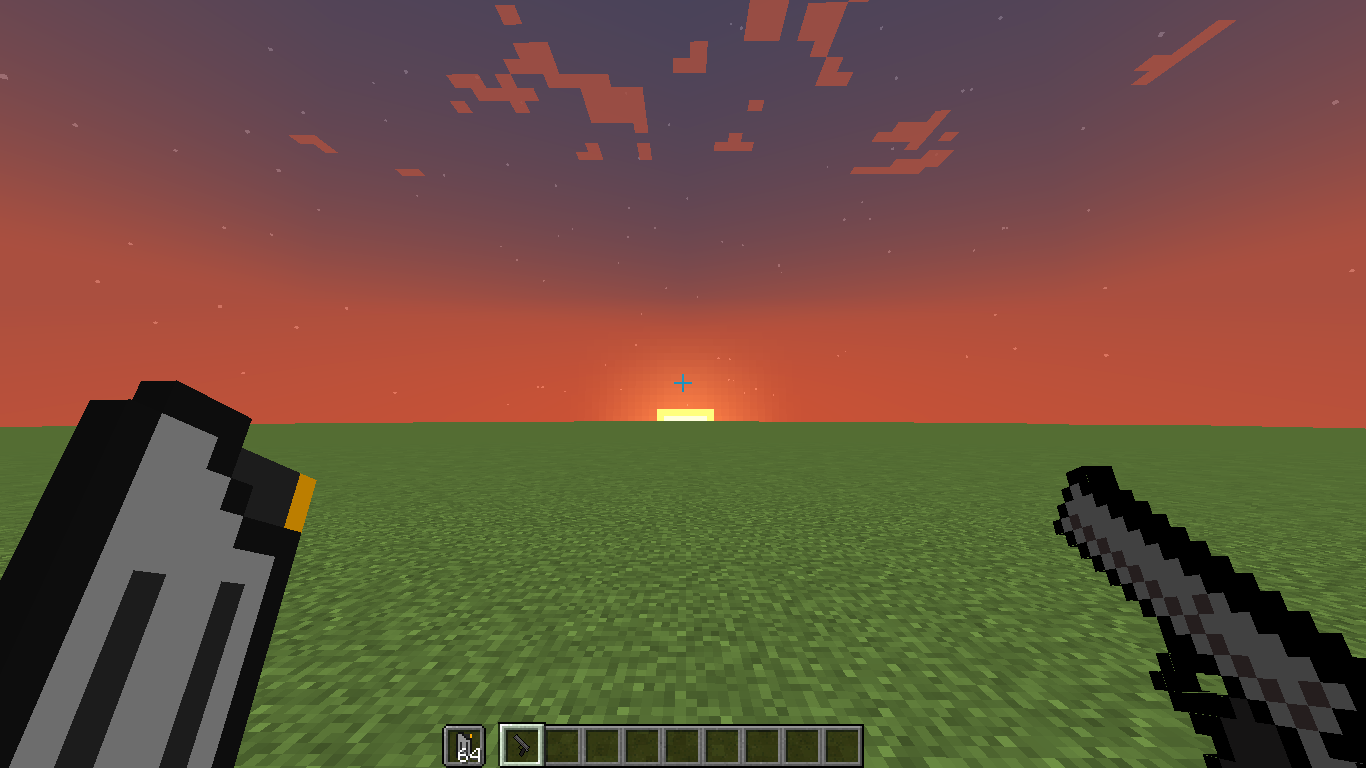
This is a 32x texture pack that makes the regular stupid bow, into a way more powerful, 1911 pistol.

Hey! Thanks for visiting this texture pack!

I made this a couple of years ago in school when I was bored, and it became a little project of mine! I was and still am bad at pixelart, so you can guess that the pistol isn't mine. I was on my computer one day and saw a pistol pixel art, and thought: 'wouldn't it be fun if the bow in minecraft was a gun?' and so this project came to be.

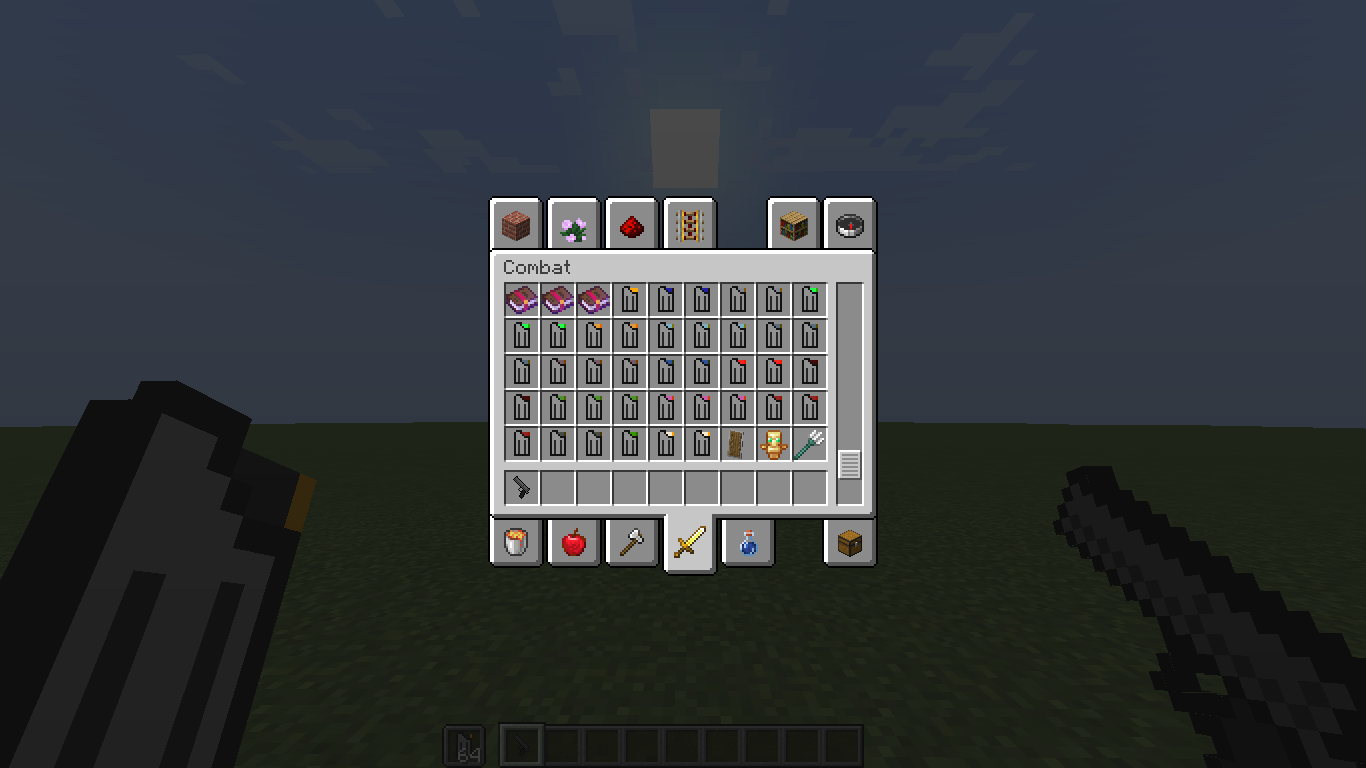
This texture pack also changes the arrows of minecraft (normal, spectral and tipped) to magazines and changes the arrow entity into a black line (the line is bit short so you will see some arrows that have hit you floating around, maybe on a block to ). The texture pack has also changed the panorama to a beautiful night sky (this is deleted in 1.19 and forwarding updates). The rest of the textures is just normal minecraft.


Have Fun!

Btw, i didn't make the textures, I remade them into a working bow.

The gun is just a bow but with a different loading the arrow animation.

Gun_bow 1.17 - 1.21.6
MC 1.17.1, 1.19.3, 1.20.2, 1.21, 1.18.1, 1.20.5, 1.21.5, 1.17, 1.19.4, 1.21.4, 1.18.2, 1.19.2, 1.20.3, 1.20.1, 1.20, 1.20.6, 1.19.1, 1.20.4, 1.21.3, 1.21.1, 1.21.6, 1.18, 1.19
Release 2025-05-01 Get
Gun Bow 1.17.zip
MC 1.17.1, 1.17
Release 2021-12-08 Get
Gun Bow 1.18 - 1.18.2
MC 1.18.1, 1.18.2, 1.18
Release 2021-12-08 Get

Requirements & install

How to use this resource pack in Minecraft
Resolution
32x
Minecraft
1.20.5 – 1.21.6
Install folder
.minecraft/resourcepacks

How to install resource packs

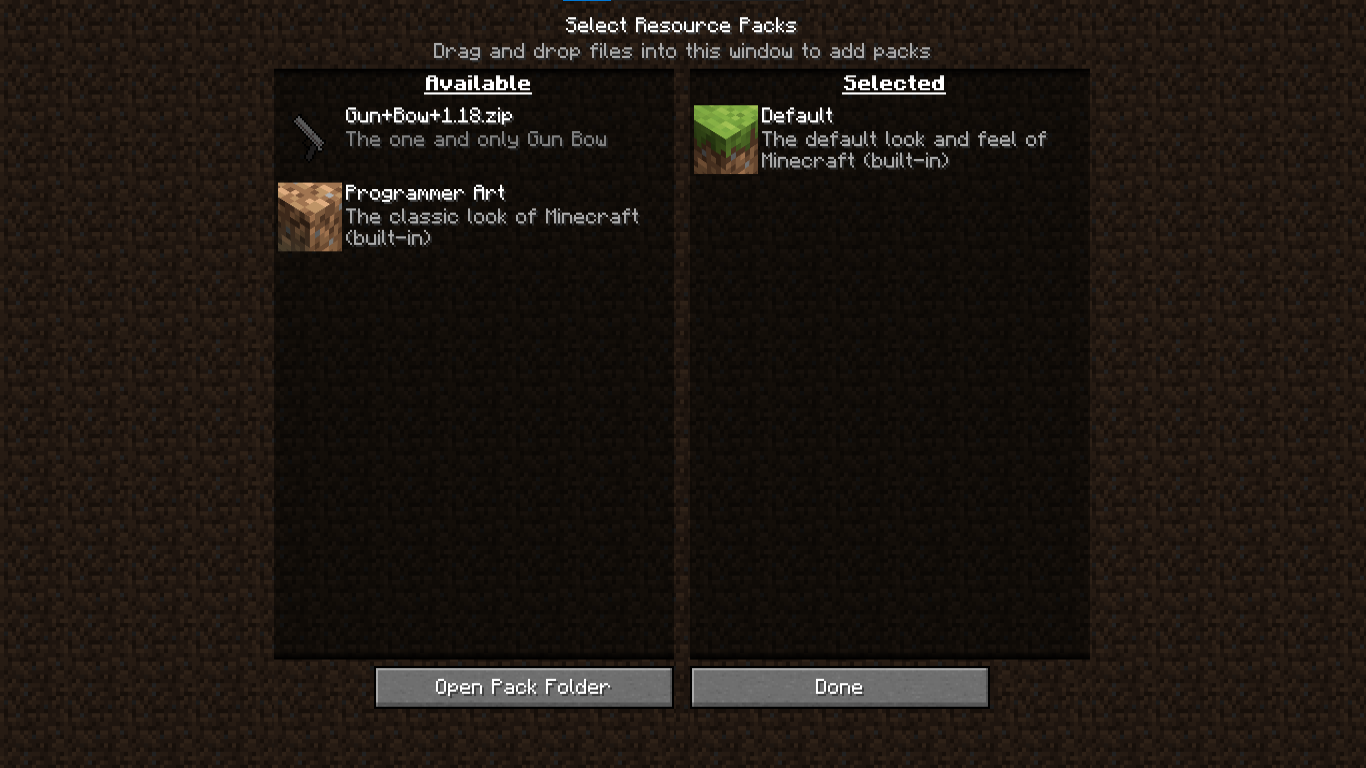
  1. Download the resource pack .zip file (do not extract it).
  2. In Minecraft open Options → Resource Packs → Open Pack Folder.
  3. Drop the .zip into the resourcepacks folder (.minecraft/resourcepacks).
  4. Move the pack to the Selected column and click Done.
Browse more: 16x resource packs 32x resource packs 64x resource packs 128x resource packs 256x resource packs 512x+ resource packs Resource Packs for 1.21.6 All resource packs
Advertisement Remove ads with Premium →

You Might Also Like