Mineuniverse
Resource Packs
[GTE2] GhaTech Textures

[GTE2] GhaTech Textures

RESOURCE PACK
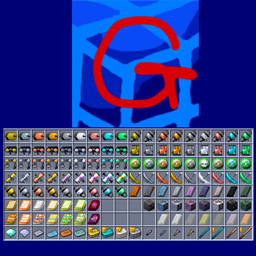
Resource pack with refined texture changes made for GregTech Expert 2.
by gha8989
Download Claim this project
7,963 downloads
0 likes
Updated Oct 14, 2026
0 hypes
16x Mod Support Modern
Advertisement Remove ads with Premium →


v1.0 :

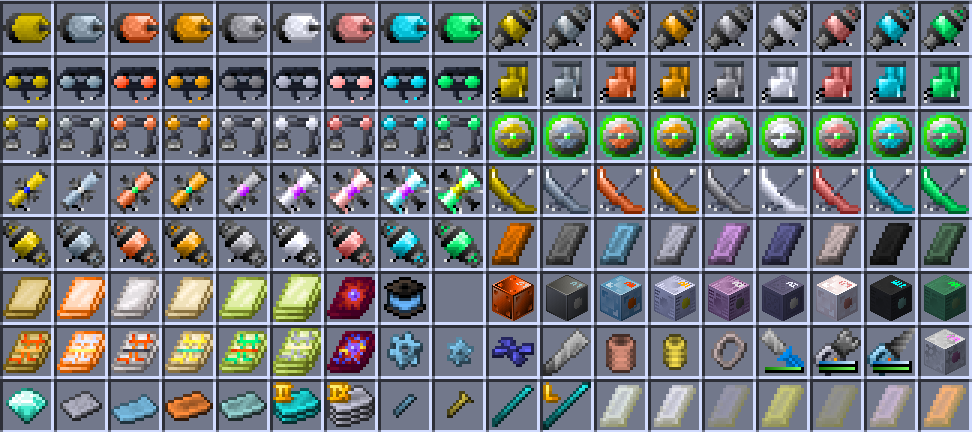
・Gems, Ingots, Plates, Rods, Bolts, Screws
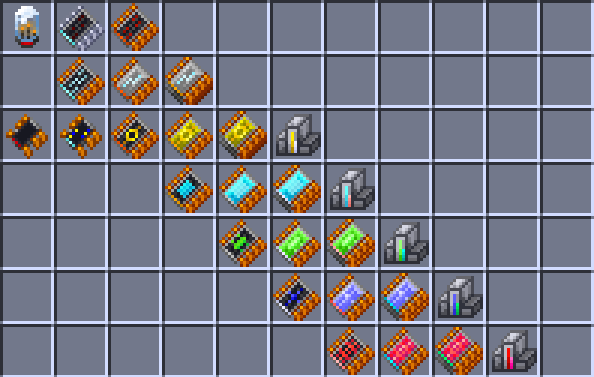
・Circuit Boards
・Machine Hulls (Only color change)

・Machine Components (Includes "Primitive" components)

v1.1 :

・Foils, Gears, Small Gears, Rotor Blades, Fine Wires, Springs, Small Springs, Ring
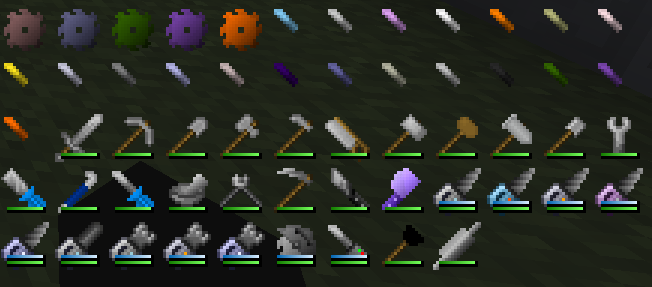
・Tools
・S'more S'mingot (GregTech Food Option)

v1.2 :
・Circuits
・Electric components
・Molds, Extruder shapes
・Minesweeper(Terminal)

v1.3 :

・Dusts, Small Dusts, Tiny Dusts
・Slicer Blades (GregTech Food Option)
・Voltage Coils
・Solar Panels

Join official Discord server : Click here

GhaTech_Textures-v1.7.zip
MC 1.12.2
Release 2025-01-07 Get
GhaTech_Textures-v1.6.zip
MC 1.12.2
Release 2024-09-21 Get
GhaTech_Textures-v1.5.zip
MC 1.12.2
Release 2024-07-10 Get
GhaTech_Textures-v1.4.zip
MC 1.12.2
Release 2024-02-07 Get
GhaTech_Textures-v1.3.zip
MC 1.12.2
Release 2024-01-18 Get
GhaTech_Textures-v1.2.zip
MC 1.12.2
Release 2024-01-16 Get
GhaTech_Textures-v1.1.zip
MC 1.12.2
Release 2024-01-15 Get
GhaTech_Textures-v1.0.zip
MC 1.12.2
Release 2024-01-14 Get

Requirements & install

How to use this resource pack in Minecraft
Resolution
16x
Minecraft
1.12.2
Install folder
.minecraft/resourcepacks

How to install resource packs

  1. Download the resource pack .zip file (do not extract it).
  2. In Minecraft open Options → Resource Packs → Open Pack Folder.
  3. Drop the .zip into the resourcepacks folder (.minecraft/resourcepacks).
  4. Move the pack to the Selected column and click Done.
Browse more: 16x resource packs 32x resource packs 64x resource packs 128x resource packs 256x resource packs 512x+ resource packs Resource Packs for 1.12.2 All resource packs
Advertisement Remove ads with Premium →

You Might Also Like