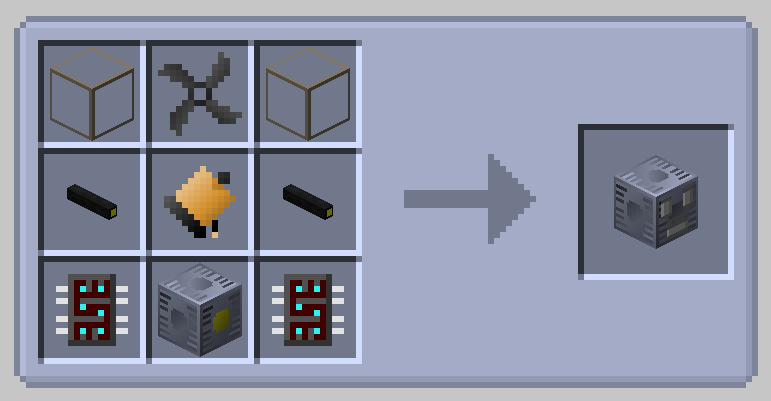
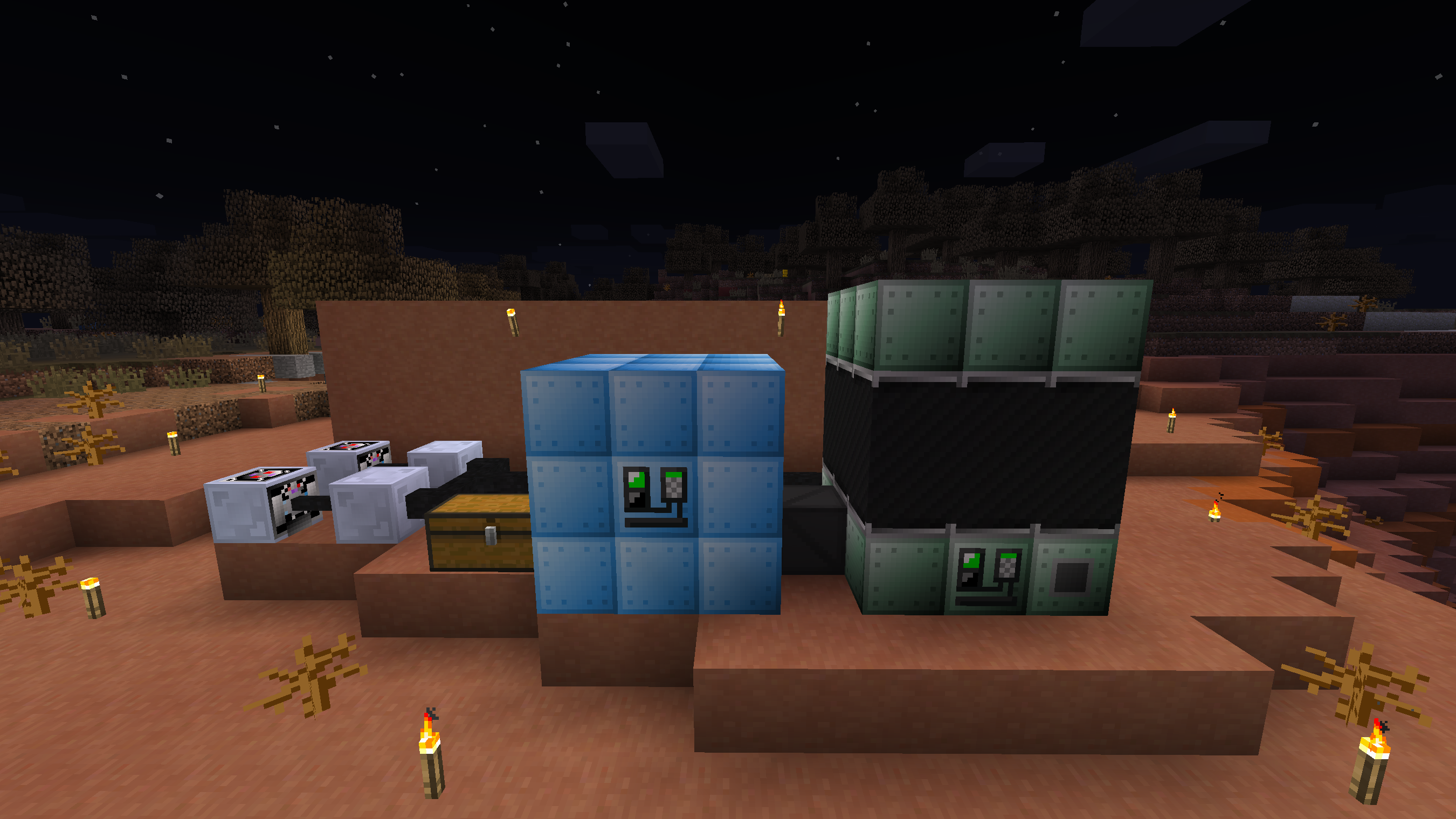
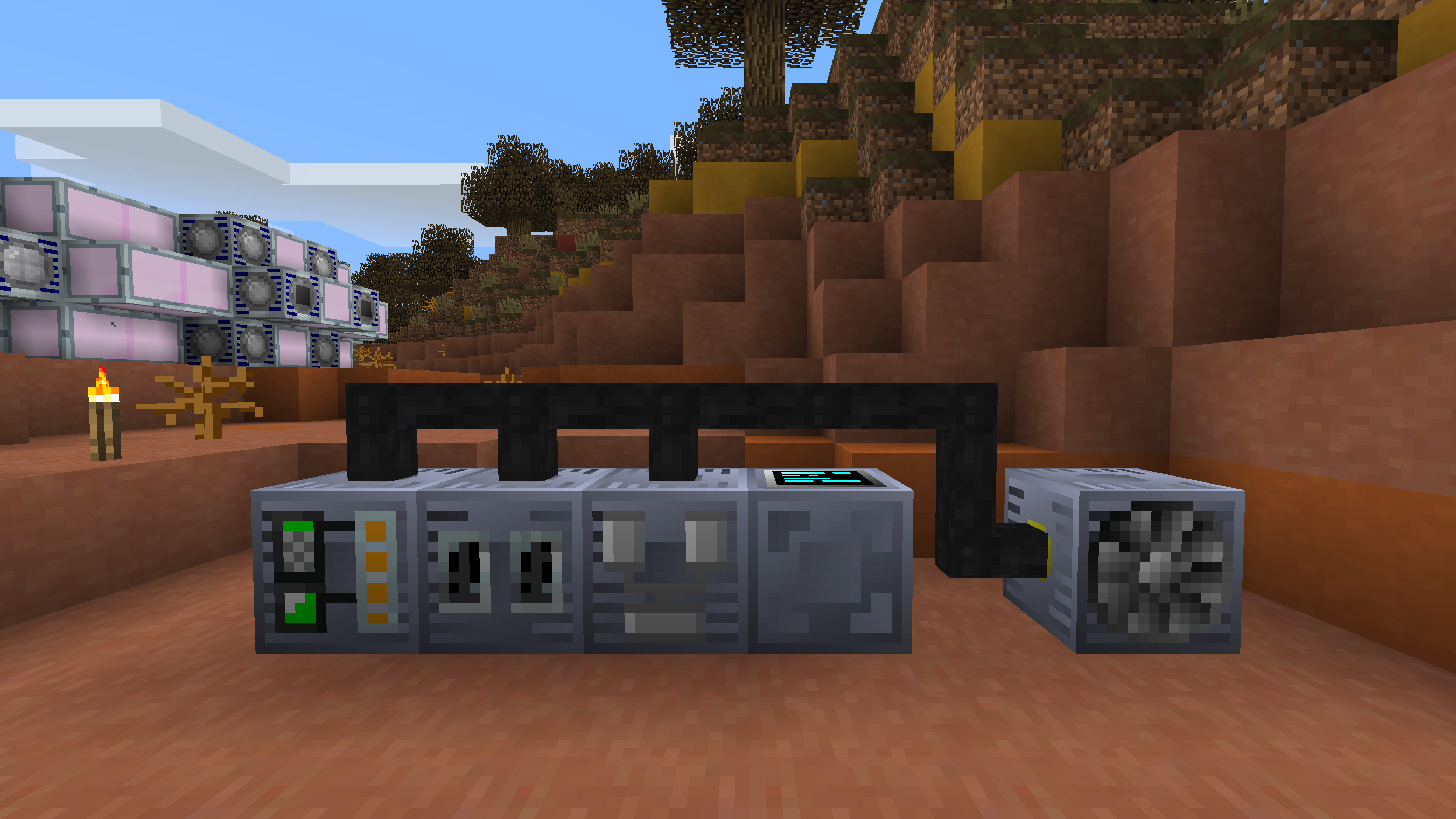
This is a resourcepack created for Minecraft version 1.12.2, bringing textures in the style of previous GregTech versions to GTCE.
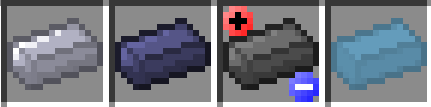
It changes machines to use the classic blue tinted machine hulls, black cable insulation, ingot textures, and more from GT5 and GT5u, as well as adding many textures from their addons.
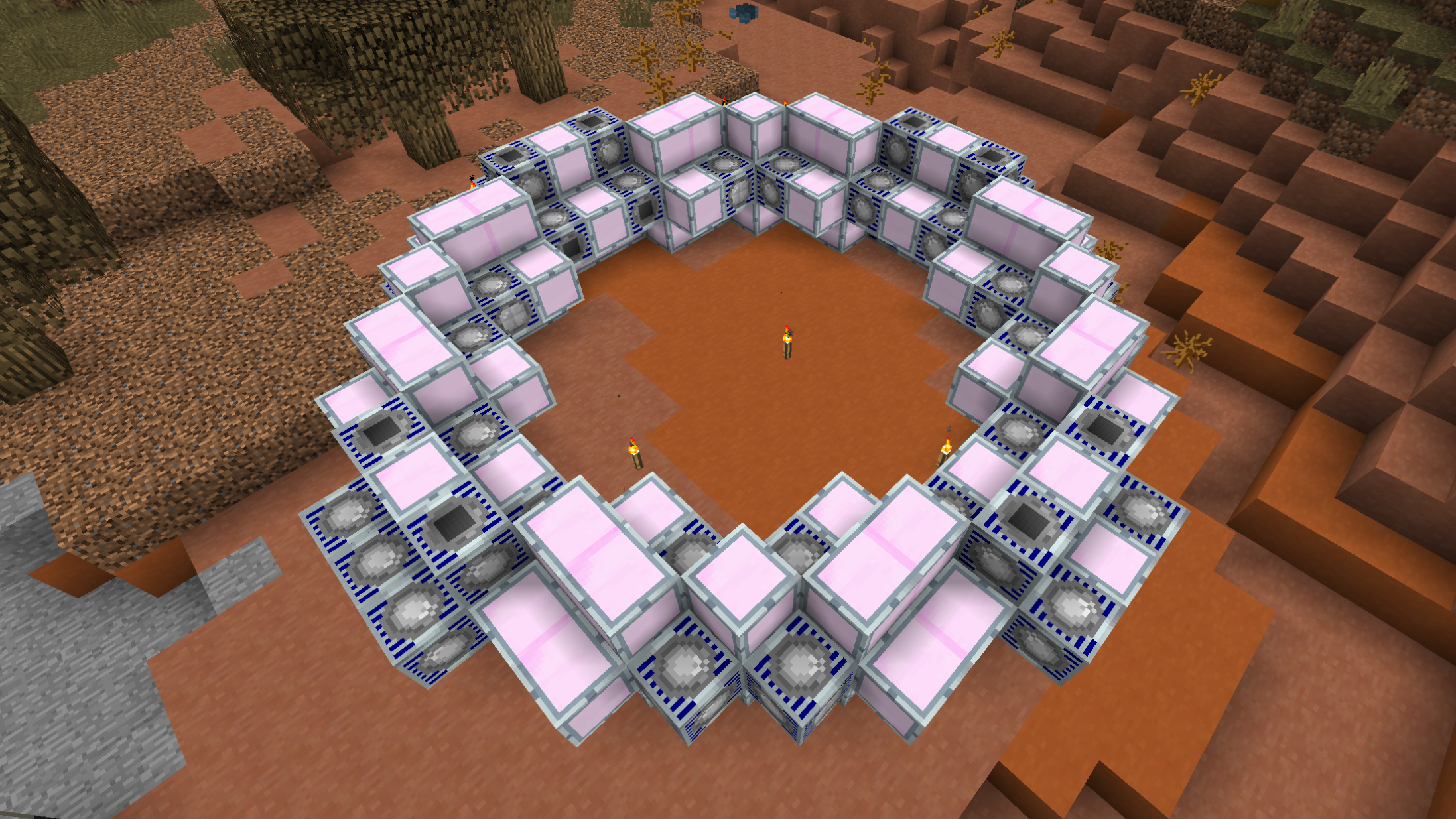
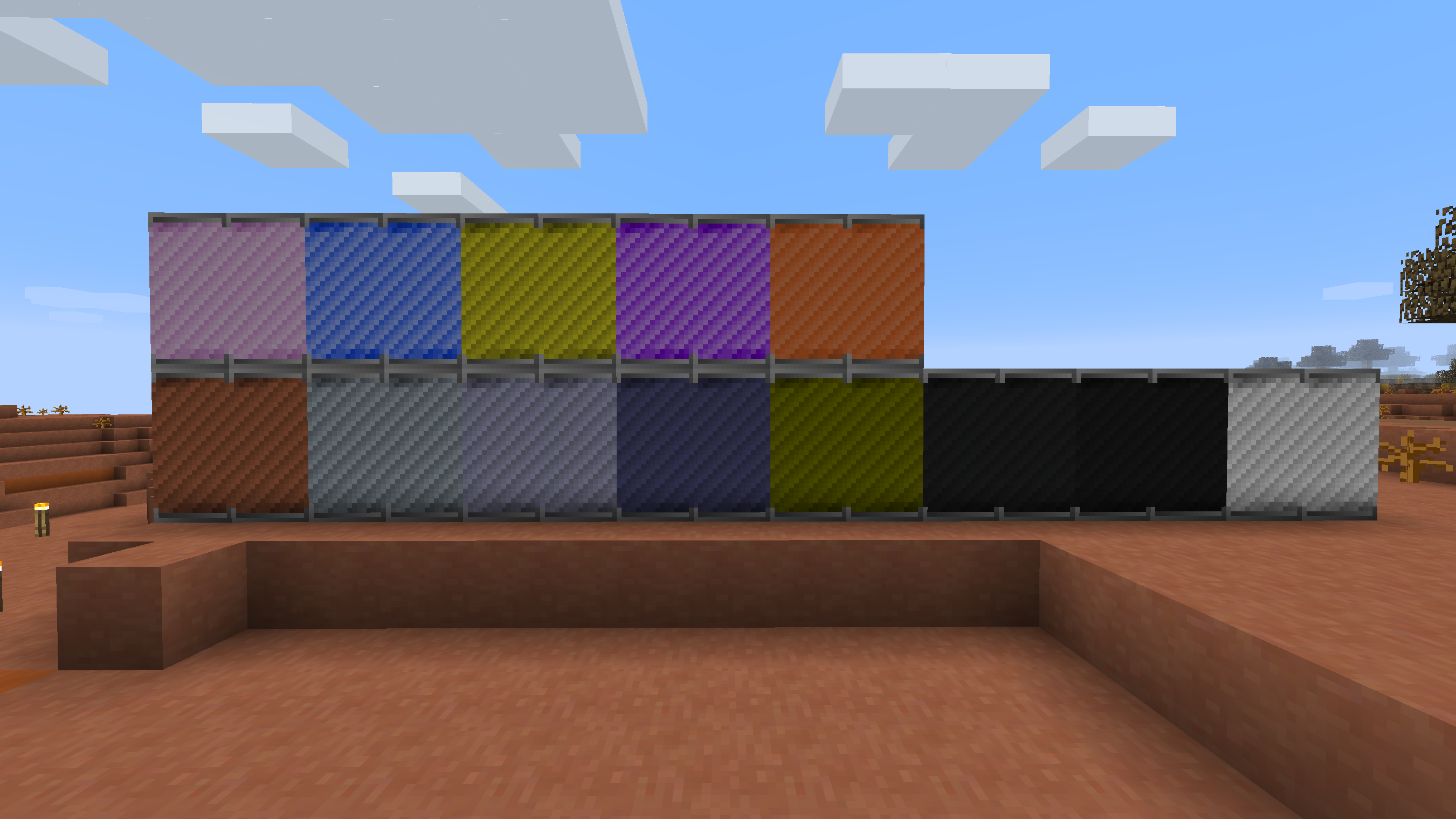
It features optional connected textures support for Blast Furnace Coils, Fusion Reactors, and Reinforced Glasses. More is to come in the future.
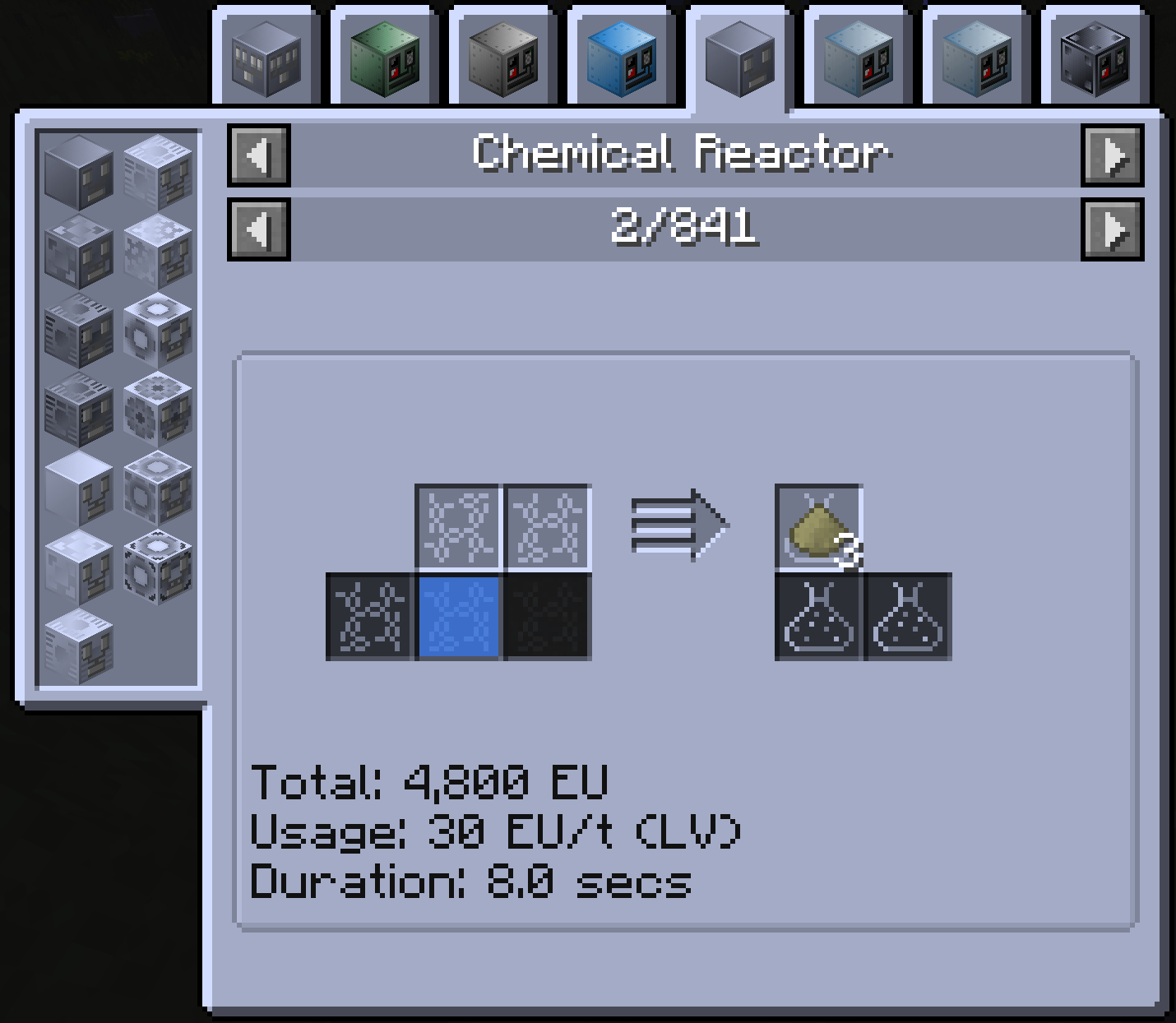
Optional customization options are possible by editing the contents of the resourcepack folder. This includes a fully blue JEI menu, disabling connected textures when mods enabling the feature are installed, and utilizing sided blast furnace coil textures for Gregicality's Advanced Coils. See the customization instructions included in the resourcepack folder for details.
Currently Supported Mods:
Have suggestions, problems, or want mod support added? Create an issue on GitHub.
Electric Blast Furnace (EBF) Coils, MaterialIconSet, and Titanium Gearbox textures are from the GregTech: New Horizons Modpack.
Fusion Reactor Mk1 & 2 Casings, and other textures are based off of and taken from GTCE.
JEI textures are based off of JustEnoughItems.
Quantum Computer and Optical Fiber textures are from TecTech.
CEU Gui textures are based off of CEU.
Many other textures are based off of and taken from Gregicality.