Mineuniverse
Resource Packs
Grove GUI

Grove GUI

RESOURCE PACK
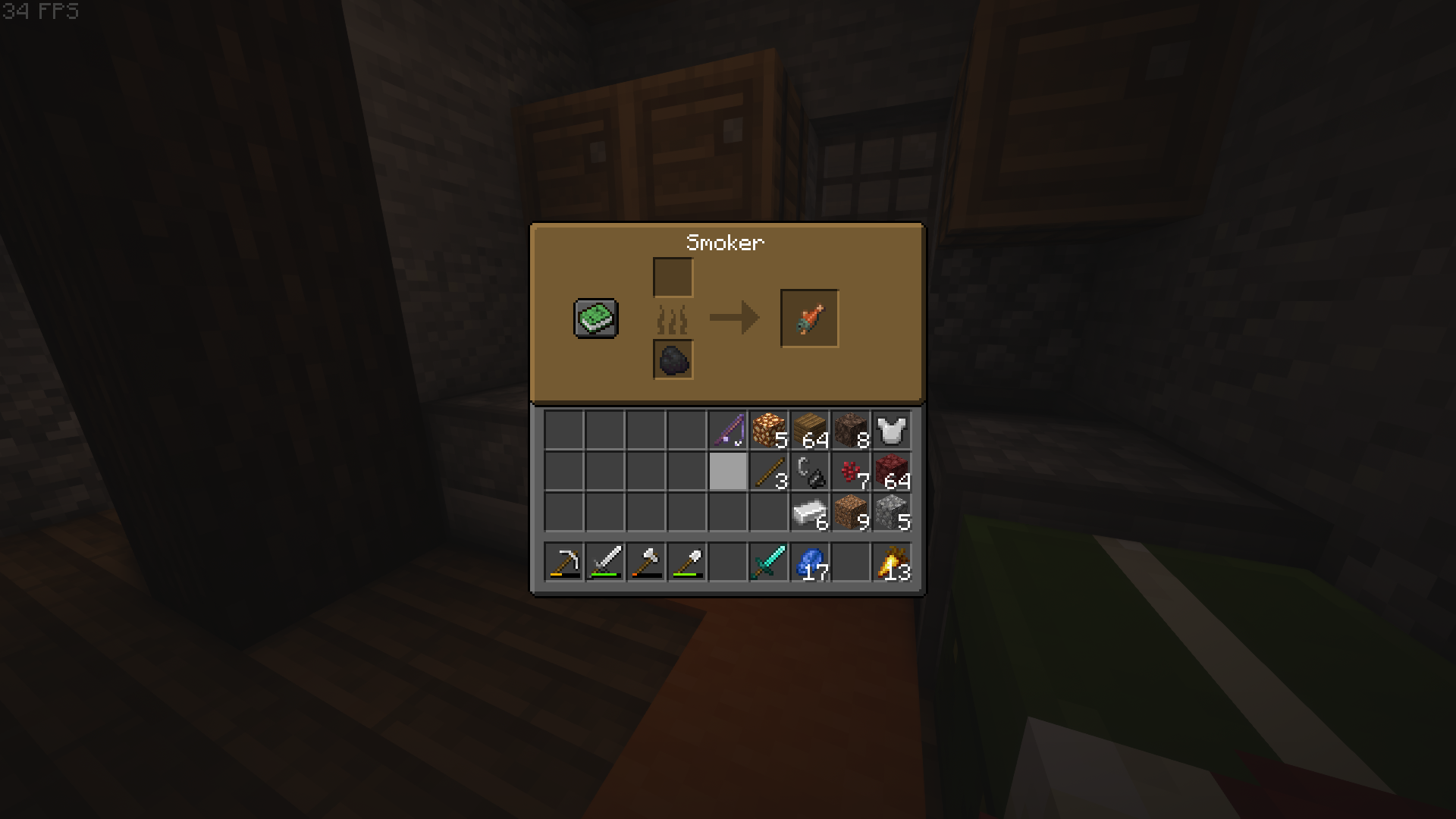
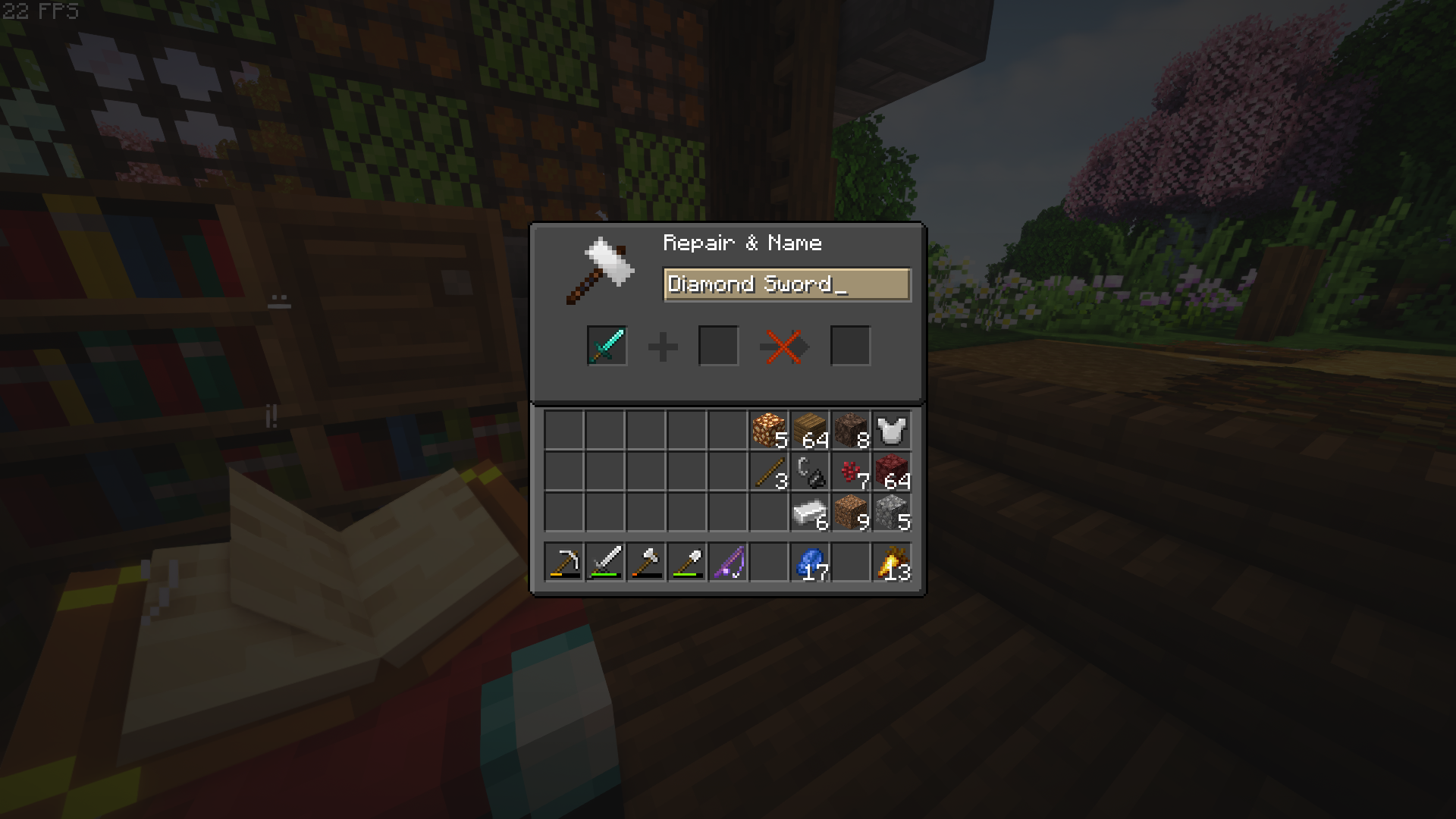
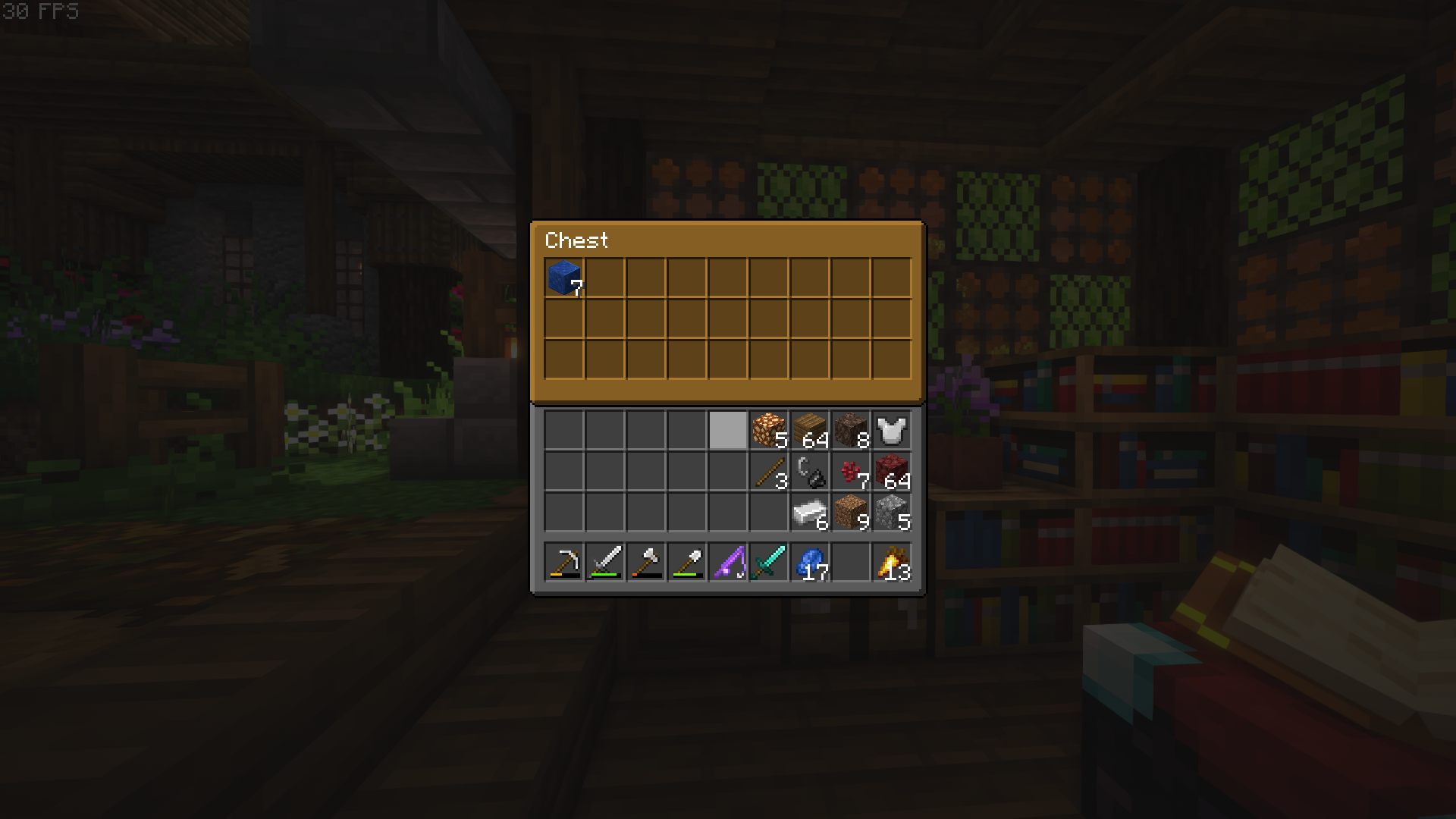
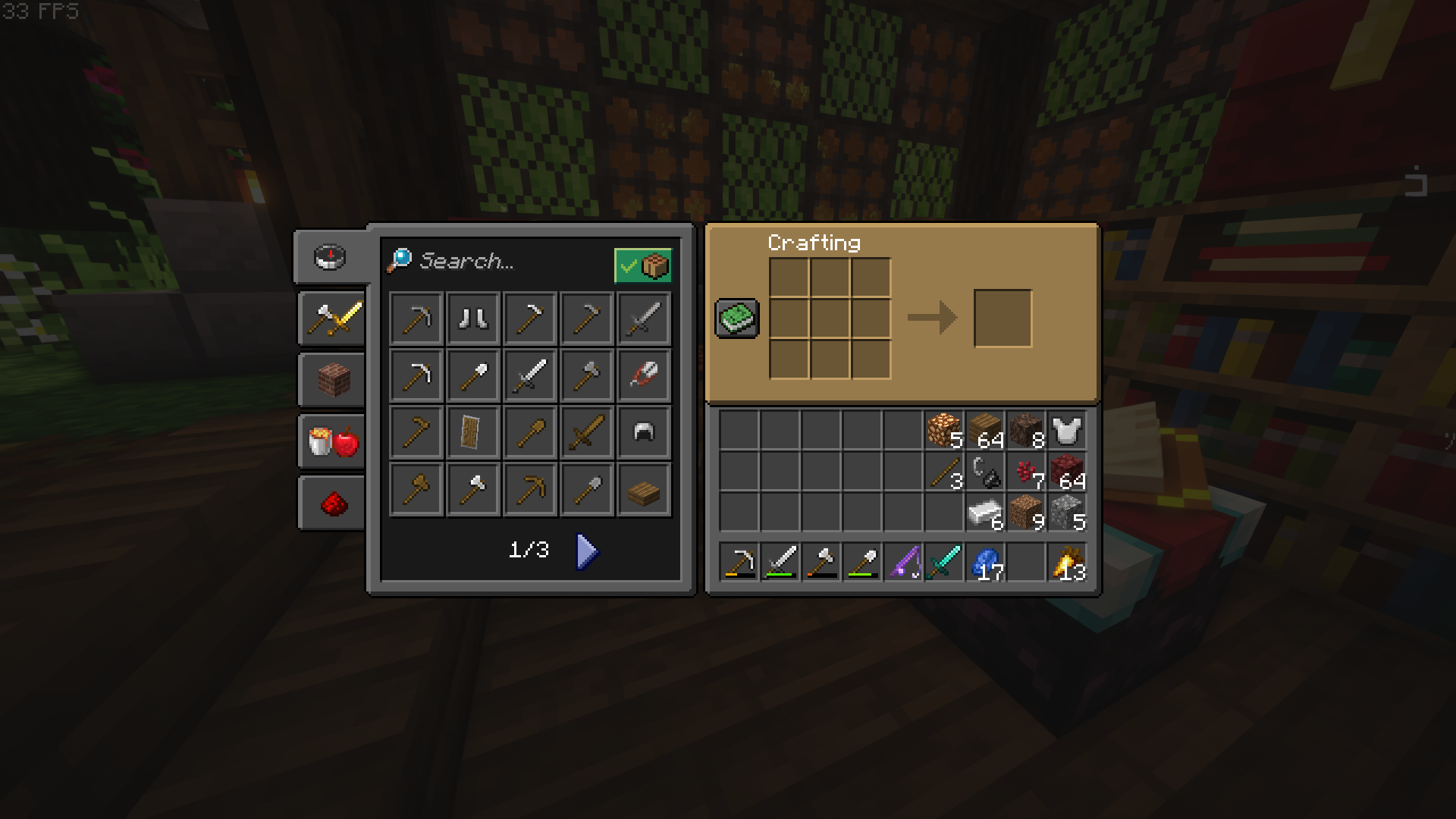
Dark mode GUI with themed containers.
by Mairoyx
Download Claim this project
1,052 downloads
0 likes
Updated Oct 14, 2026
0 hypes
16x Medieval Miscellaneous Traditional
Advertisement Remove ads with Premium →

 Overview

Hello!

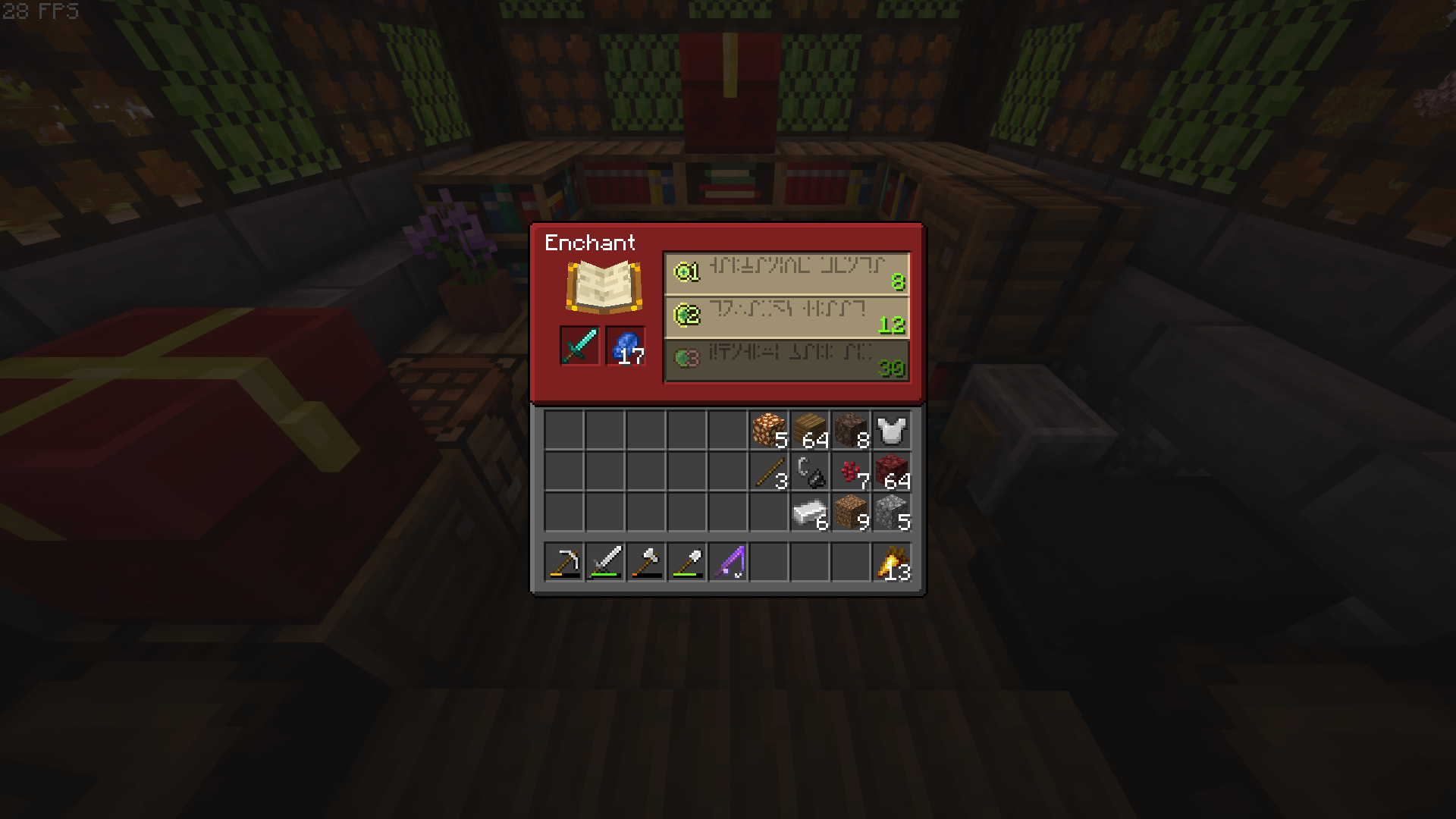
I'm proud to show you my current Resource Pack that i am actively working on. The design really does not have one specific style, so it goes well with everything. Nice saturated colours and simplistic Vanilla+ theme makes it a very good pair with shaders and bright resource packs. Dark mode is something that i enjoy, so the basic GUI is x2,5 times darker. Hope you have as much fun playing with it, as i did creating it!🧡
Features

  • Dark mode
  • Container blocks have custom GUI colours based on the color of their block
  • Small fixes to the GUI, some still remain.
  • New HUD icons.
  • Majority of the GUI now has white text instead of the "vanilla" grey.

Future

  • I'd love to make GUIs for the barrel, ender chest and all of the shulkerchests, but those are OptiFine exclusive features as of now, so i'll just have to wait.
  • I am still new to this, so it will take some time to learn, but i'd like to change the order of things in the inventory panel completely.
  • New HUD icons based on the mob_effect colours and styles (WIP).

Don't forget to leave a comment if you face a problem or have an idea! Credit of inspiration for the GUI accents goes to JermsyBoy! 1.18 packs can be used with 1.17! If you would like to use my work, please message me and let's talk!

Grove GUI 1.8 for 1.18.1.zip
MC 1.17.1, 1.18.1, 1.17, 1.18
Release 2021-12-24 Get
Grove GUI 1.7 for 1.18.1.zip
MC 1.18.1
Release 2021-12-18 Get
Grove GUI 1.6 for 1.18.1.zip
MC 1.18.1
Release 2021-12-11 Get
Grove GUI 1.5 for 1.18.1-pre1.zip
MC 1.18, 1.18-Snapshot
Release 2021-12-06 Get
Grove GUI 1.4 for 1.18.1-pre1.zip
MC 1.18, 1.18-Snapshot
Release 2021-12-05 Get
Grove GUI 1.3 for 1.18.zip
MC 1.18
Release 2021-12-02 Get
Grove GUI 1.2 for 1.18.zip
MC 1.18
Release 2021-12-01 Get
Grove GUI 1.1 for 1.18-rc3
MC 1.18-Snapshot
Release 2021-11-26 Get
Gr0ve's GUI 1.0 for 1.17.1.zip
MC 1.17.1
Release 2021-11-25 Get

Requirements & install

How to use this resource pack in Minecraft
Resolution
16x
Minecraft
1.17 – 1.18.1
Install folder
.minecraft/resourcepacks

How to install resource packs

  1. Download the resource pack .zip file (do not extract it).
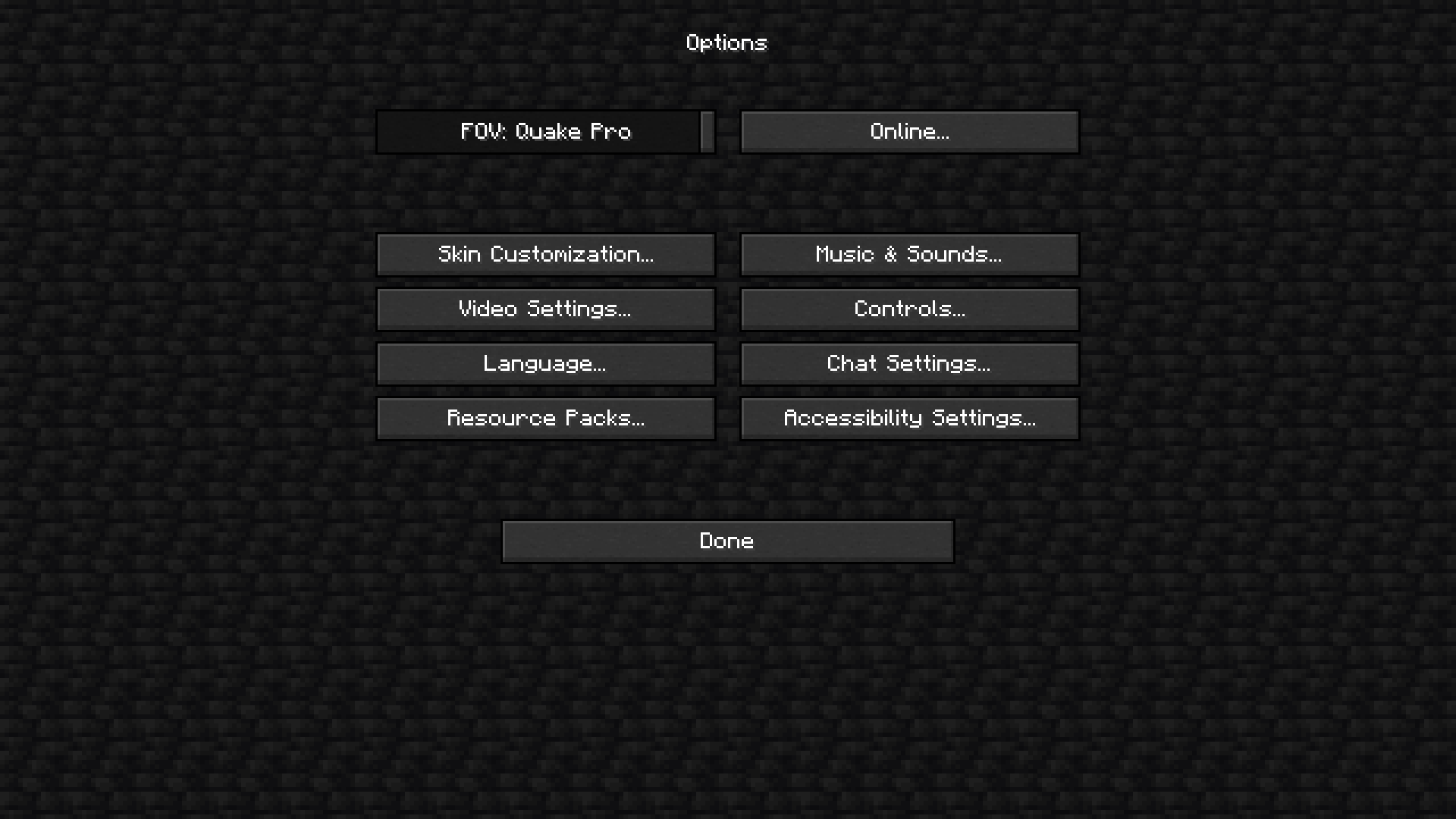
  2. In Minecraft open Options → Resource Packs → Open Pack Folder.
  3. Drop the .zip into the resourcepacks folder (.minecraft/resourcepacks).
  4. Move the pack to the Selected column and click Done.
Browse more: 16x resource packs 32x resource packs 64x resource packs 128x resource packs 256x resource packs 512x+ resource packs Resource Packs for 1.18.1 All resource packs
Advertisement Remove ads with Premium →

You Might Also Like