Mineuniverse
Resource Packs
Groovy Example Instrument Pack (Resource + Datapack)

Groovy Example Instrument Pack (Resource + Datapack)

RESOURCE PACK
Example Instrument Pack for Groovy Mod - Includes a Tutorial & Keyboard Instrument
by GalaxiHD
Download Claim this project
12 downloads
0 likes
0 followers
Updated Oct 14, 2026
0 hypes
Follow0
16x Mod Support
Advertisement Remove ads with Premium →

Groovy Example Instrument Pack (Keyboard)

REQUIRES GROOVY

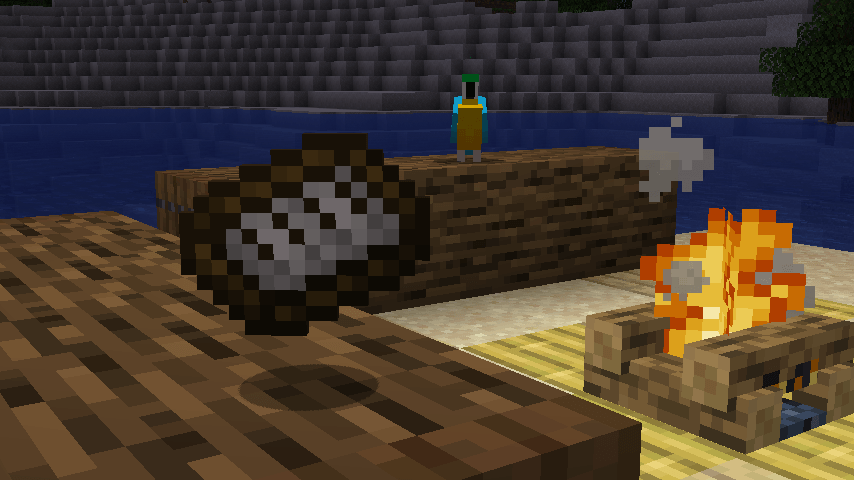
This is the Groovy mod's own tutorial pack: a single datapack + resourcepack combo that adds a fully working instrument, the Keyboard, built entirely from data, no Java required. If you've ever wanted to build your own instrument for Groovy, this is the pack to crack open and copy.

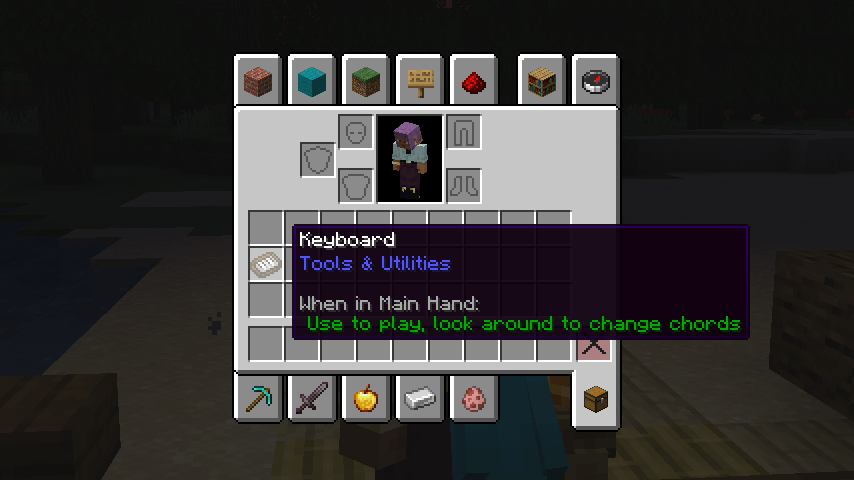
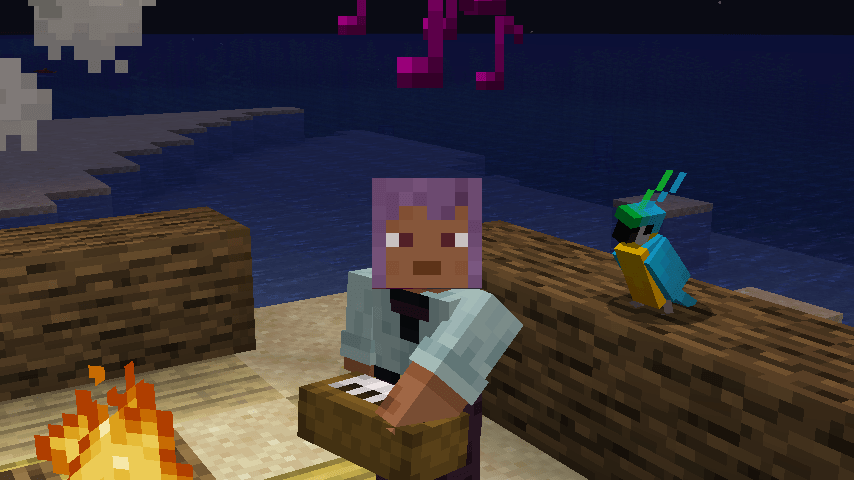
The Keyboard is a tutorial but it's also a fully complete instrument with its own chords, its own piano sound, its own models & textures, and its own playing animation, instruments added like this are added right next to the Guitar in the creative menu.

Every piece of it is plain JSON, images, and audio, and the pack ships with the original Blockbench source files so you can see exactly how the model and animation files were made, and replicate for your own projects.

image

Requirements

  • Groovy (required as this pack is content for it, not standalone)
  • This pack placed both in your "resourcepacks/" and "datapacks/" folders.
  • Minecraft 1.21.1
  • NeoForge 21.1+

Feedback Notice

Found a bug, or built an instrument off this pack you want to show off? Join my Discord and drop it in the Groovy forums, I'd genuinely love to see what people make with this.

AI was used during development, for debugging and automating repetitive tasks only. All design, artwork, and creative direction are my own.

By GalaxiHD! (Original concept & code by JaizYT)

groovy-example-pack.zip
MC 1.21.1
Release 2026-09-17 Get

Requirements & install

How to use this resource pack in Minecraft
Resolution
16x
Minecraft
1.21.1
Install folder
.minecraft/resourcepacks

How to install resource packs

  1. Download the resource pack .zip file (do not extract it).
  2. In Minecraft open Options → Resource Packs → Open Pack Folder.
  3. Drop the .zip into the resourcepacks folder (.minecraft/resourcepacks).
  4. Move the pack to the Selected column and click Done.
Browse more: 16x resource packs 32x resource packs 64x resource packs 128x resource packs 256x resource packs 512x+ resource packs Resource Packs for 1.21.1 All resource packs

More from GalaxiHD

Advertisement Remove ads with Premium →

You Might Also Like