Mineuniverse
Resource Packs
GreenPack!

GreenPack!

RESOURCE PACK
Make Minecraft beautiful with the GreenPack!
by _ForgeUser12785061
Download Claim this project
1,093 downloads
0 likes
0 followers
Updated Oct 14, 2026
0 hypes
Follow0
16x Traditional
Advertisement Remove ads with Premium →

(trailer very soon)


Make Minecraft beautiful with the GreenPack!

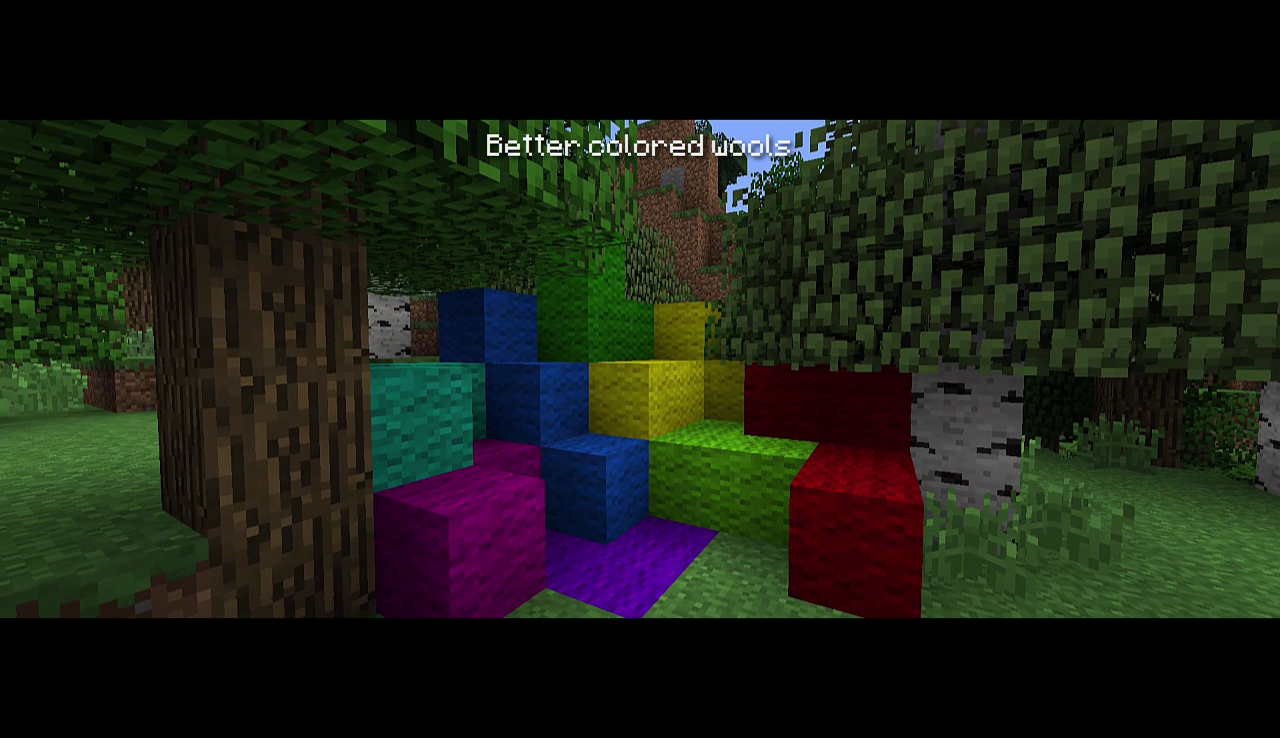
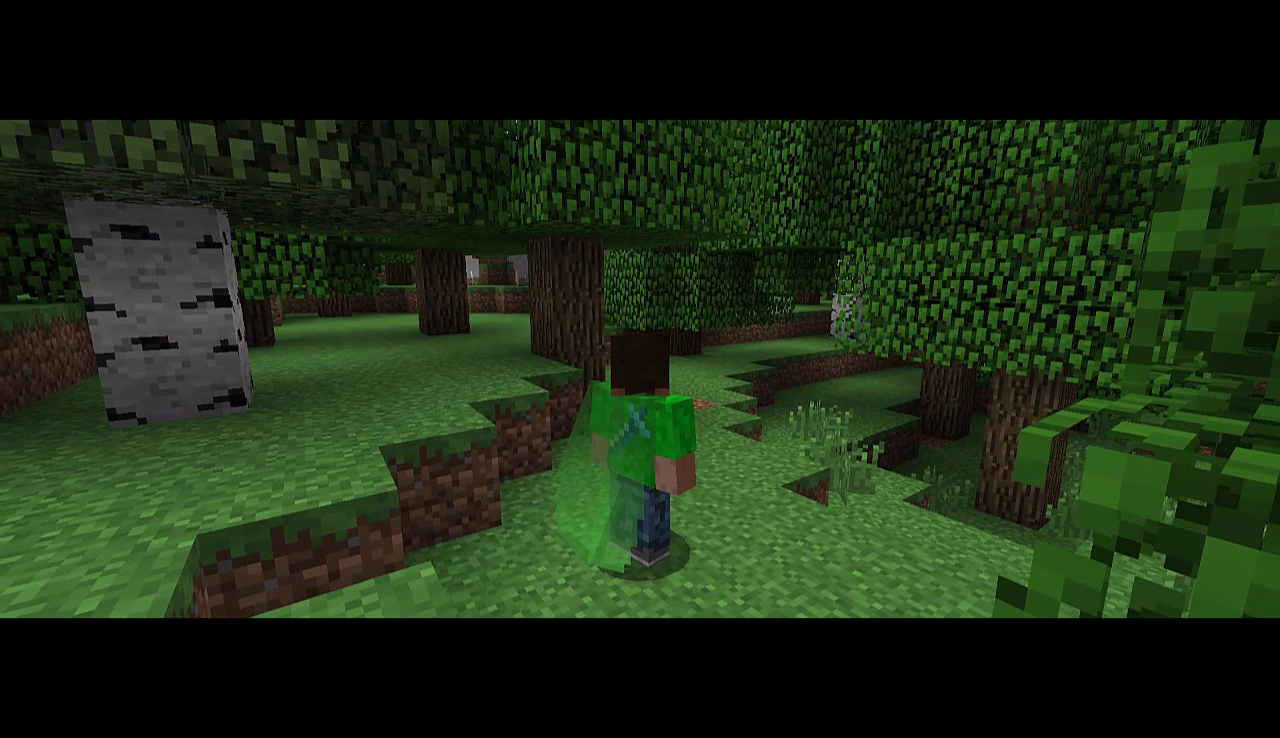
Nothing is more beautiful than green. So this pack add some green in minecraft. (And some flashy textures to see the difference between green and other colors)


Description : 

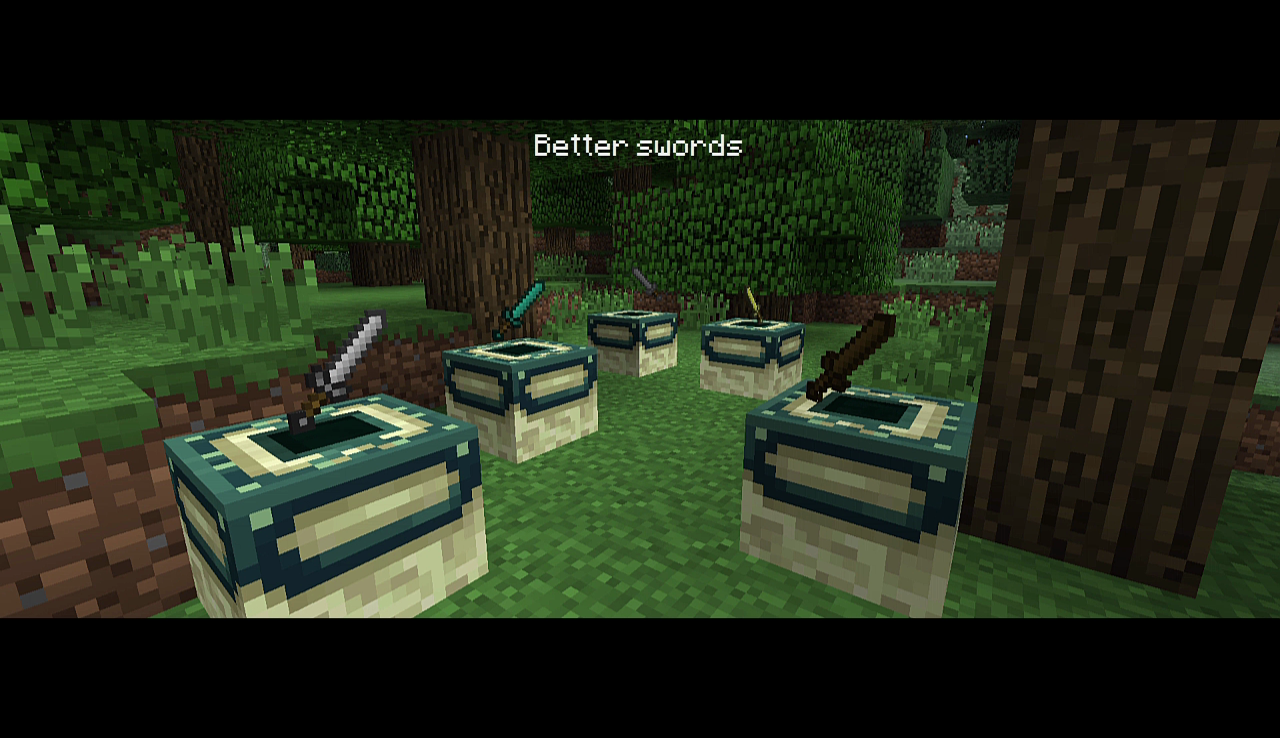
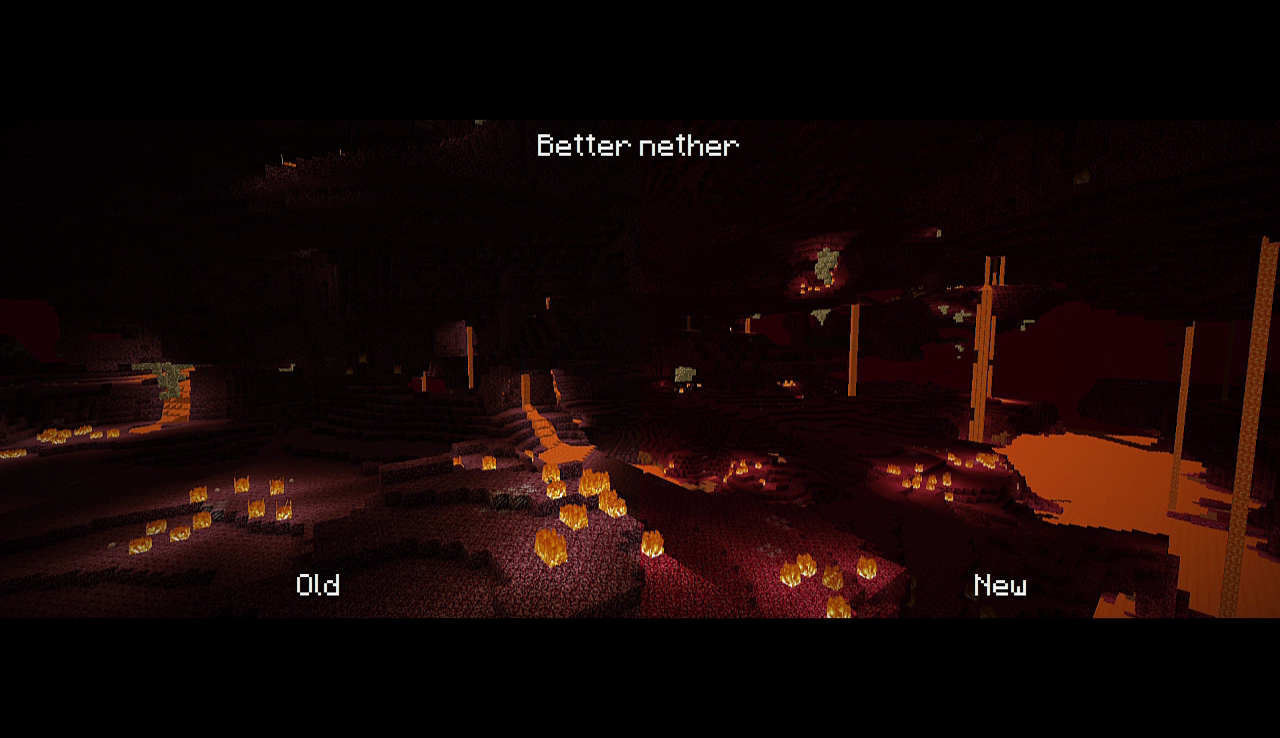
Really, this pack adds a tons of new textures, like green apples, old gravel, green apples, better swords and monster eggs, and obviously, green apples! It adds too some pretty cool sounds, like a better "click" sound, better explosions sounds, or the old grass sound.

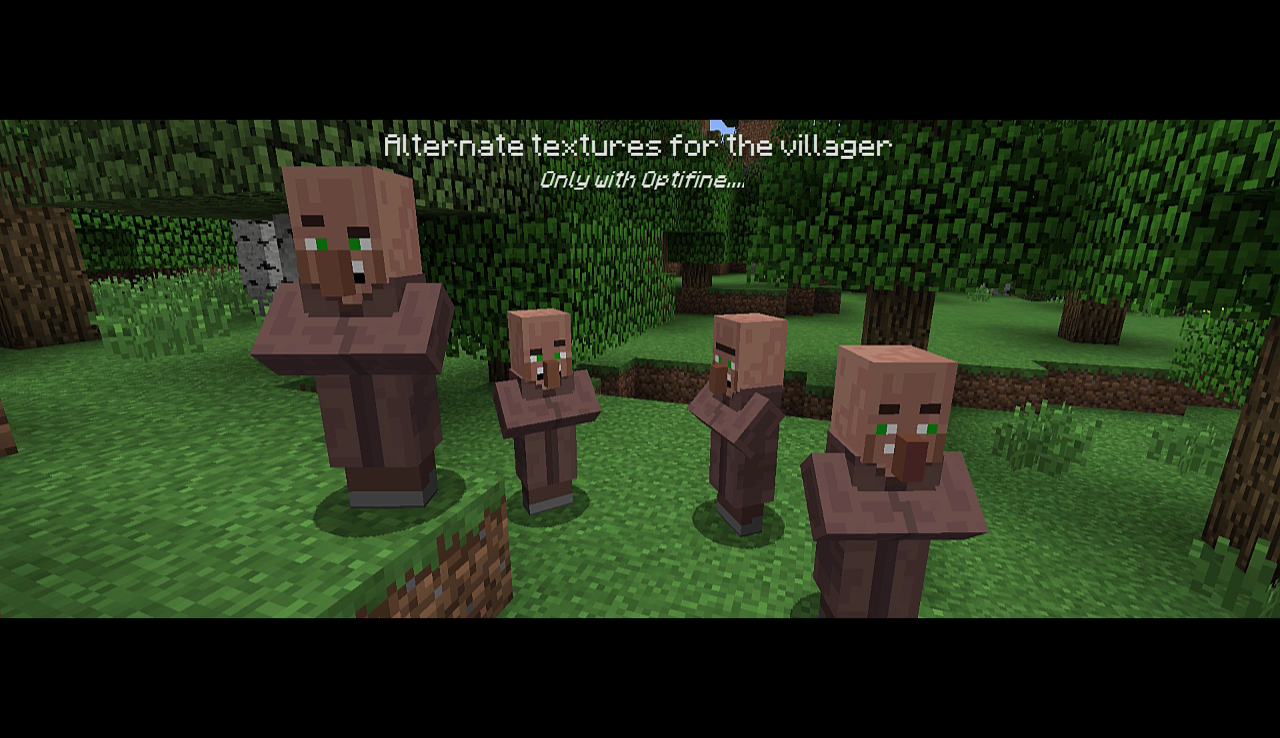
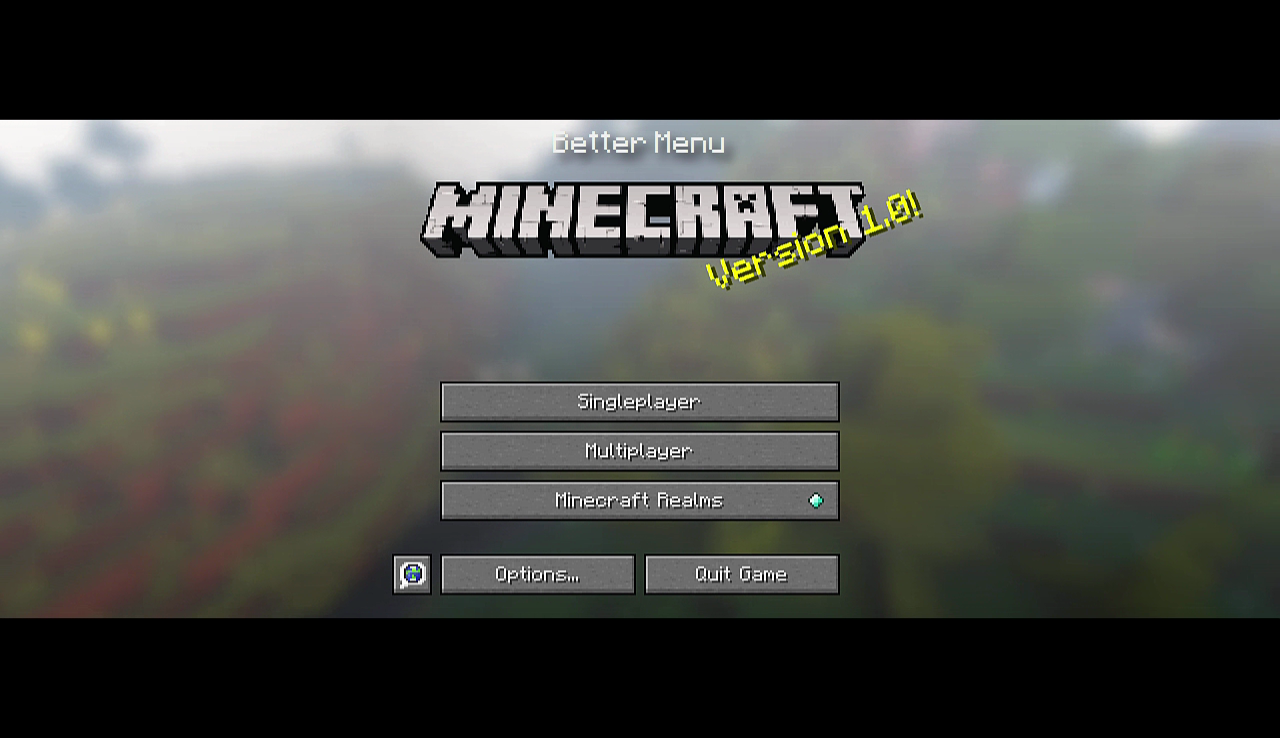
There is some alternate textures for some mobs, like the villager, the chicken and the pig. There is some improvements with the GUI, like a beautiful menu, a better cross, and some changes to some icons.


What I want to add :

  • More green
  • More alternate textures
  • More new sounds
  • More green
  • 3D models for some blocks

Thank you !


GreenPack V.1.0.zip
MC 1.9.1, 1.9.3, 1.8.7, 1.10-Snapshot, 1.9.4, 1.9.2, 1.8.4, 1.8.8, 1.10.2, 1.8.6, 1.10, 1.10.1, 1.9-Snapshot, 1.9, 1.8.5, 1.8.9
Release 2016-07-11 Get

Requirements & install

How to use this resource pack in Minecraft
Resolution
16x
Minecraft
1.9.1 – 1.10.2
Install folder
.minecraft/resourcepacks

How to install resource packs

  1. Download the resource pack .zip file (do not extract it).
  2. In Minecraft open Options → Resource Packs → Open Pack Folder.
  3. Drop the .zip into the resourcepacks folder (.minecraft/resourcepacks).
  4. Move the pack to the Selected column and click Done.
Browse more: 16x resource packs 32x resource packs 64x resource packs 128x resource packs 256x resource packs 512x+ resource packs Resource Packs for 1.10.2 All resource packs
Advertisement Remove ads with Premium →

You Might Also Like