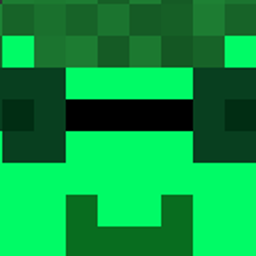
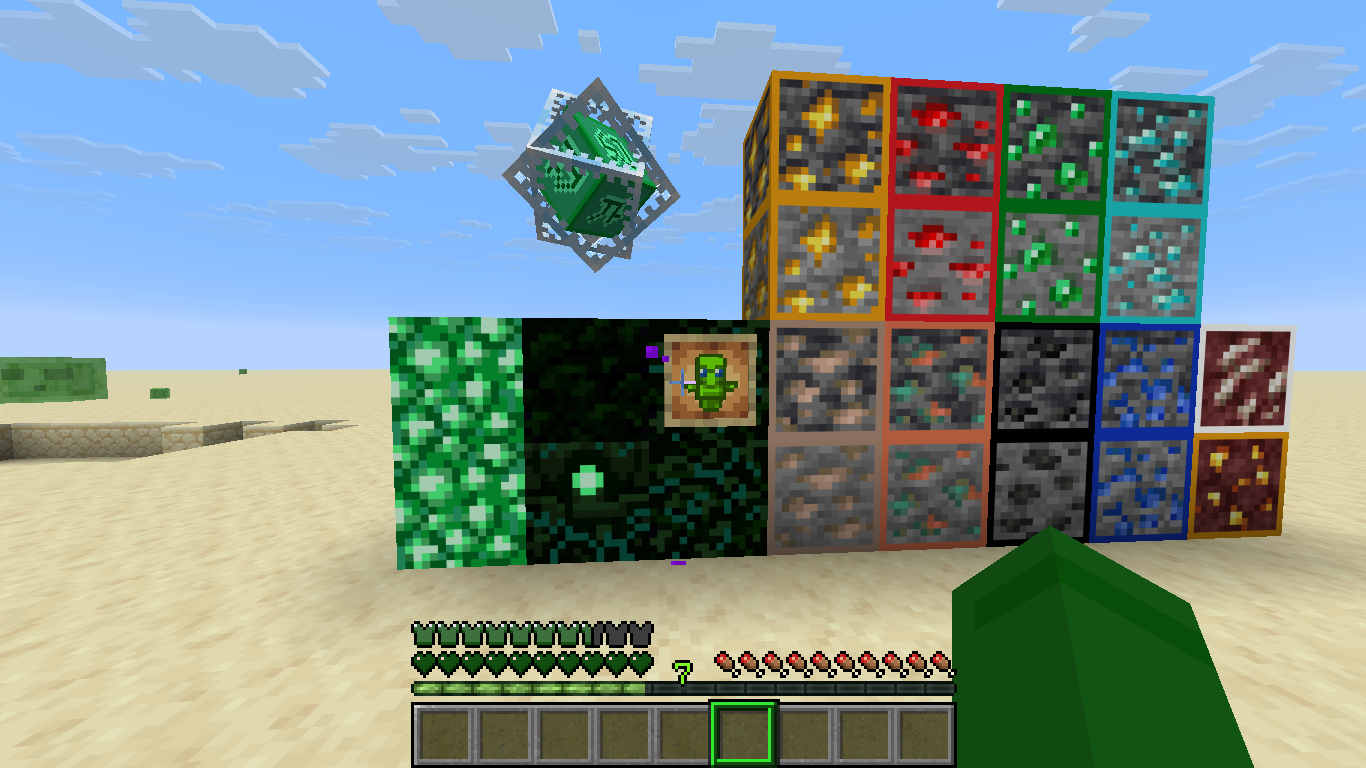
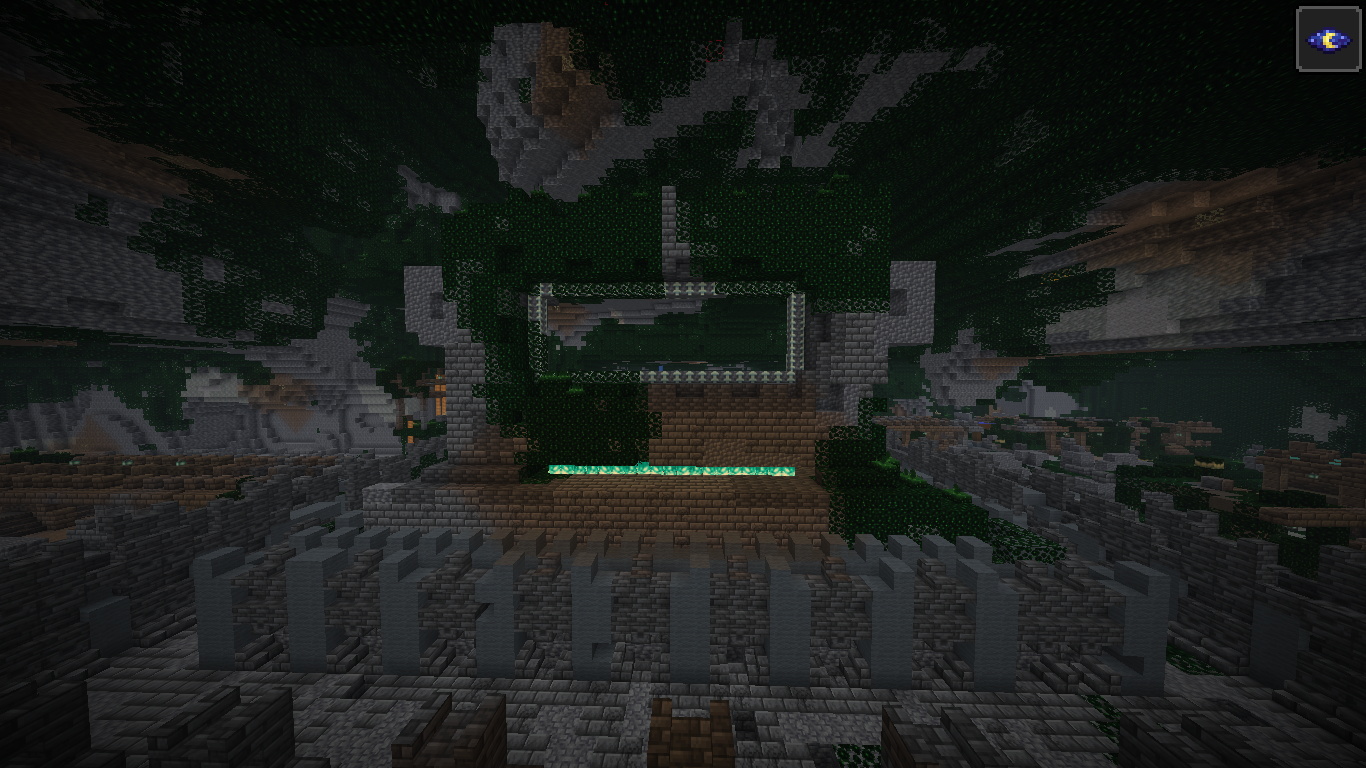
I try to keep the original touch and just change some Textures to green or to make the experience even better by removing things like the pumpkin blur or making Cobwebs more visible. If you have any ideas of what I could add or change please let me know in my Discord. Pls don't complain about my spelling.
The low on fire texture pack is a seperate version. If you want to use the main version and the low on fire version together you need to install both.
For early Updates or Betas please Visit my Modrinth Page : https://modrinth.com/resourcepack/green-texturepack/
Version 1.0
- GreenGUI
- Green Creeper Armor
- Green Enchantment Effect
- Green Warden (Entity + Particles)
- Green Deep Dark (Item + Block + Particles)
- Green End sky (Environment)
- Green Enderman (Entity)
- Green End Portal (Idk)
- Green Bossbar (GUI)
- Totem of undying (Item)
- Glowstone Block (Block)
- Glowstone Dust (Item)
- Obsidian (Block)
- Crying Obsidian (Block)
- End Crystal (Entity)
- Respawn Anchor (Block)
- All ores (Block)
- Critical hit(Particle)
- Hotbar Slot Icon (GUI)
- Armor Bar (GUI)
- Hearts (GUI)
- Green Dragon Egg (Block)
- Dragon with green mouth (Entity)
- Green Dragon fireball (Entity)
- Golden Helmet is now a crown (Item)
- Green Cooldown Indicator (GUI)
- Bow charged Indicator or sth like that (Item)
- Crossbow charged Indicator or sth like that (Item)
- Green Dragon's Breath bottle (Item)
- Sunflower is more beautifull (Block)
- Sweetberry -> Blueberry (Item + Block)
- Advancment green touch (GUI)
- Wheat Status Indicator (Block)
- Carrot Status Indicator (Block)
- Beetroot Status Indicator (Block)
- Clearly visible trapped chests (Block)
- Green Blase (Entity)
- Green Blase Rod (Item)
- Green Blase Powder (Item)
- Green Blaze Spawn Egg
- Green Cobweb (Block)
- Green Creaking Heart (Block)
- Green Creaking Eyes (Entity)
- Green Creaking Spawn Egg (Item)
- Green Rasin (Item)
- Green Rasin Armor Trim (Trim)
- No Pumpkin Head (GUI)
- Green Elytra (Entity + Item)
- Green End Crystal (Item)
- Green Rasin Blocks (Block)
- Clearyly visible String 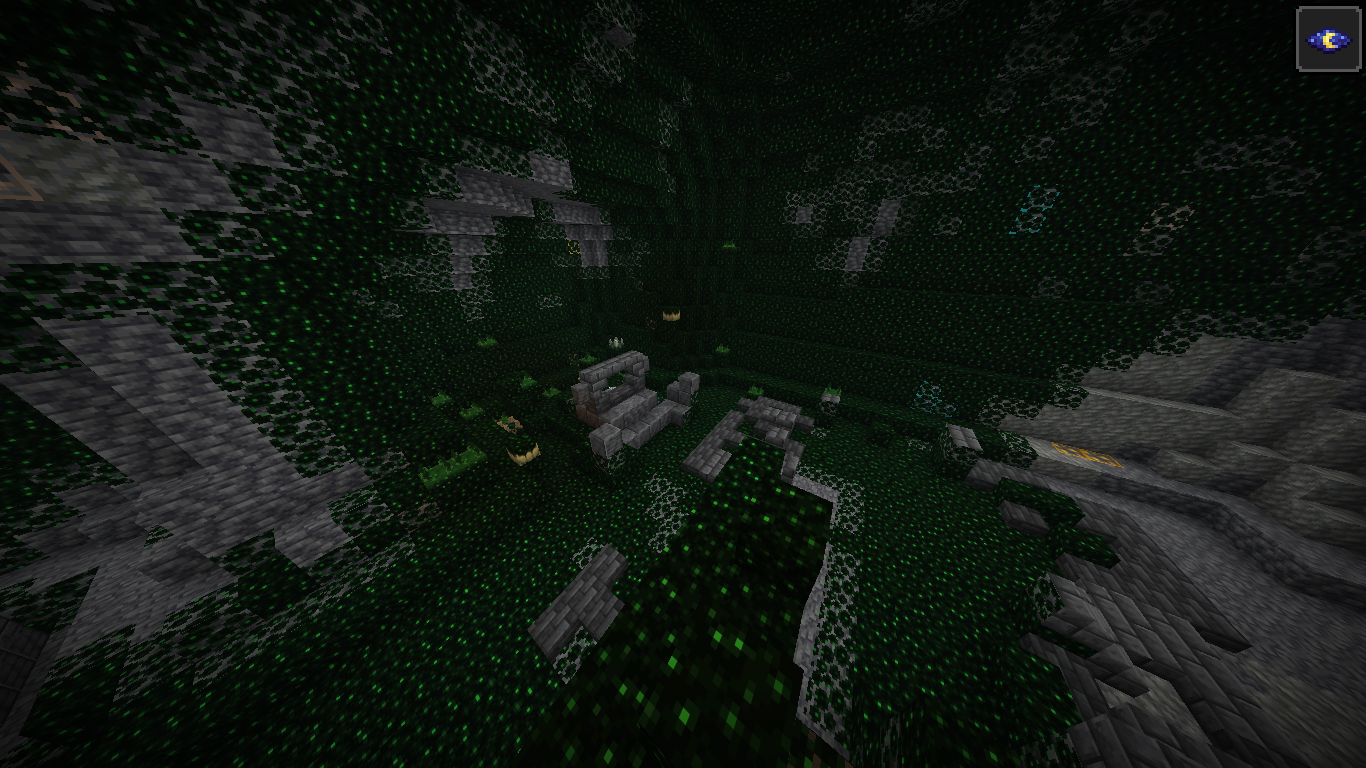
Comming someday
- Animations like Netherportal in green
- and some other stuff
Join My Discord
If you have any idea what I could edit please let me know in my Discord. Same for Bugs.
Links
My Friend Playing Cpvp with the texture pack(https://medal.tv/de/games/minecraft/clips/miscCz4u0in2rbmTK?invite=cr-MSxRVnksNDUxNjkwMzg0&tab=home)
This is the Website I made it with (https://createtextures.com/editor)
The Programm some textures were made with (https://www.gimp.org/downloads/)
undefined
Please note that the Apache-2.0 license doesn't apply to the linked Websites and the pictures on this page