Gravity Walls, Planets, and more! This is a datapack that adds lots more features to the Gravity Changer mod by andrew_10__
(I only created this datapack! The gravity mechanics themselves belong to andrew_10__, who did an amazing job with the /gravity command!)
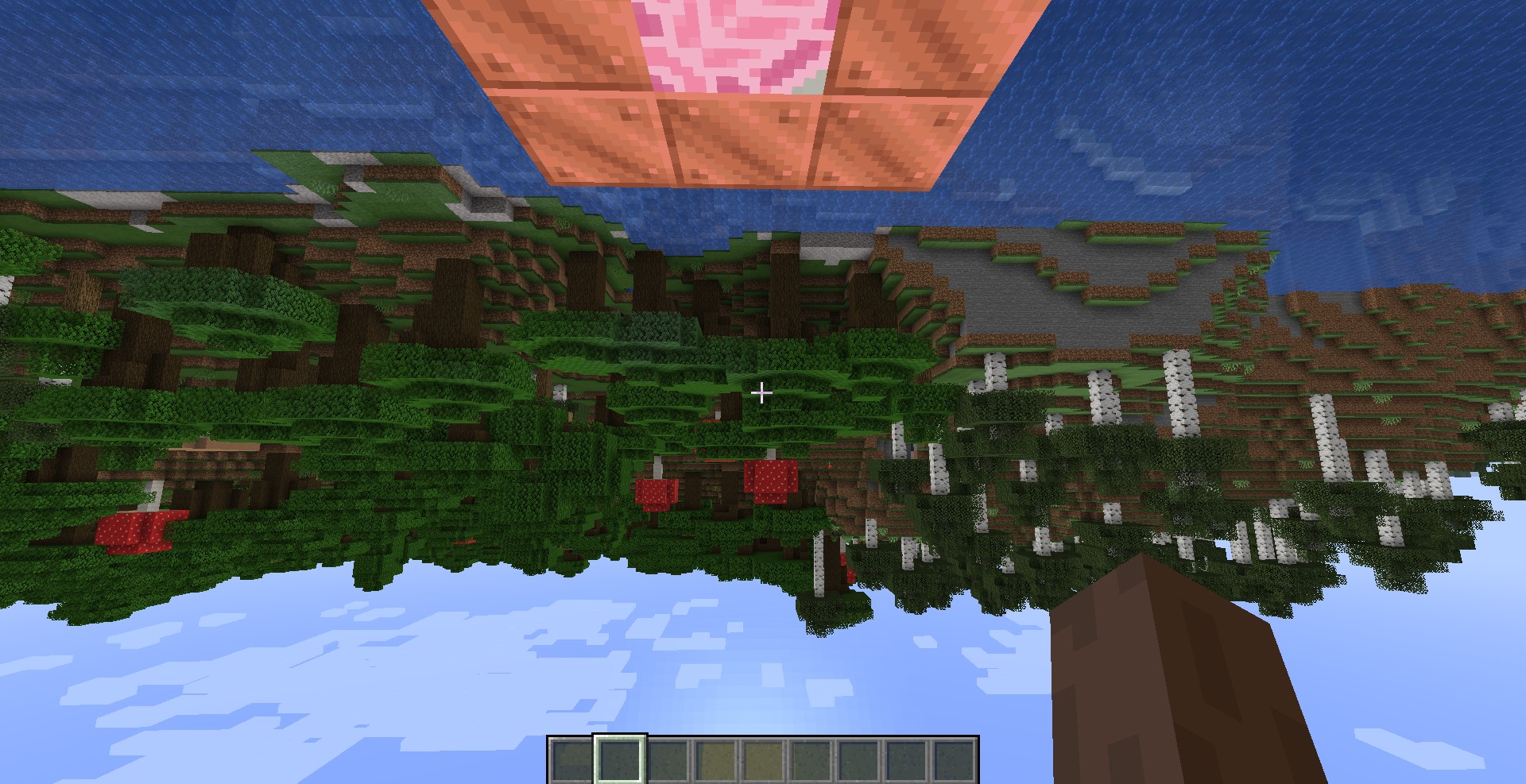
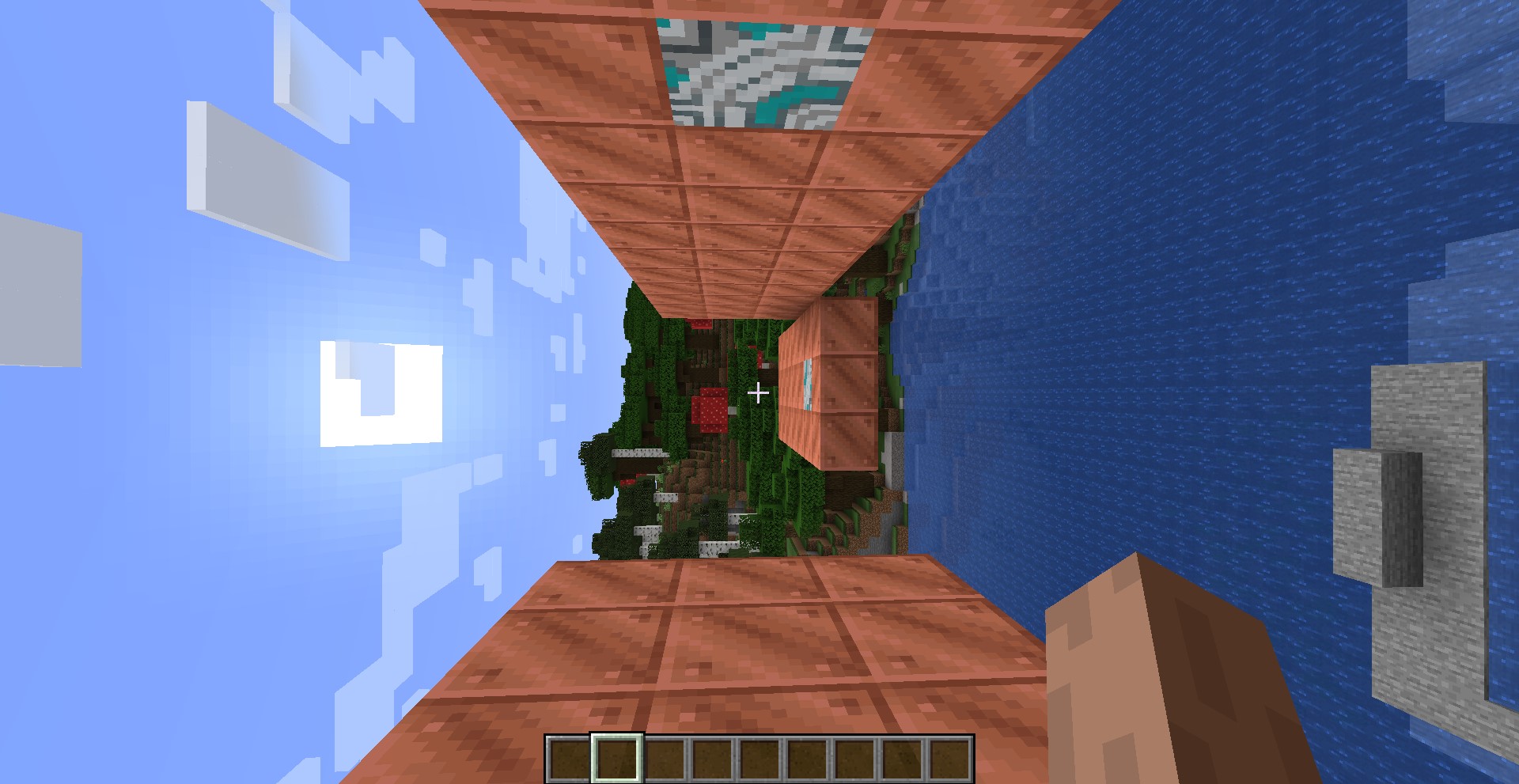
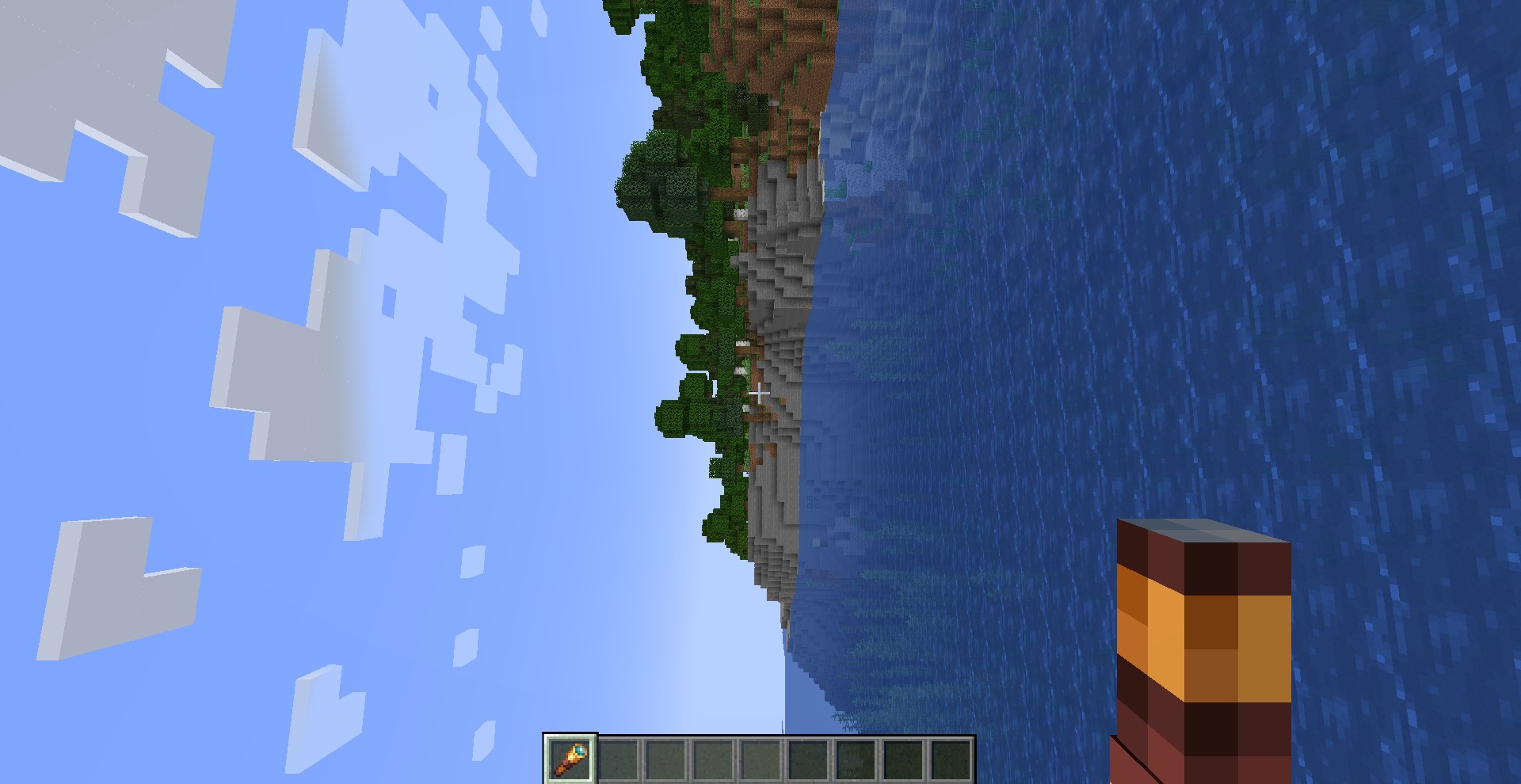
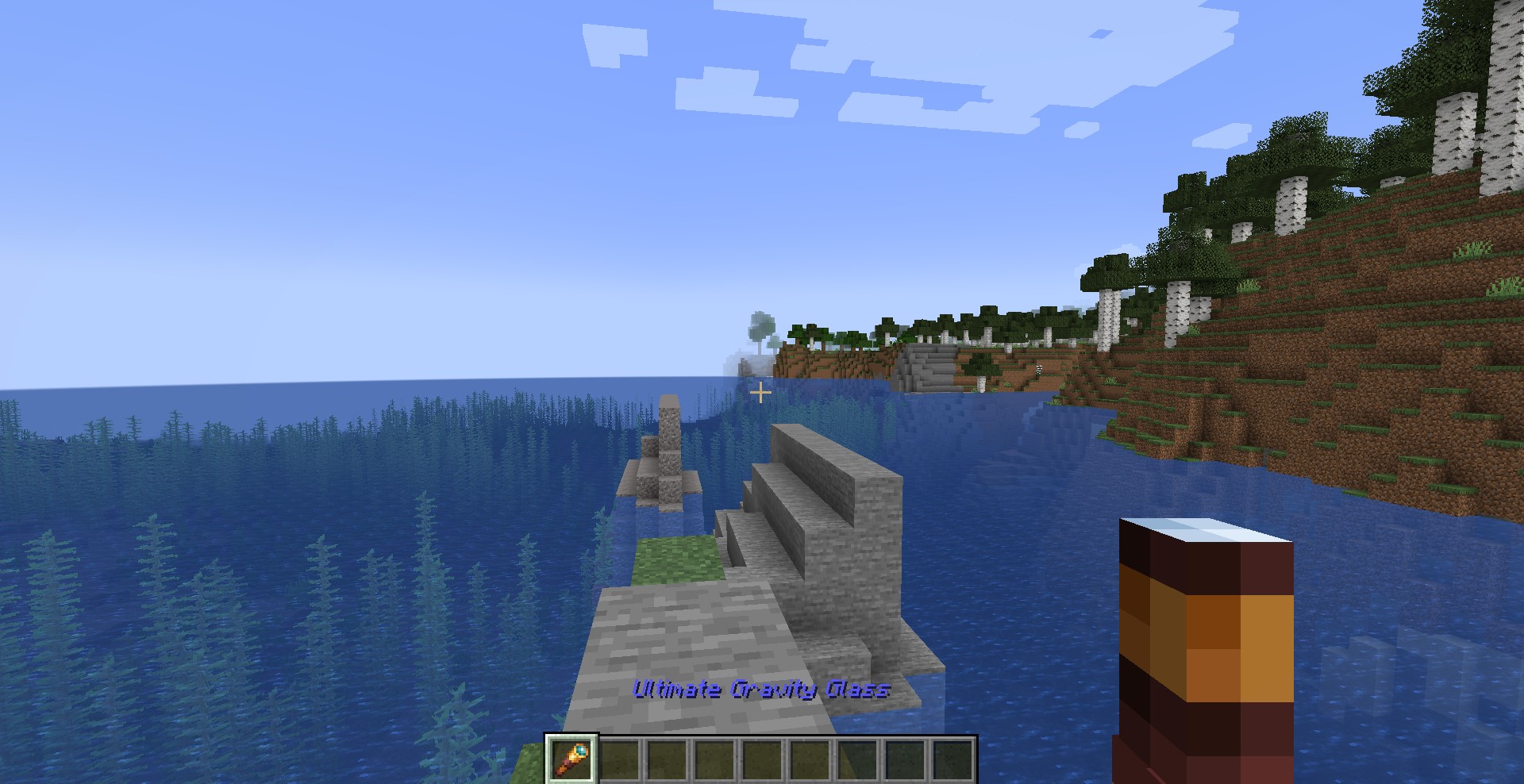
See the Images tab for some screenshots.
1. You will need the Gravity Changer mod by by andrew_10__, from https://www.curseforge.com/minecraft/mc-mods/gravitychanger/
2. Open minecraft, find your world save, and click Edit > Open World Folder
3. Copy the "GravityPlanets.zip" zip file from this CurseForge download into the "datapacks" folder in your World Folder
And that's it! When you load the world the datapack will automatically initialize and run itself.
If the walls and planets do not work, the datapack may be disabled.
To enable the datapack, type this command into the chat: /datapack enable "file/GravityPlanets.zip"
Note: gamerule sendCommandFeedback is false by default to make the planet radius UI work nicely.
If you want to see feedback for your commands, use this command: /gamerule sendCommandFeedback true
There are a few new items that can be "crafted" by dropping the materials into a pile on the ground:
- Magic Feather: Drop a feather with a chorus flower: Having it in your inventory makes you immune to fall damage
- Fragile Gravity Glass: Drop a spyglass with a chorus flower: Use it to permamently change gravity into the direction you are looking (one time use!)
- Ultimate Gravity Glass: Drop a Fragile Gravity Glass with a netherite ingot: Same as the Fragile Gravity Glass, but it has infinite uses
Some blocks have been changed so that touching them alters your gravity:
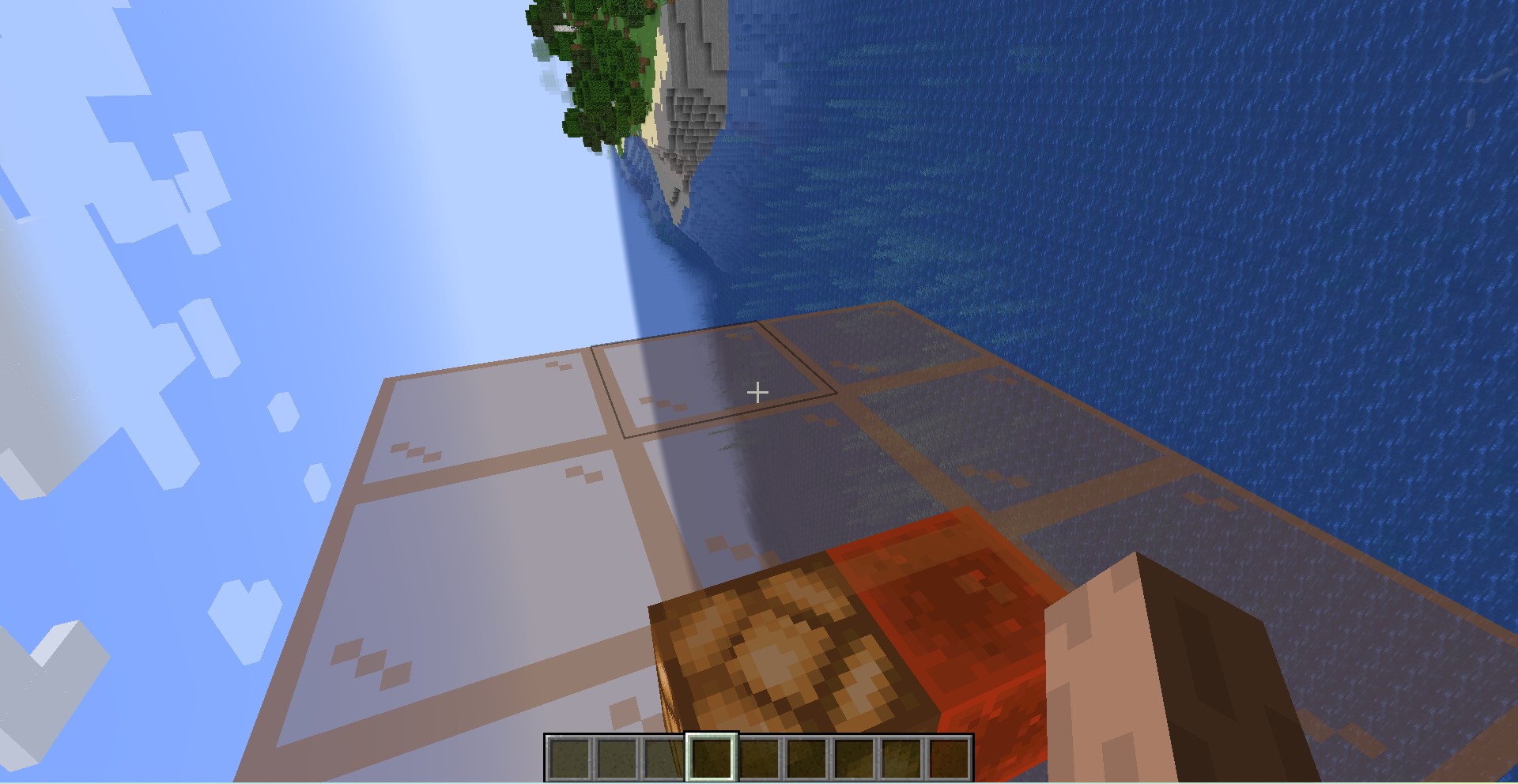
- Light Gray Stained Terracotta: PULL: Touching this block permamently changes your gravity so that you are standing on it
- Pink Stained Terracotta: PUSH: Touching this block permamently changes your gravity so that you are falling away from it
- Glow Lichen: STICK: Touching this block temporarily changes your gravity so that you are standing on it (leaving reverts your gravity to whatever it was before)
- Black Stained Glass: DEATH: Standing on this block will quickly kill you. Useful for making black holes or kill zones around the edge of a map.
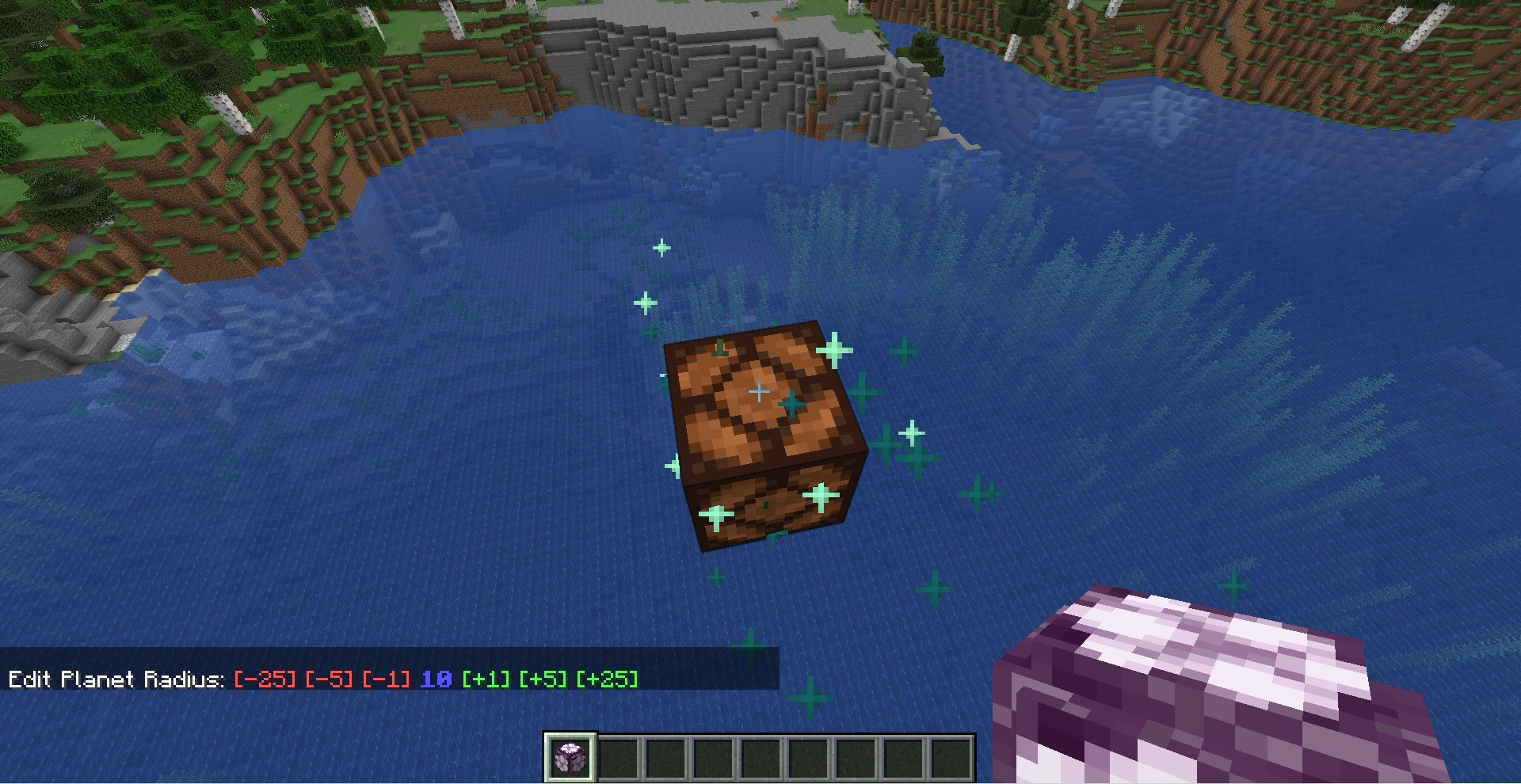
With this datapack you can create a Planet Core by dropping a chorus flower item onto a redstone lamp block.
The redstone lamp will start emitting particles (indicating that it is now a Planet Core), and a radius menu will appear in the chat.
A Planet Core is turned on when the redstone lamp is lit, and off when the redstone lamp is unlit.
For example, you can place a lever on the redstone lamp and flip the lever back and forth to turn the planet's gravity on and off.
Finally, you can customize the radius of the planet by dropping a chorus flower onto an active planet core.
This will display a radius menu in the chat, where you can click the [-] and [+] buttons to decrease/increase the radius.