Mineuniverse
Resource Packs
Grassrise

Grassrise

RESOURCE PACK
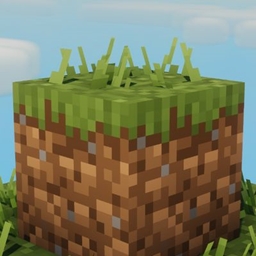
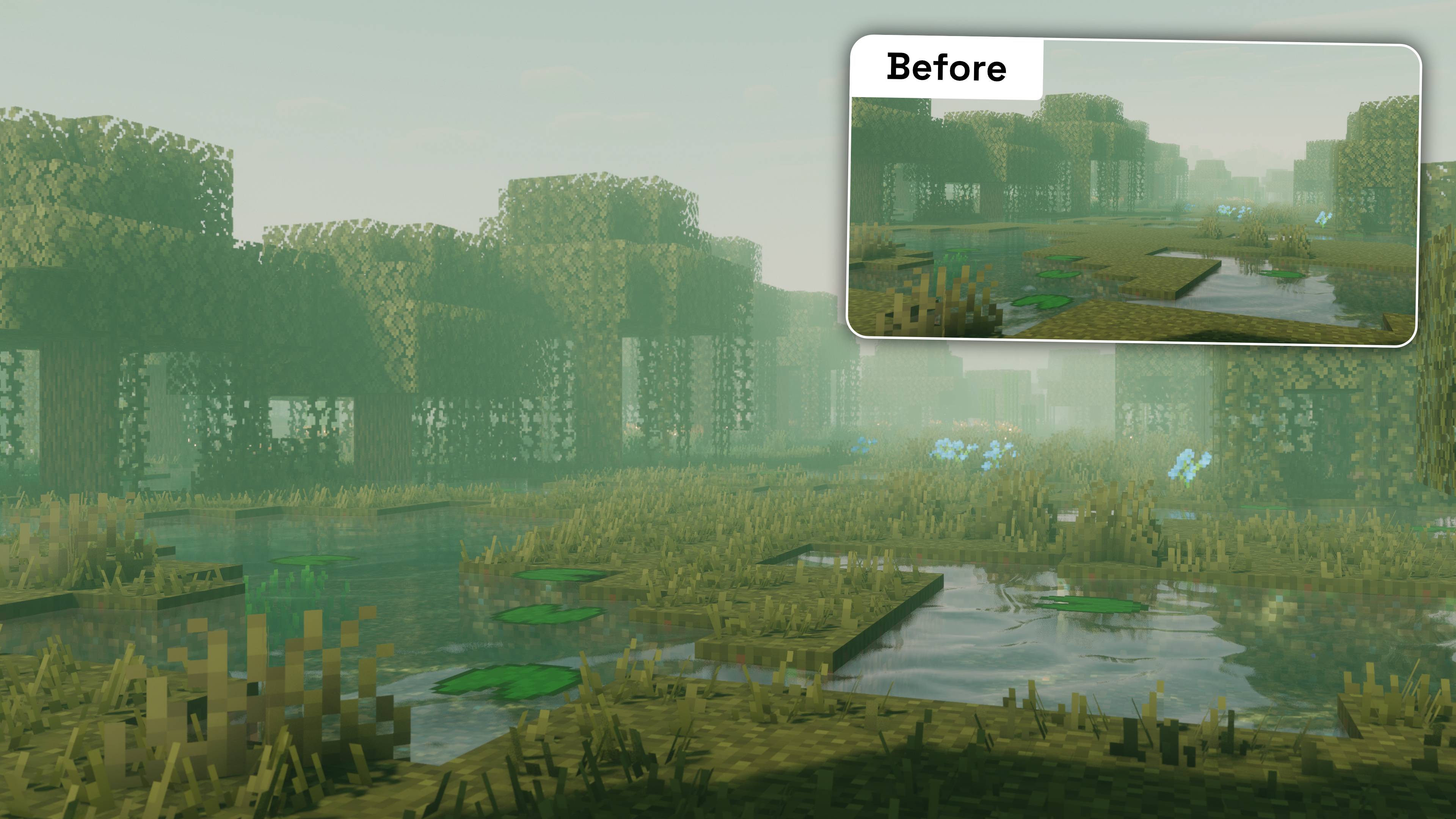
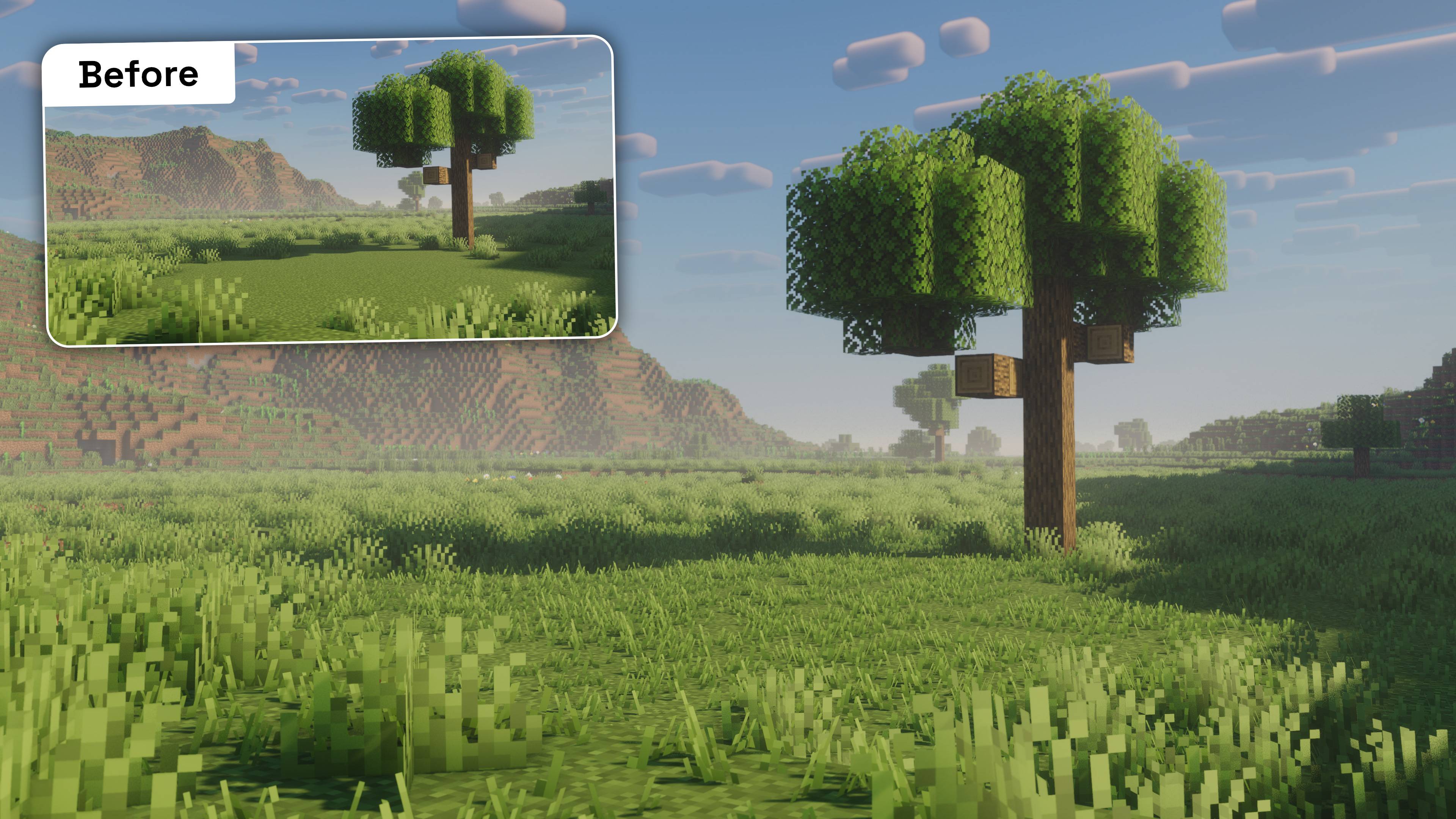
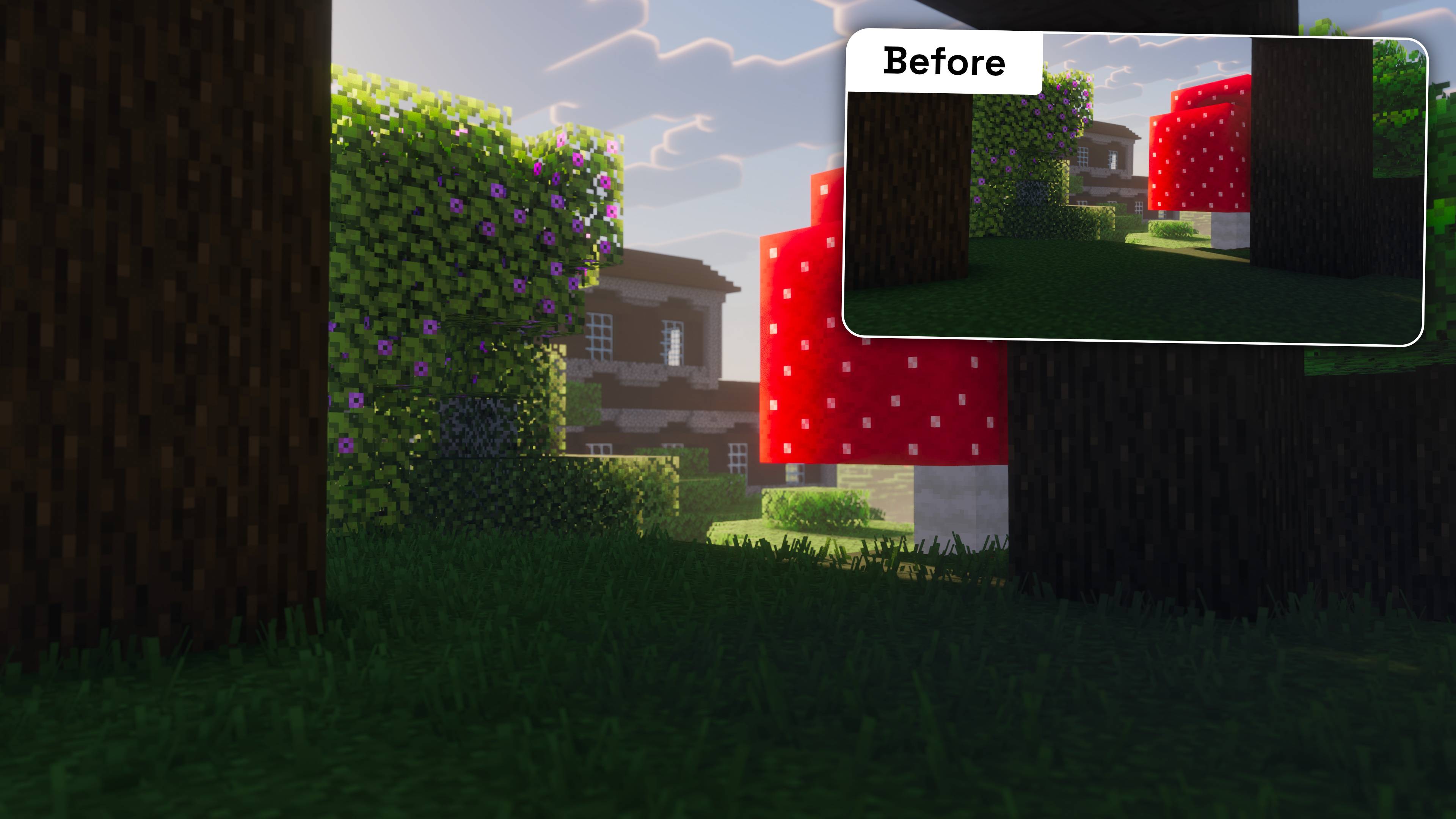
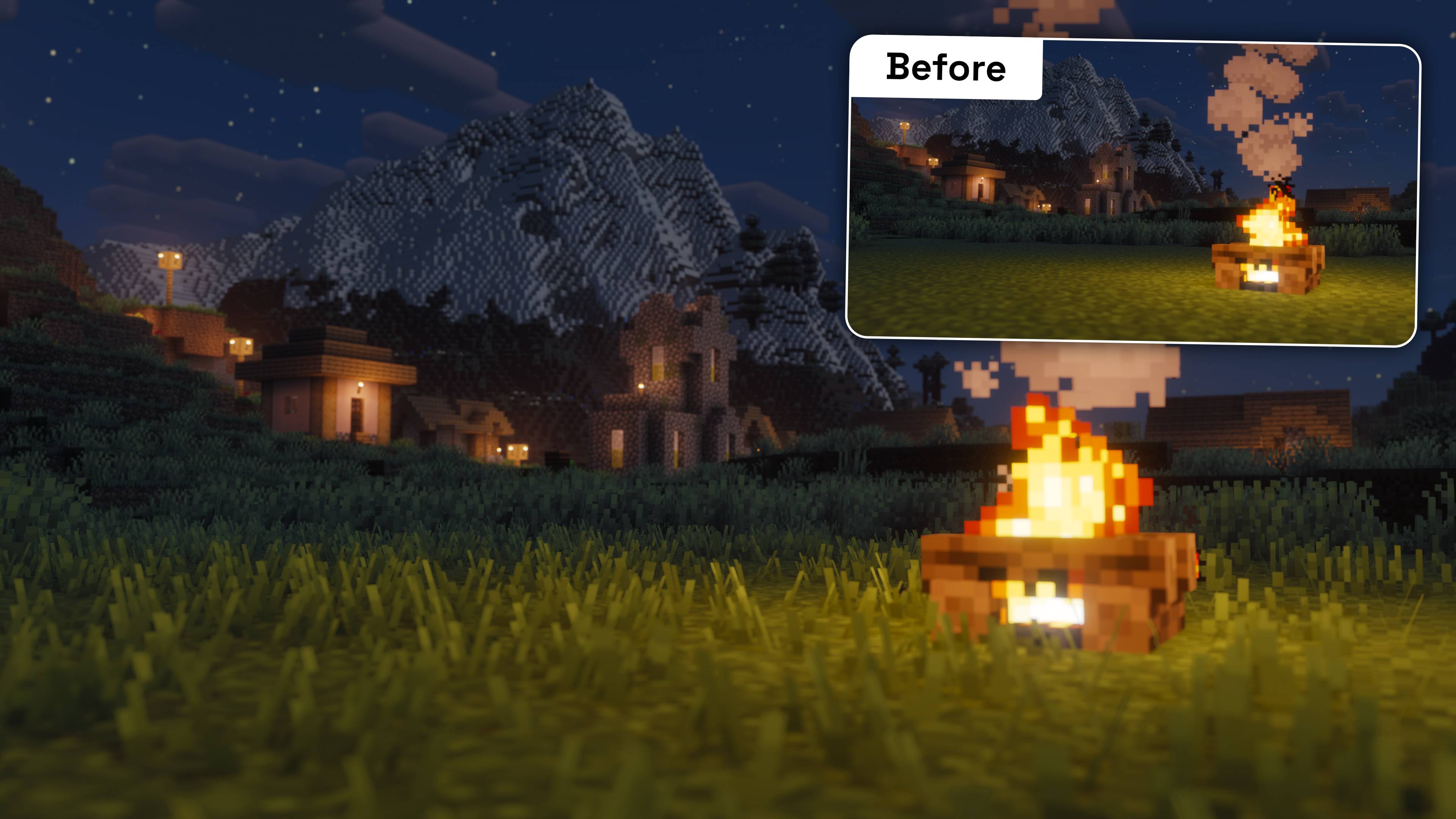
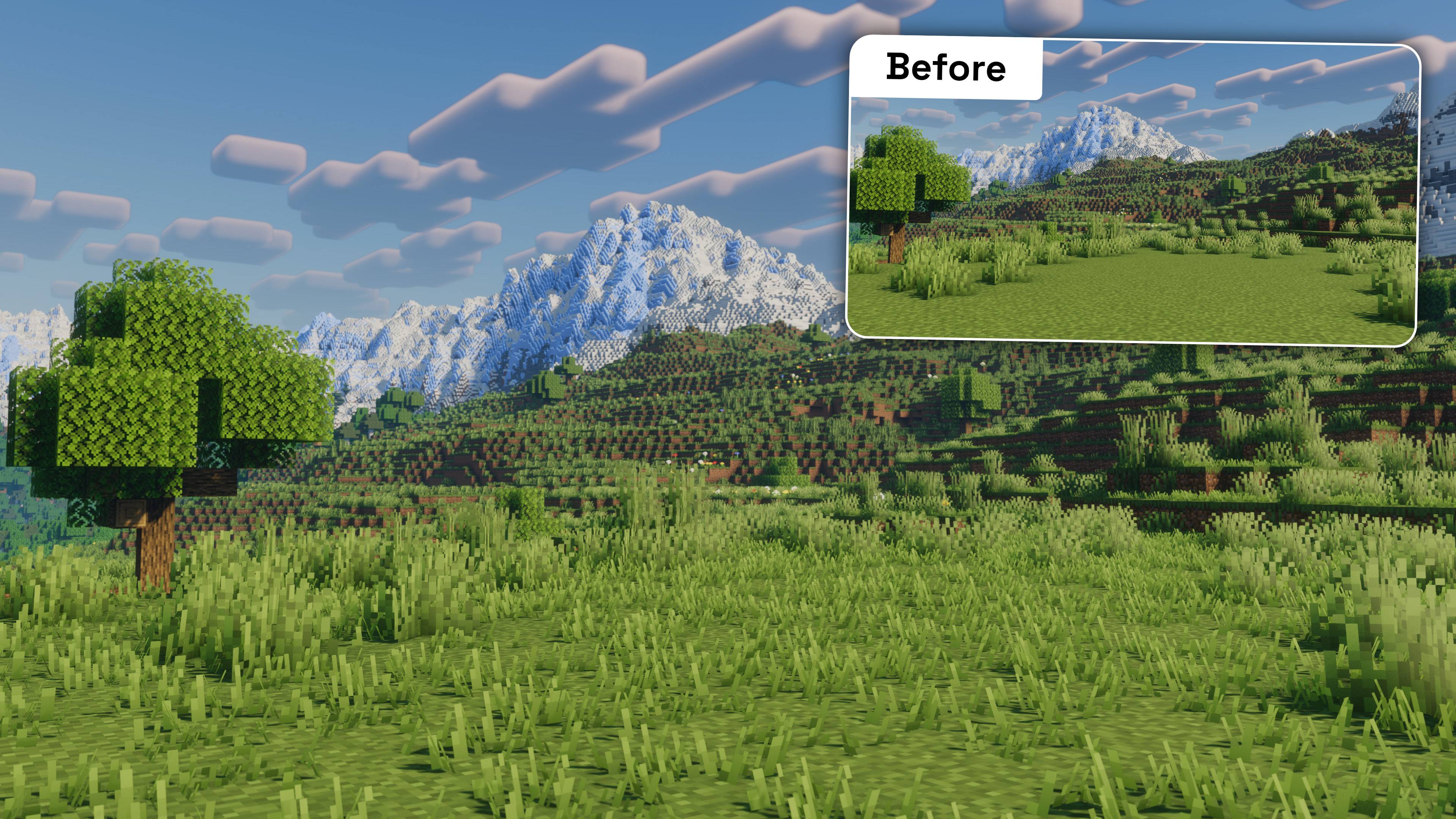
Adds subtle 3D grass to Minecraft that makes the terrain feel more alive.
by Korbee
Download Claim this project
11,025 downloads
0 likes
Updated Oct 14, 2026
0 hypes
16x Miscellaneous Traditional
Advertisement Remove ads with Premium →

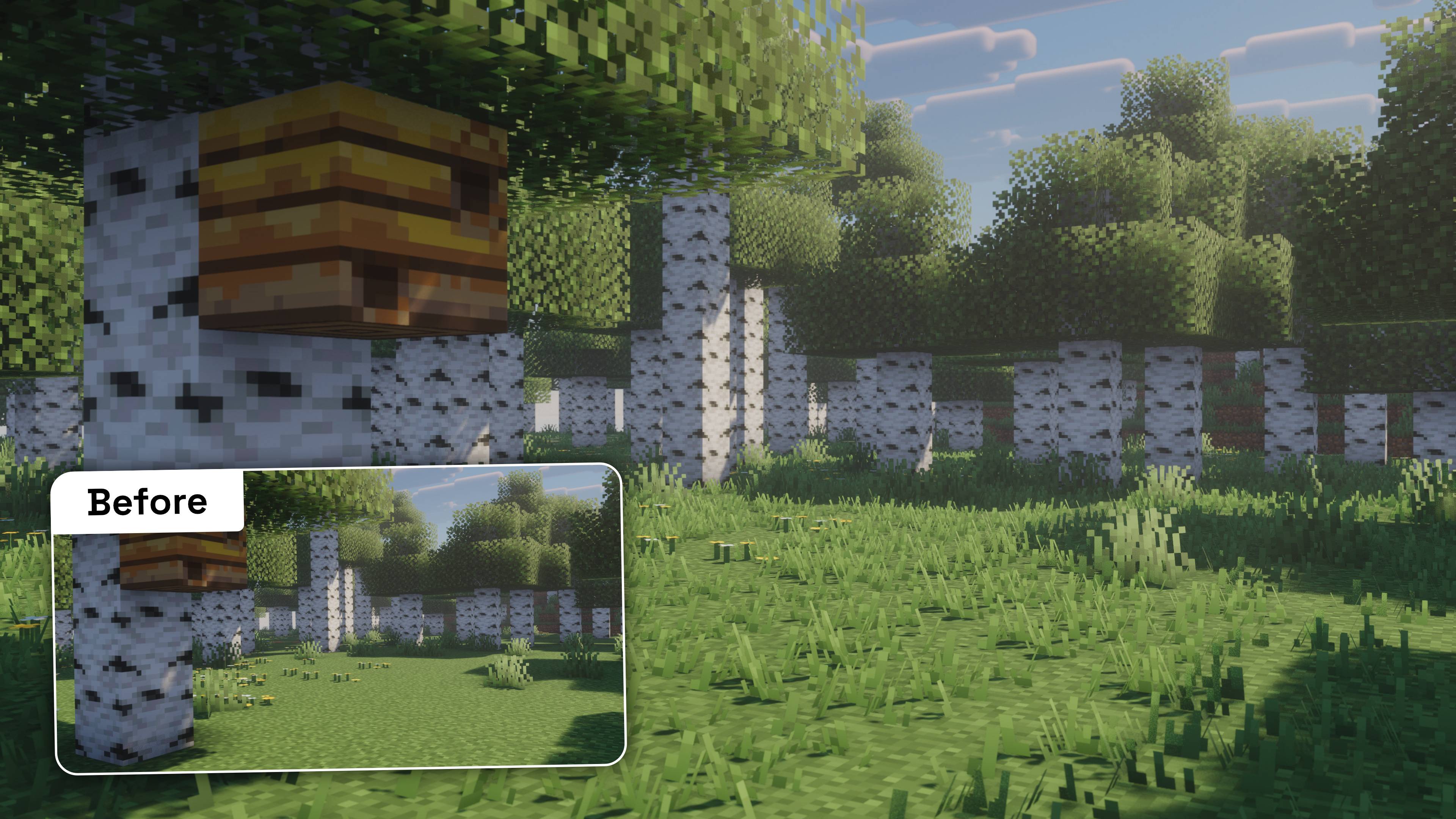
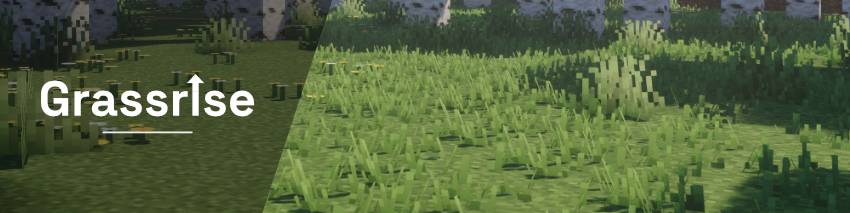
Grassrise 3D grass in a birch forest.

Grassrise

Let grass rise.

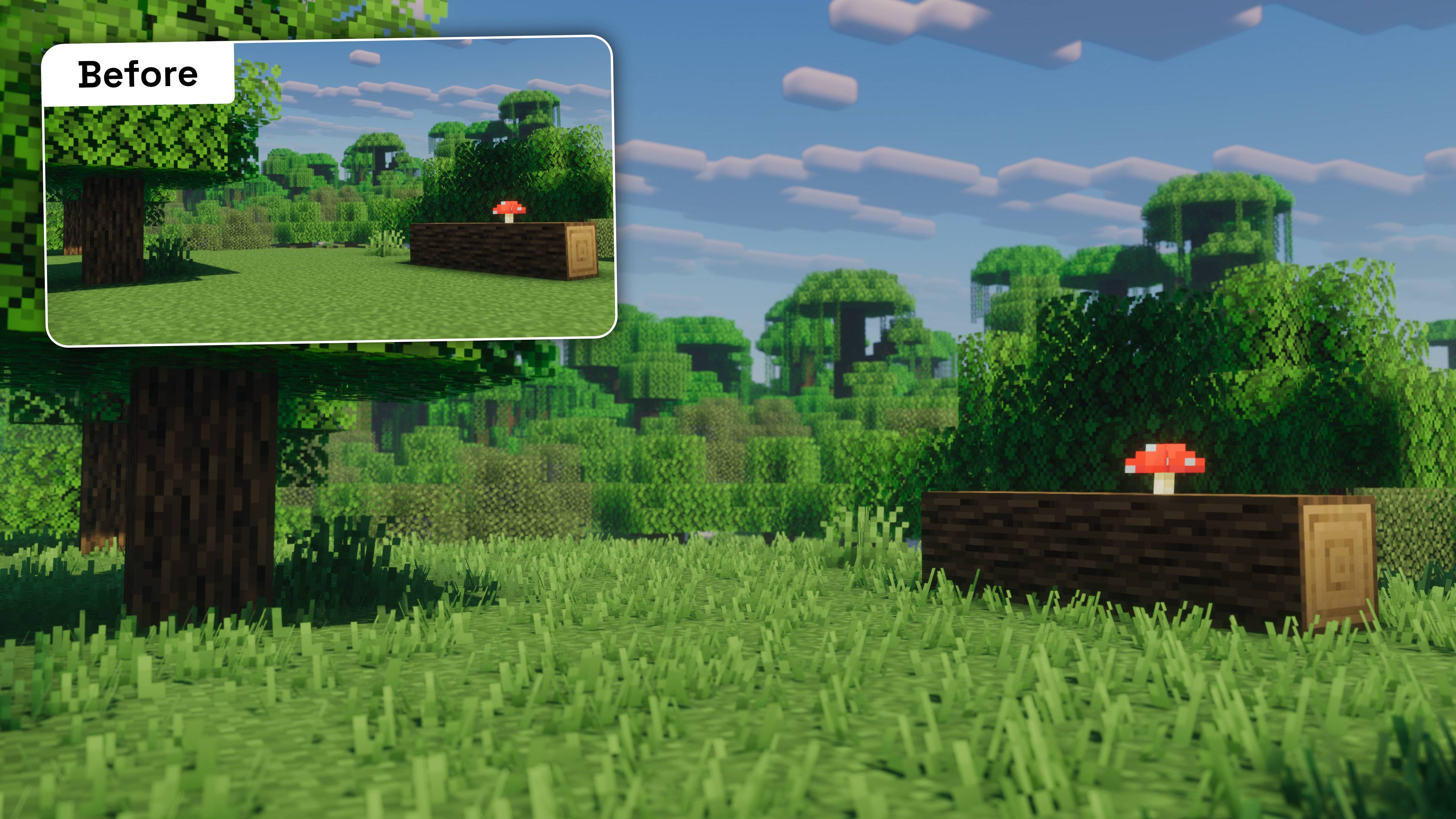
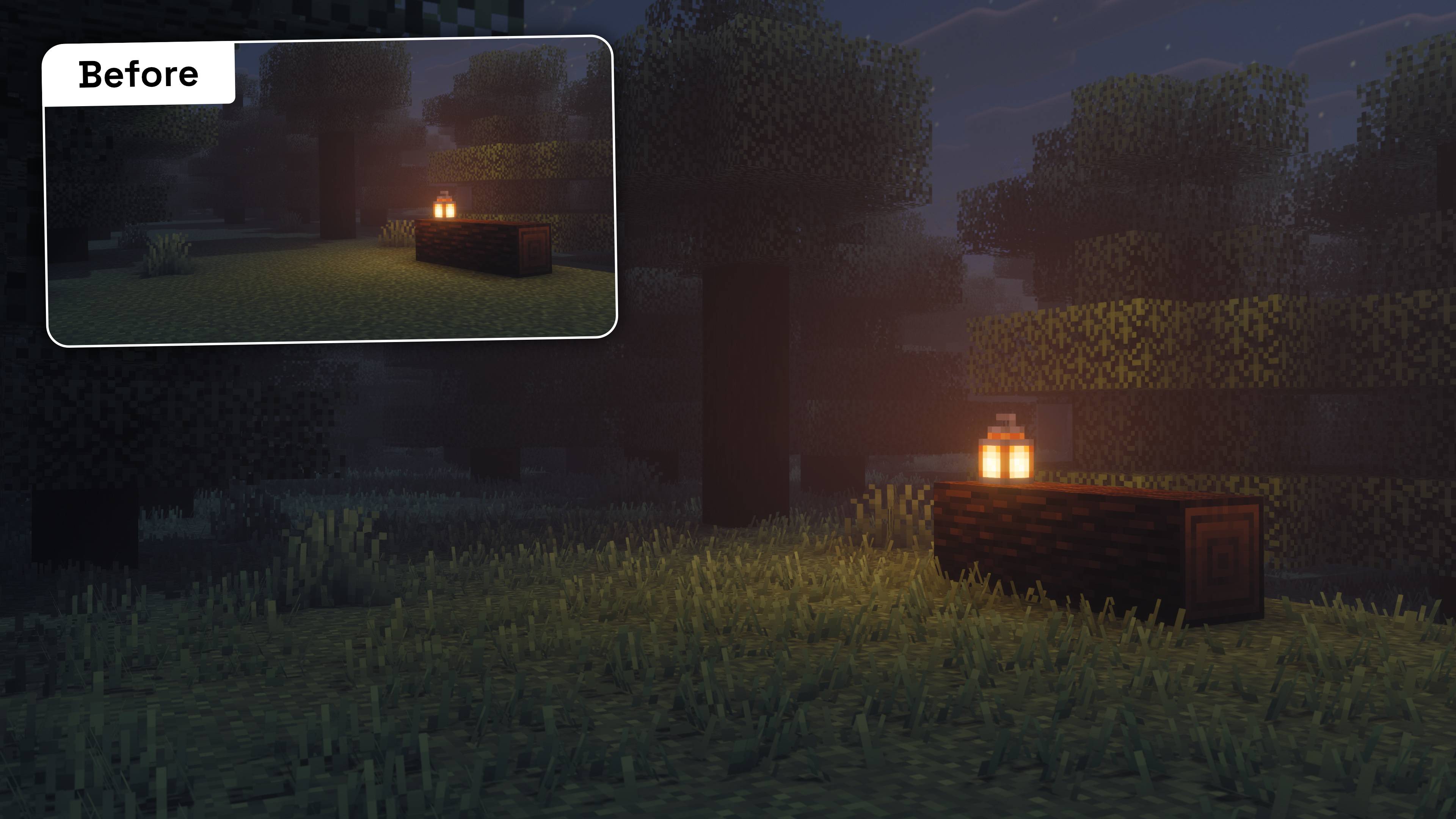
Grassrise adds subtle 3D grass to Minecraft while keeping the vanilla look and feel. It stays part of the normal grass block and does not affect gameplay.

Using shaders?

  • Complementary shaders are supported with the Grassrise - Better Lighting mod! Get it here.
  • Other shaders such as Photon, BSL and Bliss can be used without the mod!

Don't like the blade shadows? Get the Grassrise Better Lighting mod!

Get the mod here.


Features

3D grass
Short blades that add more vanilla-like detail to your world.

Multiple variations
To avoid ugly patterns.

Biome colors
Grassrise follows Minecraft's biome coloring.

Snow support
Snowy grass blocks stay snowy, without grass poking through.

Lightweight
Built to stay lightweight, with a low performance impact in most tested setups.

Shader support
Includes support for compatible shader packs. Read the shaderpack settings advice above, to make sure you are using this resource pack correctly.

Resource pack only
No Grassrise-specific mod is required.

Grassrise 1.0.3+mc1.21.1
MC 1.21, 1.21.1
Release 2026-09-18 Get
Grassrise 1.0.3+mc1.20.x
MC 1.20.2, 1.20.5, 1.20.1, 1.20, 1.20.6, 1.20.4, 1.20.3
Release 2026-09-18 Get
Grassrise-1.0.3
MC 26.3
Release 2026-09-16 Get
Grassrise 1.0.2
MC 26.2
Release 2026-09-04 Get
Grassrise 1.0.2-mc1.21.x
MC 1.21, 1.21.8, 1.21.5, 1.21.4, 1.21.1, 1.21.6, 1.21.3, 1.21.7, 1.21.2, 1.21.9, 1.21.10, 1.21.11
Release 2026-09-04 Get
Grassrise 1.0.1
MC 26.2
Release 2026-08-30 Get
Grassrise 1.0.0
MC 26.2
Release 2026-08-15 Get

Requirements & install

How to use this resource pack in Minecraft
Resolution
16x
Minecraft
1.21.6 – 26.3
Install folder
.minecraft/resourcepacks

How to install resource packs

  1. Download the resource pack .zip file (do not extract it).
  2. In Minecraft open Options → Resource Packs → Open Pack Folder.
  3. Drop the .zip into the resourcepacks folder (.minecraft/resourcepacks).
  4. Move the pack to the Selected column and click Done.
Browse more: 16x resource packs 32x resource packs 64x resource packs 128x resource packs 256x resource packs 512x+ resource packs Resource Packs for 26.3 All resource packs

More from Korbee

Advertisement Remove ads with Premium →

You Might Also Like