Mineuniverse
Resource Packs
Granola Default

Granola Default

RESOURCE PACK
A spicy take on Minecraft
by gratifiedgranola
Download Claim this project
Add a badge to your pageLink to Granola Default from a README, website or forum post.
Preview: Badge

Badges update automatically and link to the resource pack page on MineUniverse.

442 downloads
0 likes
0 followers
Updated Oct 14, 2026
0 hypes
Follow0
32x Miscellaneous
Advertisement Remove ads with Premium →

Granola Default 1.0 is available on Planet Minecraft under gratifiedgranola. Go there for it.


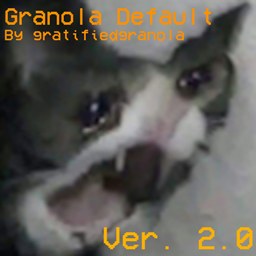
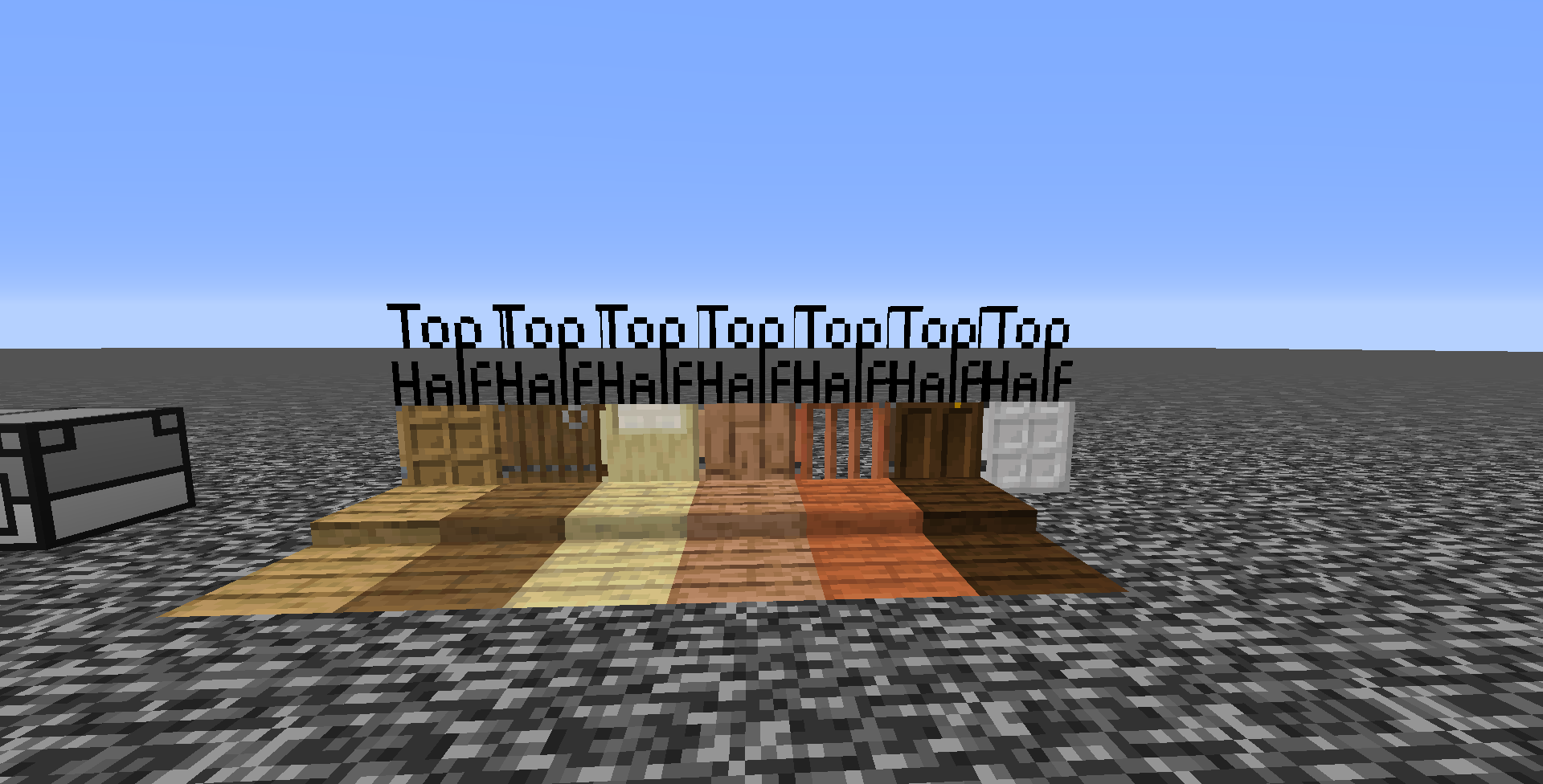
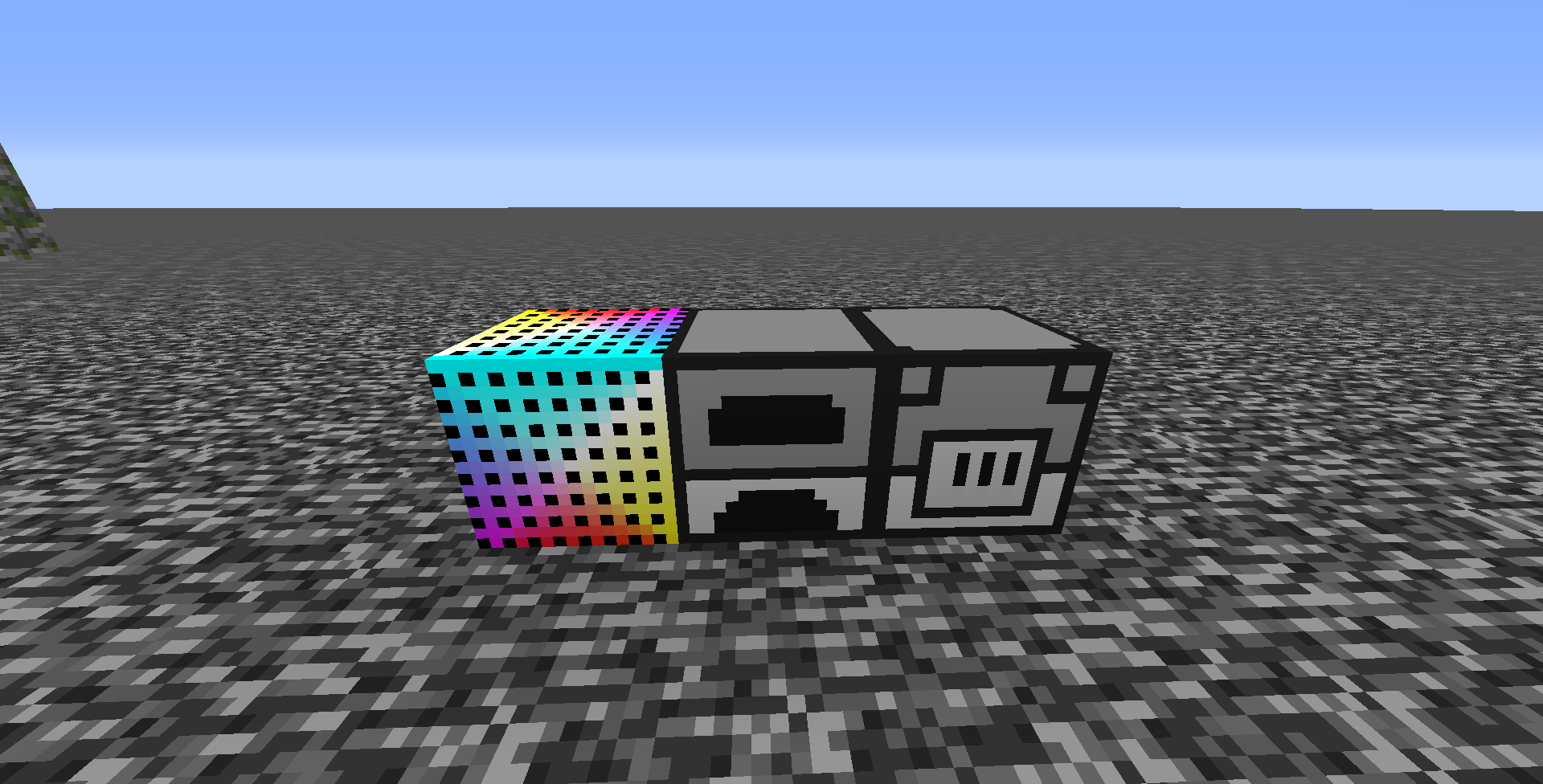
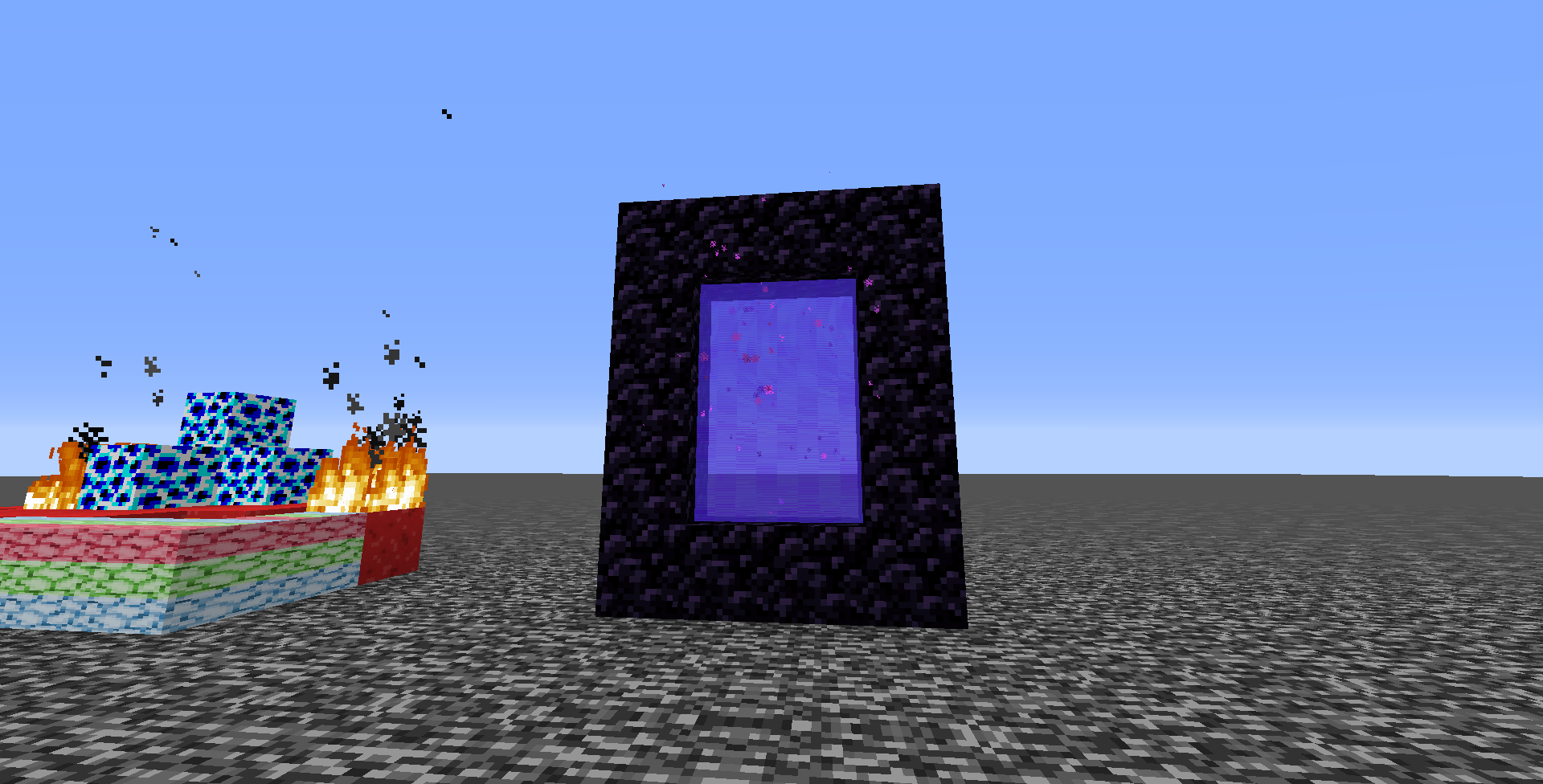
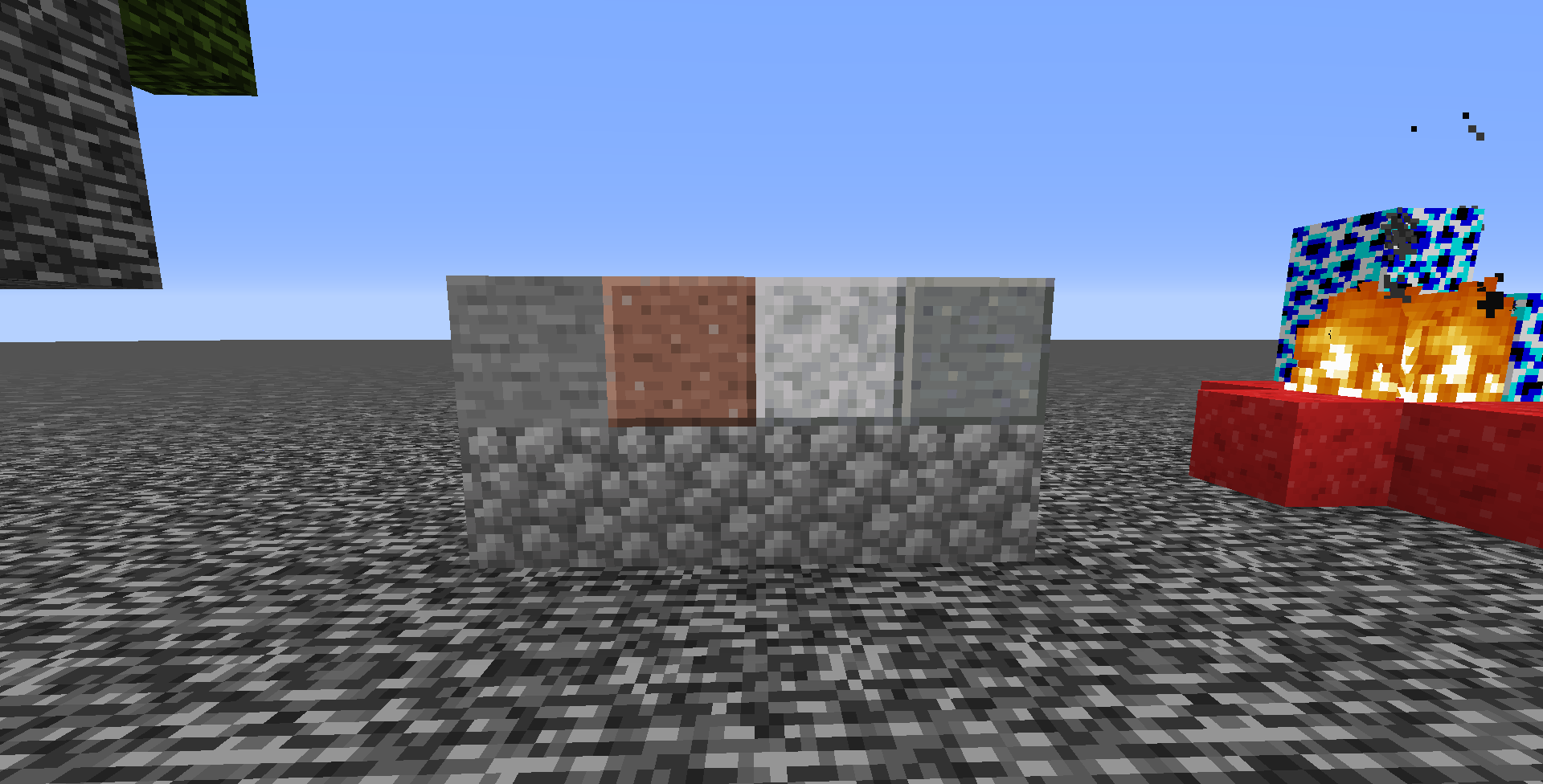
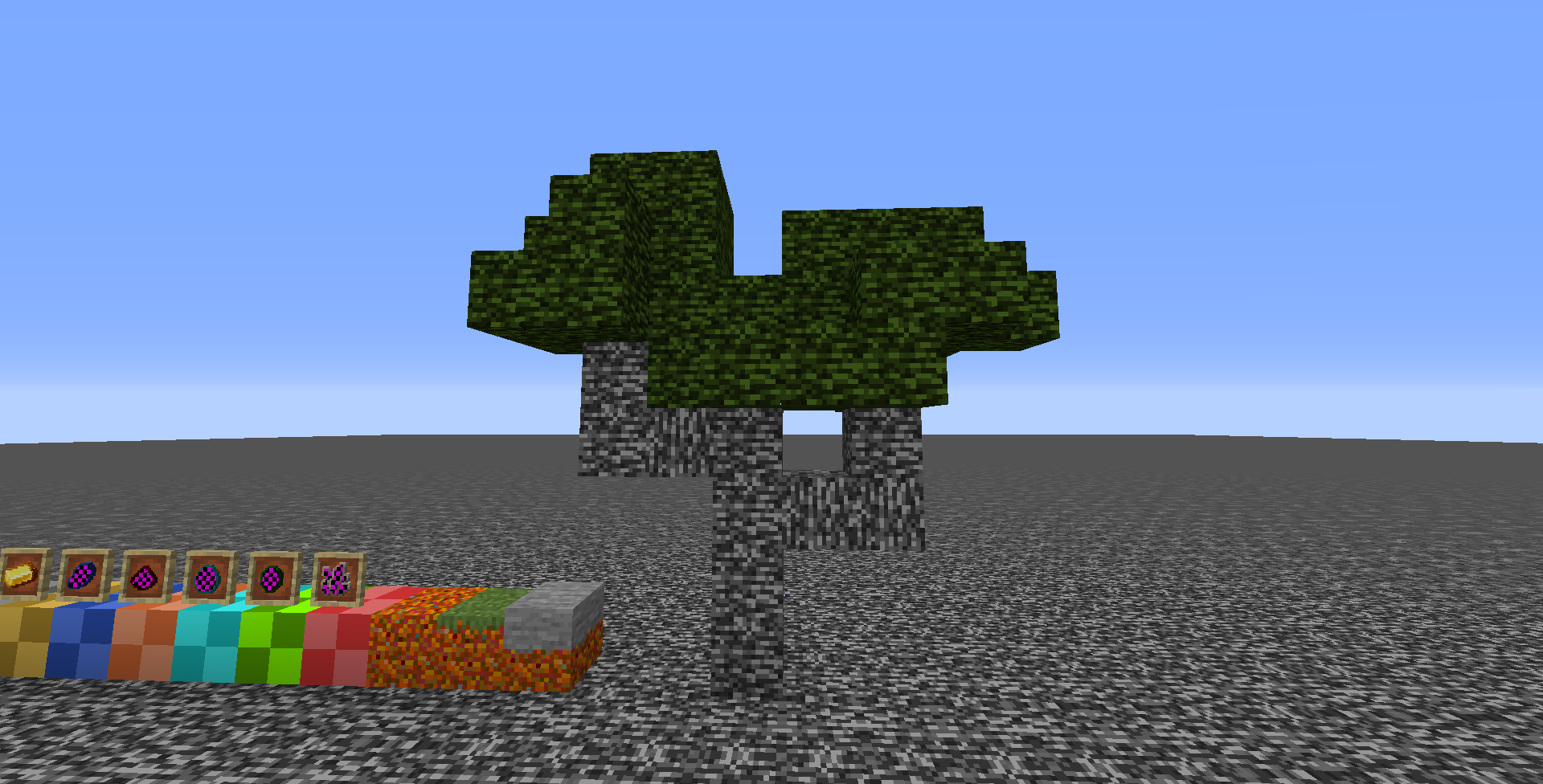
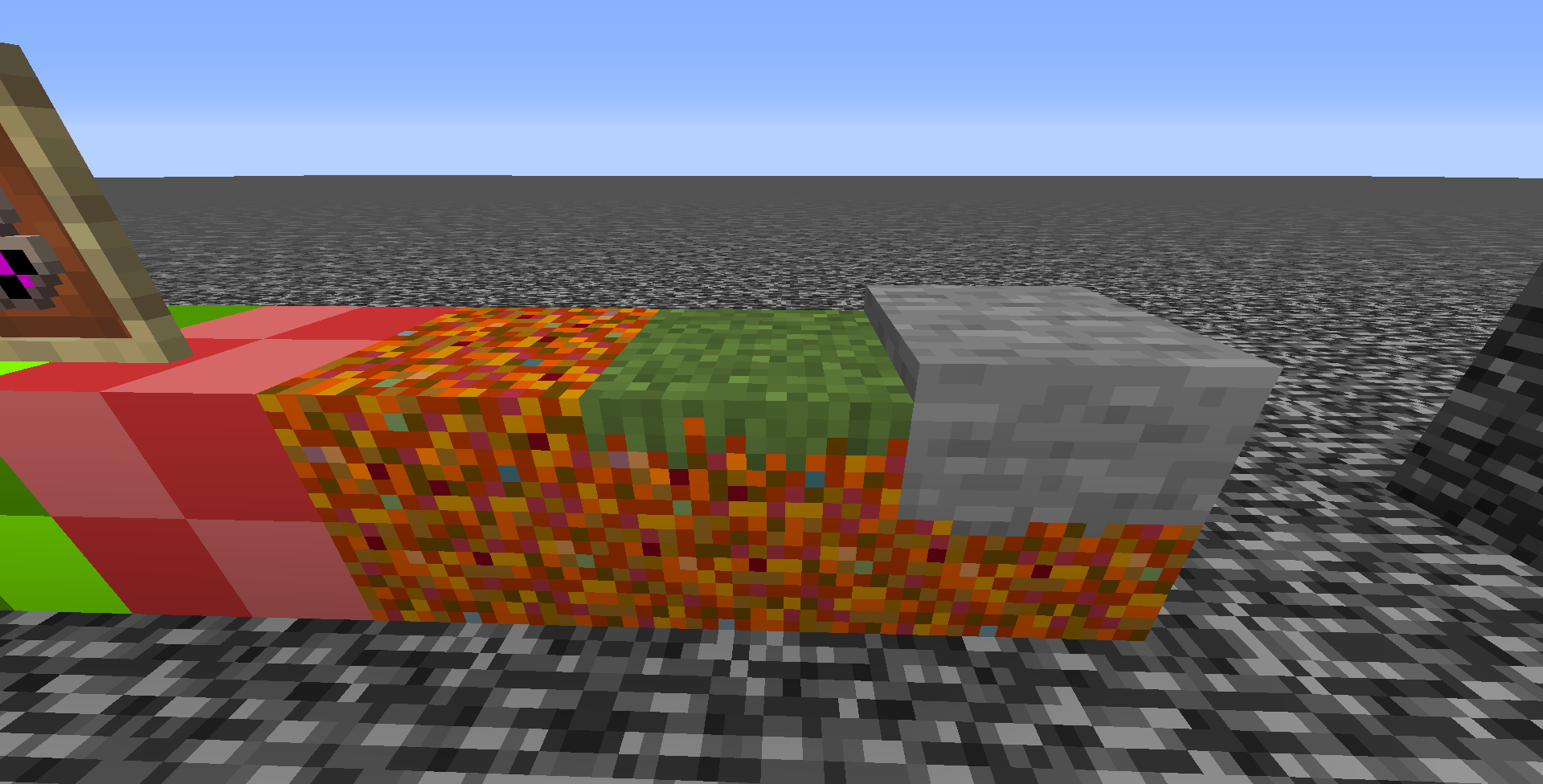
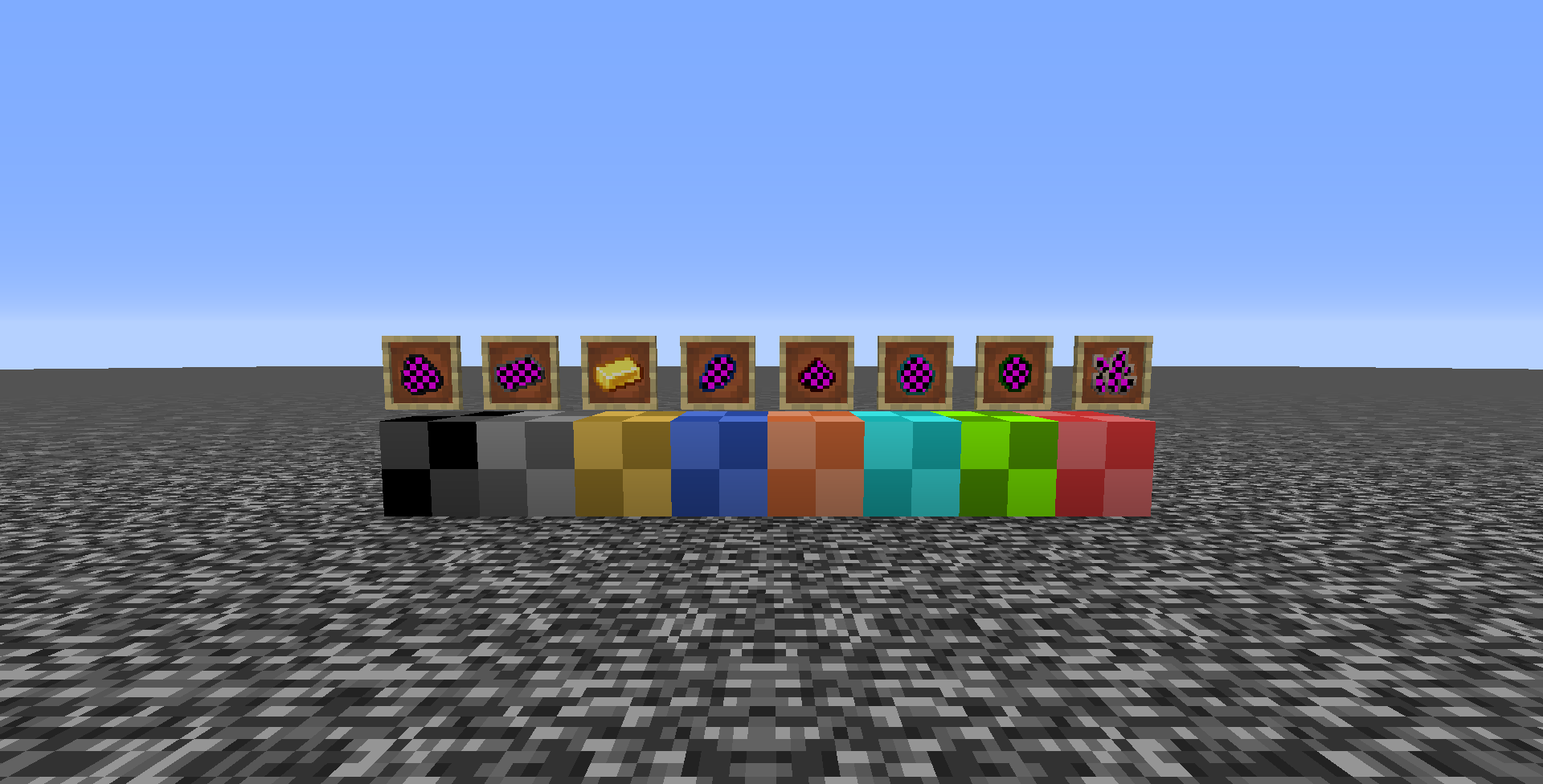
Welcome to Granola Default, a hot and spicy take on Minecraft's default textures.

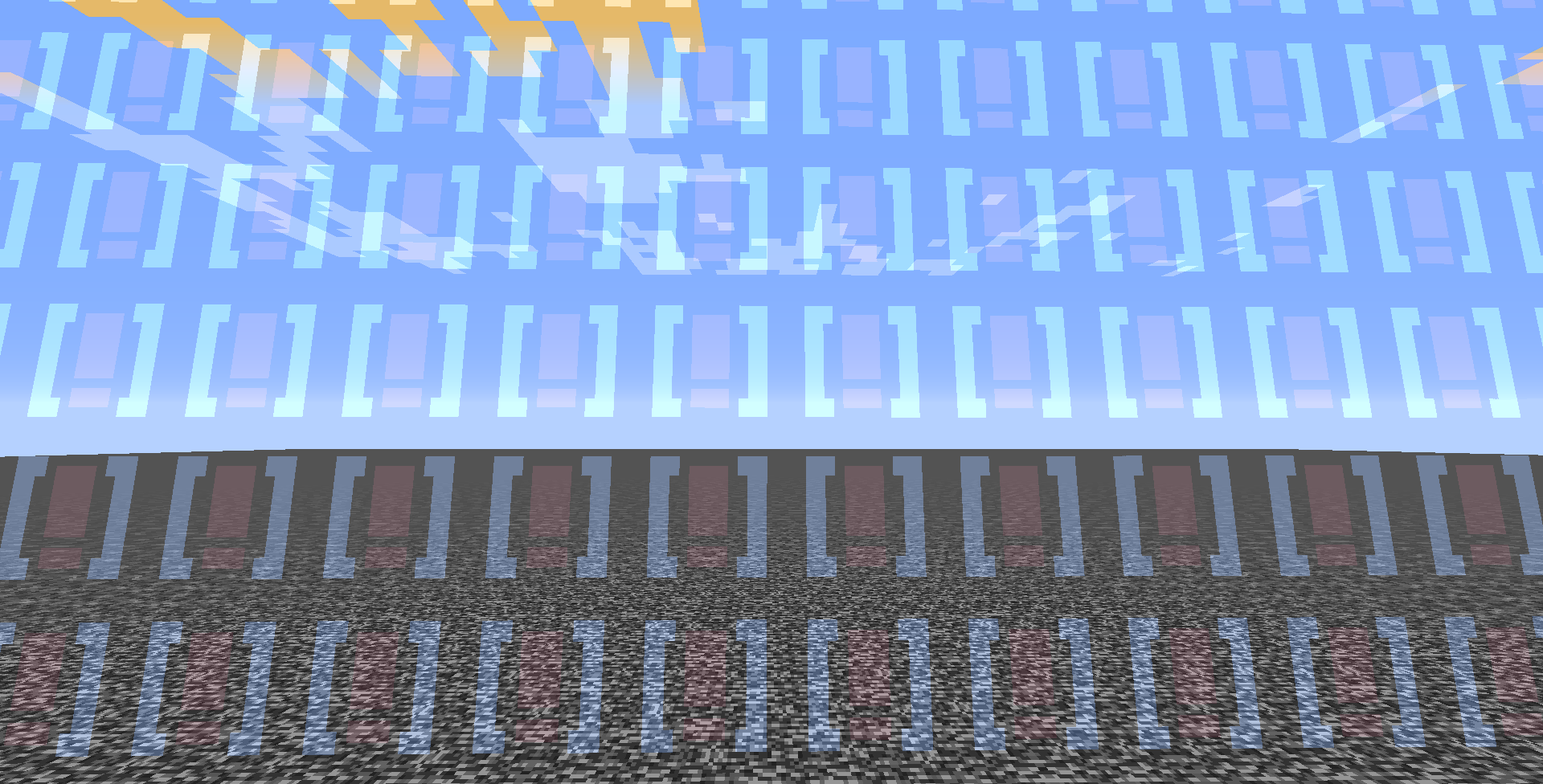
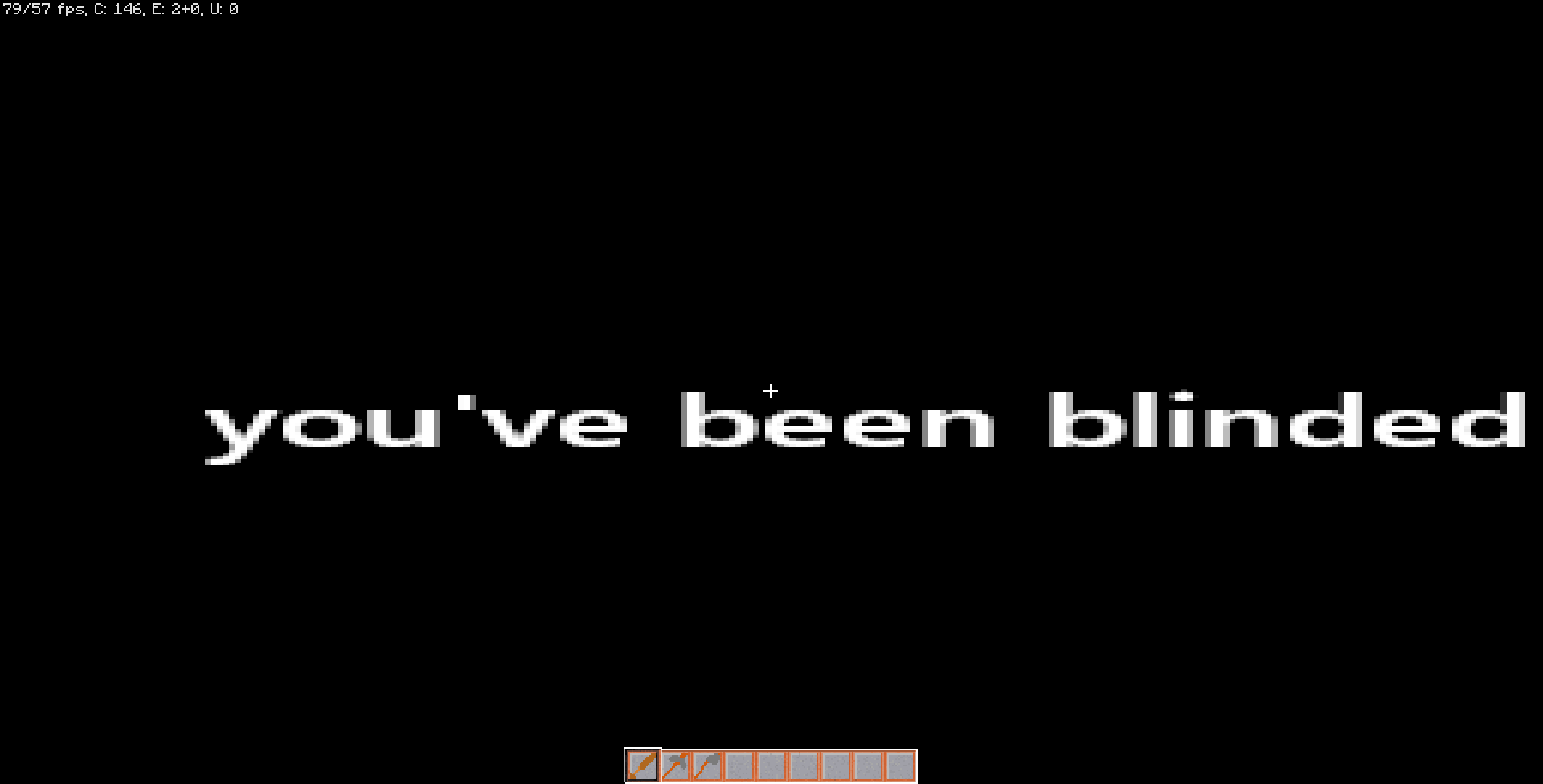
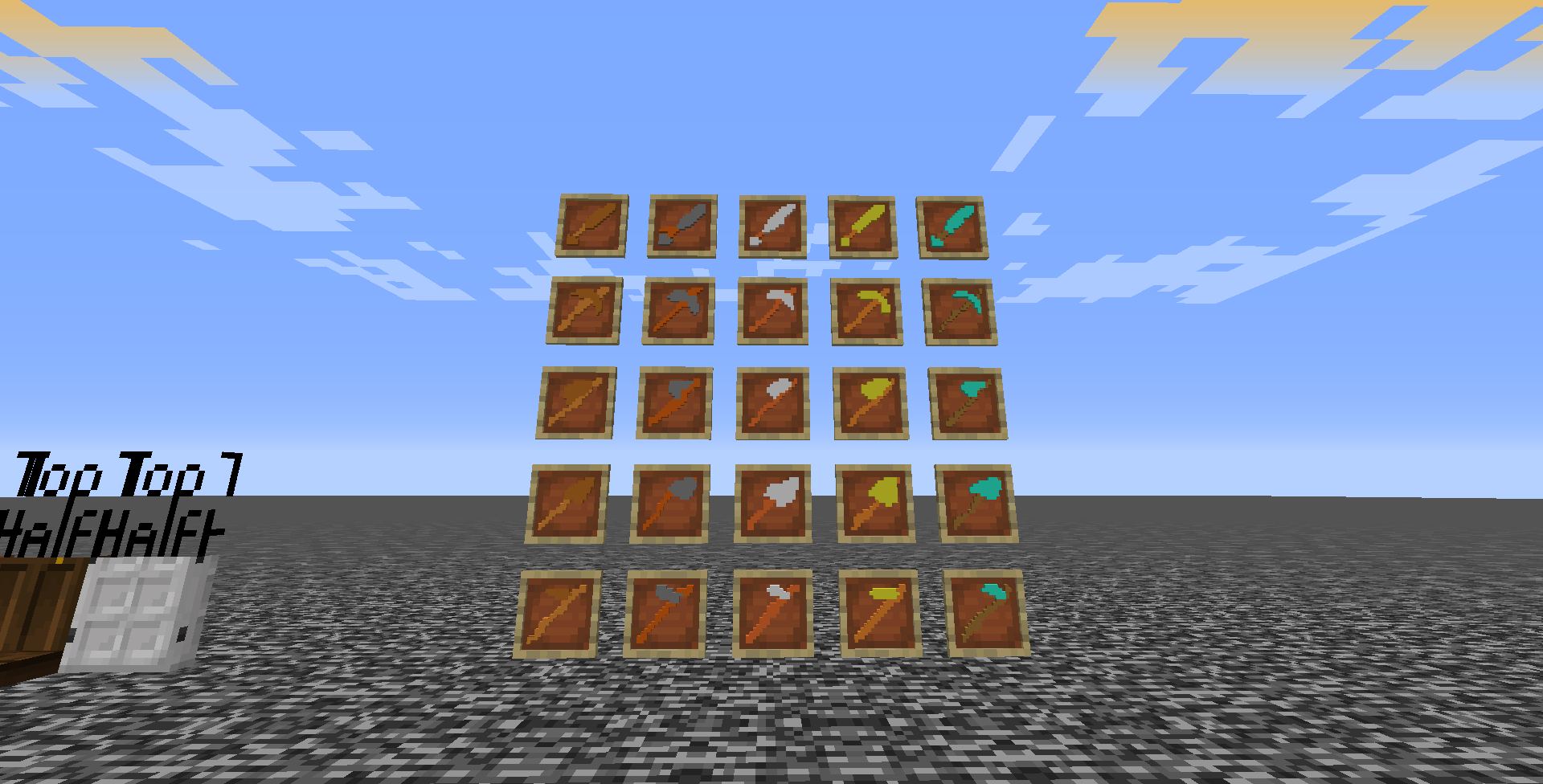
Featuring custom ores, terrain, GUIs, splash messages, and a cosmic deity as the sun, it's a particularly cursed pack that has no reason to exist...

And yet here it is.


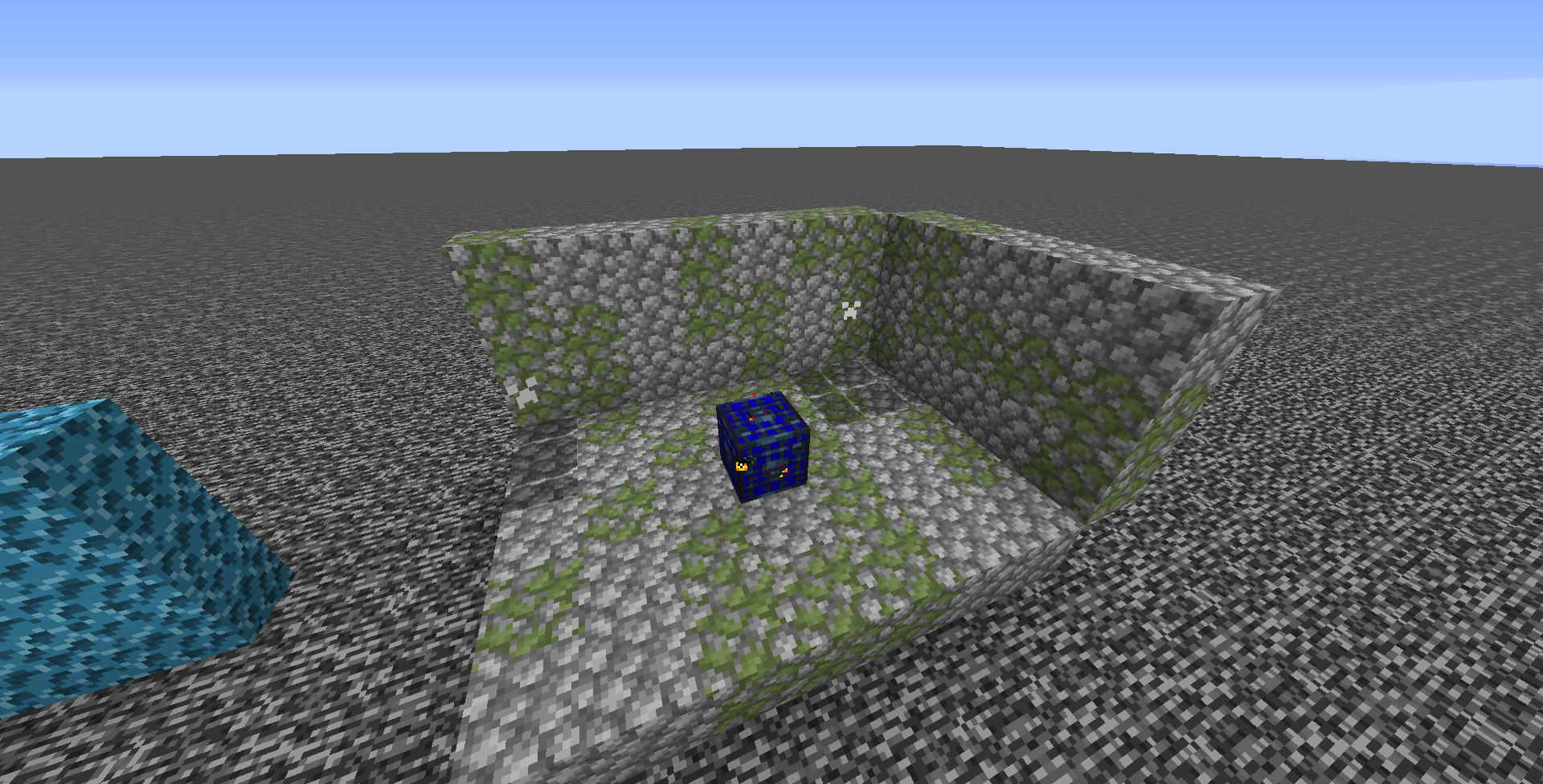
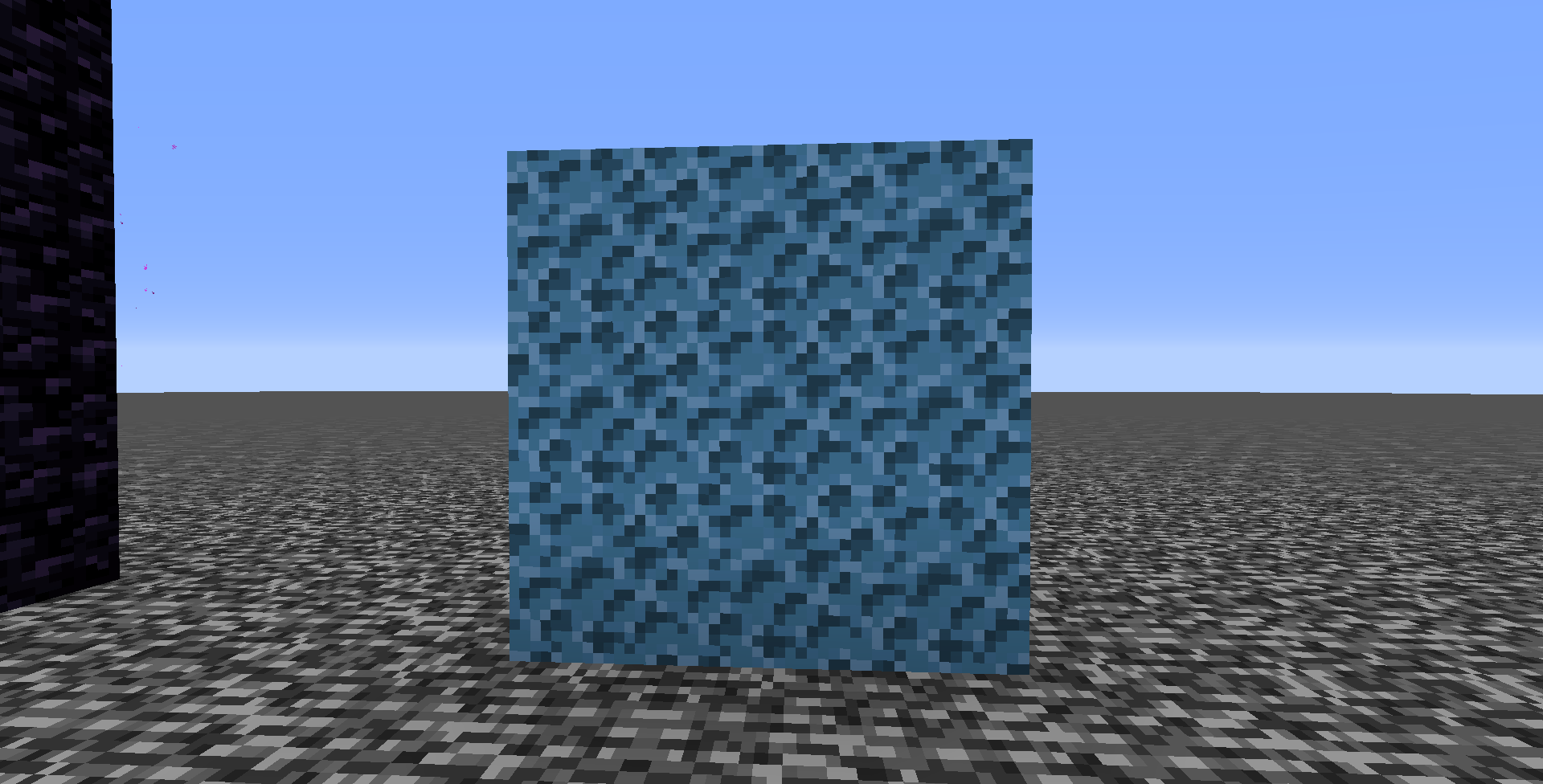
Ores that look like they have missing textures, snow that looks like stone, deep-fried dirt, rainbow-like prismarine, invisible creepers...

And plenty more features not listed, and to come!


P.S. May contain references to cinnamon poptarts

P.P.S. May contain sensitive content not suitable for children, specifically as splash text


Feel free to use it in a video, however, you should provide proper credit. No pressure.

More information listed in the license.


I'd like credit to be formatted like this:


Granola Default (ver. X.Y.Z)

By gratifiedgranola

Link to Project Page

Granola Default 2.3
MC 1.16-Snapshot, 1.15-Snapshot, 1.14.4, 1.15, 1.15.2, 1.15.1
Release 2020-04-27 Get
Granola Default 2.0.zip
MC 1.16-Snapshot, 1.15-Snapshot, 1.14.4, 1.15, 1.15.2, 1.15.1
Release 2020-04-26 Get
Granola Default 2.1
MC 1.16-Snapshot, 1.15-Snapshot, 1.14.4, 1.15, 1.15.2, 1.15.1
Release 2020-04-26 Get
Granola Default 2.1.1
MC 1.16-Snapshot, 1.15-Snapshot, 1.14.4, 1.15, 1.15.2, 1.15.1
Release 2020-04-26 Get

Requirements & install

How to use this resource pack in Minecraft
Resolution
32x
Minecraft
1.14.4 – 1.16-Snapshot
Install folder
.minecraft/resourcepacks

How to install resource packs

  1. Download the resource pack .zip file (do not extract it).
  2. In Minecraft open Options → Resource Packs → Open Pack Folder.
  3. Drop the .zip into the resourcepacks folder (.minecraft/resourcepacks).
  4. Move the pack to the Selected column and click Done.
Browse more: 16x resource packs 32x resource packs 64x resource packs 128x resource packs 256x resource packs 512x+ resource packs Resource Packs for 1.16-Snapshot All resource packs
Advertisement Remove ads with Premium →

You Might Also Like