Mineuniverse
Resource Packs
Golden Enchanted Glint

Golden Enchanted Glint

RESOURCE PACK
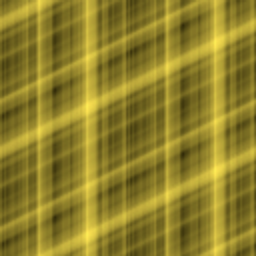
Golden Enchantment Effect Resource Pack. 金色传说附魔特效资源包。
by edeipici
Download Claim this project
2,943 downloads
0 likes
0 followers
Updated Oct 14, 2026
0 hypes
Follow0
128x Miscellaneous Modern Traditional
Advertisement Remove ads with Premium →

✨ Golden Enchantment Effect Resource Pack ✨  

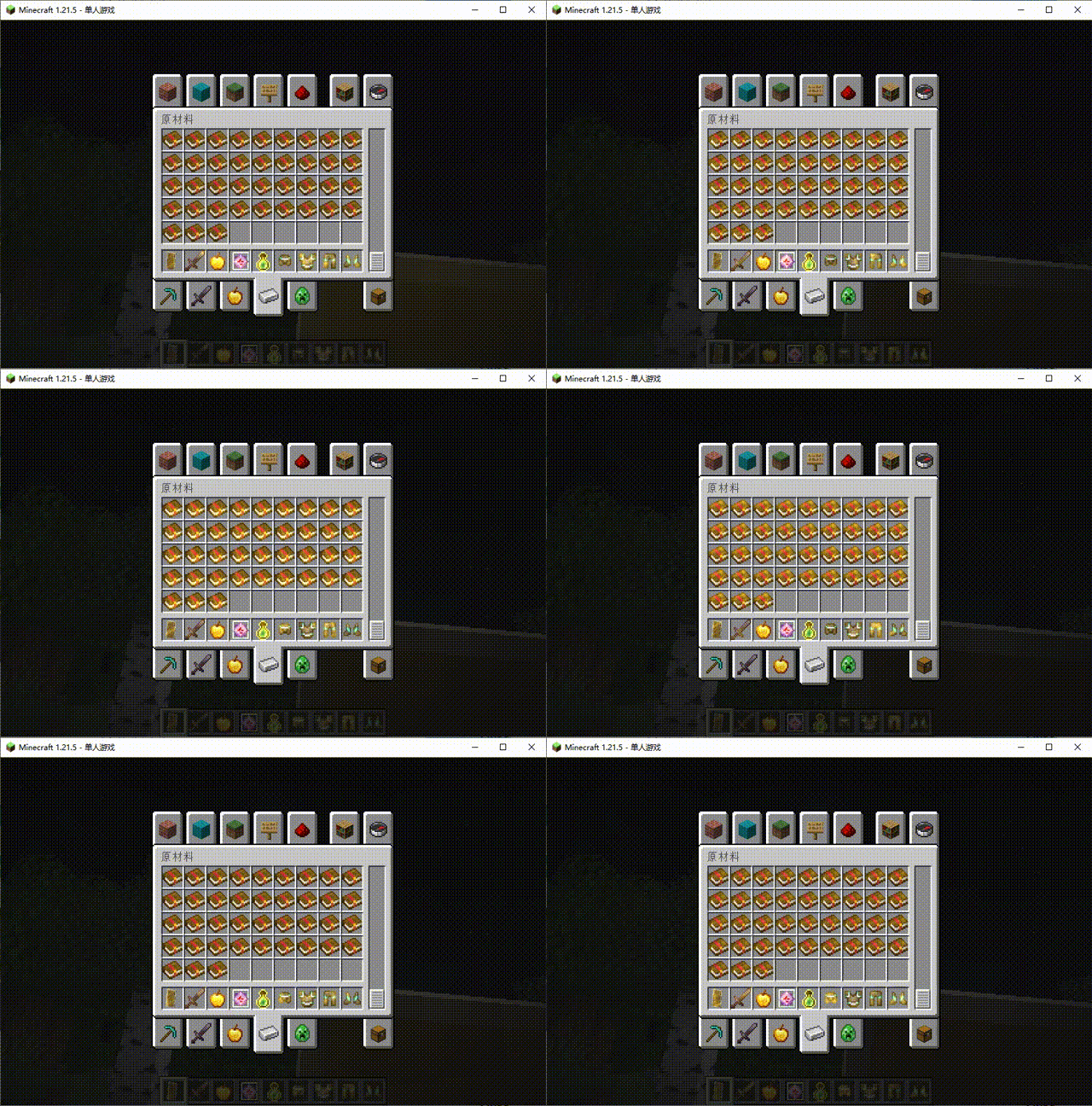
Tired of the default purple enchantment glow? Transform it into a dazzling golden shine with this sleek resource pack!  

Features:

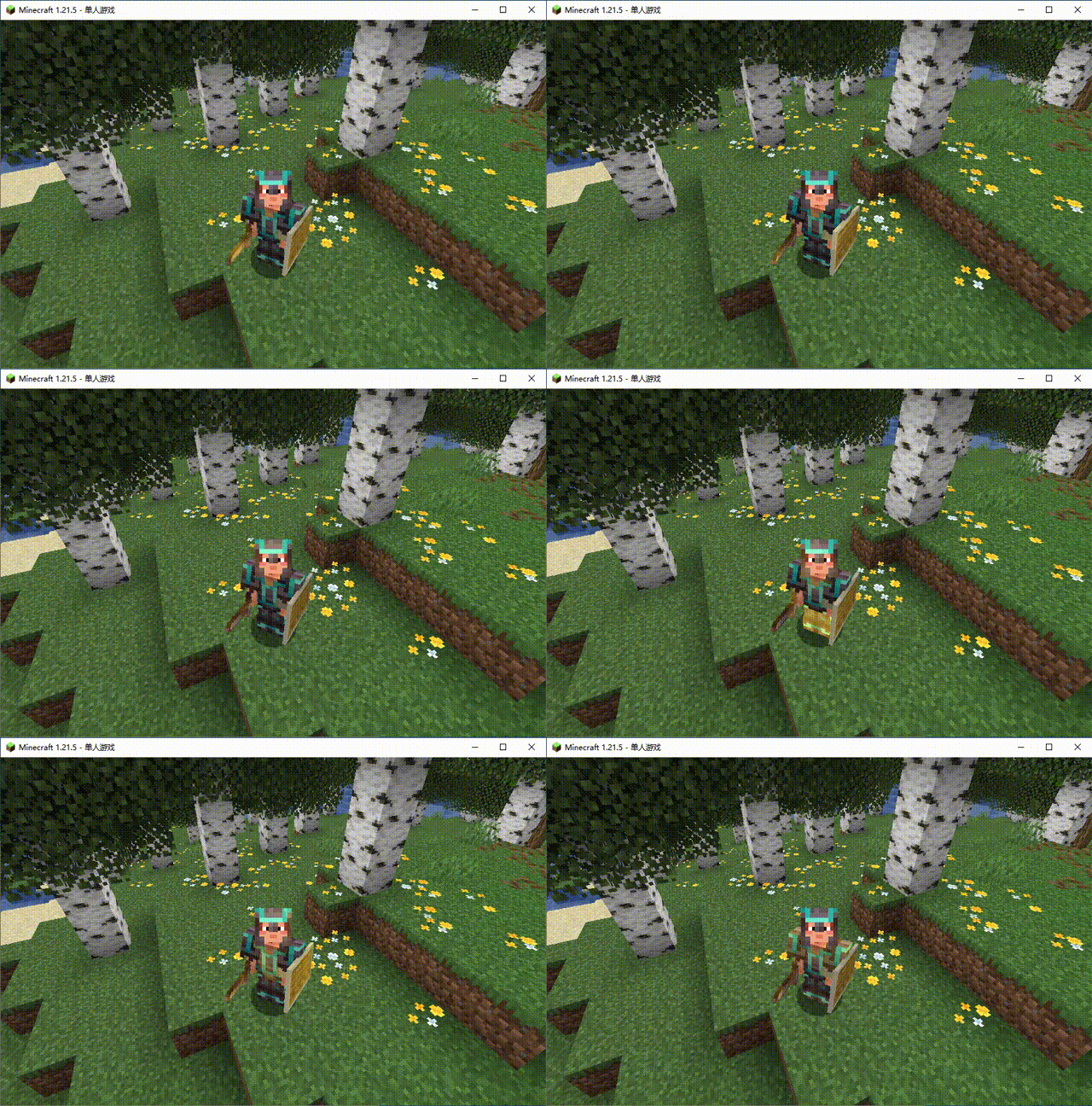
  • Luxurious Gold Effects – Weapons, tools, and armor now emit a radiant golden particle effect, adding elegance and distinction.
  • Wide Compatibility – Works in most versions without additional mods—just load and play!  
  • Lightweight – Preserves vanilla performance with no impact on gameplay smoothness.  

Perfect For:  

  • Showcasing golden-themed gear builds!
  • Making enchanted weapons stand out in battle!
  • Adding a touch of regal flair to your adventures!  

Installation:  

  1. Download the pack and place it in your resourcepacks folder.  
  2. Enable it in-game via Settings > Resource Packs  


Make every enchantment gleam like gold—download now!  

(Note: Only modifies enchantment glint colors; no gameplay changes.)


✨ 黄金附魔特效资源包 ✨  

厌倦了原版紫色的附魔光效?试试这款将附魔光芒替换为华丽金色的资源包吧!  

特点:  

  • 尊贵金色光效:所有武器、工具和装备的附魔粒子效果现在呈现闪耀的金色,更显奢华与独特。
  • 兼容性强:适用于大多数版本,无需额外模组,直接加载即可使用。  
  • 轻量优化:保持原版性能,不影响游戏流畅度。  

适用场景: 

  • 打造黄金主题的装备展示!  
  • 让附魔武器在战斗中更加耀眼夺目!  
  • 为你的冒险增添一抹高贵气息!  

安装方法:  

  1. 下载资源包并放入游戏资源包文件夹。
  2.  在游戏设置中加载并启用即可。  


让每一次附魔都如黄金般璀璨!下载体验吧!  

(注:本资源包仅修改附魔光效颜色,不改变游戏机制。)

 

Golden Enchanted Glint 1.21.11 v1.1.3.zip
MC 1.21.10, 1.21.11
Release 2025-12-20 Get
Golden_Enchanted_Glint_1.21.9.zip
MC 1.21.9, 1.21.10, 1.21.11-snapshot
Release 2025-10-01 Get
Golden_Enchanted_Glint_1.21.7.zip
MC 1.21, 1.21.5, 1.17, 1.12, 1.15, 1.16, 1.13, 1.21.8, 1.21.4, 1.11, 1.14, 1.20, 1.10, 1.21.3, 1.21.7, 1.21.1, 1.21.6, 1.8, 1.18, 1.9, 1.19, 1.21.2
Release 2025-08-10 Get

Requirements & install

How to use this resource pack in Minecraft
Resolution
128x
Minecraft
1.21.5 – 1.21.11
Install folder
.minecraft/resourcepacks

How to install resource packs

  1. Download the resource pack .zip file (do not extract it).
  2. In Minecraft open Options → Resource Packs → Open Pack Folder.
  3. Drop the .zip into the resourcepacks folder (.minecraft/resourcepacks).
  4. Move the pack to the Selected column and click Done.

Packs from 128x upwards need more video memory: install a performance mod such as Sodium for smooth frame rates.

Browse more: 16x resource packs 32x resource packs 64x resource packs 128x resource packs 256x resource packs 512x+ resource packs Resource Packs for 1.21.11 All resource packs

More from edeipici

Advertisement Remove ads with Premium →

You Might Also Like