This resourcepack does NOT change any vanilla textures. It is for adding some custom items to use in an smp via cit.
You can get the custom items by renaming the base item. Ex. rename bread to "Doubles" and it will change the texture. Text is case insensitive.
Current Content (As of The Latest Version):
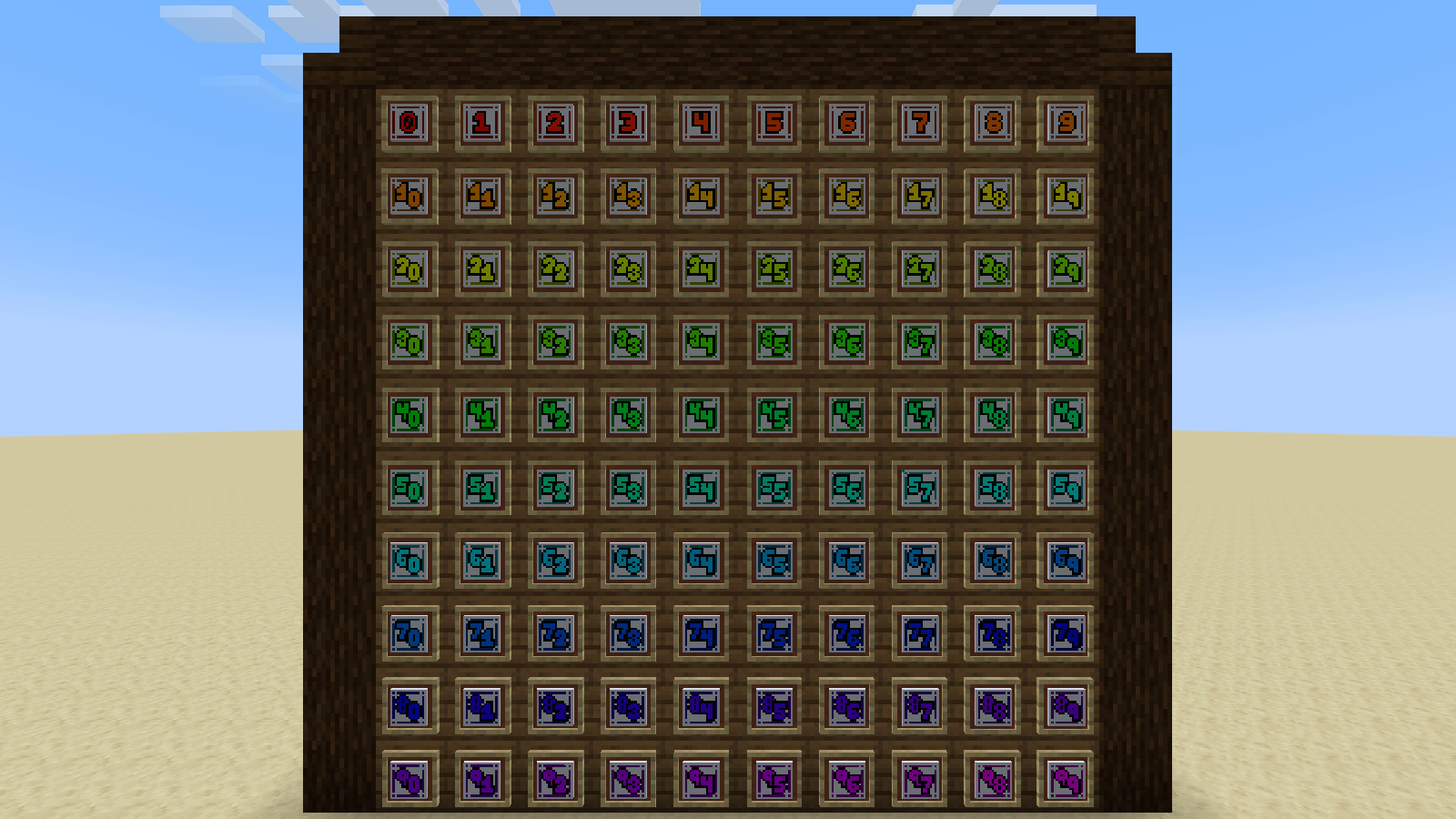
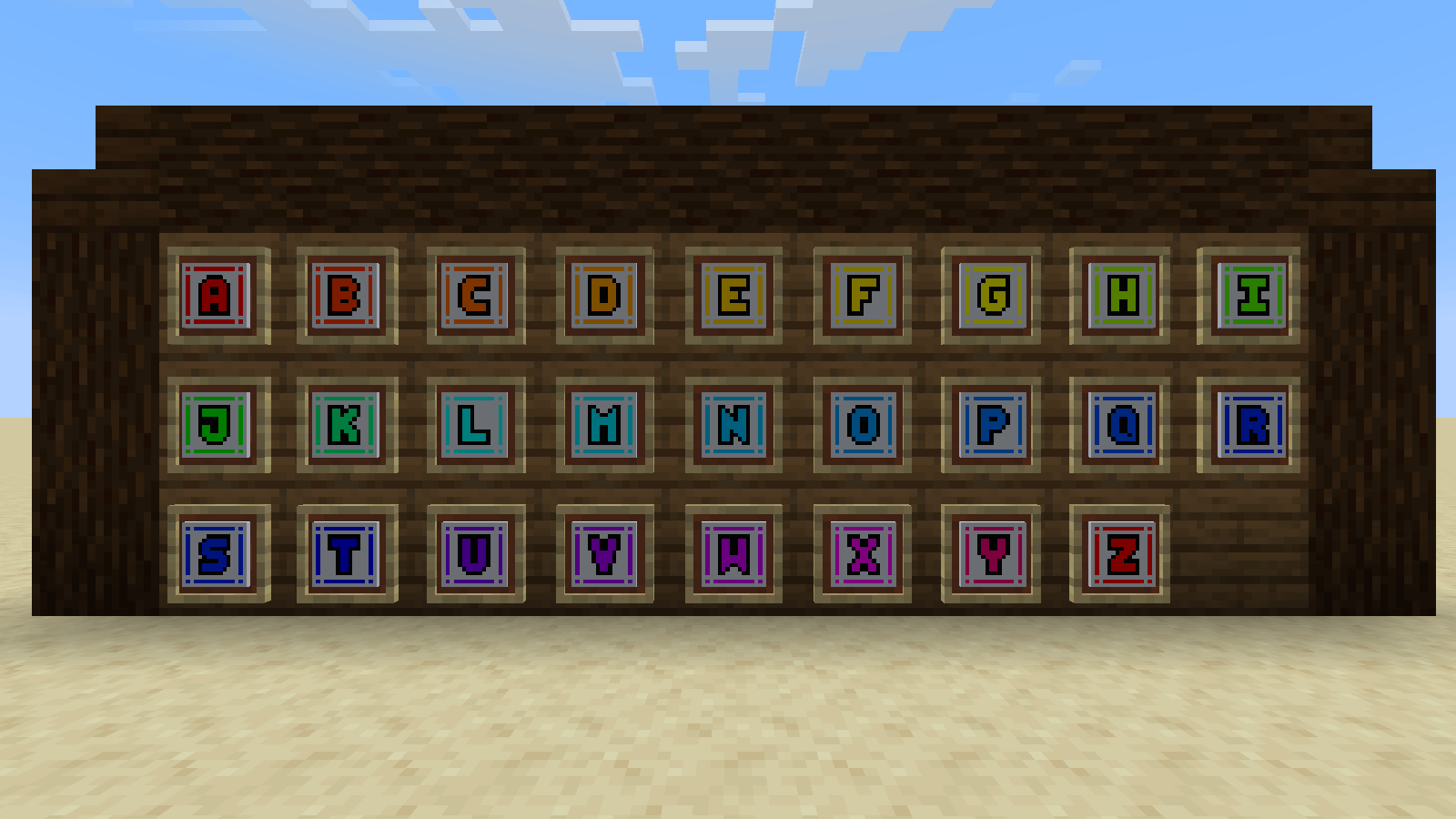
- Characters A-Z & 1-99 on paper
- "Coal Ticket" on paper
- "Copper Ticket" on paper
- "Iron Ticket" on paper
- "Silver Ticket" on paper
- "Gold Ticket" on paper
- "Diamond Ticket" on paper
- "Netherite Ticket" on paper
- "Common Voucher" on paper
- "Uncommon Voucher" on paper
- "Rare Voucher" on paper
- "Epic Voucher" on paper
- "Legendary Voucher" on paper
- "Jackpot Voucher" on paper
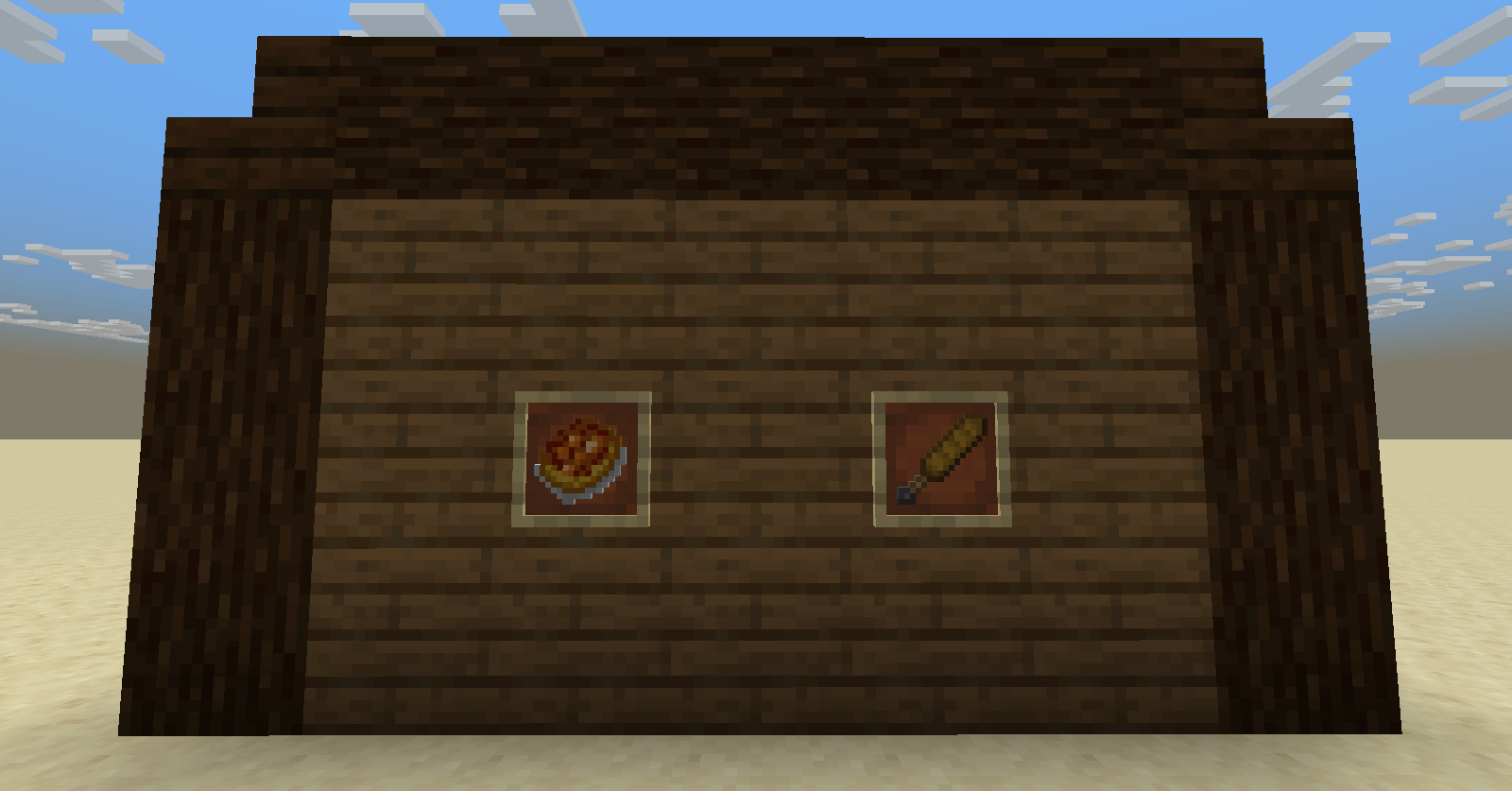
- "Doubles" on bread
- "Baguette" on wooden_sword
- "Arune" on flint
- "Gacha Key" on flint
- "Copper Coin" on iron_nugget
- "Silver Coin" on iron_nugget
- "Gold Coin" on iron_nugget
Toolsets:
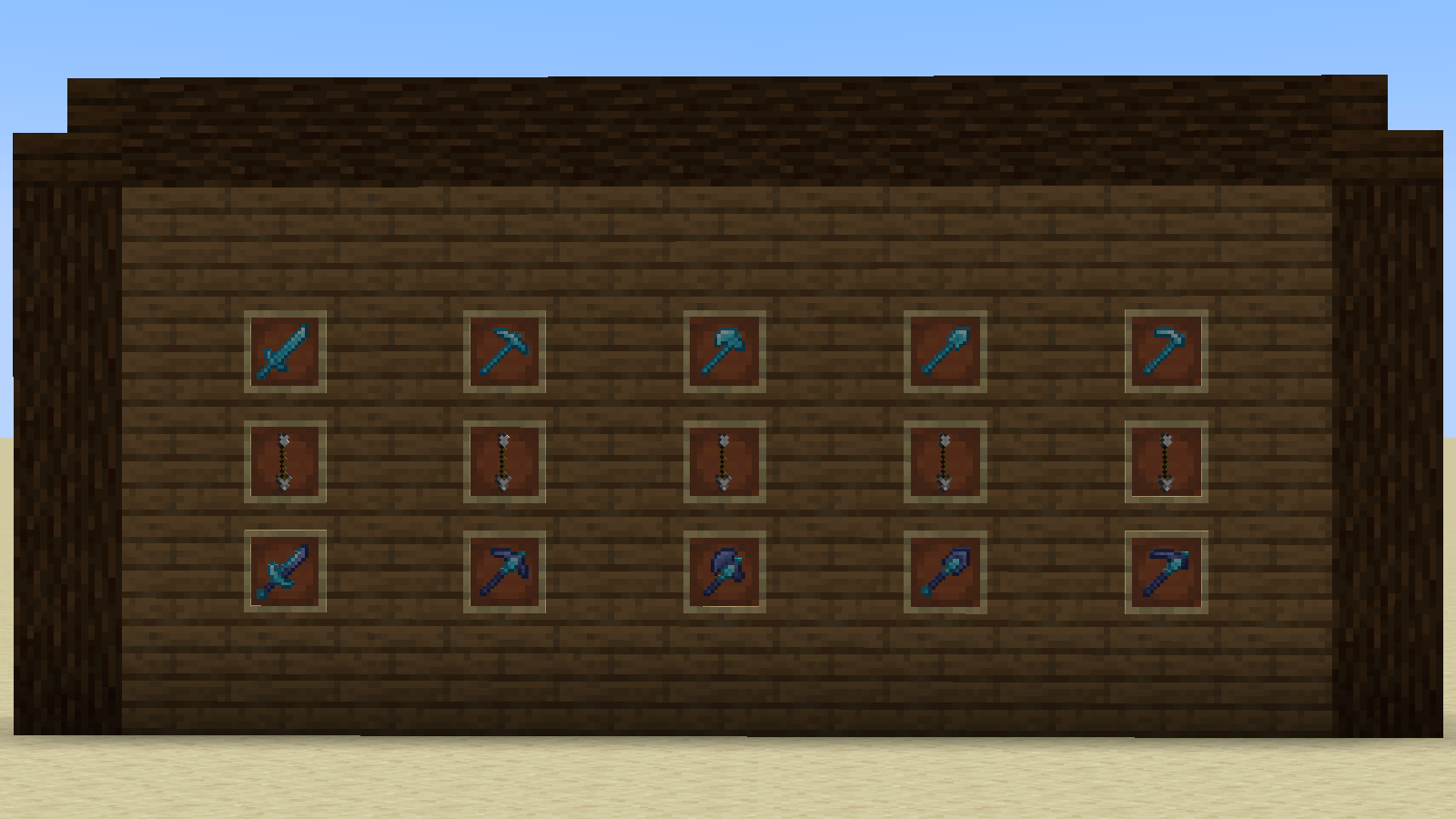
All toolsets are mapped onto both diamond and netherite.
Frost Toolset
- Sword - "Iceforged Runeblade"
- Pickaxe - "Cryomancer's Edge" & "Rune Breaker"
- Axe - "Frostfall" & "Frostveil"
- Shovel - "Icicle"
- Hoe - "Frostbound"
Gilded Toolset
- Sword - "Pay Day"
- Pickaxe - "Gold Rush" & "Advanced Deposit"
- Axe - "Fool's Gold" & "Budget Cuts"
- Shovel - "Oil Tycoon" & "Gold Digger"
- Hoe - "Brilliant Harvest" & "Midas' Touch"
Things to be added in the future:
- More custom Item textures
- Custom Hats