Mineuniverse
Resource Packs
Glowing Ores (Vanilla & Mods)

Glowing Ores (Vanilla & Mods)

RESOURCE PACK
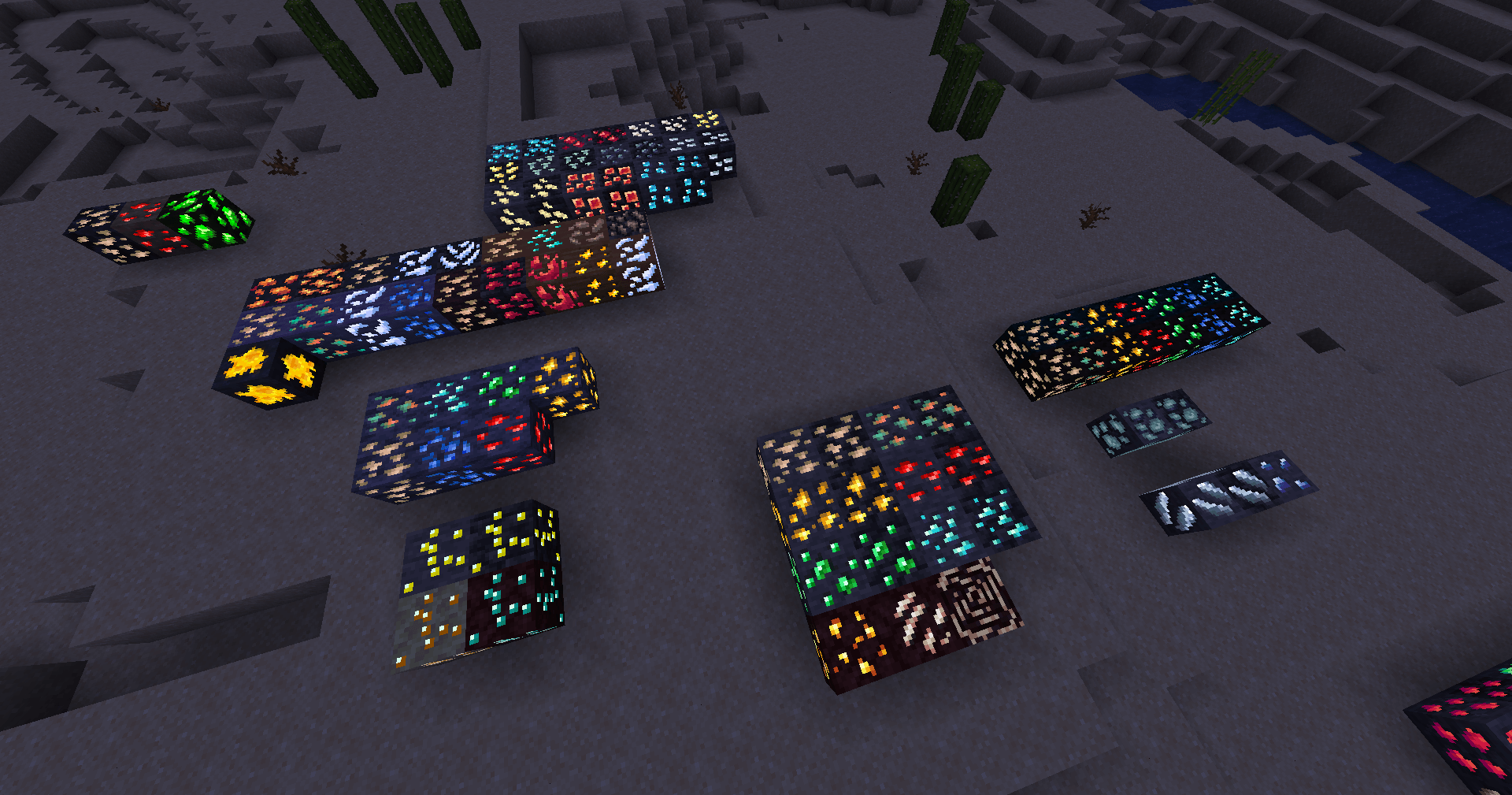
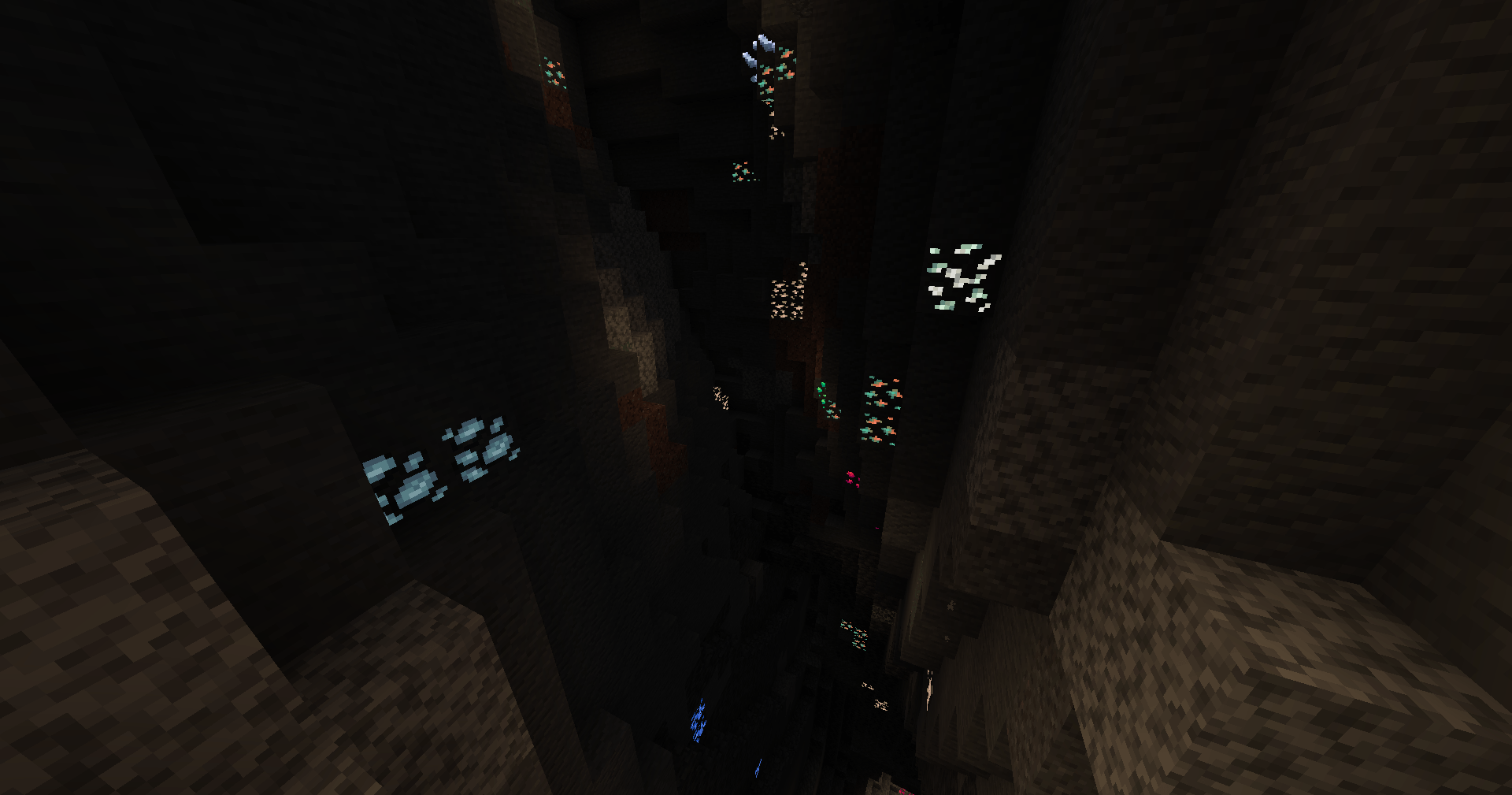
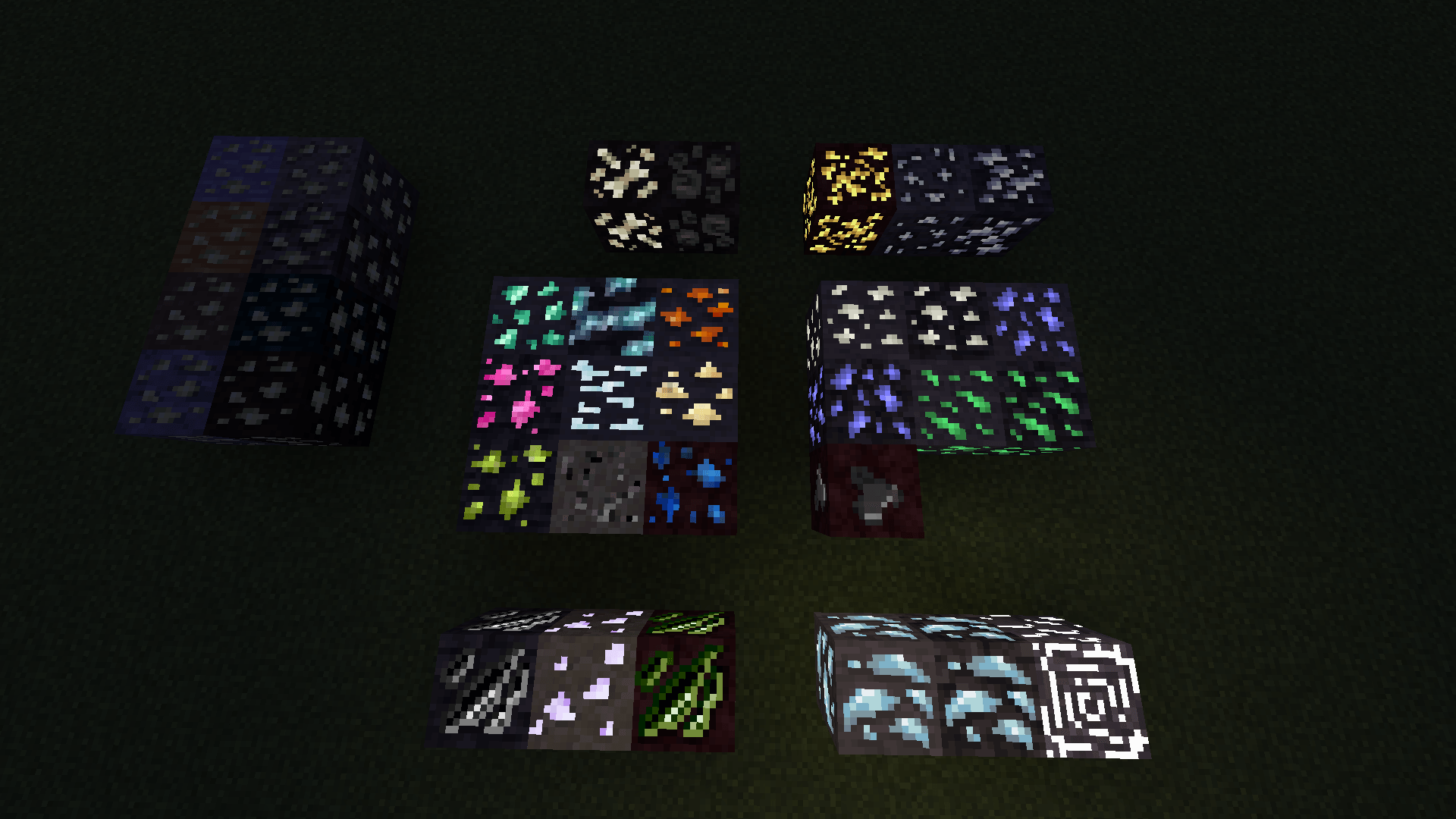
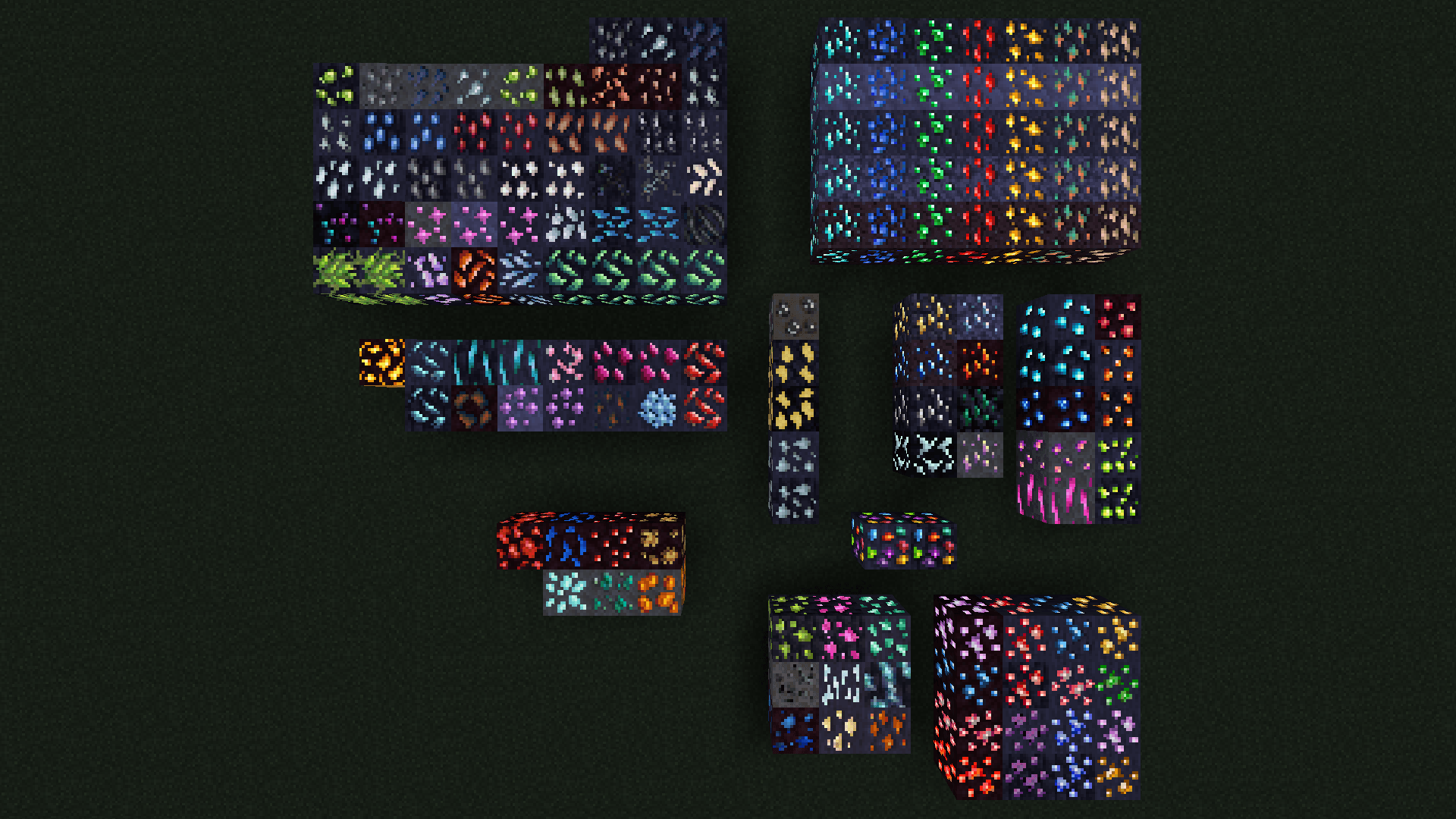
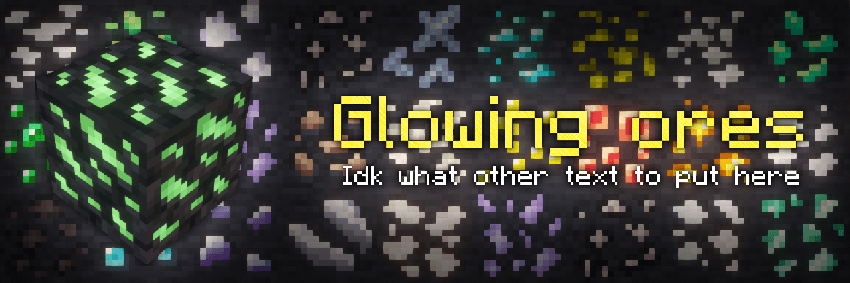
Adds emissive textures for ores from many mods. Requests always welcome.
by garwinium
Download Claim this project
626,018 downloads
0 likes
0 followers
Updated Oct 14, 2026
0 hypes
Follow0
16x Animated Mod Support
Advertisement Remove ads with Premium →

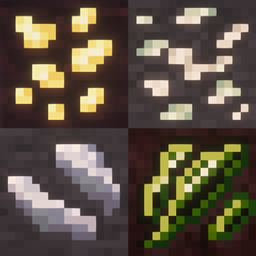
This resource pack adds glowing/emissive textures for ores from a bunch of different mods. Always adding more, so feel free to request mods you'd like to see supported.

This resource pack does not work without mods, it requires one or more mods that add emmisive texture functionality to be installed in order to function.

See the below dropdown/spoiler for suggested mods depending on your modloader.

Neoforge:

Option 1 (Recommended, 1.21+)

  •  NeoContinuity

Option 2 (1.20.1 - 1.21.1)

  • Continuity
  • Sinytra Connector

Fabric/Quilt:

Option 1 (recommended, 1.18.2+)

  • Continuity

Option 2 (1.16.5 - 1.21.1)

  • MoreMcmeta
  • MoreMcmeta Emissive Textures

Forge:

Option 1 (recommended, 1.20.1 only)

  • Continuity
  • Sinytra Connector (Fabric mod compatibility for Forge/Neoforge)

Option 2 (1.18.2 or 1.19.2)

  • Connectedness
  • Reforgium
  • Rubidium

Option 3 (1.16.5 - 1.21.1)

  • MoreMcmeta
  • MoreMcmeta Emissive Textures

Feel free to suggest new mods you'd like to see added. And if you have any problems with currently supported mods, please open an issue on this page's issue tracker.

Supported mods:

  • Ad Astra
  • Alex's Caves
  • All the Ores
  • Allthemodium
  • Better End
  • Better Nether
  • Blast From the Past
  • Caverns and Chasms
  • Clutter
  • Create
  • Create: Gunsmithing
  • Crystals Overhauled
  • Deeper and Darker
  • Dense Ores - Abundant
  • Exp Ore
  • Extreme Reactors
  • Galosphere
  • Gemforged
  • Ice and Fire
  • Industrial Revolution
  • Infinite Abyss
  • Iron's Spells 'n Spellbooks
  • Jaden's Nether Expansion
  • Jurassic Reborn
  • Logistics: Automation
  • Marium's Soulslike Weaponry
  • Mekanism
  • Mekanism: Ad Astra Ores
  • More Gems
  • Mystical Agriculture
  • Mythic Metals
  • Mythic Upgrades
  • New Xp Ore
  • Oh The Biomes You'll Go
  • Powah
  • Propulsion Simulated
  • Pure Ores
  • Railcraft Reborn
  • Randomite Classic
  • Samurai Dynasty
  • Scorched  Guns
  • Scorched Guns Brass
  • Silent Gear
  • Simple Ores
  • Tech Reborn
  • Thermal and Space
  • Thermal series
  • Things
  • Tinkers' Advanced
  • Tinkers' Construct
  • Universal Ores


Troubleshooting:

If you are having an issue and none of the below help, please create an issue on the issue tracker.

Minecraft version

Ensure you are using minecraft version 1.20.1 or higher, older minecraft versions might work, but they are not supported.

Resource pack conflicts

This resource pack may not be compatible with other similar glowing ore resource packs, or packs that change textures or models of ore blocks.

Continuity or Sinytra Connector Issue

If adding the aforementioned mods to a modpack and adding this resource pack causes issues such as lag or crashing, see if the same issues happen without this resource pack, if they do then as it is likely a mod compatibility issue, not an issue with this resource pack.

Mod versions

Check all your mods are up to date, especially performance mods like Sodium and it's forks such as Embeddium/Rubidium/Xenon.

Shaders

Some shaderpacks may not be compatible with this resource pack, if it's not working at all or only sometimes, try looking for and turning off settings like "PBR" or "Floodfill" if possible.

I recommend using Complementary Shaders, it's highly configurable and should work with this resource pack.

Want even more glowing ores?
Give Glowing Emissive Ores or it's mod version by DeftestHawk a try!
Both this pack and theirs support some the other dont, so using both gets you the best coverage for different mods.

Feel free to use this resource pack in any modpacks for any launcher, you don't need to ask, redistribution and modification are allowed.

V7, 1.20.1-26.1.2
MC 1.21, 1.20.2, 1.21.8, 1.20.5, 1.21.5, 1.21.4, 1.20.1, 1.20.6, 1.21.1, 1.21.6, 1.21.3, 1.21.7, 1.20.4, 1.20.3, 1.21.2, 1.21.9, 1.21.10, 1.21.11, 26.1, 26.1.1, 26.1.2
Release 2026-10-12 Get
V6, 1.20.1+
MC 1.21, 1.20.2, 1.21.8, 1.20.5, 1.21.5, 1.21.4, 1.20.1, 1.20.6, 1.21.1, 1.21.6, 1.21.3, 1.21.7, 1.20.4, 1.20.3, 1.21.2, 1.21.9, 1.21.10, 1.21.11
Release 2026-01-18 Get
V5, 1.20.1+
MC 1.21, 1.20.2, 1.21.8, 1.20.5, 1.21.5, 1.21.4, 1.20.1, 1.20.6, 1.21.1, 1.21.6, 1.21.3, 1.21.7, 1.20.4, 1.20.3, 1.21.2, 1.21.9, 1.21.10, 1.21.11
Release 2026-01-03 Get

Requirements & install

How to use this resource pack in Minecraft
Resolution
16x
Minecraft
1.21.7 – 26.1.2
Install folder
.minecraft/resourcepacks

How to install resource packs

  1. Download the resource pack .zip file (do not extract it).
  2. In Minecraft open Options → Resource Packs → Open Pack Folder.
  3. Drop the .zip into the resourcepacks folder (.minecraft/resourcepacks).
  4. Move the pack to the Selected column and click Done.
Browse more: 16x resource packs 32x resource packs 64x resource packs 128x resource packs 256x resource packs 512x+ resource packs Resource Packs for 26.1.2 All resource packs
Advertisement Remove ads with Premium →

You Might Also Like