Mineuniverse
Resource Packs
Glow Ores WHITE- Emissive white Glowing Ores (Vanilla, No Mods)

Glow Ores WHITE- Emissive white Glowing Ores (Vanilla, No Mods)

RESOURCE PACK
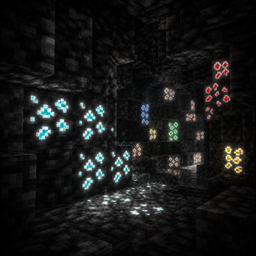
Ores glow white in the dark using vanilla emissive block models — no OptiFine, no shaders, no mods, no xray required. Spot ores instantly in pitch-black caves. Server-safe.
by LeoTdo
Download Claim this project
Add a badge to your pageLink to Glow Ores WHITE- Emissive white Glowing Ores (Vanilla, No Mods) from a README, website or forum post.
Preview: Badge

Badges update automatically and link to the resource pack page on MineUniverse.

3,561 downloads
0 likes
0 followers
Updated Oct 14, 2026
0 hypes
Follow0
16x
Advertisement Remove ads with Premium →

Glow Ores — White

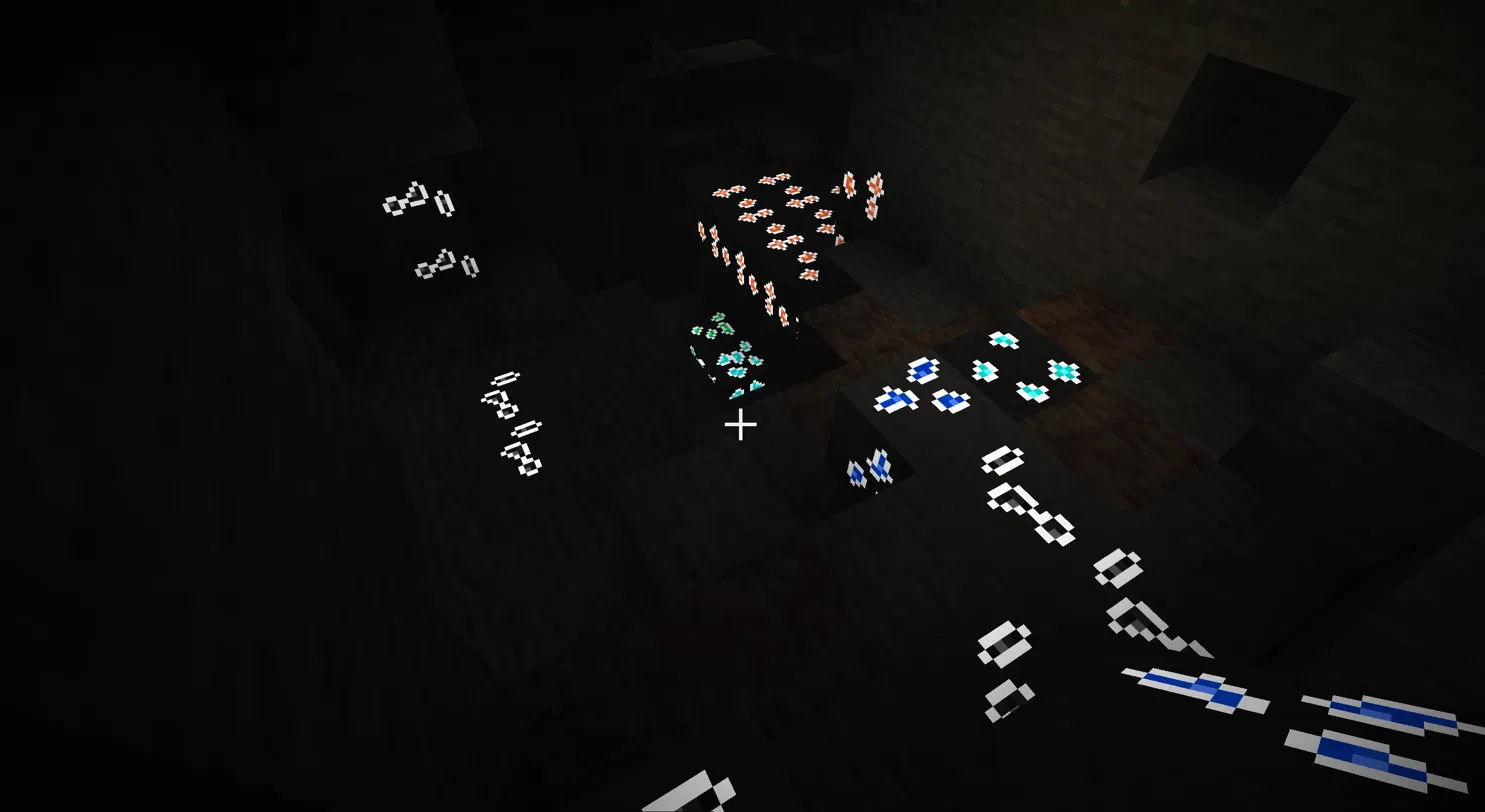
Ores glow white in the dark. The ore part of each block — the ore chunks and their outline — emits light at full brightness, so you can spot and mine ores even in pitch-black caves. In this variant the glowing outline is a clean white on every ore, while each ore keeps its own colored core (gold stays gold, lapis blue, diamond cyan, and so on) so they're still easy to tell apart. The surrounding stone, deepslate, and netherrack stay normally lit.

This is the white-outline version of Glow Ores. In normal light the ores look like the vanilla colored ores; in the dark they all light up with a uniform white glow.

No mods, no shaders, no OptiFine

The glow uses Minecraft's native emissive block models (1.21.2+). It works on pure vanilla Minecraft and is compatible with Sodium. Nothing extra to install.

Not X-ray — server-safe

This does not let you see through blocks. It only makes ores you can already see easier to spot. Safe to use on servers.

Covers all 18 ore types

Coal, iron, copper, gold, redstone, lapis, diamond, and emerald — each in overworld and deepslate form — plus nether gold and nether quartz.

Installation

  1. Download the latest file.
  2. Place the .zip in your resourcepacks folder.
  3. Enable it in Settings → Resource Packs.

Supported version

Minecraft Java Edition 26.1.2 (resource pack format 84).

License

CC BY-NC 4.0 — credit required, no commercial reuploads. Source on GitHub.

white-glow-ores-v1.0.0.zip
MC 26.1.2
Release 2026-06-11 Get

Requirements & install

How to use this resource pack in Minecraft
Resolution
16x
Minecraft
26.1.2
Install folder
.minecraft/resourcepacks

How to install resource packs

  1. Download the resource pack .zip file (do not extract it).
  2. In Minecraft open Options → Resource Packs → Open Pack Folder.
  3. Drop the .zip into the resourcepacks folder (.minecraft/resourcepacks).
  4. Move the pack to the Selected column and click Done.
Browse more: 16x resource packs 32x resource packs 64x resource packs 128x resource packs 256x resource packs 512x+ resource packs Resource Packs for 26.1.2 All resource packs

More from LeoTdo

Advertisement Remove ads with Premium →

You Might Also Like