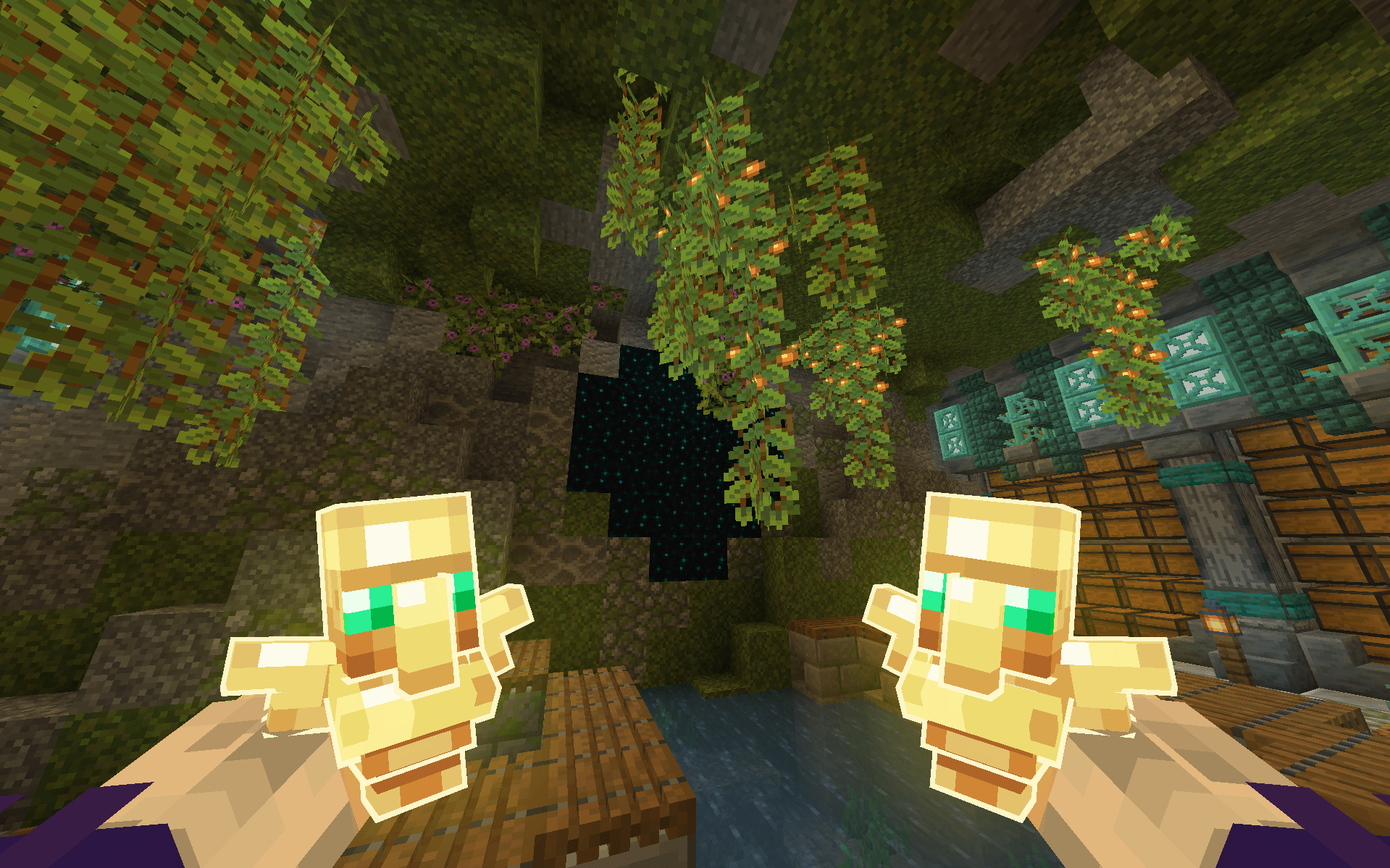
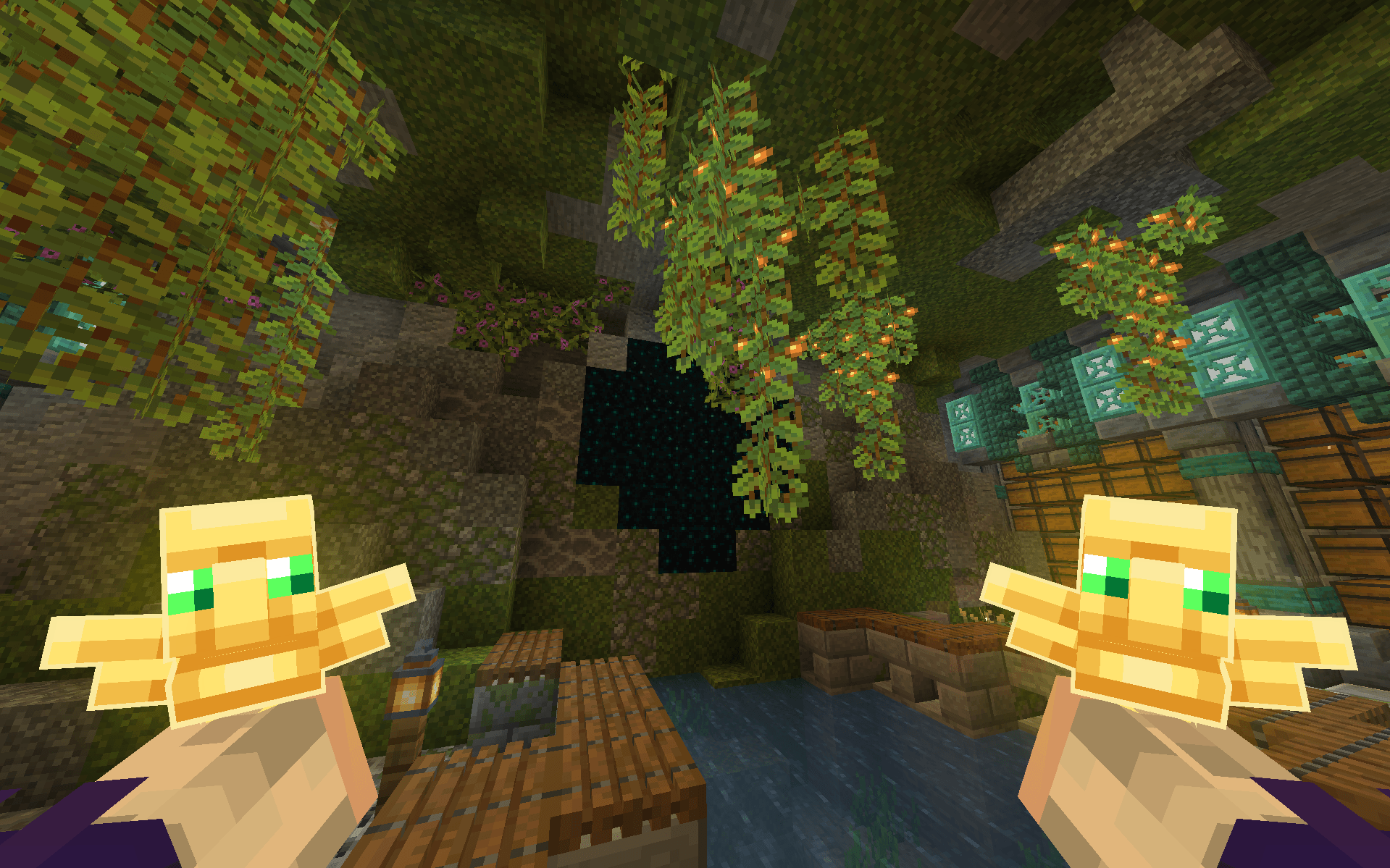
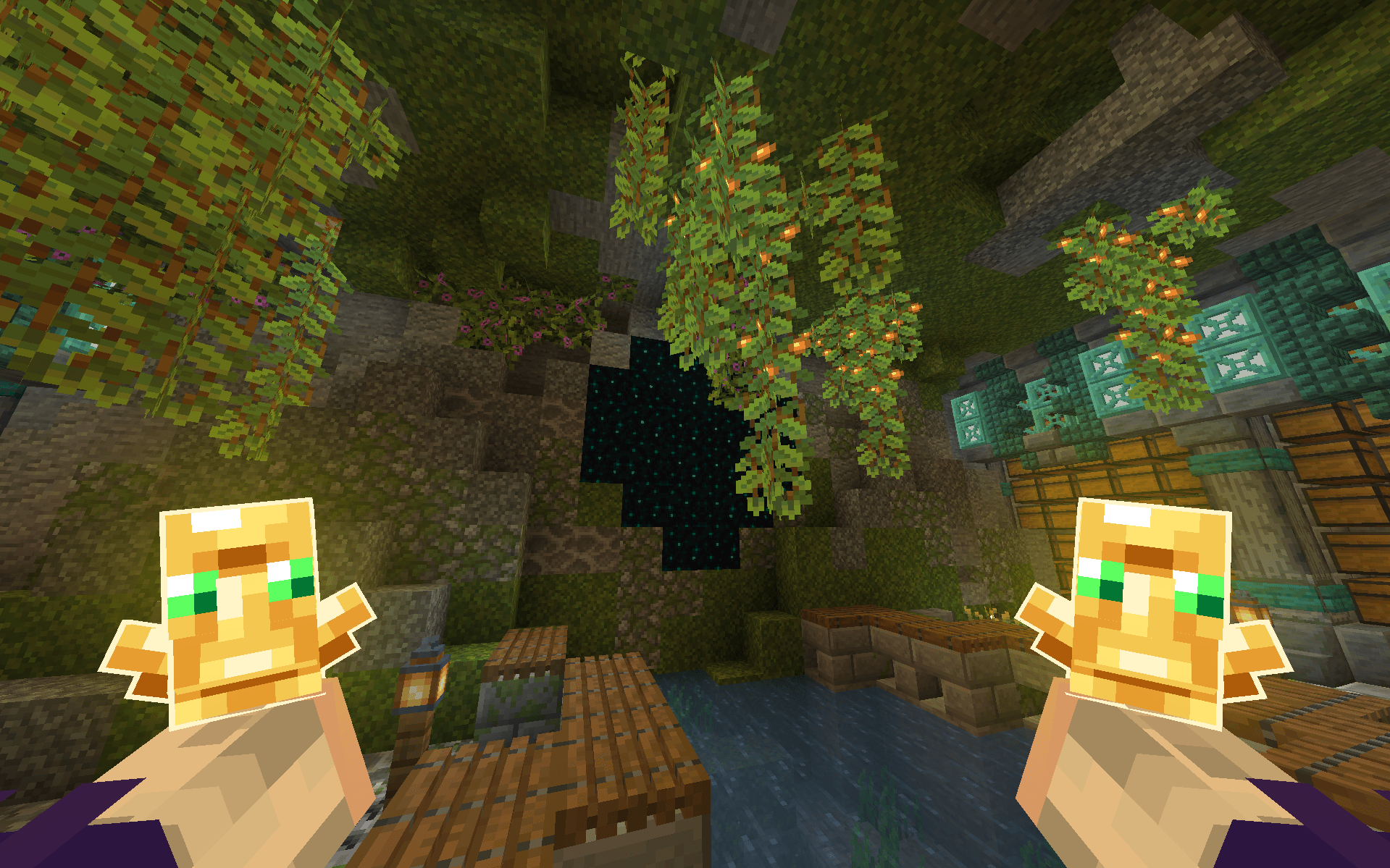
Glow 3D Relic & Totem is a project developed to revamp the visual appearance of the Totem of Undying by introducing a custom 3D model featuring a glow effect, while ensuring full compatibility with Punchy. The project also brings enhancements to the totem model's positioning, making it easier to adjust and offering greater flexibility for in-game customization.
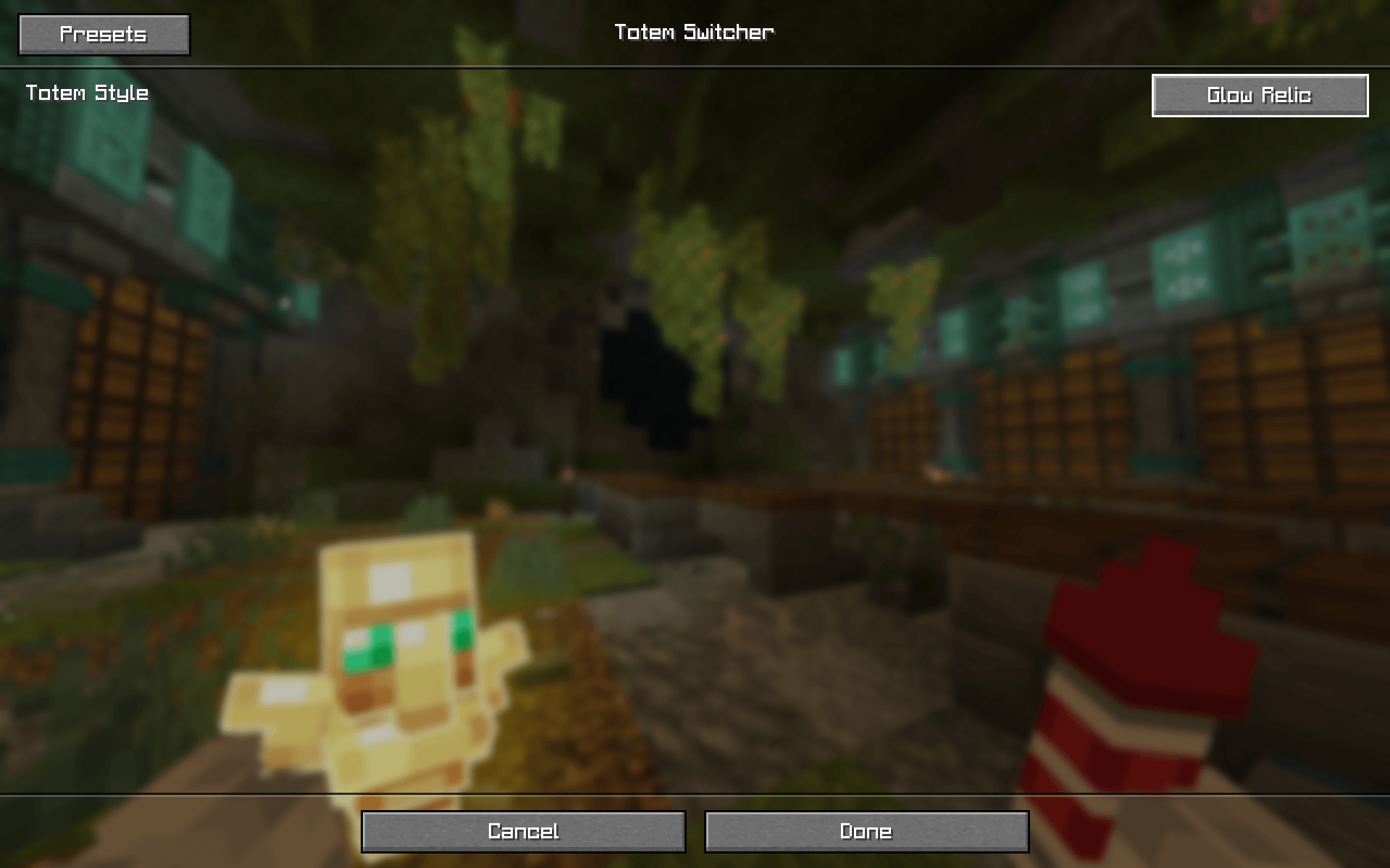
NOTE: You must use the Respackopts mod to be able to switch between different totems.
Features
3D Glow Effect
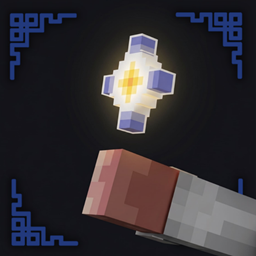
Applies a glowing effect to the 3D Totem of Undying when used alongside Punchy, giving the totem a more striking and visually appealing look.
Enhanced Totem Positioning
The totem's position has been refined to deliver a more natural and seamless appearance during gameplay.
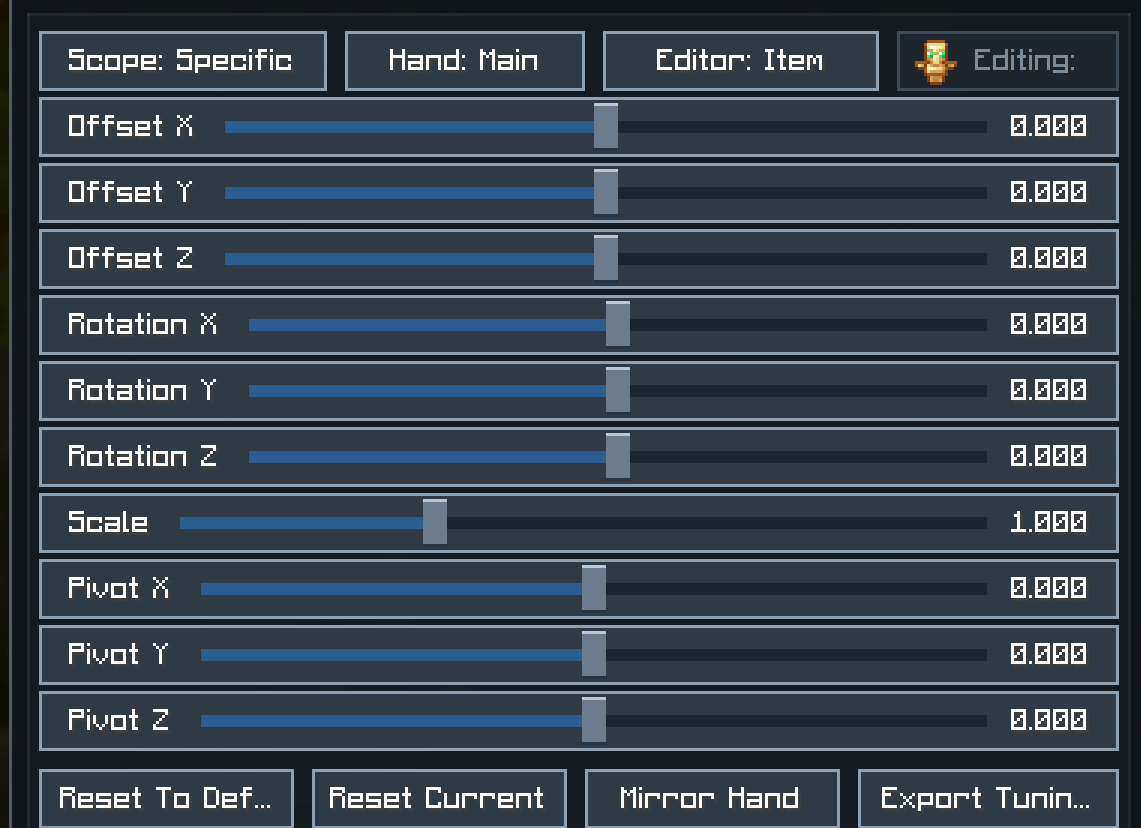
Easy Position Customization
The improved model placement allows users to adjust the totem's position to their personal preference with greater ease and convenience.
Punchy Compatibility
Fully designed and configured to integrate smoothly with Punchy's item and animation system.
Credits
A heartfelt thank you to @tixul and @arch1vways for generously granting permission to incorporate their work into this project. Their contributions served as a vital foundation for Glow 3D Relic & Totem, and their support and willingness to share within the Minecraft resource pack community are truly appreciated.