Mineuniverse
Resource Packs
Glez's Tweaks

Glez's Tweaks

RESOURCE PACK
A texture pack that enhances the vanilla textures, to my taste at least :P
by glezman_
Download Claim this project
610 downloads
0 likes
0 followers
Updated Oct 14, 2026
0 hypes
Follow0
16x Animated Miscellaneous Traditional
Advertisement Remove ads with Premium →


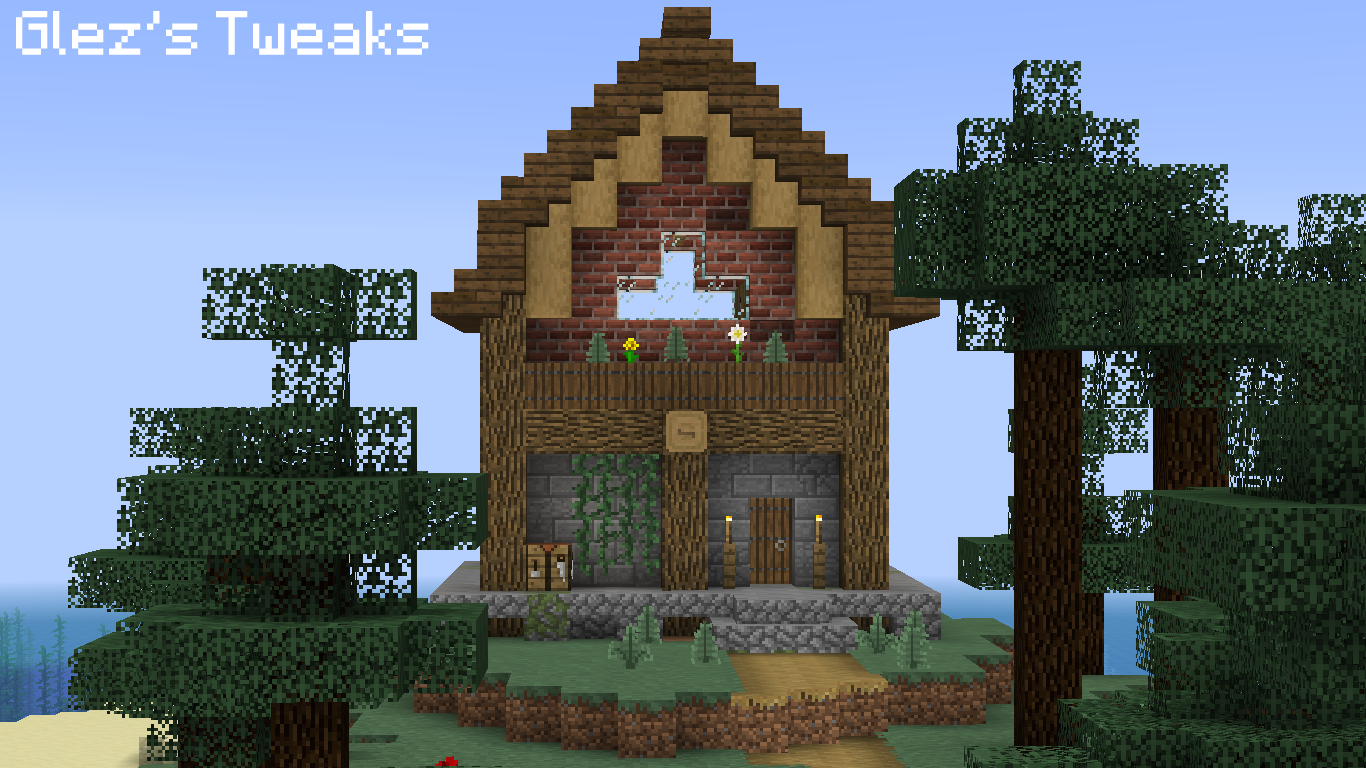
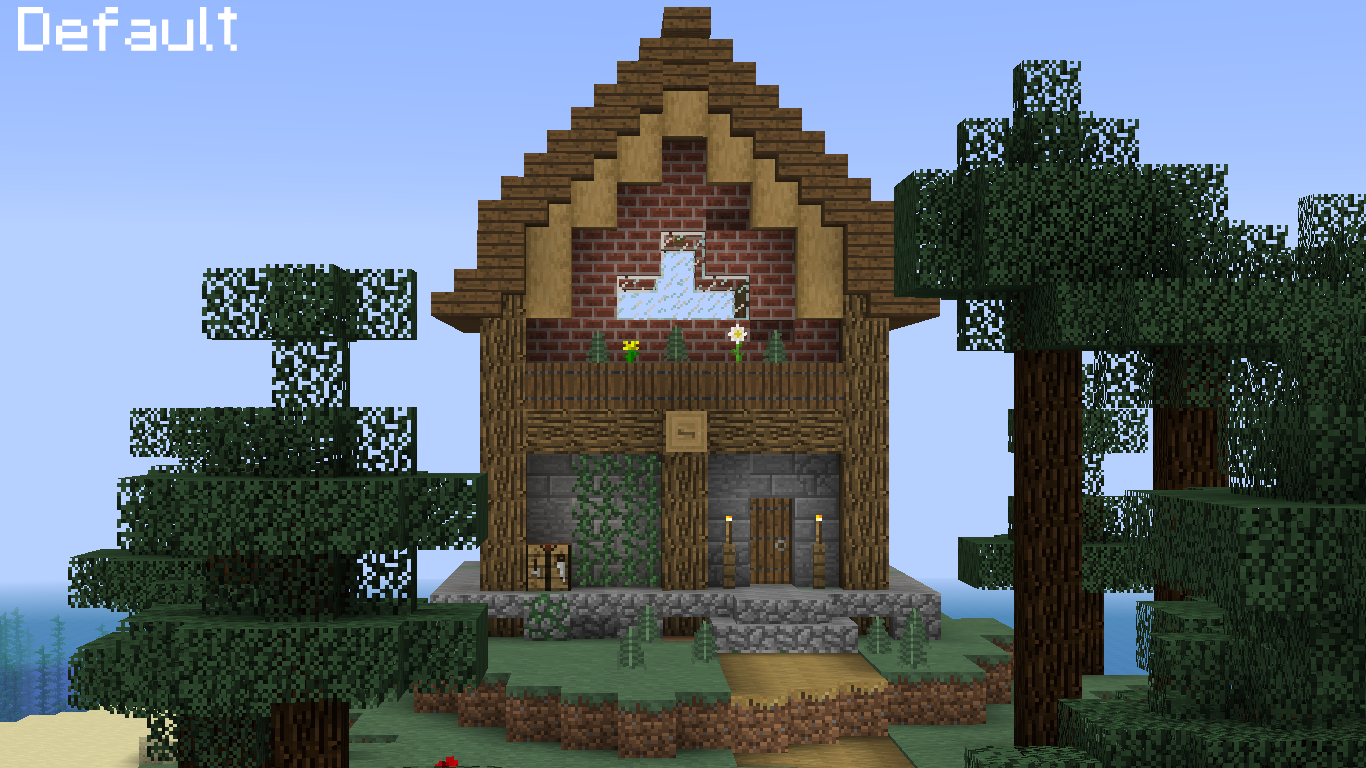
I made this texture pack as I felt some of the default textures needed some tweaks and enhancements. Heavily inspired from many textures packs. For you to experience the game as I do, I have added some of JAPPA's default rework textures that I use. Feedback is appreciated. (OptiFine Requiered)


  • Changed all the top textures of the wood log types
  • Added variants for all wood plank types
  • Added variants for the birch log
  • Added variants for the oak log
  • Added variants for the spruce log
  • Changed texture for the jungle log
  • Changed texture for all ice types
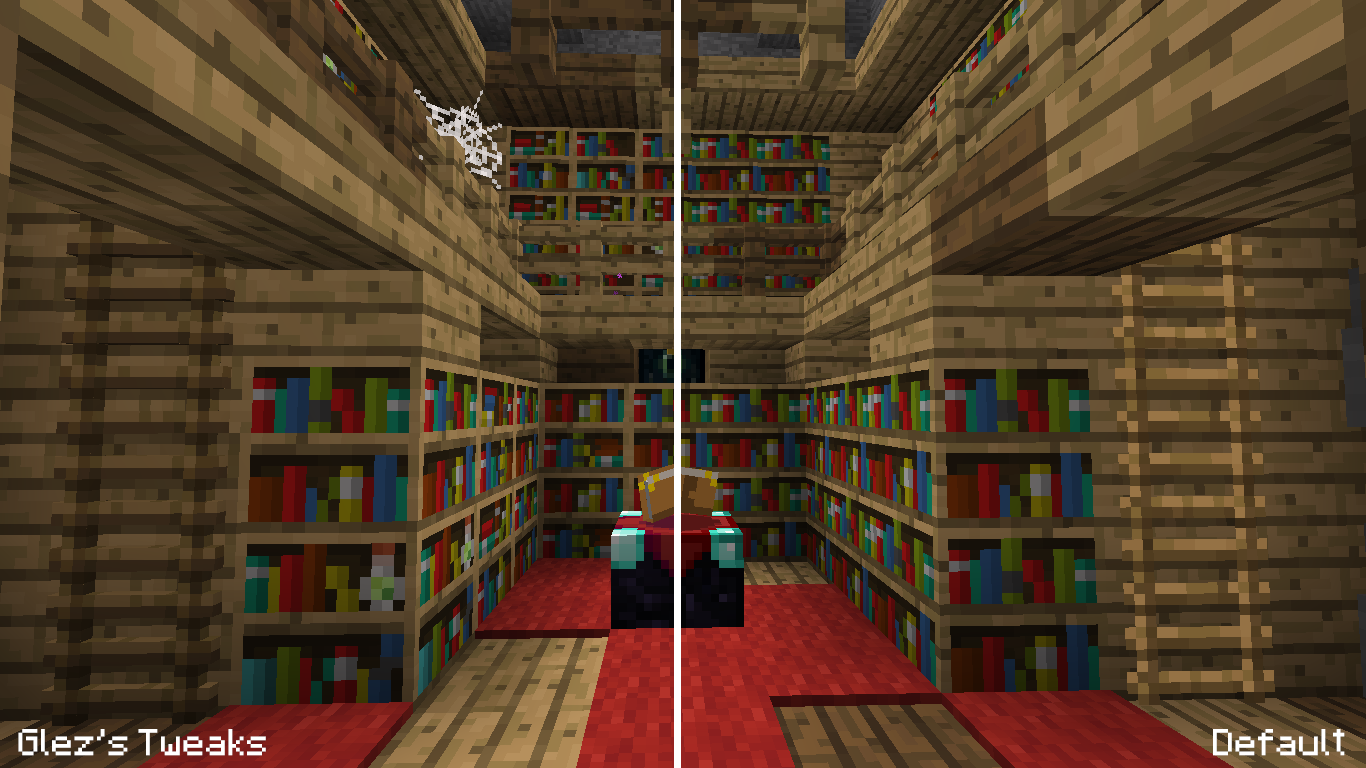
  • Added variants for the bookshelf
  • Added variants for the new bricks texture
  • Added the new mushroom textures as a variant and slightly changed the old textures
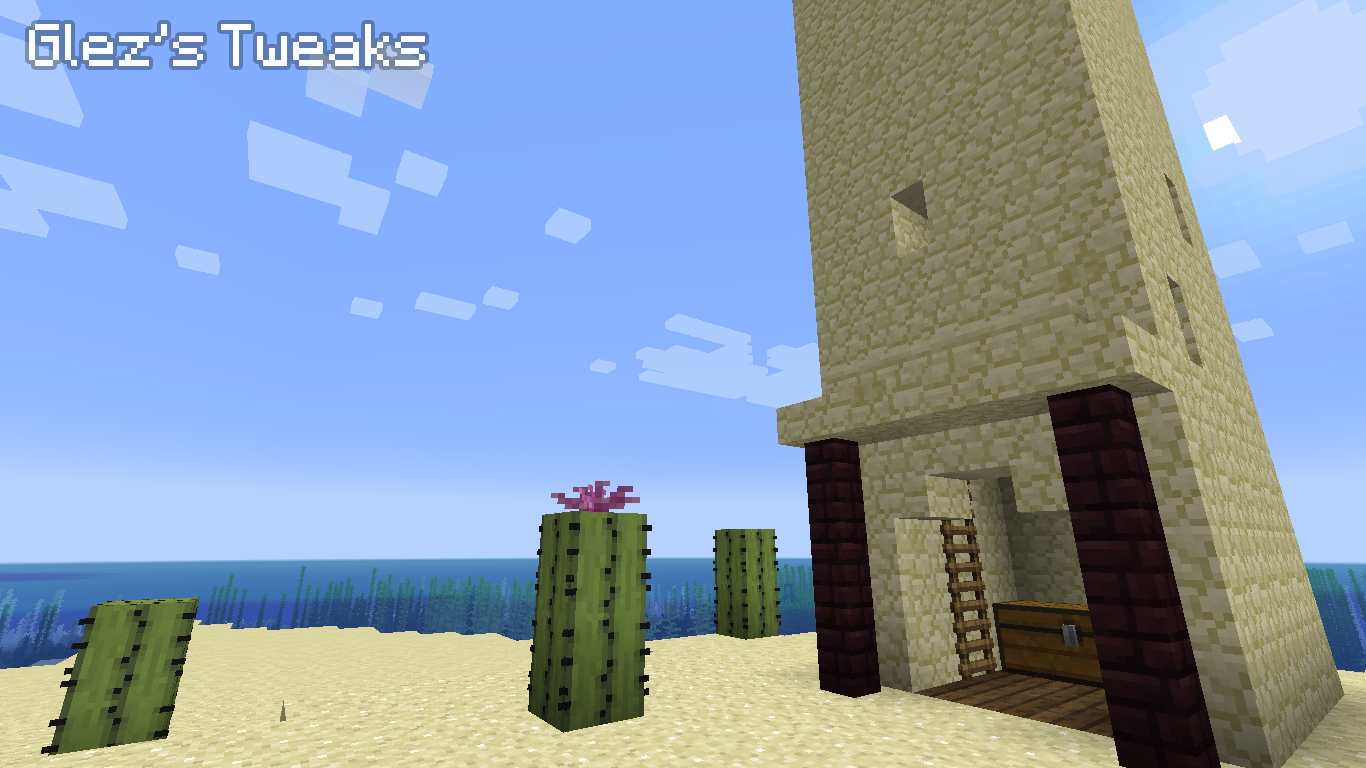
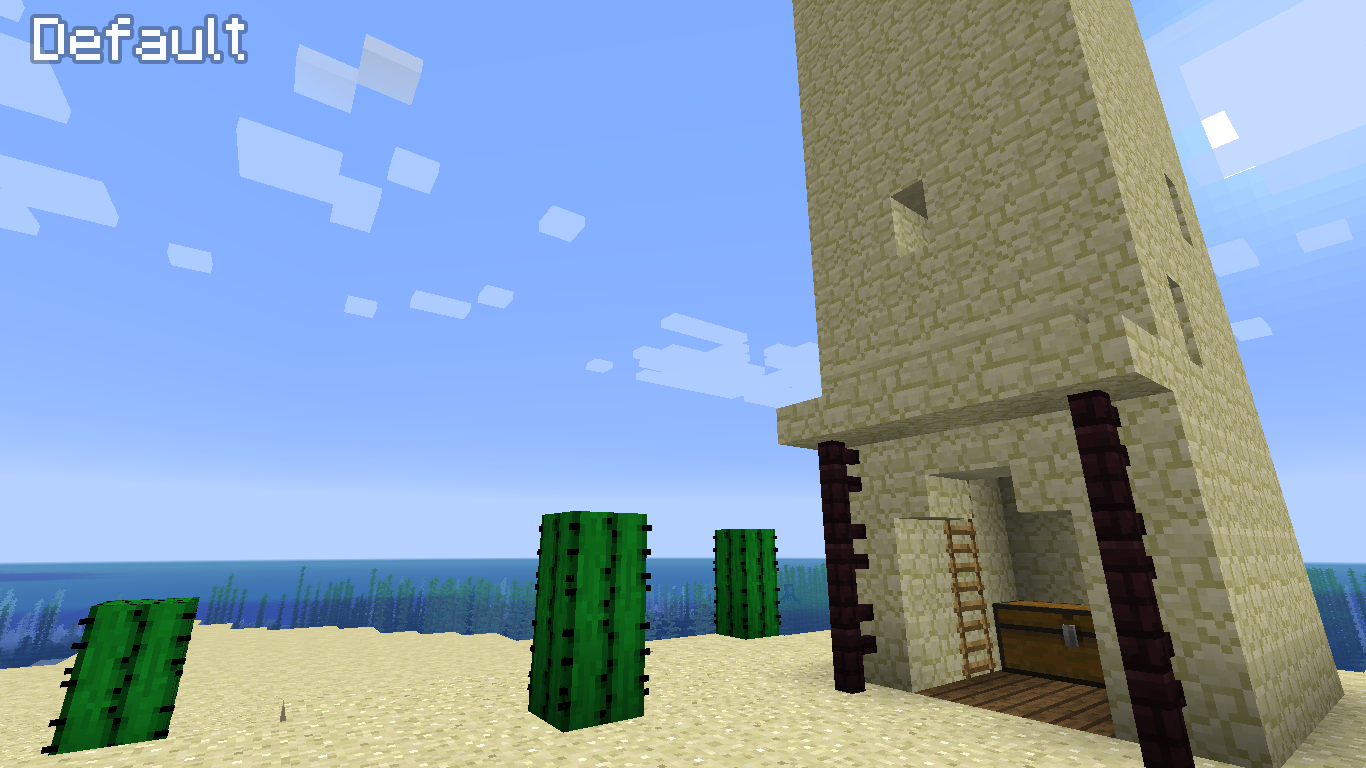
  • Changed texture for the cactus
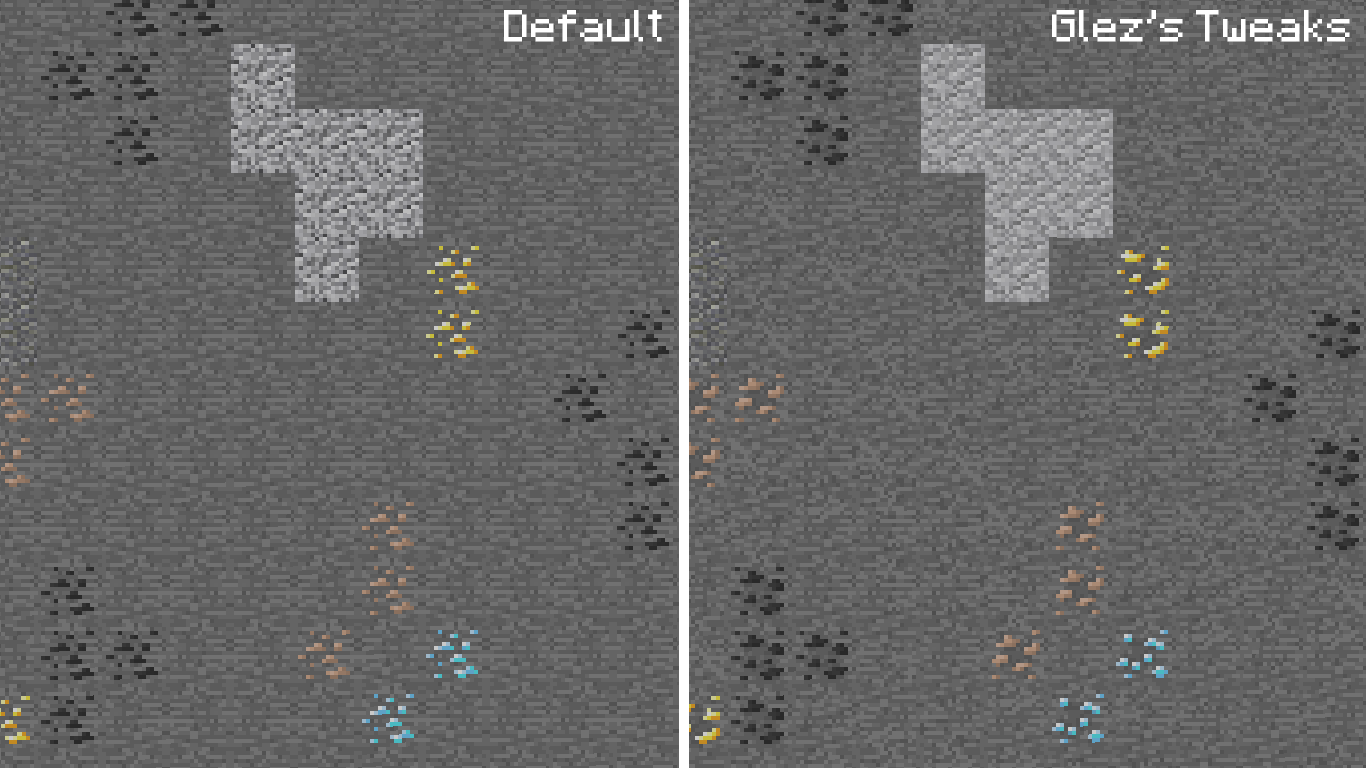
  • Changed textures for almost all the ores
  • Added variants for stone
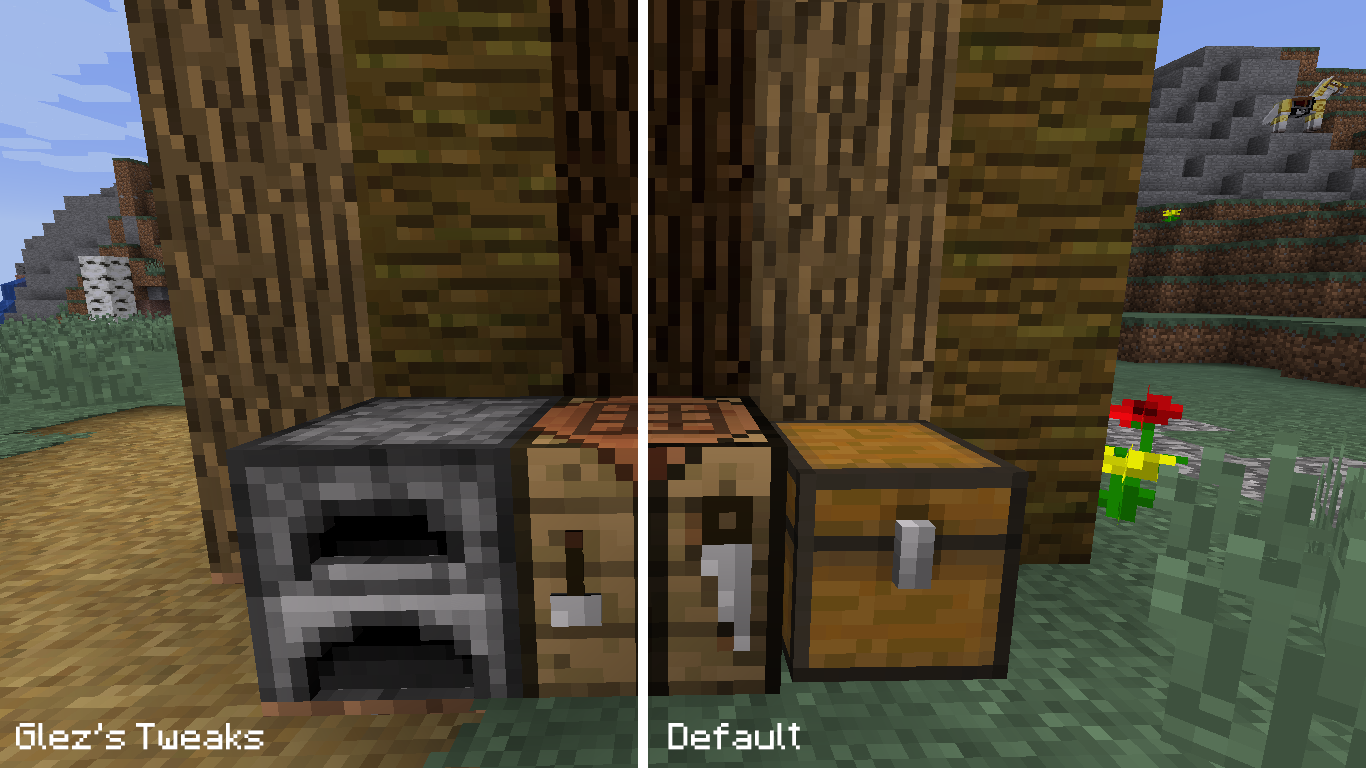
  • Changed texture for the crafting table and made it 3D
  • Changed texture for the furnace, made it 3D and animated it.
  • Changed texture for mossy cobblestone
  • Added new deadbush texture as a variant and slightly changed the old textures
  • Changed destroy stages
  • Added variants for dirt
  • Changed texture for obsidian
  • Changed texture for enchanting table
  • Added the new fern texture as a variant and slightly changed the old texture
  • Changed texture for glowstone and animated it
  • Added variants for grass
  • Added variants for grass path
  • Added variants for gravel
  • Added textures for the infested blocks
  • Added flower top for the lily pad
  • Added flower top for the cactus
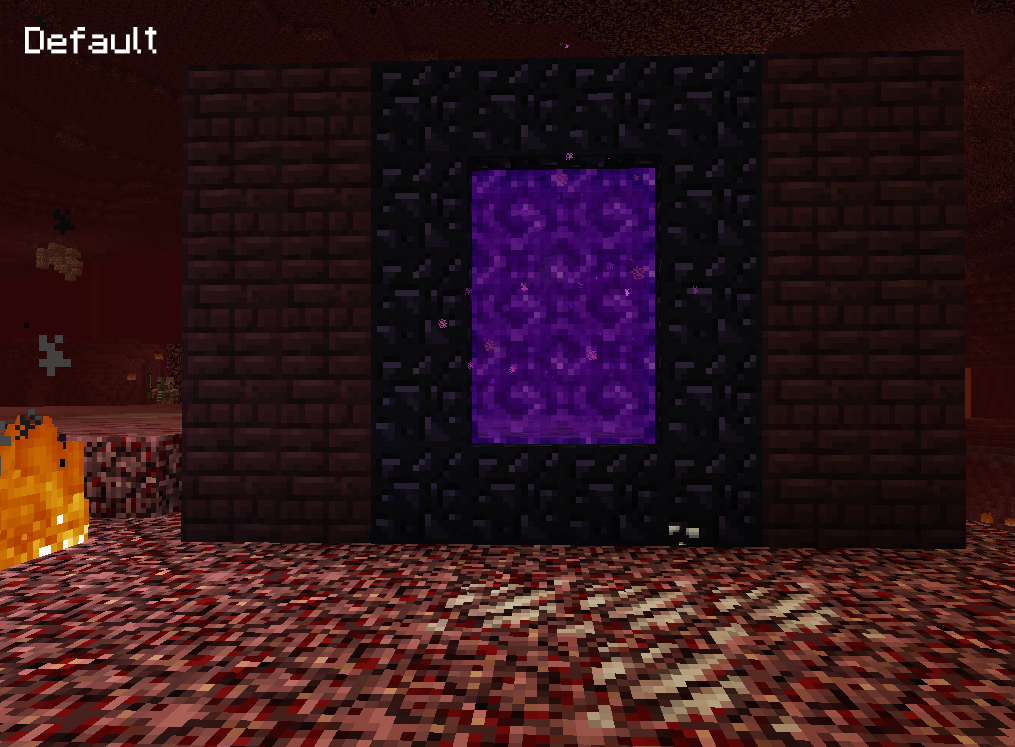
  • Changed texture for netherrack and added variants
  • Added variants for quartz ore
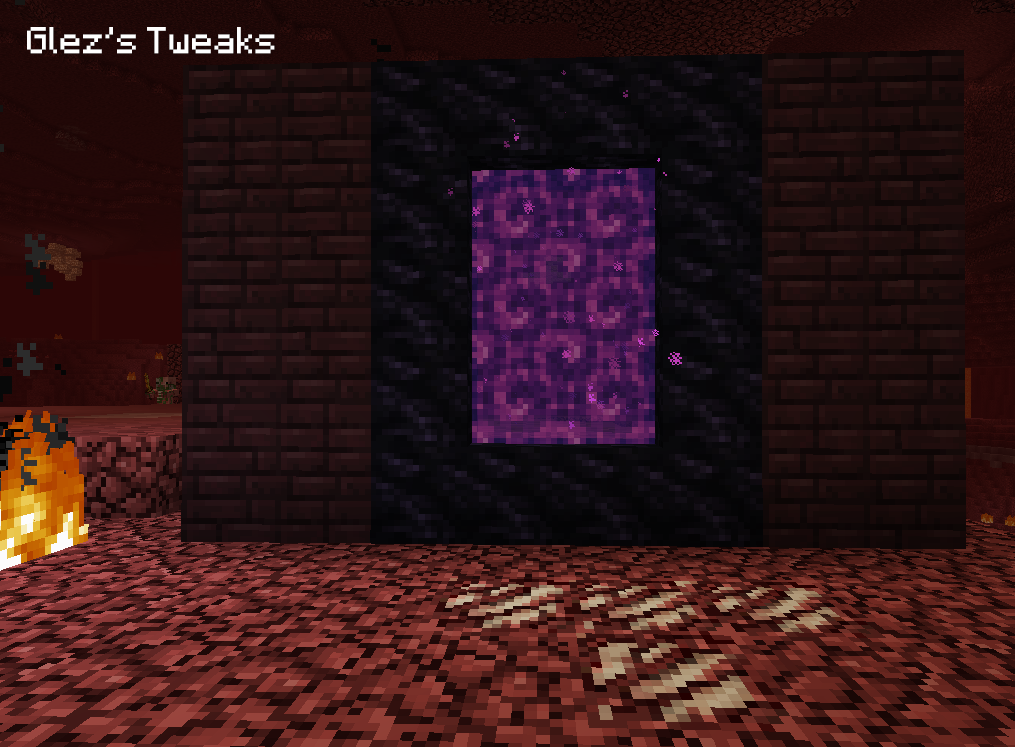
  • Changed texture for nether portal
  • Added variants for sandstone
  • Added variants for red sandstone
  • Changed textures for wheat crop
  • Changed textures for redstone dust

  • Changed texture for beetroot
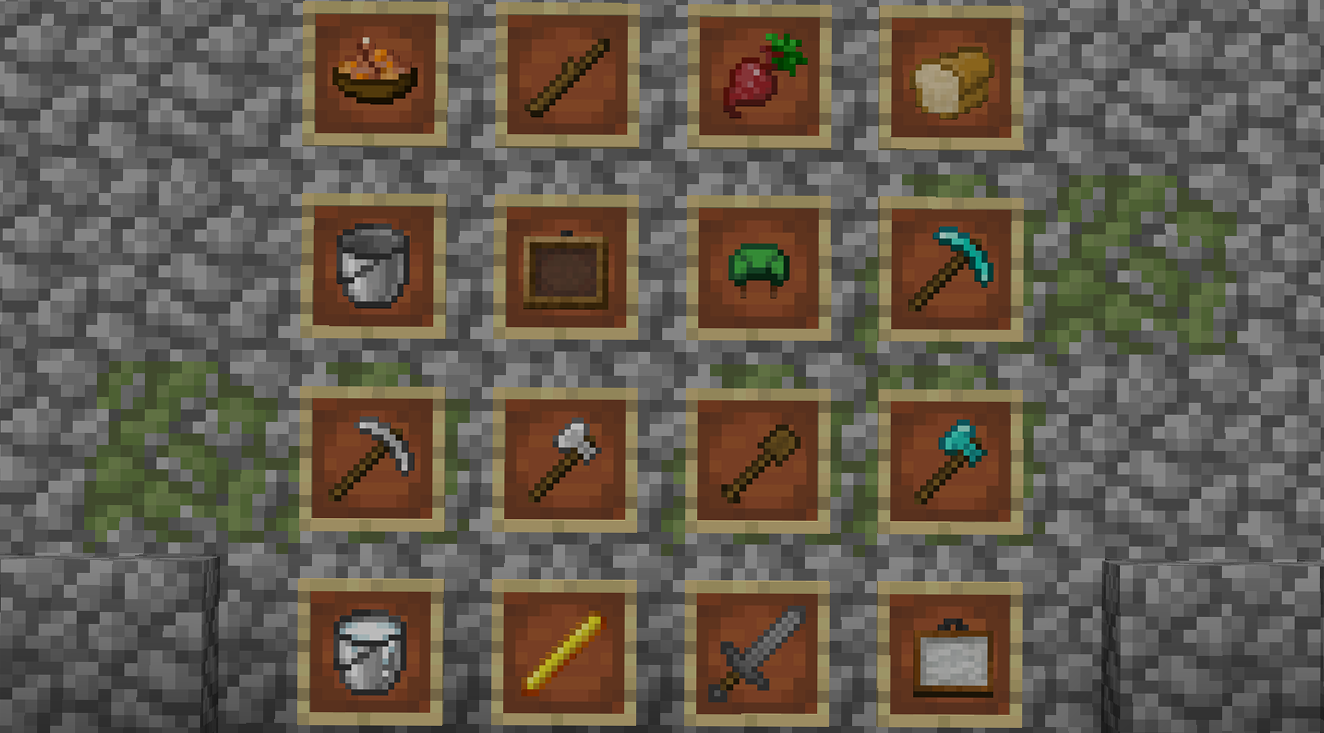
  • Changed texture for soups and stews
  • Changed texture for book
  • Slightly changed texture for enchanted book
  • Slightly changed texture for the writable book
  • Changed texture for blaze rod
  • Changed texture for bow
  • Slightly changed texture for potato and its variants
  • Changed texture for bucket and its variants
  • Slightly changed textures for all armor
  • Changed texture for turtle helmet
  • Changed texture for bread
  • Changed textures for all tools
  • Changed textures for all swords
  • Added the new texture for glowstone dust and animated it
  • Changed texture for melon slice
  • Changed texture for glistering melon slice
  • Changed textures for the ingots
  • Changed textures for sticks
  • Slightly changed the new texture for wheat
  • Changed texture for painting
  • Added the new texture for sign and animated it
  • Changed texture for the fishing rod


  • Made leather chestplate to be sleeveless
  • Made turtle helmet higher
  • Changed recipe book GUI
  • Changed shulkerboxes GUI
  • Changed chest GUI
  • Changed hopper GUI
  • Changed anvil GUI
  • Changed echanting table GUI
  • Changed texture for chest
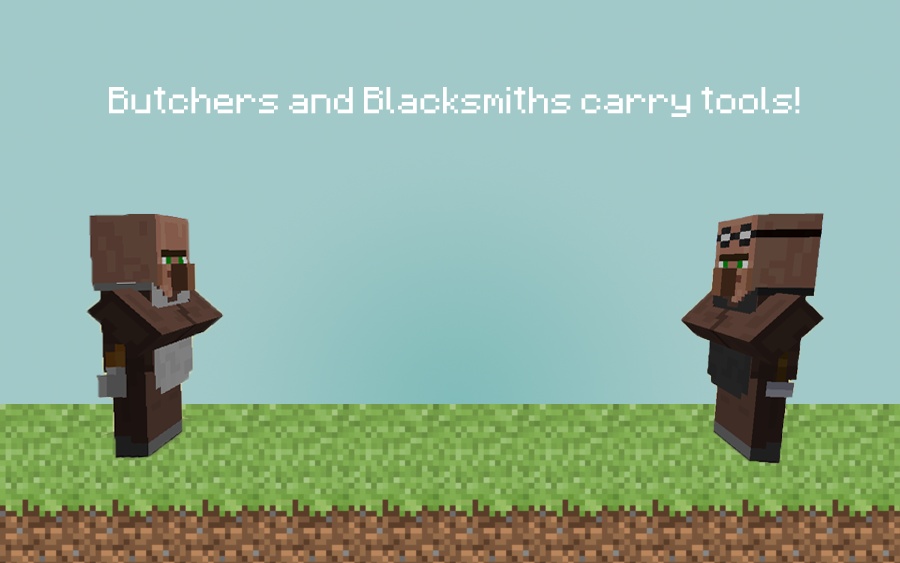
  • Changed most of the villagers
  • Slightly changed creeper
  • Changed iron golem
  • Changed moon and sun to be more rounded
  • Made noteblock 3D
  • Made lever 3D
  • Made piston 3D
  • Changed inventory look for glass panes
  • Changed inventory look for iron fence

  • Made vines CTM (have a more natural ending)
  • Made desert nitwit villager 
  • Added arrow CIT when stacked
  • Added CTM endings for stonebricks, mossy stonebricks and cracked stonebricks
  • Added CTM overlay for grasspath on grass
  • Added CTM for the new glass texture
Glez's Tweaks v2
MC 1.13.2
Release 2018-12-04 Get

Requirements & install

How to use this resource pack in Minecraft
Resolution
16x
Minecraft
1.13.2
Install folder
.minecraft/resourcepacks

How to install resource packs

  1. Download the resource pack .zip file (do not extract it).
  2. In Minecraft open Options → Resource Packs → Open Pack Folder.
  3. Drop the .zip into the resourcepacks folder (.minecraft/resourcepacks).
  4. Move the pack to the Selected column and click Done.
Browse more: 16x resource packs 32x resource packs 64x resource packs 128x resource packs 256x resource packs 512x+ resource packs Resource Packs for 1.13.2 All resource packs
Advertisement Remove ads with Premium →

You Might Also Like