Mineuniverse
Resource Packs
Glazed Terracotta Revamp

Glazed Terracotta Revamp

RESOURCE PACK
More versatile glazed terracotta textures, focused on geometric patterns
by Amara2_MK
Download Claim this project
2,442 downloads
0 likes
0 followers
Updated Oct 14, 2026
0 hypes
Follow0
16x Medieval Steampunk
Advertisement Remove ads with Premium →

Glazed Terracotta Revamp

Background

While Minecraft's glazed terracotta block is fantastic in principle, I've found many of its colors to be difficult to utilize in builds, with overly harsh colors and limited patterns. The goal of this resource pack is to replace the less useful glazed terracotta blocks with more versatile, interesting textures, which can be used to create complex geometric patterns in your builds.

These have a more restrained color palette than the originals, making them usable with a wider range of block palettes, and there are fewer harshly contrasting colors.

New block colors

What's changed?

I've replaced all the blocks I personally found to of limited usability, either by editing the existing texture, or creating a completely new one. A few blocks have been left as-is.

New Blocks

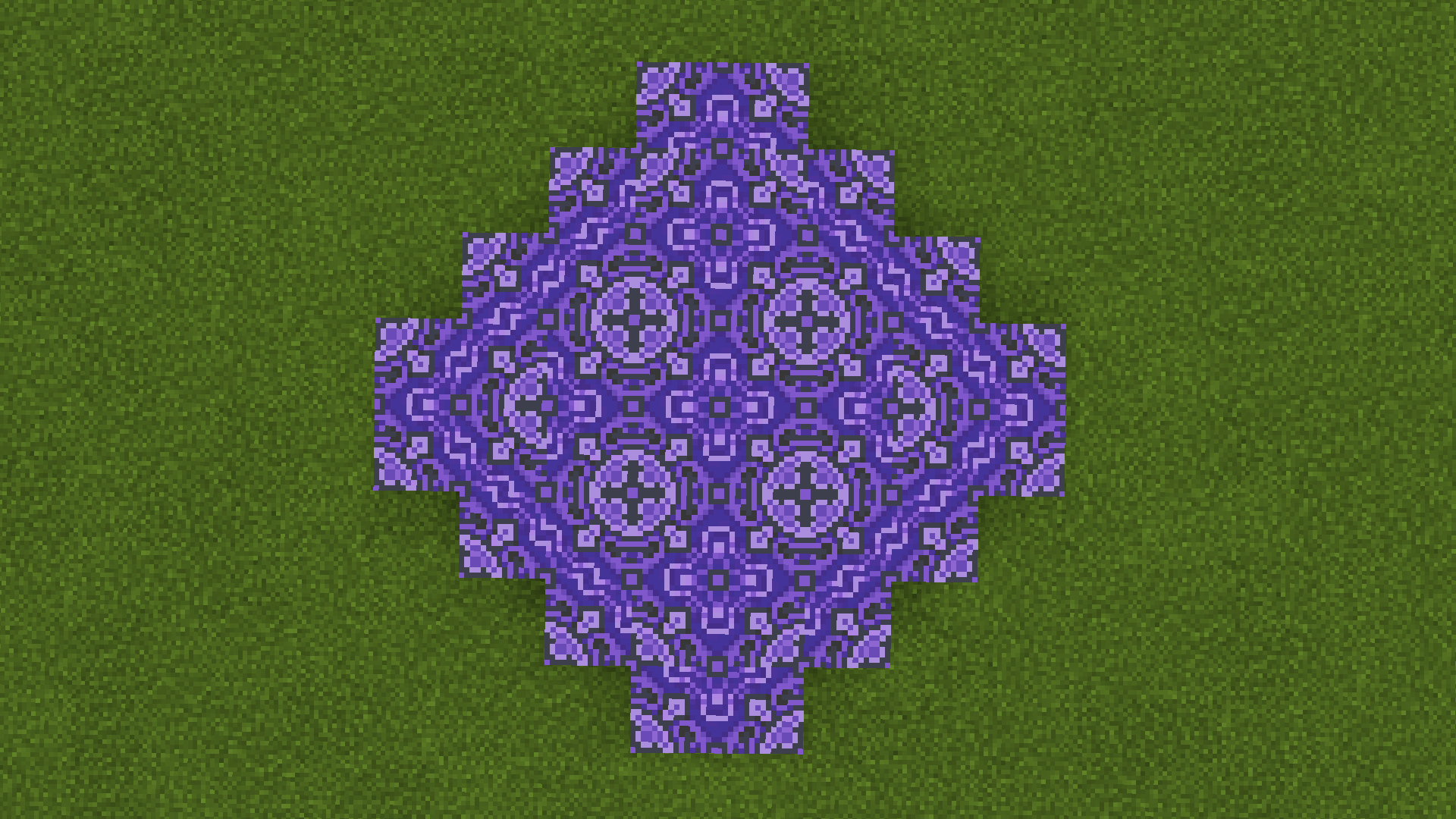
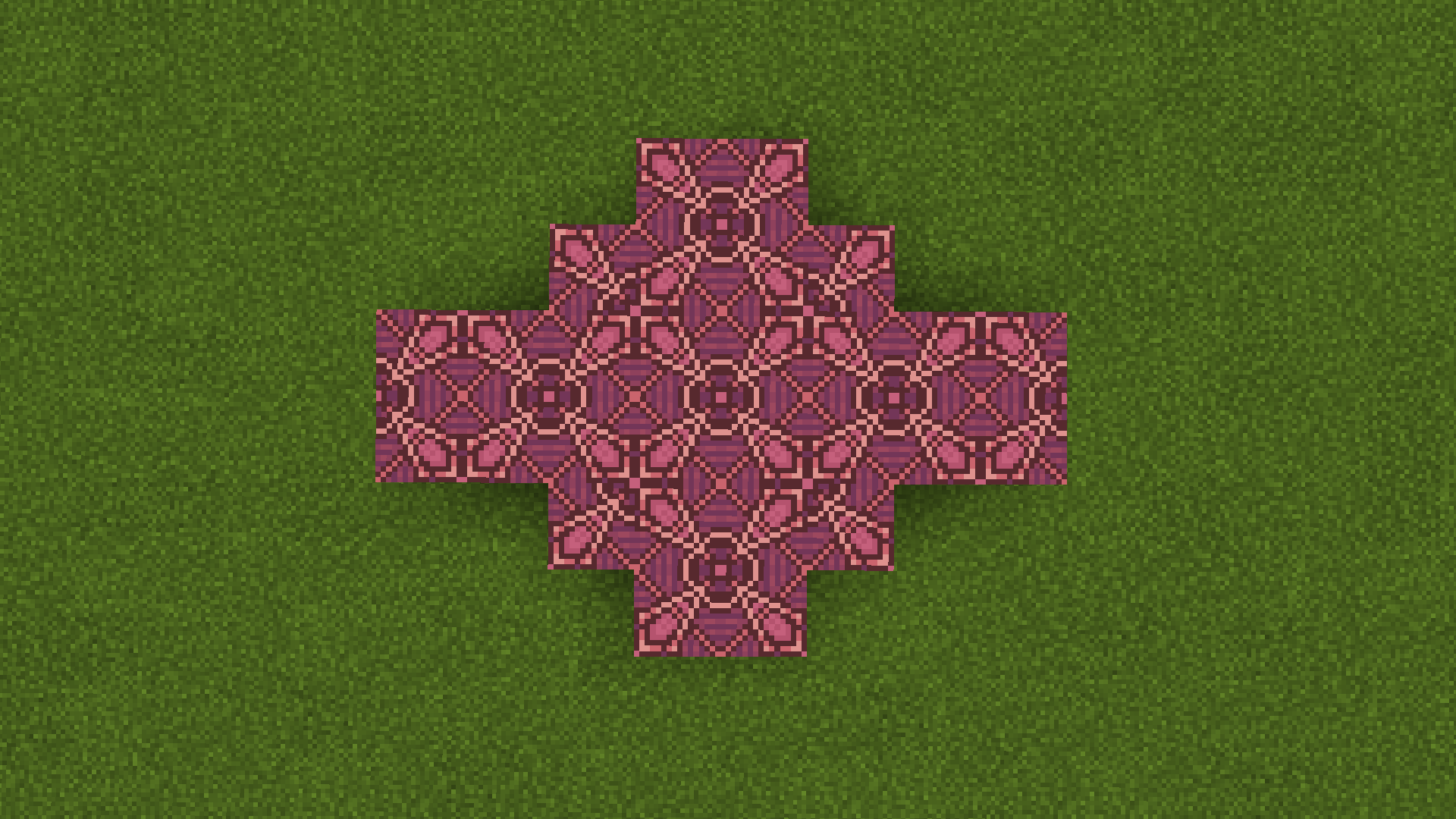
Blue, Magenta, White, Orange, Red, Brown, Pink

Revised blocks

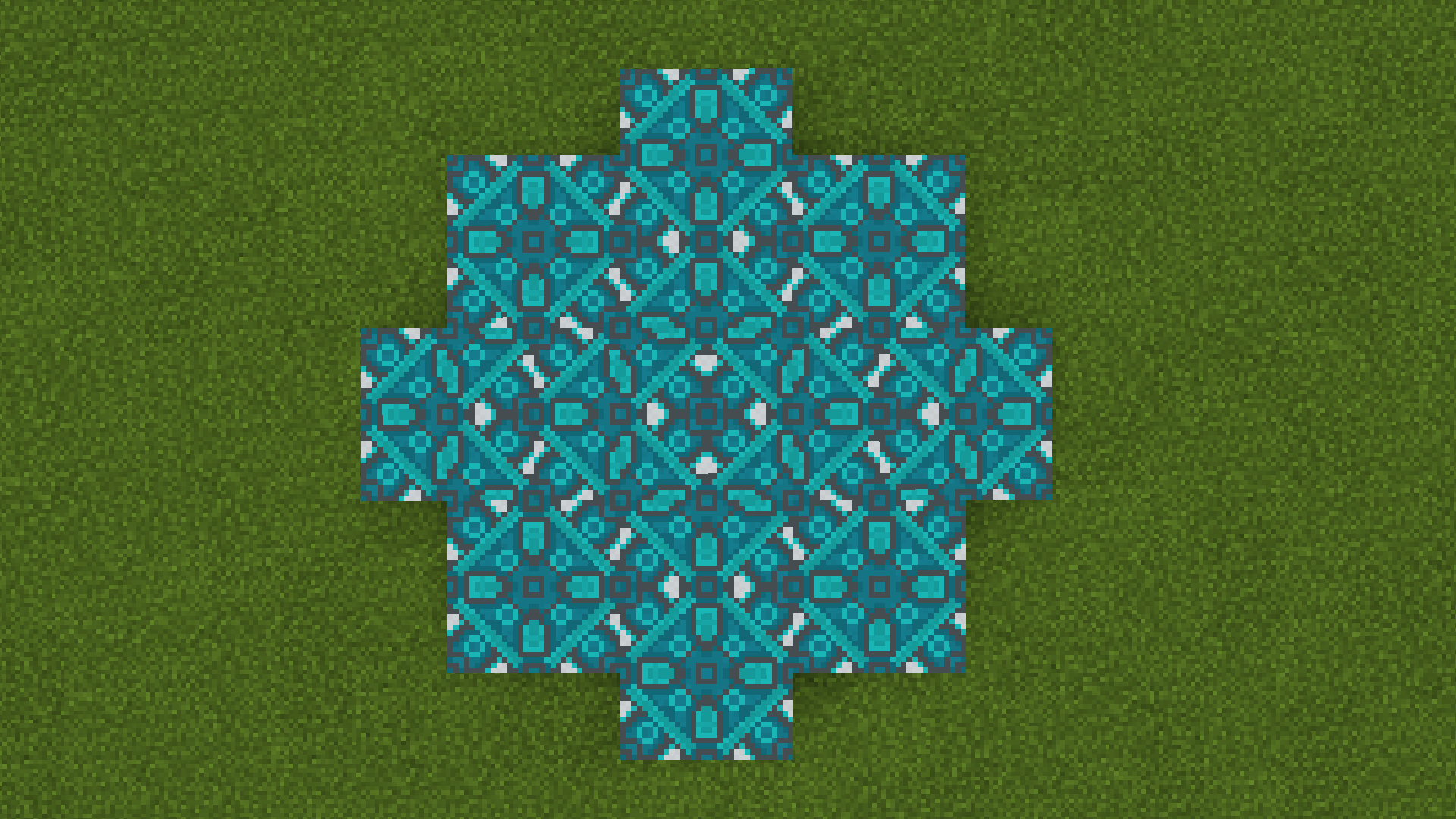
Cyan, Lime Green, Purple

Unchanged Blocks

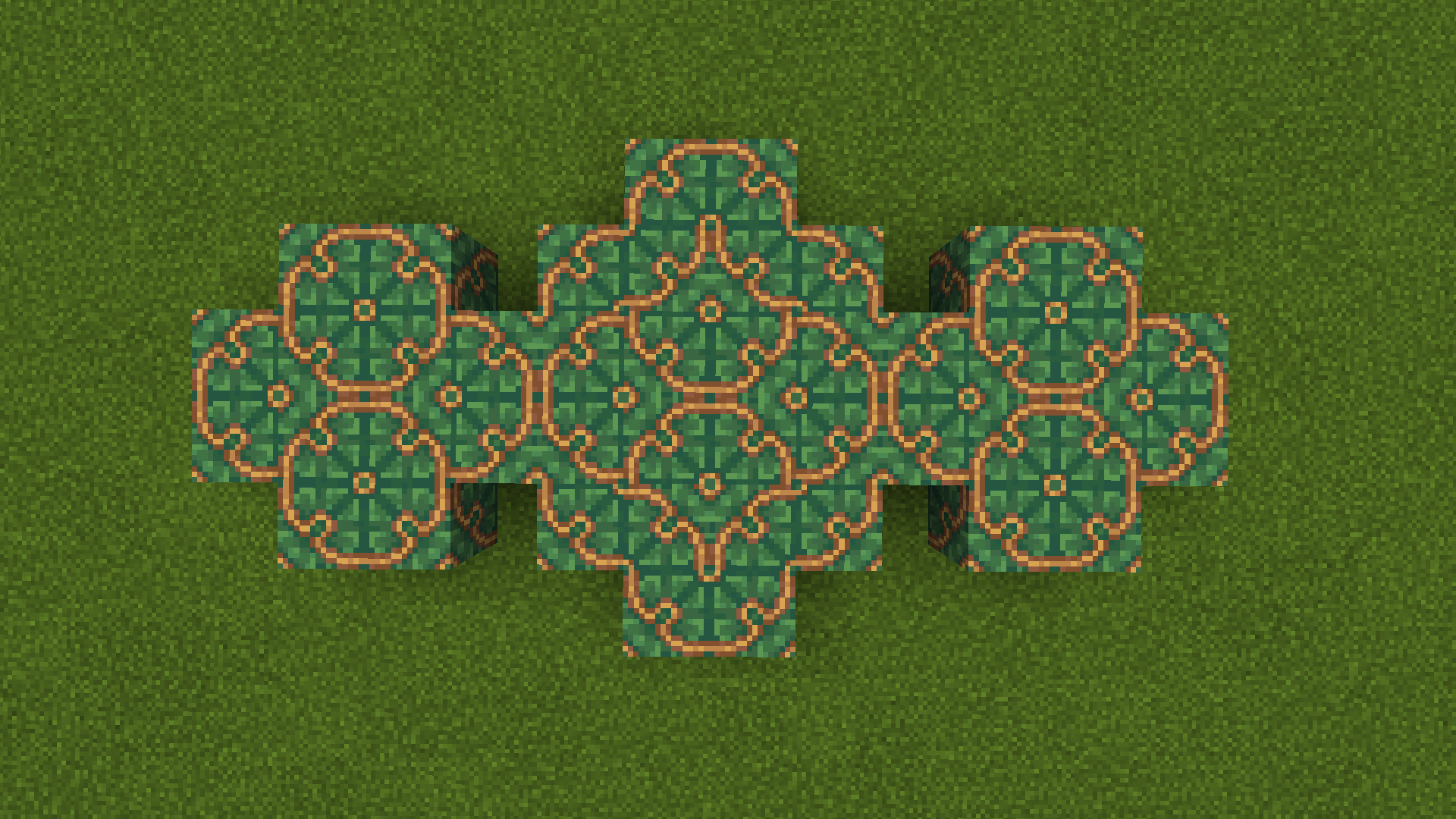
Gray, Light Gray, Black, Green, Light Blue

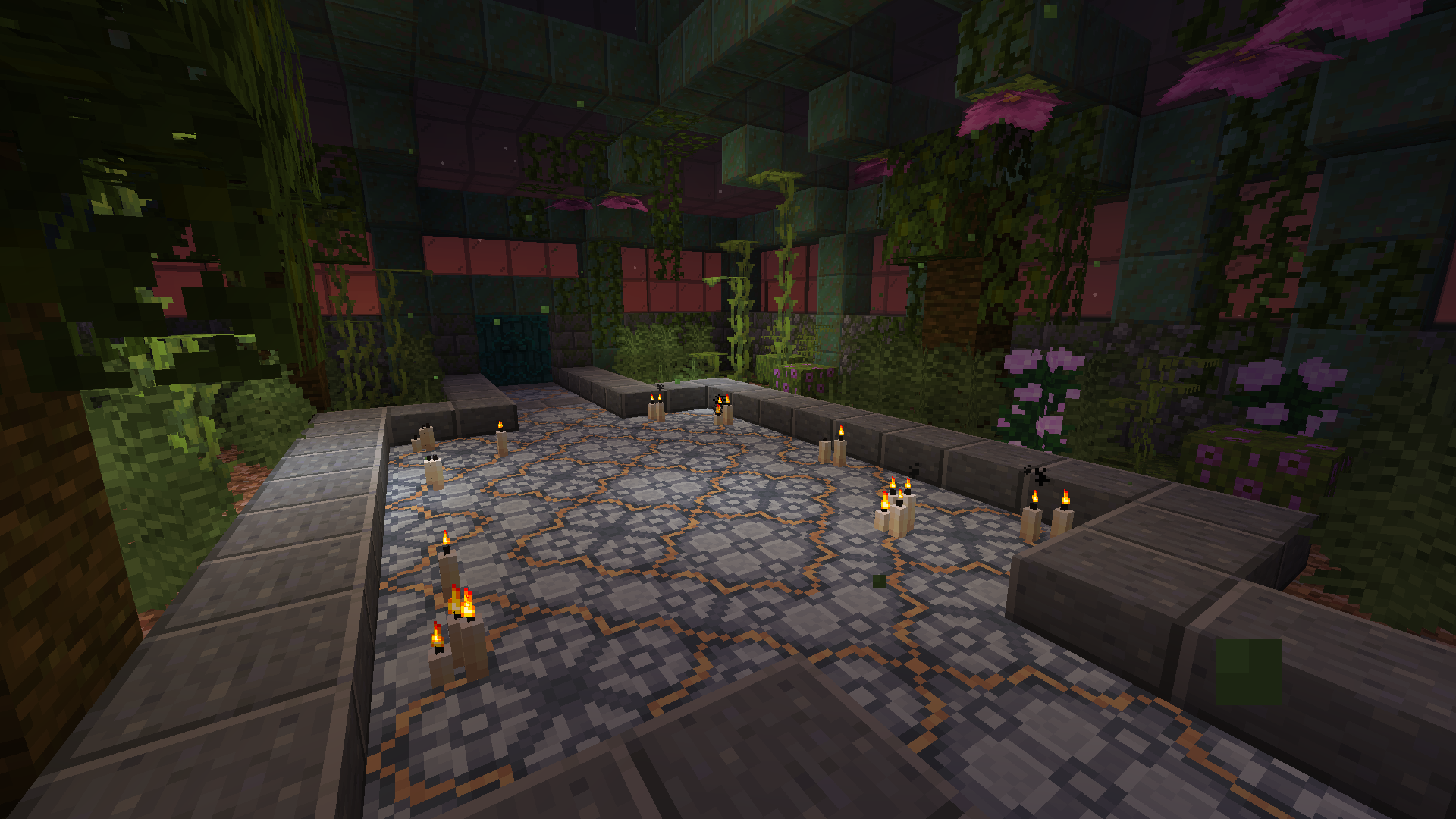
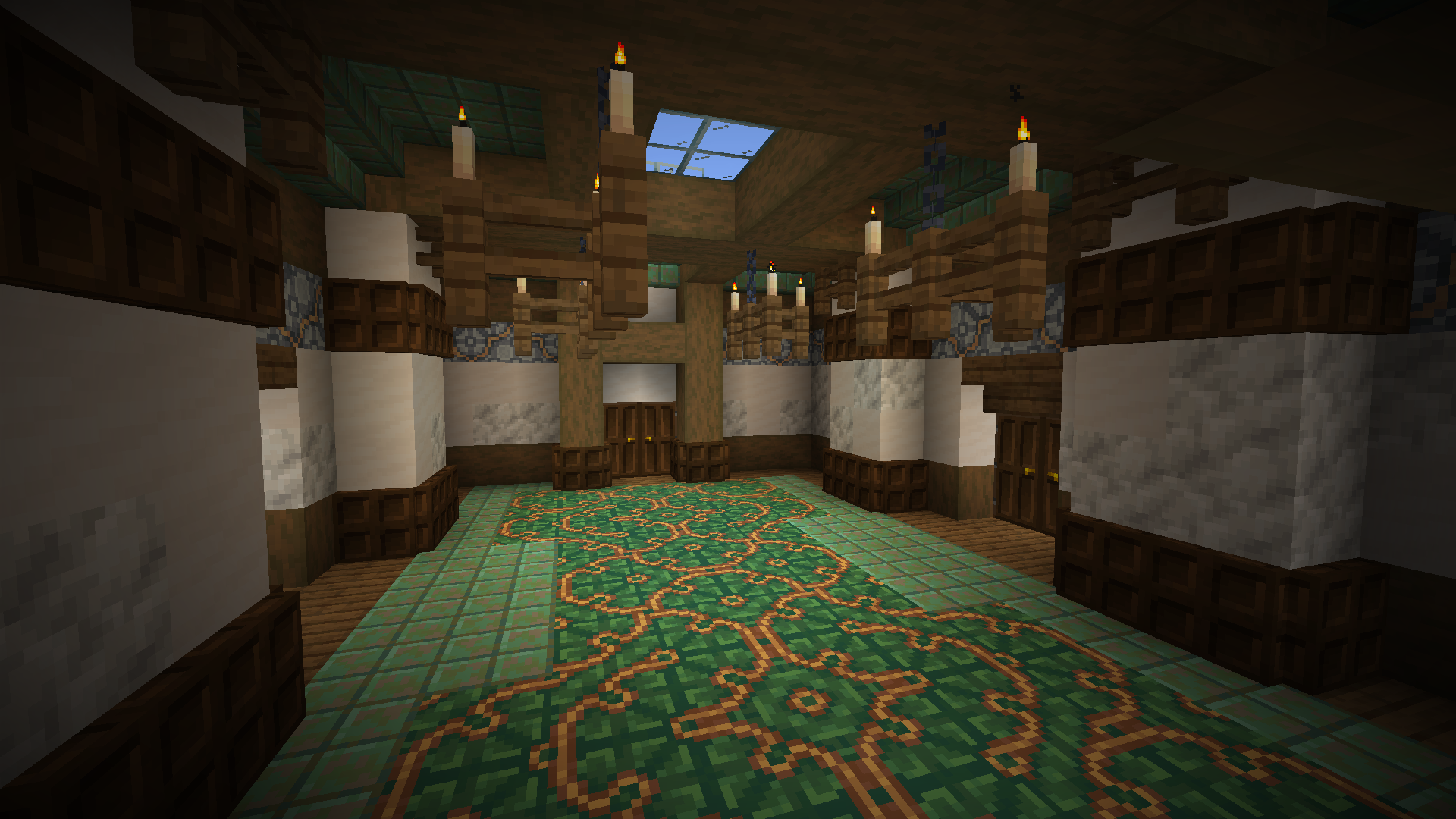
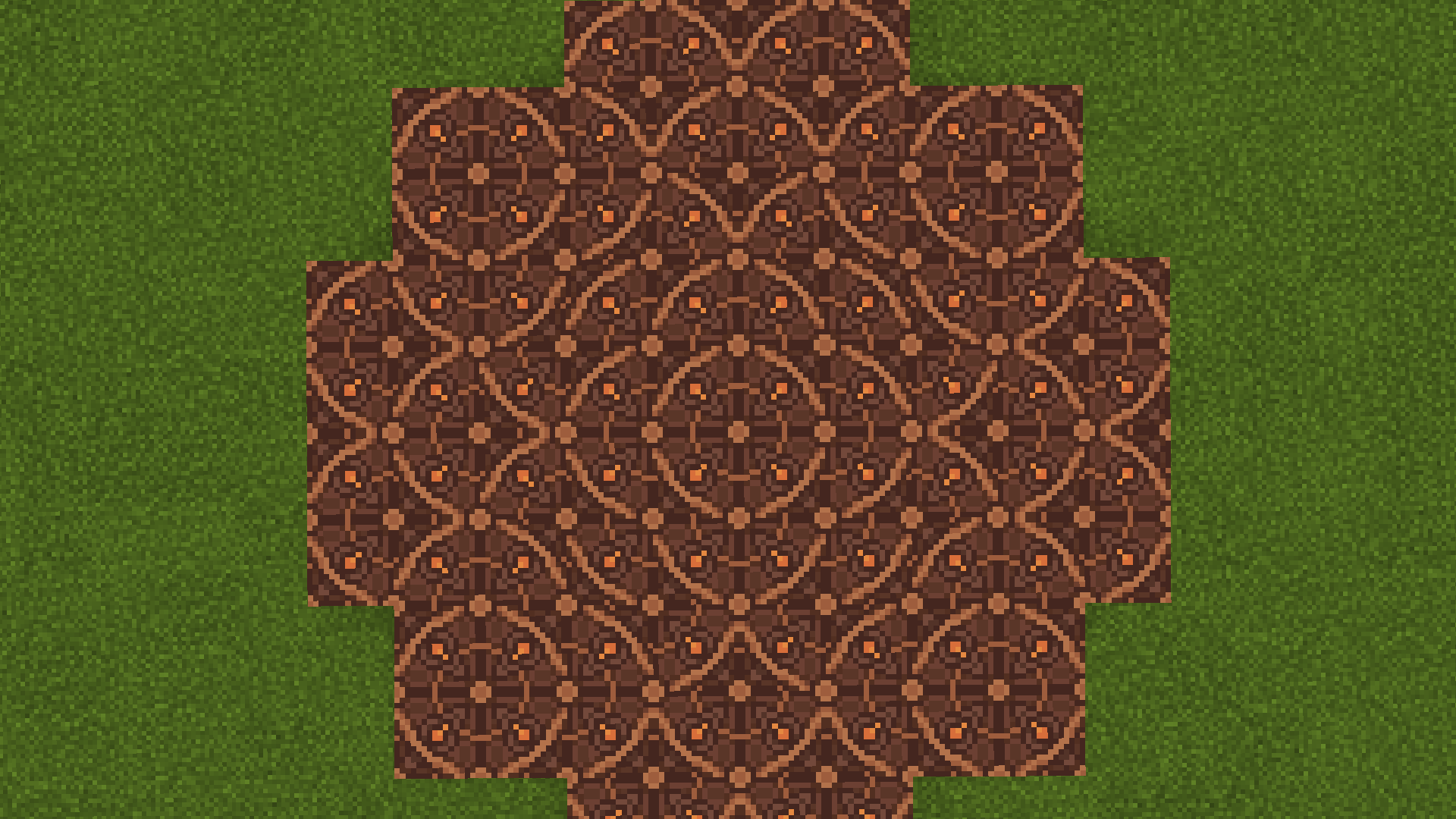
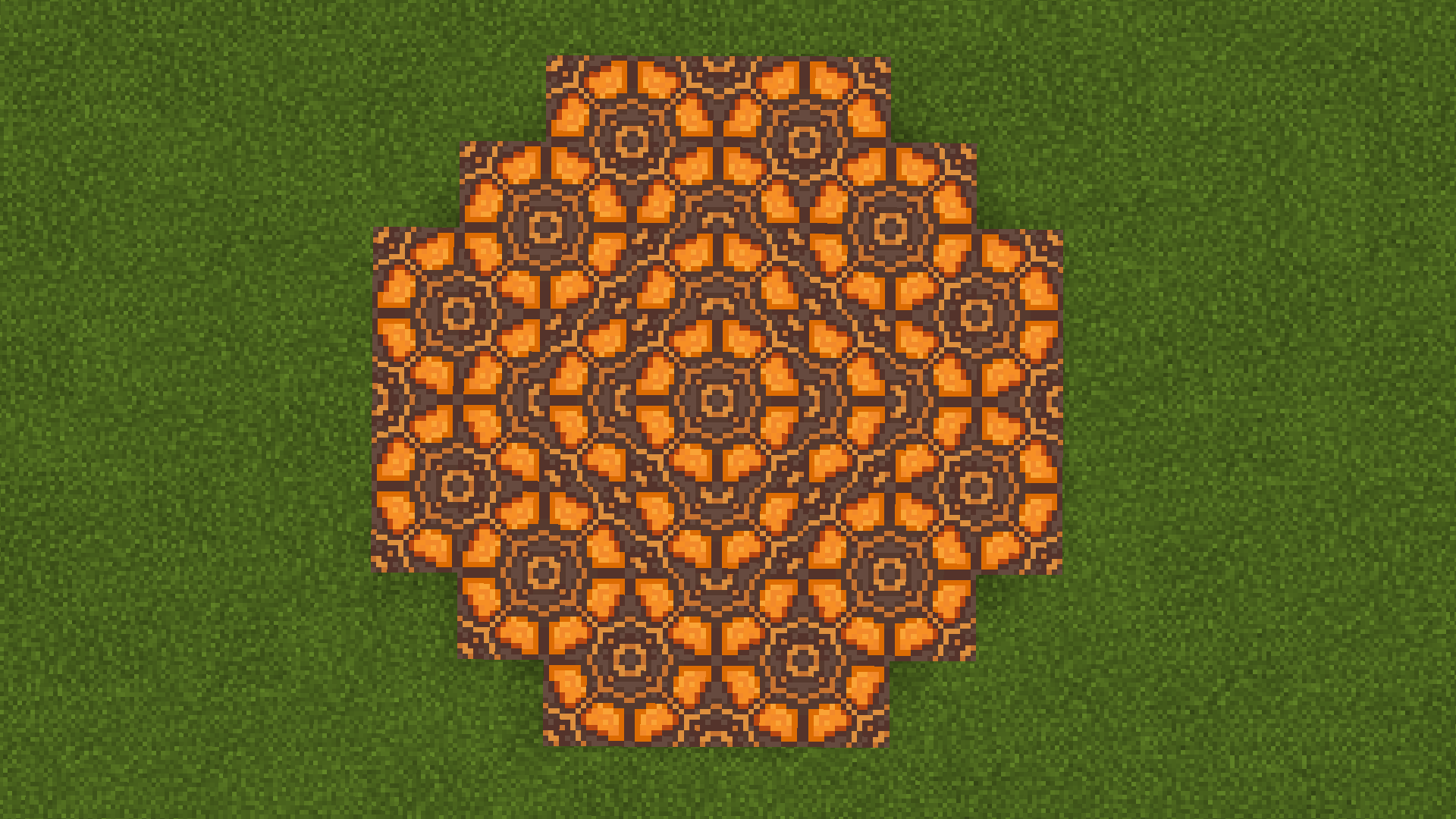
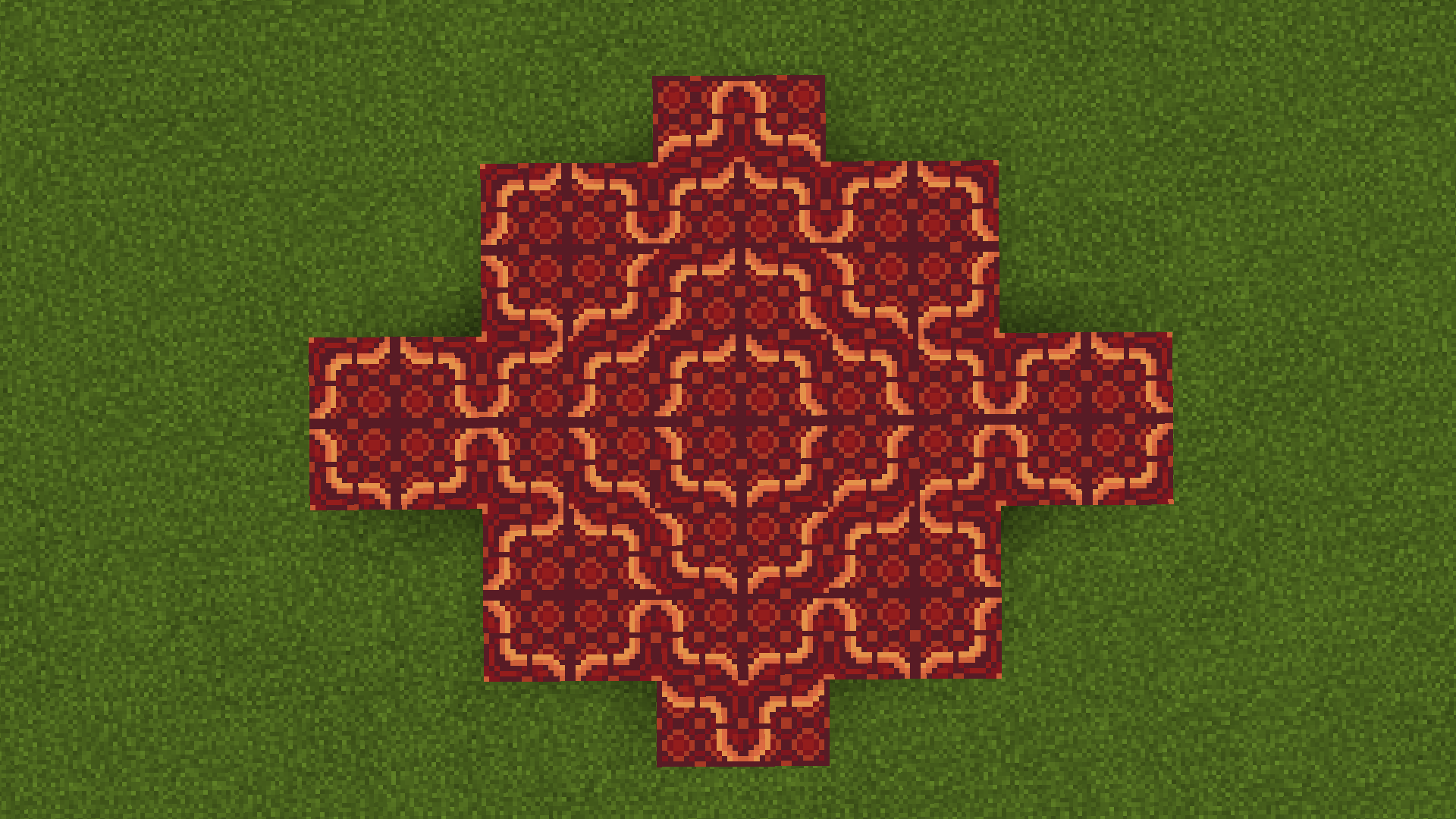
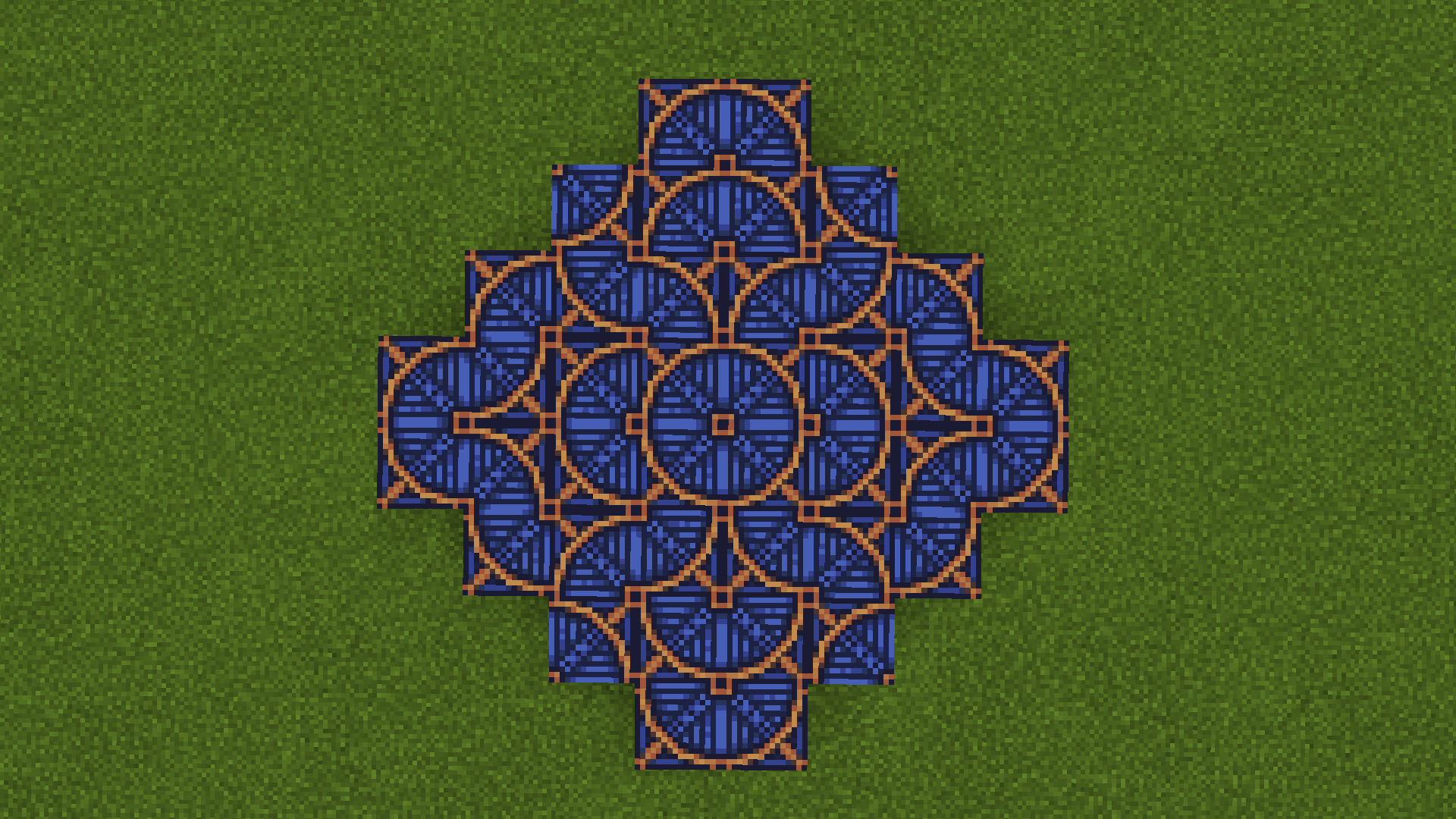
Demo screenshots

What are these useful for?

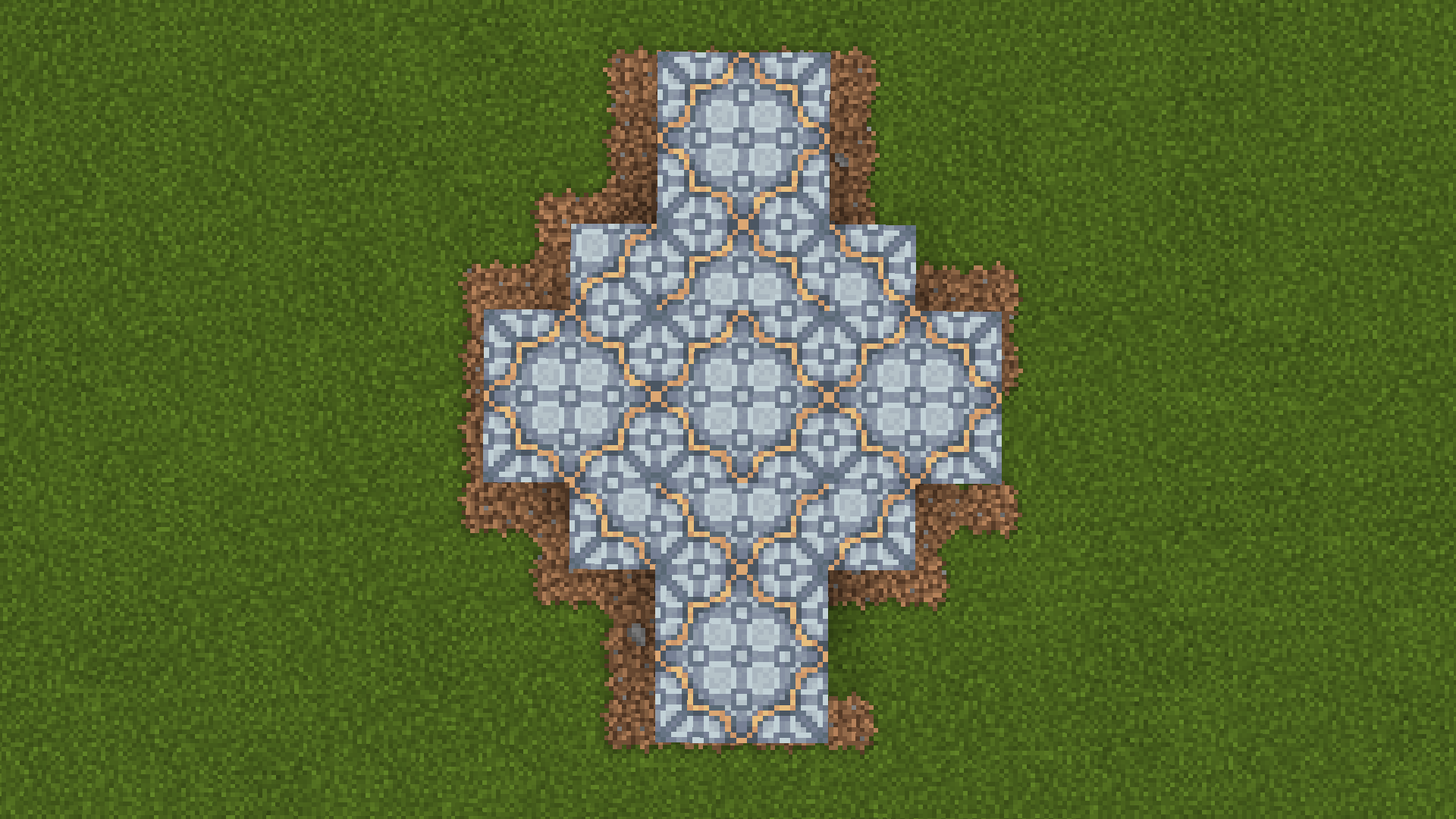
The new textures work well for builds with a detailed, luxurious aesthetic. They'd work well in the context of:

  • Victorian manors
  • Temples, ruined or otherwise
  • Churches
  • Art Deco and Art Nouveau builds
  • High-fantasy castles

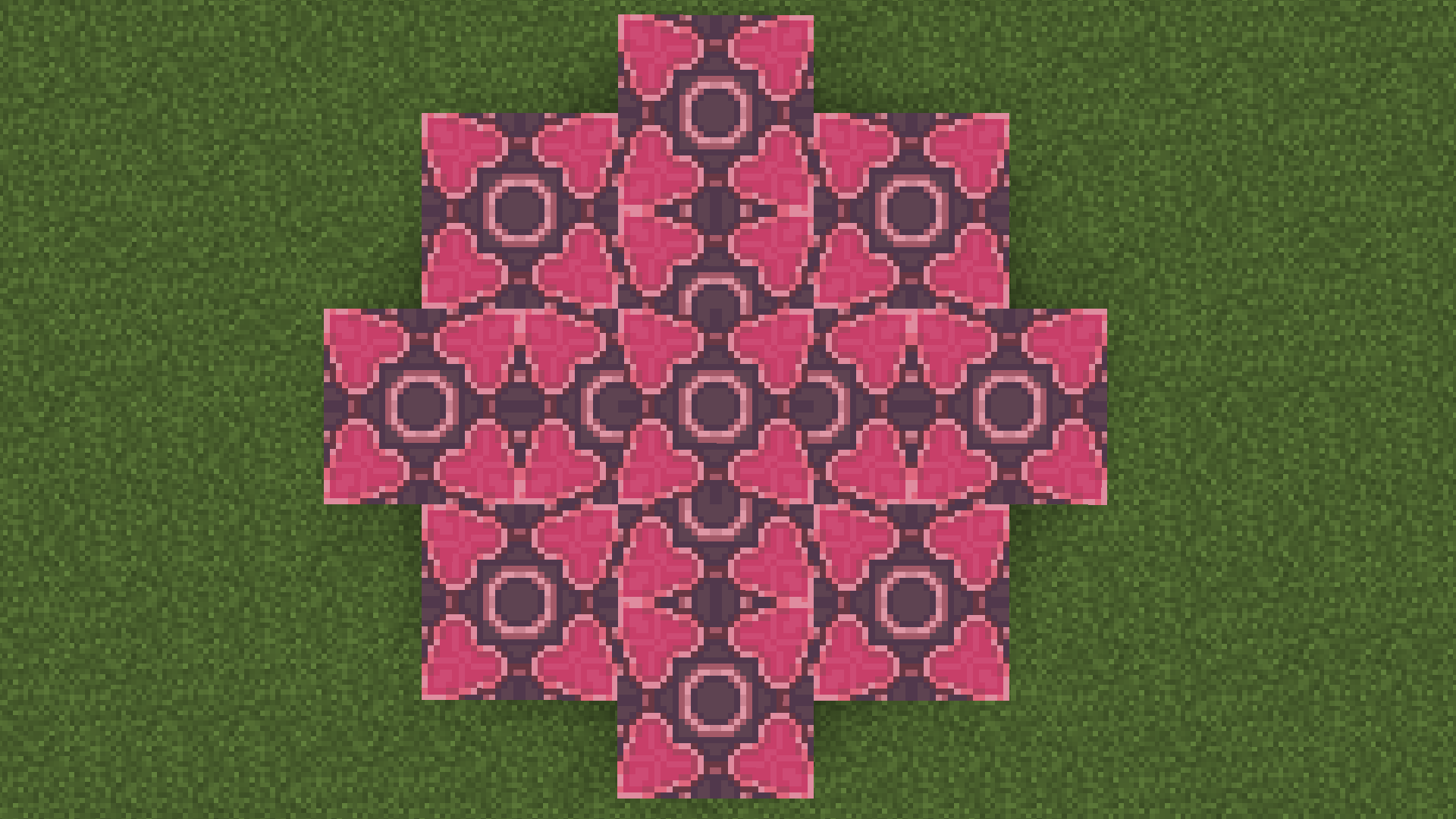
Tessellating patterns

How do I install the resource pack?

  1. Download the resource pack from Curseforge - make sure to pick the appropriate file for your Minecraft version!
  2. Open Minecraft, then click on Options > Resource Packs
  3. Choose "Open resource pack folder"
  4. Copy-paste the zip file you downloaded into the resource pack folder
  5. Tab pack over to Minecraft, and activate the resource pack

You can find more information on the official wiki.

glazed-terracotta-revamp_v1_1.17.zip
MC 1.17
Release 2021-07-01 Get
glazed-terracotta-revamp_v1_1.16.zip
MC 1.16.3, 1.16.1, 1.16, 1.16.5, 1.16.4, 1.16.2
Release 2021-07-01 Get

Requirements & install

How to use this resource pack in Minecraft
Resolution
16x
Minecraft
1.16 – 1.17
Install folder
.minecraft/resourcepacks

How to install resource packs

  1. Download the resource pack .zip file (do not extract it).
  2. In Minecraft open Options → Resource Packs → Open Pack Folder.
  3. Drop the .zip into the resourcepacks folder (.minecraft/resourcepacks).
  4. Move the pack to the Selected column and click Done.
Browse more: 16x resource packs 32x resource packs 64x resource packs 128x resource packs 256x resource packs 512x+ resource packs Resource Packs for 1.17 All resource packs
Advertisement Remove ads with Premium →

You Might Also Like