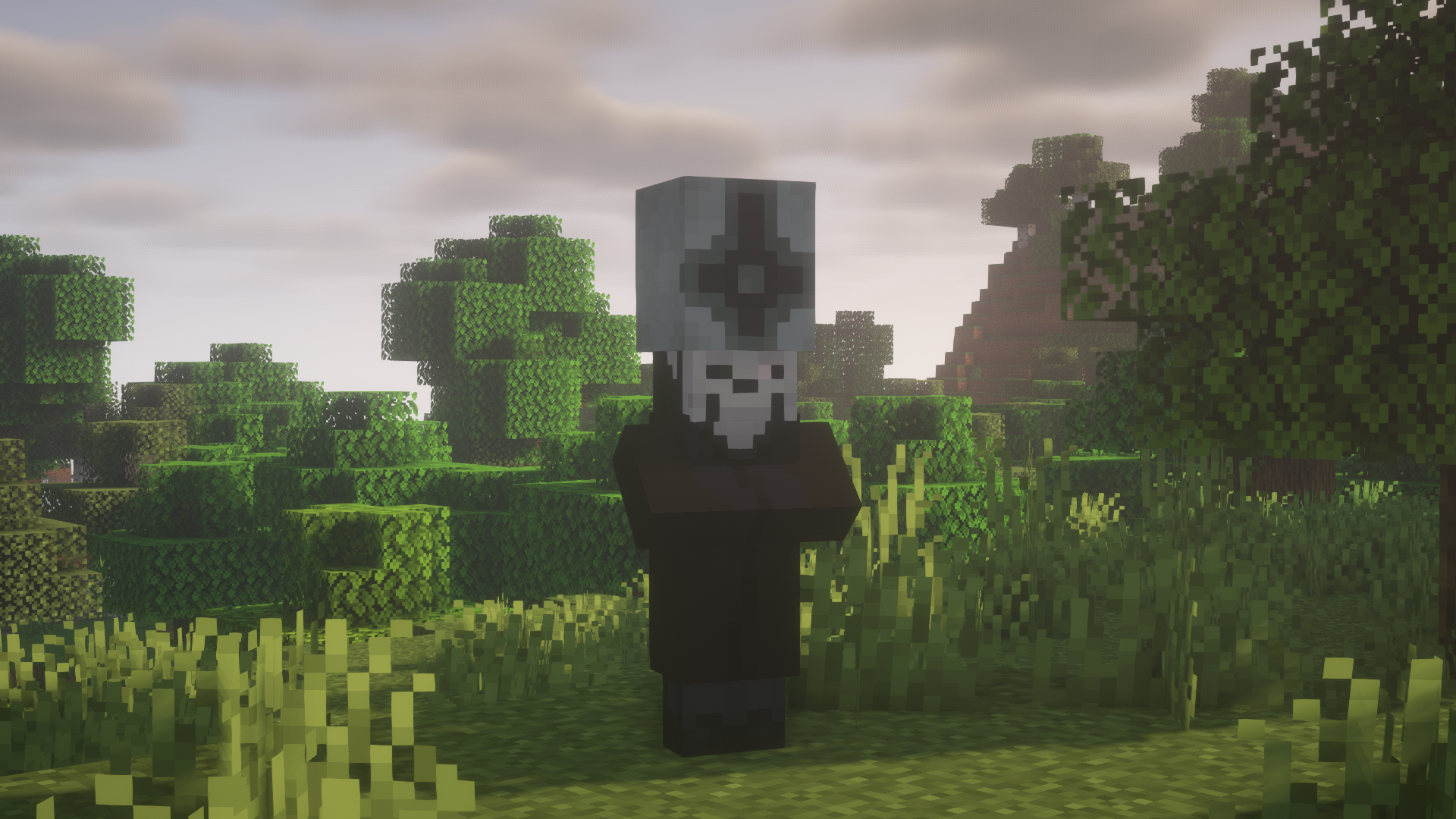
Welcome to the Ghostcraft!
This is Ghostcraft resource pack! Why is it called Ghostcraft and have no ghosts? Everything is simple!
I love listening to Metal and I know the band, called 'Ghost' or 'Ghost B.C'. They have unique style of clothes and masks, so I decided to add this band into Minecraft!
Who were replaced by 'Ghost members'?
I replaced all the Illagers into members of this band (not to mention Illusioner, Vexes and The Ravager)
Who is who?
We have a cool feature. We have 3D models for mobs and four different textures in one entity. So, let's say, who is who:
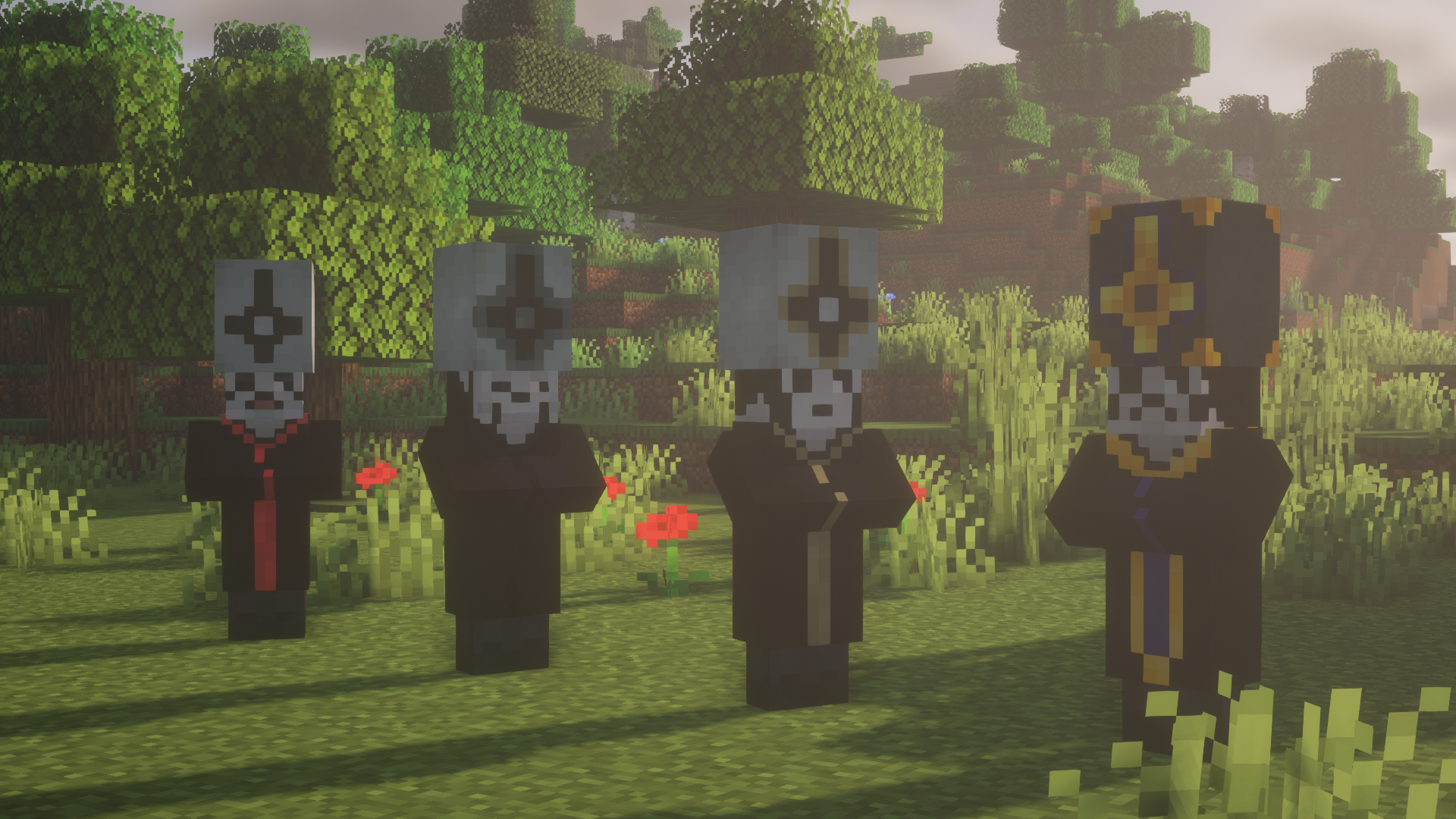
Evoker - Papa Emeritus I, II, III, IV (He has 4 different textures and a 3D pope hat (You can see on pinned screenshots in the 'Image' tab))
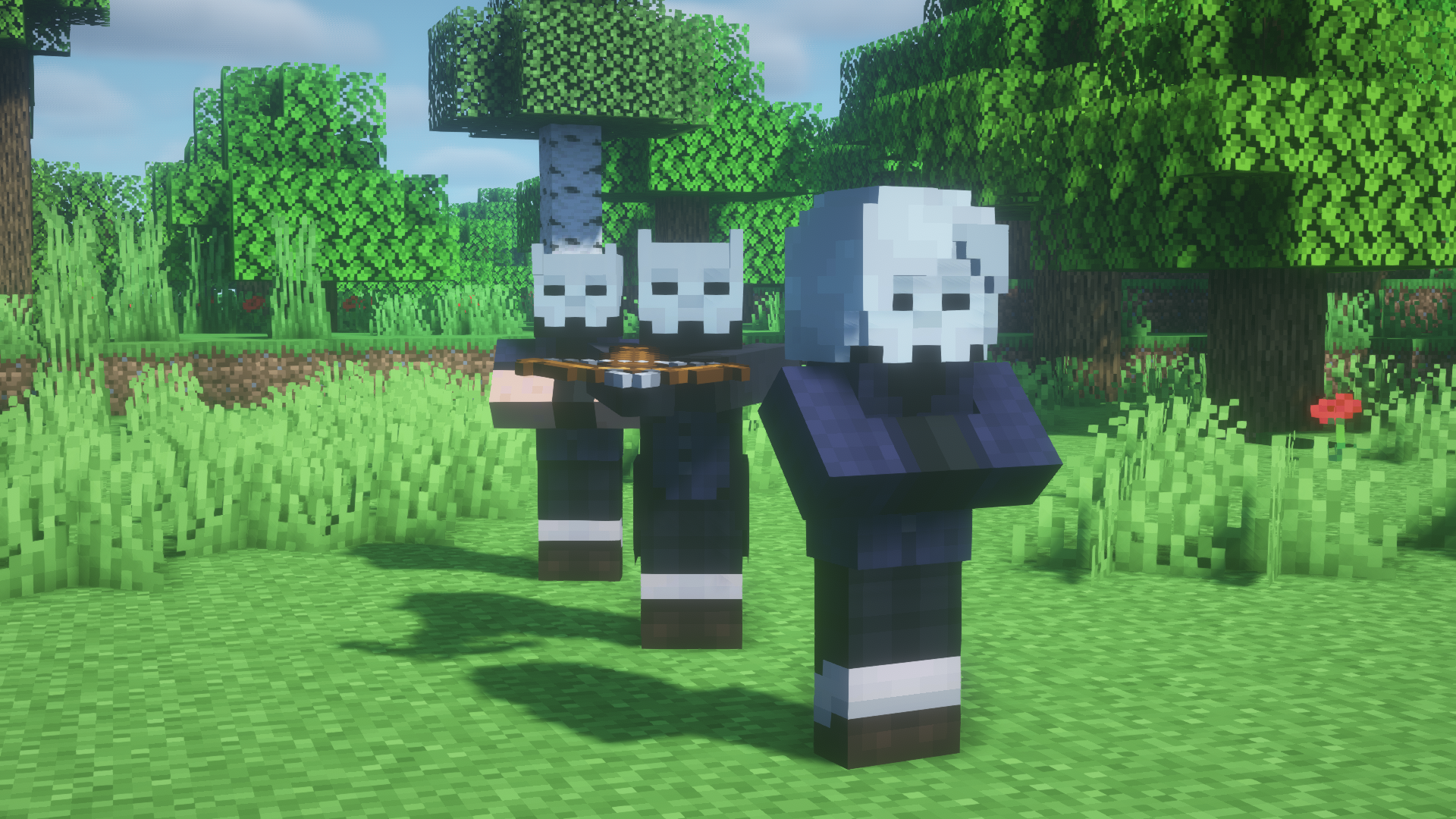
Pillager - Nameless Ghoul (He has 3D horns and clothed in the tailcoat)
Vindicator - Nameless Ghoul too (He has 3D horns as the pillager one and clothed only in shirt)
Witch - Ghoulette (A female Nameless Ghoul) (She has cool 3D hair and clothed in the shirt with long sleeves)
We also have item textures!
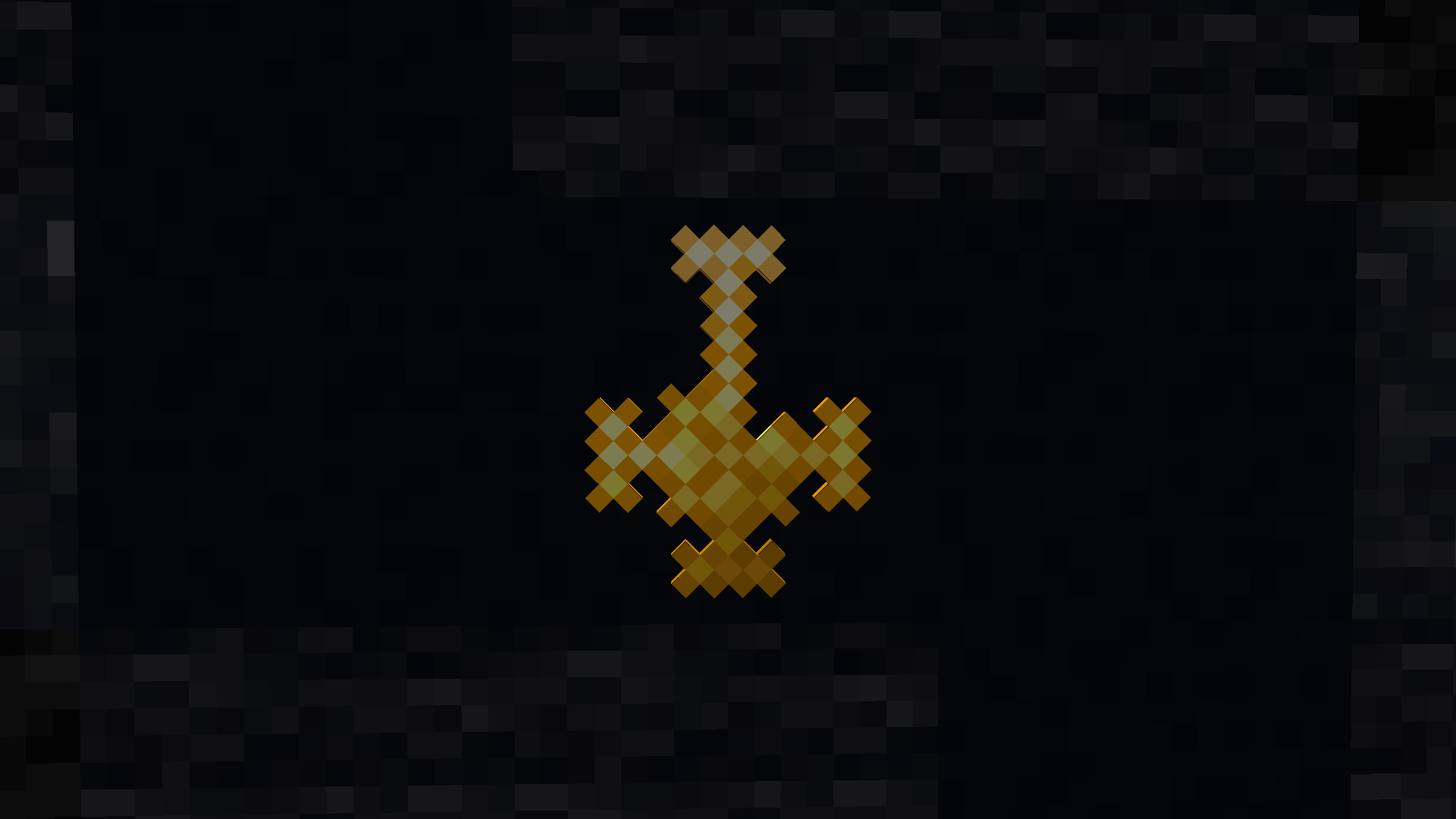
But so far it is only a Totem of Undying which I replaced with the cross of Papa Emeritus (Ghost Logo)
So, if you want an update, just wait until my inspiration will be on top and laziness will be in the pit
Enjoy your game!