Mineuniverse
Resource Packs
Ghost Swords

Ghost Swords

RESOURCE PACK
Translucent Swords for better view!
by tyj9000
Download Claim this project
212 downloads
0 likes
Updated Oct 14, 2026
0 hypes
16x Miscellaneous Traditional
Advertisement Remove ads with Premium →

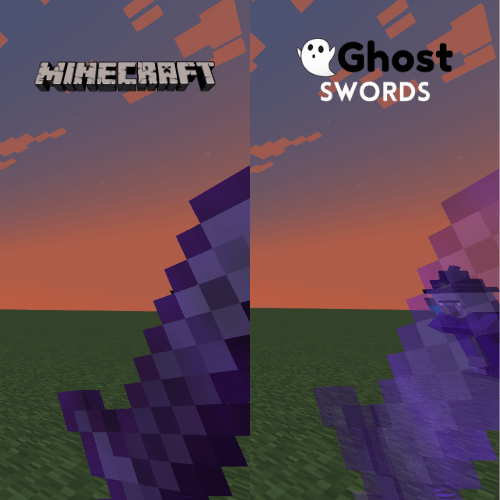
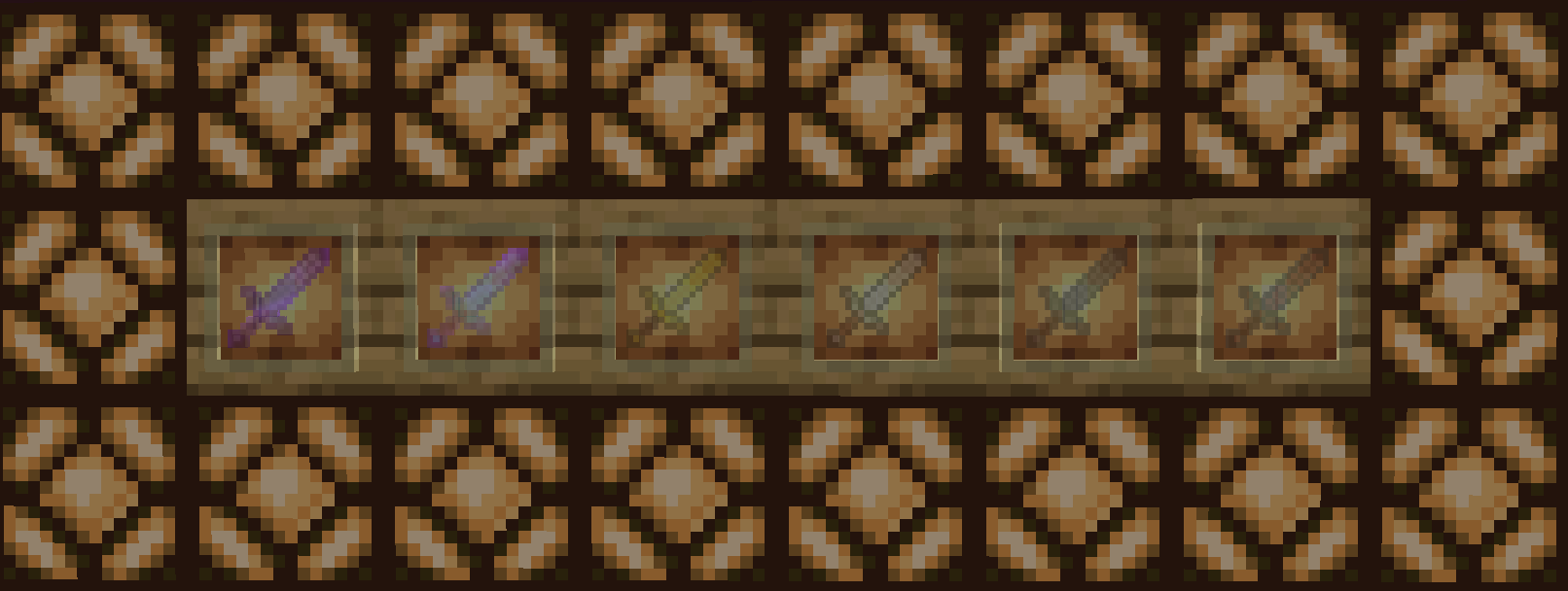
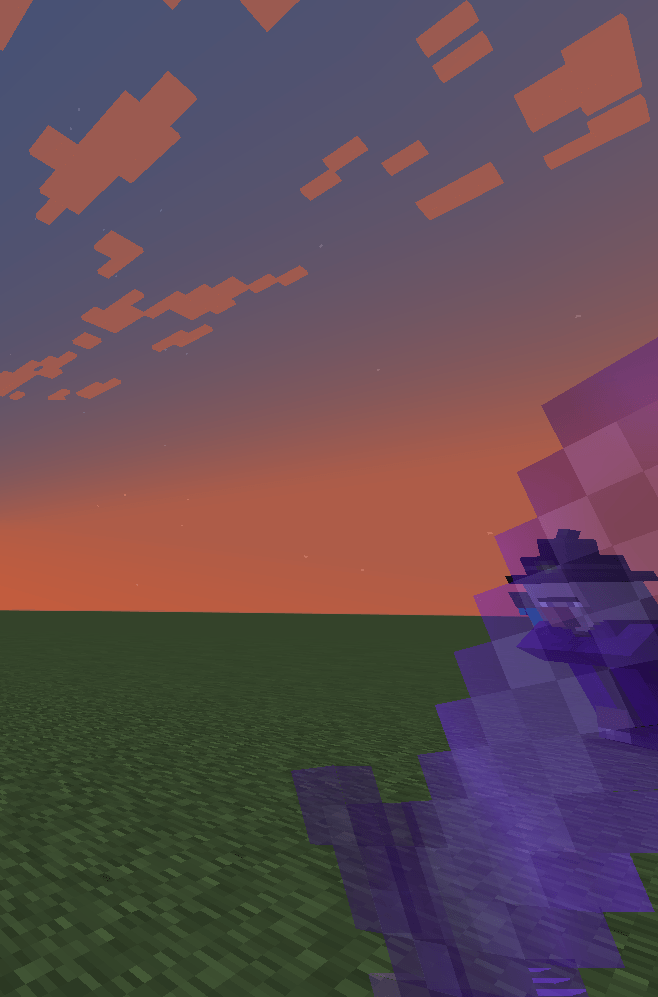
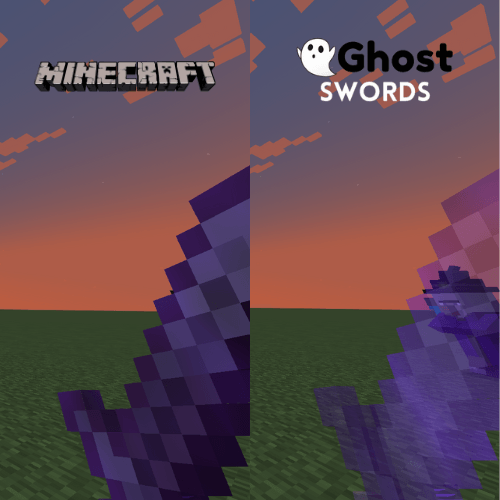
Minecraft Swords are fairly big and cause disturbance of view. Ghost Swords is here to fix that! Ghost Swords

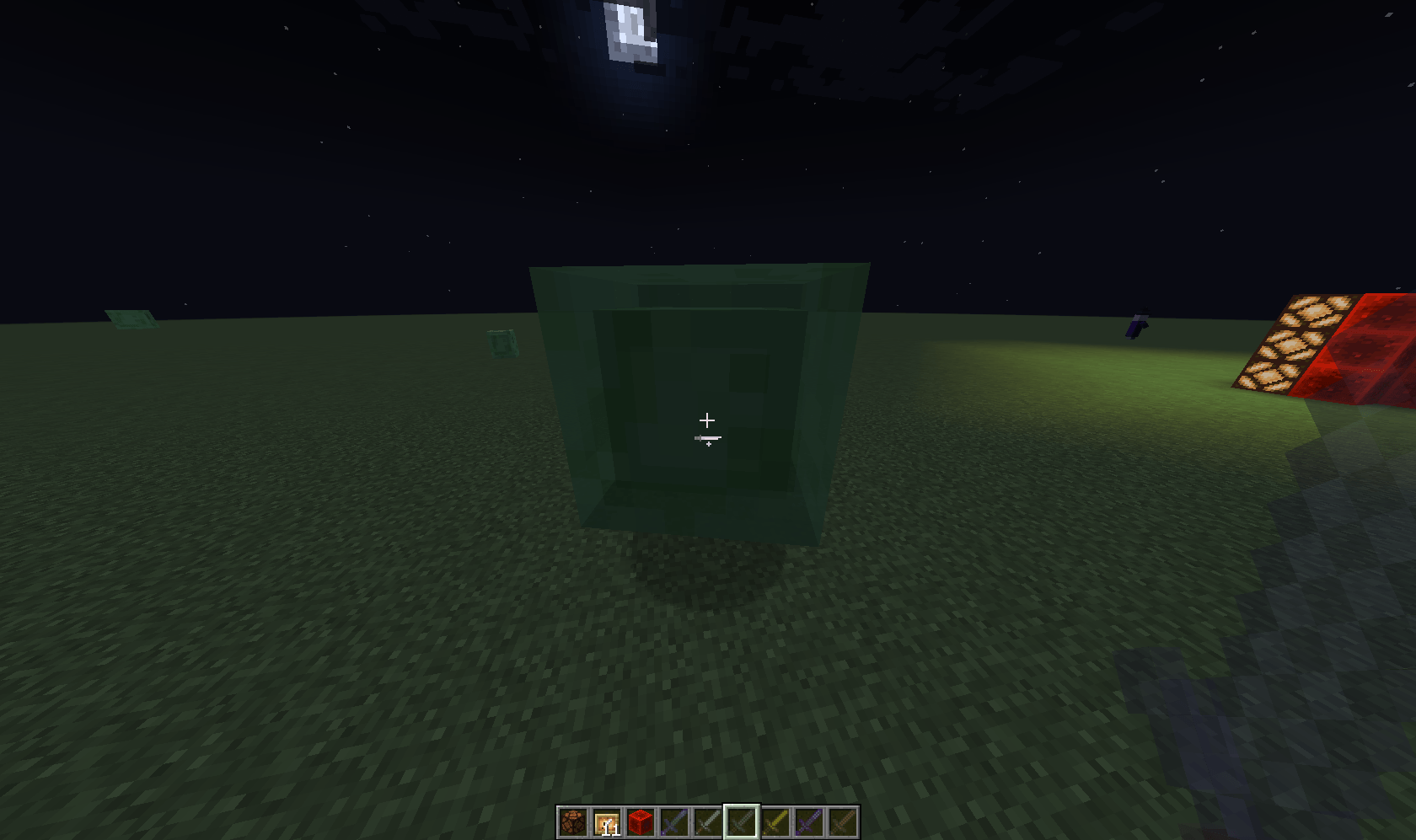
is a Resource Pack which makes swords translucent and help you see better without losing the traditional minecraft sword look.
To play:

Download the .zip file.

Type %appdada% in Run by pressing Win+R.

Find Minecraft and click it.

Find ResourcePack in minecraft and click it.

Finally, Drag and drop the GhostSword file (GhostSwords_1.1.zip) in resourcepack.


Similarly, if you'd still like a visible sword, you can try Micro Swords: Micro Swords - Minecraft Resource Packs - CurseForge


Features:

Translucent Swords 6x (Diamond, Netherite, Gold, Iron, Stone, Wood)

Textures: 16x16 ~ Ver1.1.2, 1.16+

 

GhostSwords_1.2.zip
MC 1.21
Release 2024-07-10 Get
GhostSwords_1.1.zip
MC 1.17, 1.16, 1.20, 1.18, 1.19
Beta 2024-07-10 Get

Requirements & install

How to use this resource pack in Minecraft
Resolution
16x
Minecraft
1.16 – 1.21
Install folder
.minecraft/resourcepacks

How to install resource packs

  1. Download the resource pack .zip file (do not extract it).
  2. In Minecraft open Options → Resource Packs → Open Pack Folder.
  3. Drop the .zip into the resourcepacks folder (.minecraft/resourcepacks).
  4. Move the pack to the Selected column and click Done.
Browse more: 16x resource packs 32x resource packs 64x resource packs 128x resource packs 256x resource packs 512x+ resource packs Resource Packs for 1.21 All resource packs

More from tyj9000

Advertisement Remove ads with Premium →

You Might Also Like