Mineuniverse
Resource Packs
German Trains for ImmersiveRailroading Mod

German Trains for ImmersiveRailroading Mod

RESOURCE PACK
German Trains [IR]
by typisch_marvin_
Download Claim this project
Add a badge to your pageLink to German Trains for ImmersiveRailroading Mod from a README, website or forum post.
Preview: Badge

Badges update automatically and link to the resource pack page on MineUniverse.

31,818 downloads
0 likes
0 followers
Updated Oct 14, 2026
0 hypes
Follow0
Data Packs Mod Support
Advertisement Remove ads with Premium →

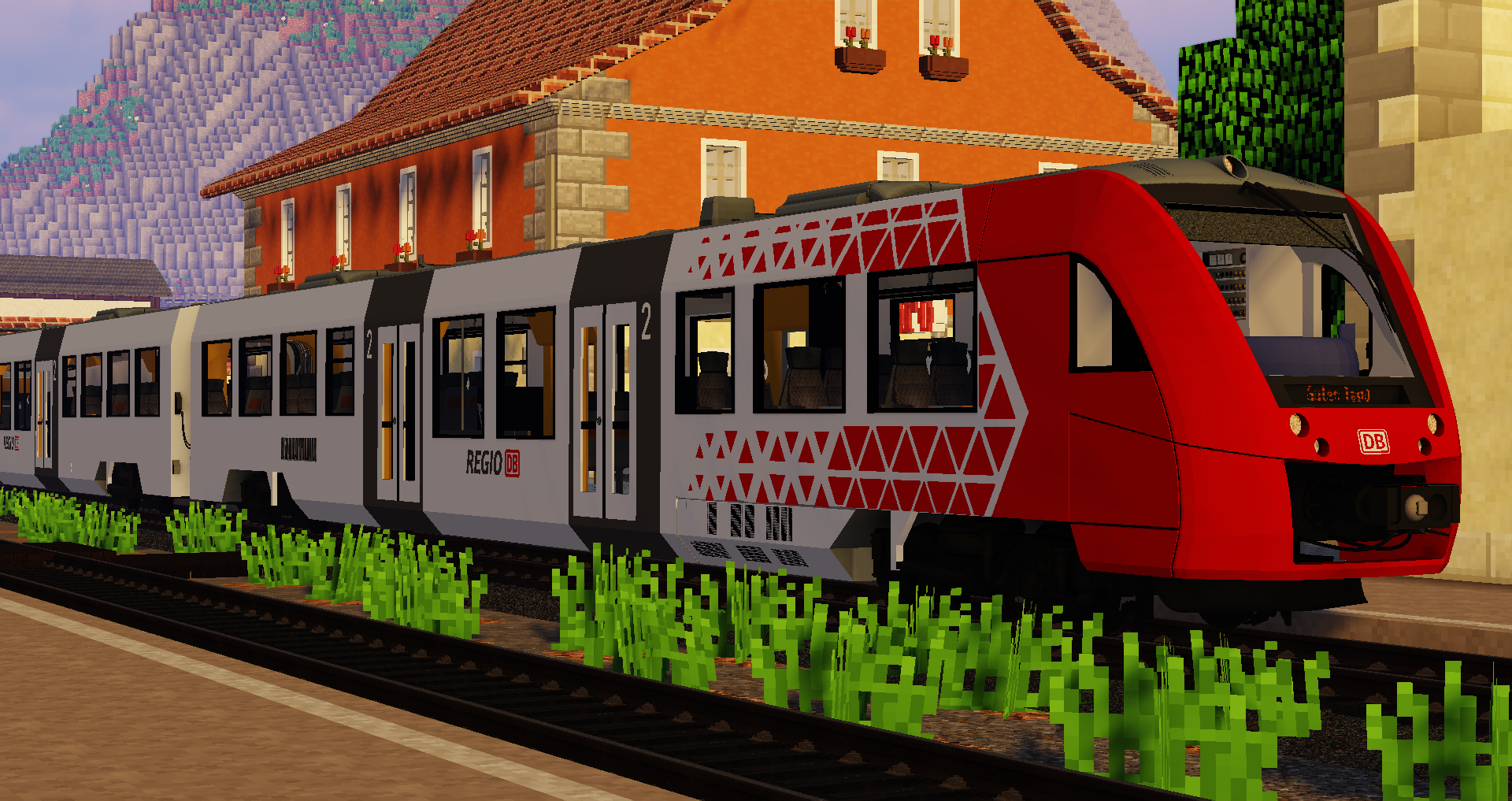
Here are my german Trains for the ImmersiveRailroading Mod.
See whats in there (there are a few screenshots too):

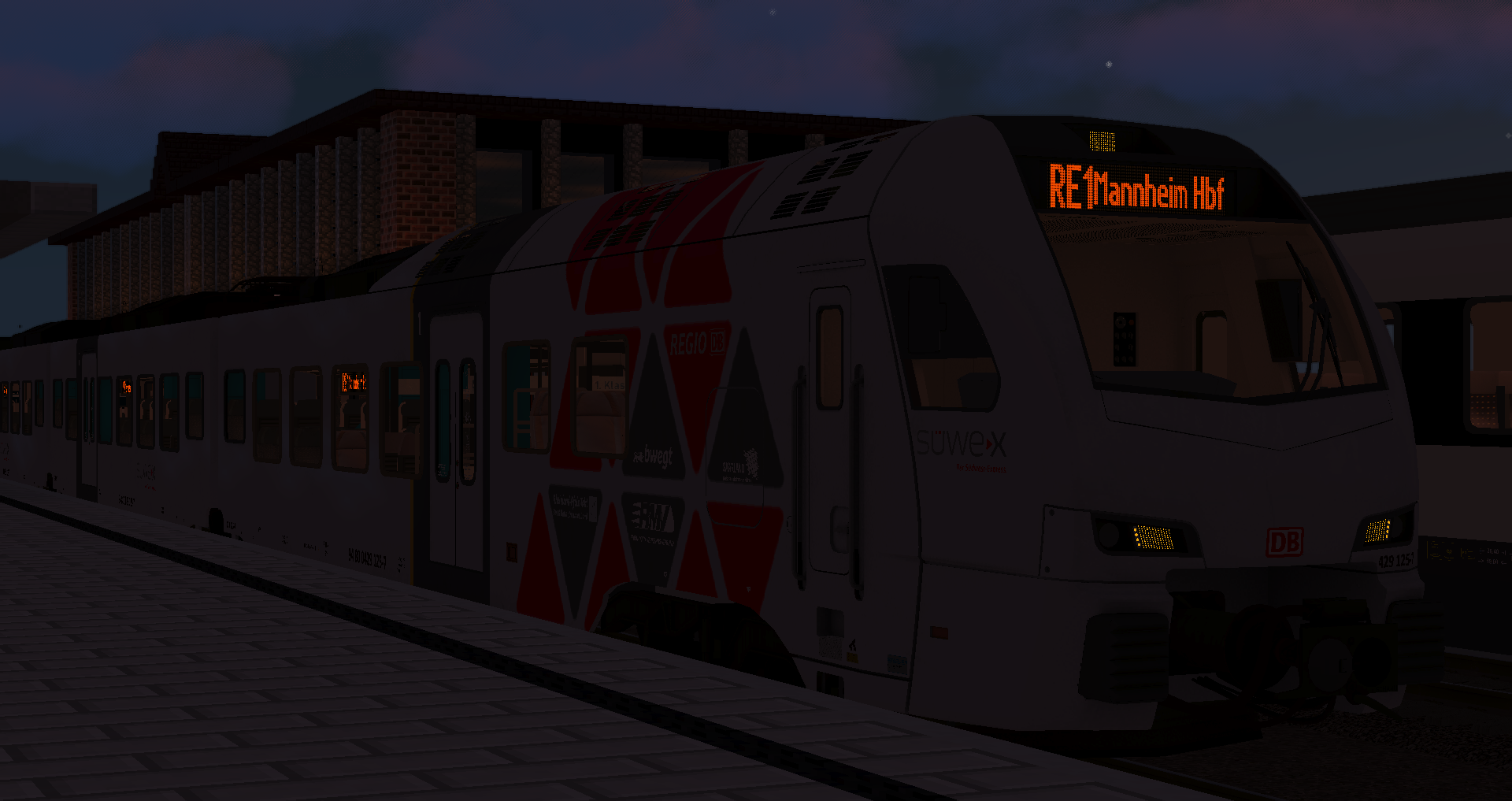
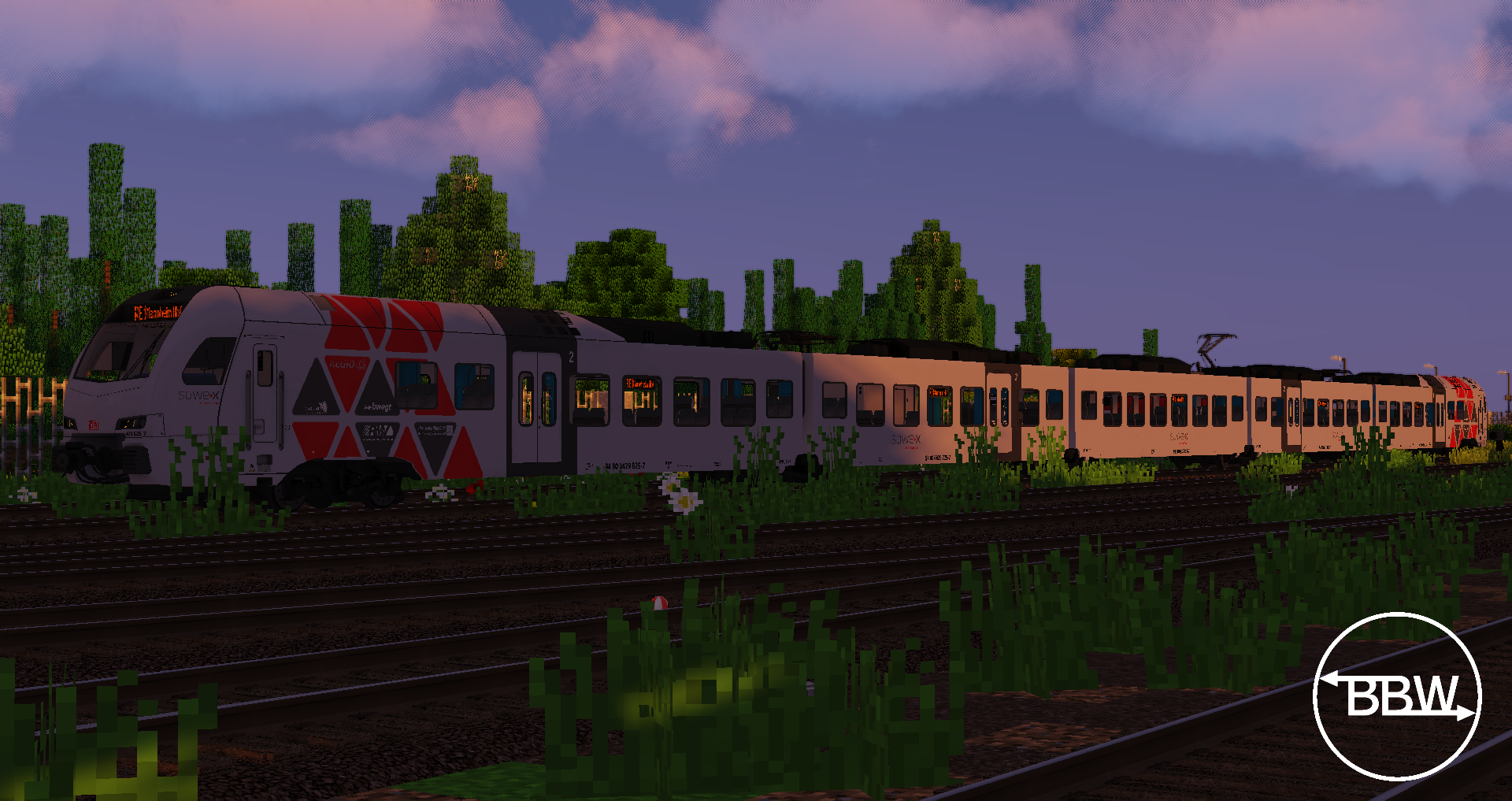
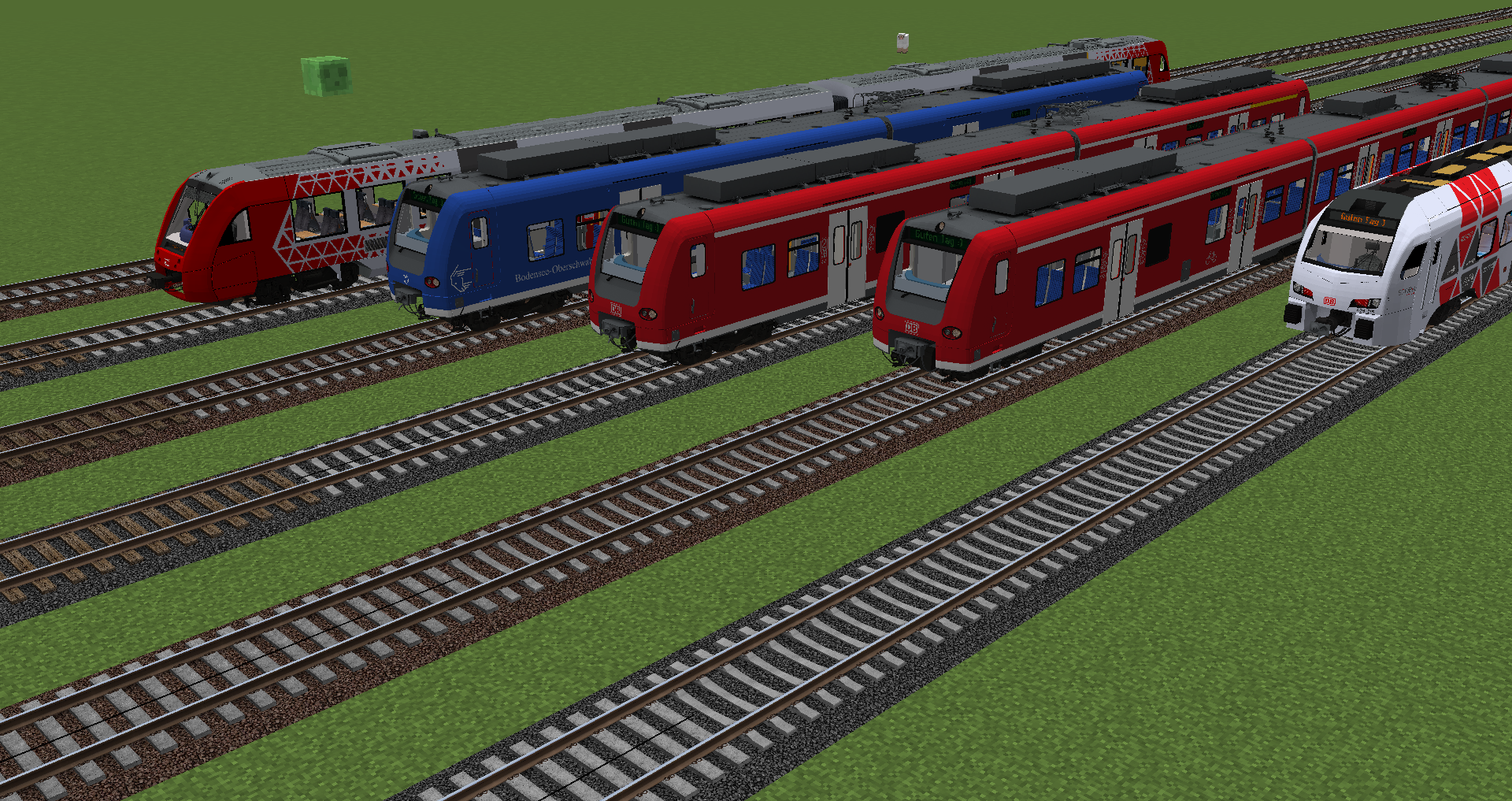
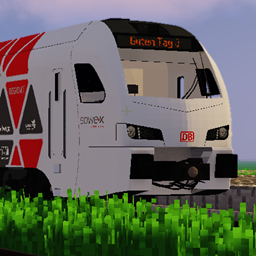
- BR429.1 Süwex
5 car EMU from the Stadler Flirt3 type.

- BR622 DB Regio Mitte
2 car DMU from the Lint ype. Its in the Alpha state, I have to do a lot.

- BR 425 DB Regio
4 car EMU, called as "Quitschie". Its in the Beta state, the cab will be updated and I will implement IR TestBuild functions.


- BR426 DB Regio

2 car EMU, called as "Quitschie". Its in the Beta state, the cab will be updated and I will implement IR TestBuild functions.


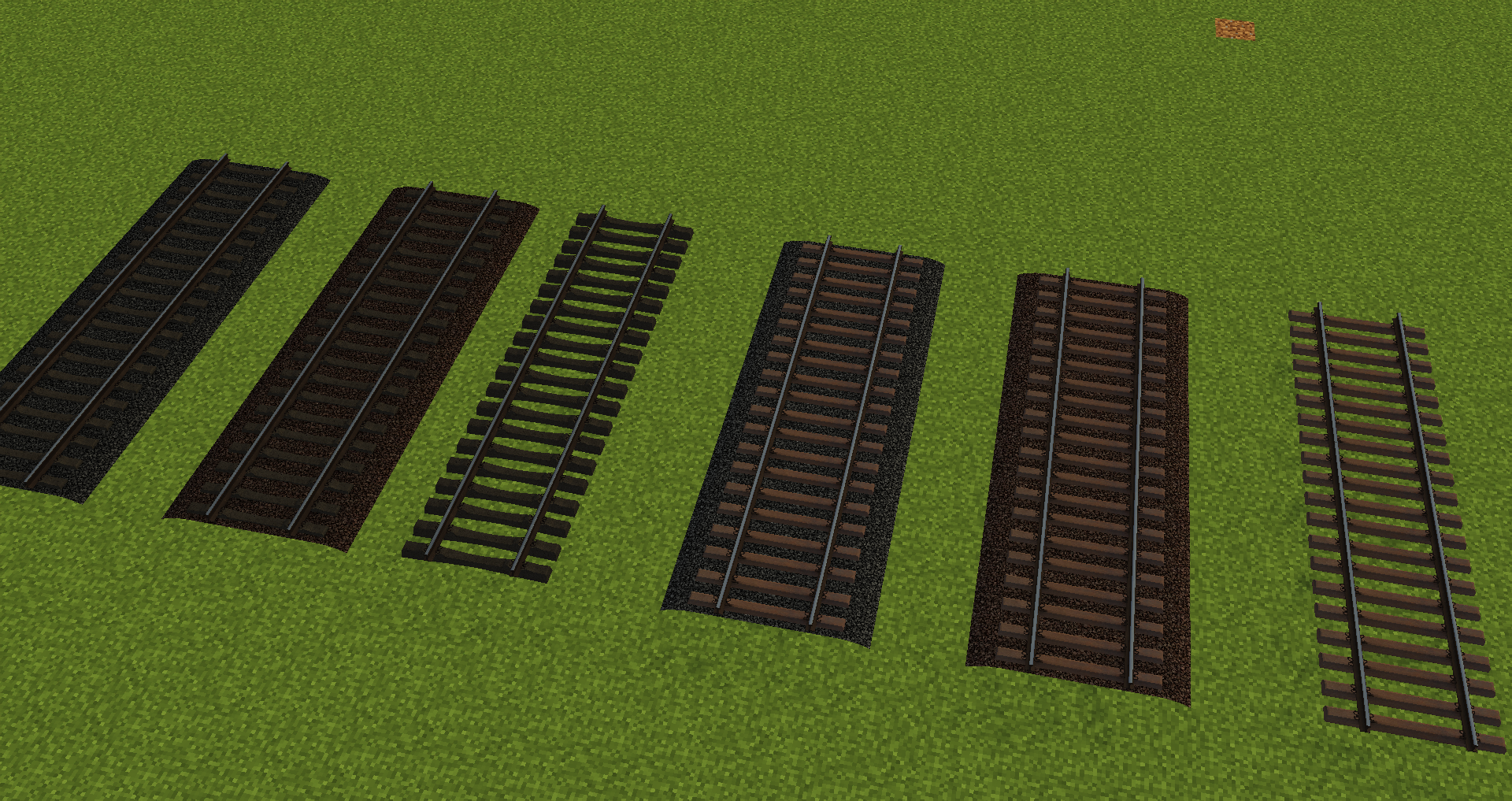
- Several Tracks

Concrete & Woodtracks with different graveltextures and sleepers!


All Trains will have different functions. (new IR Version)!

Ypu can put it in your Modpack, but don´t claim it as your Models, thank you :D
You can write me on Discord too (Discord: typisch_marvin#0736)

German Trains by TrainsimTV V1.1.zip
MC 1.9.4, 1.10.2, 1.7.10, 1.11.2, 1.12.2, 1.8.9
Release 2023-10-11 Get
German Trains by TrainsimTV V1.0.zip
MC 1.9.4, 1.14.4, 1.10.2, 1.7.10, 1.11.2, 1.12.2, 1.8.9, 1.13.2
Release 2023-01-07 Get
German Trains by TrainsimTV V0.8.zip
MC 1.9.4, 1.14.4, 1.10.2, 1.7.10, 1.11.2, 1.12.2, 1.8.9, 1.13.2
Release 2022-12-05 Get
German Trains by TrainsimTV V0.7.zip
MC 1.9.4, 1.14.4, 1.10.2, 1.7.10, 1.11.2, 1.12.2, 1.8.9, 1.13.2
Release 2022-11-27 Get
German Trains V0.5
MC 1.14.4, 1.10.2, 1.7.10, 1.11.2, 1.12.2, 1.13.2
Release 2022-05-22 Get

Requirements & install

How to use this resource pack in Minecraft
Resolution
Not specified
Minecraft
1.7.10 – 1.14.4
Install folder
.minecraft/resourcepacks

How to install resource packs

  1. Download the resource pack .zip file (do not extract it).
  2. In Minecraft open Options → Resource Packs → Open Pack Folder.
  3. Drop the .zip into the resourcepacks folder (.minecraft/resourcepacks).
  4. Move the pack to the Selected column and click Done.
Browse more: 16x resource packs 32x resource packs 64x resource packs 128x resource packs 256x resource packs 512x+ resource packs Resource Packs for 1.14.4 All resource packs
Advertisement Remove ads with Premium →

You Might Also Like