Mineuniverse
Resource Packs
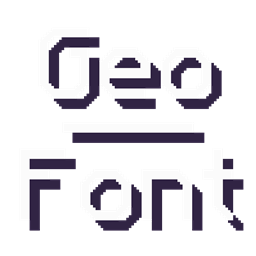
Geometric Font

Geometric Font

RESOURCE PACK
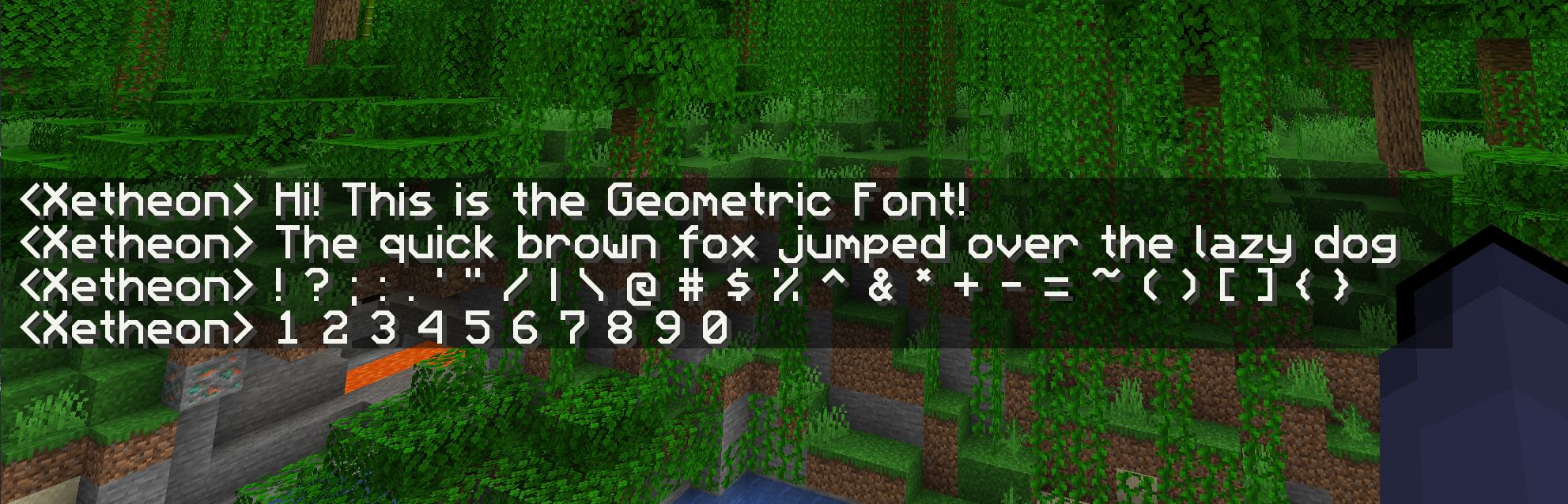
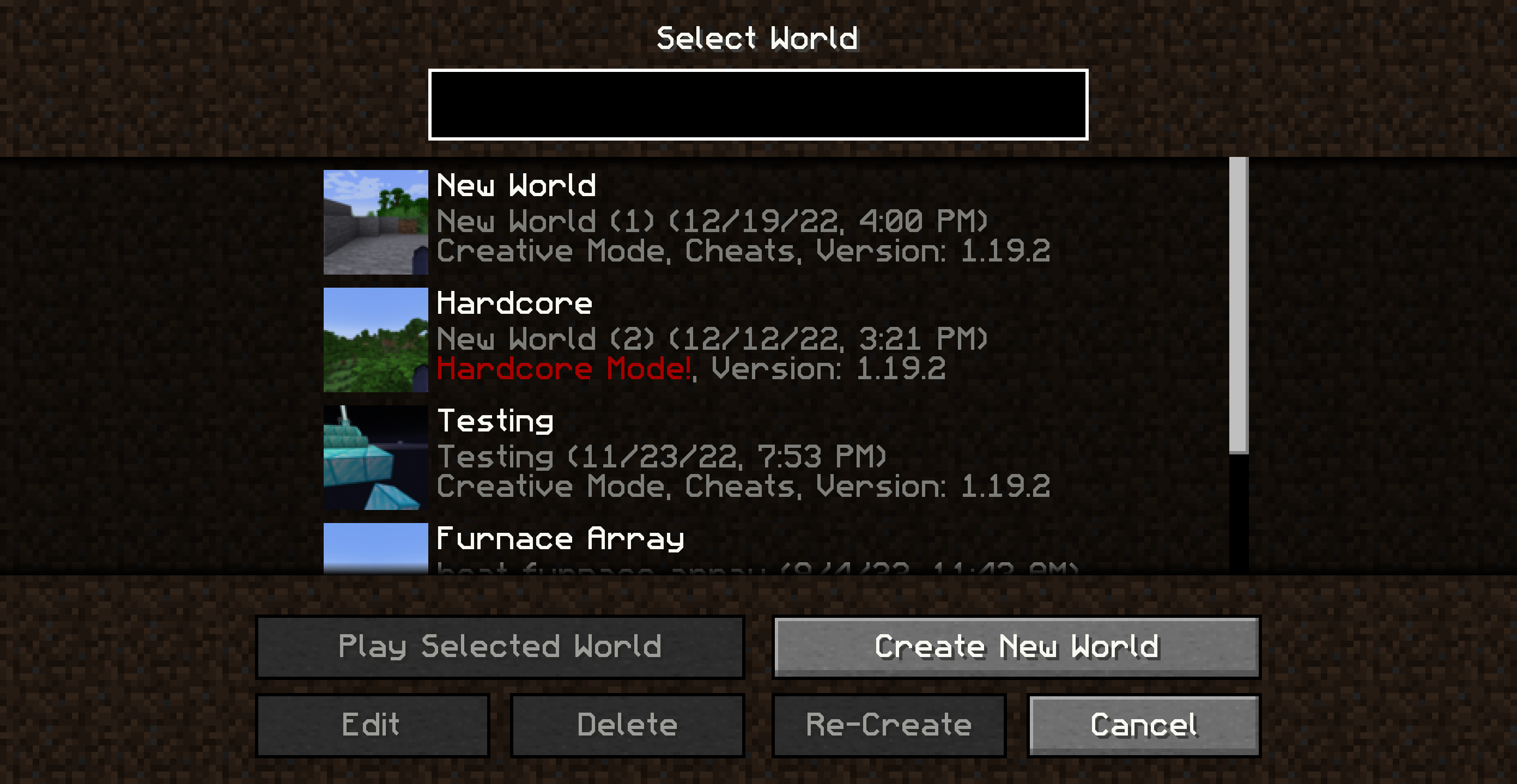
A sharp, clean remake of the default mojangles font for all resolutions.
by xetheo
Download Claim this project
14,250 downloads
0 likes
Updated Oct 14, 2026
0 hypes
Font Packs Modern Traditional
Advertisement Remove ads with Premium →

Title > A sharp, clean remake of the default mojangles font in full HD

GUI Scale Matters!

The default download is meant for scale 4, but if you use a different size make sure to click on the latest release and download the one you play with for the best experience! You can also use this link to find files for different game versions.

About

There are a lot of HD font remakes out there, but none that go for a sharper style that (in my opinion) suits vanilla better. That's what this font aims to do!

Another problem with HD fonts, due to the way the game displays GUIs, high-resolution textures will look jagged and distorted if you don't use them with the GUI scale they're meant for. This pack solves that too! Just make sure to download the version for your preferred GUI scale.

Currently, only basic letters and characters are supported. However, localization updates are planned!

Resources

  • Want to use this font in your own works? See the license
  • Curious about updates on things I work on or just want to hang out? Join my Discord!
  • Interested in other packs I've made? Check out this list!
GeoFont v1.1.1 Scale 4
MC 1.7.6, 1.16-Snapshot, 1.17.1, 1.9.1, 1.16.3, 1.13.1, 1.9.3, 1.8.7, 1.7.4, 1.7.7, 1.19.3, 1.15-Snapshot, 1.7.5, 1.6.1, 1.16.1, 1.18.1, 1.10-Snapshot, 1.9.4, 1.9.2, 1.8.4, 1.7.9
Release 2023-04-07 Get
Geometric Font 1.0.zip
MC 1.7.6, 1.16-Snapshot, 1.17.1, 1.9.1, 1.16.3, 1.13.1, 1.9.3, 1.8.7, 1.7.4, 1.7.7, 1.19.3, 1.15-Snapshot, 1.7.5, 1.6.1, 1.16.1, 1.18.1, 1.10-Snapshot, 1.9.4, 1.9.2, 1.8.4, 1.7.9
Release 2022-10-30 Get

Requirements & install

How to use this resource pack in Minecraft
Resolution
Not specified
Minecraft
1.13.1 – 1.19.3
Install folder
.minecraft/resourcepacks

How to install resource packs

  1. Download the resource pack .zip file (do not extract it).
  2. In Minecraft open Options → Resource Packs → Open Pack Folder.
  3. Drop the .zip into the resourcepacks folder (.minecraft/resourcepacks).
  4. Move the pack to the Selected column and click Done.
Browse more: 16x resource packs 32x resource packs 64x resource packs 128x resource packs 256x resource packs 512x+ resource packs Resource Packs for 1.19.3 All resource packs

More from xetheo

Advertisement Remove ads with Premium →

You Might Also Like