About
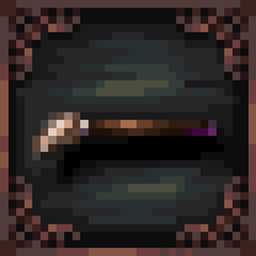
Gentle Touches is my collection of texture changes for Mods. This pack includes retextures with my personal style, giving Mods a new or alternative style.
Current Mod Support
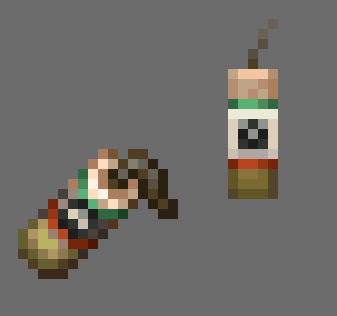
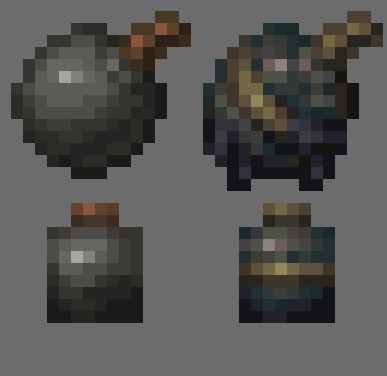
- No Man's Land (Tortoise Shells and Bombs) 1.0.0
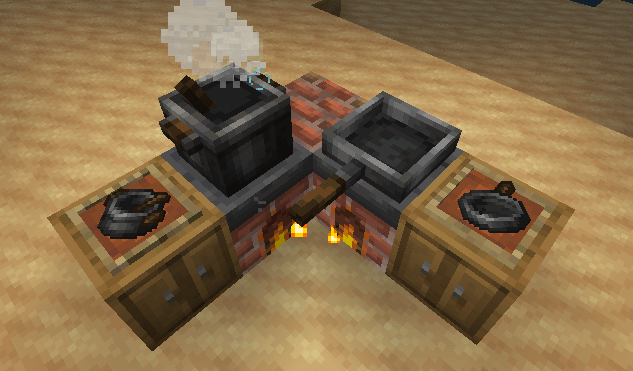
- Farmer's Delight (Skillet and Cooking Pot) 1.1.0
- Minecraft (Crafting Table and Furnace) 1.2.0
Usage
License: Creative Commons Attribution-NonCommercial-NoDerivatives (CC BY-NC-ND)
By using this pack, you're allowed to:
- Use in your private and public Modpack with a credit link to the pack's page on Curseforge or Modrinth.
- Feel free to use in filming, make video content with non-credit (Credit would be appreciated).
You're not allowed to:
- Use the pack's assets for your personal intentions (Sell, Redistribution, Use the asset in this pack for making other projects, such as resource packs and Mods)
- Claim the pack is your own by changing or deleting the pack's nature files (Author, Pack's Avatar, Author Credits)
Violations, if discovered, will result in a first warning from the author and forced DMCA action after the second unsuccessful attempt.
If you have any questions about usage rights, please contact "squ4rzy" directly on Discord. Thank you for using - <3