Mineuniverse
Resource Packs
Gaming Obsidian

Gaming Obsidian

RESOURCE PACK
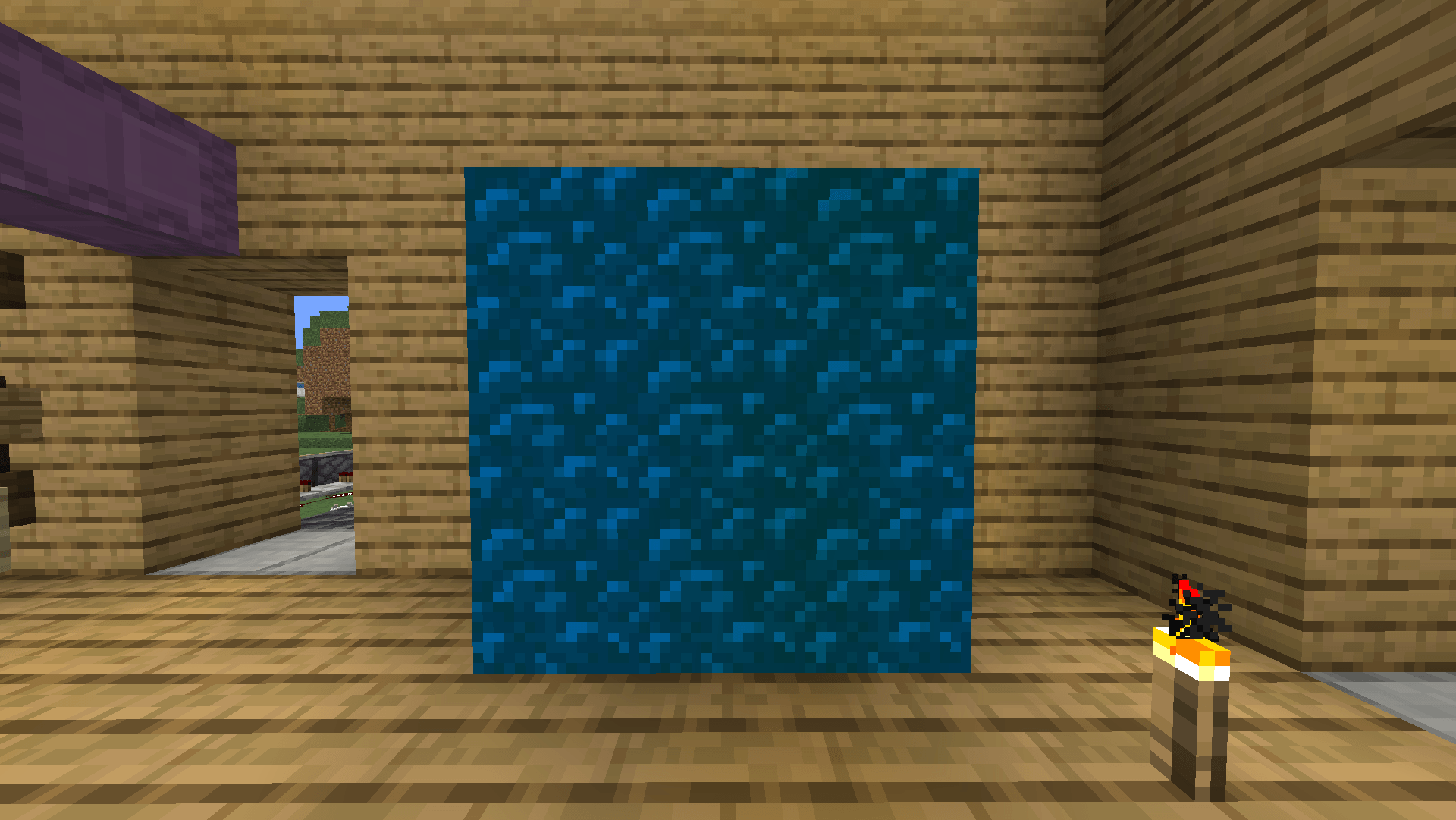
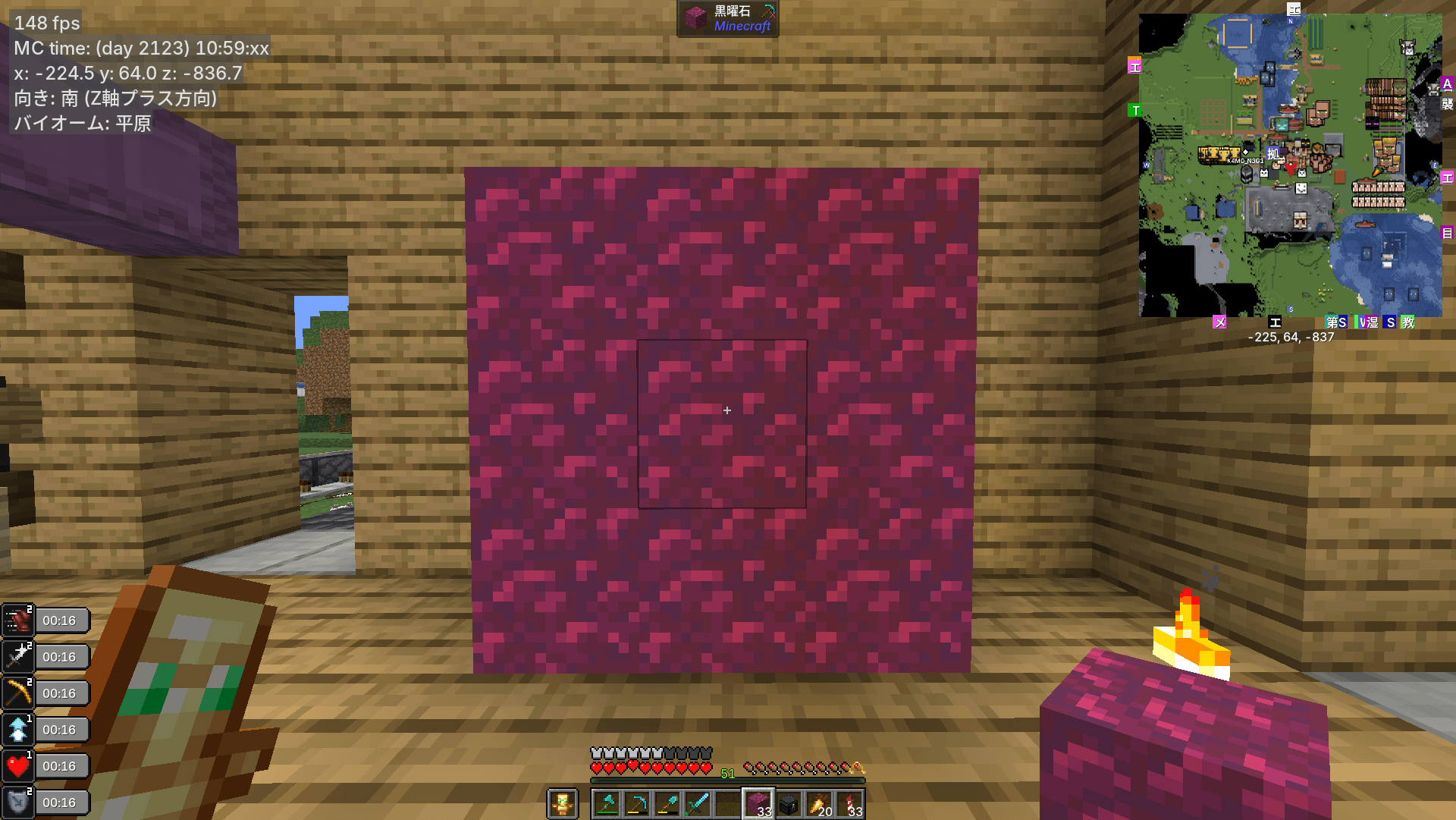
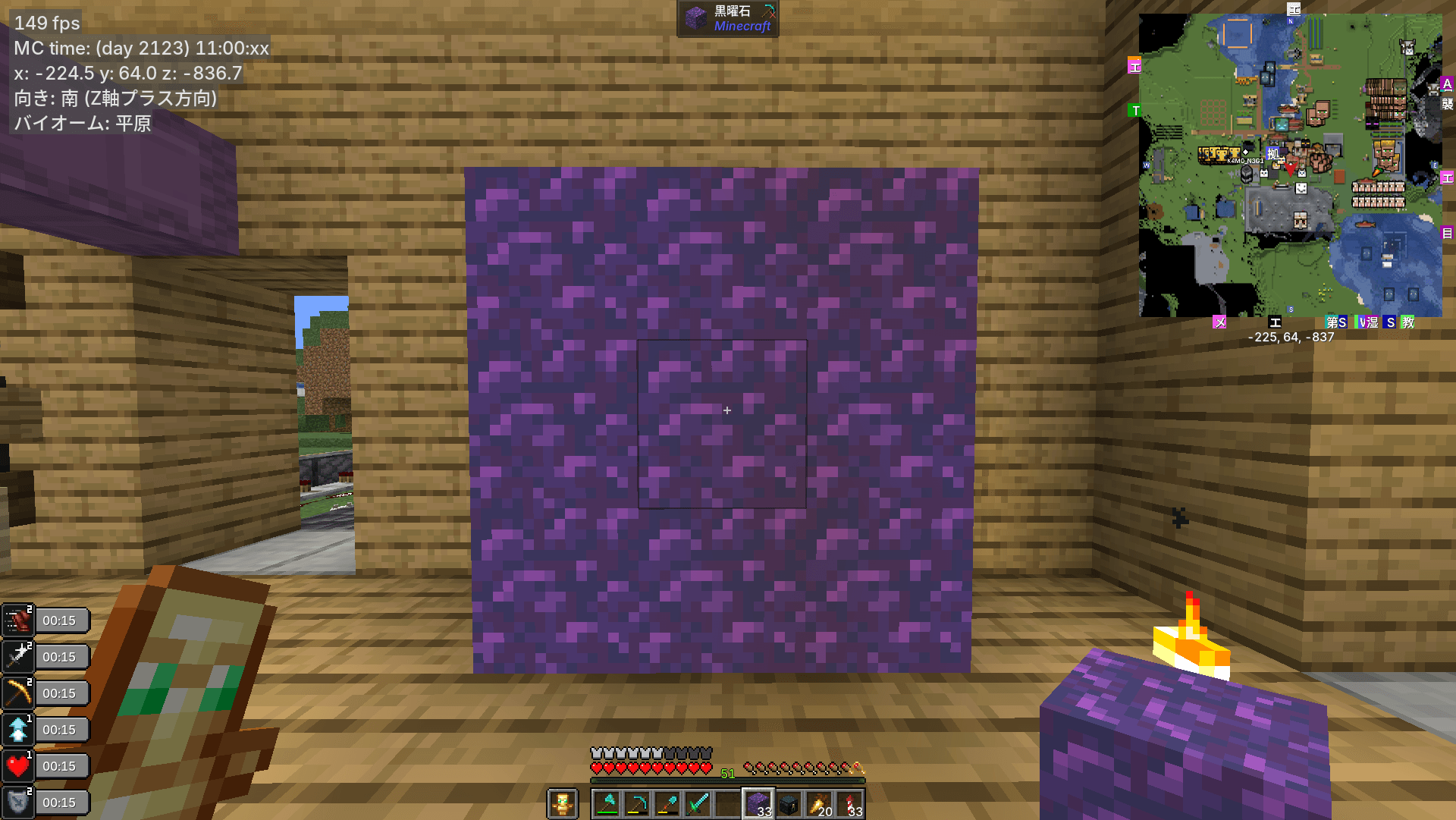
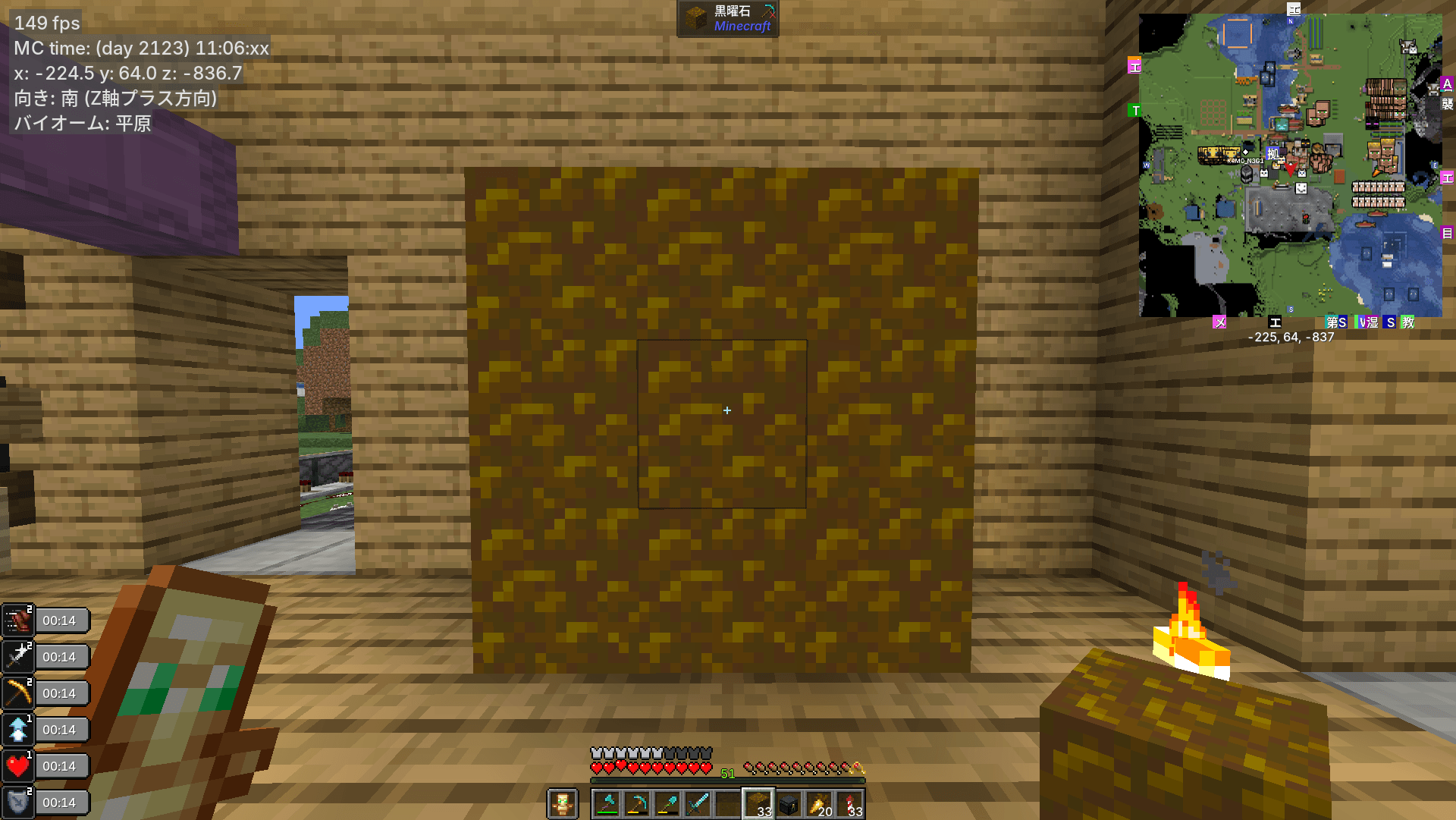
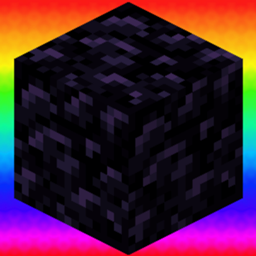
Improves obsidian visibility with a bright, color-shifting rainbow design. Perfect for easily spotting obsidian blocks in any environment.
by as_azu
Download Claim this project
433 downloads
0 likes
Updated Oct 14, 2026
0 hypes
16x
Advertisement Remove ads with Premium →

Gaming Obsidian - Automated Disaster Prevention (and a bit of a meme)

Let’s be honest. There are two exact reasons why this resource pack exists:
1. To save your complex World Eaters and flying machines from explosive disasters caused by a single, hidden piece of obsidian.
2. Because ordinary obsidian is boring, and making it a fabulous, glowing rainbow block is just inherently funny.

Whether you are a hardcore technical Minecraft player prepping a massive perimeter or just someone who wants their world to look a little more ridiculous, Rainbow Obsidian has got you covered!

Key Features

- Anti-World-Eater Utility: An unmined obsidian block can completely destroy hours of wiring and flying machines. This pack turns obsidian into a glowing beacon, allowing you to easily spot and manually clear it before turning on your quarry machinery.
- Aggressive Visibility: No more "pixel hunting" in pitch-black Deepslate layers or fluid-filled ravines. The vibrant rainbow design slices through the darkness, making it impossible to miss.
- Embrace the Meme: Why use a boring dark block when you can turn your Nether portals and perimeter hazards into a literal rave party? 
- 100% Lightweight: This pack changes ONLY the standard Obsidian block. It is extremely lightweight, FPS-friendly, and leaves every other block in your game completely untouched.

GamingObsidian
MC 1.21.2-Snapshot, 1.21, 1.21.6-snapshot, 1.20.2-Snapshot, 1.20.5-Snapshot, 1.21.1-Snapshot, 1.20.2, 1.21.8, 1.20.5, 1.21.5, 1.21.4, 1.21.5-Snapshot, 1.20.1, 1.20, 1.20.6
Release 2026-07-08 Get

Requirements & install

How to use this resource pack in Minecraft
Resolution
16x
Minecraft
1.21 – 1.21.8
Install folder
.minecraft/resourcepacks

How to install resource packs

  1. Download the resource pack .zip file (do not extract it).
  2. In Minecraft open Options → Resource Packs → Open Pack Folder.
  3. Drop the .zip into the resourcepacks folder (.minecraft/resourcepacks).
  4. Move the pack to the Selected column and click Done.
Browse more: 16x resource packs 32x resource packs 64x resource packs 128x resource packs 256x resource packs 512x+ resource packs Resource Packs for 1.21.8 All resource packs

More from as_azu

Advertisement Remove ads with Premium →

You Might Also Like