Mineuniverse
Resource Packs
GalactiCircle [Resource Pack for Galacticraft]

GalactiCircle [Resource Pack for Galacticraft]

RESOURCE PACK
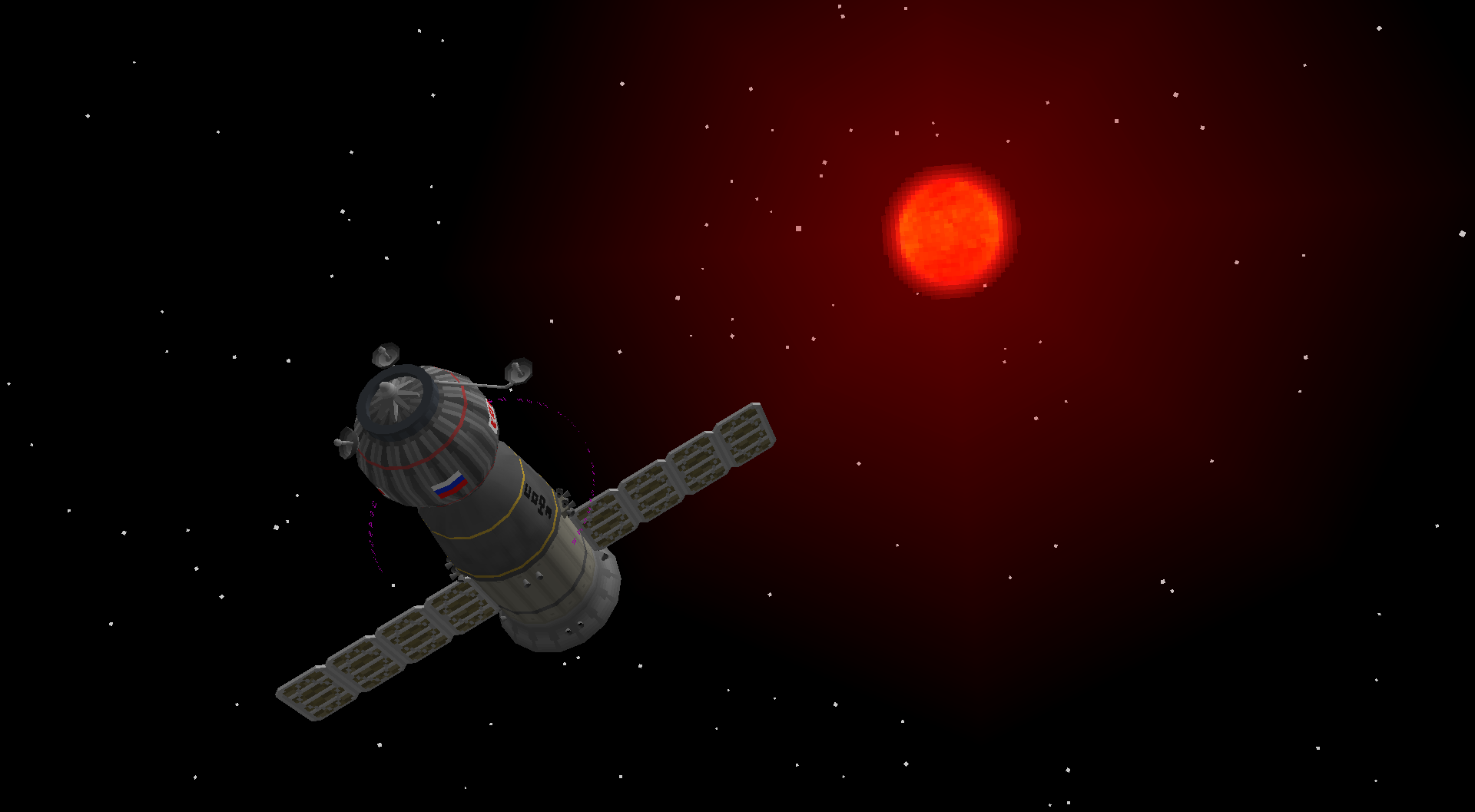
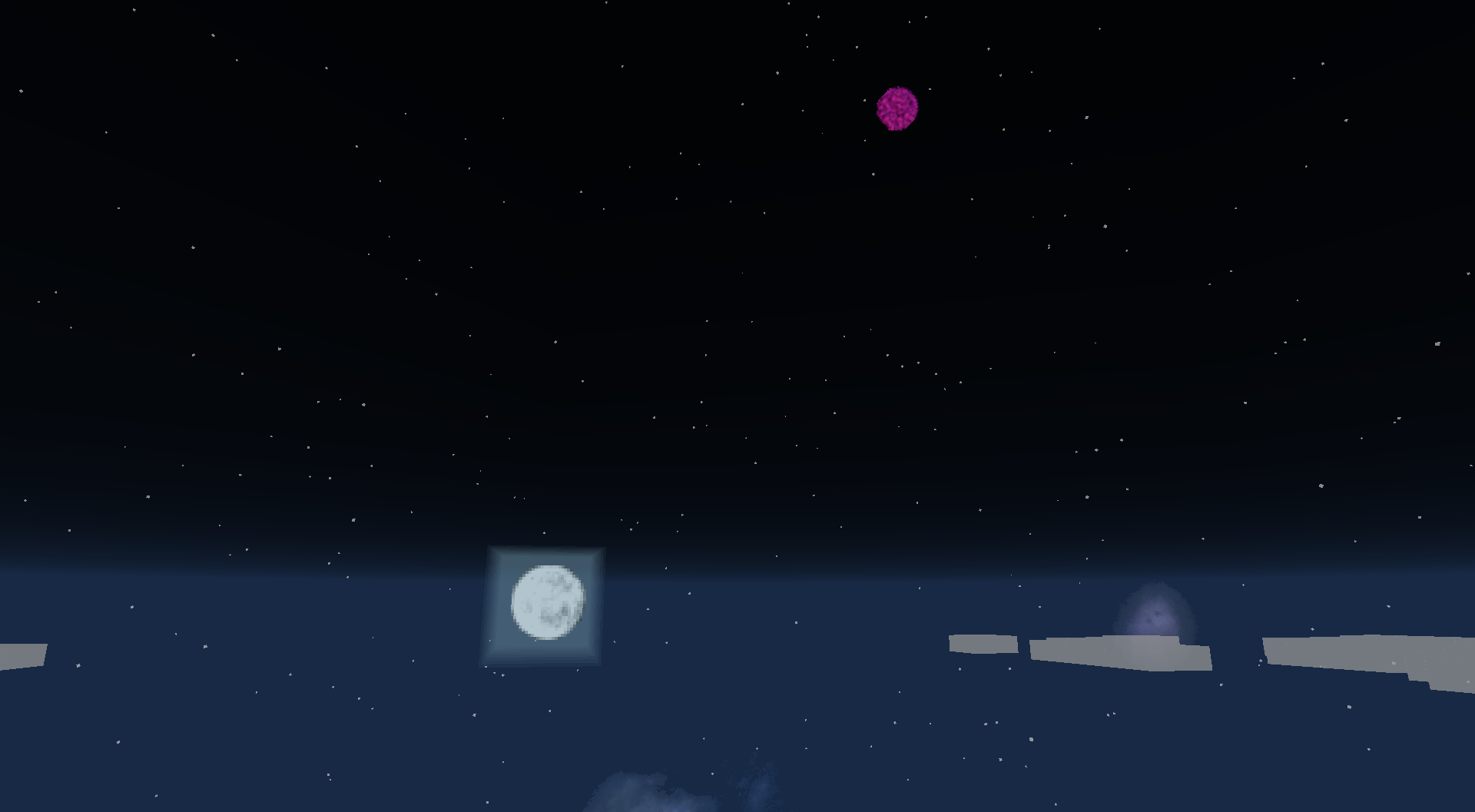
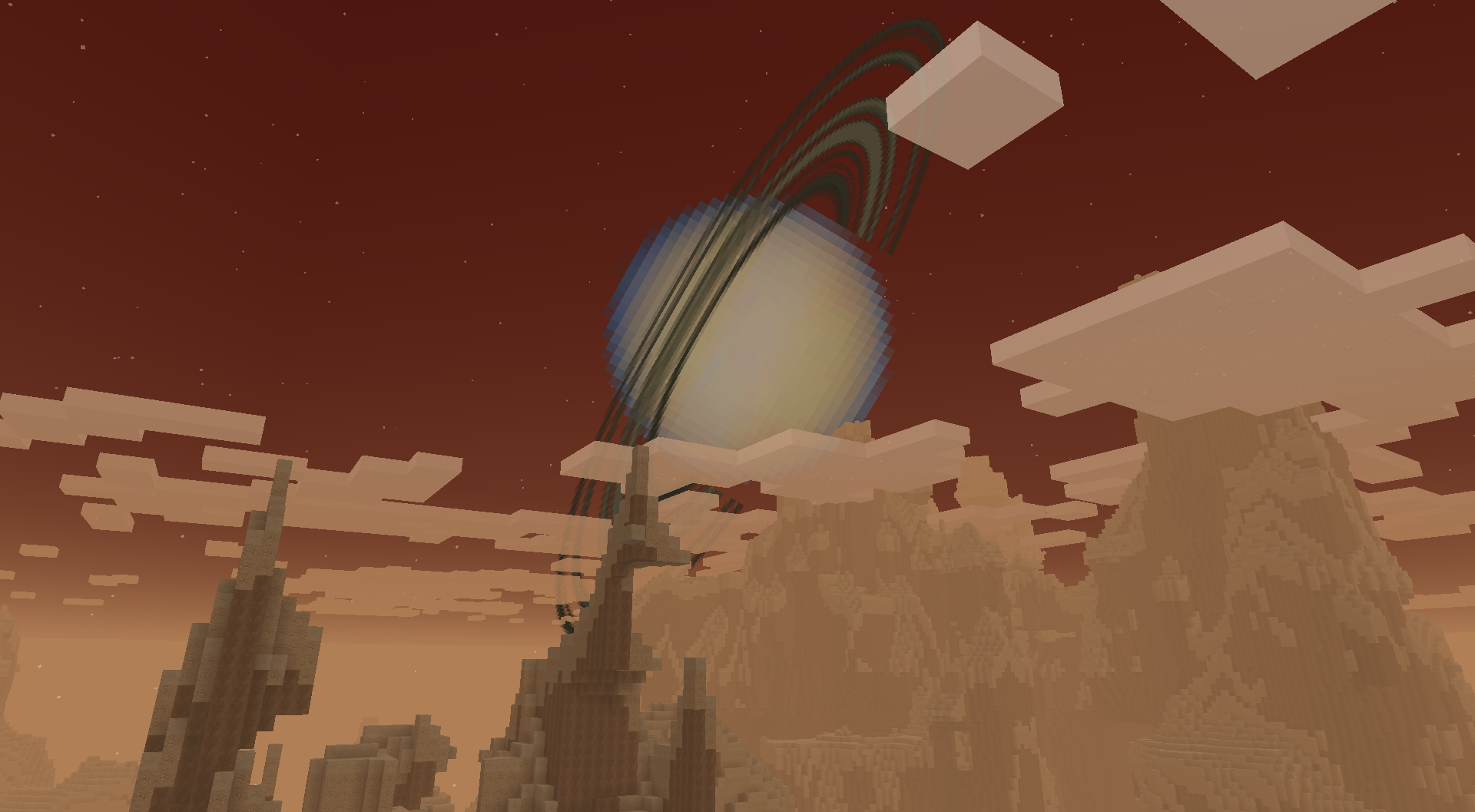
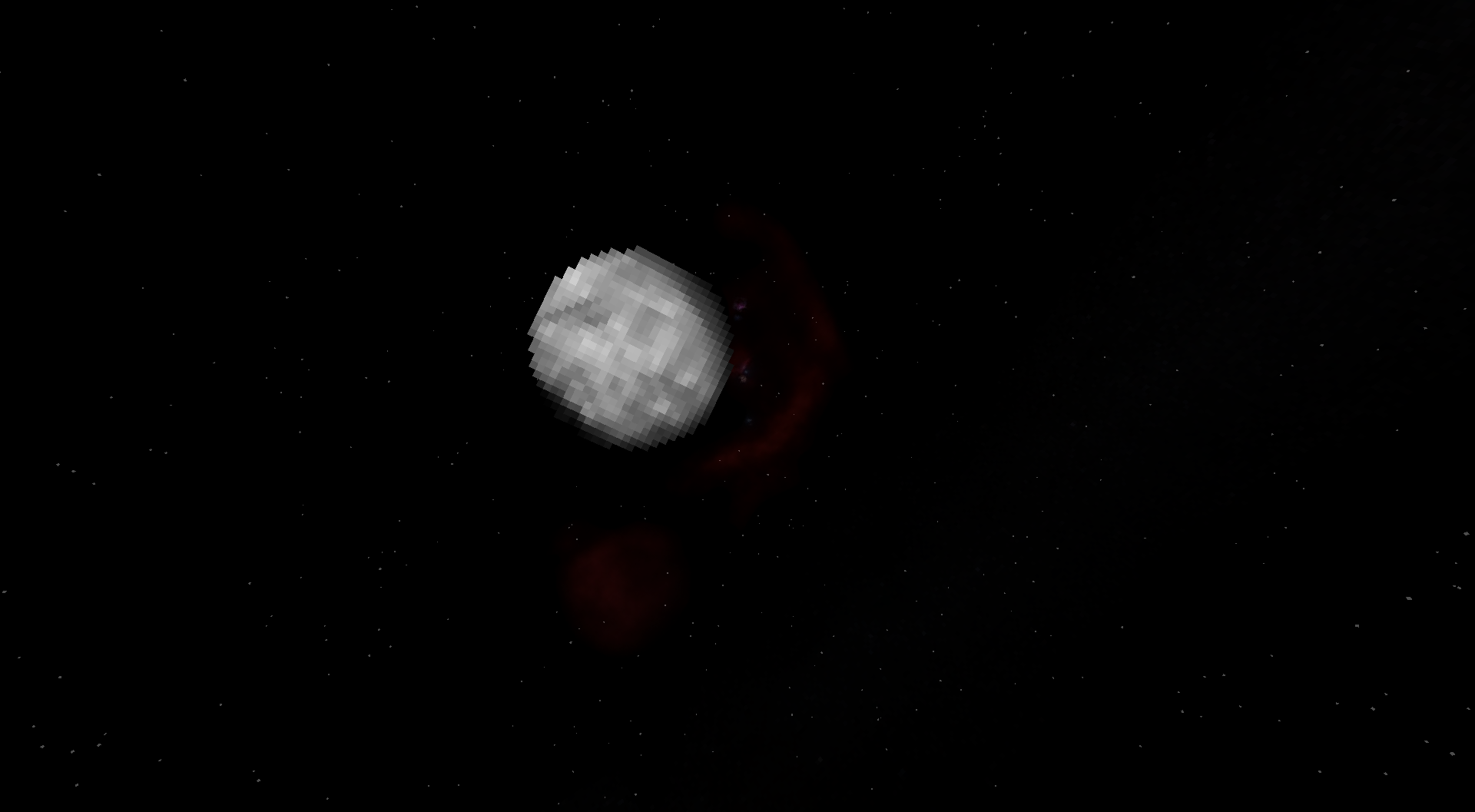
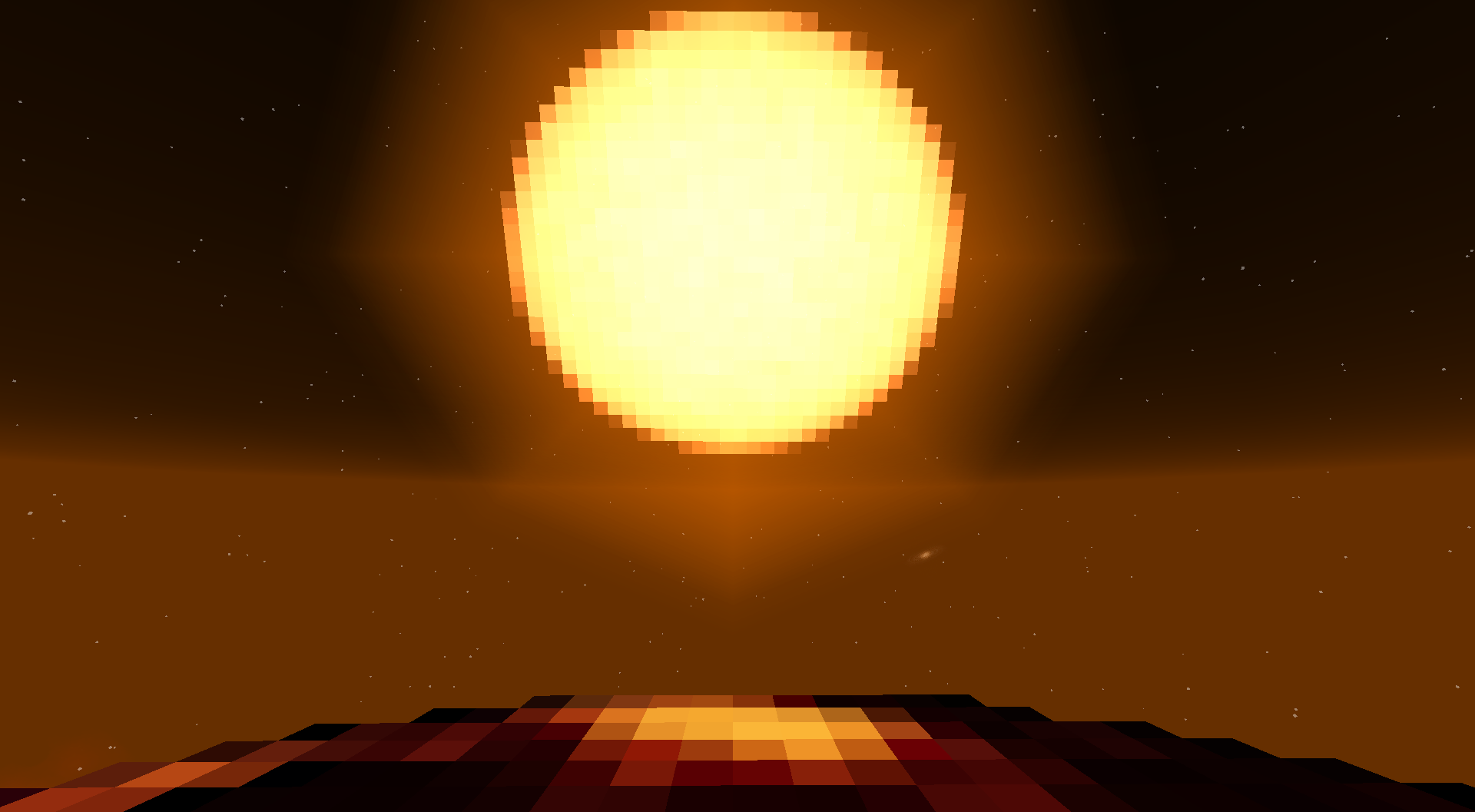
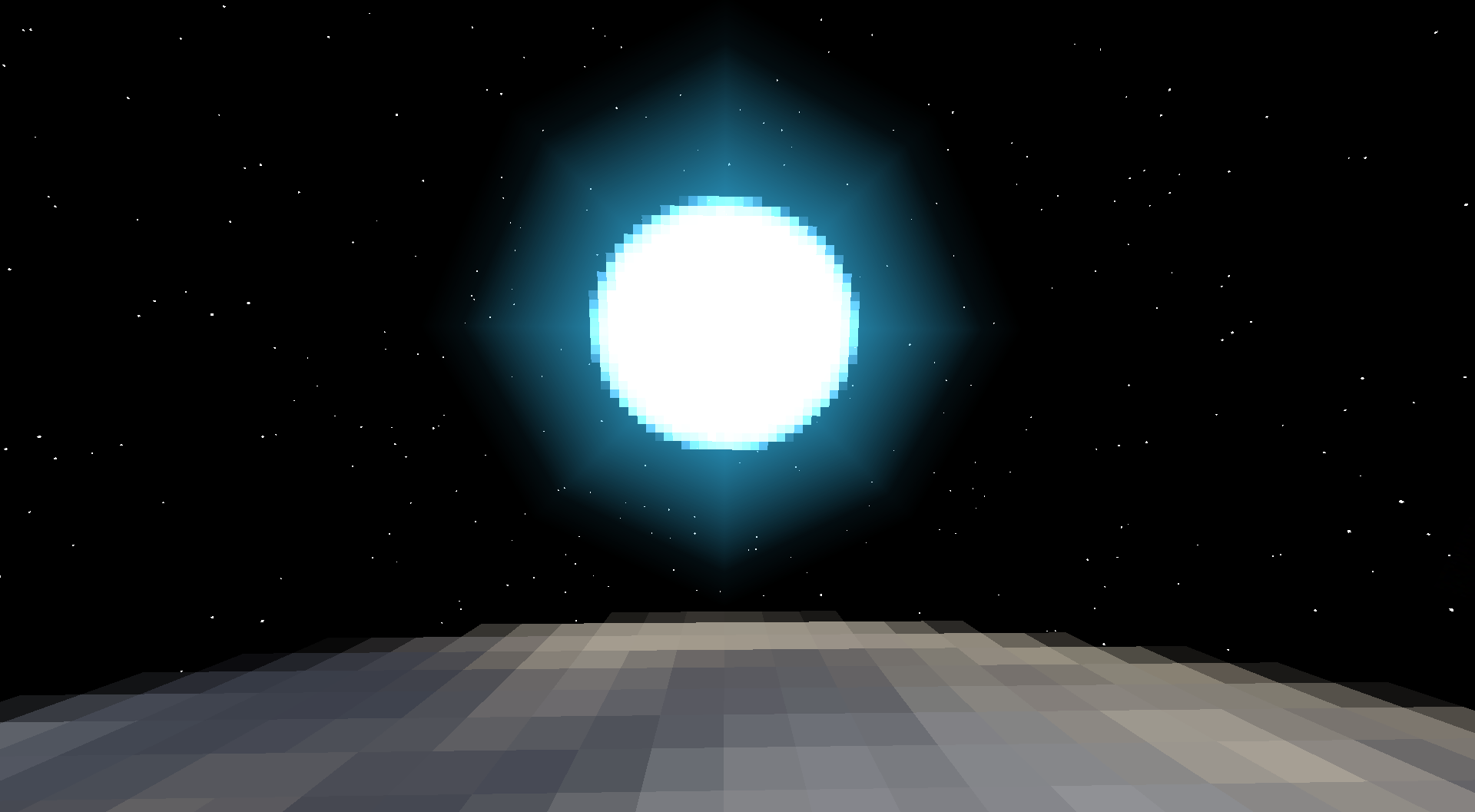
Galacticraft pack to change square planets to circular like in real life
by mmontagee
Download Claim this project
79,451 downloads
0 likes
0 followers
Updated Oct 14, 2026
0 hypes
Follow0
32x Mod Support Modern
Advertisement Remove ads with Premium →

Logo

GalactiCircle Texture Pack

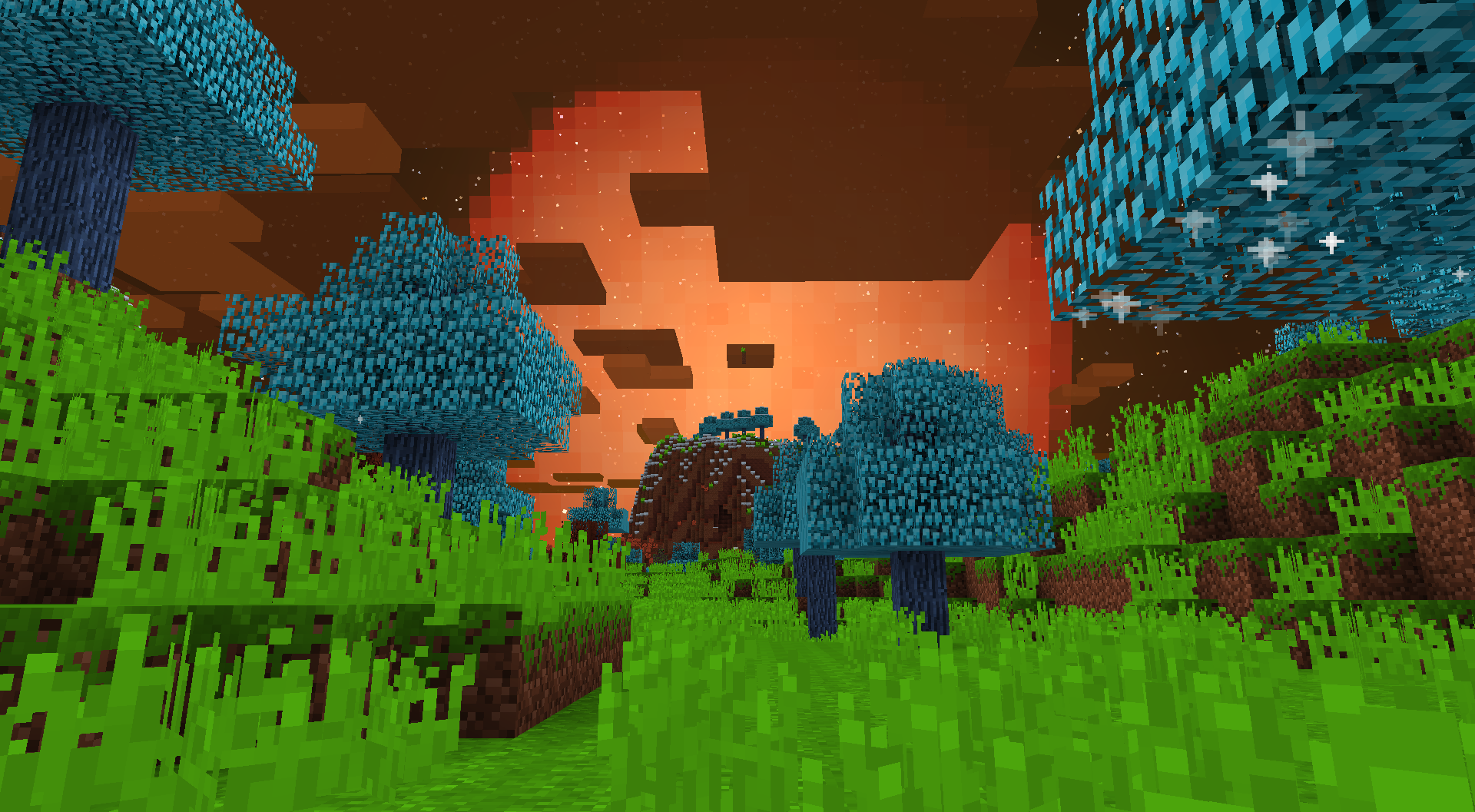
Enhance the visual realism of Galacticraft with the Circular Galactic Texture Pack, which transforms square planet textures into circular, lifelike textures. Created by the talented Galacticraft 3 Addon developers Denfop (MegaPlanets), RonFall (Vacuum Horizons), and DJChimodragon (Moon texture), this resource pack brings a fresh and immersive experience to Galacticraft 4.

Compatible Addons:

  • Galaxy Space
  • More Planets
  • Interstellar Exoplanets
  • AsmodeusCore / StarMaker
  • Astralis Infinitum (StarMaker)
  • AstroMasters Unified Pack (StarMaker)

Not Compatible:

1.7.10 Addons are not guaranteed to work

  • Extra Planets (Do not ask for it! Please!)
  • Zollern Galaxy
  • Additional Planets

Known Issues:

Please take note of the following known issues before using the texture pack:

  1. Disable "B:enableRenderAtmosphere=false" (line 14) inside config\AsmodeusCore\core.conf before applying the texture pack to ensure compatibility.

  2. Certain textures may appear non-transparent or retain a square shape, such as the Earth when viewed from a space station or Nibiru from other planets (More Planets).

  3. The rings of Barnarda B might be misplaced on the Galactic Map.

  4. Saturn Rings from Titan, Enceladus and Galaxy Map are not aligned with the planet texture


Comments closed due to spam, redirect issues to Codeberg

3.0 GalactiCircle
MC 1.7.10, 1.12.2
Release 2024-06-26 Get
2.5 GalactiCircle
MC 1.12.2
Release 2024-06-08 Get
2.0 GalactiCircle
MC 1.12.2
Release 2023-07-25 Get
1.5 GalactiCircle
MC 1.12.2
Release 2023-07-24 Get
1.12.2 GC4
MC 1.12.2
Release 2023-07-18 Get

Requirements & install

How to use this resource pack in Minecraft
Resolution
32x
Minecraft
1.7.10 – 1.12.2
Install folder
.minecraft/resourcepacks

How to install resource packs

  1. Download the resource pack .zip file (do not extract it).
  2. In Minecraft open Options → Resource Packs → Open Pack Folder.
  3. Drop the .zip into the resourcepacks folder (.minecraft/resourcepacks).
  4. Move the pack to the Selected column and click Done.
Browse more: 16x resource packs 32x resource packs 64x resource packs 128x resource packs 256x resource packs 512x+ resource packs Resource Packs for 1.12.2 All resource packs
Advertisement Remove ads with Premium →

You Might Also Like