Mineuniverse
Resource Packs
G&P Narrow Gauge Texel Pack

G&P Narrow Gauge Texel Pack

RESOURCE PACK
Narrow gauge resource pack for Immersive Railroading mod in texel style
by GeniuszZla41
Download Claim this project
Add a badge to your pageLink to G&P Narrow Gauge Texel Pack from a README, website or forum post.
Preview: Badge

Badges update automatically and link to the resource pack page on MineUniverse.

12,640 downloads
0 likes
0 followers
Updated Oct 14, 2026
0 hypes
Follow0
16x Miscellaneous Modern
Advertisement Remove ads with Premium →

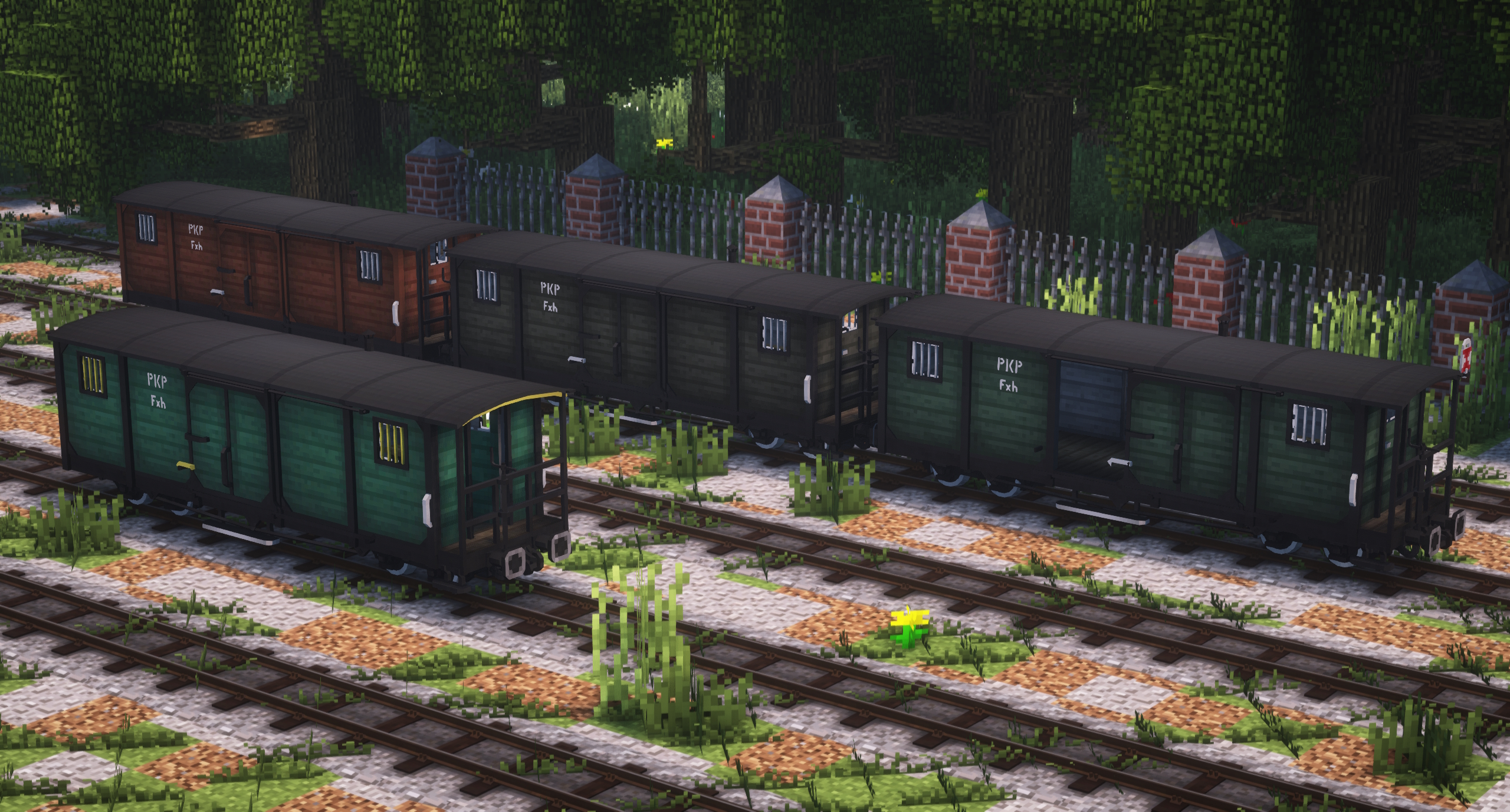
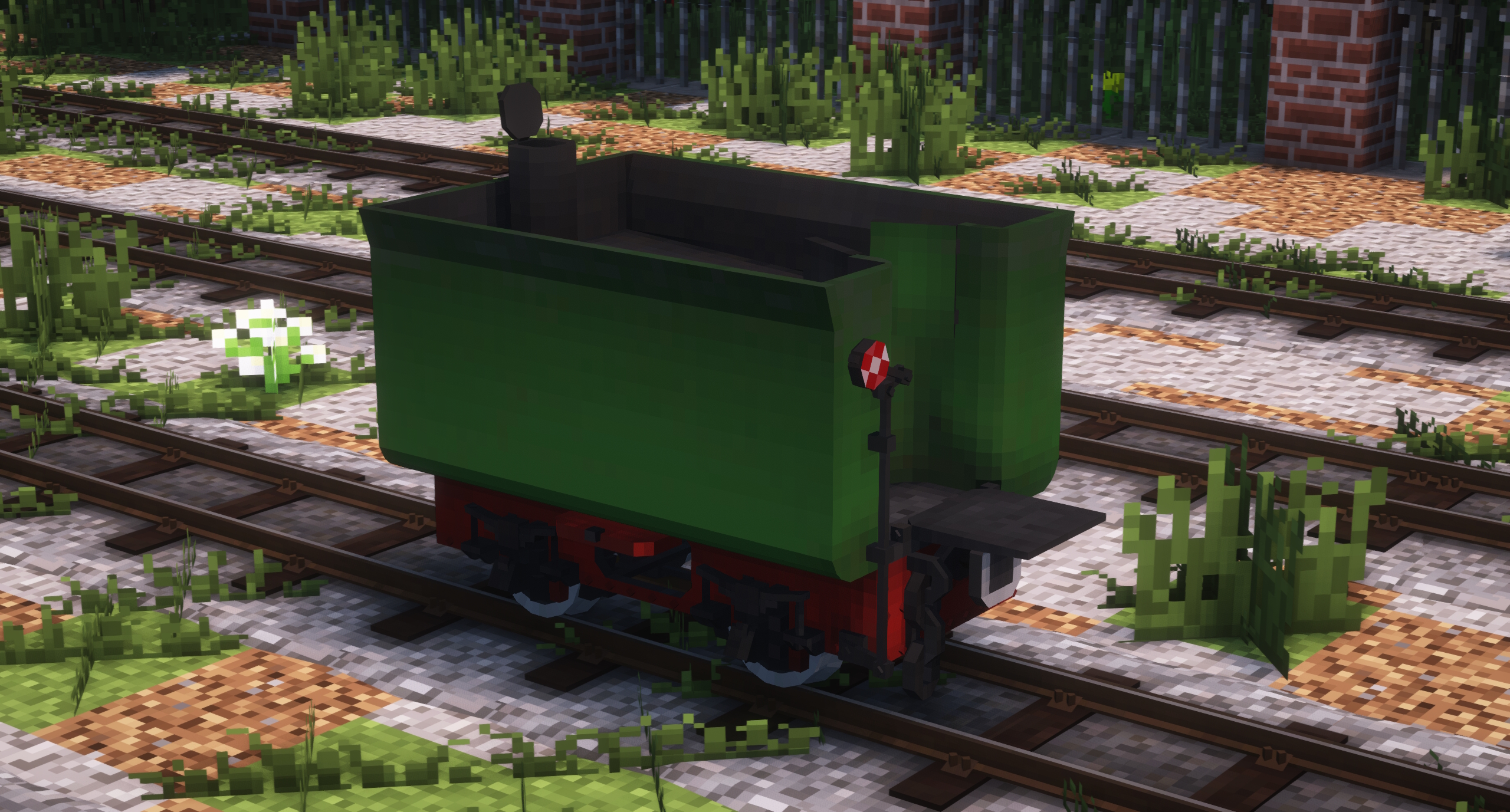
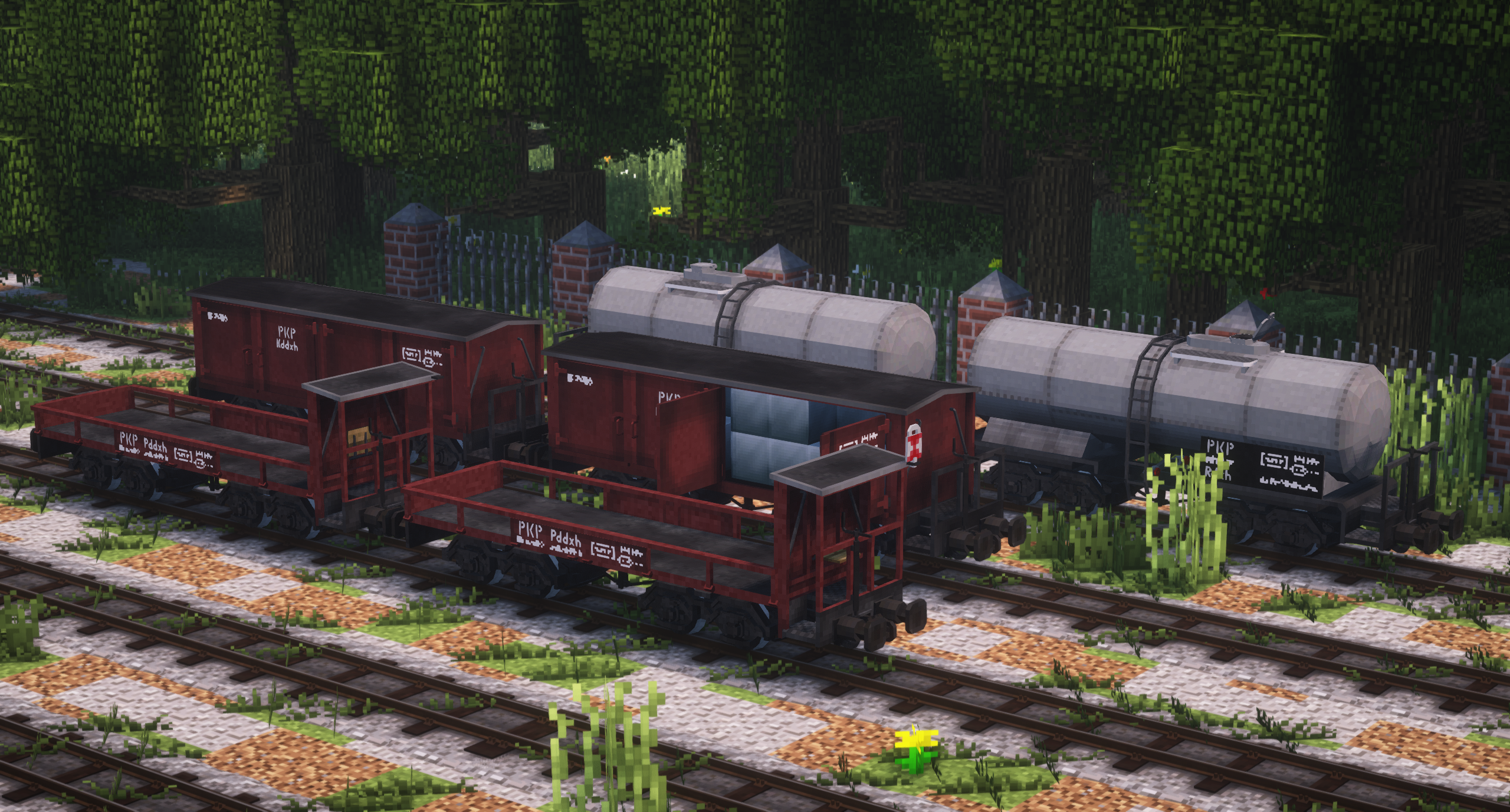
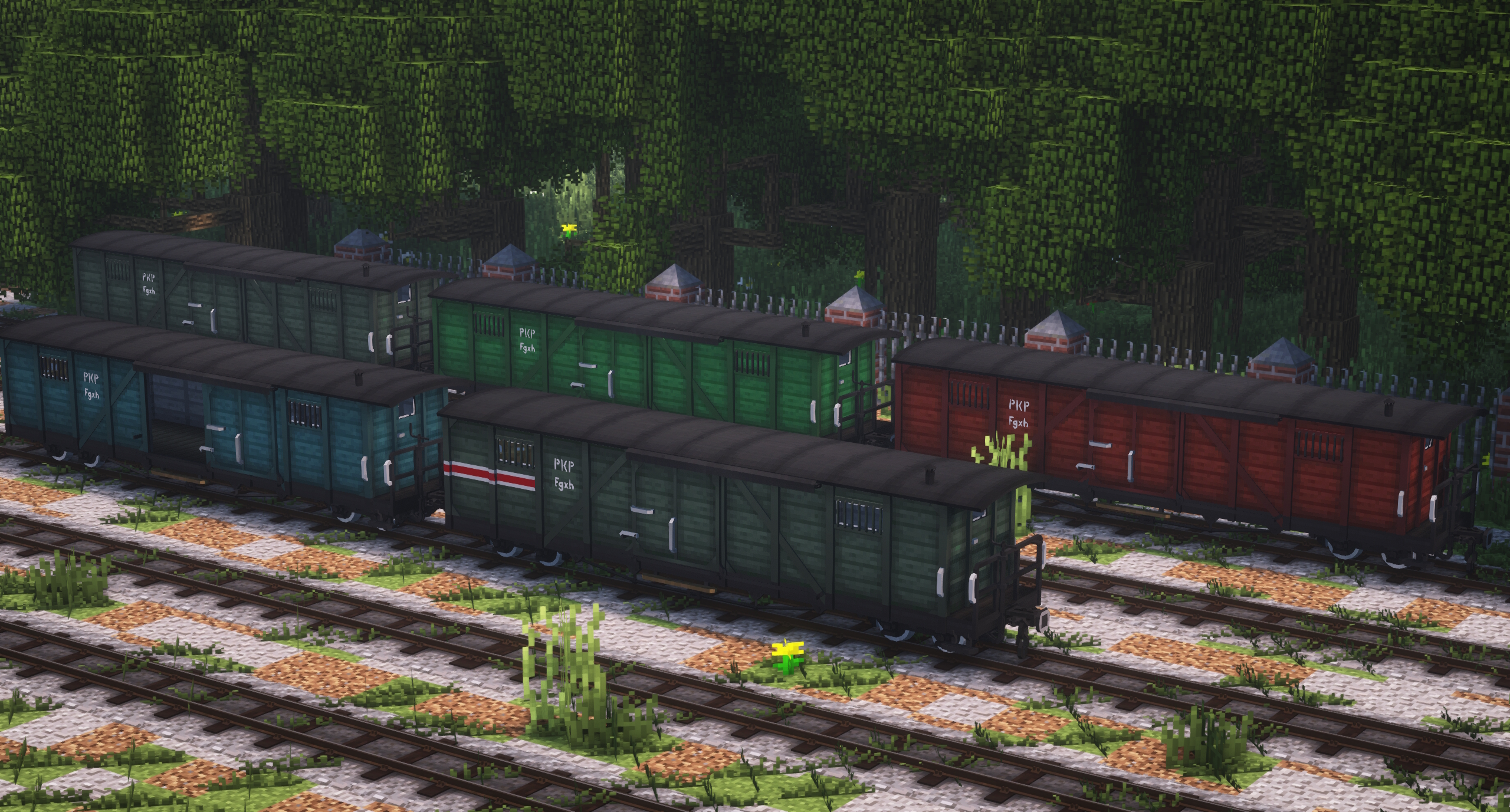
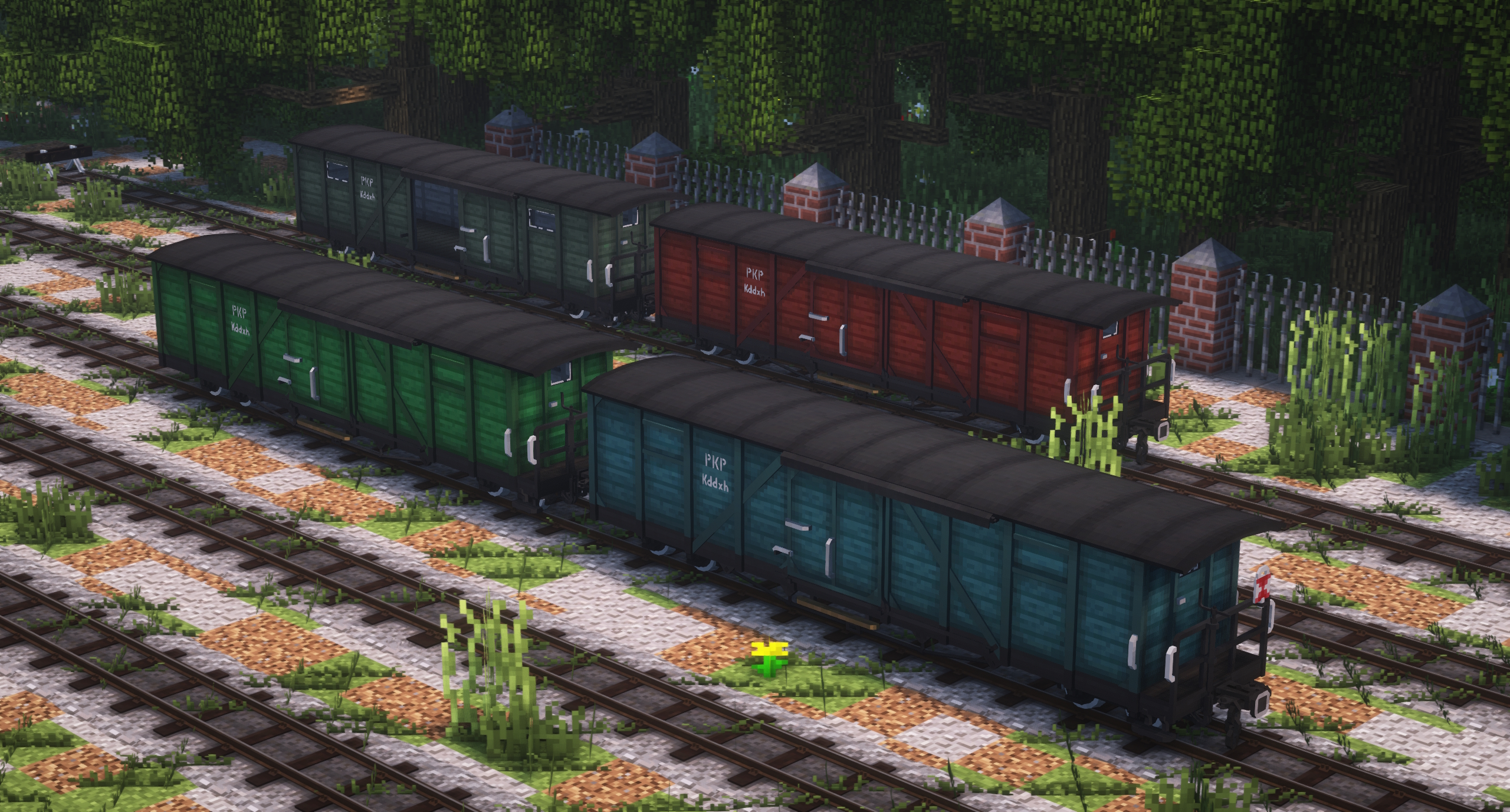
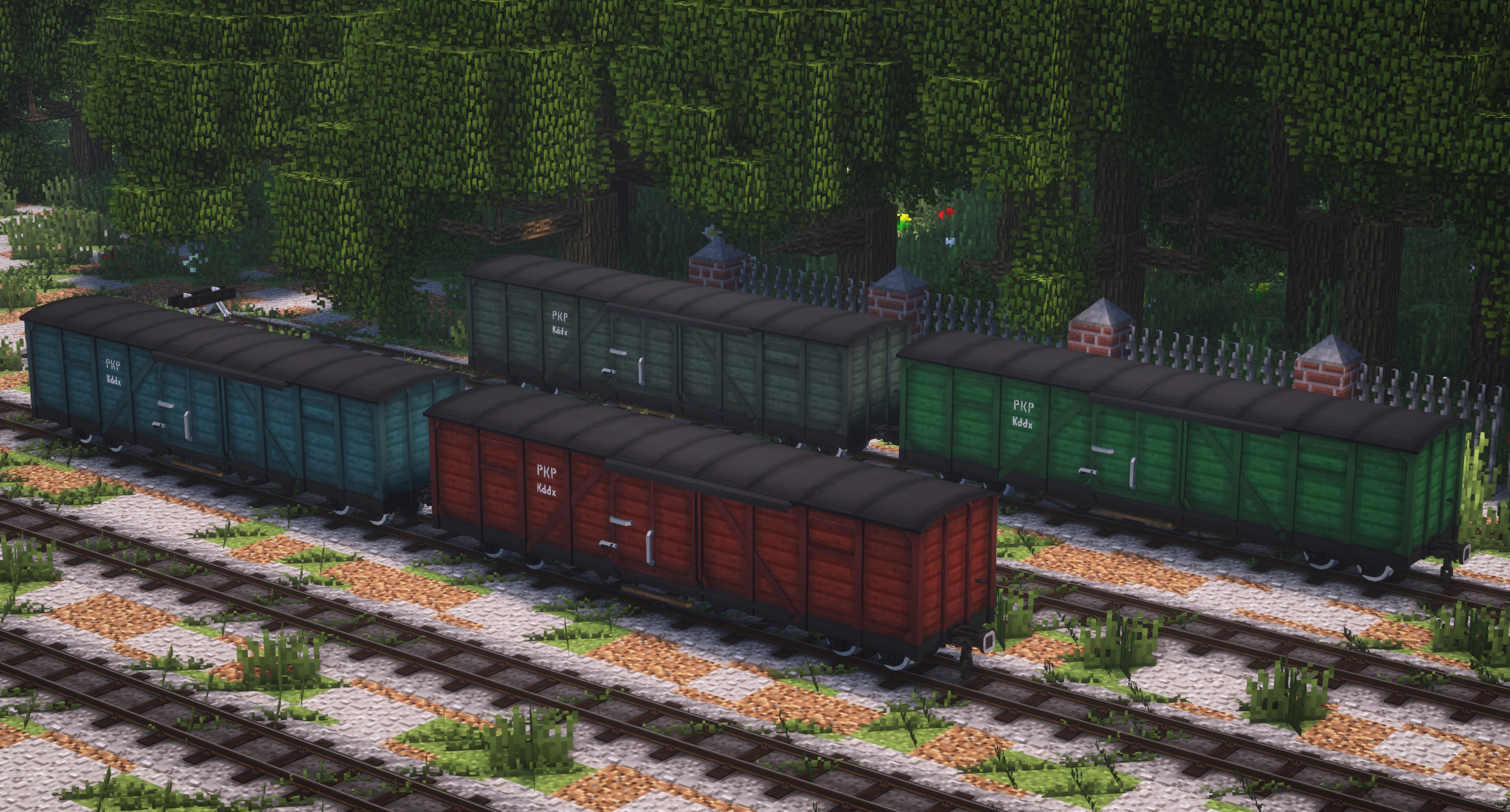
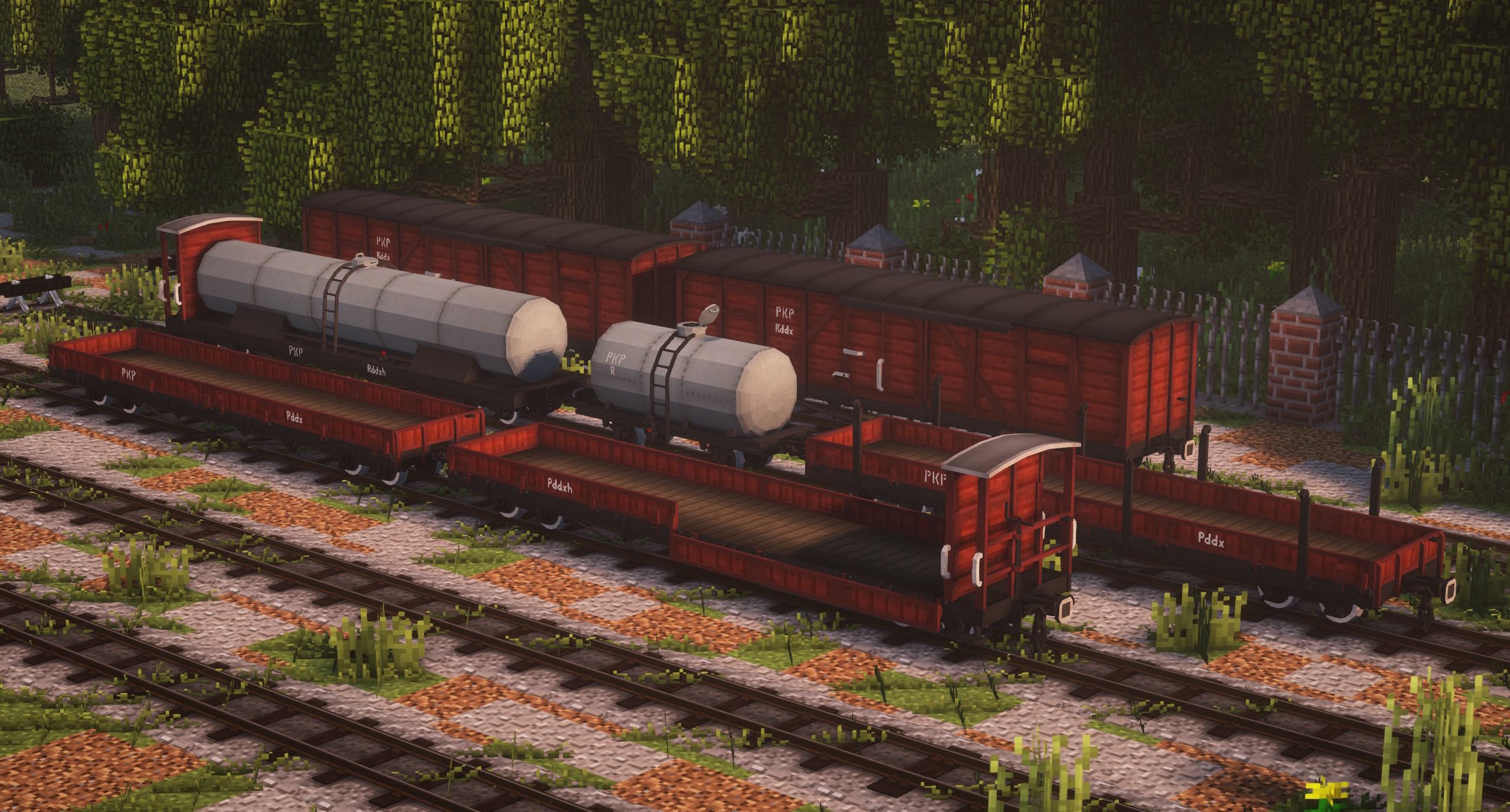
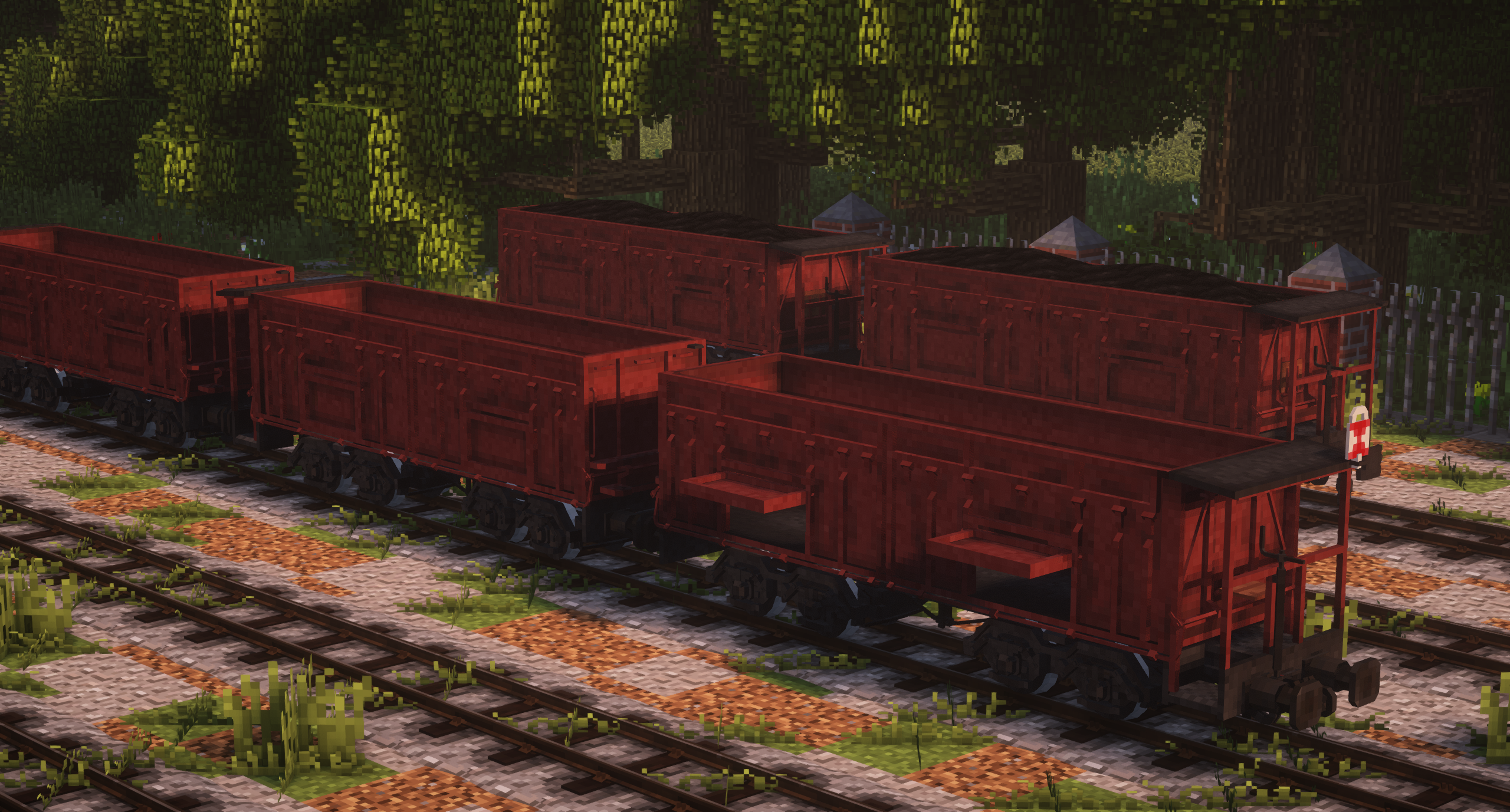
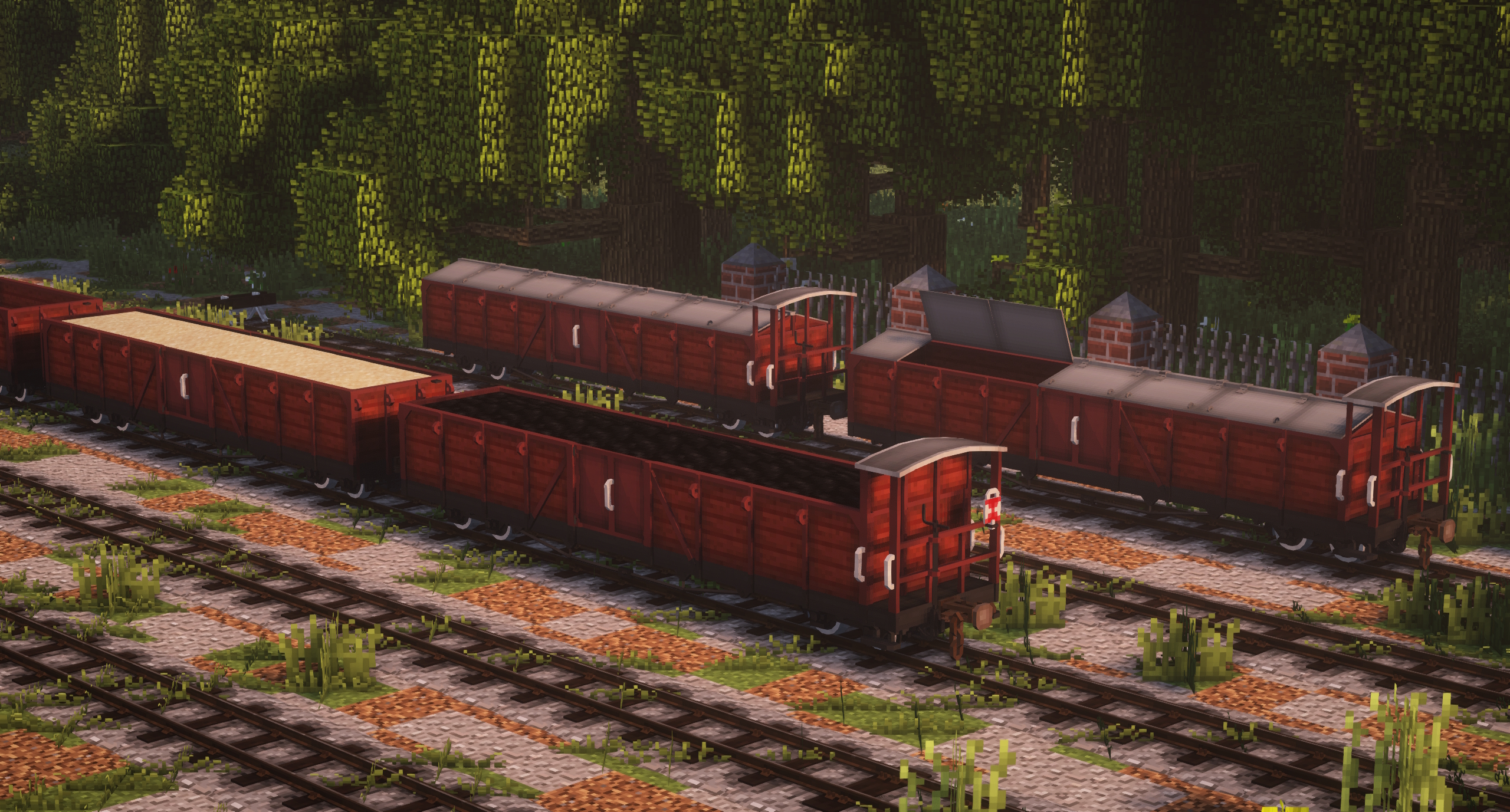
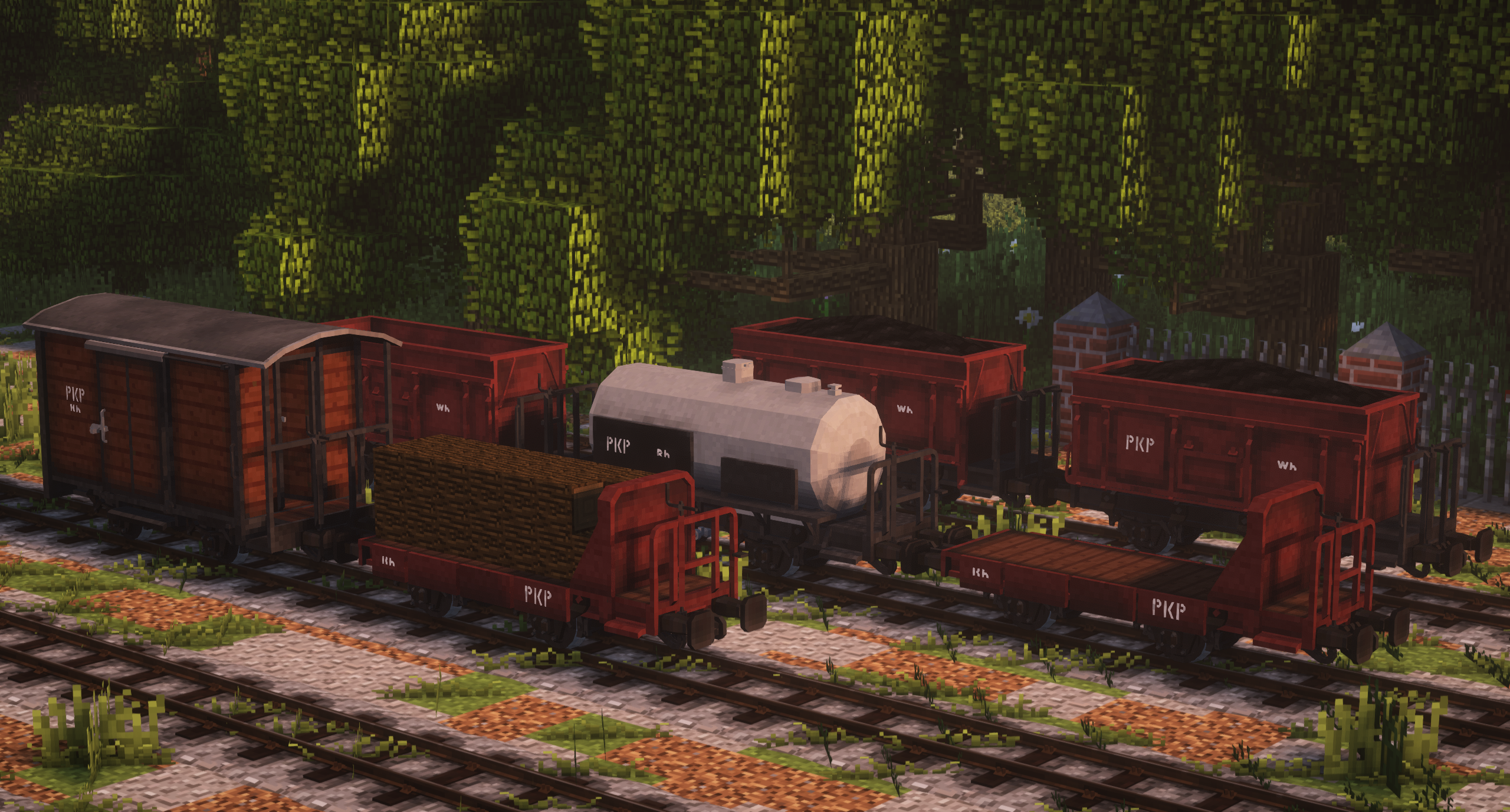
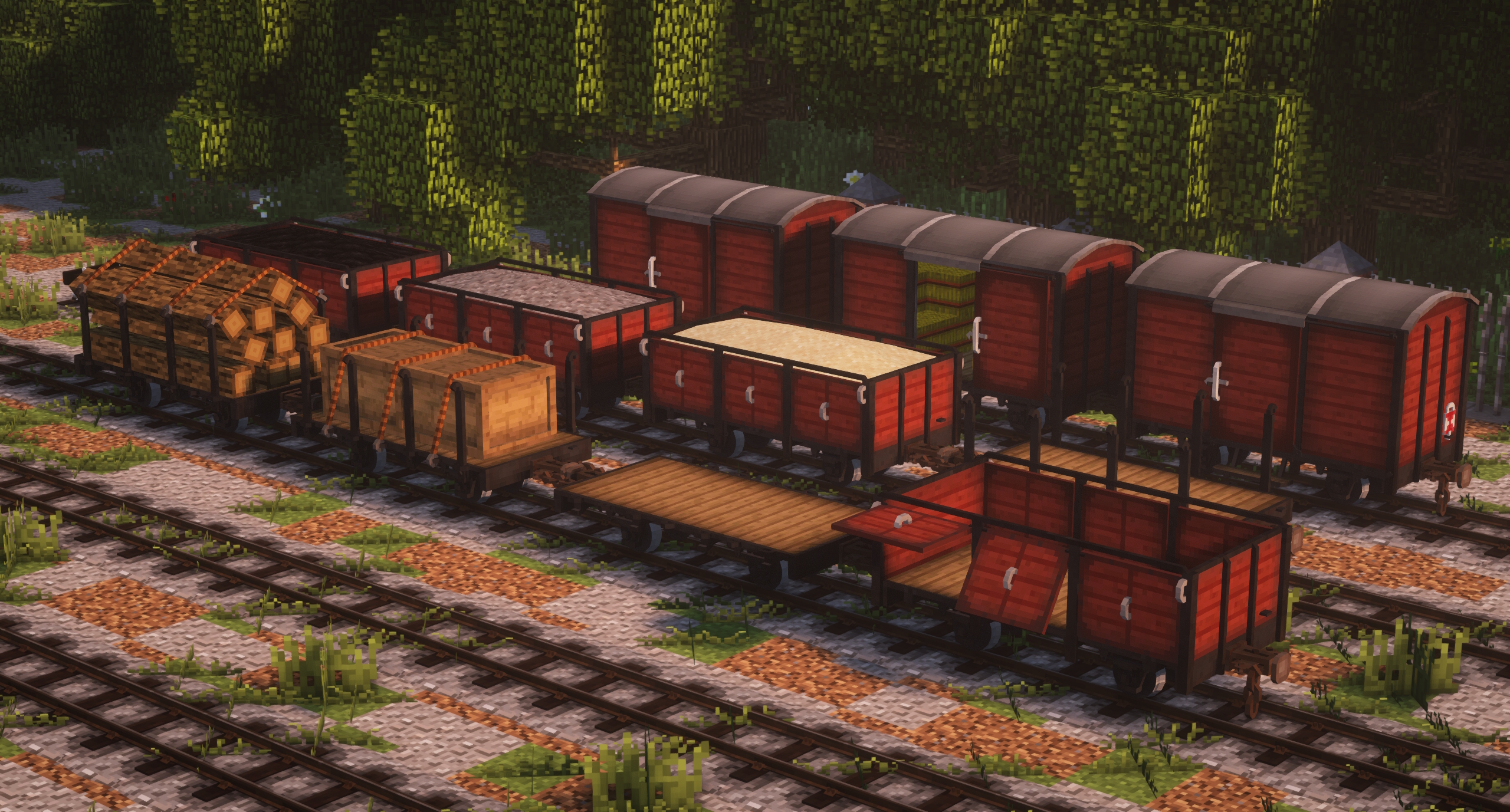
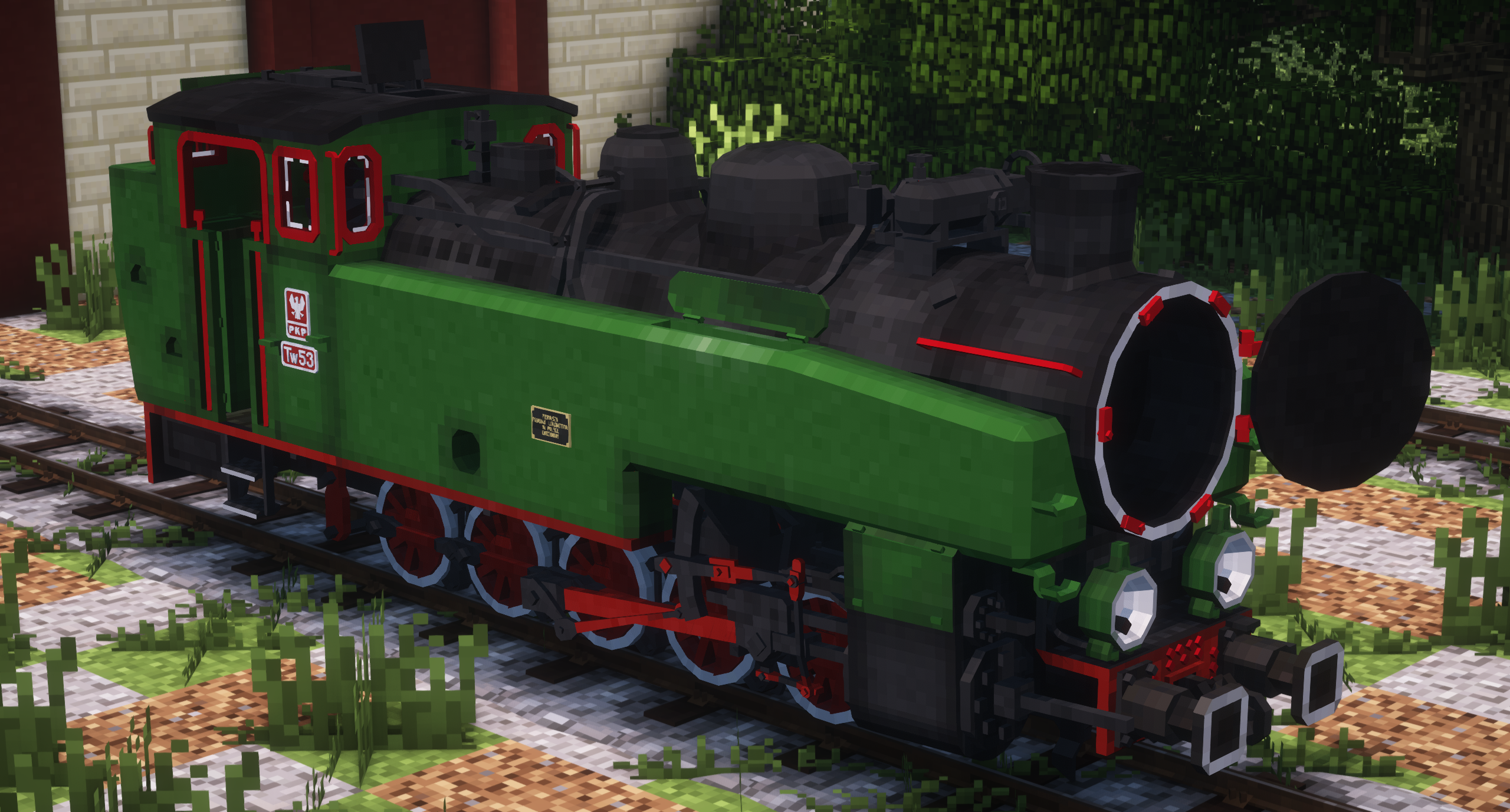
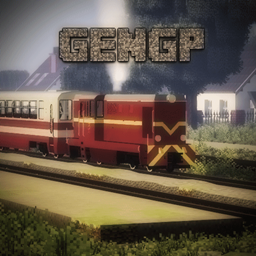
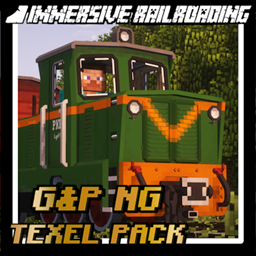
Geniu1999 & PeterTheRam Narrow Gauge Texel Pack is a resource pack for the Immersive Railroading mod that adds Polish narrow gauge railway rolling stock and tracks to the game.

All models that can be found in the resource pack are made in Texel style with 16px textures, which allows to keep the Minecraft graphic style. In addition, the models have interactive elements and their own crafting, which means you can use it in survival world.


IMPORTANT
This resource pack requires Immersive Railroading 1.10.0 or newer


Current rolling stock included in the pack:

Locomotives: 
⦁ Lxd2 785/750mm
⦁ Lyd1 785/750mm
⦁ T49 Ryś 750mm
⦁ TKb27 Ryś 785mm
⦁ Tw53 785mm

Freight wagons: 
⦁ Wddxh 750mm
⦁ Swddxh 750mm
⦁ Wddx 750mm
⦁ K 750mm
⦁ P 750mm
⦁ W 750mm
⦁ Kh 785mm
⦁ Wh 785mm
⦁ Ph 785mm
⦁ Wddxh 785mm/750mm

Tanker wagons: 
⦁ Rh 785mm


Feel free to join our Discord, which can be found here: https://discord.gg/EguYeaFGd3 . Come and witness the ongoing development of the resource pack, share your ideas and feedback with us, or seek assistance in case of any issues.

G_P_Narrow_Gauge_Texel_Pack_V1.0.4.zip
MC 1.16.5, 1.12.2
Release 2025-06-08 Get
G_P_Narrow_Gauge_Texel_Pack_V1.0.3.zip
MC 1.16.5, 1.12.2
Release 2024-01-21 Get
G_P_Narrow_Gauge_Texel_Pack_V1.0.2.zip
MC 1.16.5, 1.12.2
Release 2023-10-11 Get
G_P_Narrow_Gauge_Texel_Pack_V1.0.1.zip
MC 1.12.2
Release 2023-07-30 Get
G_P_Narrow_Gauge_Texel_Pack_V1.0.0.zip
MC 1.12.2
Release 2023-07-04 Get

Requirements & install

How to use this resource pack in Minecraft
Resolution
16x
Minecraft
1.12.2 – 1.16.5
Install folder
.minecraft/resourcepacks

How to install resource packs

  1. Download the resource pack .zip file (do not extract it).
  2. In Minecraft open Options → Resource Packs → Open Pack Folder.
  3. Drop the .zip into the resourcepacks folder (.minecraft/resourcepacks).
  4. Move the pack to the Selected column and click Done.
Browse more: 16x resource packs 32x resource packs 64x resource packs 128x resource packs 256x resource packs 512x+ resource packs Resource Packs for 1.16.5 All resource packs

More from GeniuszZla41

Advertisement Remove ads with Premium →

You Might Also Like