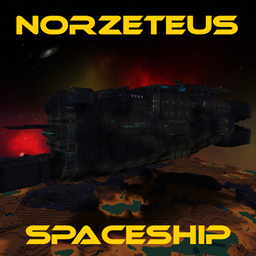
Updated to vers. 26.2
Sorry it took so long, but I kept hoping that Optifine would finally be finished......?
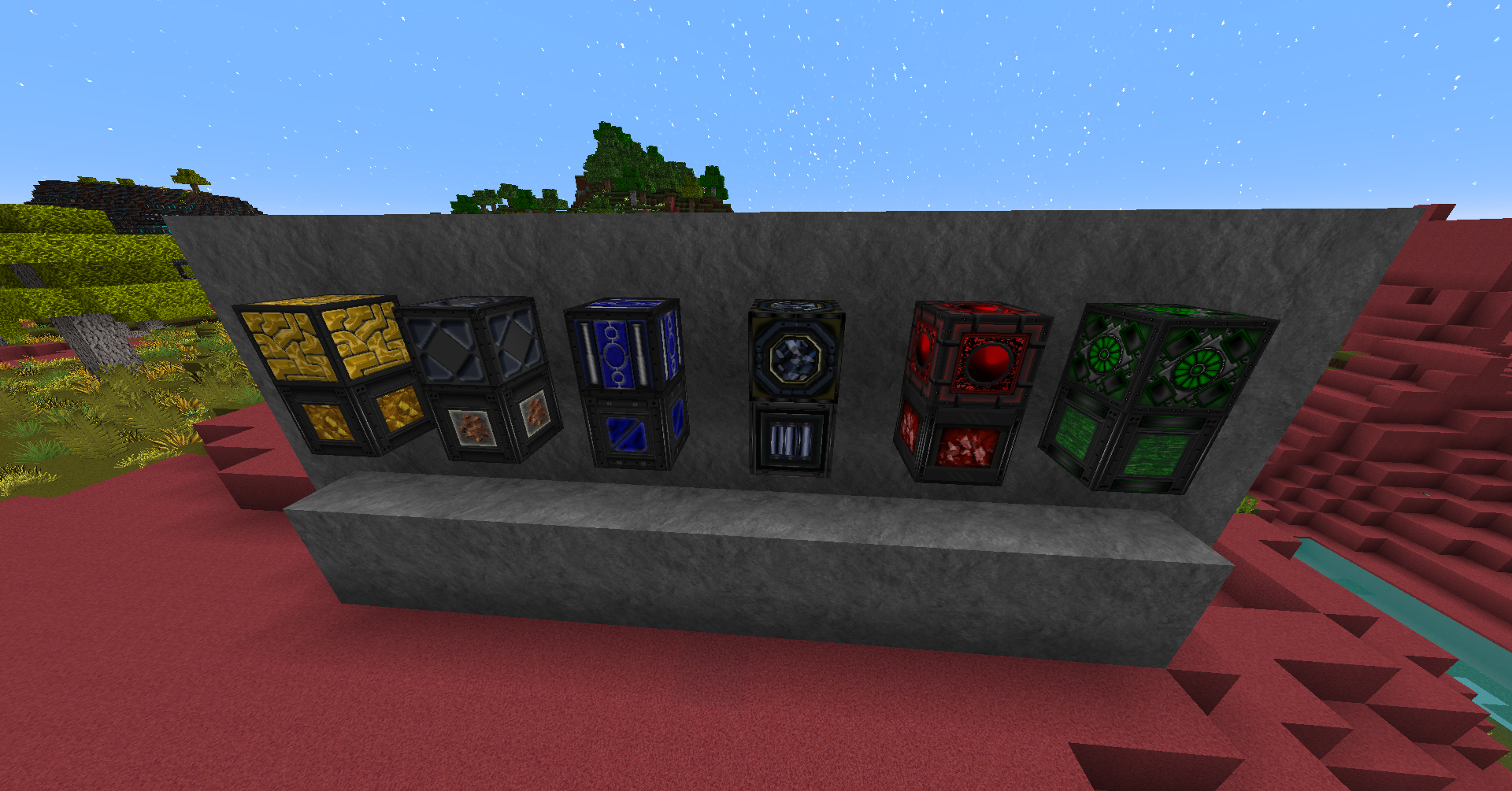
Added: cinnabar, cinnabar_bricks, polished_cinnabar, chiseled_cinnabar,
sulfur, sulfur_bricks, polished_sulfur, chiseled_sulfur_bricks,
Had to Change textures from chests, some cold- and warm- entyties don`t work
in optifine 26.1.2...
I recommend to use the modrinth app (Fabulously Optimized) for ctm and optifine features in the meanwhile,
works great in vers.26.2, until optifine has updated..
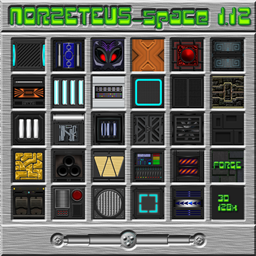
Hello, dear minecrafters! My name is Norzeteus and I want to invite you to have a look
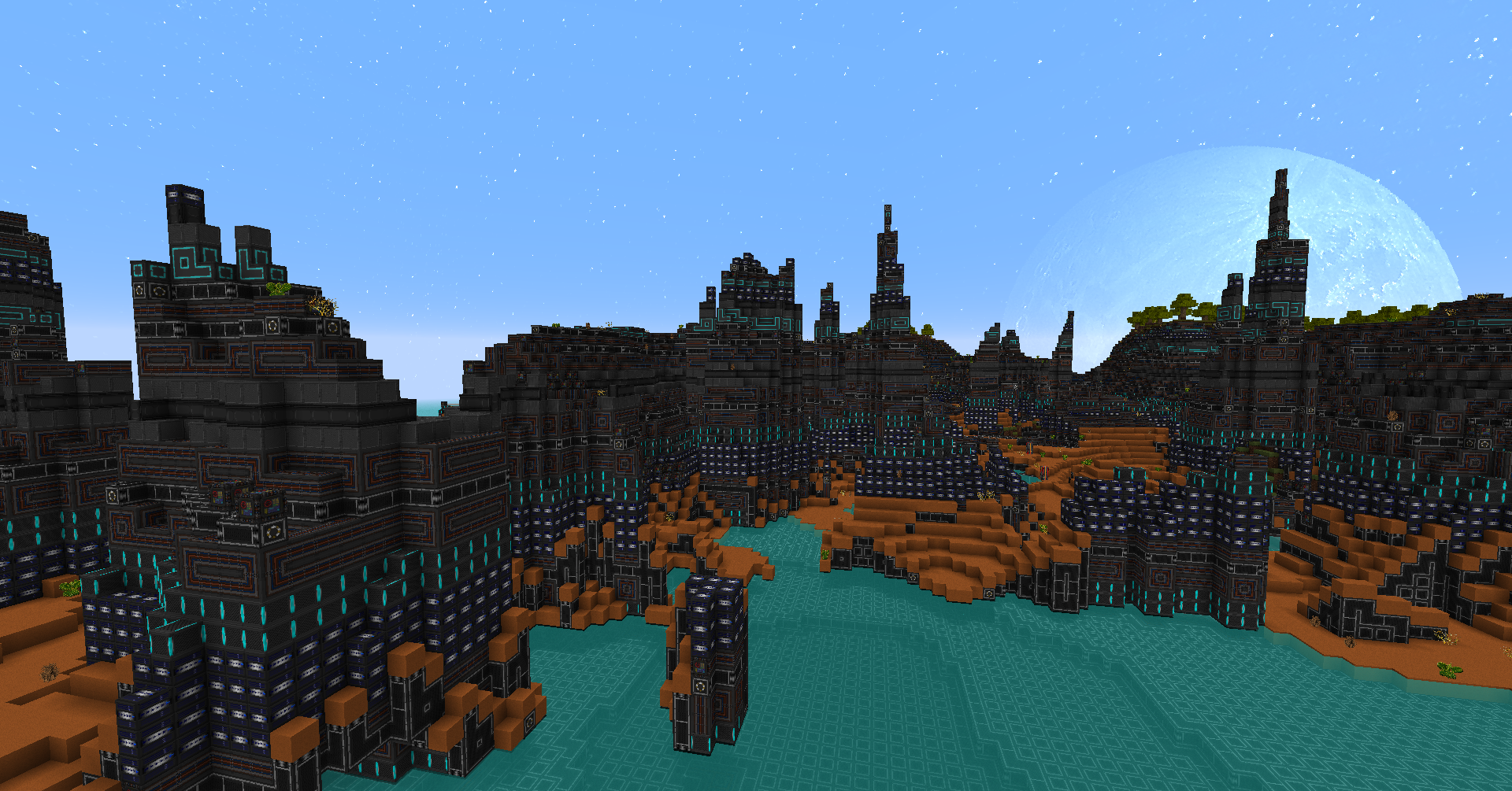
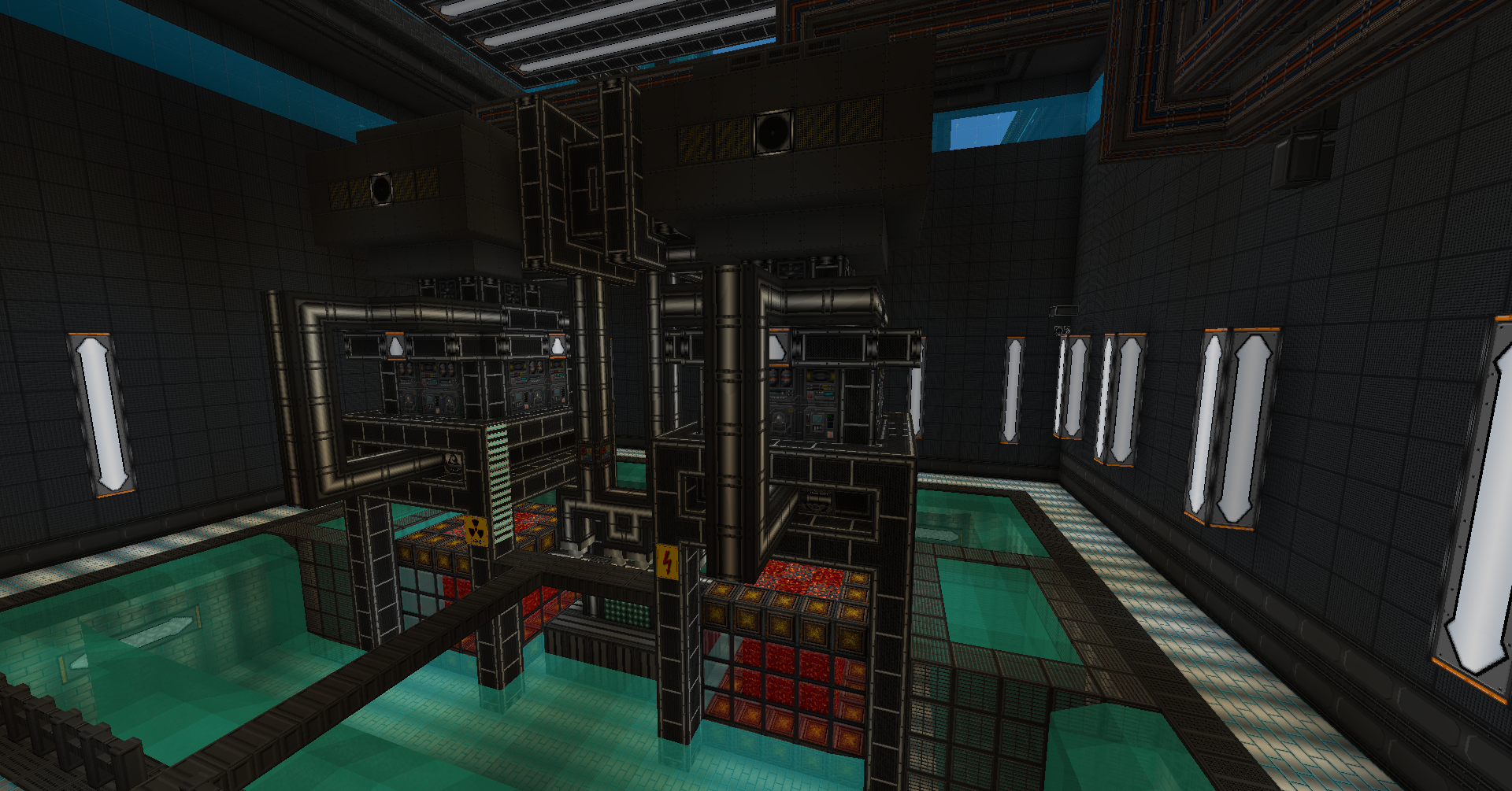
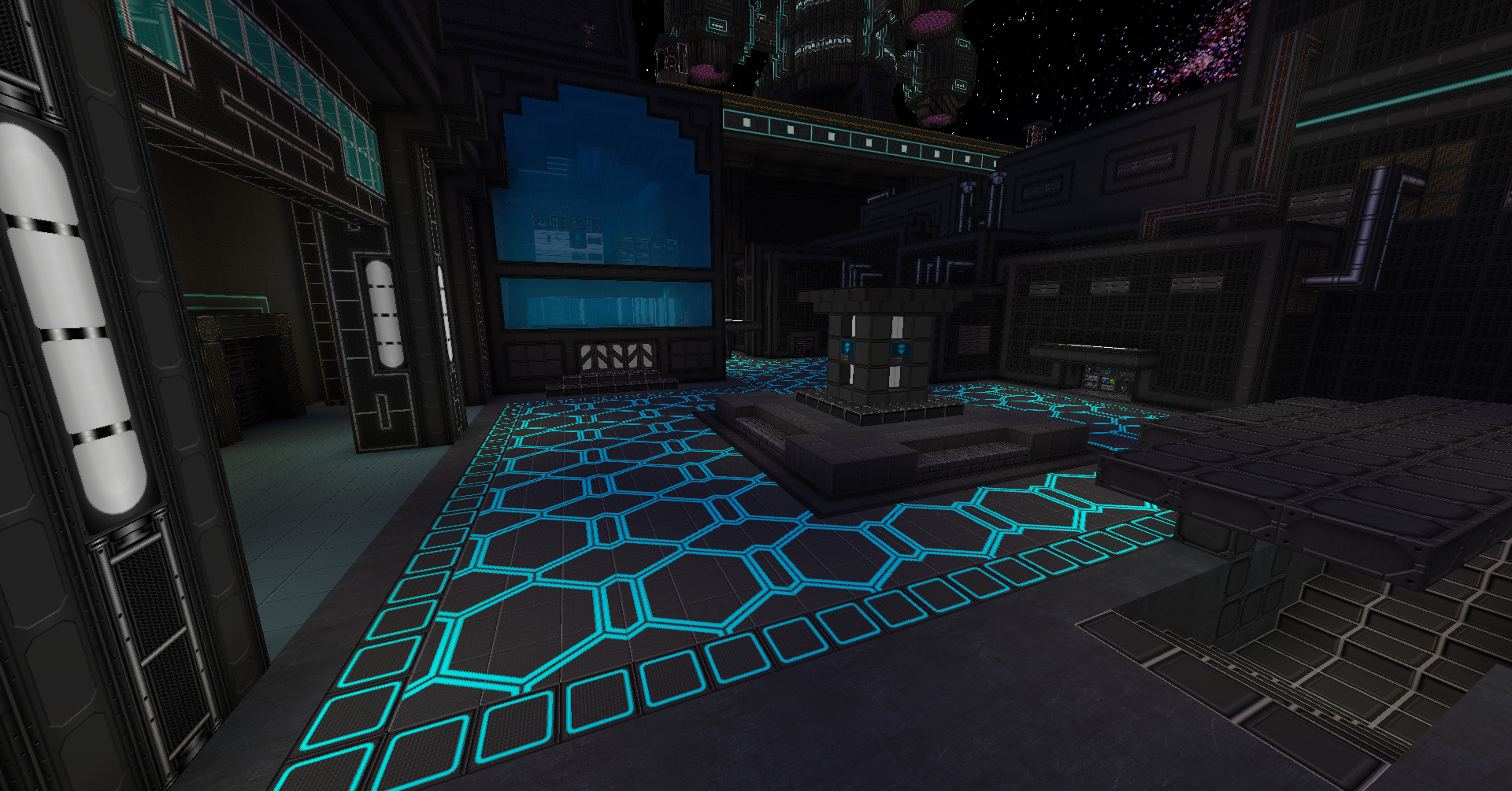
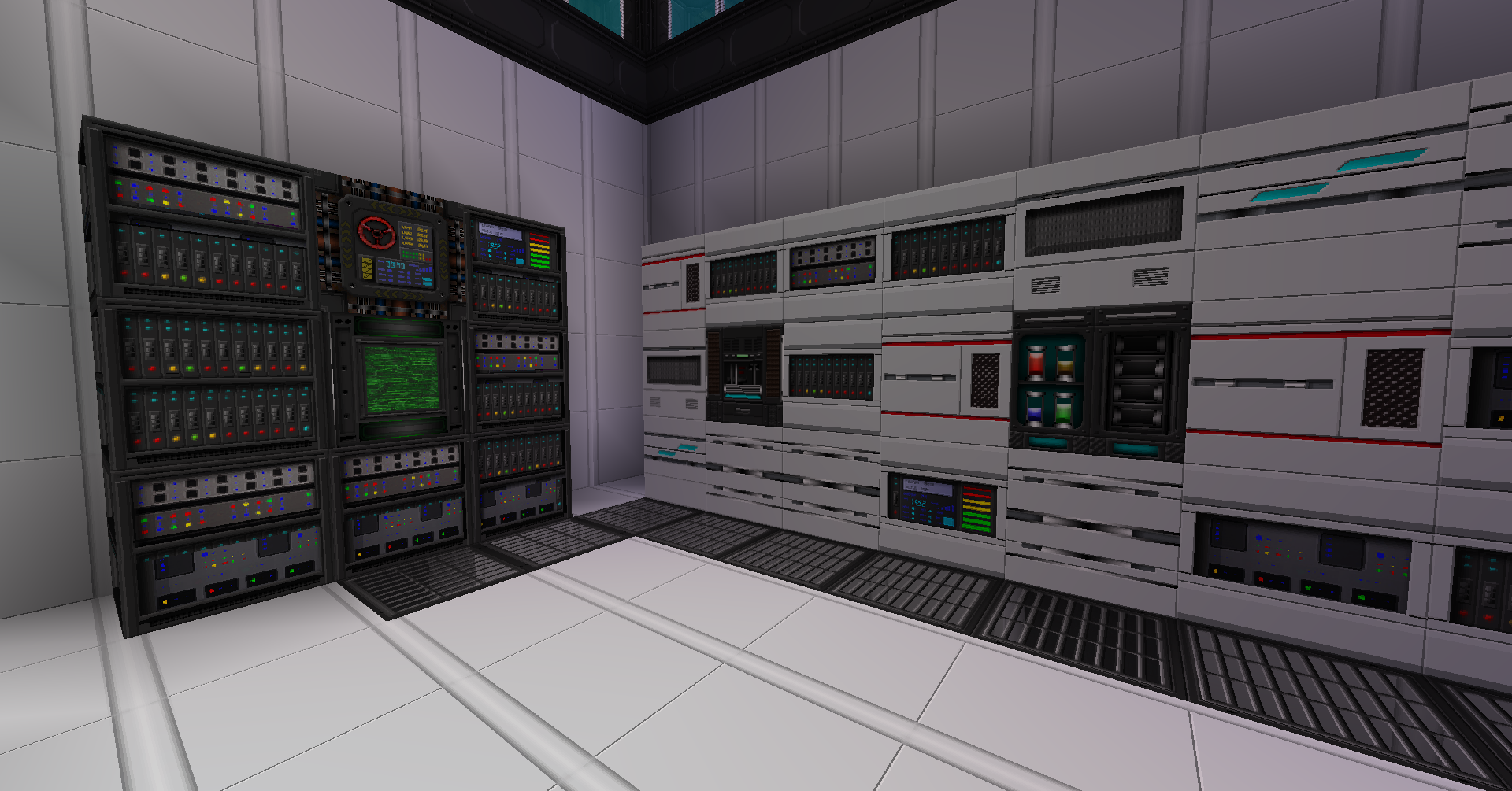
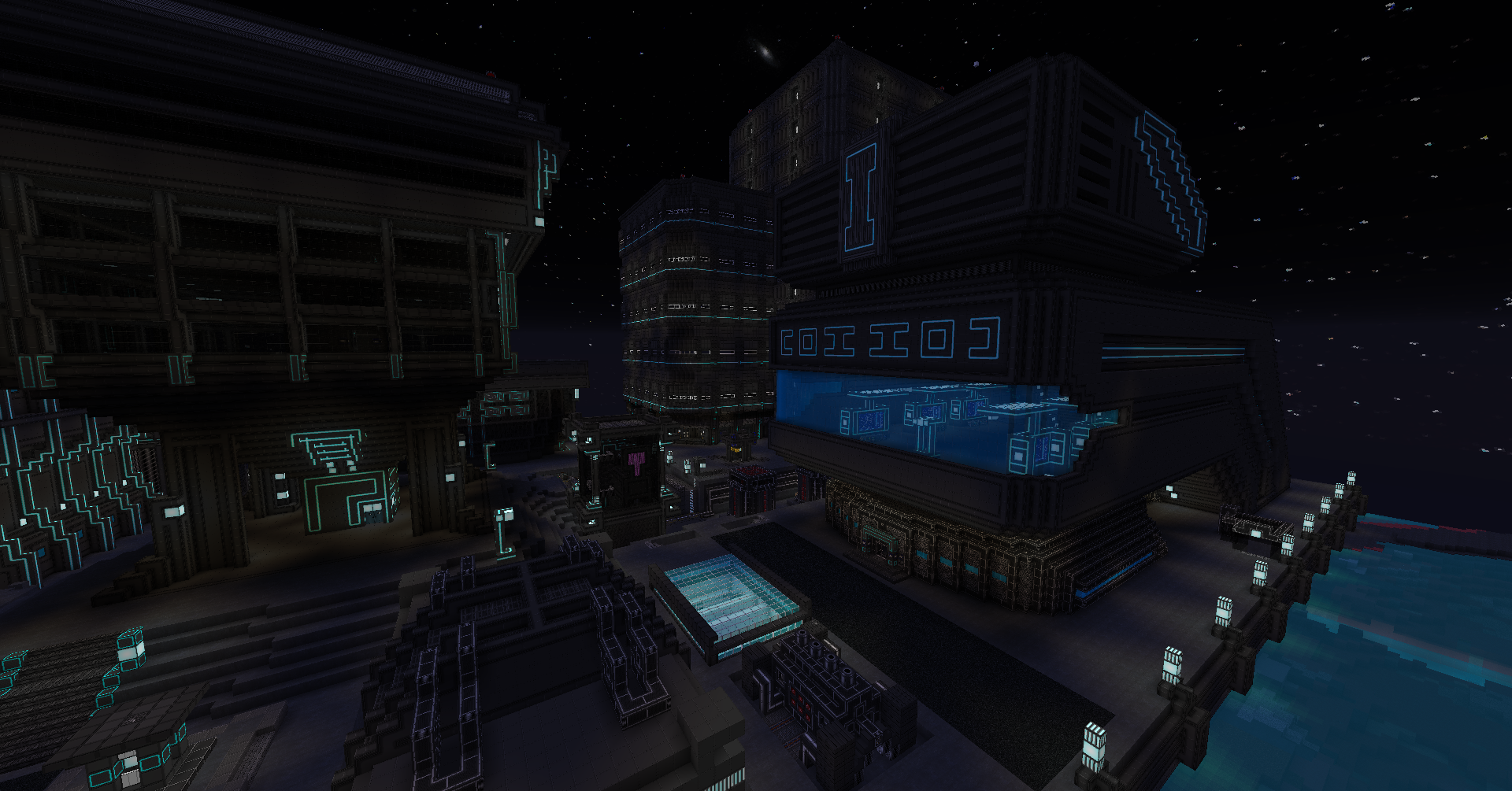
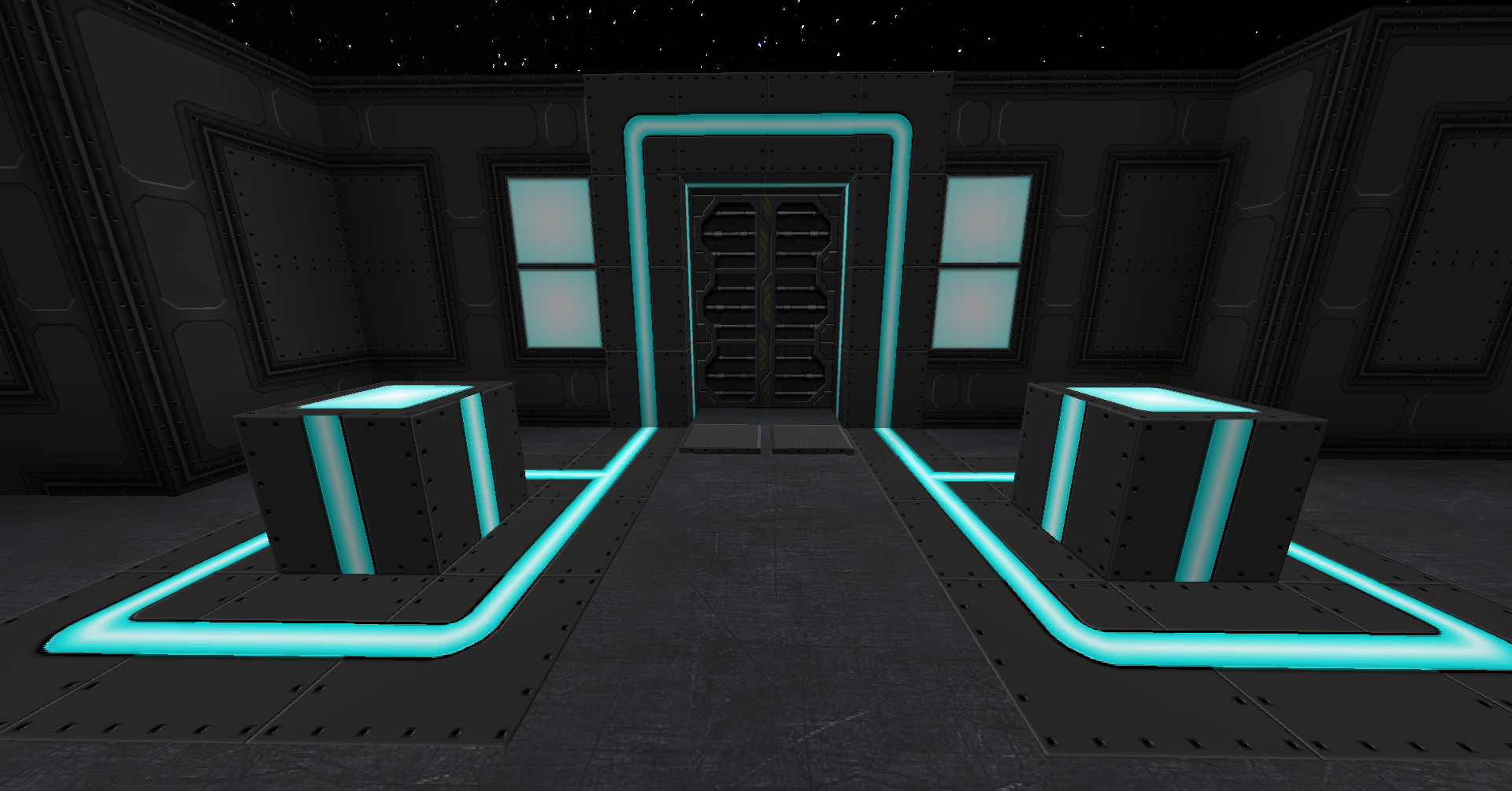
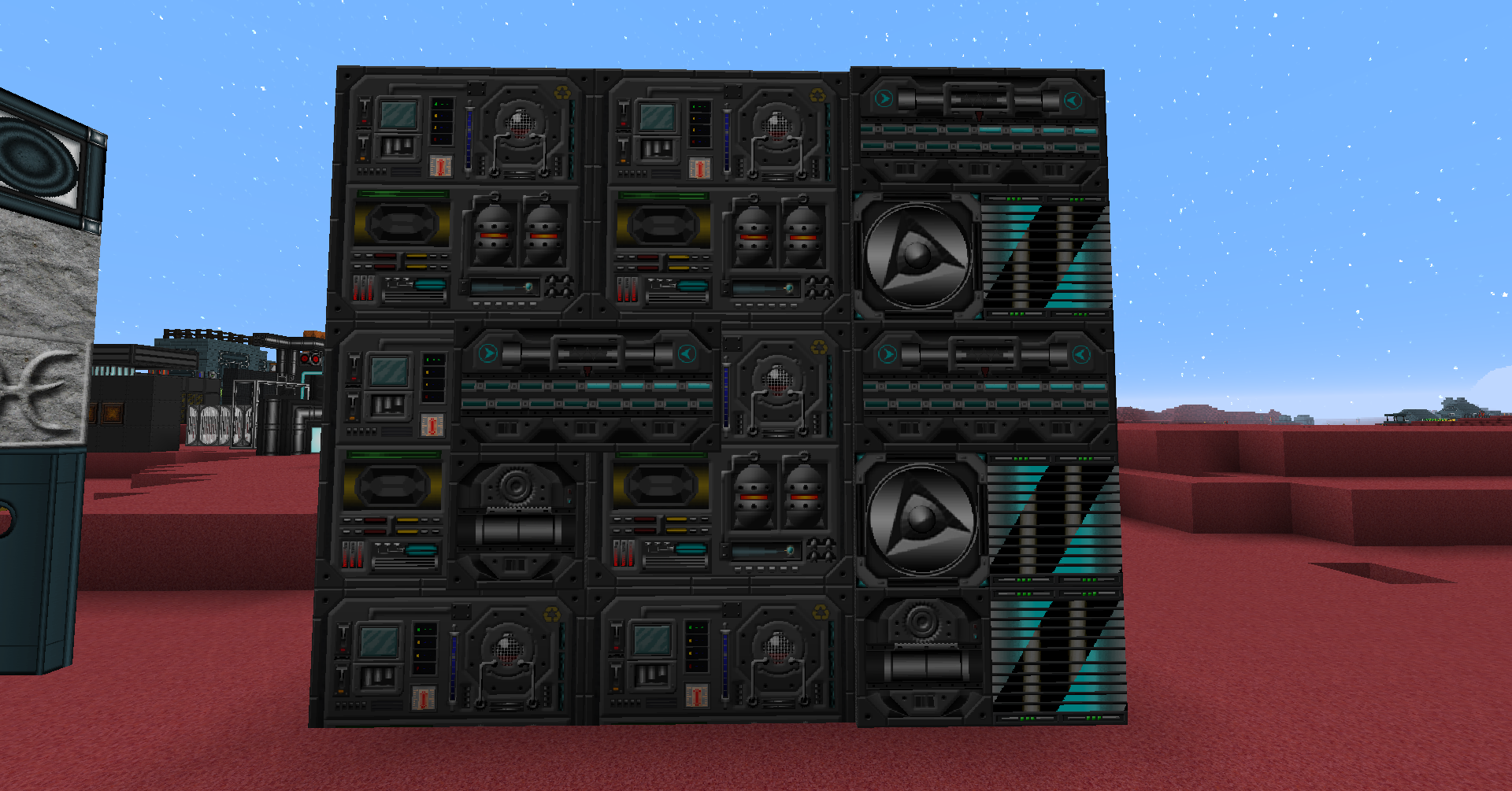
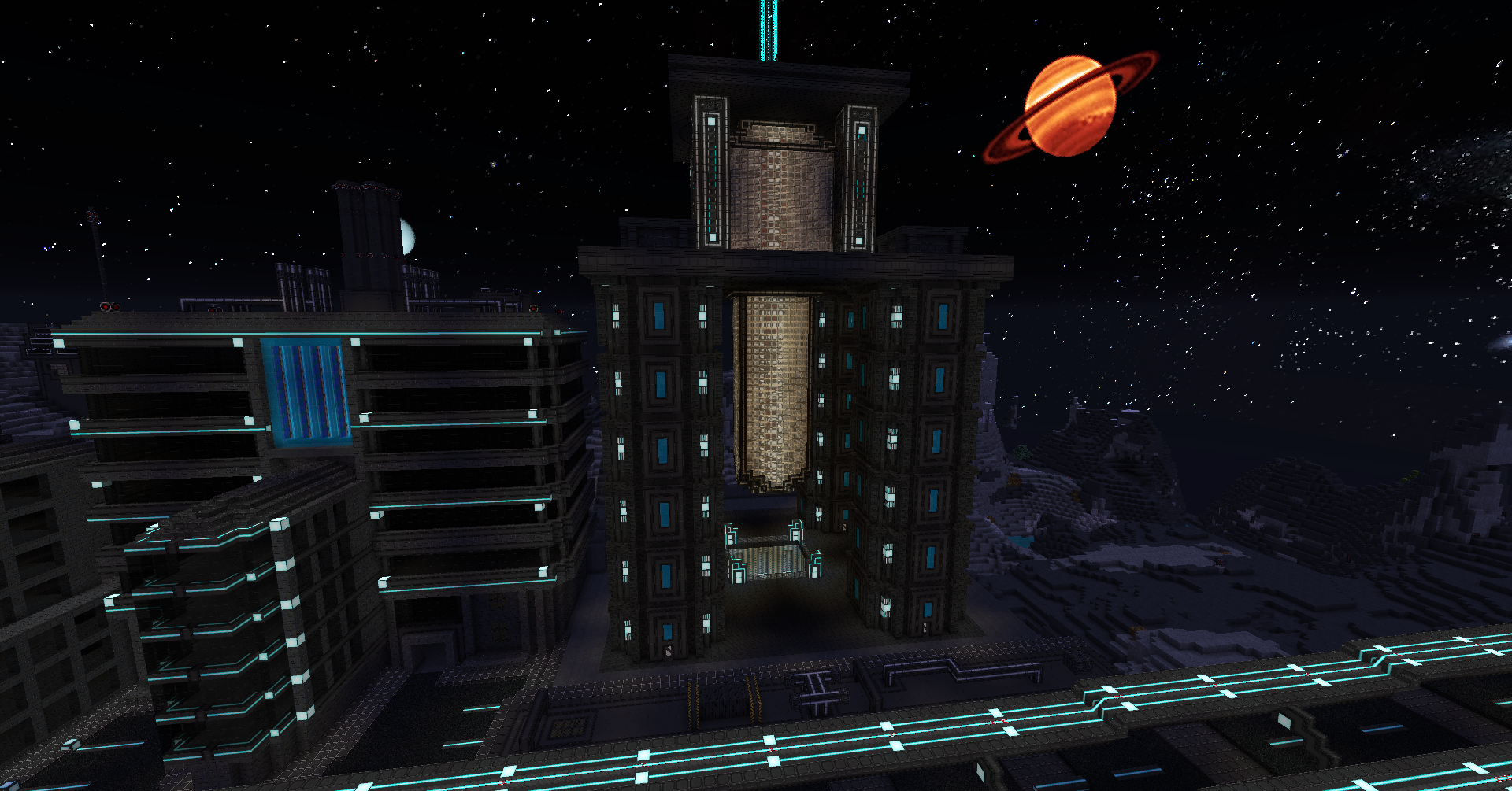
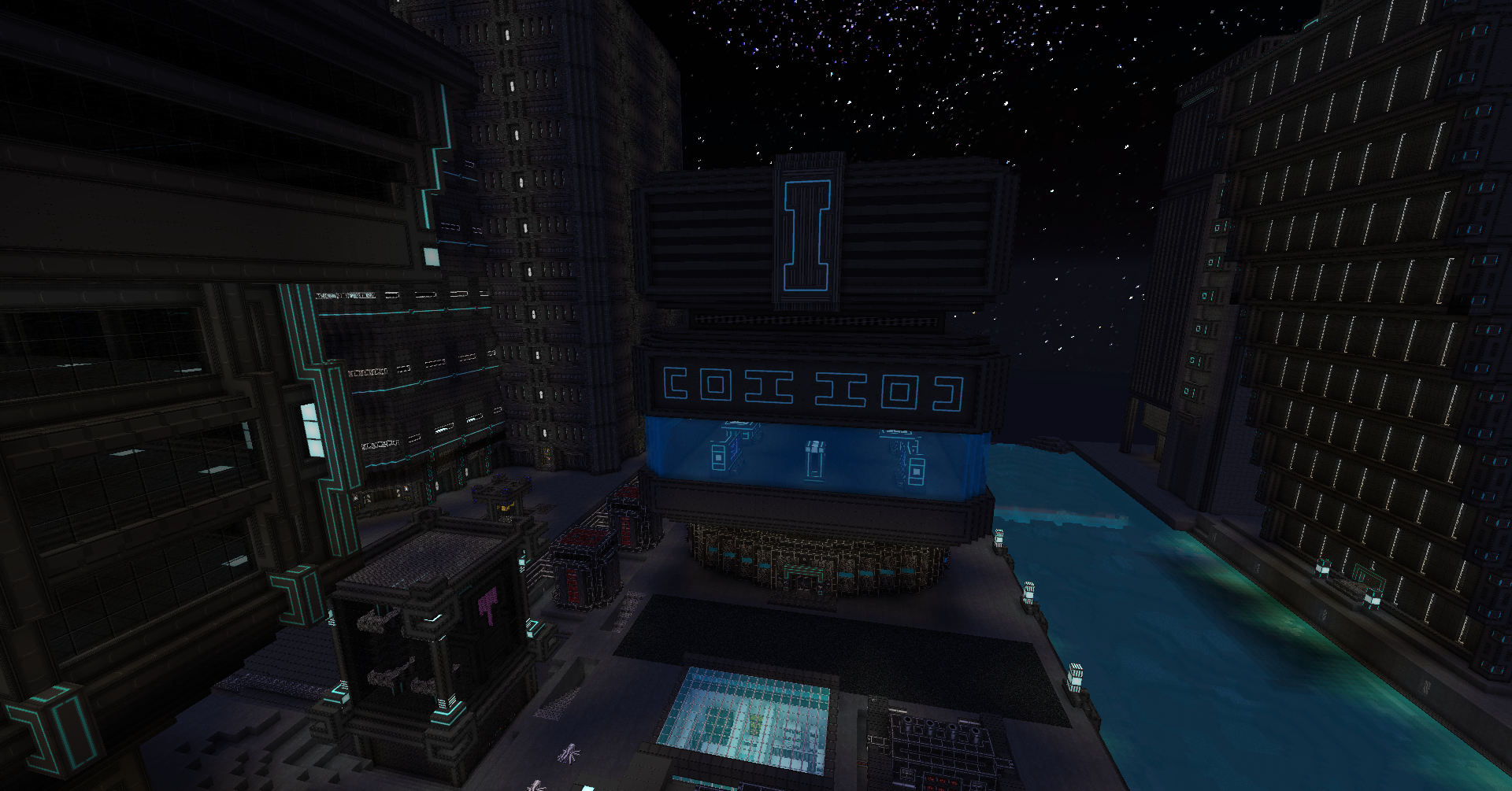
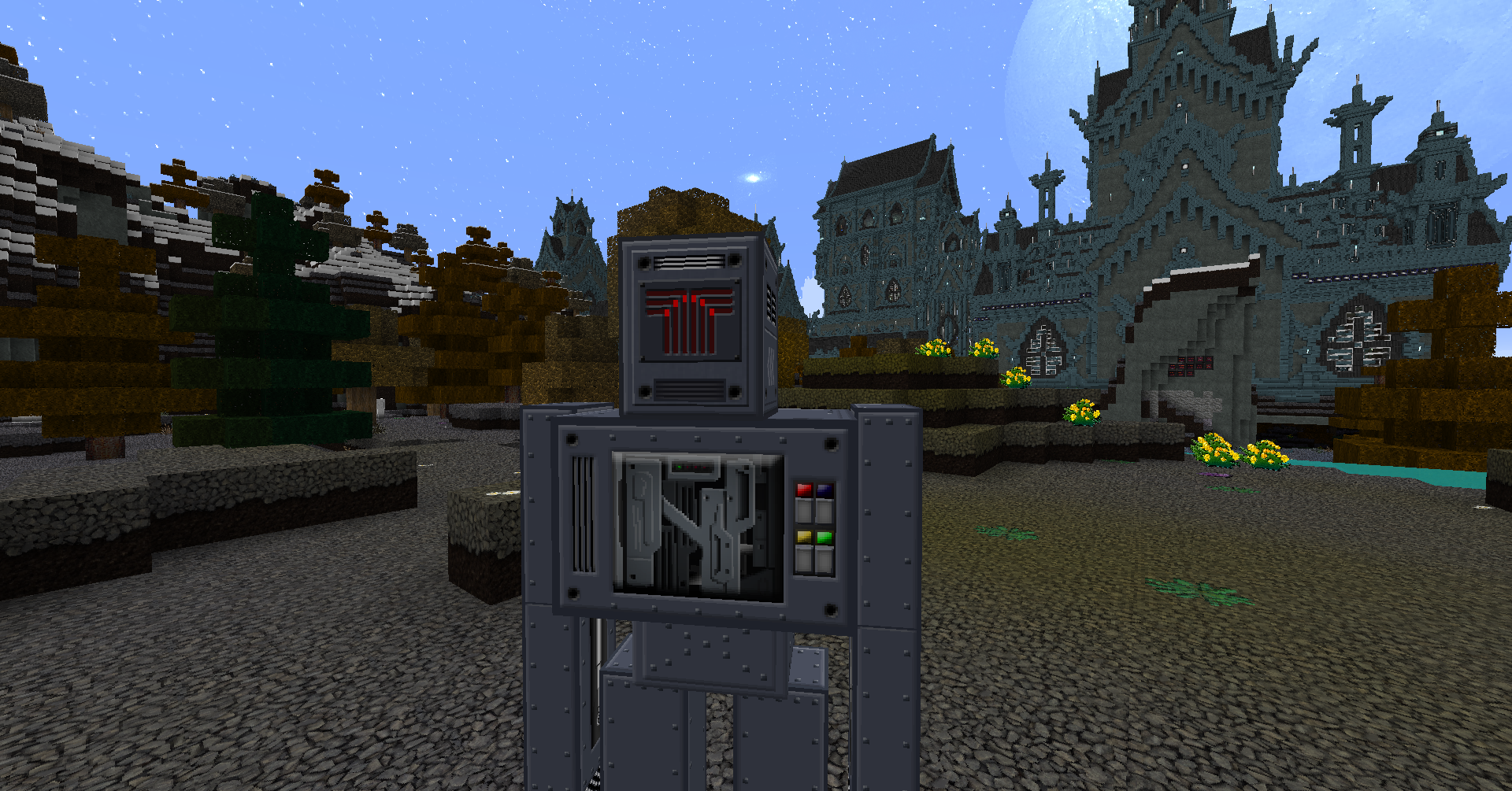
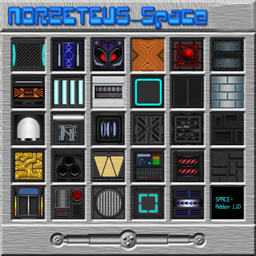
at my new resourcepack "Space".It was a challenge for me to create textures with a futuristic style
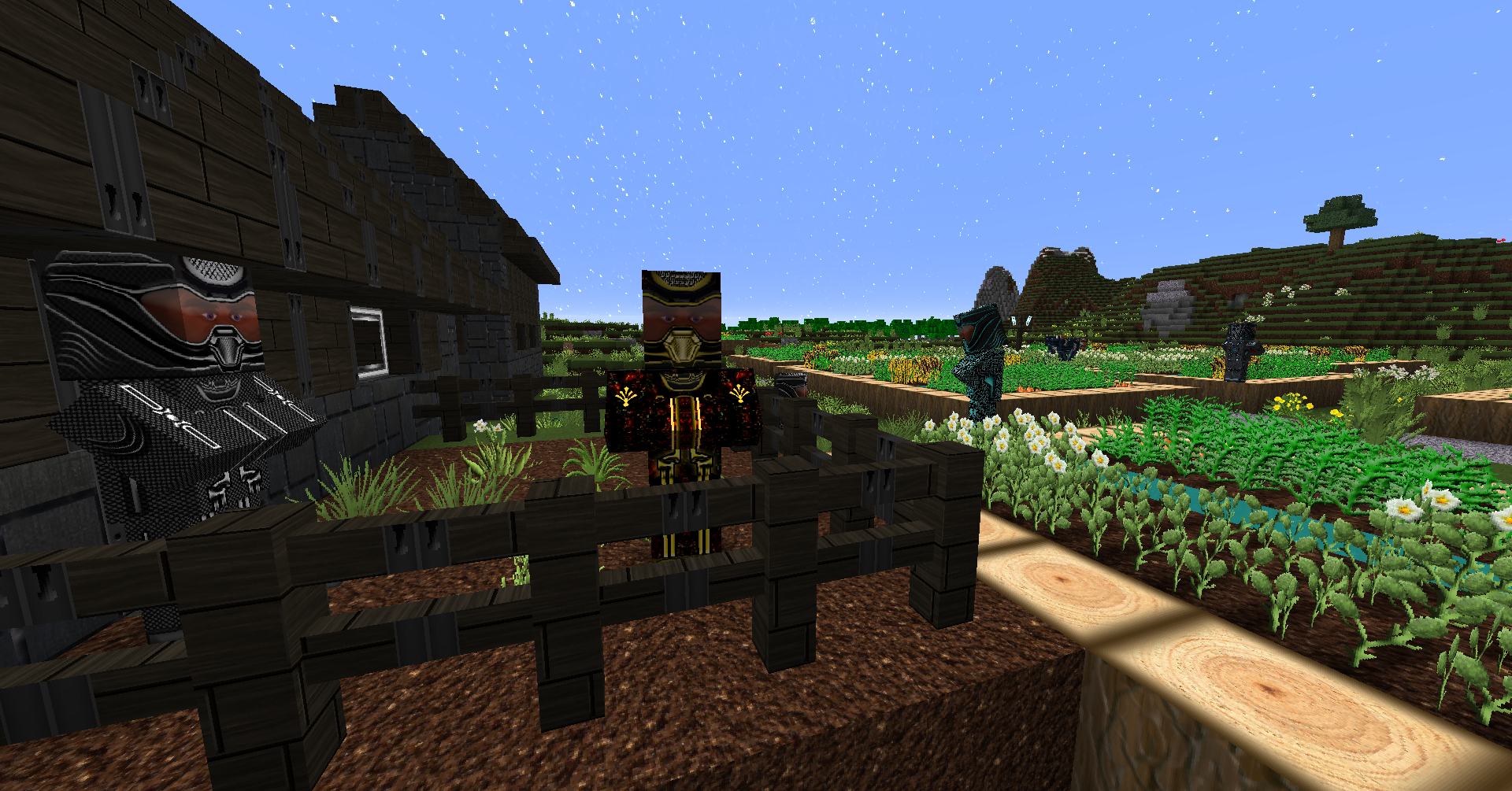
(inspired by Tron Legacy),a touch of "retro look" at the gui`s, a "normal living and crafting" ingame
and to mix this options together.I hope, I have been successful....
Once downloaded, the texture pack zip goes in the Minecraft resources folder, and like most HD texture packs,
Requires Optifine, for correct working or a similar mod is absolutely necessary, please select the relevant file!
This resourcepack is compatible to all my other datapacks!
" Space - Extended - ForgeMod" (only vers 1.12) (Optifine required!)
Get it here:https://minecraft.curseforge.com/projects/space-extended-mod/files
Read Instructions inside!
https://www.curseforge.com/minecraft/worlds/norzeteus-space-buildings-bundle
https://www.curseforge.com/minecraft/texture-packs/norzeteus-space-1-8-1-12-addon-128x/files
Link Optifine:
https://optifine.net/downloads
YouTube:
https://www.youtube.com/watch?v=Raf2ap3Uk3E&list=UUajSJ1HMDs1E9MAfzF2pLJQ