Mineuniverse
Resource Packs
Fusion Connected Glass Compat

Fusion Connected Glass Compat

RESOURCE PACK
Adds compatibility between Fusion Connected Glass and other mods.
by Alfakynz
Download Claim this project
4,909 downloads
0 likes
0 followers
Updated Oct 14, 2026
0 hypes
Follow0
16x
Advertisement Remove ads with Premium →

🔗 Fusion Connected Glass Compat

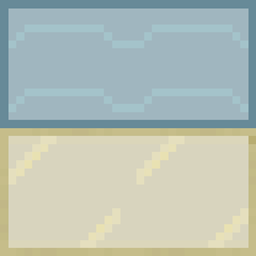
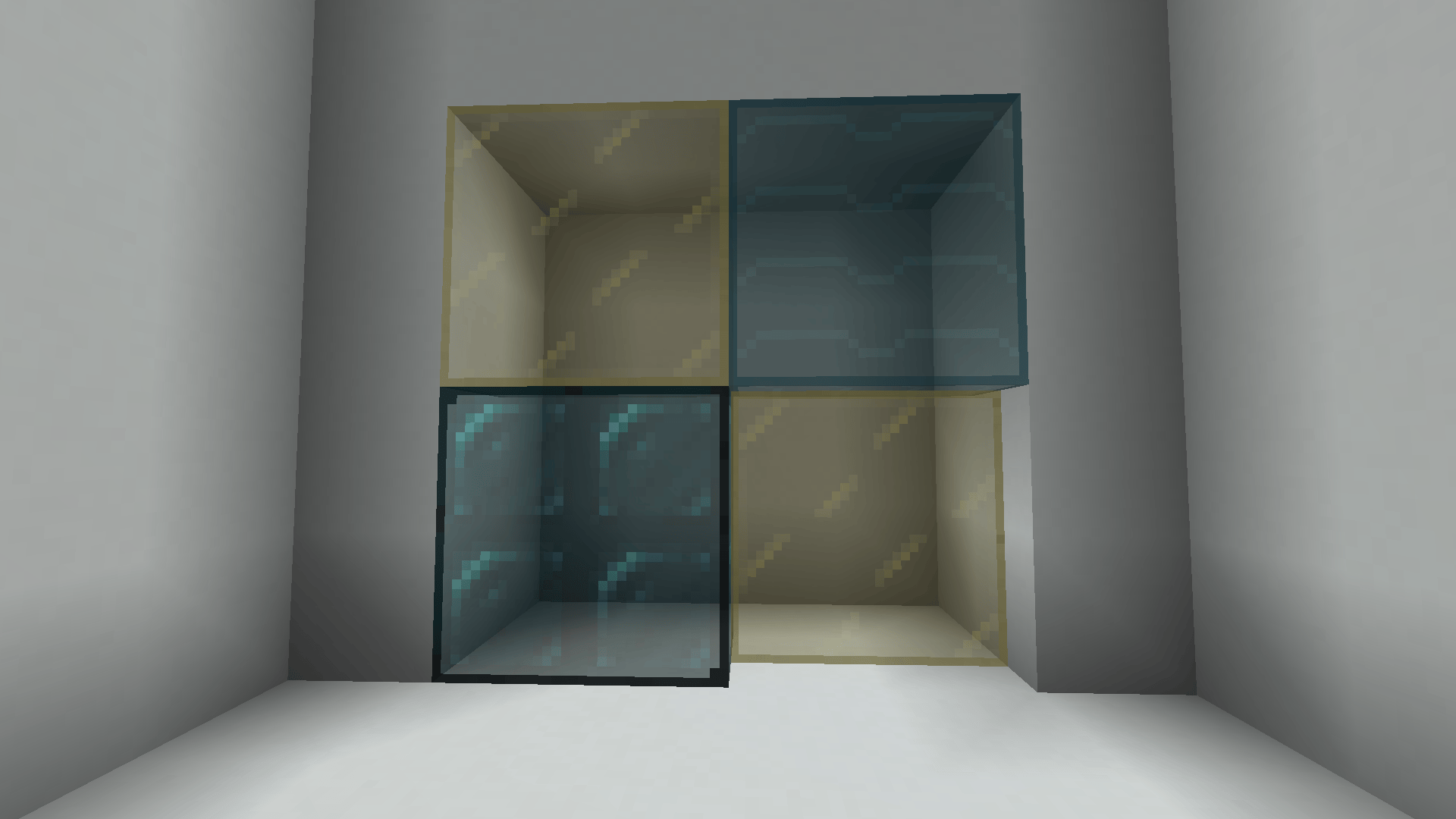
Fusion Connected Glass Compat (FCG Compat) adds compatibility between the Fusion Connected Glass and other mods.

✨ Compatibility

⚙️ Requirements

You also need the following mod and resource pack for it to work properly:

🚀 Planned Features

Nothing for now, but feel free to suggest any feature you want!

🙏 Credits

And a big thanks as well to every other mod creator!! Your mods make the game even more amazing.

📦 Modpack

Feel free to include Fusion Connected Glass Compat in modpacks.

🌐 Looking for a server? Support me at the same time!

Want to play with friends? Get your own server with Wabbanode.

Use the code WILDLIGHT to support me and get 25% off.

Wabbanode server

FCG-Compat.zip
MC 1.21, 1.20.2, 1.21.8, 1.20.5, 1.21.5, 1.21.4, 1.20.1, 1.20, 1.20.6, 1.21.1, 1.21.6, 1.21.3, 1.21.7, 1.20.4, 1.20.3, 1.21.2, 1.21.9, 1.21.10, 1.21.11, 26.1, 26.1.1, 26.1.2
Release 2026-10-13 Get
FCG-Compat.zip
MC 1.21, 1.20.2, 1.21.8, 1.20.5, 1.21.5, 1.21.4, 1.20.1, 1.20, 1.20.6, 1.21.1, 1.21.6, 1.21.3, 1.21.7, 1.20.4, 1.20.3, 1.21.2, 1.21.9, 1.21.10, 1.21.11, 26.1, 26.1.1, 26.1.2
Release 2026-03-01 Get
FCG-Compat.zip
MC 1.21, 1.20.2, 1.21.8, 1.20.5, 1.21.5, 1.21.4, 1.20.1, 1.20, 1.20.6, 1.21.1, 1.21.6, 1.21.3, 1.21.7, 1.20.4, 1.20.3, 1.21.2, 1.21.9, 1.21.10, 1.21.11
Release 2026-01-11 Get
FCG-Compat.zip
MC 1.21, 1.20.2, 1.21.8, 1.20.5, 1.21.5, 1.21.4, 1.20.1, 1.20, 1.20.6, 1.21.1, 1.21.6, 1.21.3, 1.21.7, 1.20.4, 1.20.3, 1.21.2, 1.21.9, 1.21.10, 1.21.11
Release 2026-01-10 Get

Requirements & install

How to use this resource pack in Minecraft
Resolution
16x
Minecraft
1.21.7 – 26.1.2
Install folder
.minecraft/resourcepacks

How to install resource packs

  1. Download the resource pack .zip file (do not extract it).
  2. In Minecraft open Options → Resource Packs → Open Pack Folder.
  3. Drop the .zip into the resourcepacks folder (.minecraft/resourcepacks).
  4. Move the pack to the Selected column and click Done.
Browse more: 16x resource packs 32x resource packs 64x resource packs 128x resource packs 256x resource packs 512x+ resource packs Resource Packs for 26.1.2 All resource packs

More from Alfakynz

Advertisement Remove ads with Premium →

You Might Also Like