Mineuniverse
Resource Packs
Full Blue Netherite & Ancient Debris

Full Blue Netherite & Ancient Debris

RESOURCE PACK
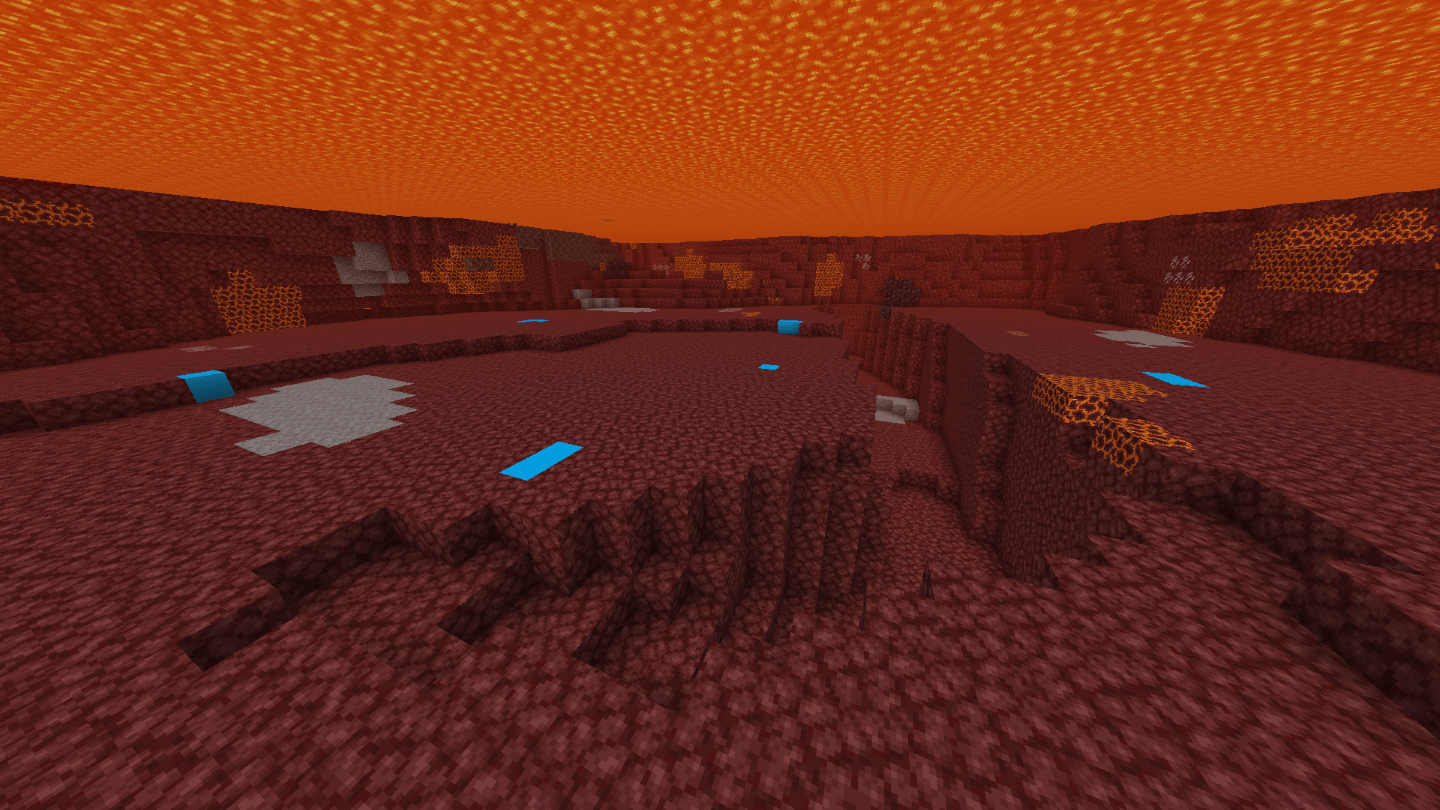
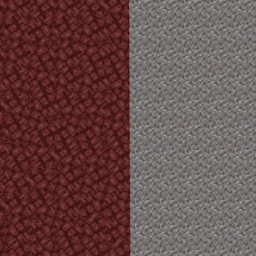
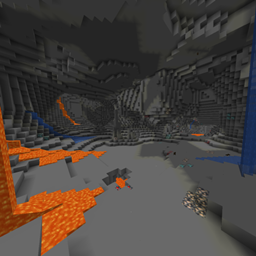
A resource pack which changes the ancien debris/Netherite texture to better see it while classic/lava mining
by Enigmusse
Download Claim this project
Add a badge to your pageLink to Full Blue Netherite & Ancient Debris from a README, website or forum post.
Preview: Badge

Badges update automatically and link to the resource pack page on MineUniverse.

86,519 downloads
0 likes
0 followers
Updated Oct 14, 2026
0 hypes
Follow0
16x
Advertisement Remove ads with Premium →

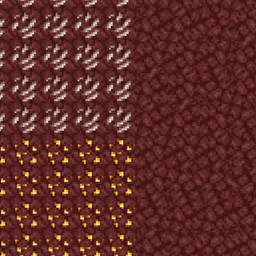
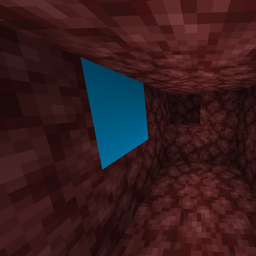
Replace the Netherite/Ancient debris texture to a more visible one.


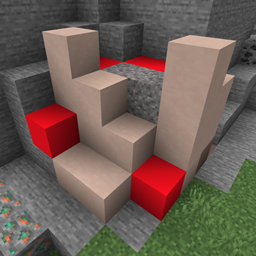
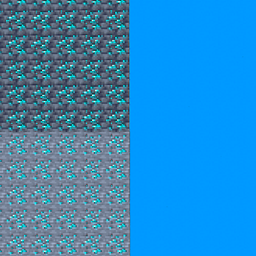
There are also ressourcepacks to :

Check my profile for tons of packs like these!


Got an issue or a question? → Send me a message on Discord: enigmusse

By the way, I'm also on the Modrinth and CurseForge Discord servers.


How to use it?

  1. Copy it into the resource packs folder of your Minecraft instance.
  2. Open the escape menu, click Resource Packs, and select "Full Blue Netherite"!

Compatibility Notice

The resource pack functions correctly despite the compatibility warning. Simply confirm by selecting Yes when prompted.

To suppress this notification completely, install the mod:

Without this solution, I'd need to create and upload a separate archive for nearly every minor Minecraft version — even though the textures remain unchanged — leading to unnecessary extra work.

Full Blue Netherite
MC 1.16.3, 1.16-Snapshot, 1.17.1, 1.21.2-Snapshot, 1.21, 1.21.6-snapshot, 1.16.1, 1.18.1, 1.20.2-Snapshot, 1.20.5-Snapshot, 1.16, 1.19-Snapshot, 1.21.1-Snapshot, 1.16.5, 1.19.3, 1.20.2
Release 2024-11-09 Get

Requirements & install

How to use this resource pack in Minecraft
Resolution
16x
Minecraft
1.19.3 – 1.21.6-snapshot
Install folder
.minecraft/resourcepacks

How to install resource packs

  1. Download the resource pack .zip file (do not extract it).
  2. In Minecraft open Options → Resource Packs → Open Pack Folder.
  3. Drop the .zip into the resourcepacks folder (.minecraft/resourcepacks).
  4. Move the pack to the Selected column and click Done.
Browse more: 16x resource packs 32x resource packs 64x resource packs 128x resource packs 256x resource packs 512x+ resource packs Resource Packs for 1.21.6-snapshot All resource packs

More from Enigmusse

Advertisement Remove ads with Premium →

You Might Also Like