Mineuniverse
Resource Packs
FROZEN

FROZEN

RESOURCE PACK
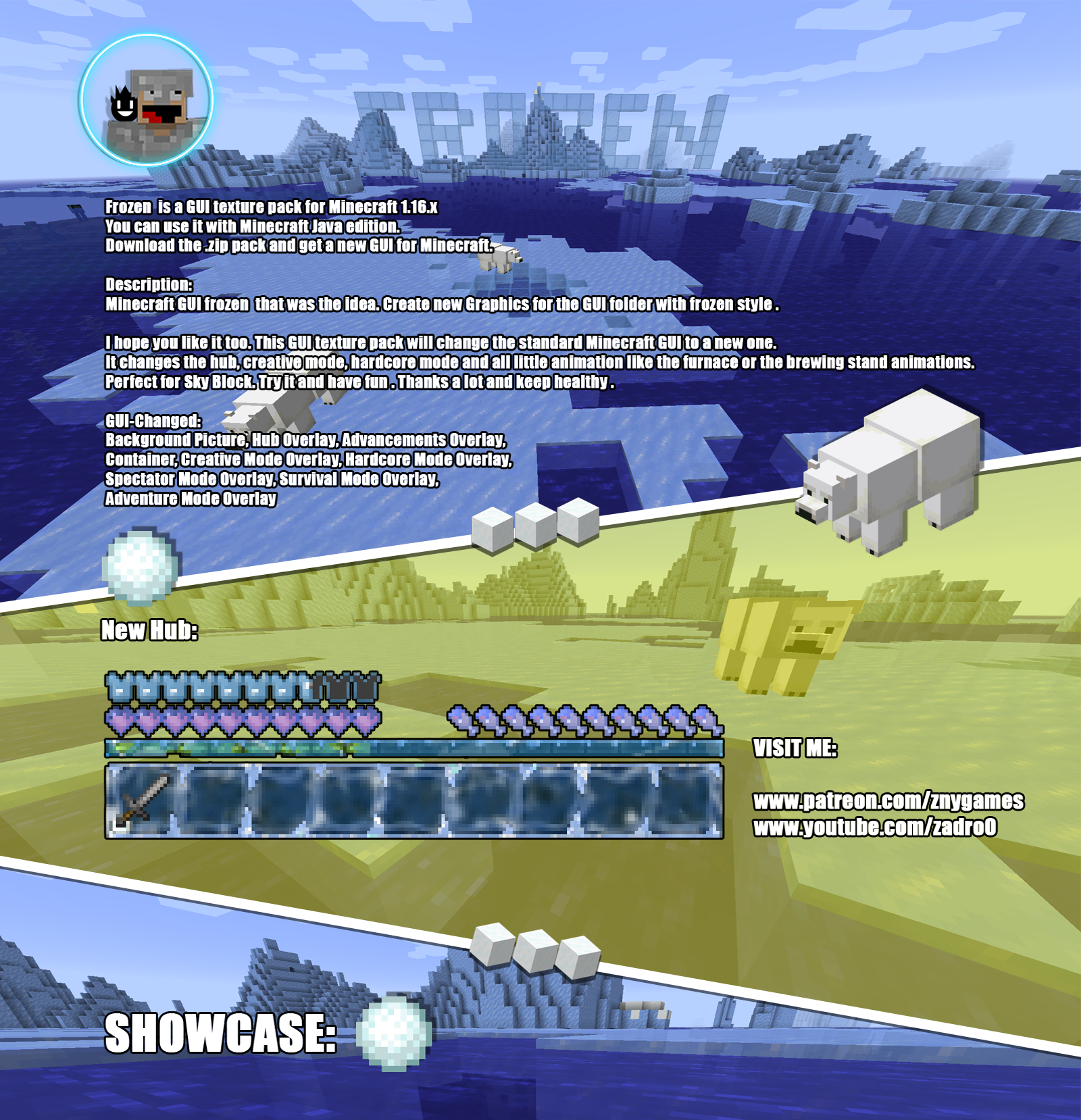
Frozen 🧊 is a GUI/UI themed Texture Pack for Minecraft.
by znygames
Download Claim this project
2,498 downloads
0 likes
Updated Oct 14, 2026
0 hypes
16x Animated Miscellaneous Modern Traditional
Advertisement Remove ads with Premium →

Minecraft Texture Pack Minecraft Texture Pack

znygames - frozen
FROZEN🧊
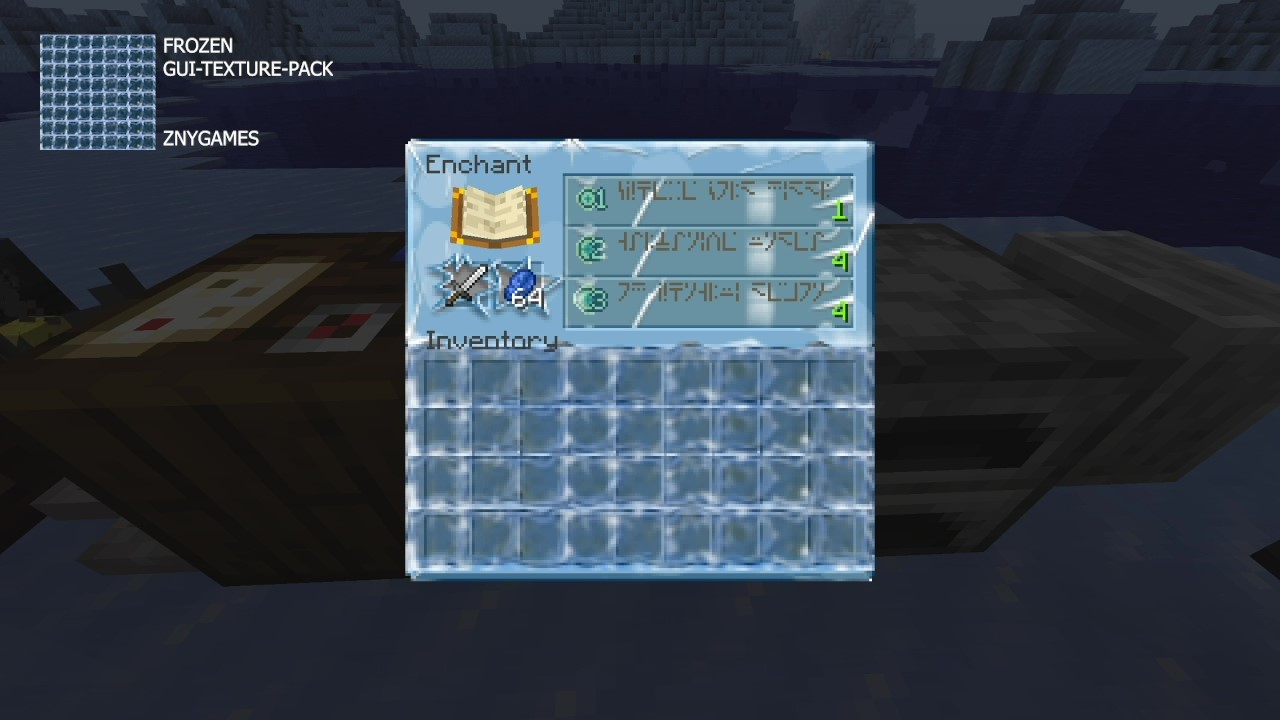
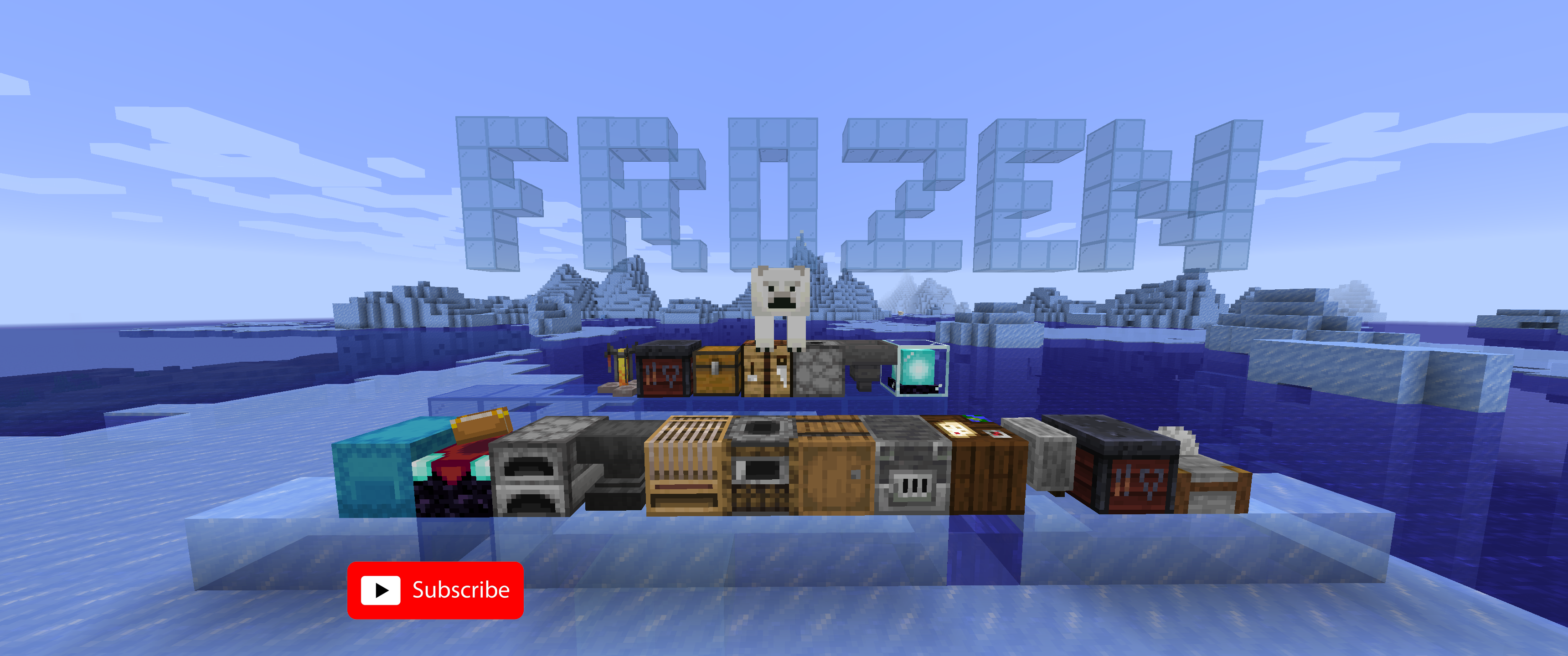
Experience the chill with the Frozen Java Texture Pack for Minecraft! This texture pack transforms your game with an icy theme, giving all graphics a frosty appearance.

🎞| TRAILER


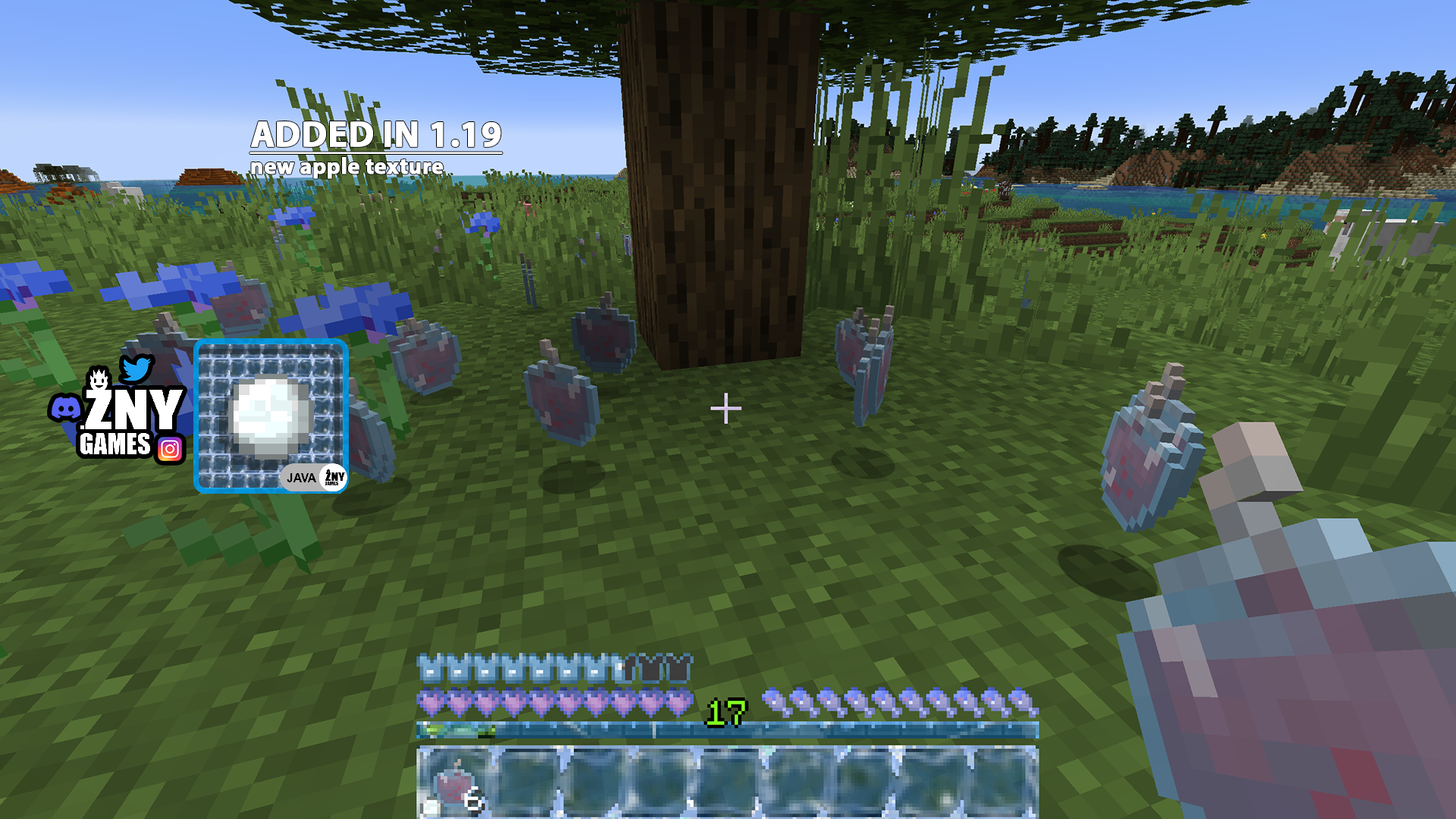
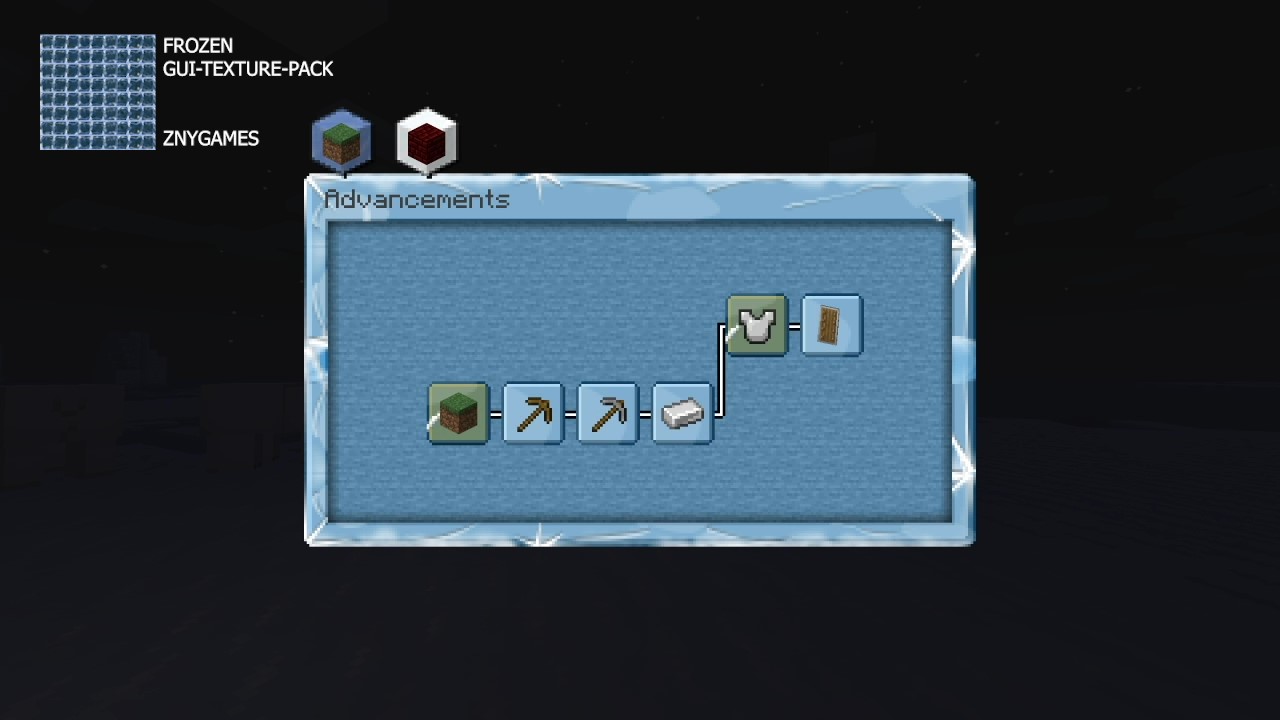
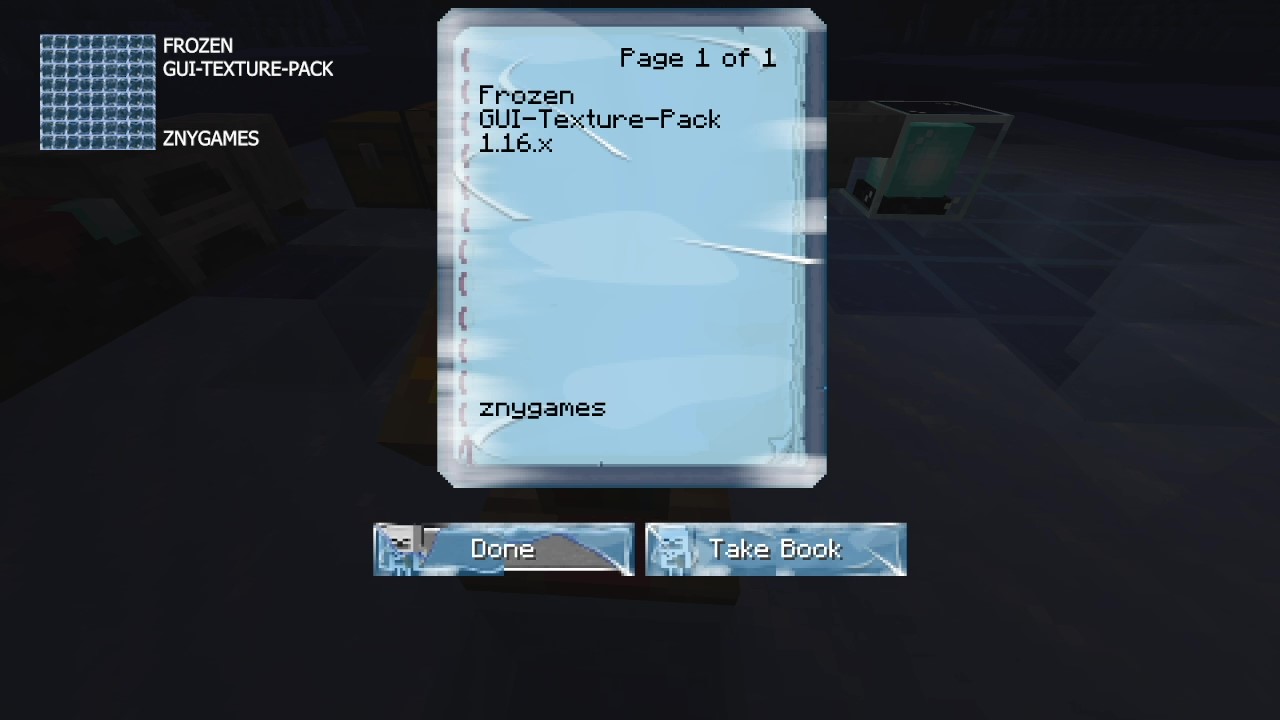
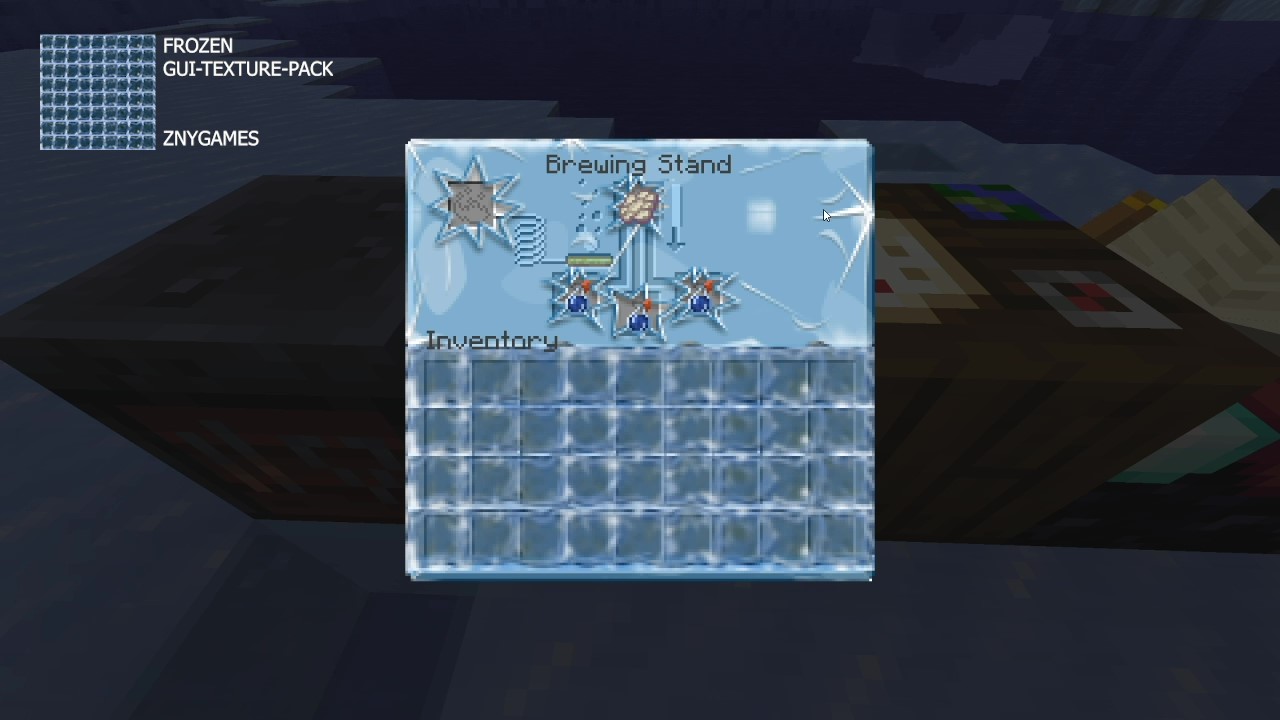
πŸ–Ό| EXAMPLE


HOTBAR


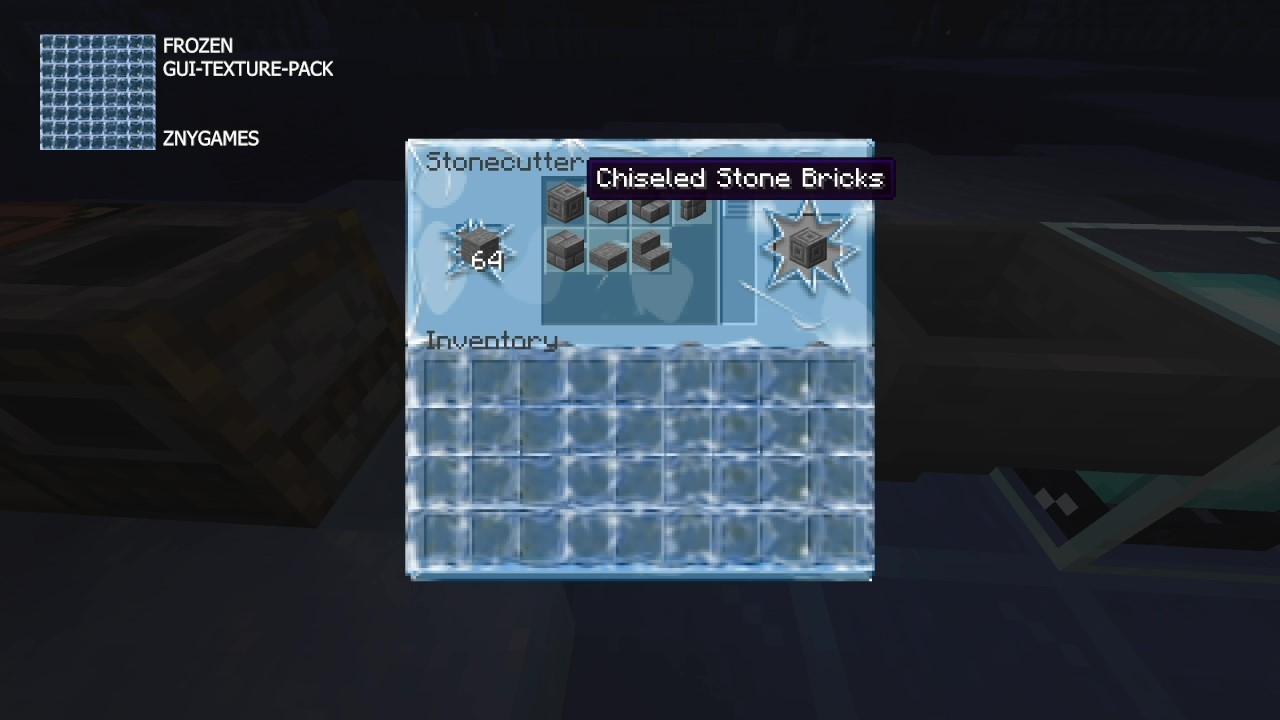
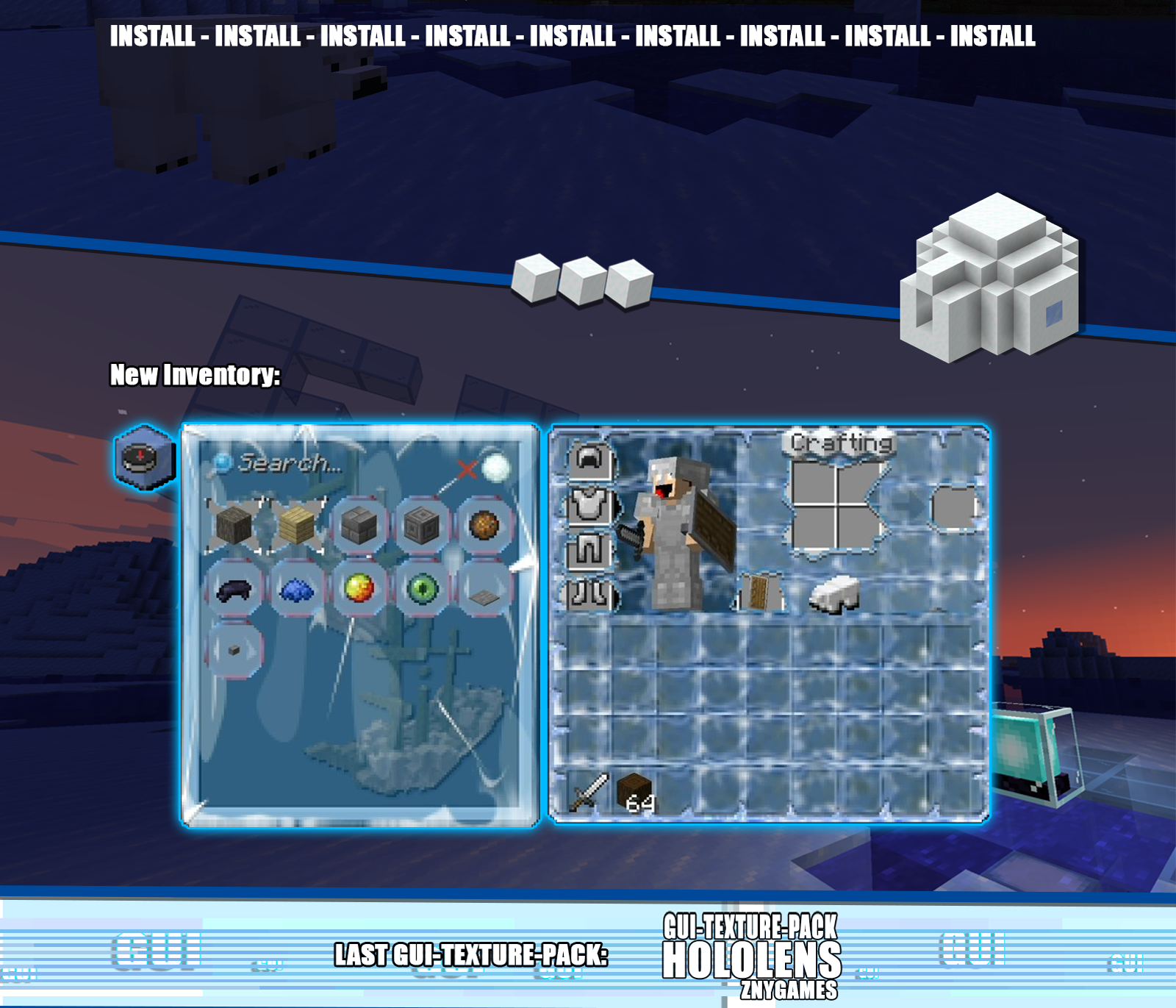
GUI


START SCREEN


more examples in the picture gallery above ⬆️


πŸ—’| DESCRIPTION


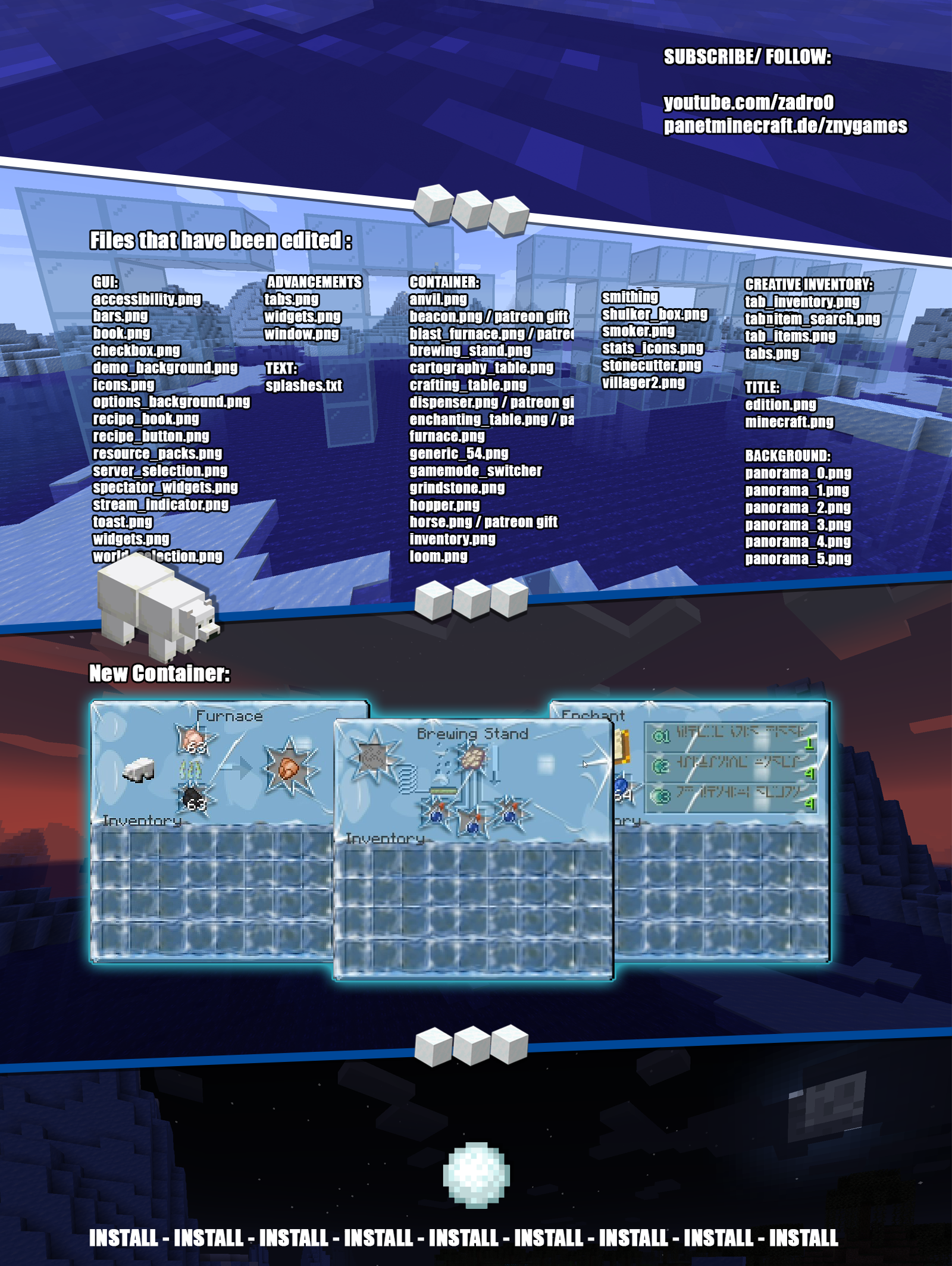
The pack includes a range of user interface modifications, such as a redesigned action bar, inventory, creative mode, and title screen. Each element has been meticulously crafted to create a cold and frosty environment, immersing you in an enchanting, icy world.

You can use this pack in the standard Vanilla version and with Fabric.
This texture pack brings an icy atmosphere to Minecraft, enhancing the player experience with its beautifully chilled design.

New! with this pack:
- This Java Minecraft texture pack is now also available for Fabric.
- The pack is playable with Fabric Loader versions 0.15.11 - 1.21.

- start screen
- settings screen
- buttons
- gui
- hotbar 

πŸ›ˆ |INSTALL


Note: If you encounter any issues, make sure that the texture pack is compatible with your version of Minecraft, and that you have followed all of the steps correctly.

β–ͺ️ Install as Fabric

The latest Fabric Launcher is required for the Minecraft Fabric mod

β–ͺ️ Update your Java. At least Java 21

Update JAVA

β–ͺ️ Install as Vanilla

 
    • Open Minecraft: Launch Minecraft and click on the "Options" button.
    • Go to the "Resource Packs" section: In the options menu, select "Resource Packs" to open the resource packs screen.
    • Move the texture pack to the correct location: Locate the folder where your Minecraft resource packs are stored. The default location is usually in the "resourcepacks" folder under your Minecraft game directory. Move the downloaded .zip file to this folder.
    • Select the texture pack in Minecraft: Back in the resource packs screen, select the texture pack that you just moved to the resource packs folder. The texture pack should now be listed in the "Selected Resource Packs" section.
    • Apply the changes: Click on the "Done" button to apply the changes and enable the texture pack.
    • Enjoy the new texture pack: Start a new game or load a saved game, and the new texture pack should now be in effect.


πŸ’¬| COMMUNITY (っ^▿^)ۢ🍸🌟🍺٩(Λ˜β—‘Λ˜ )


Minecraft Texture Pack - YOUTUBE znygames discord server - DISCORD - TWITTER - INSTAGRAM

Hey,

We invite you to join our Discord community where you can connect with fellow players, share your ideas, and report any bugs you encounter. Whether you have suggestions for improving the hotbar or need support with any issues, our community is here to help. Let’s build, explore, and create together!


🏁|LAST TEXTURE PACK BY ZNYGAMES


Check out the latest pack! ▢️HOLOLENS


πŸ’–| THX!


See you in the next pack!
frozen_java_1.21.4.zip
MC 1.21.4
Release 2025-01-20 Get
frozen_fabric_1.21.4.zip
MC 1.21.4
Release 2025-01-20 Get
frozen_java_1.21.3.zip
MC 1.21.3
Release 2024-10-28 Get
frozen_fabric_1.21.3.zip
MC 1.21.3
Release 2024-10-28 Get
frozen_fabric_1.21.zip
MC 1.21, 1.21.1
Release 2024-08-12 Get
frozen_java_1.21.zip
MC 1.21
Release 2024-07-10 Get
frozen_java_1.20.6.zip
MC 1.20.6
Release 2024-05-08 Get
frozen_java_1.20.3
MC 1.20.3
Release 2023-12-05 Get
frozen_java_1.20
MC 1.20.2, 1.20.1, 1.20
Release 2023-12-02 Get
FROZEN 🧊
MC 1.19
Release 2022-06-12 Get
FROZEN 🧊
MC 1.18
Release 2021-12-08 Get
FROZEN 🧊
MC 1.17.1, 1.17
Release 2021-09-26 Get
FROZEN 🧊
MC 1.16.3, 1.16.1, 1.16, 1.16.5, 1.16.4, 1.16.2
Release 2021-01-23 Get

Requirements & install

How to use this resource pack in Minecraft
Resolution
16x
Minecraft
1.20.1 – 1.21.4
Install folder
.minecraft/resourcepacks

How to install resource packs

  1. Download the resource pack .zip file (do not extract it).
  2. In Minecraft open Options β†’ Resource Packs β†’ Open Pack Folder.
  3. Drop the .zip into the resourcepacks folder (.minecraft/resourcepacks).
  4. Move the pack to the Selected column and click Done.
Browse more: 16x resource packs 32x resource packs 64x resource packs 128x resource packs 256x resource packs 512x+ resource packs Resource Packs for 1.21.4 All resource packs

More from znygames

Advertisement Remove ads with Premium →

You Might Also Like